1010n111/dsh-about
为 DeepSeek Harness Web 界面添加一个 “关于” 设置页,展示当前运行的 DSH 版本、插件自身版本、项目主页与版本来源。UI 完全复用设置面板的设计规范(--dsw-alias- 主题 token,深浅主题自适应)。
catalog descriptioncatalog 简介 / catalog description:为 DeepSeek Harness Web 设置面板添加“关于”页,展示当前运行的 DSH 版本、插件版本与项目主页。
Project Overview项目介绍
This is a plugin for DeepSeek Harness (DSH) that adds an About page to the DSH web interface. It displays DSH version, plugin version, project links and release notes for quick system info checking. It requires DSH v0.1.1-rc.x or newer and a DSH web profile to work.
这是DeepSeek Harness(DSH)的关于页面插件,为DSH Web界面添加“关于”设置页,展示DSH版本、插件版本、项目链接和更新日志,方便快速查看系统信息。使用要求DSH版本不低于0.1.1-rc.x,且基于Web profile环境。
请帮我了解并安装插件:【dsh-about】【https://github.com/1010n111/dsh-about】Send this message to DSH in your current session. CLI install commands may not be accurate across systems — DSH will figure it out for you.把上面这条消息直接发给当前会话里的 DSH,让它帮你了解并安装。安装命令不一定准确,发给 DSH 更稳。
Or use CLI install (for developers)或使用命令行安装(适合开发者)
CLI Install命令行安装
dsh plugin --profile web add dsh-about把 1010n111/dsh-about 加入你的 DSH 配置(web profile)即可启用。
READMEREADME
dsh-about
为 DeepSeek Harness Web 界面添加一个 “关于” 设置页,展示当前运行的 DSH 版本、插件自身版本、项目主页与版本来源。UI 完全复用设置面板的设计规范(--dsw-alias-* 主题 token,深浅主题自适应)。
特性
- 设置弹窗左侧导航新增 “关于” 菜单项,固定在导航最后一项(
order: 9999,其他插件新增菜单也不会排在它后面) - 界面中英双语:跟随 DSH 设置面板语言(通用设置 → Language,切换即时生效),无需语言服务时按浏览器语言兜底
- “关于”页展示:
行 内容 版本 当前运行的 DSH 版本(与 dsh --version一致)插件版本 dsh-about · v0.0.4(与 package.json 同步)插件仓库 github.com/1010n111/dsh-about外链项目主页 deepseek-harness 仓库外链 版本来源 @deepseek-ai/dsh更新日志 拉取 deepseek-harness 的 GitHub Releases(默认显示最近 5 条),当前运行版本置顶高亮,单条可展开/收起;失败时给出外链兜底 - 加载中显示
…,读取失败显示—并给出具体错误文本,便于诊断 - 纯前端 + 一个只读 HTTP 端点,不写任何配置、不改动持久化数据
工作原理
浏览器 "关于" 页
   │  fetch GET /dsh-about/version
   ▼
Host 半区 (lib/index.js)
   │  1. clientModules.clientPath('<任意官方插件>') → bundle 绝对路径
   │  2. 遍历路径中每一层 node_modules,反推 dsh 安装根目录
   │  3. fs 读取 @deepseek-ai/dsh/package.json,校验 name 后取 version
   ▼
JSON { ok, version, product, homepage, plugin }
版本号直接读取运行中安装的 dsh 包,因此不需要硬编码路径,且与 dsh --version 的输出保持一致。
“更新日志”块由浏览器请求 Host 半区的 GET /dsh-about/releases(Host 侧代理 GitHub Releases API,带 5 分钟缓存),默认展示最近 5 条,内容随界面语言显示中文/英文段;GitHub 不可达时显示“无法获取更新日志”并附 Releases 外链兜底。
安装
前置:DSH Web profile(
dsh web/--profile web),dsh ≥ 0.1.1-rc.x
1. 一条命令安装 + 挂载
包内声明了 dsh.bundle.patch,CLI 会把它自动追加进 profile 的 bundle 堆栈,一次命令即可完成安装与挂载,无需手工编辑任何 profile 文件:
# 已发布到 npm 时:
dsh plugin --profile web add dsh-about

# 或直接从 GitHub 安装(未发布 npm 时):
dsh plugin --profile web add 'github:1010n111/dsh-about'
该命令等价于在 $DSH_HOME/profiles/web 目录执行 pnpm add,并同步
dsh.profile.bundles。
旧方法(手动挂载)不再需要:
dsh plugin add之后,请确认$DSH_HOME/profiles/web/cordis.patch.yml中没有遗留的 dsh-about 挂载行。
2. 重启并查看
重启 dsh web,打开设置弹窗 → 左侧导航末尾的 “关于”,即可看到版本信息。
卸载
dsh plugin --profile web remove dsh-about
CLI 会同步从 dsh.profile.bundles 移除该包;重启后即完全卸载。若之前在
profile 自己的 cordis.patch.yml 里手动挂载过,请一并删除旧行。
目录结构
dsh-about/
├── lib/
│   ├── index.js      # Host 半区:标准 Cordis 插件(ESM),注册 GET /dsh-about/version
│   └── client.js     # 浏览器半区 bundle:__ModuleLoader__.load 注册的工厂
├── package.json      # dsh.client 声明 + exports(./client)
├── cordis.patch.yml  # 组合 overlay(安装即用)
├── README.md
├── LICENSE           # MIT
└── about-plugin.js   # (本仓库维护用)会话内动态插件版源码存档
开发与本地修改
- 客户端代码是手写 bundle(纯 JS +
require("react"),无构建工具链):修改lib/client.js后刷新页面即生效(HMR 构建产物会直接覆盖该文件)。 - Host 半区是标准 ESM 插件:修改
lib/index.js后重启dsh web。 - 发布到 npm 前请同步
package.json与lib/index.js中的PLUGIN_VERSION(本插件在“关于”页展示自身版本)。
许可证
Related相关推荐
-
 Aisland-SJL/dsh-worktable
🖥️ Agent-project workbench for DeepSeek Harness — sidebar app drawer + dockable split workspace + a live control room w…
Aisland-SJL/dsh-worktable
🖥️ Agent-project workbench for DeepSeek Harness — sidebar app drawer + dockable split workspace + a live control room w…
-
 left0ver/dsh-file-review
dsh插件 - 立刻审查agent对文件的修改,查看diff,支持在dsh-better-sidebar中使用。a dsh plugin - review files that an agent just changed,you can …
left0ver/dsh-file-review
dsh插件 - 立刻审查agent对文件的修改,查看diff,支持在dsh-better-sidebar中使用。a dsh plugin - review files that an agent just changed,you can …
-
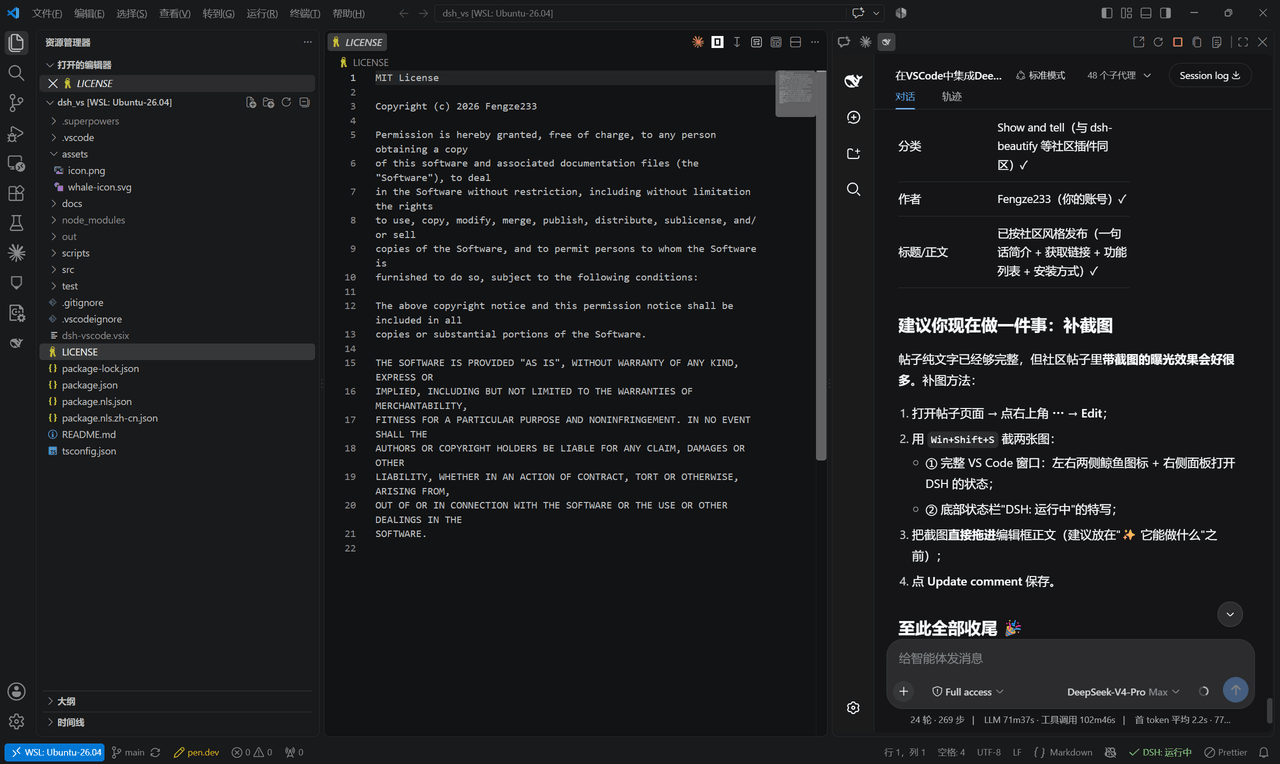 Fengze233/dsh-vscode
在 VS Code 侧边栏内嵌使用 DeepSeek Harness(DSH)网页界面的插件
Fengze233/dsh-vscode
在 VS Code 侧边栏内嵌使用 DeepSeek Harness(DSH)网页界面的插件
-
 yoli-mi/dsh-client-ui-custom
Configurable DSH web-surface plugin: wallpaper & frosted-glass themes, accent colors, custom keyboard shortcuts, app-usa…
yoli-mi/dsh-client-ui-custom
Configurable DSH web-surface plugin: wallpaper & frosted-glass themes, accent colors, custom keyboard shortcuts, app-usa…
-
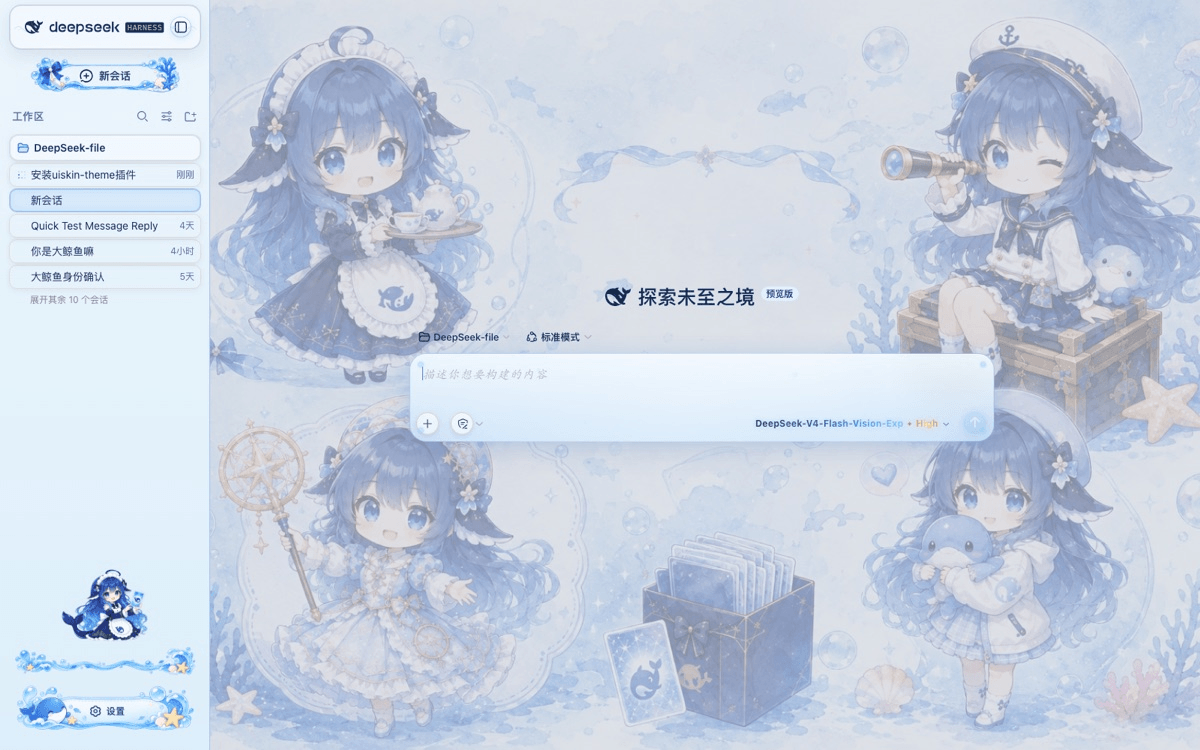 chouxiaohuai/dsh-uiskin-theme
Blue Glass Theme (ocean fantasy) for DeepSeek Harness Web — static profile bundle. 海洋幻想主题:海洋背景、玻璃气泡、海洋侧边栏、鲸鱼设置按钮、炫彩模型文字。…
chouxiaohuai/dsh-uiskin-theme
Blue Glass Theme (ocean fantasy) for DeepSeek Harness Web — static profile bundle. 海洋幻想主题:海洋背景、玻璃气泡、海洋侧边栏、鲸鱼设置按钮、炫彩模型文字。…
-
 gameswu/dsh-plugin-vscode-sidebar
提供vscode风格和功能的侧栏
gameswu/dsh-plugin-vscode-sidebar
提供vscode风格和功能的侧栏
-
 vlln/dsh-loop
DSH 插件:定时循环(/loop 命令 + loop 工具 + 活动状态条)。官方 bundle 插件,dsh plugin --profile web add 安装
vlln/dsh-loop
DSH 插件:定时循环(/loop 命令 + loop 工具 + 活动状态条)。官方 bundle 插件,dsh plugin --profile web add 安装
-
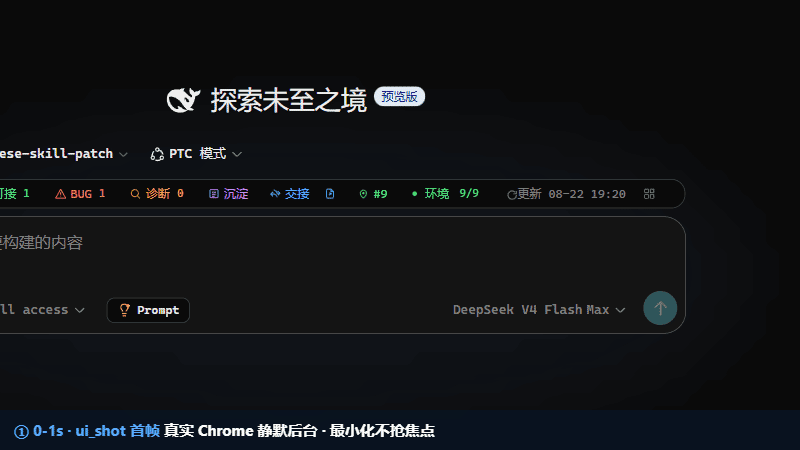 FeatherHunter/dsh-plugin-ui-debug
DSH 插件 UI 调试神器:让 AI 在真实 Chrome 中帮你看界面、点按钮、拖组件,一键安装零配置
FeatherHunter/dsh-plugin-ui-debug
DSH 插件 UI 调试神器:让 AI 在真实 Chrome 中帮你看界面、点按钮、拖组件,一键安装零配置