54xkeee/dsh-vision
针对DeepSeek Harness的愿景:默认采用豆包网页版(零成本、无需API密钥),Antigravity IDE配额(flash/pro),任意IDE CLI,Gemini——自动升级细节,证据记忆。
Project Overview项目介绍
dsh-vision is a native plugin built exclusively for DeepSeek Harness that adds multimodal visual recognition capabilities to the platform’s core text-only DeepSeek model. It supports multiple recognition channels out of the box, with the default being a zero-cost Doubao Web channel that requires no API key from the user. Additional supported channels include Antigravity, Gemini API, Cockpit reverse proxy, and any third-party IDE CLI such as Claude Code, Gemini CLI, Qwen Code, or MiMo. To install the default channel, users simply run dsh plugin --profile web add dsh-vision-web via DSH’s command line.
The plugin implements a structured, auto-escalating recognition pipeline that adapts to the complexity of the input image. It offers four distinct task modes: general glance for daily questions, OCR for text transcription, region focus for UI details, and compare for cross-image difference analysis. Complex images like dense tables, multiple entities, or UI layouts are automatically escalated to a deeper second pass of recognition to improve accuracy. It also includes long-term visual evidence memory and content hash caching to avoid redundant recognition and extra costs for repeated identical requests.
The plugin requires Node.js version 20 or newer to run, and the default Doubao Web channel needs an extra Windows bridge to work properly. For users on WSL, the bridge runs on the Windows side, connects to an already logged-in Chrome instance via CDP, and polls a local queue hosted on the WSL side for new recognition requests. All credentials and configurations are stored locally on the user’s machine, the plugin automatically desensitizes API keys in logs, and the project is released under the open source MIT license with no paid features.
这是一个专为 DeepSeek Harness 开发的原生视觉识别插件,为纯文本的 DeepSeek 增加了图片处理能力,默认使用零成本、无需 API 密钥的豆包 Web 通道,同时支持反重力额度、Gemini API、Cockpit 反代以及任意第三方 IDE CLI(如 Claude Code、Gemini CLI)作为识图通道。它能让 DSH 在对话中直接处理图片输入、完成 OCR 和视觉分析任务。
它实现了结构化自动升级的识图流水线,支持通用理解、OCR 转录、区域聚焦、对比分析四种任务模式,能自动判断图片复杂度,对复杂场景自动触发深度检查。同时内置视觉证据记忆和内容哈希缓存,避免重复识别和重复付费,适合需要在 DSH 对话中处理截图、文档、UI 界面等各类视觉内容的开发者使用。
该插件要求 Node.js 版本不低于 20,可通过 DSH 官方 CLI 插件管理器安装,默认豆包 Web 通道需要额外运行一个 Windows 桥接程序,连接已登录豆包的 Chrome 实例,在 WSL 环境下也可流畅运行。它以 MIT 许可证开源,所有配置和凭据都存储在本地,不存在用户隐私泄露风险。
请帮我安装这个 DSH 插件。安装前先完成【兼容性检查 + 安全性检查】,检查通过再动手。

插件:dsh-vision(54xkeee/dsh-vision)
仓库:https://github.com/54xkeee/dsh-vision
本站详情页:https://www.yhbd.top/plugins/54xkeee-dsh-vision/
本站登记:类型 plugin · 归类 原生 DSH 插件 · 许可证 MIT · ⭐ 7 · 最近提交 2026-08-16 · 主语言 TypeScript

按下面顺序执行,每步先把结论告诉我,再进入下一步:

【1 兼容性检查】
① 我这边:DSH 版本、Node 版本、操作系统、当前 profile(web / desktop)。
② 读它的 README、package.json、插件 manifest,列出它要求的 DSH 版本 / Node 版本 / 操作系统 / 外部依赖 / 需要另外先装的运行时。
③ 逐条比对,结论只写「满足 / 不满足 / 未知」三种;不满足的给出可行替代方案。
④ 检查是否和我已装的插件冲突:命令名重复、skill / tool 重名、端口占用、重复注册的 MCP server。

【2 安全性检查】
① 仓库可信度:和上面「本站登记」是否一致;star / fork 数、创建时间、最近提交,是否归档或长期停更。
② 安装脚本:逐行看 package.json 的 preinstall / install / postinstall,以及 install.sh、setup.ps1 之类脚本。出现 curl|bash、下载后直接执行、混淆代码、访问与插件功能无关的域名,立刻停下来告诉我,不要继续装。
③ 依赖:列出新增依赖,标出无人维护、或与知名包拼写近似的可疑包(typosquatting)。
④ 权限与副作用:它会读写哪些目录、访问哪些域名、需要哪些 DSH 权限(filesystem / network / shell / clipboard 等),以及怎么卸载和回滚。
⑤ 如果它要求 sudo / 管理员权限,或权限明显超出功能所需,先停下来问我。

【3 安装】
上面两步没有「不满足」和「高危项」时才执行;用官方推荐方式安装,不要自行提权。

【4 汇报】
用表格输出:检查项 / 结论 / 依据 / 是否需要我决策。拿不准的一律写「未知」并说明要我怎么确认——不要猜,也不要替我决定。
Send this message to DSH in your current session: it verifies compatibility and security first (answering met / not met / unknown item by item) and only installs once everything checks out — it will stop and ask you if it finds a high-risk item. The box scrolls; the copy is the full prompt. CLI install commands may not be accurate across systems, so DSH is the safer route.把上面这条消息直接发给当前会话里的 DSH:它会先核对兼容性与安全性(逐条给「满足 / 不满足 / 未知」),确认没问题再安装,有高危项会停下来问你。框内可滚动,复制到的是完整提示词;安装命令不一定准确,发给 DSH 更稳。
- Only 7 stars - very few users, little community feedback星标只有 7,几乎没人在用,遇到问题缺少社区反馈
DSH walks through these 9 checksDSH 会逐条核对这 9 项
Compatibility兼容性
- DSH, Node, OS and profile requirementsDSH 版本 / Node 版本 / 操作系统 / profile 是否满足要求
- External dependencies and runtimes (Electron / Python / Docker, ...)外部依赖与运行时(Electron / Python / Docker 等)是否齐备
- Conflicts with installed plugins: command names, skill / tool names, ports, duplicate MCP registration与已装插件是否冲突:命令名、skill / tool 重名、端口占用、重复 MCP 注册
Security安全性
- Repo matches the facts registered here; archived or abandoned?仓库是否与页面登记一致,是否归档或长期停更
- Safety of preinstall / install / postinstall and install.sh / setup.ps1preinstall / install / postinstall 与 install.sh、setup.ps1 是否安全
- curl|bash, download-then-execute, obfuscation, unrelated domains → stop immediatelycurl|bash、下载即执行、混淆代码、无关域名 → 立刻停止
- Typosquatting or unmaintained packages among the new dependencies新增依赖里有没有 typosquatting 或无人维护的包
- Requested permissions vs. what the feature actually needs申请了哪些权限、是否超出功能所需(filesystem / network / shell / clipboard)
- Any sudo / admin requirement, plus uninstall and rollback是否要求 sudo / 管理员权限,以及卸载与回滚方式
Anything uncertain must be marked unknown with a note on how to confirm it. This site's signal screen is a static snapshot, not a security audit.拿不准的必须标「未知」并说明要我怎么确认。本站的信号筛查是静态快照,不能替代安全审计。
Or use CLI install (for developers)或使用命令行安装(适合开发者)
CLI Install命令行安装
dsh plugin --profile web add dsh-vision-web把 54xkeee/dsh-vision 加入你的 DSH 配置(web profile)即可启用。
READMEREADME
👁️ dsh-vision
给 DeepSeek Harness 的纯文本 DeepSeek 一双眼睛——默认走豆包 Web,零成本、免 API key。



一句话:不用 API key、不用付费——浏览器里登录一次豆包,DeepSeek 就能在每轮对话里看图。粘贴、识图、回答。
✨ 为什么值得用
| 痛点 | dsh-vision 的解法 |
|---|---|
| 视觉 API 花钱还要 key | 豆包 Web 默认通道——零成本、免 API key,浏览器登录即可 |
| DeepSeek 纯文本,粘贴图片被拒 | 包装适配器声明图片输入,图片自动转文本占位 |
| 别的插件锁死一家厂商 | 豆包 Web(默认)+ 反重力额度(flash/pro)+ Gemini API + Cockpit 反代——自动降级链 |
| 模型看到图但"忘了" | 视觉证据记忆:结果持久化在会话,跨轮复用,压缩后恢复 |
| 同一张图反复花钱识别 | 内容哈希缓存:同图同问每进程最多识别一次 |
| 复杂画面识别不准 | 档位自动升级:先标准检查,复杂画面自动深度检查 |
| WSL / 被墙环境 | API 通道有 winCurl 降级;豆包通道走你的 Windows 浏览器 |
🎯 真实效果(2026-08 实测,全链路真实调用)
输入:一张橘猫照片 + 这是什么动物?它在做什么?请用中文回答。
输出(豆包 Web 通道——默认):
这是一只橘猫(家猫),它四仰八叉仰躺在床上睡觉,肚皮露在外面,四肢舒展,睡得十分放松惬意。猫咪把肚子露出来,说明它对周围环境很有安全感。
输出(反重力通道 · flash 档):
这是一只橘猫(橘色虎斑家猫)。它正仰面熟睡/惬意放松:四脚朝天、露出圆滚滚毛茸茸的肚子,正舒适地躺在深色床垫/毯子上睡觉。
你粘贴图片 + 提问
  → dsh-vision 把图片转成占位符,DeepSeek(大脑)看到
  → DeepSeek 调用 vision 工具 → 豆包 Web(默认)/ 其他通道识图
  → 文字证据回填 → DeepSeek 继续回答
🚀 快速开始
方式零:豆包 Web(默认,零成本)
- 装插件:
dsh plugin --profile web add dsh-vision-web - 启动 Windows 桥接(驱动你已登录的 Chrome):
# 在 Windows 侧:连接一个开了调试端口的 Chrome,然后运行 node bridge.mjs # 详见下方「豆包桥接」章节 - 在那个 Chrome 里登录一次 doubao.com。
- 重启
dsh web,粘贴图片——搞定。全程不需要任何 API key。
Showing the opening section of the README — the full document lives in the repository以上为 README 开头摘要,完整文档在仓库内 · View the full README on GitHub →在 GitHub 查看完整 README →
Related相关推荐
-
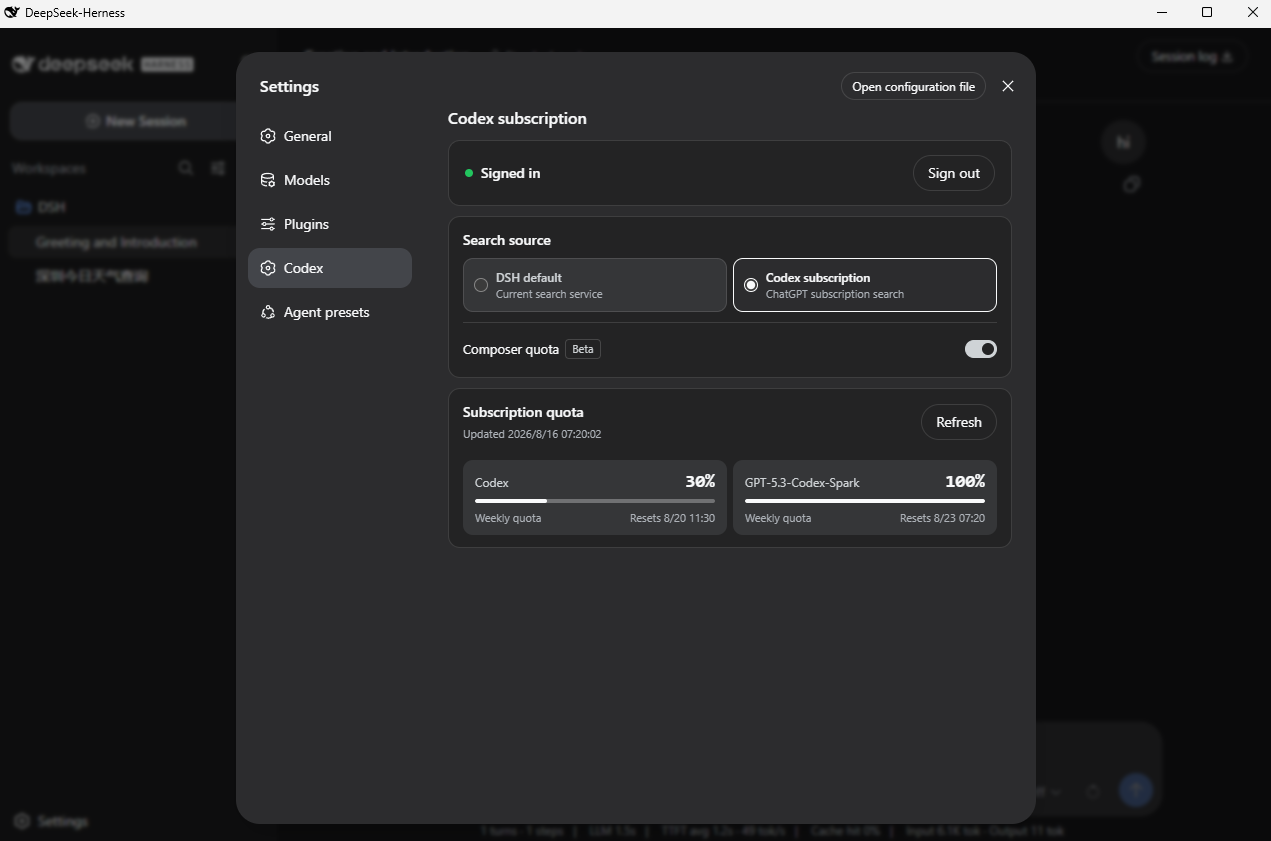 WSL043/dsh-codex-subscription
Use your ChatGPT / Codex subscription with DeepSeek Harness via OAuth, with model access, usage quotas, search, and imag…
WSL043/dsh-codex-subscription
Use your ChatGPT / Codex subscription with DeepSeek Harness via OAuth, with model access, usage quotas, search, and imag…
-
 Stormycry-cryp/dsh-AuthInOne
Self-contained DeepSeek Harness (DSH) plugin for Provider/Auth login, model switching, image fallback, token/cost analyt…
Stormycry-cryp/dsh-AuthInOne
Self-contained DeepSeek Harness (DSH) plugin for Provider/Auth login, model switching, image fallback, token/cost analyt…
-
 LaplaceYoung/dsh-directorx
DirectorX as a DeepSeek Harness plugin: AI video/image/audio skills, knowledge corpus, and configurable vision/image/vid…
LaplaceYoung/dsh-directorx
DirectorX as a DeepSeek Harness plugin: AI video/image/audio skills, knowledge corpus, and configurable vision/image/vid…
-
 PensiveFei/deep-read-summarize
Deep reading & summarization workflow for books/papers/videos/web — plugin parsers, MapReduce deep-read, JSON Schema out…
PensiveFei/deep-read-summarize
Deep reading & summarization workflow for books/papers/videos/web — plugin parsers, MapReduce deep-read, JSON Schema out…
-
 welsione/dsh-mmx-bridge
一个工具 = MiniMax 全部多模态能力:DSH 纯文本模型看图/画图/生视频/说话/唱歌/翻唱/搜索/查额度 | One mmx_bridge tool = all MiniMax multimodal (VLM/image/vide…
welsione/dsh-mmx-bridge
一个工具 = MiniMax 全部多模态能力:DSH 纯文本模型看图/画图/生视频/说话/唱歌/翻唱/搜索/查额度 | One mmx_bridge tool = all MiniMax multimodal (VLM/image/vide…
- PerryLink/dsh-draw Unified static-image generation router for DeepSeek Harness: one image_generate tool with standard parameters, config-dr…
-
 hackerFish/dsh-video-studio
鲸影 DSH Video Studio:DeepSeek Harness 原生视频/漫剧生成插件——六段导演流水线、多供应商免费额度调度、四层提示词自优化,质量优先省钱第二
hackerFish/dsh-video-studio
鲸影 DSH Video Studio:DeepSeek Harness 原生视频/漫剧生成插件——六段导演流水线、多供应商免费额度调度、四层提示词自优化,质量优先省钱第二
- ilps2/dsh-video-understand 低成本视频理解 dsh 插件:B站/本地视频 → AVIS 信息层 → 摘要+问答(token 压缩 99.95%+)。Low-cost video understanding tool for DeepSeek Harness.