6-debug-6/dsh-thinking-notifier
一个简单的弹窗,可在分屏时快速显示Deepseek是否已完成思考或正在请求权限。
项目介绍Project Overview
DSH 客户端插件,在屏幕右下角显示一个常驻顶置的桌面弹窗,实时镜像 AI 的思考状态。核心能力:思考时显示蓝色脉冲圆点并计时,权限请求时变橙色并播放系统提示音,完成时变绿色,闲置时自动隐藏。使用场景:跨应用、浏览器或虚拟桌面工作时追踪 DeepSeek Harness 的会话进度。注意:弹窗依赖本地 7389 端口的状态服务,端口被占用时会顺延尝试后续 10 个端口。
A DSH client plugin that displays an always-on-top desktop popup in the bottom-right corner, mirroring the AI's thinking status in real time. Core capability: shows a blue pulsing dot with elapsed time while thinking, switches to amber with a system sound on permission requests, turns green on completion, and hides when idle. Use it to track DeepSeek Harness session progress while working across other apps, browsers, or virtual desktops. Note: the popup relies on a local status service on port 7389, with the next 10 ports tried if busy.
请帮我了解并安装插件:【dsh-thinking-notifier】【https://github.com/6-debug-6/dsh-thinking-notifier】把上面这条消息直接发给当前会话里的 DSH,让它帮你了解并安装。安装命令不一定准确,发给 DSH 更稳。Send this message to DSH in your current session. CLI install commands may not be accurate across systems — DSH will figure it out for you.
或使用命令行安装(适合开发者)Or use CLI install (for developers)
命令行安装CLI Install
dsh plugin --profile web add dsh-thinking-notifier把 6-debug-6/dsh-thinking-notifier 加入你的 DSH 配置(web profile)即可启用。
READMEREADME
dsh-thinking-notifier
A DeepSeek Harness (DSH) plugin that shows a small always-on-top desktop popup in the bottom-right corner of your screen. It mirrors the AI's thinking status in real time and alerts you when the AI requests permission or finishes thinking — even when you are working in other apps, browsers, or virtual desktops.
中文说明见 README.zh.md
Features
| State | Popup | Sound |
|---|---|---|
| AI is thinking | DeepSeek-blue pulsing dot + AI 正在思考… + elapsed time. Auto-collapses to a 25 px slim right-edge tab after 5 s; hover or click the tab to expand it again |
none |
| AI requests permission | Amber pulsing dot + AI 请求权限 + session/tool name |
system Exclamation |
| AI finished thinking | Green dot + AI 已完成思考, auto-hides after 12 s |
system Asterisk |
| Idle | Hidden | none |
- DeepSeek-style dark card (
#1E2235/#4D6BFE). - Always-on-top frameless window, bottom-right, visible over any application.
- Auto-collapses into a 25 px slim right-edge tab after 5 s while the AI is thinking, so it stays visible without blocking desktop controls.
- Hover or click the edge tab to expand it manually; new turns, permission requests, and completions expand it automatically.
- Click the X button to dismiss the current popup; the next new turn, permission request, or completion will show it again.
- Multiple sessions are summarized automatically.
- The popup process stays alive while DSH runs; it exits ~15 s after the status endpoint becomes unreachable.
- No browser extension required; the popup is a native desktop window.
How it works
DSH process
  └─ lib/index.js (host plugin)
       ├─ listens to session/event: turn/start, turn/end, approval/asked, approval/decided, session/title
       ├─ rebuilds existing session state from ctx.sessions.list() at startup
       ├─ serves a local status JSON at http://127.0.0.1:7389/status
       └─ launches the desktop popup process
             ├─ Windows: desktop-popup.ps1 (PowerShell + WPF)
             └─ macOS/Linux: desktop-popup.py (Python 3 + tkinter)

Desktop popup
  ├─ polls /status every second
  ├─ renders the DeepSeek-style card (running/pending/done/idle)
  ├─ plays a system sound on pending/done transitions
  ├─ auto-collapses to the right edge while running; expands on new states
  └─ hides while idle, keeps running in the background
Installation
From a local checkout
cd dsh-thinking-notifier
dsh plugin --profile web add .

# Restart DSH web so the host plugin is loaded
dsh web
From npm (once published)
dsh plugin --profile web add dsh-thinking-notifier
dsh web
Uninstall
dsh plugin --profile web remove dsh-thinking-notifier
Configuration
| Environment variable | Default | Description |
|---|---|---|
DSH_THINKING_NOTIFIER_PORT |
7389 |
Local status server port. If busy, the next 10 ports are tried. |
Requirements
- DeepSeek Harness Web UI (
dsh web) - Node.js
^22.19.0 || >=24.0.0 - Windows: Windows 10/11 with PowerShell 5.1+ (built in)
- macOS/Linux: Python 3 with
tkinter
Project structure
dsh-thinking-notifier/
├── lib/
│   └── index.js          # host plugin: status service + popup launcher
├── desktop-popup.ps1     # Windows native popup (PowerShell + WPF)
├── desktop-popup.py      # macOS/Linux native popup (Python 3 + tkinter)
├── cordis.patch.yml      # DSH bundle patch for persistent mounting
├── package.json          # npm package + dsh.bundle declaration
├── README.md             # English readme
├── README.zh.md          # Chinese readme
├── CHANGELOG.md
├── CONTRIBUTING.md
└── LICENSE
Troubleshooting
Debug logs are written to:
~/.dsh/tn-plugin.log— host plugin lifecycle and launcher status.~/.dsh/tn-launcher.log— PID of the popup process created by the launcher.~/.dsh/tn-popup-debug.log— popup script lifecycle and polling errors.
If the popup does not appear after restarting dsh web, check those logs first.
License
相关推荐Related
-
 nexu-io/open-design
🎨 Best DeepSeek Harness Design Plugin. The open-source Claude Design alternative. 🖥️ Local-first desktop app. 🖼️ Your…
nexu-io/open-design
🎨 Best DeepSeek Harness Design Plugin. The open-source Claude Design alternative. 🖥️ Local-first desktop app. 🖼️ Your…
-
 esengine/DeepSeek-Reasonix
DeepSeek-native AI coding agent for your terminal. Engineered around prefix-cache stability — leave it running.
esengine/DeepSeek-Reasonix
DeepSeek-native AI coding agent for your terminal. Engineered around prefix-cache stability — leave it running.
-
 anywhere-labs/deepseek-harness-desktop
为 DeepSeek Harness (DSH) 插件生态打造的现代化桌面端解决方案。万物皆「插件」,桌面本身也是「插件」。
anywhere-labs/deepseek-harness-desktop
为 DeepSeek Harness (DSH) 插件生态打造的现代化桌面端解决方案。万物皆「插件」,桌面本身也是「插件」。
-
 YaoApp/yao
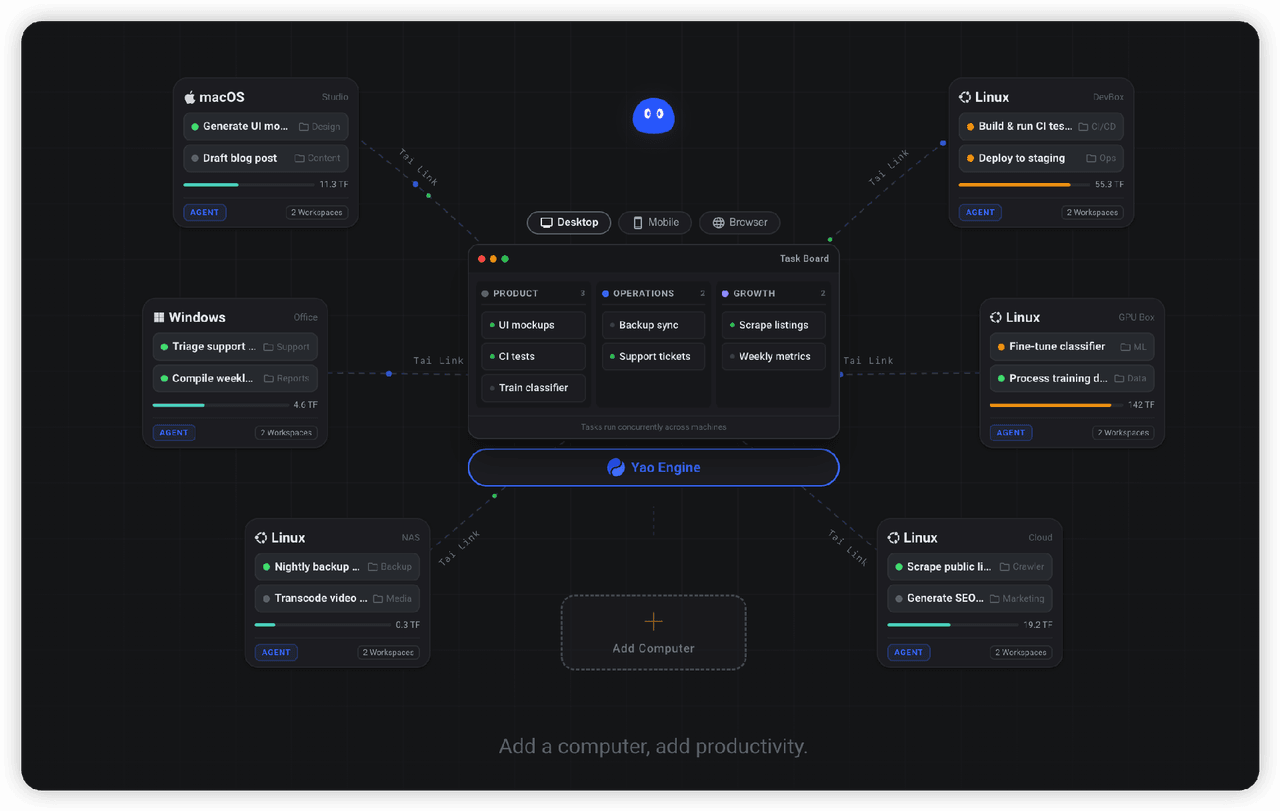
✨ All your agents and workspaces in one place, on every device you own. Track tasks on a board, accessible from desktop,…
YaoApp/yao
✨ All your agents and workspaces in one place, on every device you own. Track tasks on a board, accessible from desktop,…
-
 Devin-AXIS/iPolloWork
Enterprise-grade, local-first Agent Workbench for people and agent teams. A unified multi-engine workspace for Codex Har…
Devin-AXIS/iPolloWork
Enterprise-grade, local-first Agent Workbench for people and agent teams. A unified multi-engine workspace for Codex Har…
-
 strukto-ai/mirage
The World's First Unified Virtual Filesystem For AI Agents
strukto-ai/mirage
The World's First Unified Virtual Filesystem For AI Agents
-
 edison7009/EchoBird
One-click install + model switch:Claude Code,Codex CLI (OpenAI), Grok Build (xAI), DeepSeek Harness, Kimi Code (Moonshot…
edison7009/EchoBird
One-click install + model switch:Claude Code,Codex CLI (OpenAI), Grok Build (xAI), DeepSeek Harness, Kimi Code (Moonshot…
-
 chuspeeism/dashi-taskboard
—
chuspeeism/dashi-taskboard
—