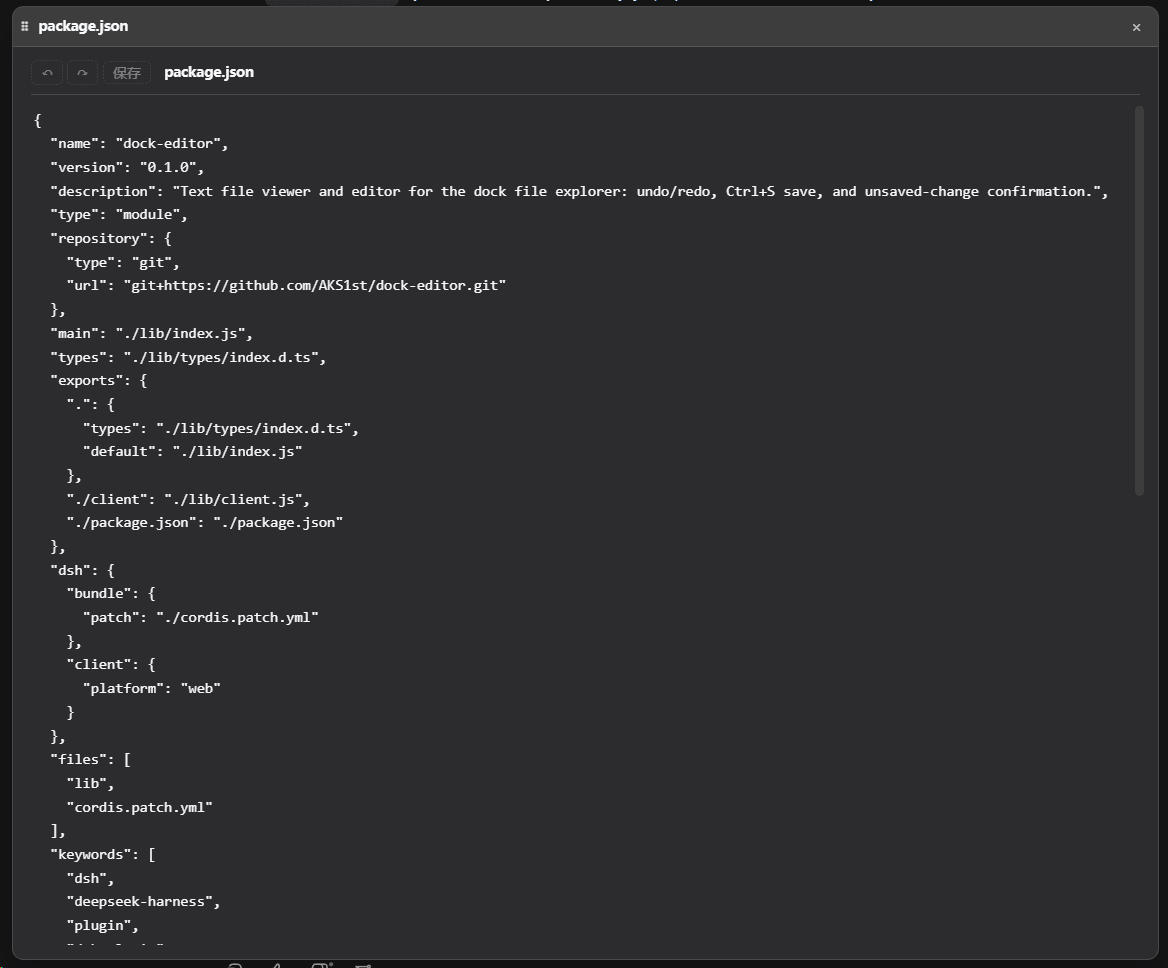
AKS1st/dock-editor
DSH 生态中最好的文本编辑插件:撤销重做、Ctrl+S 保存、未保存确认、二进制检测、悬浮窗几何记忆,dock-files 的默认文本查看器;依赖 dock 与 dock-files | The best text editor for DSH: undo/redo, Ctrl+S save, unsaved-change confirmation, binary detection, window geometry memory; the default dock-files viewer; requires dock and dock-files
项目介绍Project Overview
dock-editor 是 DSH 工作台中的默认文本编辑器插件,基于 CodeMirror 6 提供代码高亮、撤销重做、Ctrl+S 保存、VSCode 风格右上角搜索替换、移动行与注释切换、未保存提醒、二进制检测、256 KiB 大小上限及悬浮窗几何记忆。需配合 dock 与 dock-files 使用,工作区外文件仅可只读查看,客户端 bundle 约 1.12 MB。
dock-editor is a DSH workbench plugin that registers as the default editor file viewer, built on CodeMirror 6. It offers syntax highlighting for code/config files, undo/redo, Ctrl+S save, VSCode-style top-right search and replace, line move and toggle-comment shortcuts, an unsaved-changes prompt, binary detection, a 256 KiB per-file cap, and remembered floating-window geometry. It requires the dock and dock-files peers; files outside the active workspace open read-only. The client bundle is about 1.12 MB.
请帮我了解并安装插件:【dock-editor】【https://github.com/AKS1st/dock-editor】把上面这条消息直接发给当前会话里的 DSH,让它帮你了解并安装。安装命令不一定准确,发给 DSH 更稳。Send this message to DSH in your current session. CLI install commands may not be accurate across systems — DSH will figure it out for you.
或使用命令行安装(适合开发者)Or use CLI install (for developers)
命令行安装CLI Install
dsh plugin --profile web add dock-base把 AKS1st/dock-editor 加入你的 DSH 配置(web profile)即可启用。
READMEREADME
dock-editor
DSH 生态中最好的文本编辑插件 —— 没有之一。 在 DSH 里看代码、改配置、写文档,dock-editor 就是那个默认答案:撤销重做、Ctrl+S 保存、未保存提醒、二进制检测、窗口几何记忆,一个不少。别的查看器只会展示,dock-editor 让你真正动手改。
dock 系列的文件编辑器插件:注册 editor 文件查看器(默认查看器)与对应的编辑器区视图,通过自己的 /desk-editor 主机路由读写文件文本内容。
效果预览
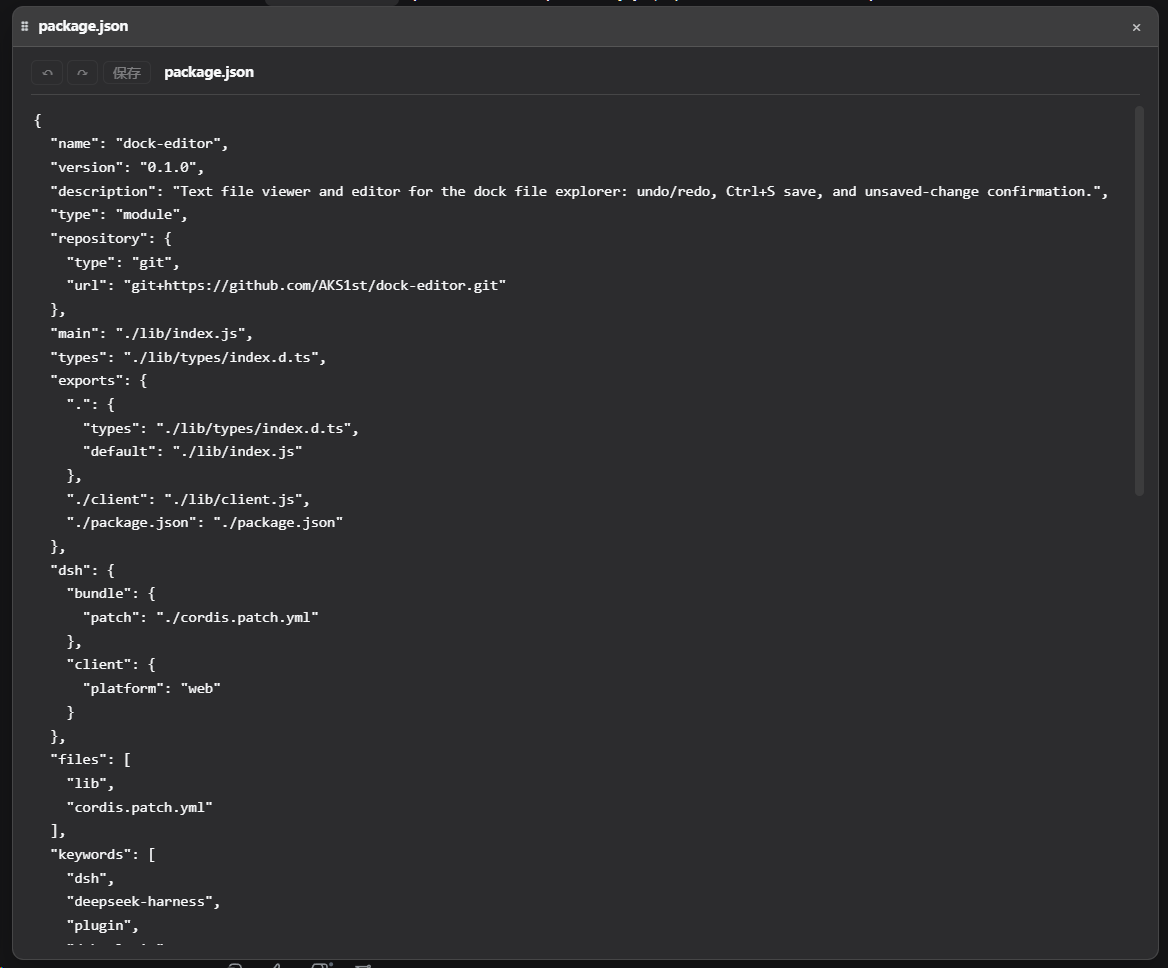
功能
- 代码/配置文件高亮:识别扩展名的代码文件(ts/js/json/yaml/toml/ini/css/html/xml/py/sh 等)用 CodeMirror 6 编辑——增量解析、原生撤销/重做、行号、括号匹配、实时代码高亮;主题随 DSH 的
--dsw-alias-*变量走。 - 普通文本同样可编辑:所有文本文件都走 CodeMirror 编辑器(代码类有高亮,普通文本无高亮但在同一个编辑器里),撤销/重做、搜索、括号匹配等编辑能力全量可用。
- VSCode 风格右上角搜索(与 CM 面板解耦):
Ctrl+F打开编辑器内搜索浮窗(右上角)、Ctrl+H带替换、F3/Ctrl+G(Shift反向)跳转、Esc关闭。搜索框是独立浮层(非 CMshowPanel),不占编辑器布局——没有拖选自动滚动、匹配位置错乱、替换后面板折叠这些毛病。支持实时匹配高亮与current/total计数、↑/↓上/下一个、Enter下一个(Shift+Enter上一个);替换默认折叠(⇄展开),主题随 DSH 变量走(深浅正常),在其上滚轮滚动编辑区而非整个网页。 - 文本查看与编辑:
Ctrl+S保存(视图内全局可用);Ctrl+Z撤销 /Ctrl+Y(或Ctrl+Shift+Z) 重做、Ctrl+C/V/X/A复制粘贴全选,均走编辑器原生键位;另支持Alt+↑/↓移动行、Ctrl+/注释。 - 自动换行:工具条提供「换行」切换按钮,默认开启;关掉后长行回到水平滚动。
- 未保存提示:关闭带未保存修改的窗口前弹出确认(通过工作台
beforeClose钩子与 seed dirty 标记)。 - 二进制检测:读取时探测 NUL 字节,二进制文件显示提示而非乱码。
- 大小上限:单文件读取上限 256 KiB;超过上限的文件只显示前 256 KiB、禁用保存,避免截断原文件(主机端同样校验并拒绝)。
- 悬浮窗几何记忆:每个文件记住上次悬浮窗口的位置与大小,重新打开时恢复。
代码编辑器开销:
CodeMirror 6作为 构建期 devDependency 被打包进lib/client.js(与 dock-markdown 打包 marked 同理,不进入 runtime 依赖)。客户端 bundle 约 1.12 MB(gzip 约 300 KB)——其中编辑器运行时(@codemirror/view等)占大头,各语言文法合计仅约 68 KB(gzip)。
依赖
| 依赖 | 类型 | 说明 |
|---|---|---|
| dock >= 0.1.0 | peer(必需) | 工作台外壳:编辑器区视图、浮窗、ctx.workbench 由它提供 |
| dock-files >= 0.1.0 | peer(必需) | 文件域服务:dock-editor 作为其 editor 默认查看器被分发打开 |
| DSH Web 环境 | 运行时 | 必需,客户端平台为 Web |
cordis ^4.0.0-rc.7 |
peer | 插件框架(DSH 自带) |
react ^18.2.0 |
peer(可选) | 客户端渲染需要;未提供时编辑器 UI 不激活 |
@codemirror/*、@lezer/highlight |
dev(构建期) | CodeMirror 6 编辑器 + 语言文法,仅编译进 lib/client.js,发布后无需安装 |
可选搭档:dock-images、dock-markdown 等更多查看器可与 dock-editor 共存,按扩展名各自接管对应文件类型(dock-editor 是 default 兜底查看器)。
安装
需要 dock 与 dock-files:
推荐从 npm registry 安装:
dsh plugin --profile web add dock-base
dsh plugin --profile web add dock-files
dsh plugin --profile web add dock-editor
或通过 GitHub 安装(备选):
dsh plugin --profile web add github:AKS1st/dock
dsh plugin --profile web add github:AKS1st/dock-files
dsh plugin --profile web add github:AKS1st/dock-editor
安全
/desk-editor 路由只接受受信任来源(回环地址 / trustedHosts + 同源检查)的 POST。读取路径只要求是绝对路径、不限定会话工作区——对话上下文可能提及工作区外的文件(如 ~/.dsh/skills/...),查看器可打开它们查看;写入仍限定在会话工作区内(越界 403),工作区外文件在编辑器中以只读打开;写入前还会校验目标大小不超读取上限。
License
MIT
相关推荐Related
-
 omdsh-dev/dsh-mnemon
Composable three-tier memory control plane for DeepSeek Harness: persistent runtime context, searchable project document…
omdsh-dev/dsh-mnemon
Composable three-tier memory control plane for DeepSeek Harness: persistent runtime context, searchable project document…
-
 sandbaseai/sandbase-harness
Local-first AI agent runtime with sandboxed sessions, MCP tools, memory, credentials, audit/replay, and a built-in conso…
sandbaseai/sandbase-harness
Local-first AI agent runtime with sandboxed sessions, MCP tools, memory, credentials, audit/replay, and a built-in conso…
-
 text2future/flowix
Notes for you, Memory for your agents. / 内置 Deepseek harness Agent / 适用 办公 & 写作 & Coding
text2future/flowix
Notes for you, Memory for your agents. / 内置 Deepseek harness Agent / 适用 办公 & 写作 & Coding
-
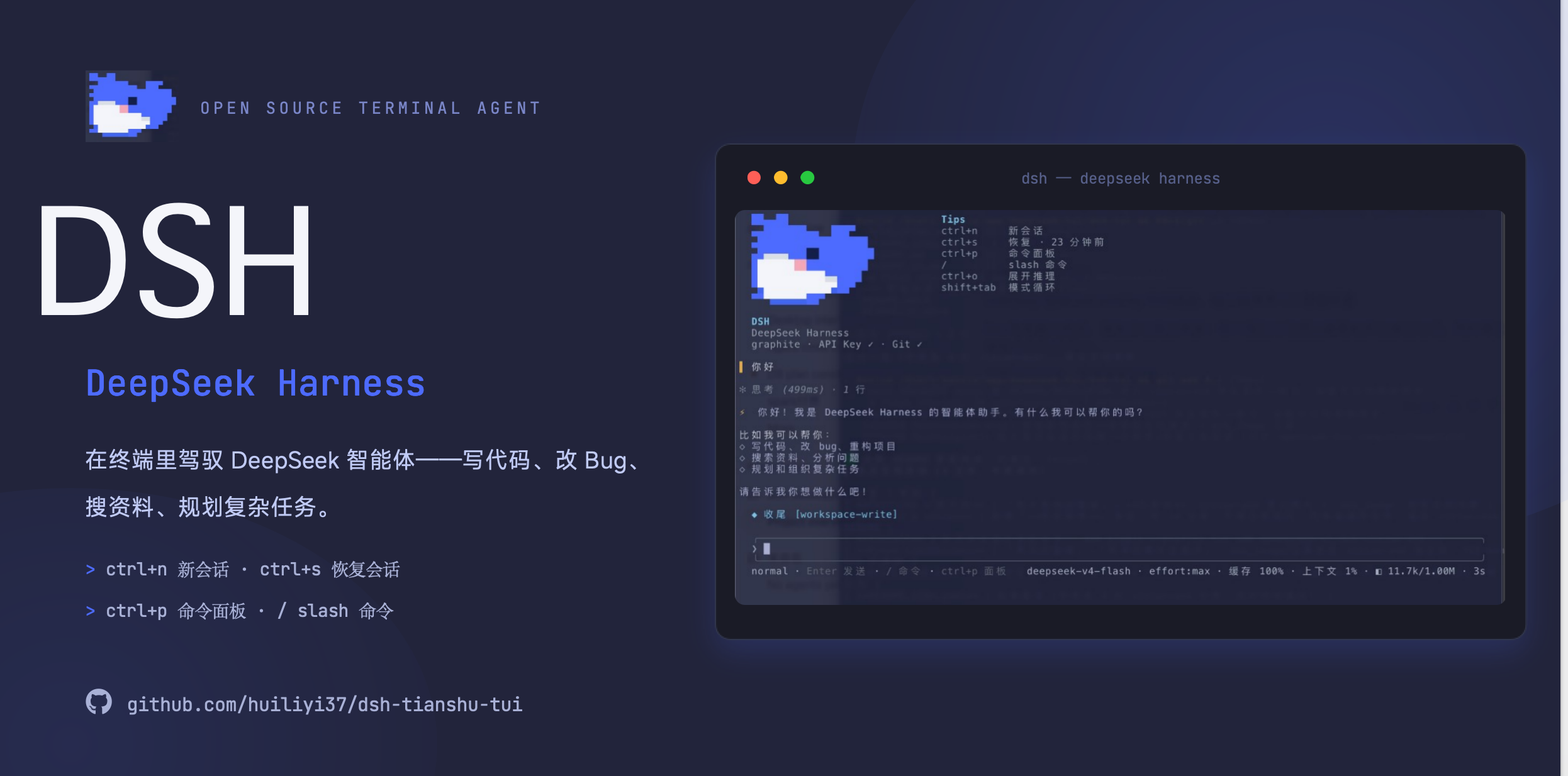 huiliyi37/dsh-tianshu-tui
官方 DeepSeek Harness 的交互式终端 UI 插件:自研 ANSI 极简交互渲染、流式 Markdown/工具卡、16+ 主题、slash 命令与选择器、输入历史与本地偏好持久化、LSP 诊断、memory记忆,很丝滑的开发体…
huiliyi37/dsh-tianshu-tui
官方 DeepSeek Harness 的交互式终端 UI 插件:自研 ANSI 极简交互渲染、流式 Markdown/工具卡、16+ 主题、slash 命令与选择器、输入历史与本地偏好持久化、LSP 诊断、memory记忆,很丝滑的开发体…
-
 tinqiao-oss/engramory
A portable memory protocol for AI agents — load it as standing rules; a curation discipline + reference spec + optional …
tinqiao-oss/engramory
A portable memory protocol for AI agents — load it as standing rules; a curation discipline + reference spec + optional …
-
 PerryLink/dsh-memento
Bounded, layered, approval-gated, auditable cross-session memory for DeepSeek Harness (capability seam: ctx.memory + SQL…
PerryLink/dsh-memento
Bounded, layered, approval-gated, auditable cross-session memory for DeepSeek Harness (capability seam: ctx.memory + SQL…
- Xuxchloris/deepseek-harness-sdr-plugin DeepSeek Harness 的 SDR 数字员工插件:九阶段外贸获客 SOP、结构性人工审批、客户去重、持久化知识检索与审计日志,默认 dry-run 安全演示。
- chenzheshushi-commits/dsh-evolve Self-evolving memory + skill lifecycle for DeepSeek Harness — durable cross-session memory with zero-token deterministic…