alpacachen/dsh-worktree
A Git worktree plugin for DeepSeek Harness that creates task branches, registers worktrees as DSH Workspaces, and opens isolated sessions.
Project Overview项目介绍
This is a Git worktree plugin for DeepSeek Harness. It creates task branches, registers Git worktrees as DSH workspaces, opens isolated sessions, and manages existing worktrees. Use it when you need to develop multiple tasks in isolation within the same Git repository. Note deleting a worktree does not delete its Git branch, and it only supports DSH 0.1.5 web profile.
这是DeepSeek Harness的Git worktree插件,可创建任务分支,将Git工作树注册为DSH工作区并打开隔离会话,还支持管理已创建的工作树。适合需要在同一Git仓库内隔离开发多个任务的场景使用。注意删除工作树不会同步删除对应Git分支,仅兼容DSH 0.1.5版本web端。
请帮我了解并安装插件:【dsh-worktree】【https://github.com/alpacachen/dsh-worktree】Send this message to DSH in your current session. CLI install commands may not be accurate across systems — DSH will figure it out for you.把上面这条消息直接发给当前会话里的 DSH,让它帮你了解并安装。安装命令不一定准确,发给 DSH 更稳。
Or use CLI install (for developers)或使用命令行安装(适合开发者)
CLI Install命令行安装
dsh plugin --profile web add @alpacachen/dsh-simple-worktree把 alpacachen/dsh-worktree 加入你的 DSH 配置(web profile)即可启用。
READMEREADME
dsh-worktree
A Git worktree plugin for DeepSeek Harness that creates task branches, registers worktrees as DSH Workspaces, and opens isolated sessions.
npm package:
@alpacachen/dsh-simple-worktree




Simplified Chinese · English
Features
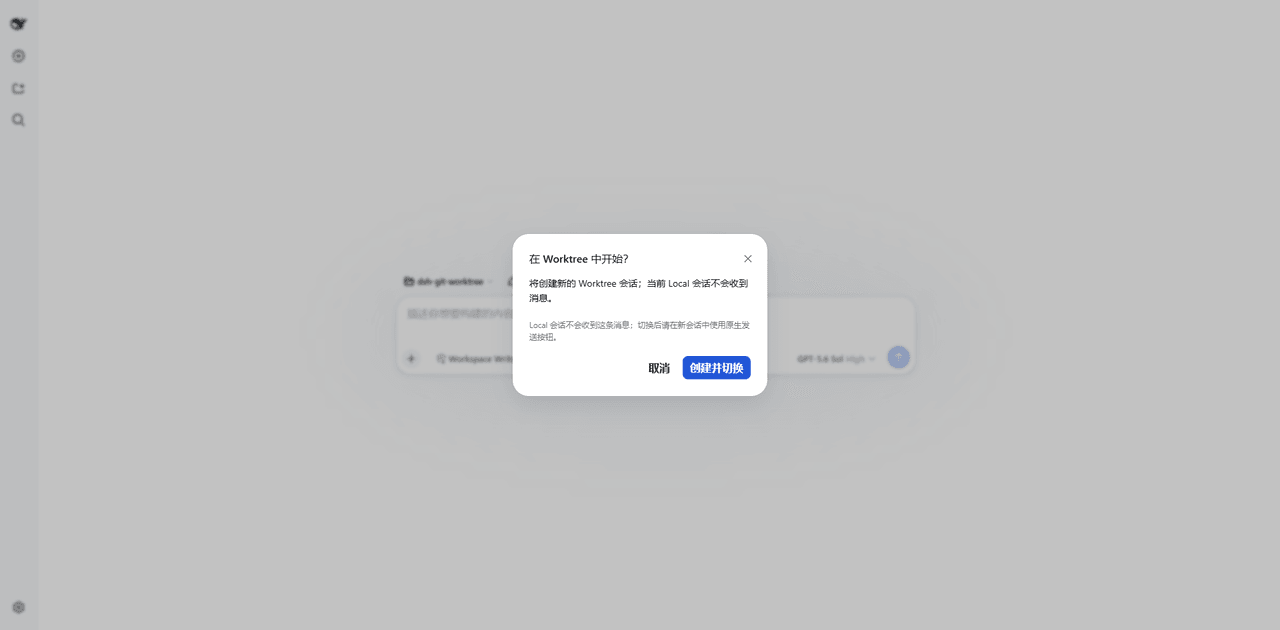
- Create a Git worktree from the new-session action in any Git Workspace.
- Choose the current branch or the repository's main branch.
- Register and open the new worktree as a DSH Workspace with an isolated session.
- Create task branches as
task/<name>. - Manage and remove linked worktrees from the Worktree Management settings page.
- No additional service or project configuration.
- Supports DSH themes, Chinese, and English.
Compatibility
Built against the DSH 0.1.5 client contract (0.1.5-rc.1 || 0.1.5-rc.2, web profile).
Usage
Install
dsh plugin --profile web add @alpacachen/dsh-simple-worktree
Restart dsh web after installation.
You can also install from GitHub with dsh plugin --profile web add github:alpacachen/dsh-worktree.
Create from a new session
- Open New Session in a Git Workspace.
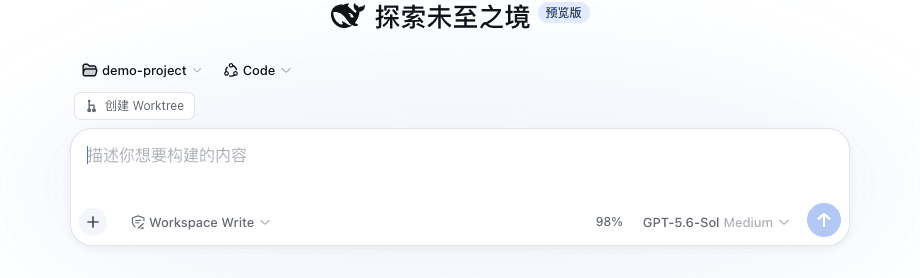
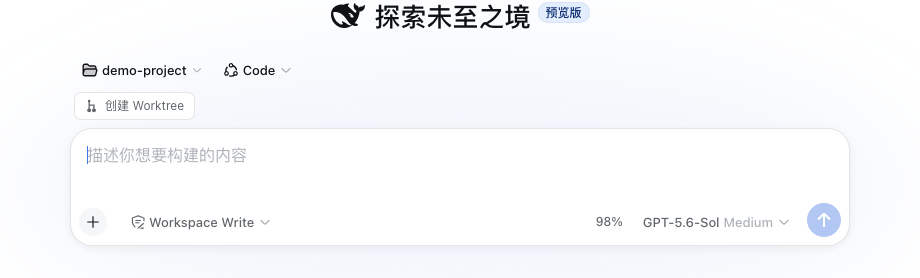
- Choose Create worktree above the composer.
- Enter a task name. The repository's main branch is selected by default.
- Click Create and open.
Manage worktrees
Open Settings → Worktree Management to scan every Workspace for Git projects and linked worktrees, inspect their branch and dirty state, and remove worktrees that are no longer needed.
The worktree is created at:
project.worktrees/login-fix/
└── branch: task/login-fix
The new Workspace is named <parent>/<task>. Removing the worktree Workspace does not delete its Git branch.
Related相关推荐
-
 wloops/dsh-git-worktree
Git worktree Session Targets for DeepSeek Harness with isolated task sessions, reversible Local Preview, human-confirmed…
wloops/dsh-git-worktree
Git worktree Session Targets for DeepSeek Harness with isolated task sessions, reversible Local Preview, human-confirmed…
-
 isomoes/ikanban
iKanban 是一个面向键盘操作、基于 DeepSeek Harness 的多智能体编码工作空间。它专为跨项目地驱动、审查和协调并行智能体工作而构建,将会话管理、差异审查和项目感知导航集于一处。
isomoes/ikanban
iKanban 是一个面向键盘操作、基于 DeepSeek Harness 的多智能体编码工作空间。它专为跨项目地驱动、审查和协调并行智能体工作而构建,将会话管理、差异审查和项目感知导航集于一处。
-
 NEXTINDIE/DeepSeek-Harness-for-VS-Code
DeepSeek Harness for VS Code: @dsh chat participant, sidebar & standalone chat, plan mode, goals, subagents, turn-level …
NEXTINDIE/DeepSeek-Harness-for-VS-Code
DeepSeek Harness for VS Code: @dsh chat participant, sidebar & standalone chat, plan mode, goals, subagents, turn-level …
- JohnXu22786/worktree-mgr DSH 插件:为任务自动创建隔离的 git 工作区,管理创建/同步/收尾全生命周期 (task-isolated git worktrees for DeepSeek Harness)
-
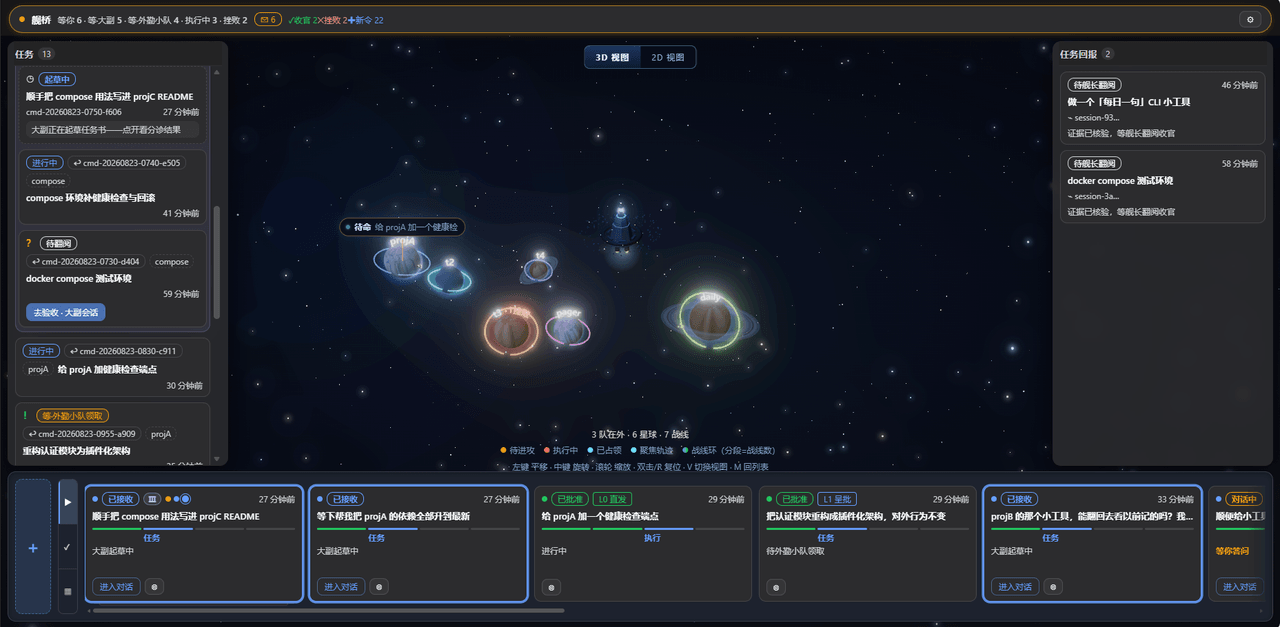 Kaiji-Z/dsh-plugin-stardeck
RTS-style multi-agent orchestration board for DeepSeek Harness: issue plain-language strategic orders, a staff agent dra…
Kaiji-Z/dsh-plugin-stardeck
RTS-style multi-agent orchestration board for DeepSeek Harness: issue plain-language strategic orders, a staff agent dra…
-
 omdsh-dev/DSH-better-sidebar
开放的侧边栏底座,支持三方拓展注册新侧边栏页面。内置文件渲染编辑/终端/侧边对话/Git/子代理页面 | Open sidebar foundation, supports third-party extensions to registe…
omdsh-dev/DSH-better-sidebar
开放的侧边栏底座,支持三方拓展注册新侧边栏页面。内置文件渲染编辑/终端/侧边对话/Git/子代理页面 | Open sidebar foundation, supports third-party extensions to registe…
-
 LiPu-jpg/Openwrite
dsh-Openwrite:OpenWrite 的 DeepSeek Harness 小说创作插件,含统一创作 Agent、90 个小说工具、原生工作台与标准审稿 DAG
LiPu-jpg/Openwrite
dsh-Openwrite:OpenWrite 的 DeepSeek Harness 小说创作插件,含统一创作 Agent、90 个小说工具、原生工作台与标准审稿 DAG
-
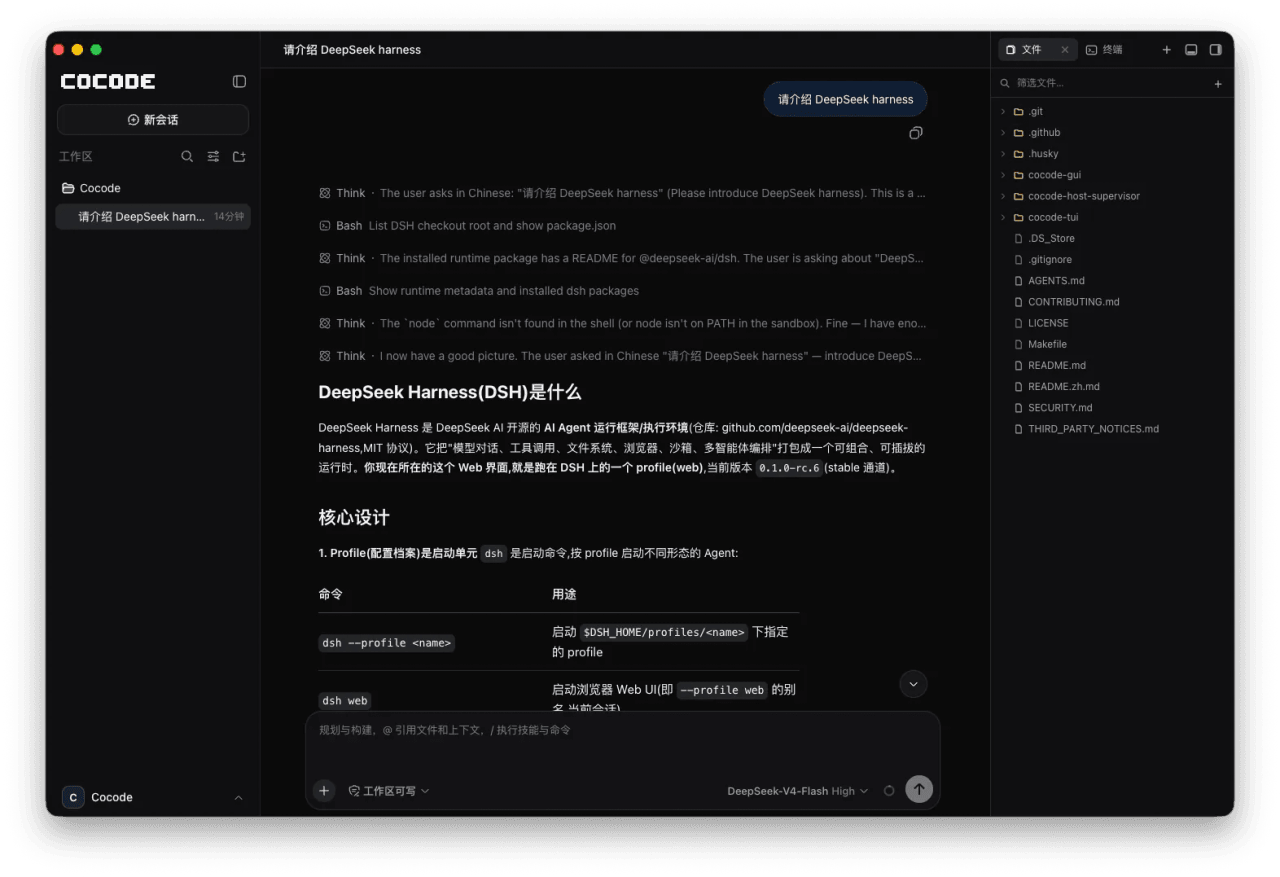 cocode-agency/cocode
Best ready-to-run DeepSeek Harness distribution: DSH desktop GUI, DSH terminal TUI, and harness integration.
cocode-agency/cocode
Best ready-to-run DeepSeek Harness distribution: DSH desktop GUI, DSH terminal TUI, and harness integration.