andyfan1094/dsh-winrm
Remote Windows administration for the dsh web GUI: WinRM/PowerShell Remoting host config, PowerShell exec, streaming console, service and process management, base64-chunked file transfer, cluster execution, plus agent tools (winrm_list, winrm_exec, winrm_service, winrm_process, winrm_upload, winrm_download, winrm_cluster). Standalone Cordis plugin.
Project Overview项目介绍
This is a native plugin built exclusively for DeepSeek Harness that enables remote management of Windows servers via the native WinRM / PowerShell Remoting protocol. Unlike SSH-based remote management tools, it does not require OpenSSH to be pre-installed and configured on the target Windows host you want to manage. It adds a dedicated “Windows” entry to the DSH sidebar GUI, with five core tabs for hosts management, interactive PowerShell console, services control, process management, and file transfer, and exposes seven winrm_ prefixed agent tools for direct use in DSH chat workflows.
Before you can start managing your remote Windows hosts, you need to run a one-time setup script included in this repository on the target Windows machine as an administrator. The provided PowerShell script automatically enables the WinRM service, opens the correct firewall port, configures allowed authentication settings, and sets the appropriate 512MB memory limit for WinRS. After setup, you can connect and manage your hosts either via the dedicated graphical interface or by calling the agent tools from DSH conversations to complete common routine maintenance and server bulk operations tasks.
The plugin relies on the pywinrm Python library installed on your local machine to handle the WinRM protocol connection and authentication. It prioritizes NTLM authentication by default, with a fallback to Basic authentication for compatible controlled internal network environments. All Chinese output is encoded in a UTF-8 base64 envelope to avoid garbled text, credentials are stored locally with 0600 permissions that only allow the current user to read them, and the project is released under the open-source Apache 2.0 license. Known limitations include slow transfer speed for large files due to chunked transmission, no persistent console state between individual commands, and a default 60-second timeout for any single command execution.
这是专为DeepSeek Harness开发的原生WinRM远程管理插件,让用户可以通过Windows原生的WinRM/PowerShell Remoting协议远程管理Windows服务器,目标受控机器无需额外安装OpenSSH就能连接管理。插件在DSH侧边栏提供了专属GUI入口,主面板分主机、控制台、服务、进程、文件传输五个功能页签,同时提供7个winrm_前缀的Agent工具可在对话中直接调用。
典型工作流程是先在目标Windows机器上以管理员身份运行插件自带的一键脚本,一次性完成WinRM服务启用、防火墙放行、认证配置等准备工作。之后用户可通过插件的GUI管理单台或多台主机,也可在对话中让Agent调用对应工具完成远程命令执行、服务重启、文件传输等批量运维操作,适合需要管理多台Windows服务器的开发运维人员。
插件依赖本地Python环境已安装pywinrm库,若当前环境未安装可通过pip命令一键安装,密码以0600权限保存在本地配置文件,仅当前用户可读。插件支持NTLM优先认证,也可回退到Basic认证,中文输出通过UTF-8处理不会乱码,已知存在大文件传输较慢、控制台会话不保留状态等限制,遵循Apache-2.0开源许可。
请帮我安装这个 DSH 插件。安装前先完成【兼容性检查 + 安全性检查】,检查通过再动手。

插件:dsh-winrm(andyfan1094/dsh-winrm)
仓库:https://github.com/andyfan1094/dsh-winrm
本站详情页:https://www.yhbd.top/plugins/andyfan1094-dsh-winrm/
本站登记:类型 plugin · 归类 原生 DSH 插件 · 许可证 Apache-2.0 · ⭐ 2 · 最近提交 2026-08-27 · 主语言 TypeScript

按下面顺序执行,每步先把结论告诉我,再进入下一步:

【1 兼容性检查】
① 我这边:DSH 版本、Node 版本、操作系统、当前 profile(web / desktop)。
② 读它的 README、package.json、插件 manifest,列出它要求的 DSH 版本 / Node 版本 / 操作系统 / 外部依赖 / 需要另外先装的运行时。
③ 逐条比对,结论只写「满足 / 不满足 / 未知」三种;不满足的给出可行替代方案。
④ 检查是否和我已装的插件冲突:命令名重复、skill / tool 重名、端口占用、重复注册的 MCP server。

【2 安全性检查】
① 仓库可信度:和上面「本站登记」是否一致;star / fork 数、创建时间、最近提交,是否归档或长期停更。
② 安装脚本:逐行看 package.json 的 preinstall / install / postinstall,以及 install.sh、setup.ps1 之类脚本。出现 curl|bash、下载后直接执行、混淆代码、访问与插件功能无关的域名,立刻停下来告诉我,不要继续装。
③ 依赖:列出新增依赖,标出无人维护、或与知名包拼写近似的可疑包(typosquatting)。
④ 权限与副作用:它会读写哪些目录、访问哪些域名、需要哪些 DSH 权限(filesystem / network / shell / clipboard 等),以及怎么卸载和回滚。
⑤ 如果它要求 sudo / 管理员权限,或权限明显超出功能所需,先停下来问我。

【3 安装】
上面两步没有「不满足」和「高危项」时才执行;用官方推荐方式安装,不要自行提权。

【4 汇报】
用表格输出:检查项 / 结论 / 依据 / 是否需要我决策。拿不准的一律写「未知」并说明要我怎么确认——不要猜,也不要替我决定。
Send this message to DSH in your current session: it verifies compatibility and security first (answering met / not met / unknown item by item) and only installs once everything checks out — it will stop and ask you if it finds a high-risk item. The box scrolls; the copy is the full prompt. CLI install commands may not be accurate across systems, so DSH is the safer route.把上面这条消息直接发给当前会话里的 DSH:它会先核对兼容性与安全性(逐条给「满足 / 不满足 / 未知」),确认没问题再安装,有高危项会停下来问你。框内可滚动,复制到的是完整提示词;安装命令不一定准确,发给 DSH 更稳。
- Only 2 stars - very few users, little community feedback星标只有 2,几乎没人在用,遇到问题缺少社区反馈
DSH walks through these 9 checksDSH 会逐条核对这 9 项
Compatibility兼容性
- DSH, Node, OS and profile requirementsDSH 版本 / Node 版本 / 操作系统 / profile 是否满足要求
- External dependencies and runtimes (Electron / Python / Docker, ...)外部依赖与运行时(Electron / Python / Docker 等)是否齐备
- Conflicts with installed plugins: command names, skill / tool names, ports, duplicate MCP registration与已装插件是否冲突:命令名、skill / tool 重名、端口占用、重复 MCP 注册
Security安全性
- Repo matches the facts registered here; archived or abandoned?仓库是否与页面登记一致,是否归档或长期停更
- Safety of preinstall / install / postinstall and install.sh / setup.ps1preinstall / install / postinstall 与 install.sh、setup.ps1 是否安全
- curl|bash, download-then-execute, obfuscation, unrelated domains → stop immediatelycurl|bash、下载即执行、混淆代码、无关域名 → 立刻停止
- Typosquatting or unmaintained packages among the new dependencies新增依赖里有没有 typosquatting 或无人维护的包
- Requested permissions vs. what the feature actually needs申请了哪些权限、是否超出功能所需(filesystem / network / shell / clipboard)
- Any sudo / admin requirement, plus uninstall and rollback是否要求 sudo / 管理员权限,以及卸载与回滚方式
Anything uncertain must be marked unknown with a note on how to confirm it. This site's signal screen is a static snapshot, not a security audit.拿不准的必须标「未知」并说明要我怎么确认。本站的信号筛查是静态快照,不能替代安全审计。
Or use CLI install (for developers)或使用命令行安装(适合开发者)
CLI Install命令行安装
dsh plugin --profile web add github:andyfan1094/dsh-winrm把 andyfan1094/dsh-winrm 加入你的 DSH 配置(web profile)即可启用。
READMEREADME
dsh-winrm — Windows 远程管理插件(WinRM / PowerShell Remoting)
中文文档 | English
仿照 dsh-ssh 开发的 DSH 插件:用 Windows 原生的 WinRM / PowerShell Remoting 协议远程管理 Windows 服务器,目标机不需要装 OpenSSH。
功能
| 面 | 说明 |
|---|---|
| GUI 侧边栏「Windows」入口 | 居中面板:主机 / 控制台 / 服务 / 进程 / 传输 五个页签 |
| Agent 工具 | winrm_list winrm_exec winrm_service winrm_process winrm_upload winrm_download winrm_cluster |
| PowerShell 控制台 | WebSocket 命令会话(每条命令通过 pywinrm 执行,输出实时返回) |
| 服务管理 | 列出 / 启动 / 停止 / 重启 / 改启动类型(自动/手动/禁用) |
| 进程管理 | 列出(CPU/内存/路径)/ 按 PID 结束 |
| 文件传输 | base64 分块读写,不依赖 SMB,任意路径可传;上传自动建目录 |
| 集群 | 一条命令并发跑多台主机(按 aliases / environment / tags 过滤) |
认证与传输
- 使用 Windows 本机
pywinrm,优先 NTLM;受控兼容场景可回退 Basic(HTTP Basic 仅限受信内网,公网必须使用 HTTPS) - 本地账户可写
Administrator;域账户可写DOMAIN\user或user@domain - 本机需要可调用 Python +
pywinrm(当前环境已安装;其他机器可执行python -m pip install pywinrm) - 传输:HTTP(5985) 或 HTTPS(5986);HTTPS 可勾选「接受自签名证书」
- 中文输出不乱码:所有命令走 UTF-8 base64 信封(
-EncodedCommand+Out-String包装),绕过 WinRM 传输的代码页问题
目标机准备(一次性)
在要管理的 Windows 机器上,以管理员身份运行:
powershell -ExecutionPolicy Bypass -File .\scripts\enable-winrm.ps1
脚本自动:启用 WinRM 服务与 5985 监听 → 开放 Basic/Negotiate 认证 → 允许 HTTP 明文(内网)→ WinRS 内存上限 512MB → 放行防火墙 → 打印本机 IP。
⚠️ 安全:HTTP + Basic 是明文,仅限受信内网;公网请配置 HTTPS + 自签名证书,并在插件里勾选「接受自签名证书」。密码明文存于本机
~/.dsh/dsh-winrm.json(0600 权限,仅当前用户可读),插件界面永不回显。
安装
从 Releases 下载最新的 dsh-winrm-*.tgz,加入 profile:
dsh plugin --profile web add D:\downloads\dsh-winrm-0.1.4.tgz
本地开发可用 profile 链接安装:
dsh plugin --profile web add link:D:\项目\dsh-winrm
安装后 重启 dsh web(退出再启动 dsh web)使插件生效。侧边栏出现「Windows」入口;对话中可直接用 winrm_list 等工具。
从源码构建
cd D:\项目\dsh-winrm
pnpm install
npm run build     # tsc 声明 + tsdown 宿主/客户端打包 + postbuild 包装
使用示例(agent 工具)
winrm_list                                        # 列出已配置主机
winrm_exec  alias=web1 command="Get-Service | Select -First 5 | Format-Table"
winrm_service alias=web1 name=W3SVC action=restart
winrm_process alias=web1 action=list
winrm_process alias=web1 id=1234 action=kill
winrm_upload alias=web1 localPath=D:\a.zip remotePath=C:\temp\a.zip
winrm_download alias=web1 remotePath=C:\logs\app.log localPath=D:\app.log
winrm_cluster command="Get-Date" tags=prod
Showing the opening section of the README — the full document lives in the repository以上为 README 开头摘要,完整文档在仓库内 · View the full README on GitHub →在 GitHub 查看完整 README →
Related相关推荐
-
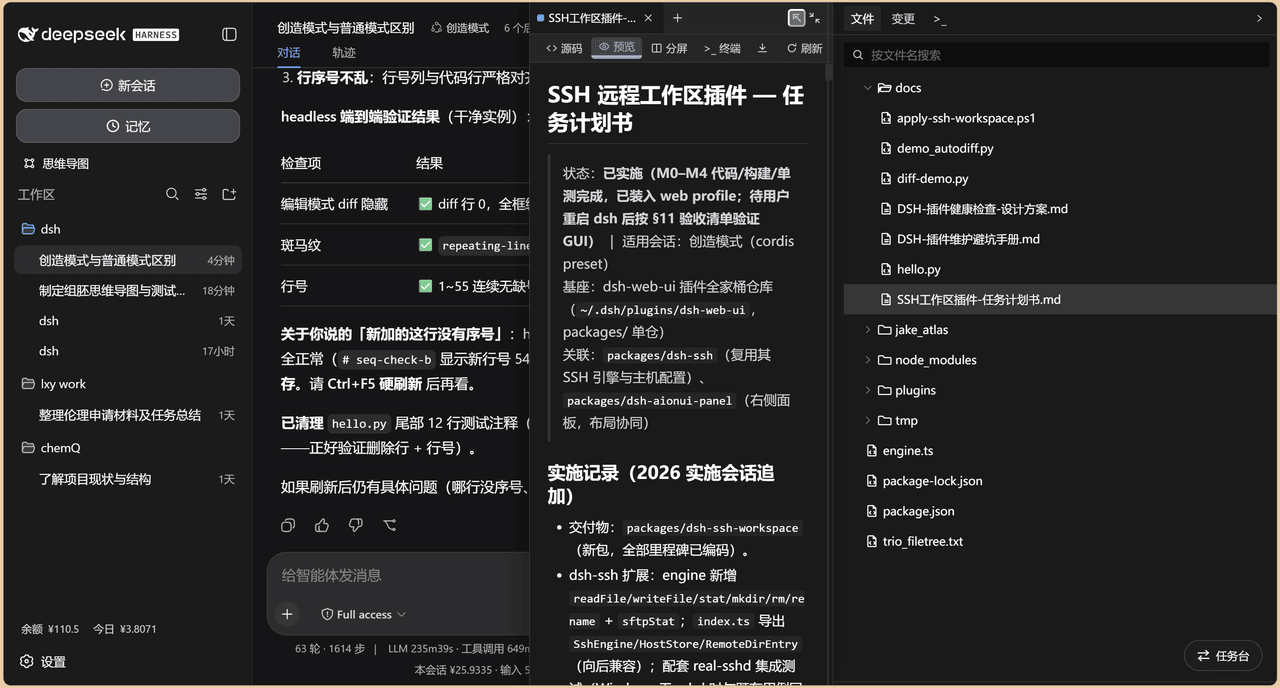 chenw2759-wq/dsh-IDE
dsh-IDE 把 DeepSeek Harness(DSH)网页版升级成一站式 IDE:JupyterLab 式文件树、带语法高亮的代码编辑、多格式预览、Trae 风格红绿 diff 和内置终端,再加上「本地大脑、远程手脚」的 SSH 远…
chenw2759-wq/dsh-IDE
dsh-IDE 把 DeepSeek Harness(DSH)网页版升级成一站式 IDE:JupyterLab 式文件树、带语法高亮的代码编辑、多格式预览、Trae 风格红绿 diff 和内置终端,再加上「本地大脑、远程手脚」的 SSH 远…
-
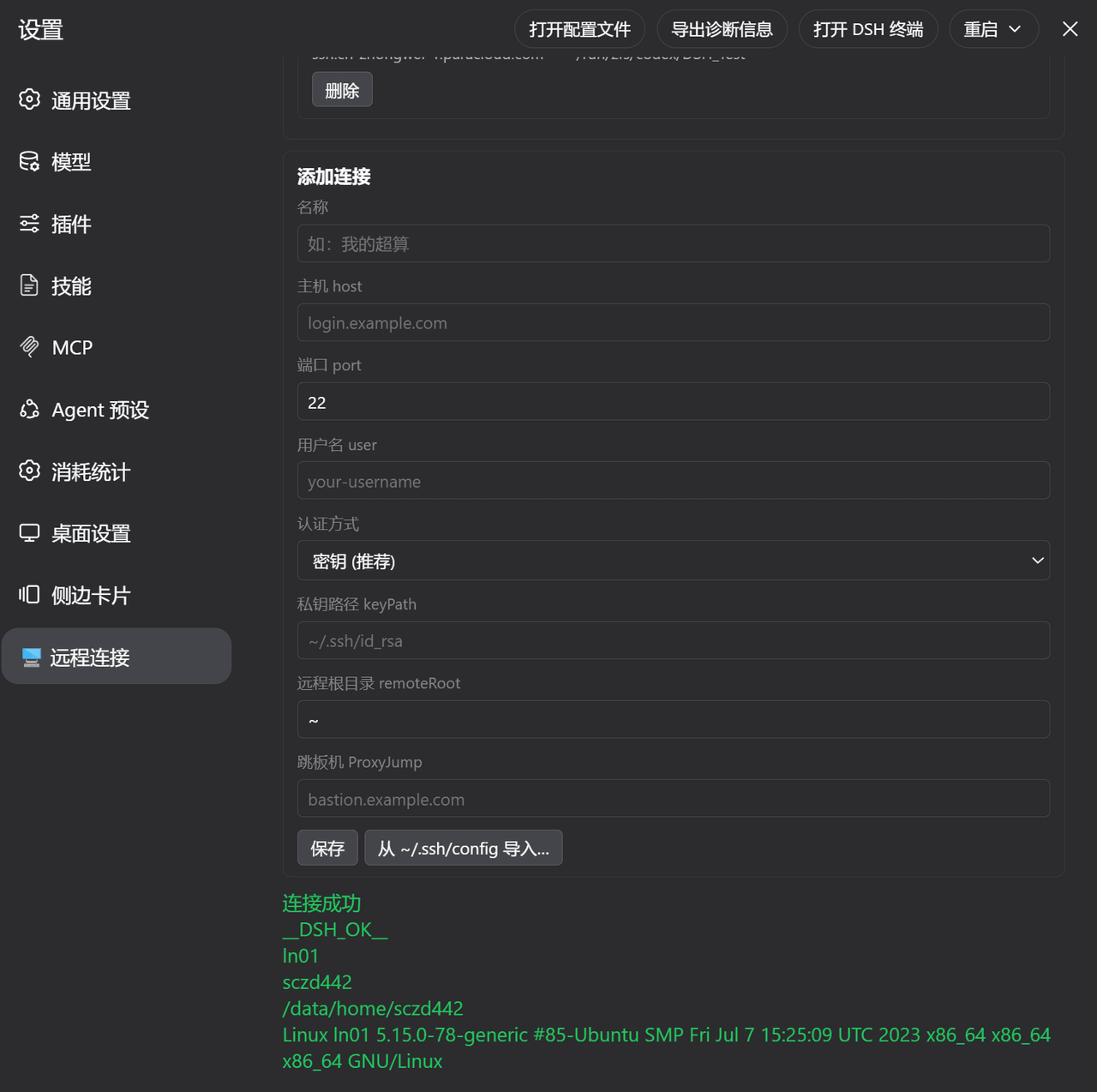 ZhangFengshun/dsh-remote-ssh
DSH web plugin: VSCode Remote-SSH-like remote development (SSH, remote workspace, file explorer, integrated terminal)
ZhangFengshun/dsh-remote-ssh
DSH web plugin: VSCode Remote-SSH-like remote development (SSH, remote workspace, file explorer, integrated terminal)
-
 caoyiwei850/dsh-ssh-ops
DeepSeek Harness SSH 运维插件:主对话驱动 SSH,带高危命令保护与右侧终端。
caoyiwei850/dsh-ssh-ops
DeepSeek Harness SSH 运维插件:主对话驱动 SSH,带高危命令保护与右侧终端。
-
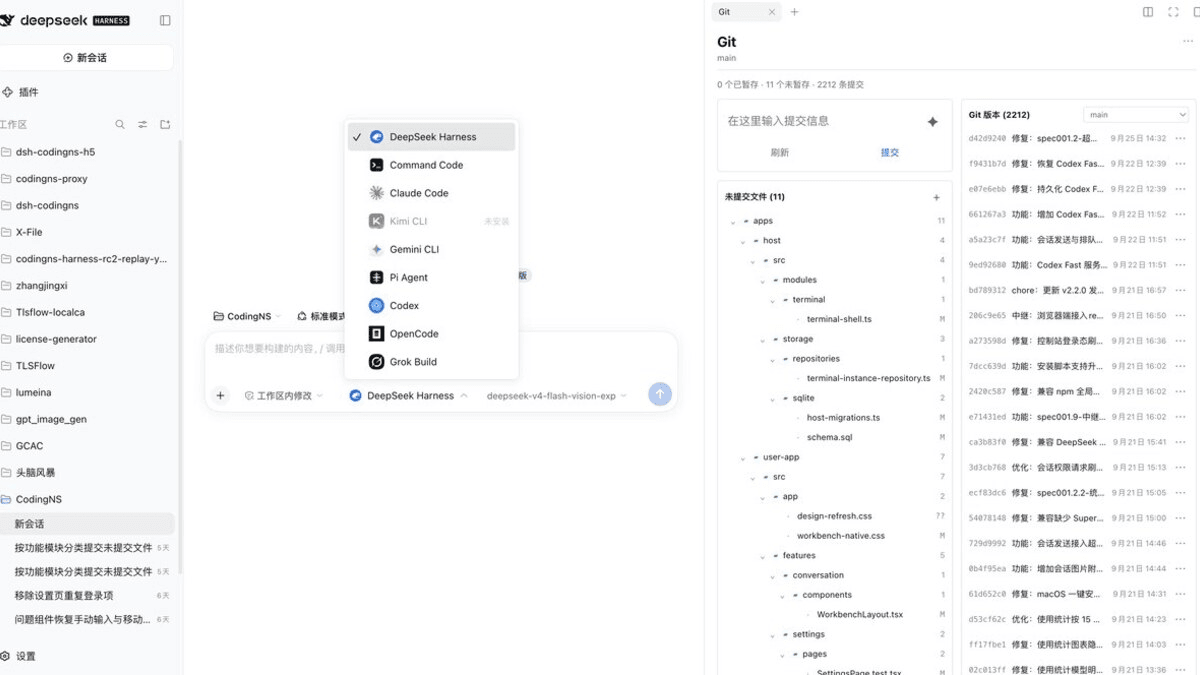 jingyi0605/Codingns4DSH
把外部 Agent CLI、持久终端、工作区调试和远程访问,装进 DSH 原生界面。
jingyi0605/Codingns4DSH
把外部 Agent CLI、持久终端、工作区调试和远程访问,装进 DSH 原生界面。
- klarkxy/zhihu-search 知乎开放平台接口,官方Zhihu Cli开源平替。
- huoxue1/harness-lark Lark/飞书(Feishu)渠道插件,为 [DeepSeek Harness](https://github.com/deepseek-ai/deepseek-harness) 提供飞书通信能力
-
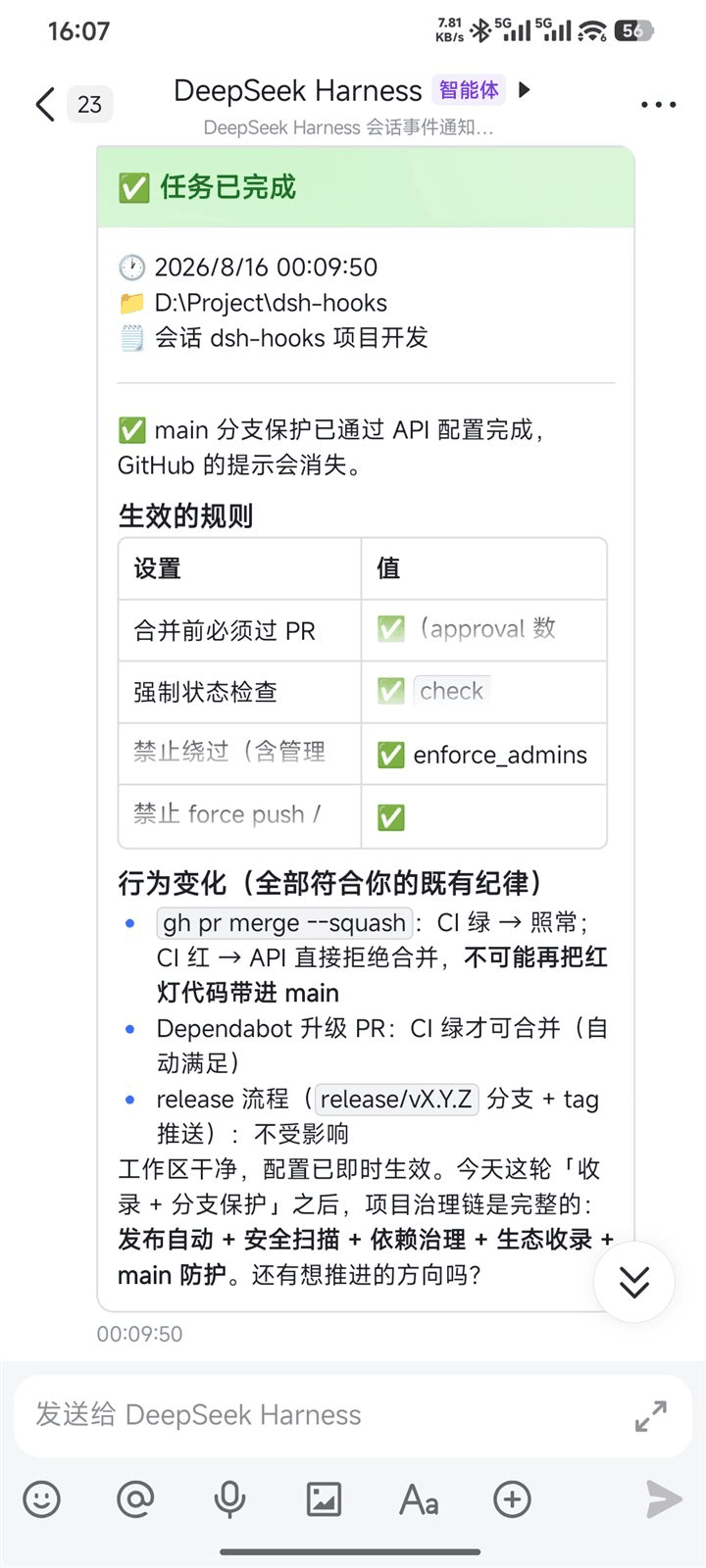 PeterBon/dsh-hooks
Config-driven lifecycle hooks plugin for DeepSeek Harness
PeterBon/dsh-hooks
Config-driven lifecycle hooks plugin for DeepSeek Harness
-
 Jesse-njx/dsh-chatnode-wechat
Chat with, monitor, and approve your DSH agents from WeChat — an iLink gateway + conversation node bundle for DeepSeek H…
Jesse-njx/dsh-chatnode-wechat
Chat with, monitor, and approve your DSH agents from WeChat — an iLink gateway + conversation node bundle for DeepSeek H…