AnonyJcy/dsh-j-space
J-Space Cognition Suite SV1 原生 DeepSeek Harness 智能体预设与独立 Cordis 插件,提供深层推理路由、持久控制器(control.py)、工作区状态外化账本(.jspace)与全模型解耦的认知工作空间
Project Overview项目介绍
dsh-j-space is a native DeepSeek Harness (DSH) Agent Preset and standalone Cordis plugin package that fully integrates the J-Space Cognition Suite SV1 as a first-class citizen of DSH. It bundles thirteen cognitive modules, a persistent controller (control.py), a host adapter (host_bridge.py), and a workspace state ledger (.jspace/), with strict Cordis Agent Scope isolation and dynamic model routing that is decoupled from any base model. The package is shipped as the npm distribution @anonyjcy/dsh-j-space and is published with a DSH Market listing badge and a bundle-manifest, confirming the Cordis plugin and DSH-native packaging.
The typical workflow begins by installing through npm with npm install -D @anonyjcy/dsh-j-space and then running npx @anonyjcy/dsh-j-space install, or by cloning the repository and executing node bin/cli.js install, which deploys the preset to ~/.dsh/.agent-presets/j-space. Once deployed, users open the DSH Web UI, create a New Session, and select the J-Space Cognition Suite entry that appears automatically in the Agent Preset dropdown, or they invoke it from a terminal via dsh --preset j-space "<task>". The preset also composes into a Cordis YAML configuration under id: j-space-plugin with config.autoDeploy: true, and supports the DSH 0.1.5 dsh-persona schema (config.prefix / config.suffix) plus the DSH 0.1.6 dsh-workflow-ptc workflow. Sub-agents can enable DSH's official tool-subagent model selection by setting modelSelectionSettings: true and toggling Plugins → Subagent → Model selection inside the DSH Web settings, while forked sub-agents inherit the parent session model per DSH design.
The project requires only Node.js to run its bundled CLI (install, uninstall, verify, status) and keeps the J-Space skill filesystem strictly scoped to J-Space sessions so that other presets are not polluted. The license is MIT, with third-party notices documented in THIRD_PARTY_NOTICES.md, and a version history maintained in CHANGELOG.md. First-run caveats include verifying that the host configuration includes @deepseek-ai/dsh-tool-subagent/model-selection-settings before enabling modelSelectionSettings, otherwise leaving it unset for plain deployments, and noting that the setting only takes effect for newly created sessions rather than existing ones.
dsh-j-space 是面向 DeepSeek Harness (DSH) 的原生 Agent Preset 与独立 Cordis 插件包,将 J-Space Cognition Suite SV1 完整集成为 DSH 一等公民,内置 13 大认知模块、持久控制器(control.py)、宿主适配器(host_bridge.py)以及工作区状态外化账本(.jspace/)。它通过 npm 安装 @anonyjcy/dsh-j-space 后运行 npx @anonyjcy/dsh-j-space install,或克隆仓库执行 node bin/cli.js install,把预设部署到 ~/.dsh/.agent-presets/j-space,在新建会话时下拉选单即可选用。
典型流程为:在 DSH Web UI 创建会话并选定 J-Space Cognition Suite 预设,或使用 dsh --preset j-space "<任务>" 启动;模型解耦支持 deepseek-chat、deepseek-reasoner 以及任意兼容基底模型,同时在 cordis.yml 中以 id: j-space-plugin、config.autoDeploy: true 装配。子代理可启用 DSH 0.1.5 的 dsh-persona schema 与 0.1.6 的 dsh-workflow-ptc,通过 tool-subagent 的 modelSelectionSettings 动态路由,适用于需要多步认知闭环、Seam 审计与断点恢复的复杂任务。
依赖 Node.js 运行包内 CLI,遵循 DSH Cordis Scope 生命周期隔离,完全解耦任意基底模型。项目以 MIT 协议开源,首次使用应在 DSH Web 设置中检查插件 → Subagent → Model selection 路由授权并新建会话生效,不含 Host 插件的部署应保持 modelSelectionSettings 未设置。
请帮我安装这个 DSH 插件。安装前先完成【兼容性检查 + 安全性检查】,检查通过再动手。

插件:dsh-j-space(AnonyJcy/dsh-j-space)
仓库:https://github.com/AnonyJcy/dsh-j-space
本站详情页:https://www.yhbd.top/plugins/anonyjcy-dsh-j-space/
本站登记:类型 plugin · 归类 原生 DSH 插件 · 许可证 MIT · ⭐ 4 · 最近提交 2026-09-29 · 主语言 Python

按下面顺序执行,每步先把结论告诉我,再进入下一步:

【1 兼容性检查】
① 我这边:DSH 版本、Node 版本、操作系统、当前 profile(web / desktop)。
② 读它的 README、package.json、插件 manifest,列出它要求的 DSH 版本 / Node 版本 / 操作系统 / 外部依赖 / 需要另外先装的运行时。
③ 逐条比对,结论只写「满足 / 不满足 / 未知」三种;不满足的给出可行替代方案。
④ 检查是否和我已装的插件冲突:命令名重复、skill / tool 重名、端口占用、重复注册的 MCP server。

【2 安全性检查】
① 仓库可信度:和上面「本站登记」是否一致;star / fork 数、创建时间、最近提交,是否归档或长期停更。
② 安装脚本:逐行看 package.json 的 preinstall / install / postinstall,以及 install.sh、setup.ps1 之类脚本。出现 curl|bash、下载后直接执行、混淆代码、访问与插件功能无关的域名,立刻停下来告诉我,不要继续装。
③ 依赖:列出新增依赖,标出无人维护、或与知名包拼写近似的可疑包(typosquatting)。
④ 权限与副作用:它会读写哪些目录、访问哪些域名、需要哪些 DSH 权限(filesystem / network / shell / clipboard 等),以及怎么卸载和回滚。
⑤ 如果它要求 sudo / 管理员权限,或权限明显超出功能所需,先停下来问我。

【3 安装】
上面两步没有「不满足」和「高危项」时才执行;用官方推荐方式安装,不要自行提权。

【4 汇报】
用表格输出:检查项 / 结论 / 依据 / 是否需要我决策。拿不准的一律写「未知」并说明要我怎么确认——不要猜,也不要替我决定。
Send this message to DSH in your current session: it verifies compatibility and security first (answering met / not met / unknown item by item) and only installs once everything checks out — it will stop and ask you if it finds a high-risk item. The box scrolls; the copy is the full prompt. CLI install commands may not be accurate across systems, so DSH is the safer route.把上面这条消息直接发给当前会话里的 DSH:它会先核对兼容性与安全性(逐条给「满足 / 不满足 / 未知」),确认没问题再安装,有高危项会停下来问你。框内可滚动,复制到的是完整提示词;安装命令不一定准确,发给 DSH 更稳。
- Only 4 stars - very few users, little community feedback星标只有 4,几乎没人在用,遇到问题缺少社区反馈
DSH walks through these 9 checksDSH 会逐条核对这 9 项
Compatibility兼容性
- DSH, Node, OS and profile requirementsDSH 版本 / Node 版本 / 操作系统 / profile 是否满足要求
- External dependencies and runtimes (Electron / Python / Docker, ...)外部依赖与运行时(Electron / Python / Docker 等)是否齐备
- Conflicts with installed plugins: command names, skill / tool names, ports, duplicate MCP registration与已装插件是否冲突:命令名、skill / tool 重名、端口占用、重复 MCP 注册
Security安全性
- Repo matches the facts registered here; archived or abandoned?仓库是否与页面登记一致,是否归档或长期停更
- Safety of preinstall / install / postinstall and install.sh / setup.ps1preinstall / install / postinstall 与 install.sh、setup.ps1 是否安全
- curl|bash, download-then-execute, obfuscation, unrelated domains → stop immediatelycurl|bash、下载即执行、混淆代码、无关域名 → 立刻停止
- Typosquatting or unmaintained packages among the new dependencies新增依赖里有没有 typosquatting 或无人维护的包
- Requested permissions vs. what the feature actually needs申请了哪些权限、是否超出功能所需(filesystem / network / shell / clipboard)
- Any sudo / admin requirement, plus uninstall and rollback是否要求 sudo / 管理员权限,以及卸载与回滚方式
Anything uncertain must be marked unknown with a note on how to confirm it. This site's signal screen is a static snapshot, not a security audit.拿不准的必须标「未知」并说明要我怎么确认。本站的信号筛查是静态快照,不能替代安全审计。
Or use CLI install (for developers)或使用命令行安装(适合开发者)
CLI Install命令行安装
dsh plugin --profile web add github:AnonyJcy/dsh-j-space把 AnonyJcy/dsh-j-space 加入你的 DSH 配置(web profile)即可启用。
READMEREADME
🚀 dsh-j-space



简体中文 | English Version
J-Space Cognition Suite SV1 原生 DeepSeek Harness (DSH) Agent Preset 预设与独立 Cordis 插件包。
注入内部表征认知路由、持久控制器(control.py)、工作区状态外化账本(.jspace/)与自适应检验,全面释放大语言模型推理潜能。
兼容:已适配 DSH 0.1.6 的
dsh-workflow-ptc与 DSH 0.1.5 的dsh-personaschema(config.prefix/config.suffix)。
🌟 项目简介
dsh-j-space 将 J-Space Cognition Suite(SV1 发布版,延续 V3.7 演进路线)完整集成为 DeepSeek Harness 的一等公民 Agent 预设 (Preset)。
它不是粗暴的 Prompt 拼接,而是真正参与 Cordis Agent Scope 生命周期隔离、多层认知路由、持久控制器、工作区状态外化账本(.jspace/)与自适应验证 的完整体系,完全解耦并兼容任意大语言模型(DeepSeek-Chat、DeepSeek-Reasoner、Claude、GPT 等)。
✨ 核心特性
- 即插即用(Zero-Config Preset):部署预设后,DeepSeek Harness 会话创建菜单自动出现
J-Space Cognition Suite预设。 - 全生命周期 Scope 隔离:遵循 Cordis 作用域规范,工具和认知技能严格限定在 J-Space Agent 会话中,不污染其他预设。
- 持久控制器与状态外化(Active Control & Ledger):包含 SV1 的持久控制器(
control.py)、宿主适配器(host_bridge.py)以及轻量级账本(jspace.py),在任务工作区(cwd)维护.jspace/,实现目标跟踪、接缝审计(Seam)、自检断言、代码语义地图与断点恢复。 - 全面扩展的 13 大认知与工程模块:除原版的容量控制、深层推理、定向聚焦等模块外,SV1 引入了
cyber(安全分析)、epistemics(认识论与信念检验)、orchestration(多智能体编排)和repository(代码仓库工程语义地图)。 - 模型解耦与动态路由:无缝适配各类基底模型,动态解析模型路由与工作区上下文。
📊 实验与评测数据报告(实测对比)
完整实测报告引自原作者测试发布:
🔬 评测一:GLM-5.3-Flash 实测对比(最新报告)
1. 主基准测试准确率对比(Main Benchmark Table)
| Benchmark 基准测试 | GLM-5.3-Flash (基线) | GLM-5.3-Flash + J-Space V3.7/SV1† | GLM-5.3 | Opus-5 | Fable 5.1 |
|---|---|---|---|---|---|
| HLE (w/ tools) | 55.3 | 59.2 | 62.5 | 64.7 | 65.0 |
| Terminal Bench 2.1 | 84.3 | 88.8 | 88.2 | *89.1 | *91.4 |
| DeepSWE v1.1 | 63.4 | 68.0 | 66.9 | 68.8 | 67.4 |
| Agents' Last Exam | 26.3 | 30.5 | 28.5 | 31.6 | — |
| AutomationBench (Public) | 48.8 | 51.1 | 48.2 | 50.3 | — |
Showing the opening section of the README — the full document lives in the repository以上为 README 开头摘要,完整文档在仓库内 · View the full README on GitHub →在 GitHub 查看完整 README →
Related相关推荐
- SeverusZh/dsh-plugin-subagent-director Subagent Director: per-subagent LLM provider/model selection with role templates for DeepSeek Harness (dsh plugin)
- jiazz197-cmyk/omd-dsh Multi-mode agent presets for DeepSeek Harness — per-mode model routing + tiered subagent delegation.
-
 Saktawdi/dsh-ha-orchestrator
DeepSeek Harness(dsh)动态 Cordis 插件:模型高可用回退 + 五种模式子智能体编排(fanout / pipeline / supervisor / map-reduce / router)
Saktawdi/dsh-ha-orchestrator
DeepSeek Harness(dsh)动态 Cordis 插件:模型高可用回退 + 五种模式子智能体编排(fanout / pipeline / supervisor / map-reduce / router)
-
 MaRi23333/dsh-subagent-library
DeepSeek Harness 具名子代理库插件:settings 驱动的角色名册,list_subagents / delegate 工具与设置页。Named subagent roster plugin for DeepSeek Ha…
MaRi23333/dsh-subagent-library
DeepSeek Harness 具名子代理库插件:settings 驱动的角色名册,list_subagents / delegate 工具与设置页。Named subagent roster plugin for DeepSeek Ha…
-
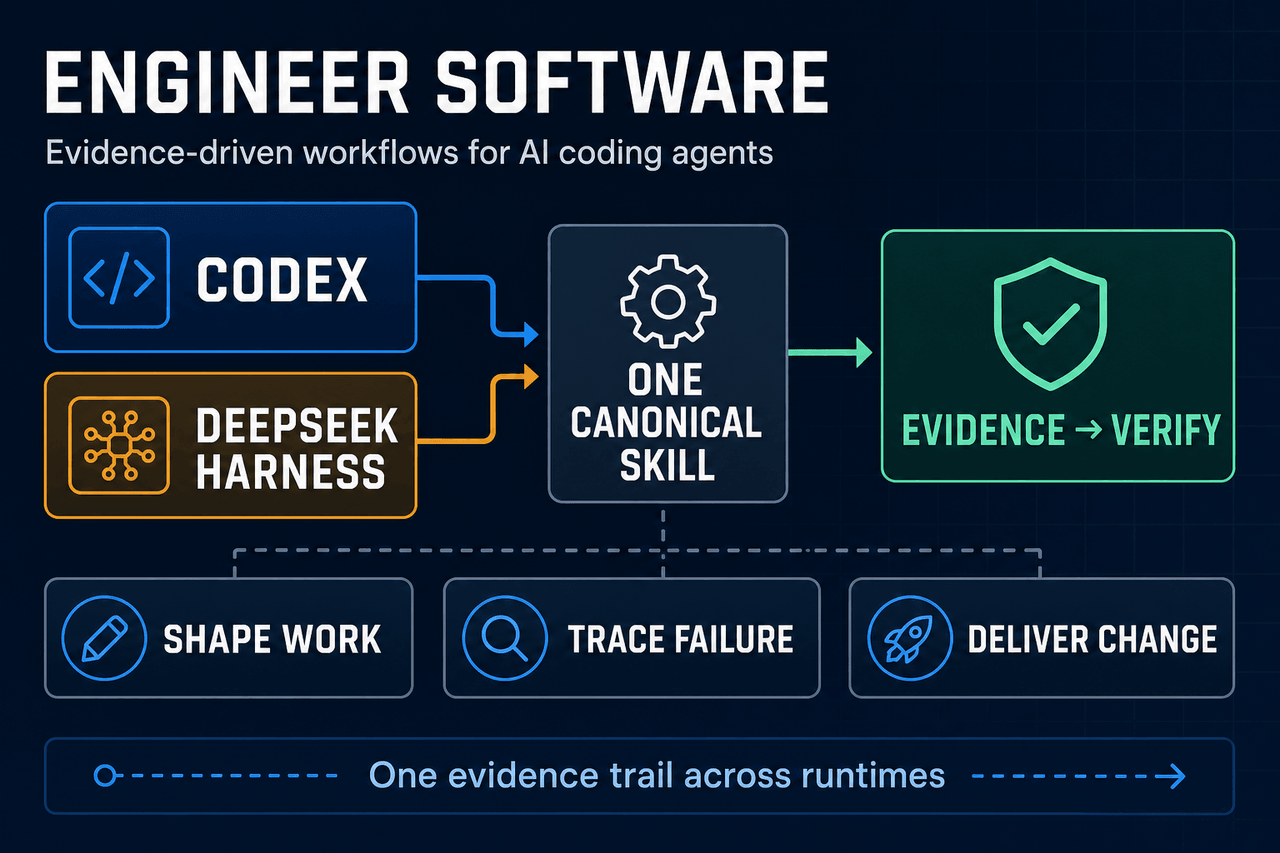 KirschBluteX/engineer-software
Evidence-driven engineering workflows for Codex and DeepSeek Harness, backed by deterministic routing and behavior evalu…
KirschBluteX/engineer-software
Evidence-driven engineering workflows for Codex and DeepSeek Harness, backed by deterministic routing and behavior evalu…
- jeremy9682/dsh-skill-pack 11 shareable workflow skills for DeepSeek Harness: handoffs, triage, specs, tickets, wayfinding, teaching, mode routing,…
-
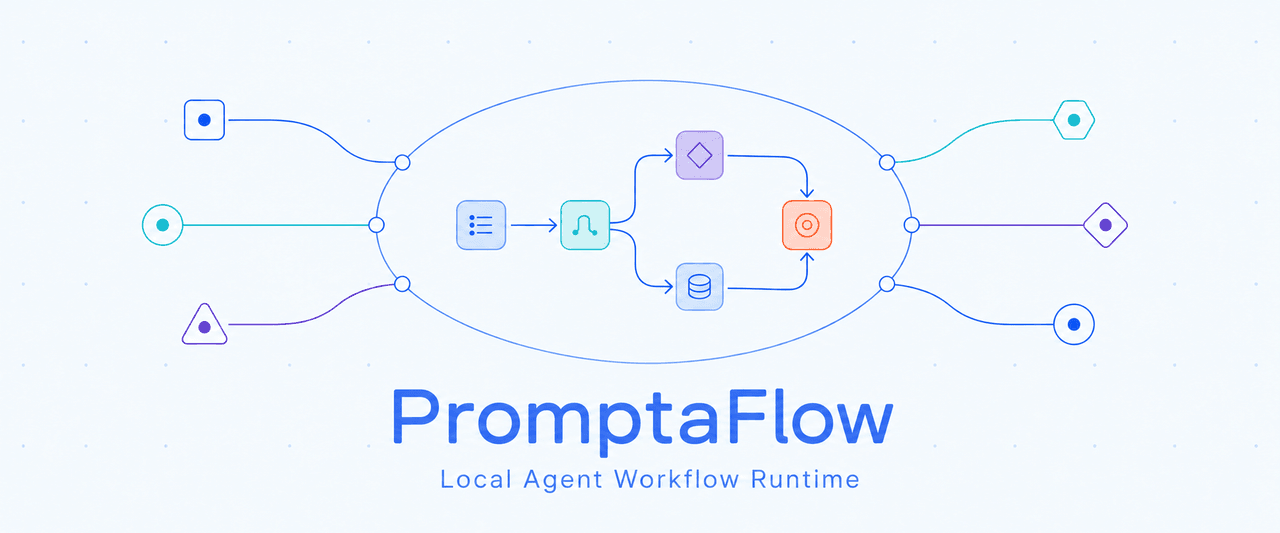 TNJ2026/promptaflow
Local-first, durable workflow runtime for Agent Apps—compile static Workflow DSL to LangGraph and orchestrate trusted mu…
TNJ2026/promptaflow
Local-first, durable workflow runtime for Agent Apps—compile static Workflow DSL to LangGraph and orchestrate trusted mu…
-
 tt-a1i/archify
Agent skill for beautiful, verifiable architecture, workflow, sequence, data-flow, and lifecycle diagrams—self-contained…
tt-a1i/archify
Agent skill for beautiful, verifiable architecture, workflow, sequence, data-flow, and lifecycle diagrams—self-contained…