AQian0/dsh-desktop
基于Tauri的简易dsh桌面端套壳 | A simple Tauri-based desktop wrapper for dsh
项目介绍Project Overview
dsh-desktop 是基于 Tauri 2 的桌面壳插件,为 dsh Web 界面提供原生窗口。@aqian0/dsh-desktop-plugin 检测 Web 运行时绑定回环端口后启动 dsh-desktop --attach,关闭窗口即退出配置文件。注意:插件需配合 dsh Web 捆绑包使用,且同源路由在窗口内导航,外链交由系统浏览器处理。
dsh-desktop is a Tauri 2 shell that wraps the dsh Web surface in a native desktop window. The @aqian0/dsh-desktop-plugin runs dsh-desktop --attach http://127.0.0.1:<port> once the Web runtime binds its loopback port, with the runtime as the parent process. Same-origin routes stay in the window; external links and mailto:/tel: are handed to the system default handler.
请帮我了解并安装插件:【dsh-desktop】【https://github.com/AQian0/dsh-desktop】把上面这条消息直接发给当前会话里的 DSH,让它帮你了解并安装。安装命令不一定准确,发给 DSH 更稳。Send this message to DSH in your current session. CLI install commands may not be accurate across systems — DSH will figure it out for you.
或使用命令行安装(适合开发者)Or use CLI install (for developers)
命令行安装CLI Install
dsh plugin --profile desktop add @aqian0/dsh-desktop-plugin把 AQian0/dsh-desktop 加入你的 DSH 配置(web profile)即可启用。
READMEREADME
dsh-desktop
English | 中文
A Tauri 2 desktop shell for the DeepSeek Harness Web surface. The dsh plugin
@aqian0/dsh-desktop-plugin launches dsh-desktop --attach http://127.0.0.1:<port>
once the Web runtime binds its loopback port, and opens the Web app in a single
desktop window. The runtime remains the parent process; closing the window exits
the profile, and the window never outlives the runtime.
Prerequisites
dshCLI:npm i -g @deepseek-ai/dsh- For source installs: Node.js + pnpm, Rust, and the Tauri platform prerequisites.
Installation
Quick install as a dsh plugin
dsh plugin --profile desktop add @aqian0/dsh-desktop-plugin
dsh --profile desktop
The plugin package ships per-platform prebuilt shell binaries through
optionalDependencies, so no Rust toolchain is required. Its bundle layer also
pins web-runtime.openBrowser to false, so dsh --profile desktop opens
only the desktop window and never hands the URL to the system default browser.
Inside the shell, same-origin Web app routes keep navigating in the window,
while links to other origins and mailto:/tel: links are handed to the
system default browser or app.
If the profile was newly created and has no Web bundle, set
dsh.profile.bundles in ~/.dsh/profiles/desktop/package.json to:
["@deepseek-ai/dsh-base", "@deepseek-ai/dsh-web-app", "@aqian0/dsh-desktop-plugin"]
@deepseek-ai/dsh-web-app resolves from the installed dsh; do not add it from
npm.
Manual install from source
git clone https://github.com/aqian0/dsh-desktop.git
cd dsh-desktop
pnpm install
pnpm shell:build
pnpm plugin:install   # adds ./plugin to the desktop profile and configures bundles
DSH_DESKTOP_BIN=src-tauri/target/debug/dsh-desktop dsh --profile desktop
pnpm plugin:install is idempotent; after pulling changes re-run
pnpm shell:build && pnpm plugin:install.
Build and packaging
pnpm build:no-bundle              # release binary
pnpm build                        # release binary + platform installers
pnpm package:current -- --build   # package plugin + current-platform binary for npm
pnpm plugin:smoke                 # GUI-free lifetime smoke test
License
MIT — see LICENSE. The app icon under icons-src/ and
src-tauri/icons/ is derived from the DeepSeek Harness Web favicon and is used
under the same MIT license.
相关推荐Related
-
 nexu-io/open-design
🎨 Best DeepSeek Harness Design Plugin. The open-source Claude Design alternative. 🖥️ Local-first desktop app. 🖼️ Your…
nexu-io/open-design
🎨 Best DeepSeek Harness Design Plugin. The open-source Claude Design alternative. 🖥️ Local-first desktop app. 🖼️ Your…
-
 amruthpillai/reactive-resume
A one-of-a-kind resume builder that keeps your privacy in mind. Completely secure, customizable, portable, open-source a…
amruthpillai/reactive-resume
A one-of-a-kind resume builder that keeps your privacy in mind. Completely secure, customizable, portable, open-source a…
-
 esengine/DeepSeek-Reasonix
DeepSeek-native AI coding agent for your terminal. Engineered around prefix-cache stability — leave it running.
esengine/DeepSeek-Reasonix
DeepSeek-native AI coding agent for your terminal. Engineered around prefix-cache stability — leave it running.
-
 anywhere-labs/deepseek-harness-desktop
为 DeepSeek Harness (DSH) 插件生态打造的现代化桌面端解决方案。万物皆「插件」,桌面本身也是「插件」。
anywhere-labs/deepseek-harness-desktop
为 DeepSeek Harness (DSH) 插件生态打造的现代化桌面端解决方案。万物皆「插件」,桌面本身也是「插件」。
-
 walkinglabs/learn-harness-engineering
Harness engineering beginner tutorial, from 0 to 1
walkinglabs/learn-harness-engineering
Harness engineering beginner tutorial, from 0 to 1
-
 YaoApp/yao
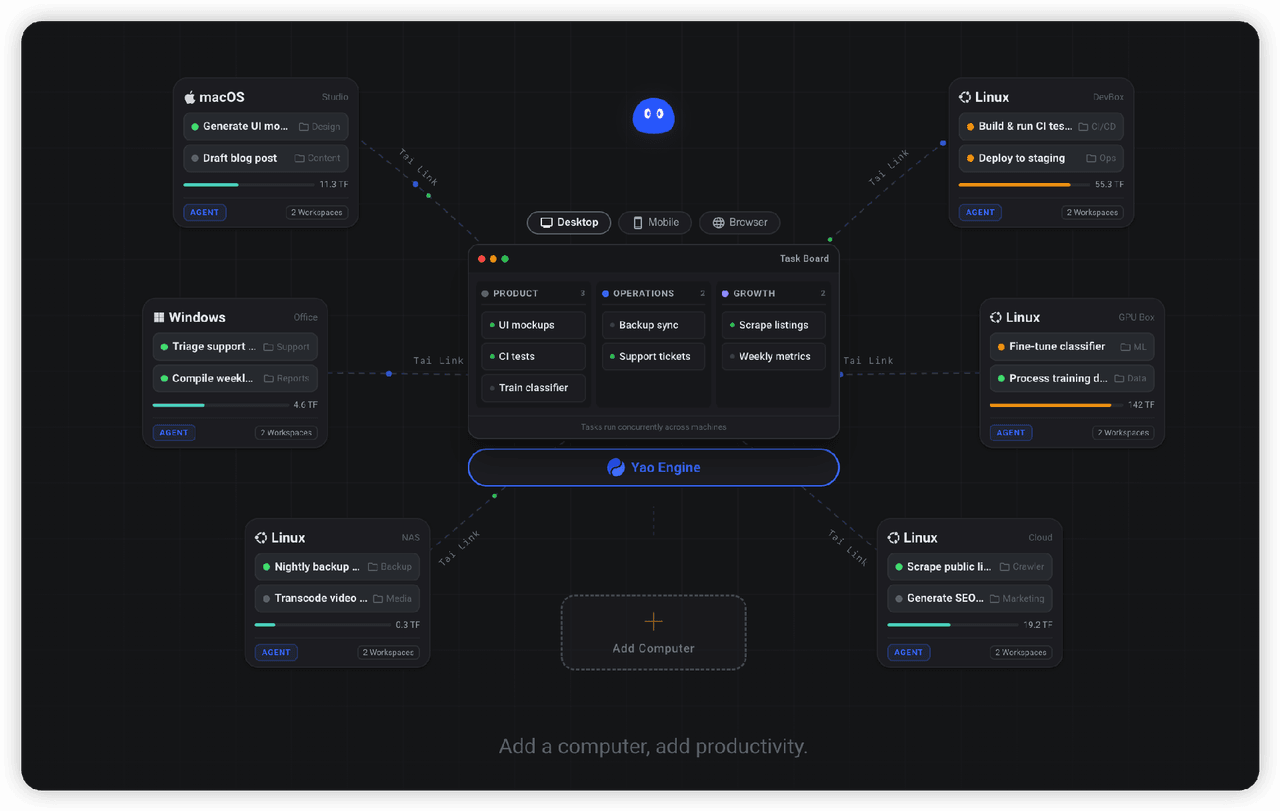
✨ All your agents and workspaces in one place, on every device you own. Track tasks on a board, accessible from desktop,…
YaoApp/yao
✨ All your agents and workspaces in one place, on every device you own. Track tasks on a board, accessible from desktop,…
- yjh051108/dsh-routing-suite dsh-routing-suite — injector + router-standard kit: install the runtime injector first, then the task-aware reasoning-mo…
-
 Devin-AXIS/iPolloWork
Enterprise-grade, local-first Agent Workbench for people and agent teams. A unified multi-engine workspace for Codex Har…
Devin-AXIS/iPolloWork
Enterprise-grade, local-first Agent Workbench for people and agent teams. A unified multi-engine workspace for Codex Har…