Better-Rain/dsh-plugin-photoshop
让 DeepSeek Harness 的 AI 直接驱动你本机的 Photoshop:批量抠图、批量处理、任意 PS 脚本。7 个工具、93 个操作、零依赖。
Project Overview项目介绍
dsh-plugin-photoshop is a resident plugin built specifically for DeepSeek Harness: once installed through dsh plugin --profile web add github:better-rain/dsh-plugin-photoshop (or, after an npm release, the short name dsh-plugin-photoshop), it registers seven tools that let the AI drive a local Adobe Photoshop on Windows through the COM automation interface. Internally the plugin shells out to PowerShell, which attaches to the version-independent Photoshop.Application COM service and calls DoJavaScript() with generated ExtendScript; JSON parameters are embedded as JavaScript literals and results are returned via UTF-8 files to avoid PowerShell's console codepage issues, so no ffmpeg, no Python, and no @deepseek-ai/* framework packages are required. A restart of dsh web is needed after installation, and any profile that registers a tools service can host the plugin; web is the verified profile.
The typical workflow is one-shot natural-language control of real Photoshop: for example, telling the model to cut out the subject from every frame in D:\frames and write the results to D:\cutouts. The default cutout mode uses Photoshop's built-in autoCutout (the selectSubject action ID is reported as unavailable), which the README states is more accurate than open-source matting models for people, products, and illustrations; a remove-background mode is also available as a fallback. Every batch is collapsed into a single undo step so the user can press Ctrl+Z once to revert, and a complementary photoshop skill is loaded on demand to teach the model about layer addressing, safety guardrails, and counter-intuitive traps such as new layers being fully transparent, the background layer needing to be unlocked before clearing pixels, and layer groups not being directly fillable. It targets Windows-based operators, designers, and asset-pipeline users who want AI to act on their real Photoshop installation rather than just emit code.
Hard constraints and limits: Windows only (the COM automation path is not portable to macOS or Linux), Photoshop 2026 / 27.0 fully verified, "Select Subject" requires 2020 or newer, Node.js 20 or higher (already required by DSH itself). The plugin is offline, never uploads data, never saves input documents, never closes documents the user opened themselves, never mutates Photoshop preferences, and by default never overwrites existing output unless overwrite: true is passed; script-time dialog suppression is restored immediately after each run. On first call Photoshop may cold-start and take over a minute, so larger batches should increase timeout_ms. Capabilities known to be unavailable include the full Matting menu, Neural Filters, Generative Fill, Camera Raw filters, low-version-missing commands, and "Play Recorded Action" (its modal dialog cannot be dismissed from script). License is MIT; the project is an independent community effort and is not affiliated with or endorsed by DeepSeek AI or DeepSeek Harness.
dsh-plugin-photoshop 是一个面向 DeepSeek Harness 的常驻插件,安装后会给 AI 装配 7 个工具,用来在 Windows 上通过 COM 自动化接口驱动本机的 Adobe Photoshop。它借由 Photoshop 的 DoJavaScript() 通道执行生成的 ExtendScript,整批操作合并成一次 COM 往返,结果通过 UTF-8 文件回传,因此不依赖 ffmpeg、Python 或任何 @deepseek-ai/* 框架包。安装方式为 dsh plugin --profile web add github:better-rain/dsh-plugin-photoshop,npm 包名 dsh-plugin-photoshop 未来也可直接使用,装完需重启 dsh web 生效;任何注册了 tools 服务的 profile 都可加载。
典型场景是用一句话驱动 Photoshop 完成批量抠图、批量导出或运行任意 PS 脚本,例如让 AI 把 D:\frames 中的全部帧用「选择主体」抠出人物并写入 D:\cutouts。插件默认走 Photoshop 自带的 autoCutout(select-subject)模式,比开源抠图模型更适合人物、产品、插画;同时支持 remove-background 模式。每次执行会把若干步骤封装为一个 undo 步,用户按一次 Ctrl+Z 即可全部撤销;附加的 photoshop 技能按需加载,告诉模型图层寻址、不伤用户文件的红线与新图层默认全透明、背景层需先解锁等反直觉的坑。它适合需要在 Windows 工作流里把 AI 与真实 Photoshop 联动起来的运营、设计与素材整理人员。
依赖与限制:操作系统仅限 Windows,macOS 与 Linux 不支持;Photoshop 2026 / 27.0 已完整验证,「选择主体」需 2020 及以上版本,Node.js 20 或更高。插件不联网、不上传数据、不修改输入文件、不关闭用户已打开的文档、不改动 PS 偏好、不覆盖已有输出(除非显式传 overwrite: true)。首次调用若 Photoshop 未运行会冷启动,可能耗时一分钟以上;批处理大文件时可调大 timeout_ms。已知无法无头覆盖的能力包括整个修边菜单、Neural Filters、生成式填充、Camera Raw 滤镜、低版本缺失命令,以及会弹不可关闭对话框的「播放录制动作」。授权为 MIT,独立社区项目,与 DeepSeek AI / DeepSeek Harness 官方无隶属关系。
请帮我安装这个 DSH 插件。安装前先完成【兼容性检查 + 安全性检查】,检查通过再动手。

插件:dsh-plugin-photoshop(Better-Rain/dsh-plugin-photoshop)
仓库:https://github.com/Better-Rain/dsh-plugin-photoshop
本站详情页:https://www.yhbd.top/plugins/better-rain-dsh-plugin-photoshop/
本站登记:类型 plugin · 归类 原生 DSH 插件 · 许可证 MIT · ⭐ 3 · 最近提交 2026-09-15 · 主语言 JavaScript

按下面顺序执行,每步先把结论告诉我,再进入下一步:

【1 兼容性检查】
① 我这边:DSH 版本、Node 版本、操作系统、当前 profile(web / desktop)。
② 读它的 README、package.json、插件 manifest,列出它要求的 DSH 版本 / Node 版本 / 操作系统 / 外部依赖 / 需要另外先装的运行时。
③ 逐条比对,结论只写「满足 / 不满足 / 未知」三种;不满足的给出可行替代方案。
④ 检查是否和我已装的插件冲突:命令名重复、skill / tool 重名、端口占用、重复注册的 MCP server。

【2 安全性检查】
① 仓库可信度:和上面「本站登记」是否一致;star / fork 数、创建时间、最近提交,是否归档或长期停更。
② 安装脚本:逐行看 package.json 的 preinstall / install / postinstall,以及 install.sh、setup.ps1 之类脚本。出现 curl|bash、下载后直接执行、混淆代码、访问与插件功能无关的域名,立刻停下来告诉我,不要继续装。
③ 依赖:列出新增依赖,标出无人维护、或与知名包拼写近似的可疑包(typosquatting)。
④ 权限与副作用:它会读写哪些目录、访问哪些域名、需要哪些 DSH 权限(filesystem / network / shell / clipboard 等),以及怎么卸载和回滚。
⑤ 如果它要求 sudo / 管理员权限,或权限明显超出功能所需,先停下来问我。

【3 安装】
上面两步没有「不满足」和「高危项」时才执行;用官方推荐方式安装,不要自行提权。

【4 汇报】
用表格输出:检查项 / 结论 / 依据 / 是否需要我决策。拿不准的一律写「未知」并说明要我怎么确认——不要猜,也不要替我决定。
Send this message to DSH in your current session: it verifies compatibility and security first (answering met / not met / unknown item by item) and only installs once everything checks out — it will stop and ask you if it finds a high-risk item. The box scrolls; the copy is the full prompt. CLI install commands may not be accurate across systems, so DSH is the safer route.把上面这条消息直接发给当前会话里的 DSH:它会先核对兼容性与安全性(逐条给「满足 / 不满足 / 未知」),确认没问题再安装,有高危项会停下来问你。框内可滚动,复制到的是完整提示词;安装命令不一定准确,发给 DSH 更稳。
- Only 3 stars - very few users, little community feedback星标只有 3,几乎没人在用,遇到问题缺少社区反馈
DSH walks through these 9 checksDSH 会逐条核对这 9 项
Compatibility兼容性
- DSH, Node, OS and profile requirementsDSH 版本 / Node 版本 / 操作系统 / profile 是否满足要求
- External dependencies and runtimes (Electron / Python / Docker, ...)外部依赖与运行时(Electron / Python / Docker 等)是否齐备
- Conflicts with installed plugins: command names, skill / tool names, ports, duplicate MCP registration与已装插件是否冲突:命令名、skill / tool 重名、端口占用、重复 MCP 注册
Security安全性
- Repo matches the facts registered here; archived or abandoned?仓库是否与页面登记一致,是否归档或长期停更
- Safety of preinstall / install / postinstall and install.sh / setup.ps1preinstall / install / postinstall 与 install.sh、setup.ps1 是否安全
- curl|bash, download-then-execute, obfuscation, unrelated domains → stop immediatelycurl|bash、下载即执行、混淆代码、无关域名 → 立刻停止
- Typosquatting or unmaintained packages among the new dependencies新增依赖里有没有 typosquatting 或无人维护的包
- Requested permissions vs. what the feature actually needs申请了哪些权限、是否超出功能所需(filesystem / network / shell / clipboard)
- Any sudo / admin requirement, plus uninstall and rollback是否要求 sudo / 管理员权限,以及卸载与回滚方式
Anything uncertain must be marked unknown with a note on how to confirm it. This site's signal screen is a static snapshot, not a security audit.拿不准的必须标「未知」并说明要我怎么确认。本站的信号筛查是静态快照,不能替代安全审计。
Or use CLI install (for developers)或使用命令行安装(适合开发者)
CLI Install命令行安装
dsh plugin --profile web add dsh-plugin-photoshop把 Better-Rain/dsh-plugin-photoshop 加入你的 DSH 配置(web profile)即可启用。
READMEREADME
dsh-plugin-photoshop
让 DeepSeek Harness 里的 AI 直接驱动你本机的 Adobe Photoshop:批量抠图、批量处理、跑任意 PS 脚本,不用你手动一张张点。装上之后,说一句话就能让 Photoshop 自己干活。


简体中文 · English
30 秒看懂
| 它是什么 | 一个常驻的 DSH 插件,给 AI 装上 7 个工具,用来驱动你本机的 Adobe Photoshop |
| 装完会怎样 | 你可以说「把这批图抠出人物」「把每个图层导出成单独文件」,AI 直接在 Photoshop 里做完,不是给你一段代码 |
| 和别的方案比 | 用的是 Photoshop 自己的「选择主体」——在人物、产品、插画上明显强于开源抠图模型 |
| 代价 | 需要 Windows + 本机装好的 Photoshop。不联网,不上传,零第三方依赖 |
它解决什么问题
想从一段视频里抽帧、再把画面里的人物抠出来当素材时,Photoshop 的「选择主体」比开源抠图模型准得多,但 AI 助手够不到你电脑上的 Photoshop,只能你自己一张张手动做。
装上这个插件之后,你只要说一句:
把
D:\frames里所有图抠出人物,输出到D:\cutouts
AI 就会调用本机 Photoshop 把整批做完,产出带透明通道的 PNG,并逐张报告结果。
实际输出
下面都是真实运行结果,不是示意。
批量抠图 —— 40 帧,单次调用(每张还报出边缘质量:部分透明像素的数量,也就是轮廓上软过渡带的宽度)
Photoshop cutout — mode select-subject, 40 image(s) queued
succeeded 40, failed 0, skipped 0
output: D:\cutouts
[ok]   male_station_000.png -> male_station_000.png  670x874 -> 670x874 (alpha, soft edge (4869 partial pixels, 0.83%))
[ok]   male_station_001.png -> male_station_001.png  671x874 -> 671x874 (alpha, soft edge (4739 partial pixels, 0.81%))
[ok]   male_station_002.png -> male_station_002.png  672x874 -> 672x874 (alpha, soft edge (4797 partial pixels, 0.82%))
一个计划 = 一个 undo 步 —— 46 个操作,用户按一次 Ctrl+Z 全部撤销
Applied 46 operations in a single undo step:
  1. select_all          7. fill              13. black_white      19. posterize
  2. contract            8. save_selection    14. auto_levels      20. equalize
  3. feather             9. deselect          15. auto_contrast    21. gaussian_blur
  4. fill               10. load_selection    16. desaturate       22. motion_blur
  5. save_selection     11. deselect          17. invert           23. radial_blur
  6. deselect           12. levels            18. threshold        24. smart_blur
  ...
动手之前先干跑,抓出写错的图层名(一个像素都不改,测试用 history 状态数前后一致来证明)
Dry run — 3 operations, nothing applied
  1. select_all           ok    target = the active layer, "Green"
  2. gaussian_blur        ok    target "Canvas" -> "Canvas"
  3. gaussian_blur        FAIL  target "NoSuchLayer": no layer named "NoSuchLayer" — run photoshop_inspect to see the layer tree

1 operation(s) name something that does not exist. Fix those before running the plan for real.
Showing the opening section of the README — the full document lives in the repository以上为 README 开头摘要,完整文档在仓库内 · View the full README on GitHub →在 GitHub 查看完整 README →
Related相关推荐
-
 chuspeeism/dashi-taskboard
现代化可灵活嵌入的任务面板,支持 Codex、DeepSeek Harness
chuspeeism/dashi-taskboard
现代化可灵活嵌入的任务面板,支持 Codex、DeepSeek Harness
-
 zhoushoujianwork/easyeda-agent
嘉立创EDA专业版(EasyEDA Pro)自动化:给 AI harness 装上画板的「手」—— 一套 typed 原理图/PCB 动作,CLI / Agent Skill / stdio MCP 三形态融合接入。承接嘉立创「不以卖板赚钱…
zhoushoujianwork/easyeda-agent
嘉立创EDA专业版(EasyEDA Pro)自动化:给 AI harness 装上画板的「手」—— 一套 typed 原理图/PCB 动作,CLI / Agent Skill / stdio MCP 三形态融合接入。承接嘉立创「不以卖板赚钱…
-
 morluto/rea
Reverse engineer anything with agents, from app behavior down to native binaries.
morluto/rea
Reverse engineer anything with agents, from app behavior down to native binaries.
-
 gitroomhq/postiz-agent
Postiz Agents CLI - connect it to Claude / OpenClaw / etc, to schedule social media posts 🤖
gitroomhq/postiz-agent
Postiz Agents CLI - connect it to Claude / OpenClaw / etc, to schedule social media posts 🤖
-
 linhay/harmony-next.skills
Offline HarmonyOS NEXT developer skill library for AI coding assistants. Covers API 12–26 declarations, ArkTS/ArkUI, NDK…
linhay/harmony-next.skills
Offline HarmonyOS NEXT developer skill library for AI coding assistants. Covers API 12–26 declarations, ArkTS/ArkUI, NDK…
-
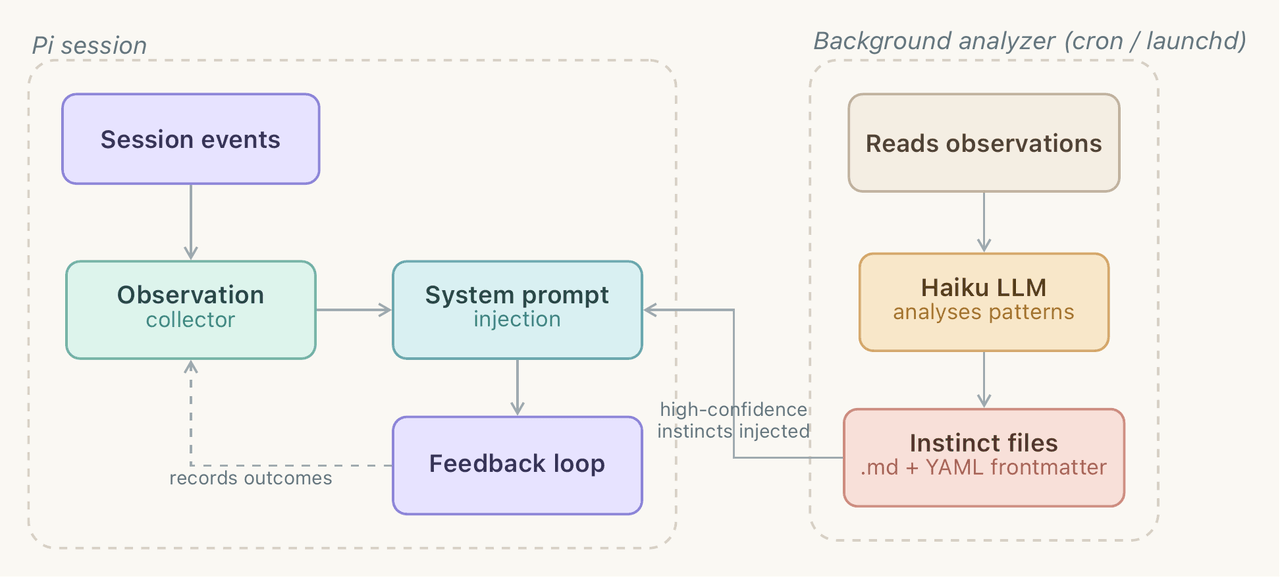 yzlnew/infra-skills
A collection of specialized agent skills for AI infrastructure development, enabling Claude Code to write, optimize, and…
yzlnew/infra-skills
A collection of specialized agent skills for AI infrastructure development, enabling Claude Code to write, optimize, and…
-
 liceses/dsh-gitbash-preset
DeepSeek Harness 插件:一键安装「极简模式 (Git Bash)」agent preset —— 把 DSH 自带极简模式中的 bash 调用映射到 Git for Windows 的 bash(MSYS),让 Window…
liceses/dsh-gitbash-preset
DeepSeek Harness 插件:一键安装「极简模式 (Git Bash)」agent preset —— 把 DSH 自带极简模式中的 bash 调用映射到 Git for Windows 的 bash(MSYS),让 Window…
-
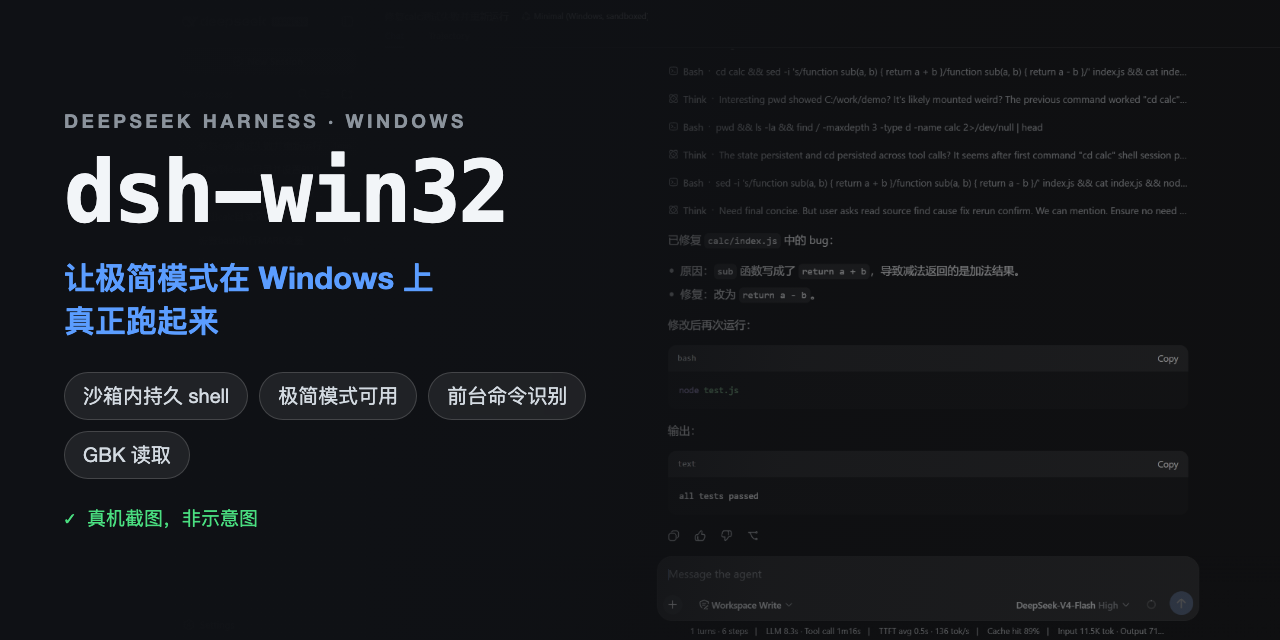 sjh9714/dsh-win32
Fix and diagnose DeepSeek Harness on native Windows. Official PowerShell, Workspace Write, shortcuts, and legacy preset …
sjh9714/dsh-win32
Fix and diagnose DeepSeek Harness on native Windows. Official PowerShell, Workspace Write, shortcuts, and legacy preset …