Big-Dao/dsh-plugin-wsl-env
Run a DeepSeek Harness session against a WSL distro: ctx.shell, ctx.fs and the GUI terminal served from inside the distro, sandboxed with bubblewrap
Project Overview项目介绍
dsh-plugin-wsl-env is a cordis plugin shipped as a DSH bundle manifest and exists solely for DeepSeek Harness on Windows hosts with WSL2 installed. It rebinds the harness's working environment to a chosen WSL distribution: commands execute inside the distro via wsl.exe -d <distro> --cd <linux> --exec <login shell> -lc <cmd>, file tools read and write the distro's real files rather than /mnt/c mirrors, the GUI folder picker lists installed distros at its root, and the right-sidebar New terminal opens a shell inside the same distro in the session folder. The README shows no support for any non-DSH target, and the product is not a generic MCP server or cross-agent launcher: it is layered on top of DSH's own terminal-controller, directory-picker, and file-system providers. Installation runs four commands in a Windows terminal — dsh wsl --from-default-profile web --dump-config, dsh plugin --profile wsl add dsh-plugin-wsl-env, dsh --profile wsl --dump-config, and dsh --profile wsl — and the second step applies cordis.patch.yml as a configuration layer rather than merging anything by hand.
The intended user is a DSH operator on Windows who wants the model to operate directly on Linux paths inside WSL without copying files across the 9p share. A typical session opens \\wsl.localhost\ubuntu\home\you\project as the workspace, after which a prompt such as "what kernel am I on, and what is in /etc/os-release" runs uname -r and reads that file through the distro's own filesystem. The wsl preset is bound at session creation so the very first tool call already targets the correct distro, and DSH_WSL_DISTRO, DSH_WSL_SHELL, and DSH_WSL_HOME are registered in the managed DSH_* namespace so the model can see its shell environment. The Permissions selector switches between read-only, workspace-write (the default), and danger-full-access; a refused command or write returns alongside an offer to rerun that single call with wider permissions, except for FS_OUTSIDE_DISTRO, which is a path-policy refusal that cannot be lifted by expanding permissions. Configuration overrides go into $DSH_HOME/profiles/<name>/cordis.patch.yml keyed by row id, with distro, sandbox, restrictToDistro, and includeHostHome as the rows the README highlights.
Dependencies are minimal: Node 22.8+ for the coverage script, npm test runs on Node 20, 22, and 24 across Linux and Windows CI, and the only runtime prerequisite inside the distro is bubblewrap from apt, without which every command fails closed by the sandbox. The package itself has no third-party dependencies and every tested module imports only Node built-ins, so there is nothing to install beyond the bundle manifest itself. There are several limits a first-time user should know about: pnpm cannot link a \\wsl.localhost\... UNC path and will leave a broken symlink, so developing inside the distro needs the runtime mirror; glob and grep stay slow because the Windows-side ripgrep walks the 9p share, and the README recommends narrowing the path or invoking the tool from bash; shell activity reads unknown when the session is opened inside WSL, and idle reclamation does not run for those terminals. Any change under lib/ requires restarting DSH to clear the ES-module cache, and the project is distributed under the MIT license.
dsh-plugin-wsl-env 是一个面向 DeepSeek Harness(DSH)的 cordis 插件,仅支持 Windows 配合 WSL2 使用。它会把一个 WSL 发行版作为 DSH 的工作环境:在发行版内部执行命令,文件读写直接落盘到发行版的真实文件,文件夹选择器列出已安装的发行版,GUI 终端也在发行版内部启动,并以 wsl.exe -d <distro> --cd <linux> --exec <login shell> -lc <cmd> 形式保留 PATH、nvm、cargo、pyenv 等 rc 配置。安装流程为在 Windows 终端依次执行 dsh wsl --from-default-profile web --dump-config、dsh plugin --profile wsl add dsh-plugin-wsl-env、dsh --profile wsl --dump-config 与 dsh --profile wsl,其中第 2 步会以 bundle-manifest 形式注入 cordis.patch.yml 配置层;随后在工作区打开 \\wsl.localhost\<distro>\... 即可。还需在发行版内 sudo apt install bubblewrap,否则命令会被默认沙箱一律拒绝。可用 dsh plugin --profile wsl remove dsh-plugin-wsl-env 卸载,重装同名命令即可升级。
该插件的典型用法是面向在 Windows 上工作、但希望模型直接读写 WSL 文件系统的 DSH 用户。打开 \\wsl.localhost\ubuntu\home\you\project 作为工作区后,向模型提问"当前内核与 /etc/os-release 内容",工具调用会通过 wsl.exe 在发行版内执行 uname -r 并读取该文件,路径不经过 /mnt/c,也不复制任何文件。它注册 DSH_WSL_DISTRO、DSH_WSL_SHELL、DSH_WSL_HOME 等 DSH_* 命名空间环境变量,并把 wsl 预设绑定到会话创建阶段,使首个工具调用就处于正确的发行版上下文。Permissions 选择器可在 read-only、workspace-write(默认)与 danger-full-access 之间切换,被拒的写操作会附带一条用更宽权限重试的提议,用户批准后该次调用脱离沙箱运行。配置上可通过 $DSH_HOME/profiles/<name>/cordis.patch.yml 按 id 覆盖行:核心选项包括 wsl-shell 与 wsl-fs 的 distro、sandbox,directory-picker-wsl 的 includeHostHome,以及 subprocess-wsl 的 distro;restrictToDistro: true 会拒绝访问其它发行版的共享目录并返回 FS_OUTSIDE_DISTRO,该错误并非沙箱拒绝,无法通过扩大权限绕过。
依赖方面仅需 Node 22 以上的 npm 与发行版内的 bubblewrap,源码本身不携带任何运行时第三方依赖,每个被测试的模块仅引用 Node 内置模块。限制项需特别注意:在发行版内做开发时,pnpm 无法 link UNC 形式的 \\wsl.localhost\... 路径,会留下悬空符号链接;glob 与 grep 通过 9p 共享较慢,建议在发行版内通过 bash 跑工具;终端的 shell integration 仅覆盖直接在 POSIX 主机启动的 bash/zsh,会话在远程或 WSL 终端内的活动状态可能显示为 unknown。首次运行注意:任何 lib/ 下的改动都需要重启 DSH 进程以清空 ES 模块缓存;CI 在 Node 20/22/24 的 Linux 与 Windows 上跑 npm test,覆盖率脚本需 Node 22.8+;许可证为 MIT,详见 LICENSE。
请帮我安装这个 DSH 插件。安装前先完成【兼容性检查 + 安全性检查】,检查通过再动手。

插件:dsh-plugin-wsl-env(Big-Dao/dsh-plugin-wsl-env)
仓库:https://github.com/Big-Dao/dsh-plugin-wsl-env
本站详情页:https://www.yhbd.top/plugins/big-dao-dsh-plugin-wsl-env/
本站登记:类型 bundle · 归类 原生 DSH 插件 · 许可证 MIT · ⭐ 2 · 最近提交 2026-10-03 · 主语言 JavaScript

按下面顺序执行,每步先把结论告诉我,再进入下一步:

【1 兼容性检查】
① 我这边:DSH 版本、Node 版本、操作系统、当前 profile(web / desktop)。
② 读它的 README、package.json、插件 manifest,列出它要求的 DSH 版本 / Node 版本 / 操作系统 / 外部依赖 / 需要另外先装的运行时。
③ 逐条比对,结论只写「满足 / 不满足 / 未知」三种;不满足的给出可行替代方案。
④ 检查是否和我已装的插件冲突:命令名重复、skill / tool 重名、端口占用、重复注册的 MCP server。

【2 安全性检查】
① 仓库可信度:和上面「本站登记」是否一致;star / fork 数、创建时间、最近提交,是否归档或长期停更。
② 安装脚本:逐行看 package.json 的 preinstall / install / postinstall,以及 install.sh、setup.ps1 之类脚本。出现 curl|bash、下载后直接执行、混淆代码、访问与插件功能无关的域名,立刻停下来告诉我,不要继续装。
③ 依赖:列出新增依赖,标出无人维护、或与知名包拼写近似的可疑包(typosquatting)。
④ 权限与副作用:它会读写哪些目录、访问哪些域名、需要哪些 DSH 权限(filesystem / network / shell / clipboard 等),以及怎么卸载和回滚。
⑤ 如果它要求 sudo / 管理员权限,或权限明显超出功能所需,先停下来问我。

【3 安装】
上面两步没有「不满足」和「高危项」时才执行;用官方推荐方式安装,不要自行提权。

【4 汇报】
用表格输出:检查项 / 结论 / 依据 / 是否需要我决策。拿不准的一律写「未知」并说明要我怎么确认——不要猜,也不要替我决定。
Send this message to DSH in your current session: it verifies compatibility and security first (answering met / not met / unknown item by item) and only installs once everything checks out — it will stop and ask you if it finds a high-risk item. The box scrolls; the copy is the full prompt. CLI install commands may not be accurate across systems, so DSH is the safer route.把上面这条消息直接发给当前会话里的 DSH:它会先核对兼容性与安全性(逐条给「满足 / 不满足 / 未知」),确认没问题再安装,有高危项会停下来问你。框内可滚动,复制到的是完整提示词;安装命令不一定准确,发给 DSH 更稳。
- Only 2 stars - very few users, little community feedback星标只有 2,几乎没人在用,遇到问题缺少社区反馈
DSH walks through these 9 checksDSH 会逐条核对这 9 项
Compatibility兼容性
- DSH, Node, OS and profile requirementsDSH 版本 / Node 版本 / 操作系统 / profile 是否满足要求
- External dependencies and runtimes (Electron / Python / Docker, ...)外部依赖与运行时(Electron / Python / Docker 等)是否齐备
- Conflicts with installed plugins: command names, skill / tool names, ports, duplicate MCP registration与已装插件是否冲突:命令名、skill / tool 重名、端口占用、重复 MCP 注册
Security安全性
- Repo matches the facts registered here; archived or abandoned?仓库是否与页面登记一致,是否归档或长期停更
- Safety of preinstall / install / postinstall and install.sh / setup.ps1preinstall / install / postinstall 与 install.sh、setup.ps1 是否安全
- curl|bash, download-then-execute, obfuscation, unrelated domains → stop immediatelycurl|bash、下载即执行、混淆代码、无关域名 → 立刻停止
- Typosquatting or unmaintained packages among the new dependencies新增依赖里有没有 typosquatting 或无人维护的包
- Requested permissions vs. what the feature actually needs申请了哪些权限、是否超出功能所需(filesystem / network / shell / clipboard)
- Any sudo / admin requirement, plus uninstall and rollback是否要求 sudo / 管理员权限,以及卸载与回滚方式
Anything uncertain must be marked unknown with a note on how to confirm it. This site's signal screen is a static snapshot, not a security audit.拿不准的必须标「未知」并说明要我怎么确认。本站的信号筛查是静态快照,不能替代安全审计。
Or use CLI install (for developers)或使用命令行安装(适合开发者)
CLI Install命令行安装
dsh plugin --profile wsl add dsh-plugin-wsl-env把 Big-Dao/dsh-plugin-wsl-env 加入你的 DSH 配置(web profile)即可启用。
READMEREADME
dsh-plugin-wsl-env
English · 中文


This plugin lets DeepSeek Harness use a WSL distro as its working environment: commands run inside the distro, the model's file tools read and write real distro files, the folder picker can open a distro folder, and the GUI terminal opens inside the distro.
Windows + WSL2 only. One install command, no dependencies of its own. The environment applies per session, so a session on a Windows folder keeps its normal Windows environment.
Install · Using it · Configure · Recipes · Architecture · Sandbox · Troubleshooting · Development · Documentation
Install
Run these four commands in a Windows terminal:
dsh wsl --from-default-profile web --dump-config   # 1. create the profile from the Web template
dsh plugin --profile wsl add dsh-plugin-wsl-env    # 2. install the code and its configuration layer
dsh --profile wsl --dump-config                    # 3. compose only, no boot (the fast check)
dsh --profile wsl                                  # 4. run
Step 3 should print a layer named # == dsh-plugin-wsl-env, and - id: terminal-controller should now carry shell: { path: wsl.exe, name: WSL }. The package is a DSH bundle, so step 2 applies cordis.patch.yml as a configuration layer; nothing is merged by hand.
Then open a folder under \\wsl.localhost\<distro>\... in the GUI. The picker lists every installed distro at its root level, and New terminal opens a shell in the distro.
You also need bubblewrap inside the distro: run npm run bootstrap -- <distro> --install (drop --install for a read-only check), or paste wsl.exe -d <distro> -u root -- apt-get install -y bubblewrap. Without it every command fails closed, see Sandbox.
Showing the opening section of the README — the full document lives in the repository以上为 README 开头摘要,完整文档在仓库内 · View the full README on GitHub →在 GitHub 查看完整 README →
Related相关推荐
-
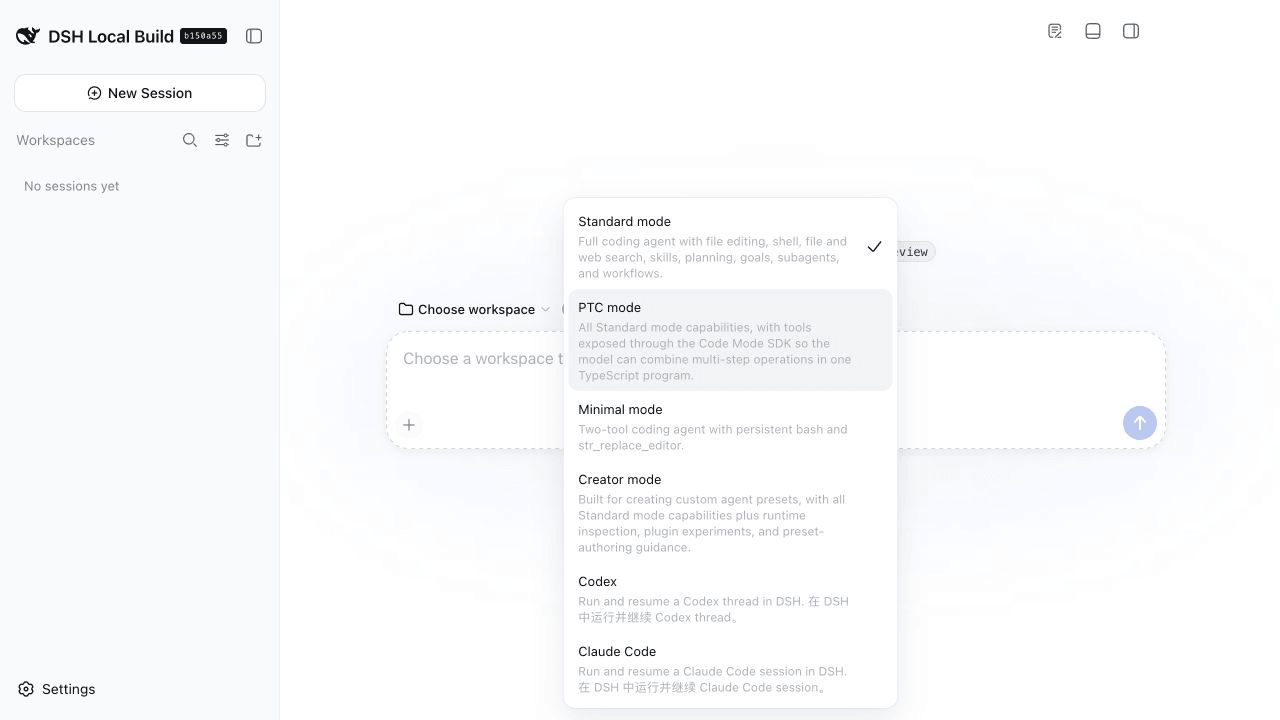 yangbobo2021/relay-dsh-plugin-codex
Codex integration plugin for DeepSeek Harness, providing native Codex conversations powered by the Codex App Server, wit…
yangbobo2021/relay-dsh-plugin-codex
Codex integration plugin for DeepSeek Harness, providing native Codex conversations powered by the Codex App Server, wit…
-
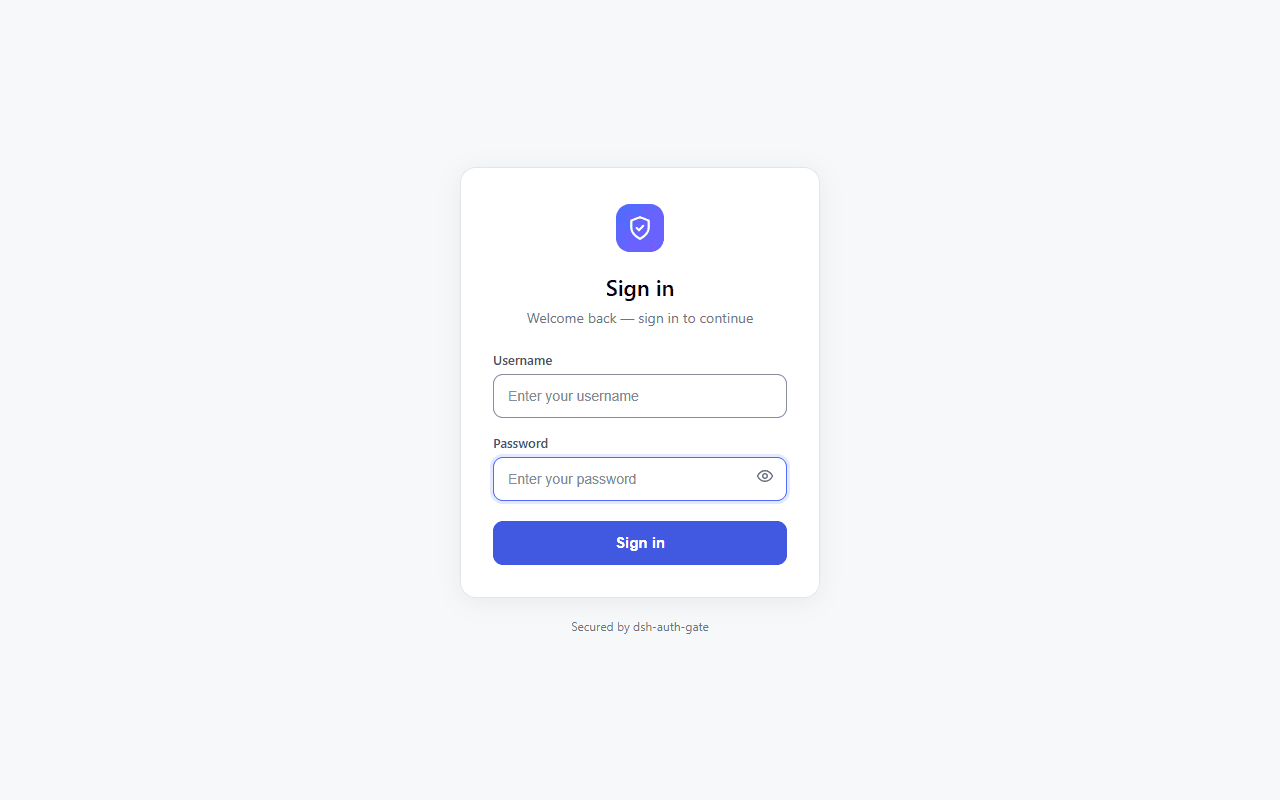 TecFancy/dsh-auth-gate
Login gate for the DeepSeek Harness (dsh) web surface: password or shared-token sign-in, optional TOTP two-factor, sessi…
TecFancy/dsh-auth-gate
Login gate for the DeepSeek Harness (dsh) web surface: password or shared-token sign-in, optional TOTP two-factor, sessi…
-
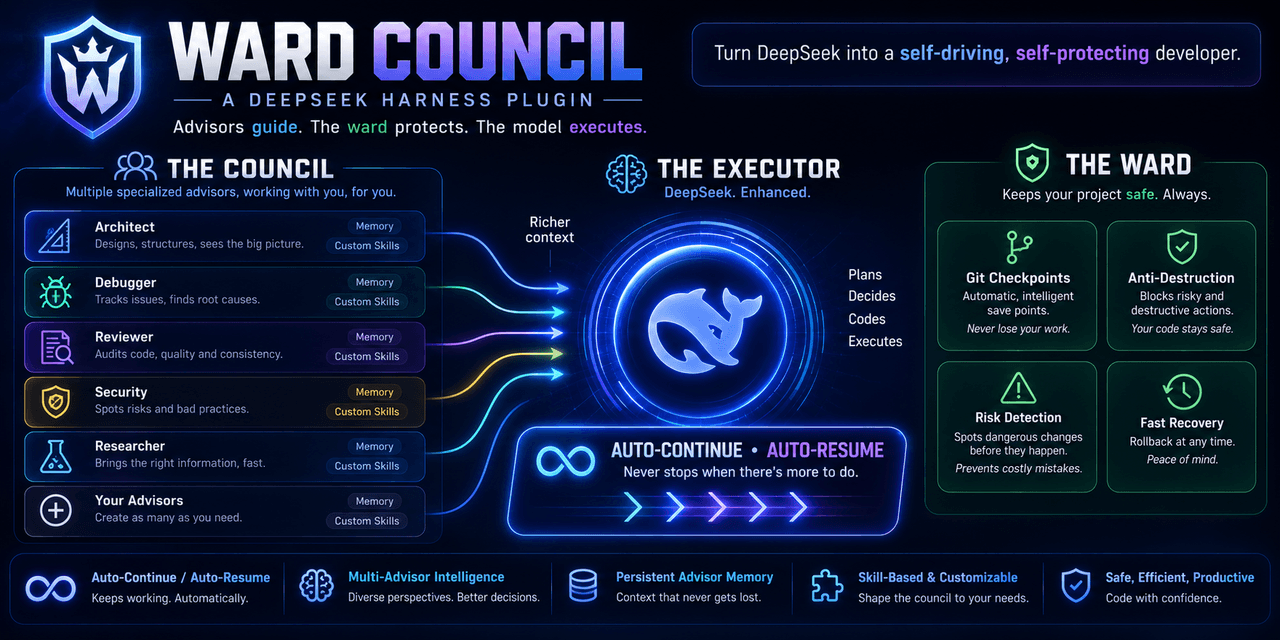 AndrasSama/dsh-omp-advisor
Ward concil is oh-my-pi advisor subsystem ported to DeepSeek Harness — independent reviewer models watch your agent and …
AndrasSama/dsh-omp-advisor
Ward concil is oh-my-pi advisor subsystem ported to DeepSeek Harness — independent reviewer models watch your agent and …
-
 ianho7/dsh-port-inspector
DeepSeek Harness 的 Windows Web 插件,可将本地 TCP 监听回溯至进程、会话与工具调用,保障编程助手安全处理端口冲突/A Windows DSH Web plugin for DeepSeek Harness …
ianho7/dsh-port-inspector
DeepSeek Harness 的 Windows Web 插件,可将本地 TCP 监听回溯至进程、会话与工具调用,保障编程助手安全处理端口冲突/A Windows DSH Web plugin for DeepSeek Harness …
-
 kenryu42/cc-safety-net
A pre-execution guard for AI coding agents. It blocks destructive Git and file system commands, plus common attempts to …
kenryu42/cc-safety-net
A pre-execution guard for AI coding agents. It blocks destructive Git and file system commands, plus common attempts to …
-
 hyhmrright/brooks-lint
AI code reviews grounded in 12 classic engineering books — decay risk diagnostics with book citations, severity labels, …
hyhmrright/brooks-lint
AI code reviews grounded in 12 classic engineering books — decay risk diagnostics with book citations, severity labels, …
-
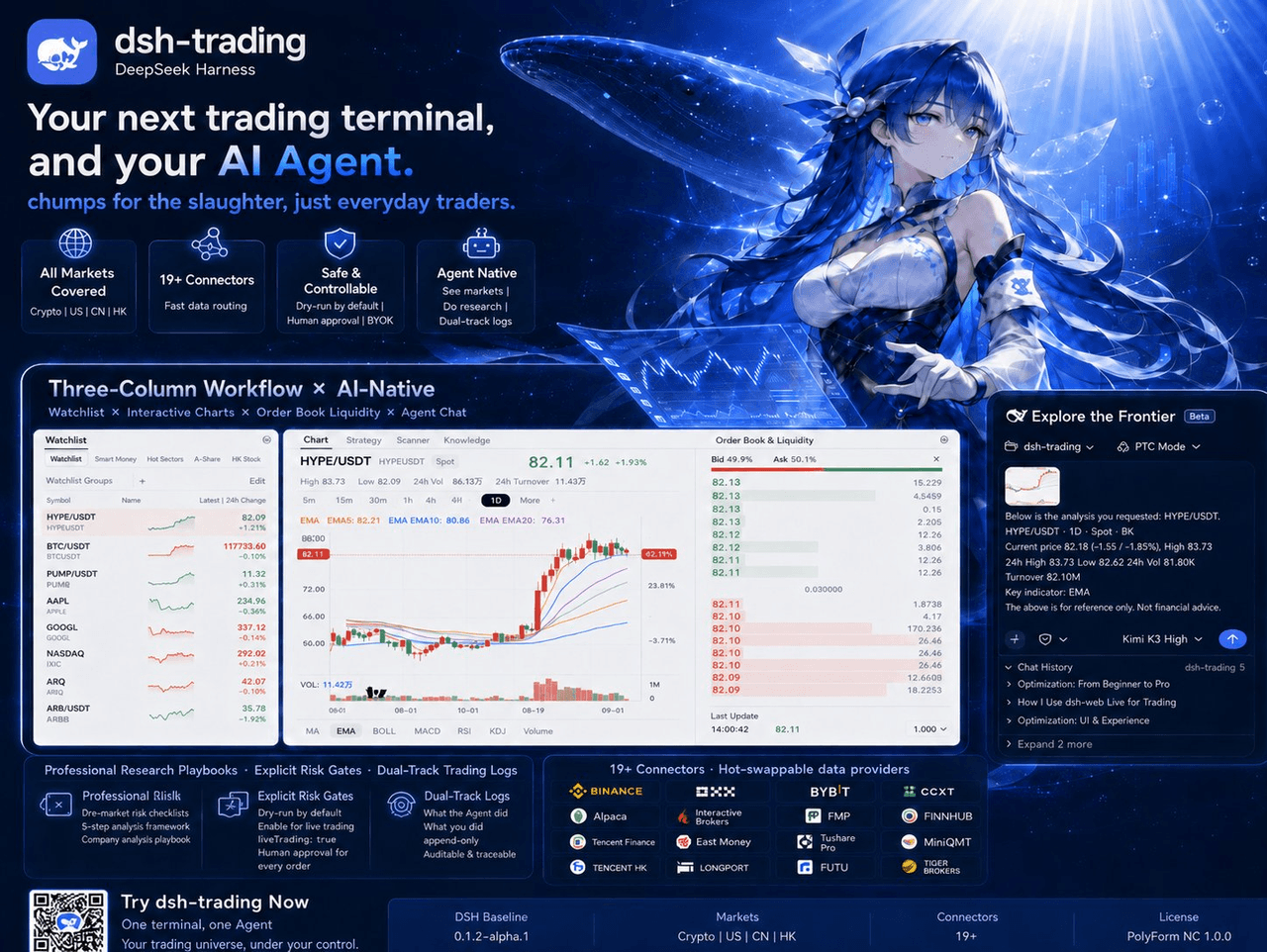 zhu1090093659/dsh-trading
Agent-native trading terminal built on DeepSeek Harness. Crypto, US, CN and HK in one three-column GUI, 19+ hot-swappabl…
zhu1090093659/dsh-trading
Agent-native trading terminal built on DeepSeek Harness. Crypto, US, CN and HK in one three-column GUI, 19+ hot-swappabl…
-
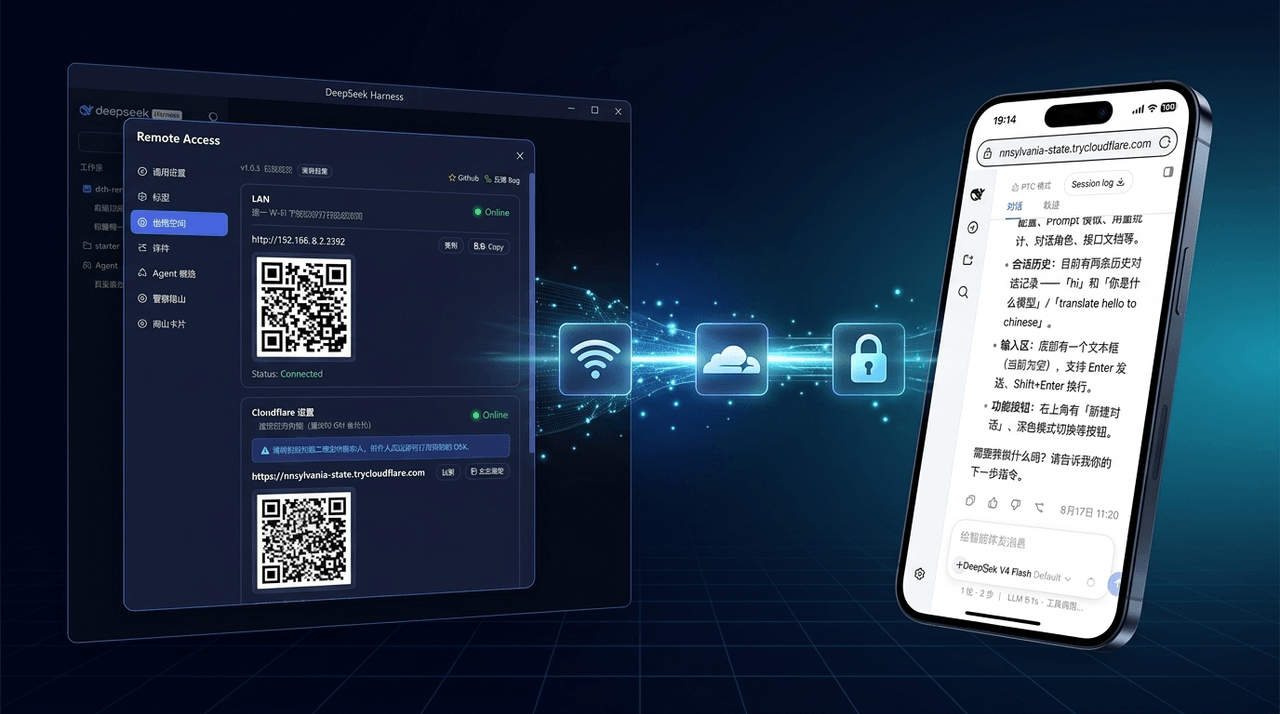 wenbin-wb/dsh-bridge
🚀 DeepSeek Harness 多通道远程访问与安全守护插件 | 局域网扫码直连、Cloudflare / 自建公网隧道、微信 / QQ / 飞书 / Telegram 机器人全生命周期对话 | 内置全协议访问安全认证、后台防篡改与…
wenbin-wb/dsh-bridge
🚀 DeepSeek Harness 多通道远程访问与安全守护插件 | 局域网扫码直连、Cloudflare / 自建公网隧道、微信 / QQ / 飞书 / Telegram 机器人全生命周期对话 | 内置全协议访问安全认证、后台防篡改与…