
ccch1mneyyy/dsh-TUI
DSH官方公众号收录的TUI补位插件:Claude Code风格,鲸鱼顶栏/实时状态/流式思考/双击Esc回滚/上下文进度+TPS。npm一键安装。
Project Overview项目介绍
This is a native terminal UI plugin built exclusively for DeepSeek Harness, adding a range of interactive features to the DSH terminal experience. It ships with a custom pixel-art whale header bar, real-time working status display, streaming thinking output visualization, double-Esc history rewind, and context progress bar with TPS gauge. Unlike modified core forks, it works as a pure loadable plugin that requires zero changes to the DSH core codebase, so you can install or uninstall it at any time without leaving residual patches. To install, you just add it to your DSH plugin directory and enable it via the DSH plugin manager.
It is targeted at developers who use DeepSeek Harness for daily coding work in terminal environments. Key features include inline image preview with Sixel and Kitty graphics protocol support, click-to-enlarge full-size image viewing, categorized history session browsing by working directory, one-stop session management, hot model switching, and full-screen draft editing. There is also a companion VS Code extension available on the VS Code Marketplace that lets you run dsh-TUI directly in the VS Code integrated terminal, accommodating different development workflows and environment setups. You can switch between multiple built-in themes to match your terminal color scheme and personal preference.
The project is released under the open source MIT license, so there is no cost to use or modify it for any purpose. It requires a working DeepSeek Harness core installation to run, as it is a plugin built specifically for the DSH ecosystem. For first-time users on Windows, there is an important security note: the default Windows profile grants full unrestricted access to system tools, so you should always check and tighten your profile permissions before running DSH in an environment with sensitive credentials or untrusted repositories. You can install it via npm or build it from source following the documentation in the project repository.
dsh-TUI 是一个专为 DeepSeek Harness 开发的原生交互式终端界面插件,提供像素风格鲸鱼顶栏、实时工作状态行、流式思考展示、双击 Esc 回溯历史、上下文进度条与 TPS 仪表等增强功能。它采用纯插件挂载方式,不对 DSH 核心做任何修改,安装插件即可启用,卸载后不会留下核心补丁,也不会影响原有 DSH 功能的正常使用。
它面向日常使用 DeepSeek Harness 在终端进行开发的用户,支持 Sixel/Kitty 协议的终端图片预览、内嵌缩略图点击放大查看、历史会话按工作目录分类浏览搜索、一站式会话管理、模型热切换、全屏草稿编辑等功能。用户还可以通过配套的 VS Code 插件在 VS Code 集成终端中启动使用,满足不同开发场景和环境的需求。
本项目采用 MIT 开源许可证,无使用成本,用户可通过 npm 安装或下载源码自行构建使用。它依赖 DeepSeek Harness 核心环境运行,首次使用需要注意,Windows 配置默认授予工具完整访问权限,在敏感凭证或不可信仓库环境启动前,务必检查并收紧 profile 配置,避免不必要的权限风险。
请帮我安装这个 DSH 插件。安装前先完成【兼容性检查 + 安全性检查】,检查通过再动手。

插件:dsh-TUI(ccch1mneyyy/dsh-TUI)
仓库:https://github.com/ccch1mneyyy/dsh-TUI
本站详情页:https://www.yhbd.top/plugins/ccch1mneyyy-dsh-tui/
本站登记:类型 client · 归类 原生 DSH 插件 · 许可证 MIT · ⭐ 3983 · 最近提交 2026-10-03 · 主语言 TypeScript

按下面顺序执行,每步先把结论告诉我,再进入下一步:

【1 兼容性检查】
① 我这边:DSH 版本、Node 版本、操作系统、当前 profile(web / desktop)。
② 读它的 README、package.json、插件 manifest,列出它要求的 DSH 版本 / Node 版本 / 操作系统 / 外部依赖 / 需要另外先装的运行时。
③ 逐条比对,结论只写「满足 / 不满足 / 未知」三种;不满足的给出可行替代方案。
④ 检查是否和我已装的插件冲突:命令名重复、skill / tool 重名、端口占用、重复注册的 MCP server。

【2 安全性检查】
① 仓库可信度:和上面「本站登记」是否一致;star / fork 数、创建时间、最近提交,是否归档或长期停更。
② 安装脚本:逐行看 package.json 的 preinstall / install / postinstall,以及 install.sh、setup.ps1 之类脚本。出现 curl|bash、下载后直接执行、混淆代码、访问与插件功能无关的域名,立刻停下来告诉我,不要继续装。
③ 依赖:列出新增依赖,标出无人维护、或与知名包拼写近似的可疑包(typosquatting)。
④ 权限与副作用:它会读写哪些目录、访问哪些域名、需要哪些 DSH 权限(filesystem / network / shell / clipboard 等),以及怎么卸载和回滚。
⑤ 如果它要求 sudo / 管理员权限,或权限明显超出功能所需,先停下来问我。

【3 安装】
上面两步没有「不满足」和「高危项」时才执行;用官方推荐方式安装,不要自行提权。

【4 汇报】
用表格输出:检查项 / 结论 / 依据 / 是否需要我决策。拿不准的一律写「未知」并说明要我怎么确认——不要猜,也不要替我决定。
Send this message to DSH in your current session: it verifies compatibility and security first (answering met / not met / unknown item by item) and only installs once everything checks out — it will stop and ask you if it finds a high-risk item. The box scrolls; the copy is the full prompt. CLI install commands may not be accurate across systems, so DSH is the safer route.把上面这条消息直接发给当前会话里的 DSH:它会先核对兼容性与安全性(逐条给「满足 / 不满足 / 未知」),确认没问题再安装,有高危项会停下来问你。框内可滚动,复制到的是完整提示词;安装命令不一定准确,发给 DSH 更稳。
- This site's static screen found no obvious risk signal (stars, license, activity, manifest)本站静态筛查没发现明显风险信号(星标、许可证、更新活跃度、清单完整度)
DSH walks through these 9 checksDSH 会逐条核对这 9 项
Compatibility兼容性
- DSH, Node, OS and profile requirementsDSH 版本 / Node 版本 / 操作系统 / profile 是否满足要求
- External dependencies and runtimes (Electron / Python / Docker, ...)外部依赖与运行时(Electron / Python / Docker 等)是否齐备
- Conflicts with installed plugins: command names, skill / tool names, ports, duplicate MCP registration与已装插件是否冲突:命令名、skill / tool 重名、端口占用、重复 MCP 注册
Security安全性
- Repo matches the facts registered here; archived or abandoned?仓库是否与页面登记一致,是否归档或长期停更
- Safety of preinstall / install / postinstall and install.sh / setup.ps1preinstall / install / postinstall 与 install.sh、setup.ps1 是否安全
- curl|bash, download-then-execute, obfuscation, unrelated domains → stop immediatelycurl|bash、下载即执行、混淆代码、无关域名 → 立刻停止
- Typosquatting or unmaintained packages among the new dependencies新增依赖里有没有 typosquatting 或无人维护的包
- Requested permissions vs. what the feature actually needs申请了哪些权限、是否超出功能所需(filesystem / network / shell / clipboard)
- Any sudo / admin requirement, plus uninstall and rollback是否要求 sudo / 管理员权限,以及卸载与回滚方式
Anything uncertain must be marked unknown with a note on how to confirm it. This site's signal screen is a static snapshot, not a security audit.拿不准的必须标「未知」并说明要我怎么确认。本站的信号筛查是静态快照,不能替代安全审计。
Or use CLI install (for developers)或使用命令行安装(适合开发者)
CLI Install命令行安装
dsh plugin --profile web add github:ccch1mneyyy/dsh-TUI把 ccch1mneyyy/dsh-TUI 加入你的 DSH 配置(web profile)即可启用。
READMEREADME

English | 简体中文





dsh-TUI
An interactive terminal UI plugin for DeepSeek Harness. It ships a pixel-whale header, live work status, streaming thinking, double-Esc time rewind, a context progress bar, and a TPS gauge. It mounts as a pure plugin, with no core changes. Install to enable; uninstall leaves no patches behind.
Highlights
- Pixel whale pet — three startup intros, click to wake; freezes after the first task.
- Launchpad and first-run guide — every launch lands on a landing page with a real input box (big text + whale + quick actions, dropping whole blocks on short/narrow terminals); the first run walks a four-step wizard (API key / language+theme / model+workspace / shortcuts), re-runnable with
/setup. - Terminal-native UI — streaming Markdown, tool cards,
/and@completion,#L12-14ranges, history search, zh/en UI. - Images — Kitty/Sixel thumbnails, centered preview with zoom and pan, paste-time fitting, text fallback.
- Mermaid diagrams —
mermaidfences drawn as Unicode diagrams. - LaTeX math —
$…$and$$…$$formulas as Unicode text, fractions and limits stacked in display blocks;mathRendering: imagetypesets block and one-row inline formulas as terminal images on graphics terminals. - Timeline rail — every turn clickable; timeline / scrollbar / hidden gutter.
- Side panel —
Ctrl+Bsplits the chat with a panel column (todo / jobs) once the terminal is wide enough; narrow terminals and inline mode keep today's full-screen panels. - Live state — activity animation, context bar, TPS, cache hit rate, effort, tokens, session cost estimate (main + subagents), Git and session metadata.
- One session manager —
/resume/home/agentview/bg⌸. - Session workflow —
/new/compact/export/btw, model hot-switch, fork, rewind, vim, fullscreen draft editor. - IDE selection channel — a VS Code selection lands in the prompt.
- DSH integrations — presets, skills, MCP, goals, todos, subagents, questionnaires.
- Account sign-in — the standard profile offers pi-ai OAuth for ChatGPT/Codex, Claude, and Grok (plus OpenAI direct and Meta Muse when available), and Host-owned DeepSeek browser sign-in as
deepseek-accounton DSH 0.2.0-rc.1+. Use/provideror/authwithout another plugin. A profile-only update from a global TUI patch that already mountsdsh-tui-authcan still start the official loopback callback listener on demand; fixed-port SSH forwarding still requires the global package to be aligned. - Extensions — browser interaction, computer use and more.
- Built for long sessions — event-driven projection, virtualization, bounded caches.
Showing the opening section of the README — the full document lives in the repository以上为 README 开头摘要,完整文档在仓库内 · View the full README on GitHub →在 GitHub 查看完整 README →
Related相关推荐
-
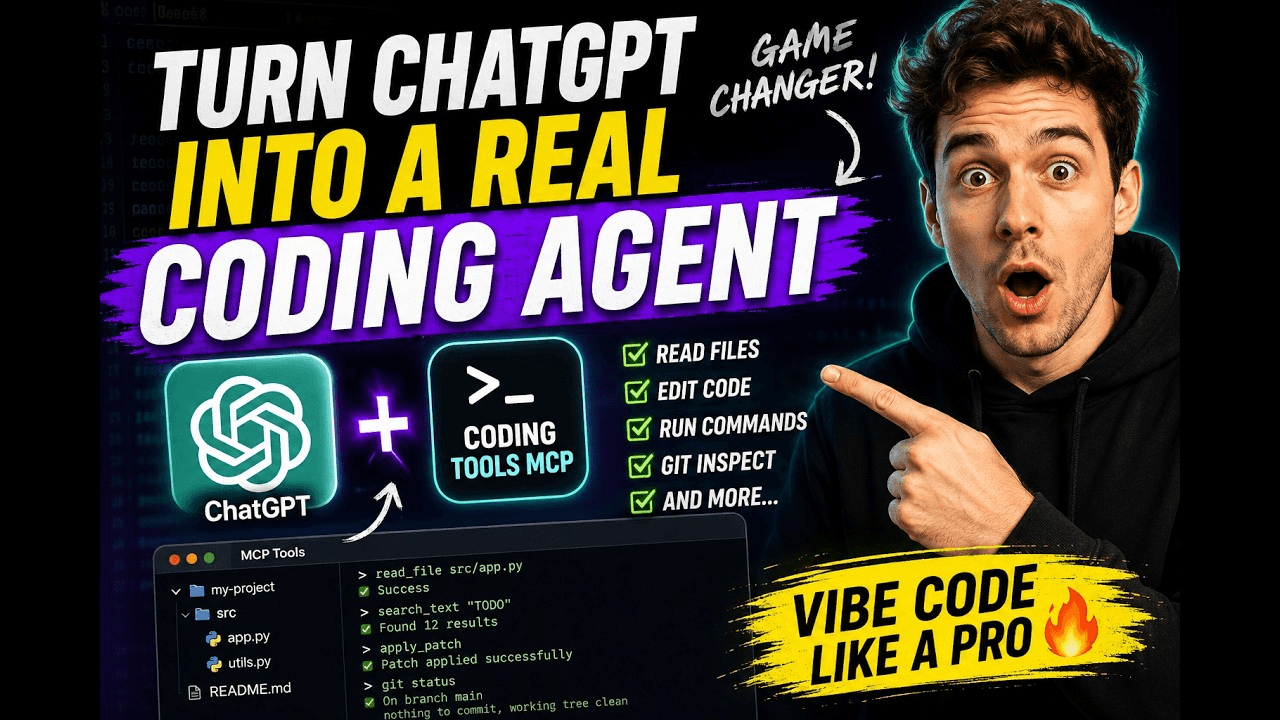 xyTom/coding-tools-mcp
Give any AI agent the ability to code
xyTom/coding-tools-mcp
Give any AI agent the ability to code
-
 myYangyunfan/dsh_desktop
DeepSeek Harness (dsh) Windows desktop client - bundled Node.js + dsh CLI, one-click launch
myYangyunfan/dsh_desktop
DeepSeek Harness (dsh) Windows desktop client - bundled Node.js + dsh CLI, one-click launch
-
 ChisaAlter/Deepseek-Harness-Desktop
DSH桌面端,支持主题和背景图等多种个性化配置。Electron desktop shell for DeepSeek Harness web UI
ChisaAlter/Deepseek-Harness-Desktop
DSH桌面端,支持主题和背景图等多种个性化配置。Electron desktop shell for DeepSeek Harness web UI
-
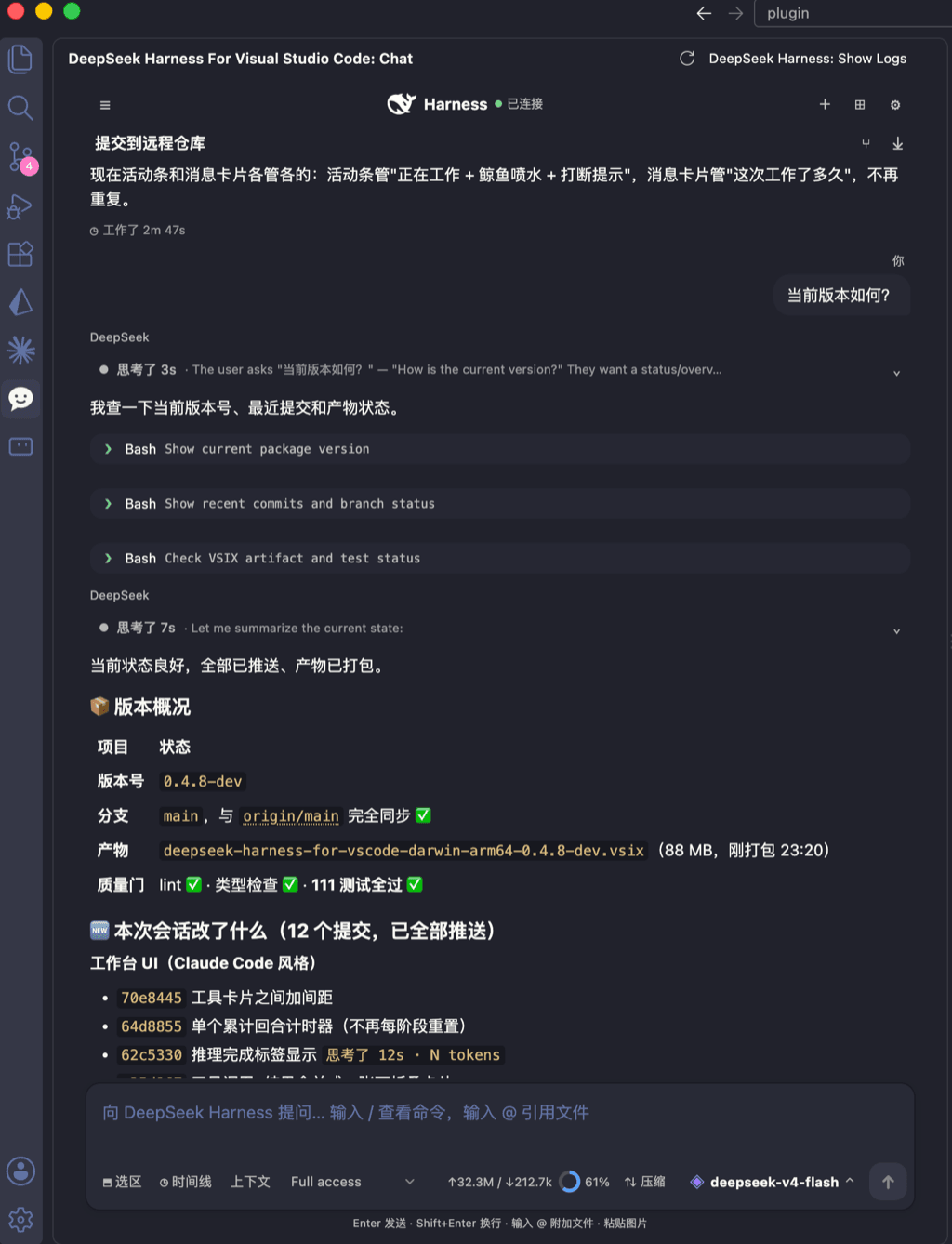 skymecode/deepseek-harness-for-vscode
deepseek-harness for vscode .A native VS Code coding-agent extension for DeepSeek Harness. Streamlined workbench with se…
skymecode/deepseek-harness-for-vscode
deepseek-harness for vscode .A native VS Code coding-agent extension for DeepSeek Harness. Streamlined workbench with se…
- Yan-Zero/dsh-std
-
 rison114514/dsh-endfield-ui
Endfield-inspired industrial UI shell for DeepSeek Harness (dsh) — non-official fan theme. Install: dsh plugin --profile…
rison114514/dsh-endfield-ui
Endfield-inspired industrial UI shell for DeepSeek Harness (dsh) — non-official fan theme. Install: dsh plugin --profile…
-
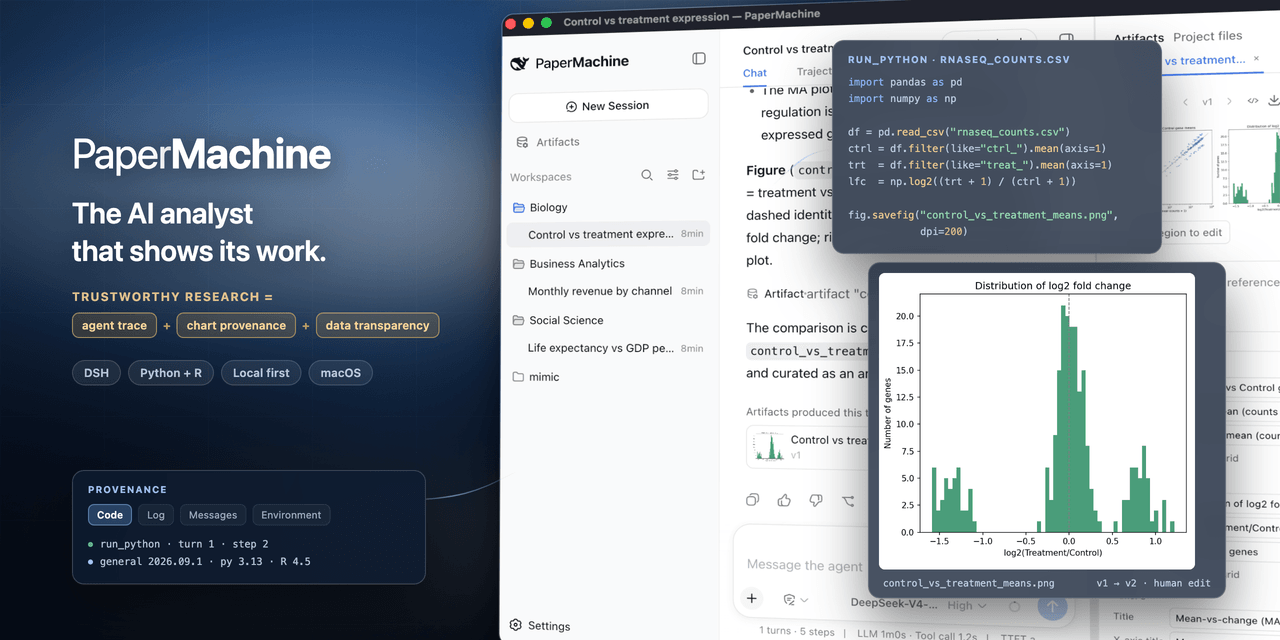 SuperJJ007/papermachine
The AI analyst that shows its work. Runs Python and R on your own machine, and traces every chart back to the code behin…
SuperJJ007/papermachine
The AI analyst that shows its work. Runs Python and R on your own machine, and traces every chart back to the code behin…
-
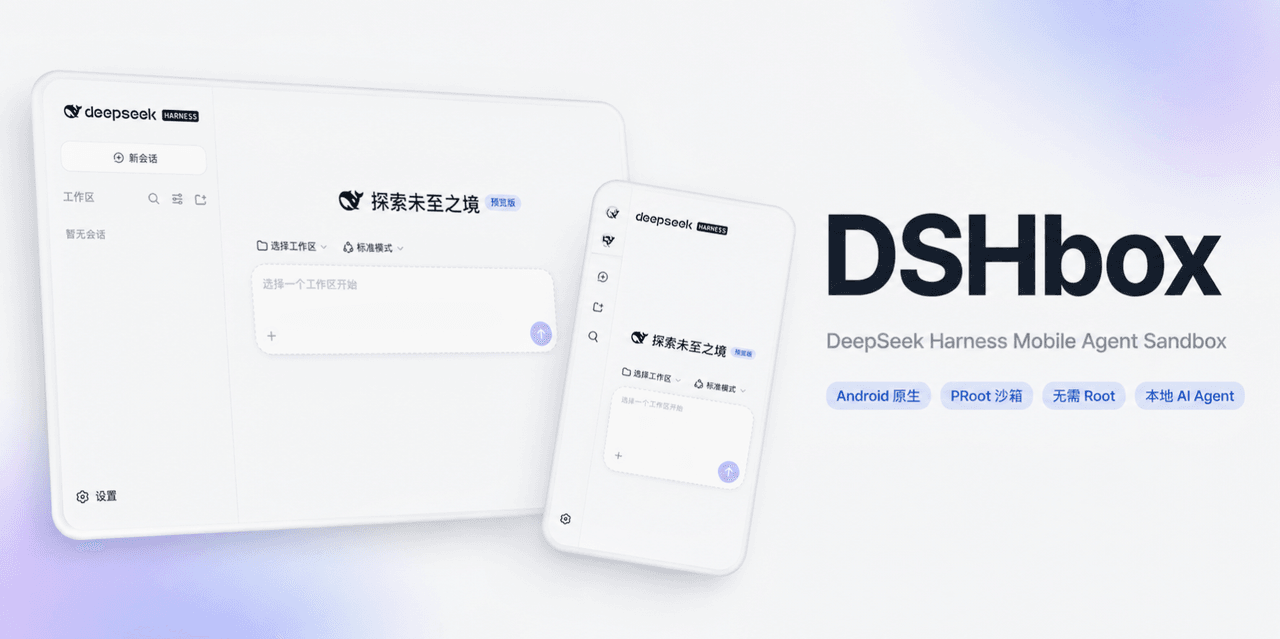 WSK-build/DSHBox
DSHBox — Run DeepSeek Harness locally on Android phones and tablets. It integrates and coordinates DSH, PRoot, WebView,…
WSK-build/DSHBox
DSHBox — Run DeepSeek Harness locally on Android phones and tablets. It integrates and coordinates DSH, PRoot, WebView,…