cherrchen/deepseek-harness-electron
Cross-platform Electron desktop packaging for DeepSeek Harness, synchronized with upstream.
项目介绍Project Overview
DeepSeek Harness Desktop 是将 DeepSeek Harness 打包为原生桌面应用的 Electron 客户端,支持 macOS、Windows 与 Linux,保留上游 Web UI、代理运行时、配置文件和工作区流程,并通过系统窗口与安装包提供桌面体验。需要本地运行 Harness 代理会话、又不想依赖浏览器时可直接使用。注意:项目仍处开发者预览版,发布版本可能引入不向后兼容的变更。
DeepSeek Harness Desktop is an Electron client that packages DeepSeek Harness as a native desktop application for macOS, Windows, and Linux. It delivers the upstream Web UI, agent runtime, profiles, and workspace workflow inside an OS window with platform installers, and serves the runtime on a local 127.0.0.1 port inside a sandboxed renderer. Use it when you need to run Harness agent sessions outside a browser. Caveat: it is a developer preview and releases may introduce breaking changes.
请帮我了解并安装插件:【deepseek-harness-electron】【https://github.com/cherrchen/deepseek-harness-electron】把上面这条消息直接发给当前会话里的 DSH,让它帮你了解并安装。安装命令不一定准确,发给 DSH 更稳。Send this message to DSH in your current session. CLI install commands may not be accurate across systems — DSH will figure it out for you.
或使用命令行安装(适合开发者)Or use CLI install (for developers)
命令行安装CLI Install
dsh plugin --profile web add github:cherrchen/deepseek-harness-electron把 cherrchen/deepseek-harness-electron 加入你的 DSH 配置(web profile)即可启用。
READMEREADME
DeepSeek Harness Desktop
English | 中文
DeepSeek Harness Desktop packages DeepSeek Harness as a native desktop application for macOS, Windows, and Linux. It keeps the upstream Web application, agent runtime, profiles, and workspace workflow while providing an operating-system window and desktop installers.
Status
This project and its upstream runtime are in developer preview. Releases may introduce compatibility-breaking changes.
Install
Download the installer for your platform from the latest release:
- macOS: DMG or ZIP for Apple Silicon and Intel Macs
- Windows: NSIS installer for x64 and ARM64
- Linux: AppImage or DEB package for x64 and ARM64
Open the installed application and complete the provider setup in the Harness UI before starting an agent session.
Run from source
Install a supported Node.js version (^22.19.0 or >=24) and pnpm, then build the Harness runtime and start Electron:
git clone https://github.com/cherrchen/deepseek-harness-electron.git
cd deepseek-harness-electron
pnpm install
pnpm run build
pnpm --filter @deepseek-ai/dsh-electron start
Runtime and data
Electron starts DeepSeek Harness on a random 127.0.0.1 port and opens its ready URL in a sandboxed window. The renderer has no Node.js integration, uses context isolation and Chromium sandboxing, and opens requested HTTP and HTTPS links in the system browser.
Harness profiles and state live in the platform-specific application-data directory. Agent shell commands start in the current user's home directory; select another workspace from the Harness UI when needed.
Development
Run the desktop application's focused checks with:
pnpm --filter @deepseek-ai/dsh-electron test
pnpm --filter @deepseek-ai/dsh-electron build
See the desktop application guide, development guide, and architecture documentation for repository details.
Contributing
See CONTRIBUTING.md. This fork follows upstream DeepSeek Harness development while maintaining its desktop packaging.
License
MIT. Third-party dependency notices are in THIRD_PARTY_NOTICES.md.
相关推荐Related
-
 nexu-io/open-design
🎨 Best DeepSeek Harness Design Plugin. The open-source Claude Design alternative. 🖥️ Local-first desktop app. 🖼️ Your…
nexu-io/open-design
🎨 Best DeepSeek Harness Design Plugin. The open-source Claude Design alternative. 🖥️ Local-first desktop app. 🖼️ Your…
-
 amruthpillai/reactive-resume
A one-of-a-kind resume builder that keeps your privacy in mind. Completely secure, customizable, portable, open-source a…
amruthpillai/reactive-resume
A one-of-a-kind resume builder that keeps your privacy in mind. Completely secure, customizable, portable, open-source a…
-
 esengine/DeepSeek-Reasonix
DeepSeek-native AI coding agent for your terminal. Engineered around prefix-cache stability — leave it running.
esengine/DeepSeek-Reasonix
DeepSeek-native AI coding agent for your terminal. Engineered around prefix-cache stability — leave it running.
-
 anywhere-labs/deepseek-harness-desktop
为 DeepSeek Harness (DSH) 插件生态打造的现代化桌面端解决方案。万物皆「插件」,桌面本身也是「插件」。
anywhere-labs/deepseek-harness-desktop
为 DeepSeek Harness (DSH) 插件生态打造的现代化桌面端解决方案。万物皆「插件」,桌面本身也是「插件」。
-
 walkinglabs/learn-harness-engineering
Harness engineering beginner tutorial, from 0 to 1
walkinglabs/learn-harness-engineering
Harness engineering beginner tutorial, from 0 to 1
-
 YaoApp/yao
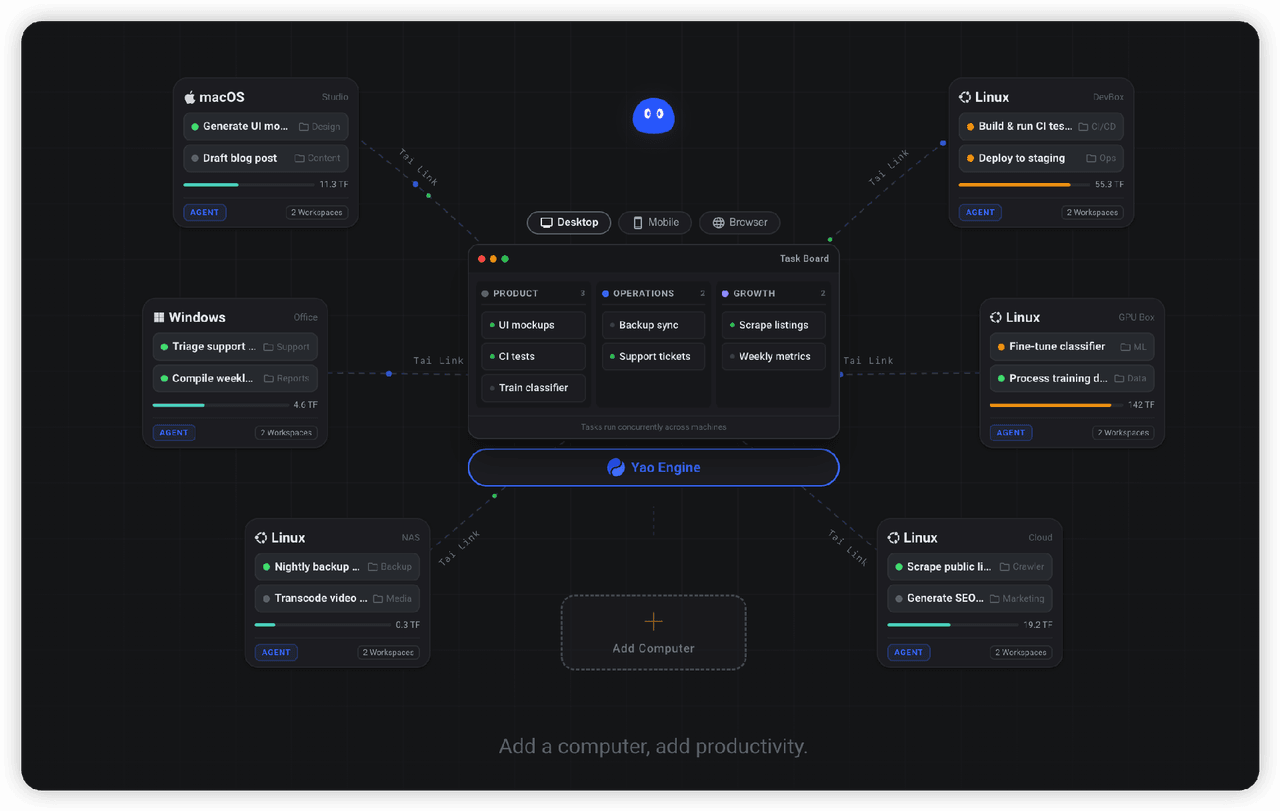
✨ All your agents and workspaces in one place, on every device you own. Track tasks on a board, accessible from desktop,…
YaoApp/yao
✨ All your agents and workspaces in one place, on every device you own. Track tasks on a board, accessible from desktop,…
- yjh051108/dsh-routing-suite dsh-routing-suite — injector + router-standard kit: install the runtime injector first, then the task-aware reasoning-mo…
-
 Devin-AXIS/iPolloWork
Enterprise-grade, local-first Agent Workbench for people and agent teams. A unified multi-engine workspace for Codex Har…
Devin-AXIS/iPolloWork
Enterprise-grade, local-first Agent Workbench for people and agent teams. A unified multi-engine workspace for Codex Har…