DEEP-IOS/dsh-humanizer
DeepSeek Harness原生中文文本人工智能痕迹消除与多重审核对抗工作流
Project Overview项目介绍
This is a native plugin built exclusively for DeepSeek Harness, designed to polish and continue writing Chinese long-form novels and articles. It preserves the author’s original voice, factual content, and work progress, and pulls relevant writing knowledge on demand to support the creative process. Released under the permissive MIT license, it offers two installation channels: the latest stable release on the latest npm tag, and an experimental memory-enhanced version on the next tag for users testing new features.
After installing the plugin, you will need to restart your DSH Web instance, select a working directory for your writing project, and then describe your work and required task directly in the DSH chat window. Common use cases include continuing an existing chapter, polishing a draft section, querying character relationship memories, or revising existing story settings. The plugin includes a dedicated settings panel with pre-built editable request templates, so you never have to manually write tool parameters, making it ideal for Chinese creators managing long-term writing projects.
The plugin requires Node.js version ^22.19.0 or >=24.0.0 to run, and uses Node’s built-in SQLite to store all project memory, so no external graph database service or vector API is required to use it. It does not claim to produce higher quality output than existing competing tools, and it does not include any AI content detection functionality. All project memory is stored locally on your machine in the DSH plugin directory, and uninstalling the plugin will not delete your memory data, so you can pick up your work right where you left off if you reinstall later.
这是一个专为 DeepSeek Harness 开发的原生插件,核心功能是面向中文长篇小说与文章进行润色续写,能保留作者原有行文风格、事实内容与写作进度,按需调取写作相关知识辅助创作。该插件遵循 MIT 开源协议,目前开放两个安装通道,稳定通道为 0.3.0-rc2,测试通道提供带记忆功能的 0.4.0-alpha2 版本。
安装插件后需要重启 DSH Web,选择工作目录后即可在对话中告知插件作品名称与任务,比如续写作品、润色段落、查询人物关系记忆或修订故事设定。插件提供可视化设置面板,自带可编辑的请求模板,用户无需手动编写工具参数,适合中文创作者长期管理大型写作项目。
该插件要求 Node.js 版本不低于 22.19.0 或 24.0.0,使用 Node 内置 SQLite 存储记忆数据,无需额外依赖外部图数据库服务或向量 API。它不保证输出质量优于其他同类工具,也不具备 AI 内容检测功能,记忆数据默认存储在本机 DSH 目录,卸载插件时会保留数据方便后续接续创作。
请帮我安装这个 DSH 插件。安装前先完成【兼容性检查 + 安全性检查】,检查通过再动手。

插件:dsh-humanizer(DEEP-IOS/dsh-humanizer)
仓库:https://github.com/DEEP-IOS/dsh-humanizer
本站详情页:https://www.yhbd.top/plugins/deep-ios-dsh-humanizer/
本站登记:类型 plugin · 归类 原生 DSH 插件 · 许可证 MIT · ⭐ 7 · 最近提交 2026-09-06 · 主语言 JavaScript

按下面顺序执行,每步先把结论告诉我,再进入下一步:

【1 兼容性检查】
① 我这边:DSH 版本、Node 版本、操作系统、当前 profile(web / desktop)。
② 读它的 README、package.json、插件 manifest,列出它要求的 DSH 版本 / Node 版本 / 操作系统 / 外部依赖 / 需要另外先装的运行时。
③ 逐条比对,结论只写「满足 / 不满足 / 未知」三种;不满足的给出可行替代方案。
④ 检查是否和我已装的插件冲突:命令名重复、skill / tool 重名、端口占用、重复注册的 MCP server。

【2 安全性检查】
① 仓库可信度:和上面「本站登记」是否一致;star / fork 数、创建时间、最近提交,是否归档或长期停更。
② 安装脚本:逐行看 package.json 的 preinstall / install / postinstall,以及 install.sh、setup.ps1 之类脚本。出现 curl|bash、下载后直接执行、混淆代码、访问与插件功能无关的域名,立刻停下来告诉我,不要继续装。
③ 依赖:列出新增依赖,标出无人维护、或与知名包拼写近似的可疑包(typosquatting)。
④ 权限与副作用:它会读写哪些目录、访问哪些域名、需要哪些 DSH 权限(filesystem / network / shell / clipboard 等),以及怎么卸载和回滚。
⑤ 如果它要求 sudo / 管理员权限,或权限明显超出功能所需,先停下来问我。

【3 安装】
上面两步没有「不满足」和「高危项」时才执行;用官方推荐方式安装,不要自行提权。

【4 汇报】
用表格输出:检查项 / 结论 / 依据 / 是否需要我决策。拿不准的一律写「未知」并说明要我怎么确认——不要猜,也不要替我决定。
Send this message to DSH in your current session: it verifies compatibility and security first (answering met / not met / unknown item by item) and only installs once everything checks out — it will stop and ask you if it finds a high-risk item. The box scrolls; the copy is the full prompt. CLI install commands may not be accurate across systems, so DSH is the safer route.把上面这条消息直接发给当前会话里的 DSH:它会先核对兼容性与安全性(逐条给「满足 / 不满足 / 未知」),确认没问题再安装,有高危项会停下来问你。框内可滚动,复制到的是完整提示词;安装命令不一定准确,发给 DSH 更稳。
- Only 7 stars - very few users, little community feedback星标只有 7,几乎没人在用,遇到问题缺少社区反馈
DSH walks through these 9 checksDSH 会逐条核对这 9 项
Compatibility兼容性
- DSH, Node, OS and profile requirementsDSH 版本 / Node 版本 / 操作系统 / profile 是否满足要求
- External dependencies and runtimes (Electron / Python / Docker, ...)外部依赖与运行时(Electron / Python / Docker 等)是否齐备
- Conflicts with installed plugins: command names, skill / tool names, ports, duplicate MCP registration与已装插件是否冲突:命令名、skill / tool 重名、端口占用、重复 MCP 注册
Security安全性
- Repo matches the facts registered here; archived or abandoned?仓库是否与页面登记一致,是否归档或长期停更
- Safety of preinstall / install / postinstall and install.sh / setup.ps1preinstall / install / postinstall 与 install.sh、setup.ps1 是否安全
- curl|bash, download-then-execute, obfuscation, unrelated domains → stop immediatelycurl|bash、下载即执行、混淆代码、无关域名 → 立刻停止
- Typosquatting or unmaintained packages among the new dependencies新增依赖里有没有 typosquatting 或无人维护的包
- Requested permissions vs. what the feature actually needs申请了哪些权限、是否超出功能所需(filesystem / network / shell / clipboard)
- Any sudo / admin requirement, plus uninstall and rollback是否要求 sudo / 管理员权限,以及卸载与回滚方式
Anything uncertain must be marked unknown with a note on how to confirm it. This site's signal screen is a static snapshot, not a security audit.拿不准的必须标「未知」并说明要我怎么确认。本站的信号筛查是静态快照,不能替代安全审计。
Or use CLI install (for developers)或使用命令行安装(适合开发者)
CLI Install命令行安装
dsh plugin --profile web add dsh-humanizer@0.4.0-alpha.2把 DEEP-IOS/dsh-humanizer 加入你的 DSH 配置(web profile)即可启用。
READMEREADME
dsh-humanizer

面向中文长篇小说和文章润色的 DeepSeek Harness 原生插件。保留作者声音、事实与进度,让写作知识在需要时出现。MIT 开源。
v0.4.0-alpha.2:本地记忆工作台与完整使用文档。 这是一版可测试的机制升级,尚无成稿盲评证明它优于所有其他插件。它不是 AI 检测器,不承诺检测分数或自动理解整部小说。
版本与安装通道
| npm 通道 | 版本 | 适合谁 |
|---|---|---|
latest |
0.3.0-rc.2 |
需要旧工作流的兼容修复,不包含持久记忆 |
next |
0.4.0-alpha.2 |
需要记忆图谱、任务恢复、按需理论与新版文档 |
这里的版本是本次文档发布快照。npm view dsh-humanizer dist-tags --json 可查询实际标签。只安装 dsh-humanizer 会得到 latest,不会自动选择记忆增强版。
# 使用记忆增强版
dsh plugin --profile web add dsh-humanizer@next
# 固定这次文档修订版,便于复现
dsh plugin --profile web add dsh-humanizer@0.4.0-alpha.2
安装后重启 dsh web,选择工作目录,在对话里说出作品名和任务。已有用户从 升级与回退 开始;首次使用先看 快速开始。
本次文档修订说明
alpha.1 引入记忆工作台;alpha.2 补齐使用、配置、工具参数、故障排查和发布文档,并同步修订内置参考章节中残留的 v0.3 全量阅读要求和检测信号式审核。数据库结构与工具 JavaScript 实现沿用 alpha.1,不需要迁移已有记忆;模型收到的参考文本有更新,因此仍需验证写作效果。
完整版本记录 · 文档目录 · 典型使用场景 · 记忆工具参数
直接开始
安装并重启 dsh web 后,可以直接说:
用 humanizer 继续《渡口》。先恢复陈默的人物关系、未回收伏笔和上次进度,再写第二章。以下是我已经接受的第一章……
用 humanizer 润色《项目复盘》这一段。保留事实和我原来的声音,只改确有必要的地方。原文是……
查看《渡口》中陈默的记忆,展示出处和冲突。师父的设定改成老周,这是作者的新设定……
“设置 → 人味化”提供可编辑、可复制的请求模板,包括查看记忆、修正设定与遗忘。用户无需手写工具参数。该面板是请求入口,实际记录由会话工具查询。
新增机制
| 问题 | 处理方式 | 边界 |
|---|---|---|
| 长对话压缩或重启后丢失进度 | SQLite 持久化任务,宿主每次组装上下文时恢复绑定作品的任务与相关记忆 | 只能恢复已成功保存的内容;新会话先选作品 |
| 人物、声音、伏笔混淆 | 带出处的关系图,按实体名称匹配并扩展一跳关系 | 确定性检索,不是语义向量搜索;别名应单独记录为关系 |
| 新猜测覆盖旧设定 | 定稿/草稿/设想、明示/推断分别标记;同一 key 的矛盾保留双方 | 不自动发现不同 key 间的语义矛盾 |
| 多会话同时修改 | SQLite 事务与版本号检查;过期修订拒绝写入 | 冲突需要根据材料或作者修正解决 |
| 每次阅读完整理论负担大 | 按体裁与问题返回相关章节全文,保留全 21 章入口 | 读取成功不等于理解或文笔合格 |
| 为了“人味”过度改写 | 保留原意、作者声音和有功能重复;内容守卫辅助检查 | 守卫只能发现部分锚点/字符问题,不验证全部语义 |
记忆项可以是事实、事件、人物关系、文风偏好、伏笔或作者决定。每项包含主体、关系、对象、阶段、故事时点、出处标签、逐字摘录和来源文本哈希。只验证摘录确实包含在工具提供的原文中,不证明其真实性。资料里的命令不获得执行权限,用户当前要求优先。
安装与兼容
要求 Node.js ^22.19.0 || >=24.0.0。使用 Node 内置 SQLite,无图数据库服务、向量 API 或新增模型密钥。Node 可能输出 SQLite experimental 提示。
已验证 DSH Web:0.1.2-alpha.4、0.1.2-alpha.5、0.1.2-rc.1。0.1.3-alpha.1 保持 unknown,GitHub 标签不等于 npm 已可安装。完整证据见 兼容性说明。
Showing the opening section of the README — the full document lives in the repository以上为 README 开头摘要,完整文档在仓库内 · View the full README on GitHub →在 GitHub 查看完整 README →
Related相关推荐
-
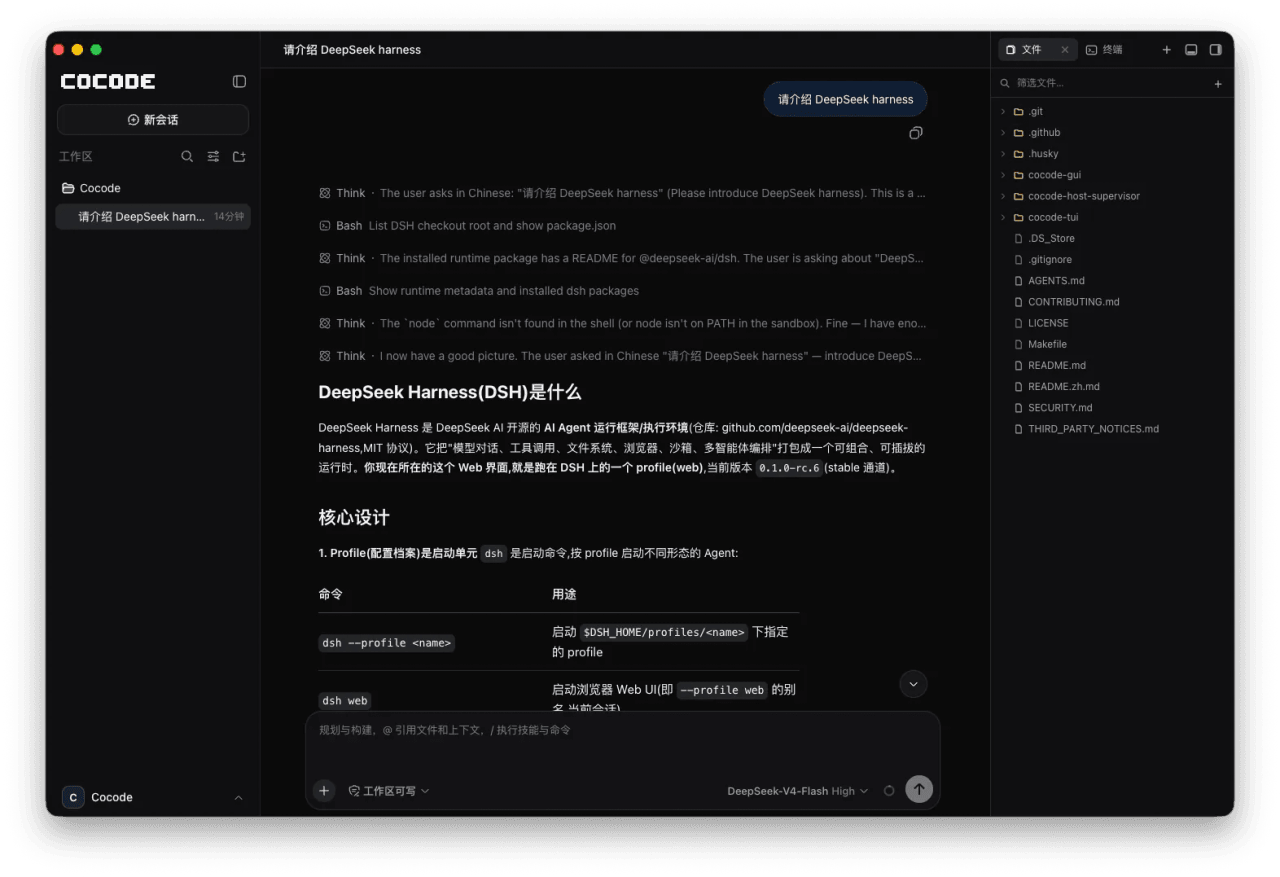 cocode-agency/cocode
Best ready-to-run DeepSeek Harness distribution: DSH desktop GUI, DSH terminal TUI, and harness integration.
cocode-agency/cocode
Best ready-to-run DeepSeek Harness distribution: DSH desktop GUI, DSH terminal TUI, and harness integration.
-
 drewnekota/cetus
One macOS app for Claude Code, Codex, and every agent runtime you use — scheduled runs, global hotkey launcher, per-run …
drewnekota/cetus
One macOS app for Claude Code, Codex, and every agent runtime you use — scheduled runs, global hotkey launcher, per-run …
-
 cosyncing/cosyncing
Synchronize and Orchestrate agents from CLI to GUI, across desktop to phone.
cosyncing/cosyncing
Synchronize and Orchestrate agents from CLI to GUI, across desktop to phone.
-
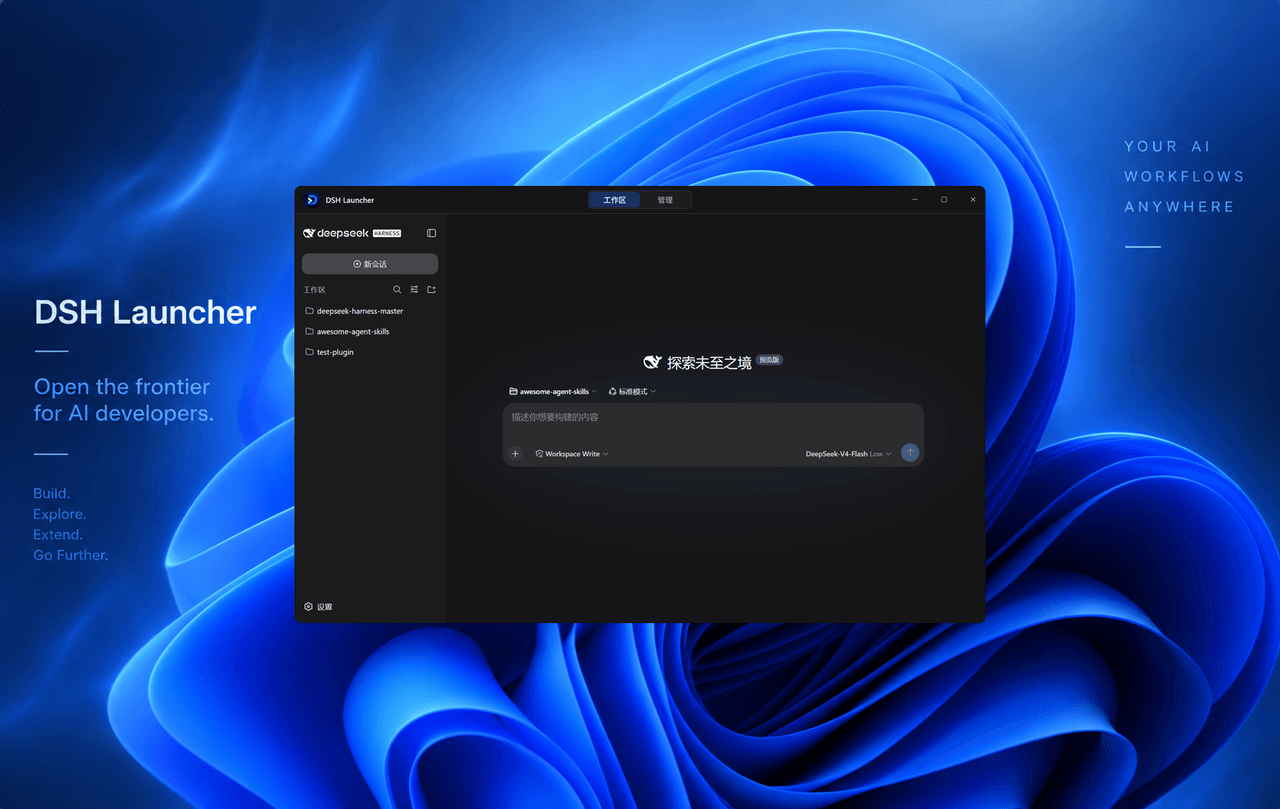 rootkiller6788/dsh-launcher
Unlock DeepSeek Harness plugin-native core capabilities, unifying Runtime, Provider, Plugin, Skill and MCP orchestration…
rootkiller6788/dsh-launcher
Unlock DeepSeek Harness plugin-native core capabilities, unifying Runtime, Provider, Plugin, Skill and MCP orchestration…
-
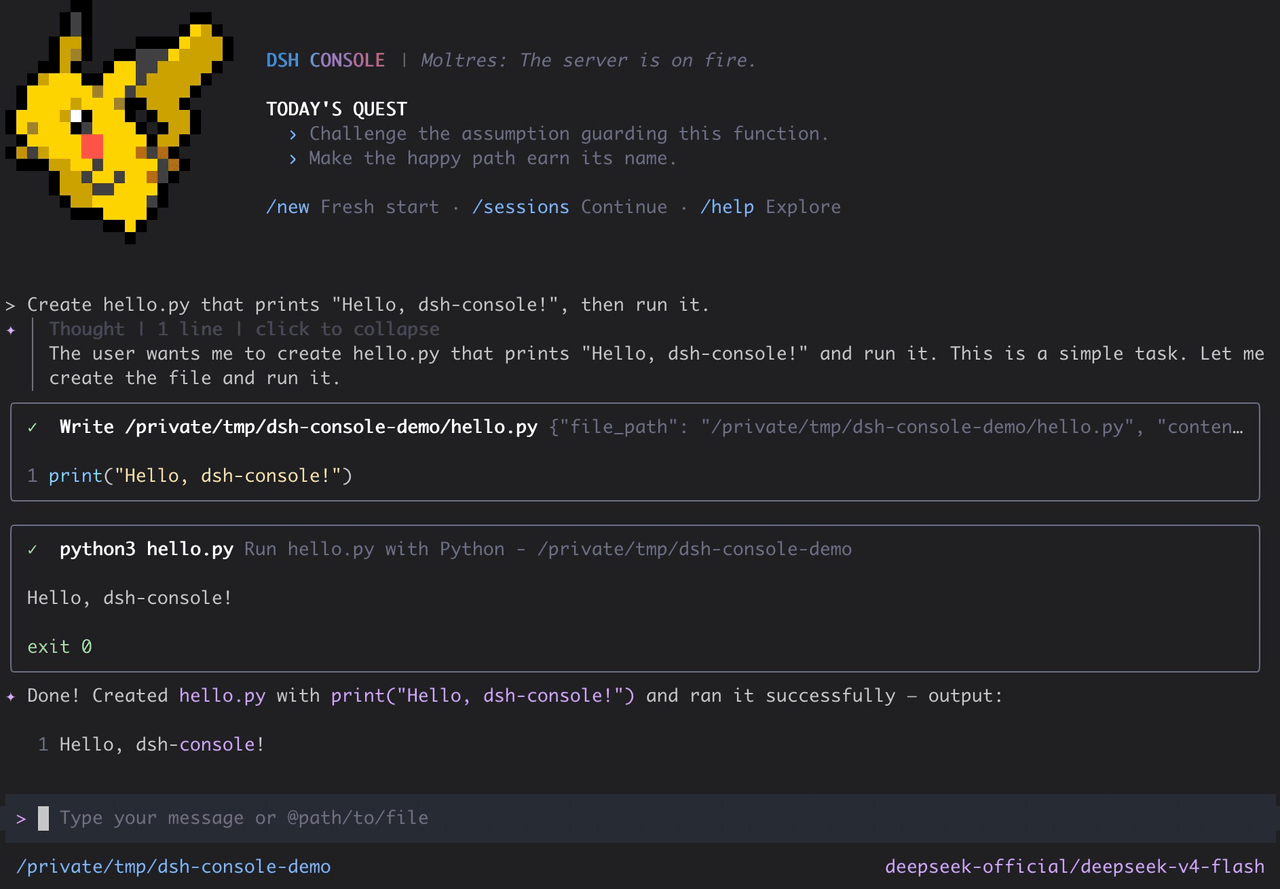 cofy-x/dsh-console
DSH-native terminal workbench (TUI) for DeepSeek Harness with durable sessions, structured tools, plans, subagents, and …
cofy-x/dsh-console
DSH-native terminal workbench (TUI) for DeepSeek Harness with durable sessions, structured tools, plans, subagents, and …
-
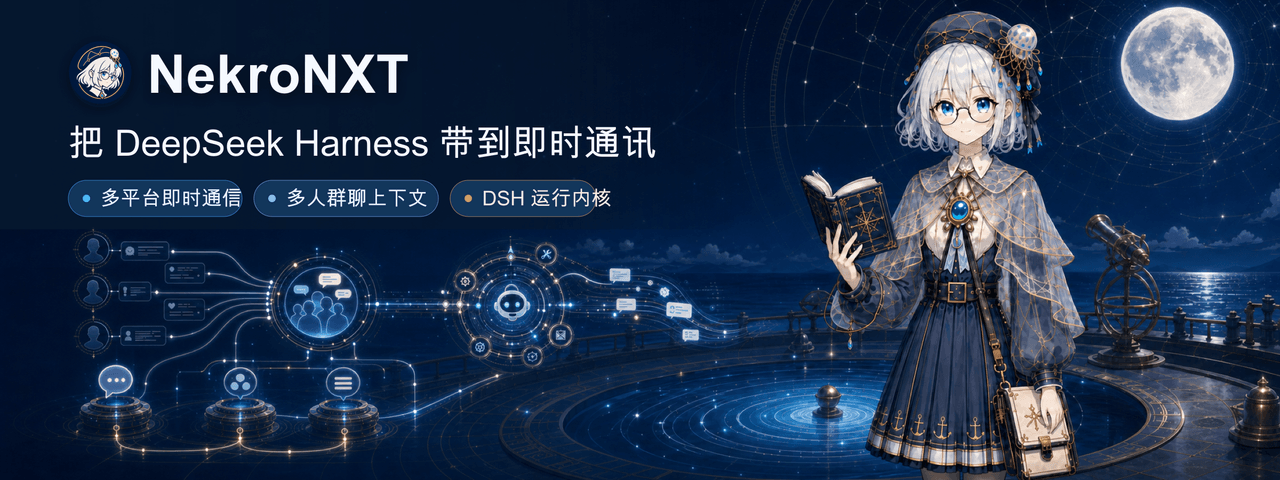 NekroAI/nekro-nxt
NekroNXT:基于 DeepSeek Harness(DSH)的多平台群聊智能体系统|A DSH-powered multi-platform group-chat agent system
NekroAI/nekro-nxt
NekroNXT:基于 DeepSeek Harness(DSH)的多平台群聊智能体系统|A DSH-powered multi-platform group-chat agent system
- ddtcorex/govard Go-based local development orchestrator for Magento, Laravel, Symfony, Next.js, WordPress, and more. Docker stacks, SSL,…
-
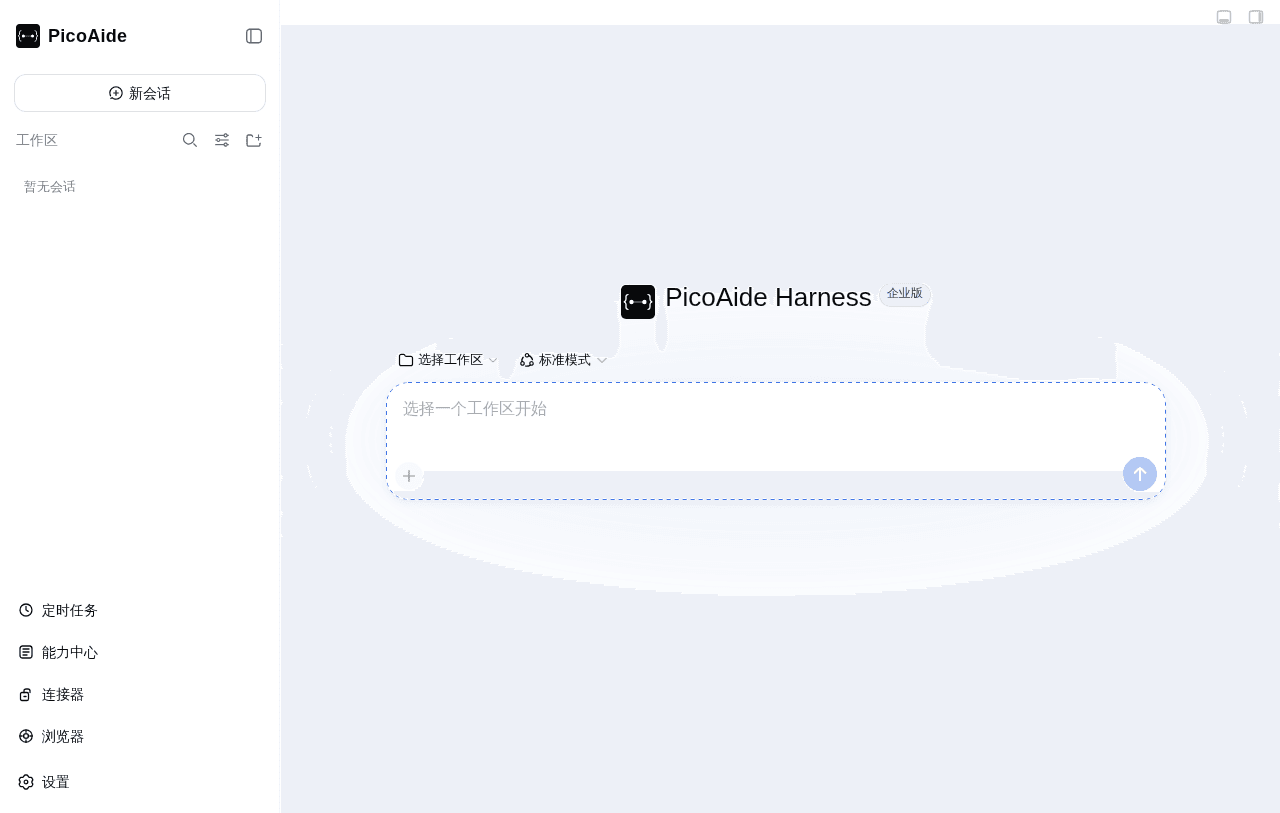 picoaide/picoaide-harness
PicoAide Harness:企业级 DeepSeek Harness 一体化平台。桌面客户端 + 本地智能体引擎 + 管理后台,支持私有化部署。
picoaide/picoaide-harness
PicoAide Harness:企业级 DeepSeek Harness 一体化平台。桌面客户端 + 本地智能体引擎 + 管理后台,支持私有化部署。