DietCokewithSugar/dsh-user-experience
面向DeepSeek Harness(DSH)的人物驱动UX走查插件——扫描React+TypeScript源代码,定位UX问题并提出修复建议。
Project Overview项目介绍
dsh-user-experience is a native plugin built exclusively for DeepSeek Harness (DSH) that enables AI-powered UX walkthroughs during front-end development. It simulates interactions with target user personas to uncover experience problems before code reaches production, and outputs concrete, locatable optimization suggestions. It supports analysis for React (TypeScript/JavaScript) and Vue 3 projects, including CSS and layout checks, and can pull additional browser-based evidence if the DSH session can open the running app. Installing it only requires running one DSH CLI command, specifying an exact version to avoid common resolution issues with pnpm.
All analysis is rooted in target user personas, which aligns with the reality that UX issues are relative to who is using the product. Unlike automated tools that only check hard rules like contrast ratio, this plugin centers user needs in every finding. If your project does not already have defined personas, the plugin automatically infers a short draft from the project README and route structure, with no extra setup command required. You can initiate a walkthrough entirely through plain natural language, with no special syntax to learn.
The plugin is released under the open source MIT license, and usually does not require a DSH restart after installation if hot loading works correctly. GitHub source installs are no longer supported because the repository does not commit pre-built artifacts, so all users must install from the public npm registry. Default configuration for scan behavior and output language is stored in the project’s .ux directory, and local user configuration overrides these default settings. Development relies on pnpm to build the required host and client bundles for DSH.
这是一个专为DeepSeek Harness(DSH)开发的原生UX体验走查插件,核心功能是让AI模拟目标用户,在开发阶段就提前发现产品的用户体验问题,并给出具体可定位的优化建议。它支持分析React+TS/JS、Vue3项目的前端代码和CSS布局,如果当前DSH会话可以打开应用,还能获取浏览器侧的运行佐证数据。
该插件以目标用户角色为核心输出所有体验问题的分析依据,如果项目本身没有预设用户角色,它会自动从项目README和路由中推断出角色草稿,不需要额外执行初始化命令。整个分析流程是自然语言驱动,不需要学习特定的斜线命令,直接用日常语言发起检查即可。
安装需要通过DSH的插件管理命令执行,指定npm包名和具体版本号,不支持直接从GitHub源码安装,因为项目不提交构建产物。项目遵循MIT开源许可协议,默认配置可通过项目内.ux目录的配置文件修改,本地用户配置优先级高于默认规则。
请帮我安装这个 DSH 插件。安装前先完成【兼容性检查 + 安全性检查】,检查通过再动手。

插件:dsh-user-experience(DietCokewithSugar/dsh-user-experience)
仓库:https://github.com/DietCokewithSugar/dsh-user-experience
本站详情页:https://www.yhbd.top/plugins/dietcokewithsugar-dsh-user-experience/
本站登记:类型 plugin · 归类 原生 DSH 插件 · 许可证 MIT · ⭐ 21 · 最近提交 2026-08-17 · 主语言 TypeScript

按下面顺序执行,每步先把结论告诉我,再进入下一步:

【1 兼容性检查】
① 我这边:DSH 版本、Node 版本、操作系统、当前 profile(web / desktop)。
② 读它的 README、package.json、插件 manifest,列出它要求的 DSH 版本 / Node 版本 / 操作系统 / 外部依赖 / 需要另外先装的运行时。
③ 逐条比对,结论只写「满足 / 不满足 / 未知」三种;不满足的给出可行替代方案。
④ 检查是否和我已装的插件冲突:命令名重复、skill / tool 重名、端口占用、重复注册的 MCP server。

【2 安全性检查】
① 仓库可信度:和上面「本站登记」是否一致;star / fork 数、创建时间、最近提交,是否归档或长期停更。
② 安装脚本:逐行看 package.json 的 preinstall / install / postinstall,以及 install.sh、setup.ps1 之类脚本。出现 curl|bash、下载后直接执行、混淆代码、访问与插件功能无关的域名,立刻停下来告诉我,不要继续装。
③ 依赖:列出新增依赖,标出无人维护、或与知名包拼写近似的可疑包(typosquatting)。
④ 权限与副作用:它会读写哪些目录、访问哪些域名、需要哪些 DSH 权限(filesystem / network / shell / clipboard 等),以及怎么卸载和回滚。
⑤ 如果它要求 sudo / 管理员权限,或权限明显超出功能所需,先停下来问我。

【3 安装】
上面两步没有「不满足」和「高危项」时才执行;用官方推荐方式安装,不要自行提权。

【4 汇报】
用表格输出:检查项 / 结论 / 依据 / 是否需要我决策。拿不准的一律写「未知」并说明要我怎么确认——不要猜,也不要替我决定。
Send this message to DSH in your current session: it verifies compatibility and security first (answering met / not met / unknown item by item) and only installs once everything checks out — it will stop and ask you if it finds a high-risk item. The box scrolls; the copy is the full prompt. CLI install commands may not be accurate across systems, so DSH is the safer route.把上面这条消息直接发给当前会话里的 DSH:它会先核对兼容性与安全性(逐条给「满足 / 不满足 / 未知」),确认没问题再安装,有高危项会停下来问你。框内可滚动,复制到的是完整提示词;安装命令不一定准确,发给 DSH 更稳。
- 21 stars - an early-stage project星标 21,属于早期项目
DSH walks through these 9 checksDSH 会逐条核对这 9 项
Compatibility兼容性
- DSH, Node, OS and profile requirementsDSH 版本 / Node 版本 / 操作系统 / profile 是否满足要求
- External dependencies and runtimes (Electron / Python / Docker, ...)外部依赖与运行时(Electron / Python / Docker 等)是否齐备
- Conflicts with installed plugins: command names, skill / tool names, ports, duplicate MCP registration与已装插件是否冲突:命令名、skill / tool 重名、端口占用、重复 MCP 注册
Security安全性
- Repo matches the facts registered here; archived or abandoned?仓库是否与页面登记一致,是否归档或长期停更
- Safety of preinstall / install / postinstall and install.sh / setup.ps1preinstall / install / postinstall 与 install.sh、setup.ps1 是否安全
- curl|bash, download-then-execute, obfuscation, unrelated domains → stop immediatelycurl|bash、下载即执行、混淆代码、无关域名 → 立刻停止
- Typosquatting or unmaintained packages among the new dependencies新增依赖里有没有 typosquatting 或无人维护的包
- Requested permissions vs. what the feature actually needs申请了哪些权限、是否超出功能所需(filesystem / network / shell / clipboard)
- Any sudo / admin requirement, plus uninstall and rollback是否要求 sudo / 管理员权限,以及卸载与回滚方式
Anything uncertain must be marked unknown with a note on how to confirm it. This site's signal screen is a static snapshot, not a security audit.拿不准的必须标「未知」并说明要我怎么确认。本站的信号筛查是静态快照,不能替代安全审计。
Or use CLI install (for developers)或使用命令行安装(适合开发者)
CLI Install命令行安装
dsh plugin --profile web add dsh-user-experience@0.4.2把 DietCokewithSugar/dsh-user-experience 加入你的 DSH 配置(web profile)即可启用。
READMEREADME
dsh-user-experience

A UX walkthrough plugin for DeepSeek Harness (DSH): AI simulates target users to uncover UX problems during development—before they reach production—and provides concrete optimization suggestions.
Scope: React + TypeScript / React + JavaScript / Vue 3, CSS/layout analysis, and optional browser evidence when the current Harness session can open the application.
🎉 Listed in awesome-dsh-plugin.
Existing automated checks (axe, Lighthouse) can only verify absolute rules — contrast ratio, missing alt text. But UX issues are inherently relative: a confirmation dialog before deleting protects an occasional user but wastes the time of an operator who processes hundreds of records a day. Without knowing who it's for, a "UX issue" cannot be defined.
This plugin makes target user personas the basis of every finding. If the project has no personas yet, the plugin infers a short draft from the README and routes—there is no setup command. By having AI walk through the product as those users, it surfaces experience problems during development and gives concrete, locatable, reviewable optimization suggestions—not post-launch user feedback.
It is a pipeline, not a CLI. Speak in plain language, or just edit a front-end file. There is no /ux command to learn. The report card leads with plain language (which page, what happened, how bad), and folds file paths and rule IDs into a "technical details" block you can copy straight to an AI in one click. Verdicts need no IDs either: click a button, or just say "the second one isn't a problem" or "ignore everything below level three".
Install in Harness
In DeepSeek Harness, enter:
Install the UX plugin in DeepSeek Harness:
dsh plugin --profile web add dsh-user-experience@0.4.2
Or run the command directly:
dsh plugin --profile web add dsh-user-experience@0.4.2
Name an exact version rather than @latest: pnpm 11 holds back releases published in the last 24 hours, so @latest can resolve to nothing on a fresh profile. Check the npm version list for newer releases.
Showing the opening section of the README — the full document lives in the repository以上为 README 开头摘要,完整文档在仓库内 · View the full README on GitHub →在 GitHub 查看完整 README →
Related相关推荐
-
 chuspeeism/dashi-taskboard
现代化可灵活嵌入的任务面板,支持 Codex、DeepSeek Harness
chuspeeism/dashi-taskboard
现代化可灵活嵌入的任务面板,支持 Codex、DeepSeek Harness
-
 zhoushoujianwork/easyeda-agent
嘉立创EDA专业版(EasyEDA Pro)自动化:给 AI harness 装上画板的「手」—— 一套 typed 原理图/PCB 动作,CLI / Agent Skill / stdio MCP 三形态融合接入。承接嘉立创「不以卖板赚钱…
zhoushoujianwork/easyeda-agent
嘉立创EDA专业版(EasyEDA Pro)自动化:给 AI harness 装上画板的「手」—— 一套 typed 原理图/PCB 动作,CLI / Agent Skill / stdio MCP 三形态融合接入。承接嘉立创「不以卖板赚钱…
-
 morluto/rea
Reverse engineer anything with agents, from app behavior down to native binaries.
morluto/rea
Reverse engineer anything with agents, from app behavior down to native binaries.
-
 gitroomhq/postiz-agent
Postiz Agents CLI - connect it to Claude / OpenClaw / etc, to schedule social media posts 🤖
gitroomhq/postiz-agent
Postiz Agents CLI - connect it to Claude / OpenClaw / etc, to schedule social media posts 🤖
-
 linhay/harmony-next.skills
Offline HarmonyOS NEXT developer skill library for AI coding assistants. Covers API 12–26 declarations, ArkTS/ArkUI, NDK…
linhay/harmony-next.skills
Offline HarmonyOS NEXT developer skill library for AI coding assistants. Covers API 12–26 declarations, ArkTS/ArkUI, NDK…
-
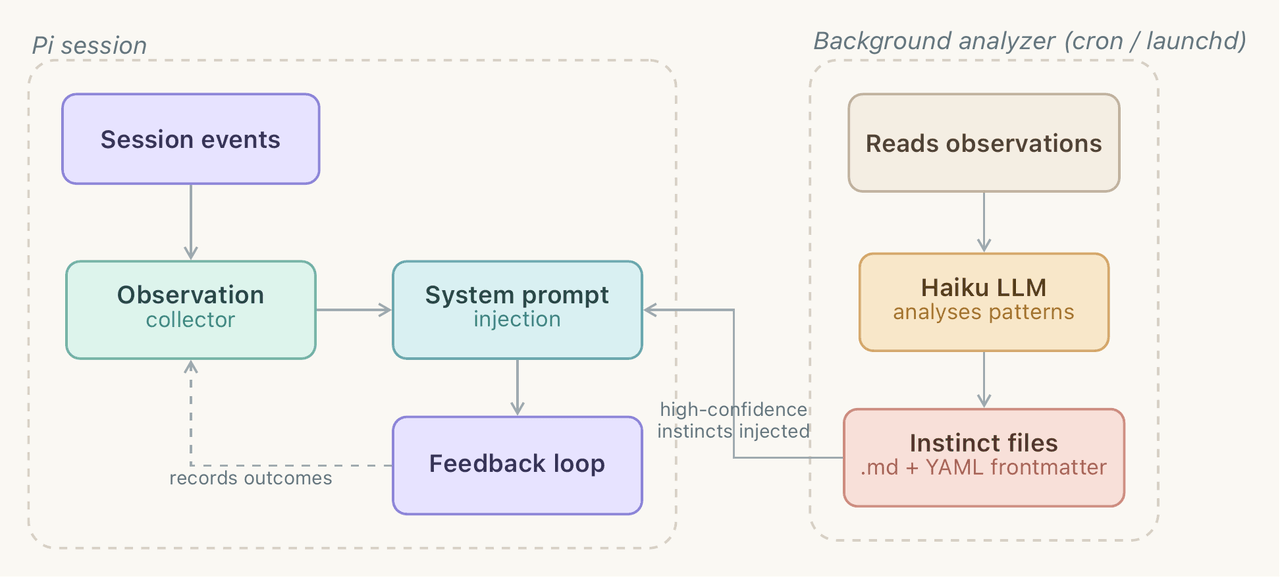 yzlnew/infra-skills
A collection of specialized agent skills for AI infrastructure development, enabling Claude Code to write, optimize, and…
yzlnew/infra-skills
A collection of specialized agent skills for AI infrastructure development, enabling Claude Code to write, optimize, and…
-
 liceses/dsh-gitbash-preset
DeepSeek Harness 插件:一键安装「极简模式 (Git Bash)」agent preset —— 把 DSH 自带极简模式中的 bash 调用映射到 Git for Windows 的 bash(MSYS),让 Window…
liceses/dsh-gitbash-preset
DeepSeek Harness 插件:一键安装「极简模式 (Git Bash)」agent preset —— 把 DSH 自带极简模式中的 bash 调用映射到 Git for Windows 的 bash(MSYS),让 Window…
-
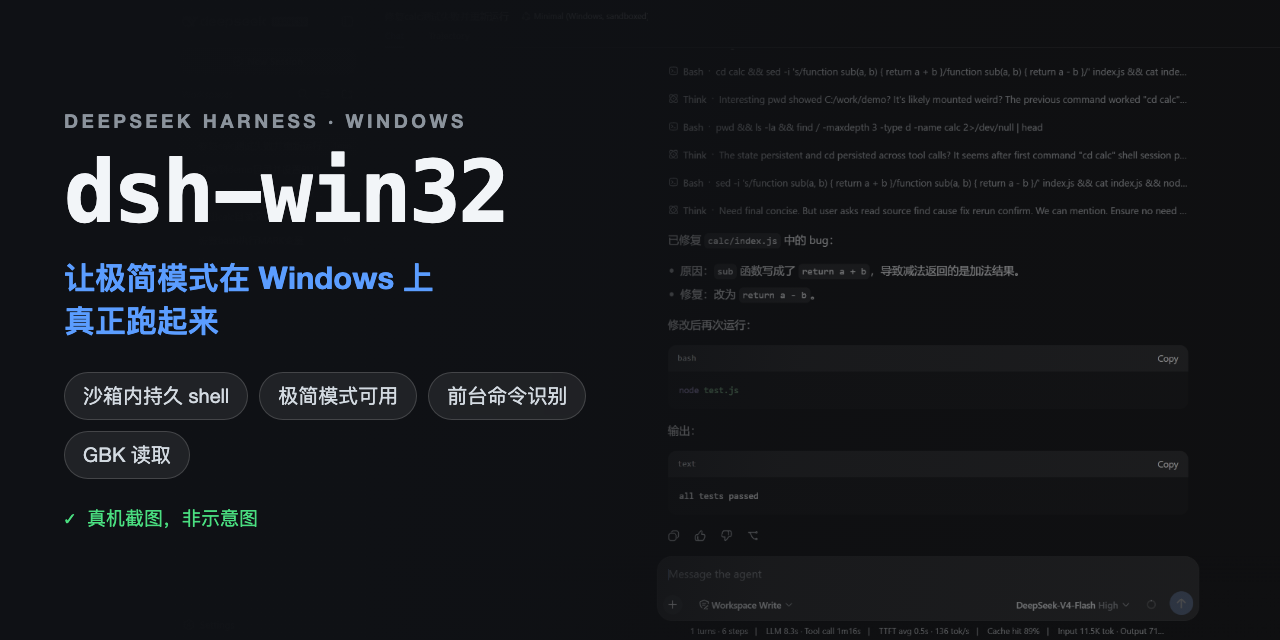 sjh9714/dsh-win32
Fix and diagnose DeepSeek Harness on native Windows. Official PowerShell, Workspace Write, shortcuts, and legacy preset …
sjh9714/dsh-win32
Fix and diagnose DeepSeek Harness on native Windows. Official PowerShell, Workspace Write, shortcuts, and legacy preset …