dongsheng123132/dsh-action-parity
DeepSeek Harness 的跨表面动作绑定与重放一致性验证
Project Overview项目介绍
dsh-action-parity is a native DSH plugin built exclusively for DeepSeek Harness. To install it into your local DSH instance, run the command dsh plugin --profile web add github:dongsheng123132/dsh-action-parity. Once installed, it registers two new DSH tools: dsh_action_parity_inspect and dsh_action_parity_verify. It verifies that business actions implemented for DeepSeek Harness behave consistently across three different access surfaces: CLI, MCP, and GUI. It does not execute business actions or run pixel-based UI tests. Instead, it checks that action IDs, core module hashes, binding declarations, and test results match across all three surfaces, and outputs a structured, deterministic report of any parity failures.
This plugin is intended for developers who build cross-surface business actions for DeepSeek Harness. A typical workflow starts with the developer writing a parity manifest that lists the expected action attributes and hashes. Next, the developer runs an inspection or verification via either the DSH plugin interface, the standalone CLI, or the provided proof-only MCP server, all of which are supported by this package. It also includes a formal Codex plugin manifest for integration with Codex agents. After the run completes, the developer can review the generated parity report to fix any mismatches between interfaces. This helps ensure that users get consistent behavior no matter how they access the action.
This package requires Node.js version 22 or higher to run, and is released under the permissive MIT open source license. It enforces strict rules around input and output to ensure security and consistency. For the CLI, an exit code of 0 means all checks passed, 2 means parity checks failed, and 1 means invalid or unsafe input was provided. Any inputs containing secrets, chat content, raw input/output, or command line arguments are automatically rejected. All file paths must stay inside the configured workspace root, and symlink inputs and output directories are rejected. Only the explicitly specified artifact directory can be written to, and all written content is verified with SHA-256 hash checks after writing.
这是 DeepSeek Harness 的原生插件,用于验证业务动作在 CLI、MCP、GUI 三种交互界面上的实现一致性。它不执行业务动作,也不做像素级按钮测试,只验证不同界面的动作 ID、核心模块、绑定声明和测试结果是否一致。它会生成确定性的、内容寻址的一致性检查报告,披露所有不一致问题和缺失证据。
开发 DeepSeek Harness 跨界面业务动作的开发者可以使用本工具进行一致性校验。典型工作流是先编写动作一致性校验清单,然后通过 DSH 插件入口或 CLI 命令运行检查,最后根据生成的报告修正不一致问题。它支持检查动作标识稳定性、内容哈希一致性、状态转换正确性和确认要求一致性。
本插件要求 Node.js 版本不低于 22,采用 MIT 许可证开源。它对输入输出有严格限制:不接受含敏感信息、输入输出内容的字段,要求所有路径都在工作区根目录内,拒绝符号链接输入和输出目录。只允许向指定的 artifact 目录写入内容,且会对写入内容进行 SHA-256 校验。
请帮我安装这个 DSH 插件。安装前先完成【兼容性检查 + 安全性检查】,检查通过再动手。

插件:dsh-action-parity(dongsheng123132/dsh-action-parity)
仓库:https://github.com/dongsheng123132/dsh-action-parity
本站详情页:https://www.yhbd.top/plugins/dongsheng123132-dsh-action-parity/
本站登记:类型 plugin · 归类 原生 DSH 插件 · 许可证 MIT · ⭐ 2 · 最近提交 2026-09-07 · 主语言 JavaScript

按下面顺序执行,每步先把结论告诉我,再进入下一步:

【1 兼容性检查】
① 我这边:DSH 版本、Node 版本、操作系统、当前 profile(web / desktop)。
② 读它的 README、package.json、插件 manifest,列出它要求的 DSH 版本 / Node 版本 / 操作系统 / 外部依赖 / 需要另外先装的运行时。
③ 逐条比对,结论只写「满足 / 不满足 / 未知」三种;不满足的给出可行替代方案。
④ 检查是否和我已装的插件冲突:命令名重复、skill / tool 重名、端口占用、重复注册的 MCP server。

【2 安全性检查】
① 仓库可信度:和上面「本站登记」是否一致;star / fork 数、创建时间、最近提交,是否归档或长期停更。
② 安装脚本:逐行看 package.json 的 preinstall / install / postinstall,以及 install.sh、setup.ps1 之类脚本。出现 curl|bash、下载后直接执行、混淆代码、访问与插件功能无关的域名,立刻停下来告诉我,不要继续装。
③ 依赖:列出新增依赖,标出无人维护、或与知名包拼写近似的可疑包(typosquatting)。
④ 权限与副作用:它会读写哪些目录、访问哪些域名、需要哪些 DSH 权限(filesystem / network / shell / clipboard 等),以及怎么卸载和回滚。
⑤ 如果它要求 sudo / 管理员权限,或权限明显超出功能所需,先停下来问我。

【3 安装】
上面两步没有「不满足」和「高危项」时才执行;用官方推荐方式安装,不要自行提权。

【4 汇报】
用表格输出:检查项 / 结论 / 依据 / 是否需要我决策。拿不准的一律写「未知」并说明要我怎么确认——不要猜,也不要替我决定。
Send this message to DSH in your current session: it verifies compatibility and security first (answering met / not met / unknown item by item) and only installs once everything checks out — it will stop and ask you if it finds a high-risk item. The box scrolls; the copy is the full prompt. CLI install commands may not be accurate across systems, so DSH is the safer route.把上面这条消息直接发给当前会话里的 DSH:它会先核对兼容性与安全性(逐条给「满足 / 不满足 / 未知」),确认没问题再安装,有高危项会停下来问你。框内可滚动,复制到的是完整提示词;安装命令不一定准确,发给 DSH 更稳。
- Only 2 stars - very few users, little community feedback星标只有 2,几乎没人在用,遇到问题缺少社区反馈
DSH walks through these 9 checksDSH 会逐条核对这 9 项
Compatibility兼容性
- DSH, Node, OS and profile requirementsDSH 版本 / Node 版本 / 操作系统 / profile 是否满足要求
- External dependencies and runtimes (Electron / Python / Docker, ...)外部依赖与运行时(Electron / Python / Docker 等)是否齐备
- Conflicts with installed plugins: command names, skill / tool names, ports, duplicate MCP registration与已装插件是否冲突:命令名、skill / tool 重名、端口占用、重复 MCP 注册
Security安全性
- Repo matches the facts registered here; archived or abandoned?仓库是否与页面登记一致,是否归档或长期停更
- Safety of preinstall / install / postinstall and install.sh / setup.ps1preinstall / install / postinstall 与 install.sh、setup.ps1 是否安全
- curl|bash, download-then-execute, obfuscation, unrelated domains → stop immediatelycurl|bash、下载即执行、混淆代码、无关域名 → 立刻停止
- Typosquatting or unmaintained packages among the new dependencies新增依赖里有没有 typosquatting 或无人维护的包
- Requested permissions vs. what the feature actually needs申请了哪些权限、是否超出功能所需(filesystem / network / shell / clipboard)
- Any sudo / admin requirement, plus uninstall and rollback是否要求 sudo / 管理员权限,以及卸载与回滚方式
Anything uncertain must be marked unknown with a note on how to confirm it. This site's signal screen is a static snapshot, not a security audit.拿不准的必须标「未知」并说明要我怎么确认。本站的信号筛查是静态快照,不能替代安全审计。
Or use CLI install (for developers)或使用命令行安装(适合开发者)
CLI Install命令行安装
dsh plugin --profile web add github:dongsheng123132/dsh-action-parity把 dongsheng123132/dsh-action-parity 加入你的 DSH 配置(web profile)即可启用。
READMEREADME
DSH Action Parity




Evidence that a business action is implemented once and reached consistently from CLI, MCP and GUI surfaces in DeepSeek Harness. Version 0.2 adds a formal Codex plugin manifest, a proof-only MCP server, real ToolRuntime smoke coverage and a namespace-export regression test for the stock DSH Web loader.
This plugin does not execute business actions and does not test buttons by pixels. It verifies a manifest of stable Action IDs, content-addressed action-core and binding declarations, and structural replay observations produced by each interface.
What it verifies
- every CLI, MCP and GUI binding names the same stable
actionIdandcoreActionId; - GUI bindings expose
data-action-id:<actionId>while CLI and MCP use stable machine identifiers; - core modules, binding declarations and replay fixtures still match their declared SHA-256;
- the same fixture yields the same result digest, success state and state-version transition on every surface;
- stale mutations fail closed with
STALE_STATEand do not advance state; - confirmation-required actions enforce confirmation on every surface;
- missing/stale evidence and every parity failure are disclosed in a deterministic content-addressed report.
Inputs containing secret-, prompt-, chat-, raw input/output-, argv-, stdout- or stderr-shaped fields are rejected. Paths must remain inside workspaceRoot; symlink inputs and output directories are rejected. Only the explicit artifactDir is written, with atomic publication and SHA-256 read-back verification.
Install
dsh plugin --profile web add github:dongsheng123132/dsh-action-parity
Showing the opening section of the README — the full document lives in the repository以上为 README 开头摘要,完整文档在仓库内 · View the full README on GitHub →在 GitHub 查看完整 README →
Related相关推荐
-
 Aisland-SJL/dsh-worktable
🖥️ Agent-project workbench for DeepSeek Harness — sidebar app drawer + dockable split workspace + a live control room w…
Aisland-SJL/dsh-worktable
🖥️ Agent-project workbench for DeepSeek Harness — sidebar app drawer + dockable split workspace + a live control room w…
-
 left0ver/dsh-file-review
dsh插件 - 立刻审查agent对文件的修改,查看diff,支持在dsh-better-sidebar中使用。a dsh plugin - review files that an agent just changed,you can …
left0ver/dsh-file-review
dsh插件 - 立刻审查agent对文件的修改,查看diff,支持在dsh-better-sidebar中使用。a dsh plugin - review files that an agent just changed,you can …
-
 yoli-mi/dsh-client-ui-custom
Configurable DSH web-surface plugin: wallpaper & frosted-glass themes, accent colors, custom keyboard shortcuts, app-usa…
yoli-mi/dsh-client-ui-custom
Configurable DSH web-surface plugin: wallpaper & frosted-glass themes, accent colors, custom keyboard shortcuts, app-usa…
-
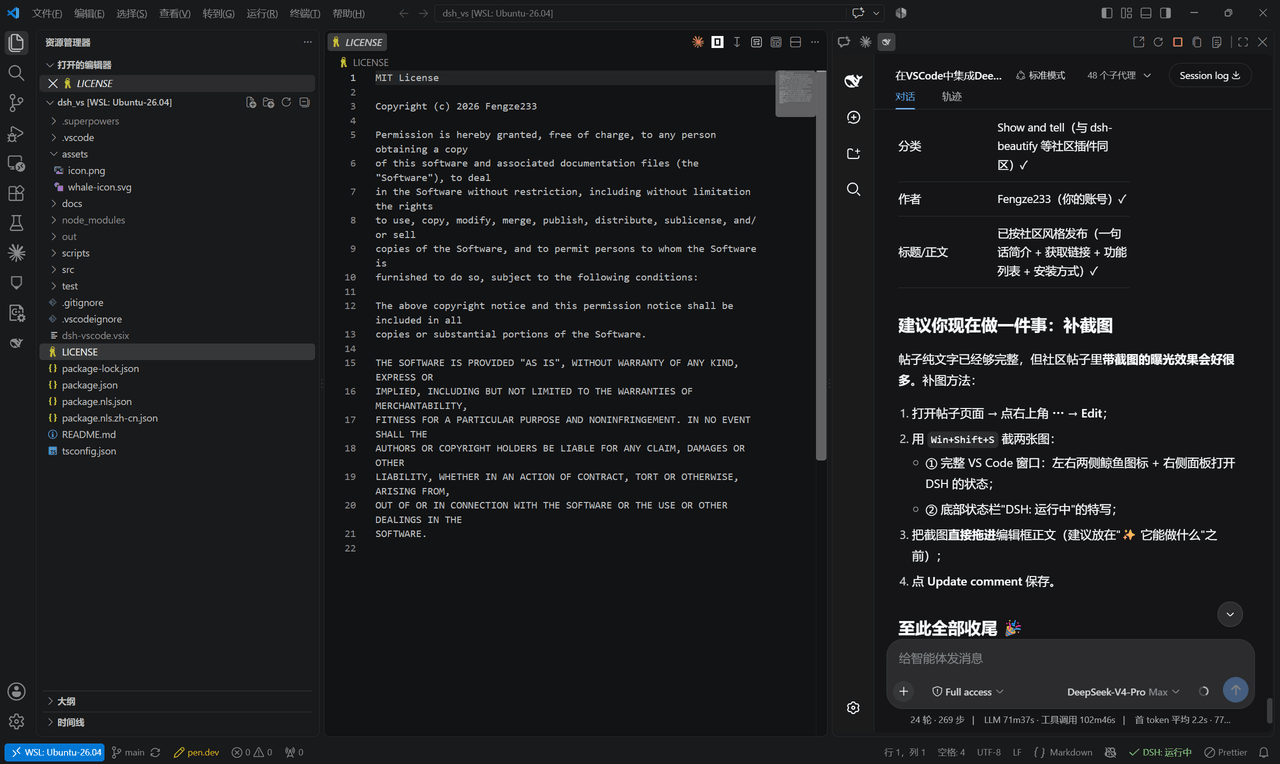 Fengze233/dsh-vscode
在 VS Code 侧边栏内嵌使用 DeepSeek Harness(DSH)网页界面的插件
Fengze233/dsh-vscode
在 VS Code 侧边栏内嵌使用 DeepSeek Harness(DSH)网页界面的插件
-
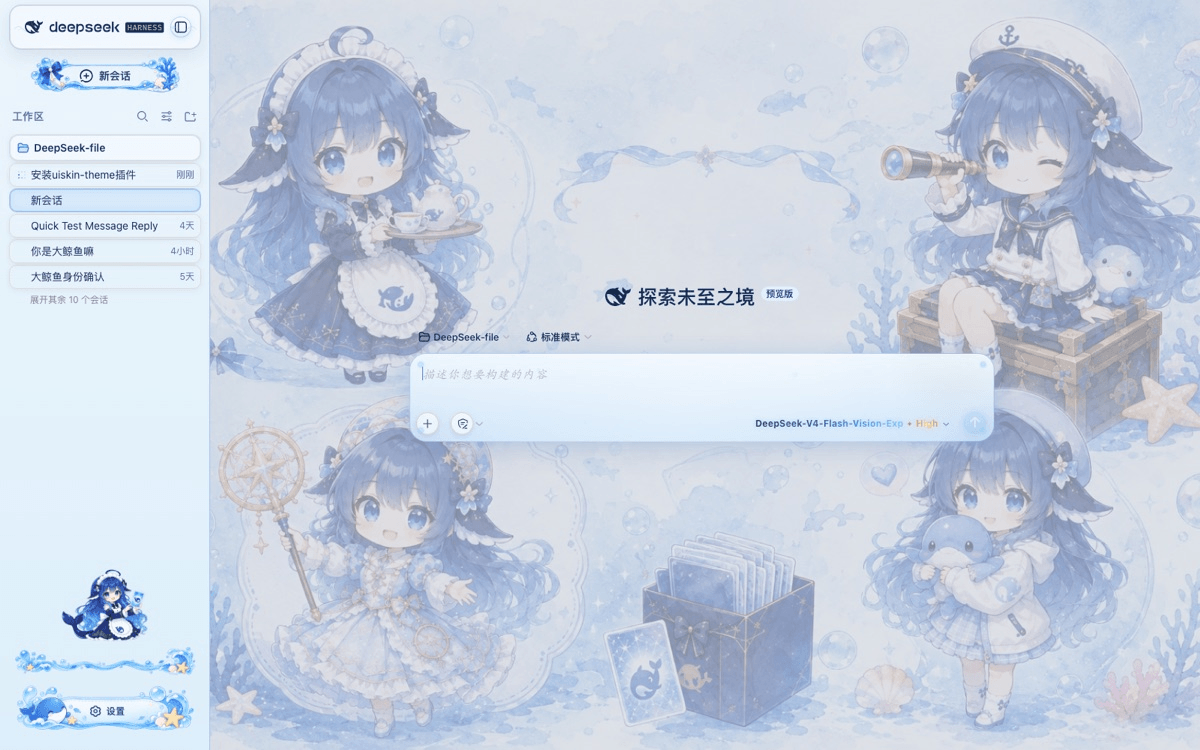 chouxiaohuai/dsh-uiskin-theme
Blue Glass Theme (ocean fantasy) for DeepSeek Harness Web — static profile bundle. 海洋幻想主题:海洋背景、玻璃气泡、海洋侧边栏、鲸鱼设置按钮、炫彩模型文字。…
chouxiaohuai/dsh-uiskin-theme
Blue Glass Theme (ocean fantasy) for DeepSeek Harness Web — static profile bundle. 海洋幻想主题:海洋背景、玻璃气泡、海洋侧边栏、鲸鱼设置按钮、炫彩模型文字。…
- 893413974-bit/dsh-setting-restart One-click restart of the DSH service from Settings → General. A dsh-plugin for DeepSeek Harness; the restart row stays p…
-
 meyaomiao/dsh-server-deck
服务器卡片仪表盘 for DeepSeek Harness — card dashboard (status/CPU/mem/disk) + one-click xterm terminal, better-sidebar tab or s…
meyaomiao/dsh-server-deck
服务器卡片仪表盘 for DeepSeek Harness — card dashboard (status/CPU/mem/disk) + one-click xterm terminal, better-sidebar tab or s…
- ChenYiming-aaa/dsh-ui-ux-pro-max DeepSeek Harness(DSH)插件:基于 GitHub 开源项目 ui-ux-pro-max-skill 修改优化的 UI/UX 设计智能库——内置 67 种设计风格、161 个调色板、57 组字体搭配、99 条 UX 规范、2…