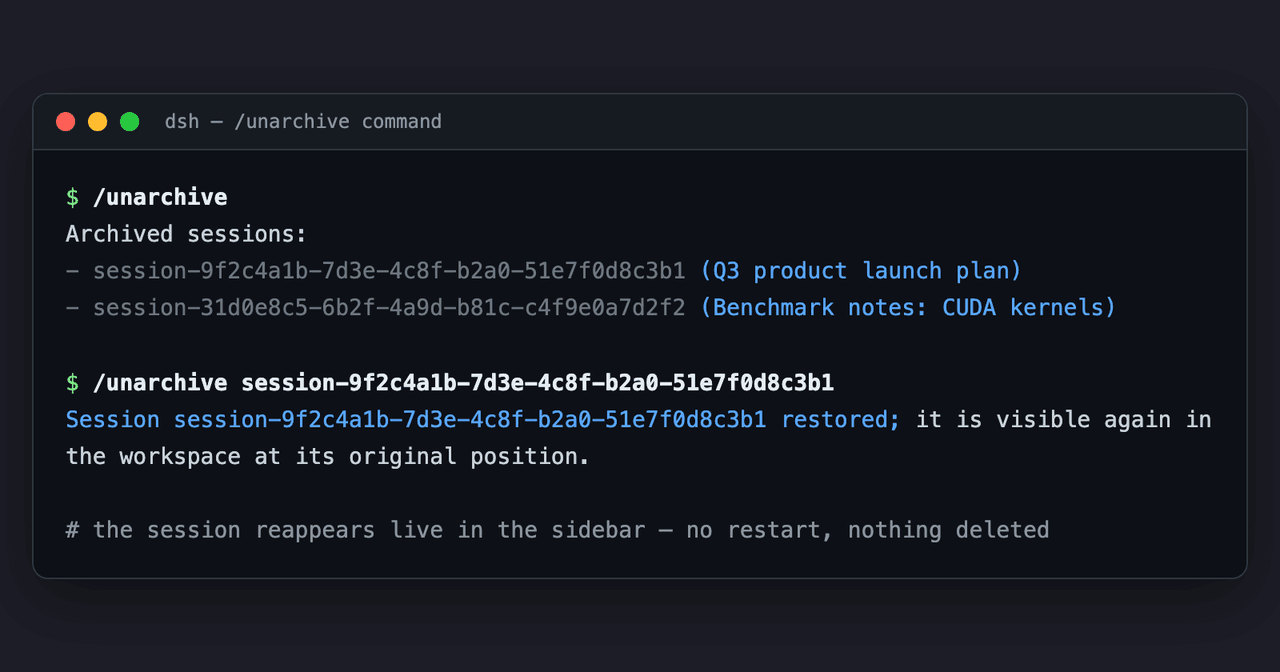
edfrey0044/dsh-unarchive
在DeepSeek Harness中恢复已归档的会话:/unarchive命令+ unarchive_session工具(配置文件包)
项目介绍Project Overview
dsh-unarchive 是 DeepSeek Harness 插件,用于恢复已归档会话。它提供 /unarchive 命令和 unarchive_session 工具:无参数列出归档会话,传入会话 ID 即从全局归档集合移除,使其回到工作区原位置,并实时同步到 GUI、重启后保留。适用于误归档或需找回隐藏会话时。注意:在缺少核心 API 的版本上直写数据域后,注册表内存缓存会过期,需重启 dsh 才能完全生效。
dsh-unarchive is a DeepSeek Harness plugin that restores archived sessions. It adds a /unarchive command and an unarchive_session agent tool: with no argument they list archived sessions, and with a session ID they remove it from the global archive set so it reappears in its original workspace position, live across GUIs and across restarts. Use it to recover hidden sessions. Caveat: on builds without the core API, a direct-domain write leaves the registry cache stale until dsh restarts.
请帮我了解并安装插件:【dsh-unarchive】【https://github.com/edfrey0044/dsh-unarchive】把上面这条消息直接发给当前会话里的 DSH,让它帮你了解并安装。安装命令不一定准确,发给 DSH 更稳。Send this message to DSH in your current session. CLI install commands may not be accurate across systems — DSH will figure it out for you.
或使用命令行安装(适合开发者)Or use CLI install (for developers)
命令行安装CLI Install
dsh plugin --profile web add dsh-unarchive把 edfrey0044/dsh-unarchive 加入你的 DSH 配置(web profile)即可启用。
READMEREADME
dsh-unarchive
English | 中文
Restore archived sessions in the DeepSeek Harness. Archiving a session hides it from every grouping surface (workspace groups, Ungrouped, flat list, search) but never deletes it. This plugin adds the missing inverse: two entry points that remove a session from the registry-global archive set so it reappears at its original position.
What you get
| Entry point | Where | Behavior |
|---|---|---|
/unarchive |
GUI command palette (/ menu) or any command surface |
No argument lists the archived sessions (ids plus best-effort titles); a session id restores it |
unarchive_session |
Agent tools (any session) | Omitted sessionId lists the archived sessions; a sessionId restores one |
Both entry points restore the session live in every connected GUI client (host/archived-sessions-changed) and the change survives restarts. Session logs and workspace accounting slots are never touched.
Requirements
None beyond a stock DeepSeek Harness profile. The plugin is self-contained:
- On builds that ship
workspaceRegistry.unarchiveSession, it uses that durable core API. - Otherwise it writes the workspace domain's
archivedSessionIdsglobal directly — the same durable, live-updating dataarchiveSessionreads and writes.
Self-contained caveat: the direct-domain write leaves the workspace registry's in-memory cache stale until the next restart. Until then the session reappears live, but (a) refreshing the GUI re-hides it, and (b) a later archive/workspace change re-archives it. Restart dsh to fully settle it.
Install
As a profile bundle (recommended), from a checkout of this repository:
dsh plugin --profile web add github:edfrey0044/dsh-unarchive
# or, after publishing to npm:
dsh plugin --profile web add dsh-unarchive
Restart dsh web (or your profile). The bundle patch auto-joins the profile's layer stack because this package declares dsh.bundle.patch.
Manual composition: add the row to your profile's cordis.patch.yml and install the package into the profile:
# ~/.dsh/profiles/<name>/cordis.patch.yml (one insert over the profile root)
- insert:
    - id: dsh-unarchive
      name: dsh-unarchive
cd ~/.dsh/profiles/<name>
pnpm add github:edfrey0044/dsh-unarchive
Usage
Find what is archived, then restore it:
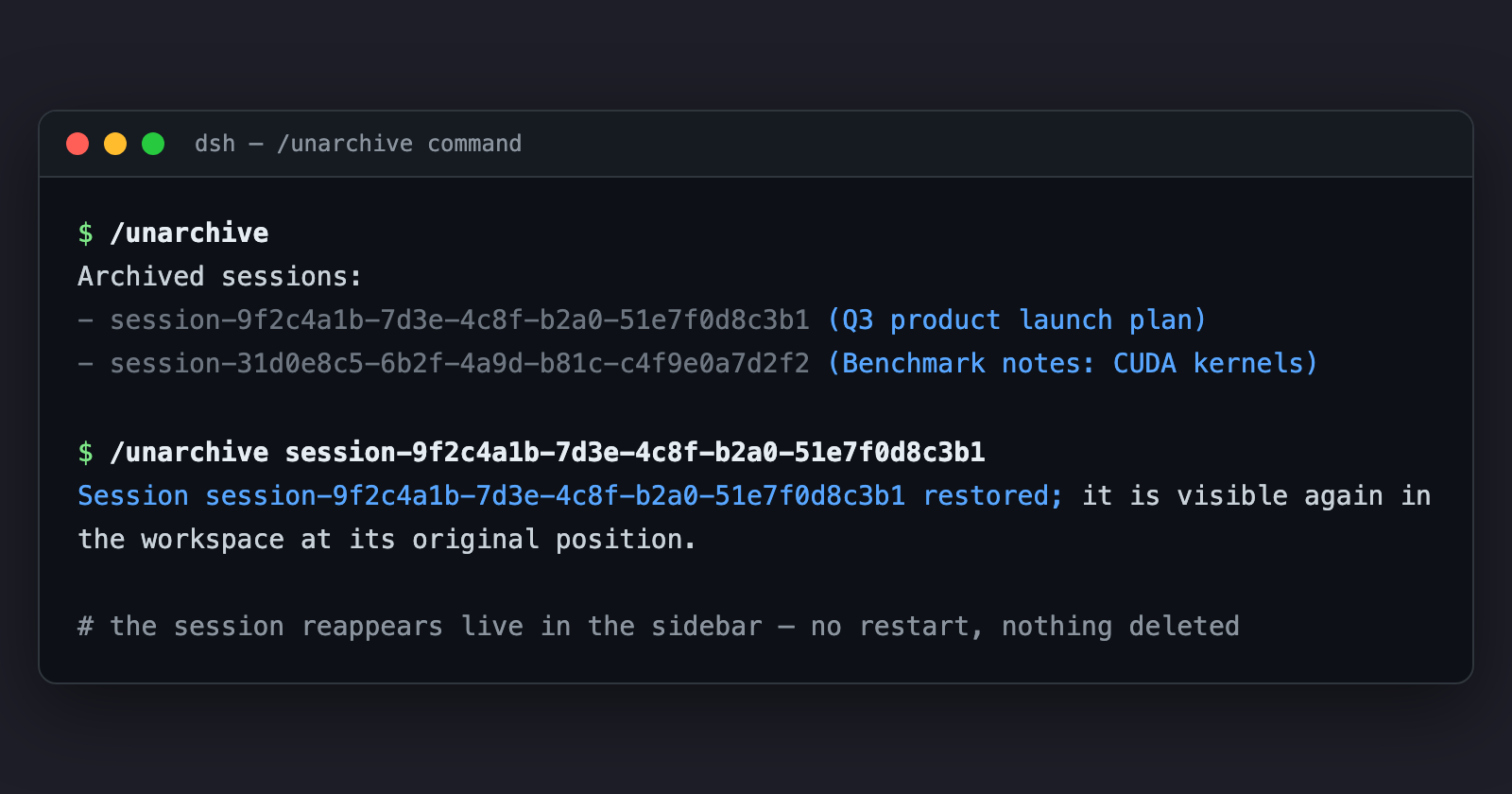
/unarchive
Archived sessions:
- session-0a701da0-449d-4997-bf87-a4b6aae7ceee  (张雪峰谈2026文科女生报考西财中外学院)
- session-b96a78f1-b6bf-439b-9570-c054307e6adb  (张雪峰视角:西财中外合作报考建议)

/unarchive session-0a701da0-449d-4997-bf87-a4b6aae7ceee
Session session-0a701da0-449d-4997-bf87-a4b6aae7ceee restored; it is visible again in the workspace at its original position.
English demo (the /unarchive command in the GUI command palette):
Or ask the agent in any session: "把归档的会话恢复一下" — the model calls unarchive_session for you.
Session ids also live on disk: ~/.dsh/sessions/<project>/<sessionId>/ (or $DSH_HOME/sessions/...), and the archive set itself is ~/.dsh/storages/workspace.json → global.archivedSessionIds.
How it works
Archiving keeps the session's sessionIds slot in the workspace account; only a display-set write moves the id into archivedSessionIds. Unarchiving is the inverse write, so the session resurfaces exactly where it was.
The plugin prefers the core API (WorkspaceRegistry.unarchiveSession) when the build ships it. On stock builds it writes the workspace domain's archivedSessionIds global directly via ctx.storageDomain; that write is durable and emits domain/changed, which the host turns into host/archived-sessions-changed for every connected client. The self-contained path's one limitation is the registry's in-memory cache (see Requirements).
Development
The implementation is plain ESM (lib/index.js) with hand-written declarations — no build step.
npm test— stub-based unit tests (fake registries; no DSH boot).- End-to-end verification against a real harness checkout: mount the plugin with real
storage-domain/workspaceRegistryin a temp world and drive the captured command handler. Seetests/for the scenario shape.
License
MIT
相关推荐Related
-
 nexu-io/open-design
🎨 Best DeepSeek Harness Design Plugin. The open-source Claude Design alternative. 🖥️ Local-first desktop app. 🖼️ Your…
nexu-io/open-design
🎨 Best DeepSeek Harness Design Plugin. The open-source Claude Design alternative. 🖥️ Local-first desktop app. 🖼️ Your…
-
 freestylefly/awesome-gpt-image-2
Prompt as Code | GPT-Image2 工业级提示词引擎与模板库,530+ 个案例逆向工程,20+ 套工业级模板,并提炼出Skills,持续更新中
freestylefly/awesome-gpt-image-2
Prompt as Code | GPT-Image2 工业级提示词引擎与模板库,530+ 个案例逆向工程,20+ 套工业级模板,并提炼出Skills,持续更新中
-
 anywhere-labs/dsh-desktop
为 DeepSeek Harness (DSH) 插件生态打造的现代化桌面端解决方案。万物皆「插件」,桌面本身也是「插件」。
anywhere-labs/dsh-desktop
为 DeepSeek Harness (DSH) 插件生态打造的现代化桌面端解决方案。万物皆「插件」,桌面本身也是「插件」。
- Nagi-ovo/voyager Enhancement suite for Gemini, AI Studio, Claude & ChatGPT — plus a prompt manager for any web UI, DeepSeek Harness inclu…
-
 walkinglabs/learn-harness-engineering
Harness engineering beginner tutorial, from 0 to 1
walkinglabs/learn-harness-engineering
Harness engineering beginner tutorial, from 0 to 1
-
 awesome-dsh-plugin/awesome-dsh-plugin
A curated list of plugins for DeepSeek Harness (dsh) · DeepSeek Harness 插件精选列表
awesome-dsh-plugin/awesome-dsh-plugin
A curated list of plugins for DeepSeek Harness (dsh) · DeepSeek Harness 插件精选列表
-
 MemTensor/MemOS
Self-evolving memory OS for LLM & AI Agents: ultra-persistent memory, hybrid-retrieval, and cross-task skill reuse, with…
MemTensor/MemOS
Self-evolving memory OS for LLM & AI Agents: ultra-persistent memory, hybrid-retrieval, and cross-task skill reuse, with…
- yjh051108/dsh-routing-suite dsh-routing-suite — injector + router-standard kit: install the runtime injector first, then the task-aware reasoning-mo…