Edge-Echo/dsh-win-toolkit
Windows-native capability pack for DeepSeek Harness (dsh): clipboard, notifications, hosts file, network diagnostics and more — safe PowerShell-backed tools for Windows users.
Project Overview项目介绍
dsh-win-toolkit is a Windows-native capability pack built specifically for DeepSeek Harness (dsh), shipping as an installable plugin that surfaces clipboard access, system notifications, hosts-file inspection, and network diagnostics to a dsh agent through the standard dsh plugin loader. Installation is a one-liner — dsh plugin --profile web add dsh-win-toolkit followed by dsh web to restart the web profile — after which the commands win_clipboard_read, win_clipboard_write, win_notify, win_hosts_list, and win_netdiag appear in the agent's tool catalog. It is published on npm as dsh-win-toolkit under MIT and is part of the broader dsh-toolkit family that also includes dsh-mcp-bridge, dsh-netassist, and dsh-driftwatch, all targeting the same dsh extension surface.
Typical workflow is letting a dsh agent directly manipulate the Windows desktop on the user's behalf: writing or reading clipboard text, popping a system notification when a long task finishes, reading the system hosts file, and running DNS resolution plus TCP port tests against any host such as "is github.com:443 reachable". The audience is developers and operators who want a dsh agent to reach OS-level Windows capabilities without hand-rolling PowerShell glue, and the README recommends running dsh-win-toolkit doctor as a first-run check to verify platform, PowerShell, execution policy, clipboard access, WScript.Shell COM, and hosts readability before reporting issues.
Dependencies are Windows 10 or 11, PowerShell 5.1 or newer (PowerShell 7 works but is not required), and Node 22+ to host the plugin; no admin rights are needed for the current toolset, since only clipboard writes and notification popups perform write or UI actions. Every tool runs a short PowerShell snippet via powershell.exe -NoProfile -NonInteractive, with all user input passed across the script boundary as Base64 so argument injection is structurally impossible, and per-call timeout psTimeoutMs (default 20000) is configurable in cordis.patch.yml under the win-toolkit entry. On non-Windows hosts the plugin entry is a no-op and calls fail with a clear error, while future roadmap items such as win_hosts_edit, win_env, win_service, win_window, and win_task will remain admin-gated.
dsh-win-toolkit 是一个面向 DeepSeek Harness (dsh) 的 Windows 原生能力包,通过插件机制把剪贴板、系统通知、hosts 文件查看和网络诊断等 Windows 工具暴露给 dsh 智能体。安装方式为 dsh plugin --profile web add dsh-win-toolkit,随后执行 dsh web 重启加载,工具以命令 win_clipboard_read、win_clipboard_write、win_notify、win_hosts_list、win_netdiag 出现在代理上下文中,属于 dsh-toolkit 套件成员之一(同套件还包括 dsh-mcp-bridge、dsh-netassist、dsh-driftwatch)。
典型用法是让 dsh 代理代替用户操作 Windows 桌面环境:让代理把文本写入剪贴板、读取当前剪贴板内容、在任务完成时弹窗提醒、读取系统 hosts 文件,以及针对任意主机做 DNS 解析与 TCP 端口连通性测试,例如询问"检查 github.com:443 是否可达"即触发 win_netdiag。该插件面向需要在 Windows 上让 dsh 代理直接触达系统能力、又不愿手工写 PowerShell 脚本的开发者与运维人员,首次使用前应运行 dsh-win-toolkit doctor 自检 PowerShell、执行策略与 COM 组件就绪状态。
依赖与限制方面:要求 Windows 10/11、PowerShell 5.1+(PowerShell 7 亦可,非必需)、Node 22+ 用于承载插件;当前工具集无需管理员权限,只有剪贴板写入与弹窗通知涉及写入或 UI 动作。所有调用通过 powershell.exe -NoProfile -NonInteractive 执行,用户参数以 Base64 跨过脚本边界,杜绝字符串拼接注入;可通过 cordis.patch.yml 中 win-toolkit 条目下的 psTimeoutMs(默认 20000 毫秒)调节单次超时。项目以 MIT 许可证发布,在非 Windows 平台加载项本身为空,工具调用会显式报错。
请帮我安装这个 DSH 插件。安装前先完成【兼容性检查 + 安全性检查】,检查通过再动手。

插件:dsh-win-toolkit(Edge-Echo/dsh-win-toolkit)
仓库:https://github.com/Edge-Echo/dsh-win-toolkit
本站详情页:https://www.yhbd.top/plugins/edge-echo-dsh-win-toolkit/
本站登记:类型 plugin · 归类 原生 DSH 插件 · 许可证 MIT · ⭐ 2 · 最近提交 2026-10-01 · 主语言 JavaScript

按下面顺序执行,每步先把结论告诉我,再进入下一步:

【1 兼容性检查】
① 我这边:DSH 版本、Node 版本、操作系统、当前 profile(web / desktop)。
② 读它的 README、package.json、插件 manifest,列出它要求的 DSH 版本 / Node 版本 / 操作系统 / 外部依赖 / 需要另外先装的运行时。
③ 逐条比对,结论只写「满足 / 不满足 / 未知」三种;不满足的给出可行替代方案。
④ 检查是否和我已装的插件冲突:命令名重复、skill / tool 重名、端口占用、重复注册的 MCP server。

【2 安全性检查】
① 仓库可信度:和上面「本站登记」是否一致;star / fork 数、创建时间、最近提交,是否归档或长期停更。
② 安装脚本:逐行看 package.json 的 preinstall / install / postinstall,以及 install.sh、setup.ps1 之类脚本。出现 curl|bash、下载后直接执行、混淆代码、访问与插件功能无关的域名,立刻停下来告诉我,不要继续装。
③ 依赖:列出新增依赖,标出无人维护、或与知名包拼写近似的可疑包(typosquatting)。
④ 权限与副作用:它会读写哪些目录、访问哪些域名、需要哪些 DSH 权限(filesystem / network / shell / clipboard 等),以及怎么卸载和回滚。
⑤ 如果它要求 sudo / 管理员权限,或权限明显超出功能所需,先停下来问我。

【3 安装】
上面两步没有「不满足」和「高危项」时才执行;用官方推荐方式安装,不要自行提权。

【4 汇报】
用表格输出:检查项 / 结论 / 依据 / 是否需要我决策。拿不准的一律写「未知」并说明要我怎么确认——不要猜,也不要替我决定。
Send this message to DSH in your current session: it verifies compatibility and security first (answering met / not met / unknown item by item) and only installs once everything checks out — it will stop and ask you if it finds a high-risk item. The box scrolls; the copy is the full prompt. CLI install commands may not be accurate across systems, so DSH is the safer route.把上面这条消息直接发给当前会话里的 DSH:它会先核对兼容性与安全性(逐条给「满足 / 不满足 / 未知」),确认没问题再安装,有高危项会停下来问你。框内可滚动,复制到的是完整提示词;安装命令不一定准确,发给 DSH 更稳。
- Only 2 stars - very few users, little community feedback星标只有 2,几乎没人在用,遇到问题缺少社区反馈
DSH walks through these 9 checksDSH 会逐条核对这 9 项
Compatibility兼容性
- DSH, Node, OS and profile requirementsDSH 版本 / Node 版本 / 操作系统 / profile 是否满足要求
- External dependencies and runtimes (Electron / Python / Docker, ...)外部依赖与运行时(Electron / Python / Docker 等)是否齐备
- Conflicts with installed plugins: command names, skill / tool names, ports, duplicate MCP registration与已装插件是否冲突:命令名、skill / tool 重名、端口占用、重复 MCP 注册
Security安全性
- Repo matches the facts registered here; archived or abandoned?仓库是否与页面登记一致,是否归档或长期停更
- Safety of preinstall / install / postinstall and install.sh / setup.ps1preinstall / install / postinstall 与 install.sh、setup.ps1 是否安全
- curl|bash, download-then-execute, obfuscation, unrelated domains → stop immediatelycurl|bash、下载即执行、混淆代码、无关域名 → 立刻停止
- Typosquatting or unmaintained packages among the new dependencies新增依赖里有没有 typosquatting 或无人维护的包
- Requested permissions vs. what the feature actually needs申请了哪些权限、是否超出功能所需(filesystem / network / shell / clipboard)
- Any sudo / admin requirement, plus uninstall and rollback是否要求 sudo / 管理员权限,以及卸载与回滚方式
Anything uncertain must be marked unknown with a note on how to confirm it. This site's signal screen is a static snapshot, not a security audit.拿不准的必须标「未知」并说明要我怎么确认。本站的信号筛查是静态快照,不能替代安全审计。
Or use CLI install (for developers)或使用命令行安装(适合开发者)
CLI Install命令行安装
dsh plugin --profile web add dsh-win-toolkit把 Edge-Echo/dsh-win-toolkit 加入你的 DSH 配置(web profile)即可启用。
READMEREADME
dsh-win-toolkit
Part of the dsh-toolkit family: dsh-mcp-bridge · dsh-win-toolkit · dsh-netassist · dsh-driftwatch


Windows-native capability pack for DeepSeek Harness (dsh).
Gives your dsh agent real Windows superpowers — clipboard, system notifications, hosts file inspection, and network diagnostics — backed by safe, parameterized PowerShell. No extra installs, no admin rights required for the current toolset.
中文文档见 README.zh.md。
Check your environment first
dsh-win-toolkit doctor
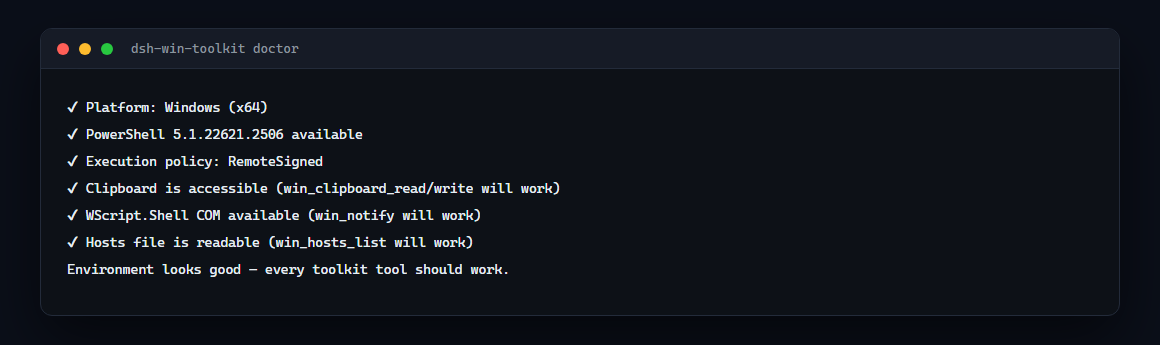
It verifies the platform, PowerShell, execution policy, clipboard access, WScript.Shell COM and hosts readability — everything the tools rely on.
Requirements
| OS | Windows 10 or 11 — the tools call powershell.exe |
| PowerShell | 5.1+ (the default on Windows 10/11); PowerShell 7 works as well but is not required |
| Privileges | none for the current tools — everything is read-only except clipboard write and the notification popup |
| Node | 22+ (for the plugin host) |
Run dsh-win-toolkit doctor to verify all of the above on your machine before blaming the plugin.
Tools
| Tool | What it does |
|---|---|
win_clipboard_read |
Read the current clipboard text |
win_clipboard_write |
Write text to the clipboard |
win_notify |
Show a system popup notification (auto-closes) |
win_hosts_list |
Read the Windows hosts file |
win_netdiag |
DNS resolution + TCP port test for any host |
Showing the opening section of the README — the full document lives in the repository以上为 README 开头摘要,完整文档在仓库内 · View the full README on GitHub →在 GitHub 查看完整 README →
Related相关推荐
-
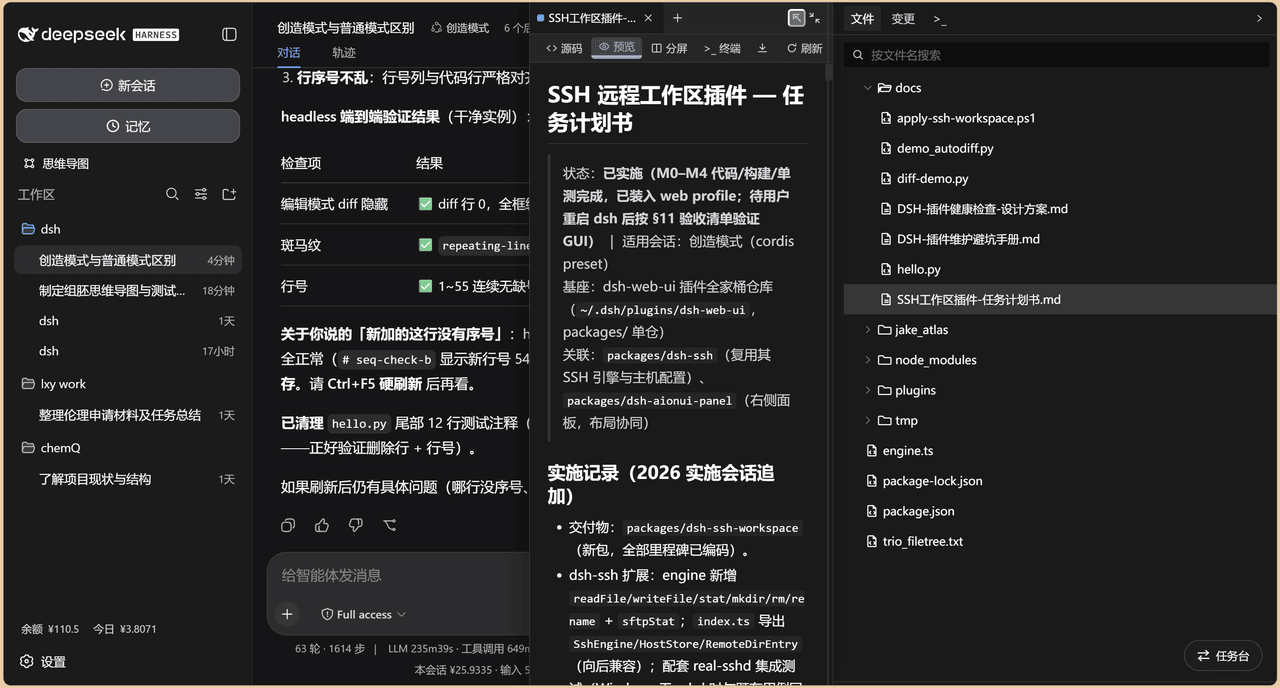 chenw2759-wq/dsh-IDE
dsh-IDE 把 DeepSeek Harness(DSH)网页版升级成一站式 IDE:JupyterLab 式文件树、带语法高亮的代码编辑、多格式预览、Trae 风格红绿 diff 和内置终端,再加上「本地大脑、远程手脚」的 SSH 远…
chenw2759-wq/dsh-IDE
dsh-IDE 把 DeepSeek Harness(DSH)网页版升级成一站式 IDE:JupyterLab 式文件树、带语法高亮的代码编辑、多格式预览、Trae 风格红绿 diff 和内置终端,再加上「本地大脑、远程手脚」的 SSH 远…
-
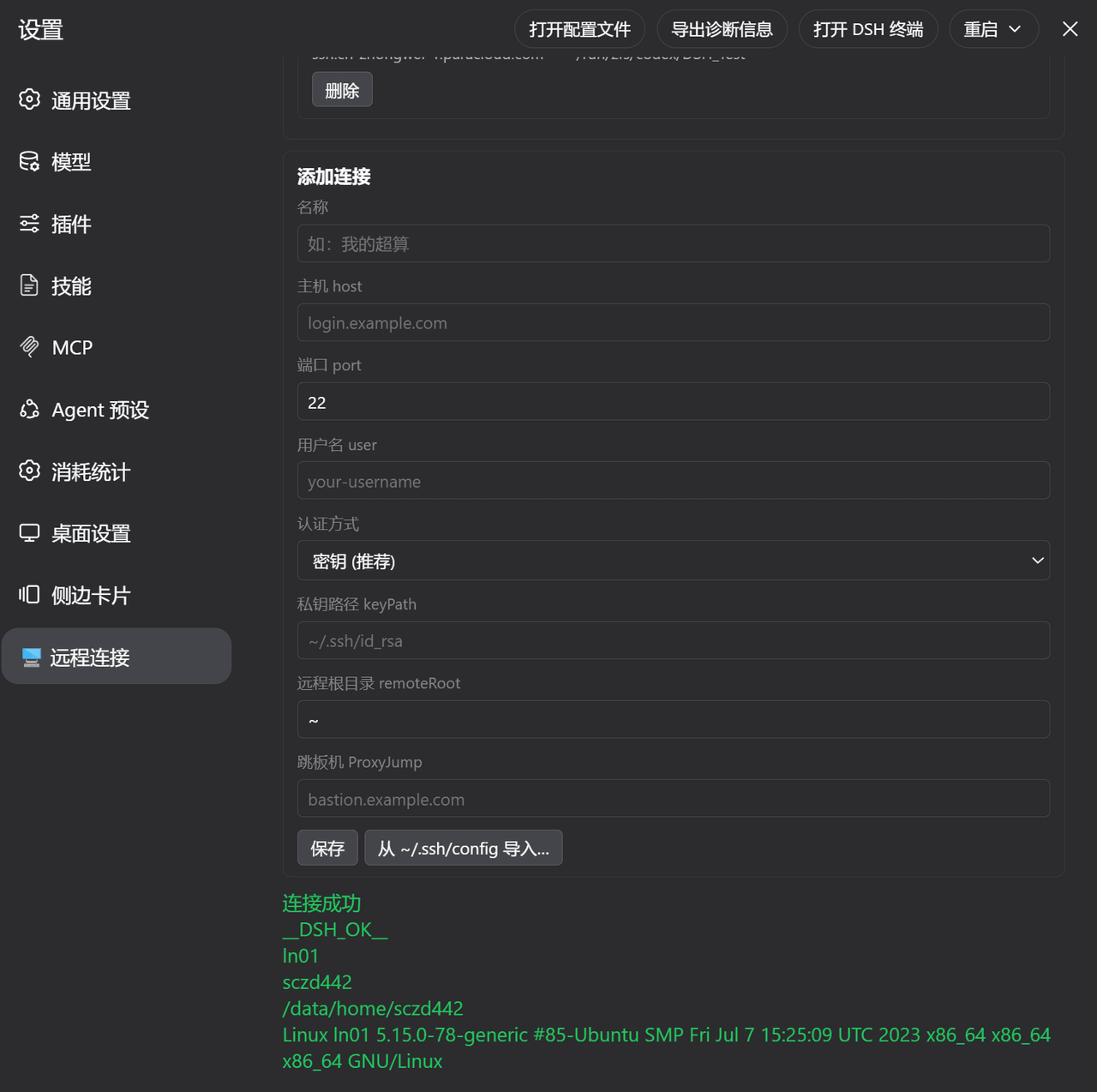 ZhangFengshun/dsh-remote-ssh
DSH web plugin: VSCode Remote-SSH-like remote development (SSH, remote workspace, file explorer, integrated terminal)
ZhangFengshun/dsh-remote-ssh
DSH web plugin: VSCode Remote-SSH-like remote development (SSH, remote workspace, file explorer, integrated terminal)
-
 caoyiwei850/dsh-ssh-ops
DeepSeek Harness SSH 运维插件:主对话驱动 SSH,带高危命令保护与右侧终端。
caoyiwei850/dsh-ssh-ops
DeepSeek Harness SSH 运维插件:主对话驱动 SSH,带高危命令保护与右侧终端。
-
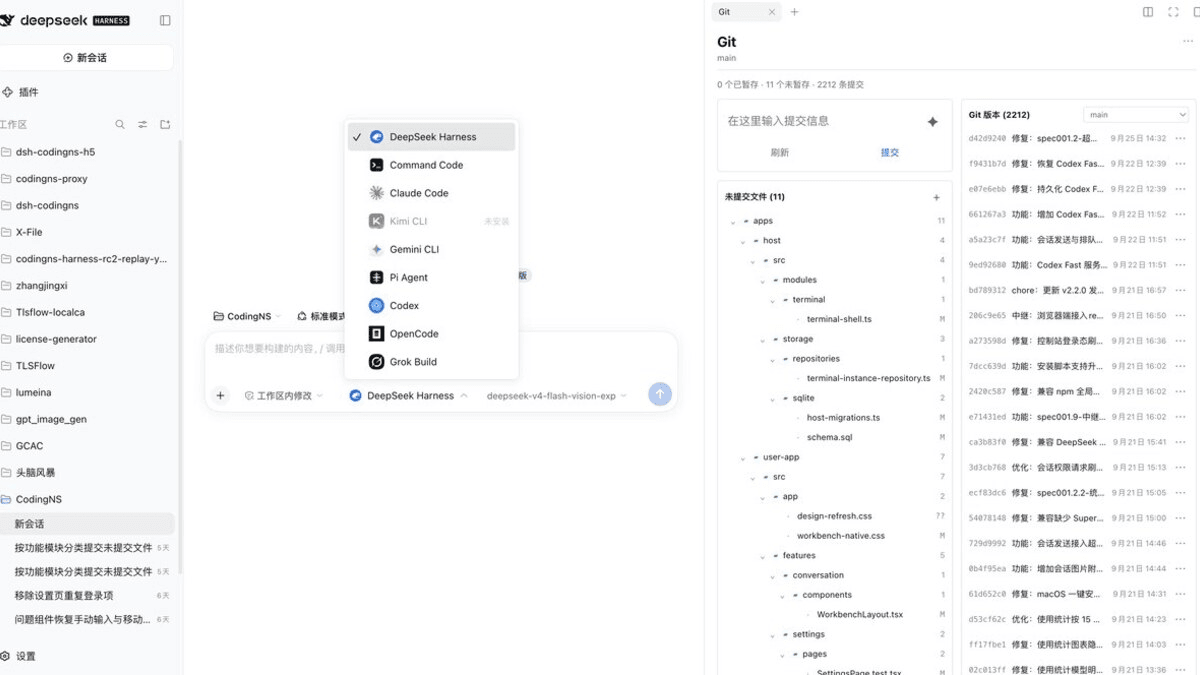 jingyi0605/Codingns4DSH
把外部 Agent CLI、持久终端、工作区调试和远程访问,装进 DSH 原生界面。
jingyi0605/Codingns4DSH
把外部 Agent CLI、持久终端、工作区调试和远程访问,装进 DSH 原生界面。
- klarkxy/zhihu-search 知乎开放平台接口,官方Zhihu Cli开源平替。
- huoxue1/harness-lark Lark/飞书(Feishu)渠道插件,为 [DeepSeek Harness](https://github.com/deepseek-ai/deepseek-harness) 提供飞书通信能力
-
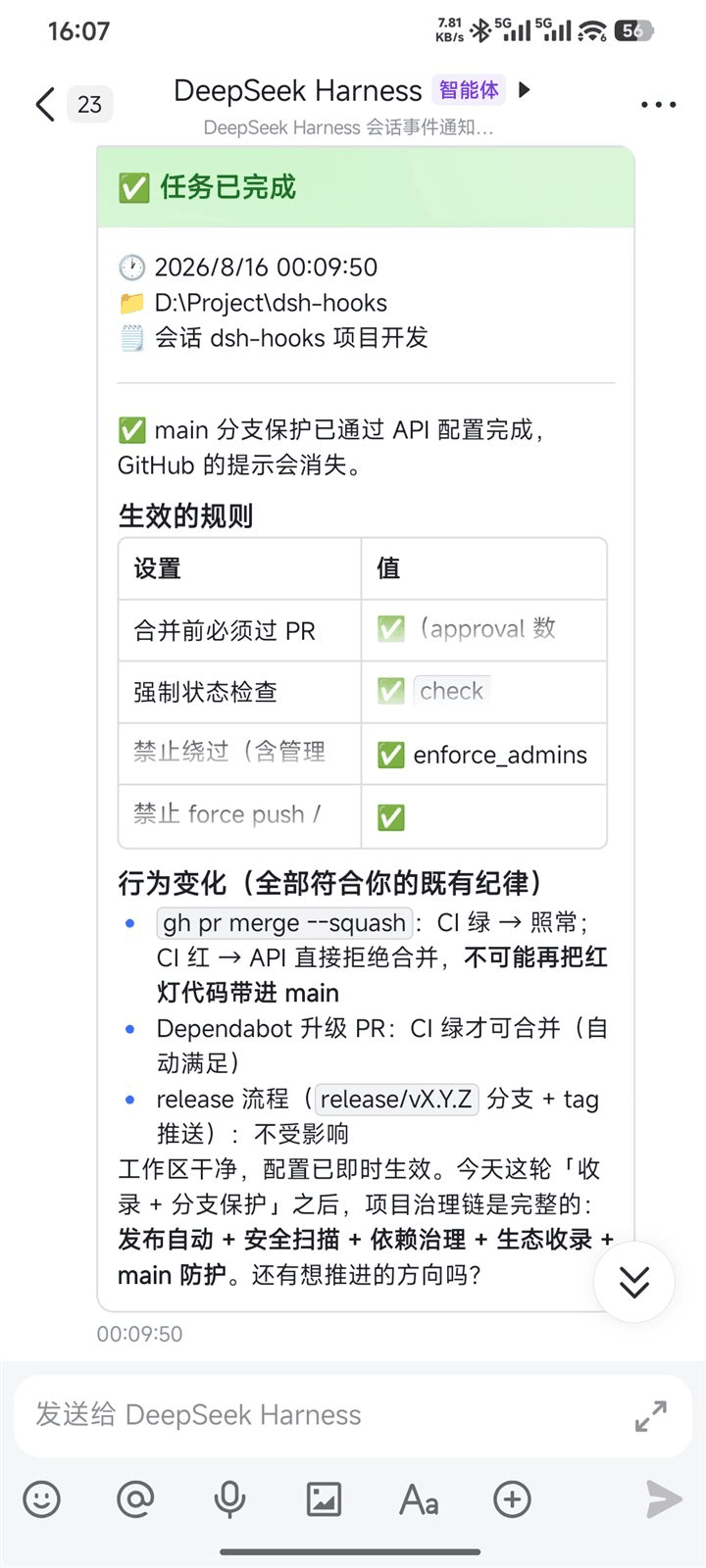 PeterBon/dsh-hooks
Config-driven lifecycle hooks plugin for DeepSeek Harness
PeterBon/dsh-hooks
Config-driven lifecycle hooks plugin for DeepSeek Harness
-
 Jesse-njx/dsh-chatnode-wechat
Chat with, monitor, and approve your DSH agents from WeChat — an iLink gateway + conversation node bundle for DeepSeek H…
Jesse-njx/dsh-chatnode-wechat
Chat with, monitor, and approve your DSH agents from WeChat — an iLink gateway + conversation node bundle for DeepSeek H…