fan56/dsh-tui-pi
A fully-featured pi-style terminal UI for DeepSeek Harness (dsh) — history look-back & fork-at-turn, guided preset switching, live subagent steering, model profiles & themes.
Project Overview项目介绍
dsh-tui-pi is a pi-style terminal UI plugin for DeepSeek Harness (dsh), delivering a pi-tui look and feel, full dsh slash commands, GitHub light/dark themes, and a powerline footer. Core capabilities include a live footer showing provider, model, context pressure, and cache-hit rate, plus in-session search, drag-select copy, dynamic context pruning, subagent status rows, and an ask-user-question panel. Use it to operate dsh from a terminal with a pi-like coding-agent workflow. Tested only against dsh 0.1.1-rc.2; full features may require companion plugins such as dsh-subagent-registry and dsh-dcp.
dsh-tui-pi 是一款为 DeepSeek Harness(dsh)打造的 pi 风格终端界面插件,提供类 pi-tui 的外观与完整 dsh 斜杠命令支持,并配以 GitHub 明暗主题与底部 powerline 状态栏。核心能力包括:实时显示 provider、模型、上下文压力、缓存命中率,会话内可搜索、可拖选复制、动态上下文裁剪与子智能体监控。适用于希望以 pi-like 编码代理风格在终端中操控 dsh 的用户。需注意:仅在 dsh 0.1.1-rc.2 测试通过,且启用完整功能可能需配套安装 subagent-registry、DCP 等插件。
请帮我了解并安装插件:【dsh-tui-pi】【https://github.com/fan56/dsh-tui-pi】Send this message to DSH in your current session. CLI install commands may not be accurate across systems — DSH will figure it out for you.把上面这条消息直接发给当前会话里的 DSH,让它帮你了解并安装。安装命令不一定准确,发给 DSH 更稳。
Or use CLI install (for developers)或使用命令行安装(适合开发者)
CLI Install命令行安装
dsh plugin --profile tui add @aiwayds/dsh-tui-pi把 fan56/dsh-tui-pi 加入你的 DSH 配置(web profile)即可启用。
READMEREADME
dsh-tui-pi
A fully-featured pi-style terminal UI for DeepSeek Harness (dsh) — a plugin suite that turns dsh into a pi-like coding-agent experience: /history look-back & fork-at-turn, guided preset switching, live subagent steering, model profiles, 20+ built-in themes (10 light + 10 dark) with user theme directory discovery, and a powerline footer.
Requires dsh >= 0.1.5-rc.2 — this plugin targets the dsh RC/stable line only (CI and releases resolve the newest of the latest/next dist-tags at runtime). The alpha line is no longer supported. A startup guard logs a one-line warning and exits cleanly when the host is older than the floor (opt out with DSH_TUI_SKIP_HOST_CHECK=1). See ADR 0002 for the now-superseded alpha single-target decision.
https://github.com/user-attachments/assets/67a7c6ca-ff42-4005-b543-437ba61771bb
A live recording of a session (MP4, 1.5× speed) — todos, running subagents, think/tool panels and the powerline footer in action.
✨ Features
Each item links to its own doc under
docs/features/— one line here, the details (and demo videos) there.
- Footer — live session overview — provider/model, context pressure and the session cache-hit rate at a glance, always in view.
- Think & tool panels — reasoning and tool activity stay out of the transcript, so the conversation reads clean.
- Subagents — every running subagent gets a status line; watch and steer it live.
- Ask User Question — the model can pause and ask you structured questions, answered without leaving the TUI.
- Feishu integration — dsh-tui-pi on the desktop and Feishu/Lark on the phone driving (and answering for) the same dsh session.
- Dynamic context pruning (DCP) — context stays within limits automatically, with zero LLM calls.
- Persistent context — your ground rules ride along on every request, hot-applied with no restart.
- Model profiles & favorites — profile switching lives in dsh-profile-switch now; this suite keeps the TUI read side (session seeding from the pin, live-selection bridge, scope-aware
/agentsedits) and the/modelfavorites that keep the picker small. - Agent preset switching —
/presetbetween the shipped agent compositions (standard,minimal, …); a switch is confirmed and starts a NEW session on the preset (the current one stays resumable); what a preset really gates. - Sessions & resume — sessions stay tidy automatically and resume in a few keystrokes; the host's kernel write lease keeps the log single-writer across processes.
- History browser —
/historyopens a fixed two-pane look-back over the session: completed turns on the left, the selected turn's replies on the right; copy a prompt back to the editor, or cold-read any stored session without resuming it (read-only). - Themes — 20 built-in palettes (10 light + 10 dark) plus user theme discovery (
~/.dsh/themes/); hot-switchable,autofollows your terminal. - Search, selection & images —
Ctrl+Shift+Fover the whole transcript, drag-select copies to the OS clipboard, attachments from web/Feishu render inline, LaTeX replies draw as Unicode math. - Slash commands —
/model,/resume,/btw, … plus everything dsh-native. - Startup plugin tree — every profile plugin with its installed npm version, printed at launch.
Install and launch
dsh plugin --profile tui add @aiwayds/dsh-tui-pi
dsh --profile tui          # launch (or: dsh-tui-pi)
Legacy session_projcache records (missing identity.isSeeded/identity.inheritedEventCount, written before dsh 0.1.2-alpha.4 — predating the rc/stable floor of 0.1.5-rc.2 this plugin now targets) are migrated at the profile layer: the bundle patch replaces the stock session-projection-cache row with a wrapper (@aiwayds/dsh-tui-pi/projcache) that backfills the records while its module loads — strictly before the stock plugin could open the domain and crash the boot — so every dsh --profile tui start is covered, launcher or not. Migration is idempotent, backs up every rewritten file next to the original, and never blocks startup. The dsh-tui-pi launcher additionally runs the same migration as a CLI preflight before exec dsh.
Everything that used to need manual patching — the canvas background, the @deepseek-ai module closure, the compaction backend — now happens automatically. Upgrade an existing profile after a release:
node scripts/dev-upgrade.mjs                  # latest
node scripts/dev-upgrade.mjs 1.0.5 --dry-run  # preview the plan first
Uninstall
dsh plugin --profile <name> remove @aiwayds/dsh-tui-pi
The dsh-tui-pi bin shim is global and can stay; if you installed the package globally and want it gone too: npm -g rm @aiwayds/dsh-tui-pi.
The host cleans up the profile automatically: the dsh.profile.bundles entry is spliced and the whole patch layer goes away with the package — the stock session-projection-cache row re-enables, and the projcache wrapper, the tool-ask-user insert and its disable row all vanish.
What stays on disk on purpose (deleting user data is destructive; a reinstall reuses all of it):
~/.dsh/APPEND_SYSTEM.md— auto-seeded system-prompt appendix (plugin-owned; delete by hand if unwanted)~/.dsh/tui-command-usage.json— slash-command usage ranking~/.dsh/model-profiles.json— model profiles (SHARED: read by dsh-subagent-registry and dsh-profile-switch; per-agent edits via /agents write it)~/.dsh/keybindings.json— the dsh-tui app-key rows (host-shared file)~/.dsh/agents/*.mdand~/.dsh/skills/— user-editable agents/skills (shared with other plugins).dsh-profilepin files in project workspaces (written by /model profile pinning)- the
dsh-tui:section of~/.dsh/settings.yaml— theme/panel/footer/retention/subagent limits ~/.dsh/storages/session_projcache/— the session projection cache, incl..bak-preflight-*migration backups
While the plugin runs, the retention janitor (default maxCount: 100 / maxAgeDays: 30, configurable in the dsh-tui settings) deletes old session logs — uninstalling stops that, but already-deleted logs are gone.
scripts/install-font.mjs mutates OS font/terminal state and has a documented backup; uninstall doesn't touch it.
Companion plugins
Default dependencies — the nine plugins below ship with this package (installed into the profile's node_modules); activation still follows the profile's bundles list — list each one there to activate it.
- @aiwayds/dsh-ask-router — fans every
ask_user_questionout to all answering surfaces (TUI panel, Feishu card); the first answer wins — list it inbundlesbefore the UI bundles to activate. - @aiwayds/dsh-dcp — the deterministic zero-LLM compaction backend.
- @aiwayds/dsh-llm-proxy — SYSTEM proxy + per-host LLM outbound routing.
- @aiwayds/dsh-llm-stats — the
/llm-statsusage ledger. - @aiwayds/dsh-mcp-adapter — folds MCP tool schemas out of every prompt and adds the
/mcpcommand (demo). - @aiwayds/dsh-model-sync — syncs provider routes with the pi.dev model catalog.
- @aiwayds/dsh-profile-switch —
/profile-switch+/profile-cfg: named model profiles switched and configured through the host's ask-user flow, on the TUI and the web (the panels this suite used to carry). Add it to your profile'sbundlesto activate. - @aiwayds/dsh-subagent-registry — registers
~/.dsh/agents/*.mdasuse_agentsubagents. - @aiwayds/dsh-web-search-anysearch — the AnySearch web search provider.
Recommended install — @aiwayds/dsh-topics-memory, OKF topic memory for dsh (zero-LLM hot-path injection + a local git-tracked bundle; formerly dsh-llmwiki-memory):
dsh plugin --profile tui add @aiwayds/dsh-topics-memory
Optional — @aiwayds/dsh-feishu — drives the same dsh session from Feishu/Lark on your phone (demo).
Keyboard shortcuts
| Key | Action |
|---|---|
Enter |
Send the prompt |
Esc |
Double-press to stop everything — the first press arms, the second opens a confirmation dialog naming what is running (main turn + subagent count); Enter there stops the main turn AND every running subagent, Esc keeps everything running. A popup open closes it instead. Works while only background subagents run. |
Ctrl+C |
Mid-task: first press stops (same everything-stop, no dialog), second quits; idle: clears editor / quits. Held-key auto-repeat never quits. |
Ctrl+D |
Quit (only when the editor is empty) |
Ctrl+L |
Open the model/think picker |
Ctrl+G |
Open the subagent picker (viewer Enter opens steer, x ×2 stops that subagent while it runs / closes when settled) |
Ctrl+O |
Pending-message queue (s steer now · d remove) |
Ctrl+Shift+F |
Transcript search (Enter/Ctrl+G next · Shift+Enter/Ctrl+Shift+G previous · Esc close) |
↑ / ↓ |
Browse submitted-message history |
Remap any app key through ~/.dsh/keybindings.json (a partial JSON map, live-applied) or interactively with /hotkeys.
Configuration
Every knob lives under the dsh-tui settings namespace in ~/.dsh/settings.yaml (note the section name: dsh-tui). Theme / panel height / footer hints / icon set are applies: 'live' — a committed change hot-applies to the running TUI, no restart:
| Key | Default | Meaning |
|---|---|---|
theme |
auto |
Color scheme: auto (follow the terminal) / light / dark / any registered theme name (/theme writes back to the same key) |
panelHeight |
'1' |
Think/tool panel height: '1' / '5' / '7' / '10' / 'all' (full content) |
maxAgents |
4 |
Max concurrently running subagents, 0 = unlimited (hot-tunable in /agents → l limits) |
maxRounds |
75 |
Max assistant messages per subagent before a wrap-up request is injected; 0 = unlimited |
maxRoundsGrace |
7 |
Grace rounds after the wrap-up before the child is force-stopped (session preserved, resumable); 0 = warn only |
disableSubagent |
true |
Disable the native subagent tool; delegation goes through registered agents (~/.dsh/agents/*.md); subagent_fork/workflow/ralph stay available |
footerHints |
all true |
Per-segment footer hint toggles: send/stop/quit/quitEmpty/subagents/search/history |
cacheHitMode |
lastMessage |
Footer CH segment scope: lastMessage — the latest assistant message's cache-hit rate, matching the pi-tui footer (default); session — cumulative over the whole session |
iconSet |
auto |
auto/nerdfont/plain — powerline glyphs adapt to your font; install a Nerd Font with node scripts/install-font.mjs |
rememberPreset |
true |
Remember the last /preset selection per workspace (keyed by directory) and start the next launch there — the first session composes under it instead of the server-side default. false always starts on the server default. The memory itself lives in $DSH_HOME/workspace-presets.json |
favoriteModels |
[] |
Favorite models (provider/id), pinned to the top of the /model picker |
hiddenModels |
[] |
Hidden models (provider/id), moved to the picker's Hidden section (f favorites / h hides inside the picker — both persist to these keys) |
Session-store knobs (env overrides DSH_TUI_RETENTION_* / DSH_TUI_RESUME_*; precedence: settings.yaml > env > default):
dsh-tui:
  retention:        # startup janitor for ~/.dsh/sessions — DELETES old logs. Once per startup.
    maxCount: 100   # <= 0 disables the janitor
    maxAgeDays: 30
    minIdleHours: 24
  resume:           # /resume display filter — only HIDES picker rows, never deletes.
    maxAgeDays: 30
    minBytes: 1024
Key remaps live in ~/.dsh/keybindings.json (keyboard section above); DSH_TUI_COPY_ON_SELECT=0 keeps drag-selection visual-only.
The plugin ships a bundled skill (dsh-tui-pi-config): ask the agent to "configure the TUI" and the guide loads automatically — it collects your choices interactively via ask_user_question (theme, panel height, subagent concurrency) and writes the dsh-tui: section for you. The full key table and the DSH_TUI_* env var list live in skills/dsh-tui-pi-config/SKILL.md.
Development
pnpm check    # tsc --noEmit
pnpm build    # emit lib/
pnpm test     # unit tests, node --test against lib/ (pretest builds; 1,100+ tests across 60+ files — the current baseline lives in AGENTS.md)
pi-tui runs pristine from npm — no patches, no fork. See AGENTS.md for the iron rules and quality gates.
Documentation
- docs/features/ — one doc per feature, with demo videos.
- ARCHITECTURE.md — full design: process model, layers, data flow.
- CHANGELOG.md — release history.
- AGENTS.md — working conventions and quality gates for contributors.
- docs/ — design notes (steer/follow-up flow, showcase drafts, …).
Credits
The Ask User Question interaction is inspired by juicesharp/rpiv-ask-user-question (adapted to this TUI's docked-panel and dsh userQuestions provider architecture; all code here is original).
Related相关推荐
-
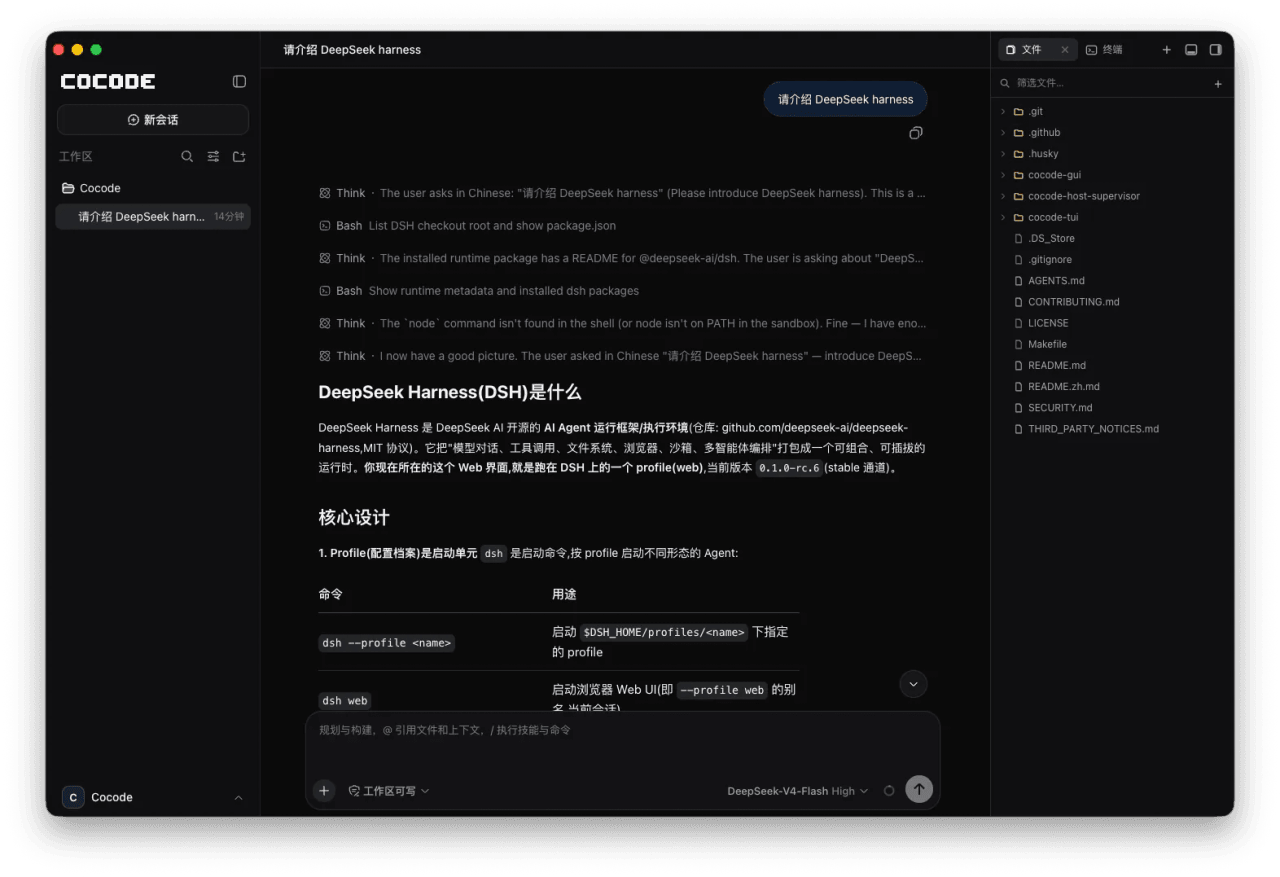 cocode-agency/cocode
Best ready-to-run DeepSeek Harness distribution: DSH desktop GUI, DSH terminal TUI, and harness integration.
cocode-agency/cocode
Best ready-to-run DeepSeek Harness distribution: DSH desktop GUI, DSH terminal TUI, and harness integration.
-
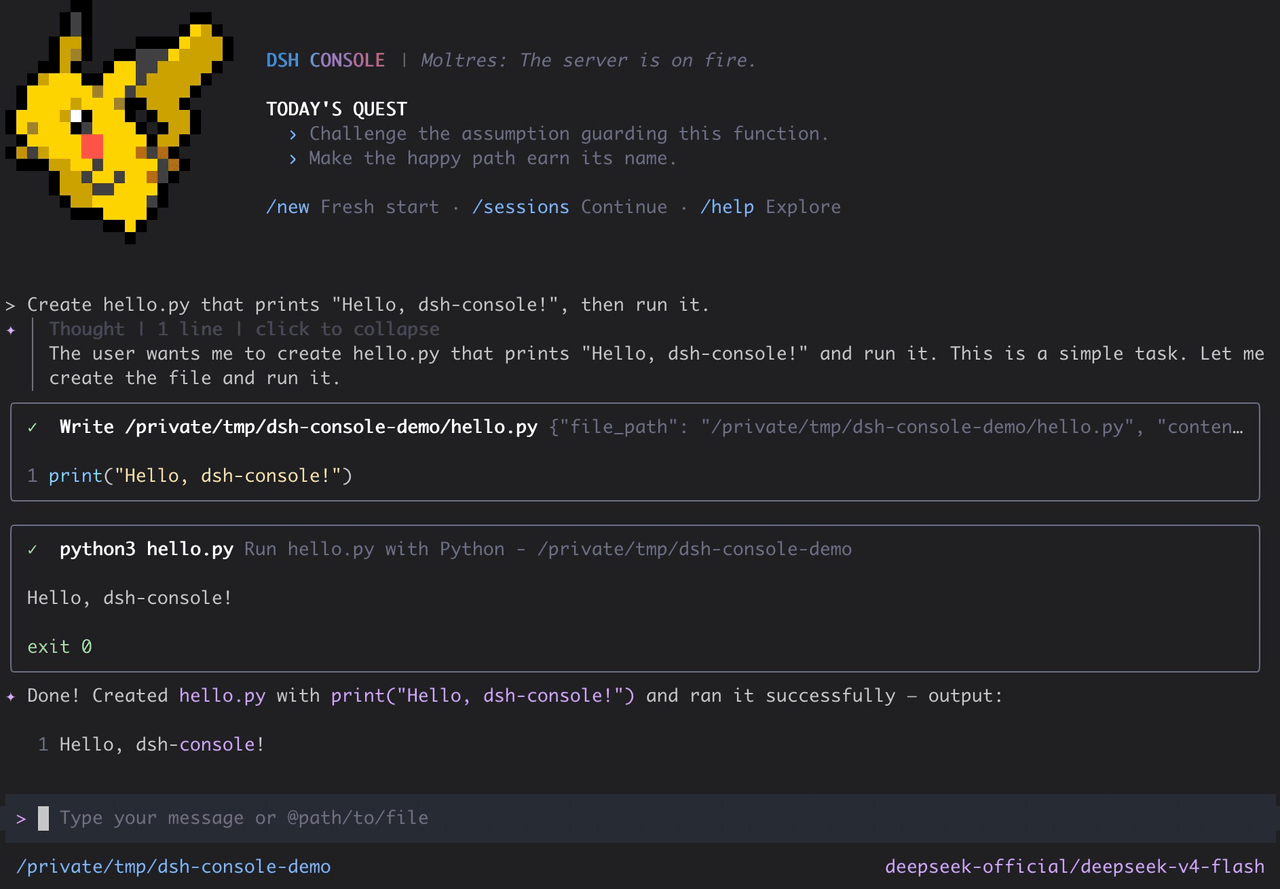 cofy-x/dsh-console
DSH-native terminal workbench (TUI) for DeepSeek Harness with durable sessions, structured tools, plans, subagents, and …
cofy-x/dsh-console
DSH-native terminal workbench (TUI) for DeepSeek Harness with durable sessions, structured tools, plans, subagents, and …
-
 NekroAI/nekro-nxt
NekroNXT:基于 DeepSeek Harness(DSH)的多平台群聊智能体系统|A DSH-powered multi-platform group-chat agent system
NekroAI/nekro-nxt
NekroNXT:基于 DeepSeek Harness(DSH)的多平台群聊智能体系统|A DSH-powered multi-platform group-chat agent system
- ddtcorex/govard Go-based local development orchestrator for Magento, Laravel, Symfony, Next.js, WordPress, and more. Docker stacks, SSL,…
-
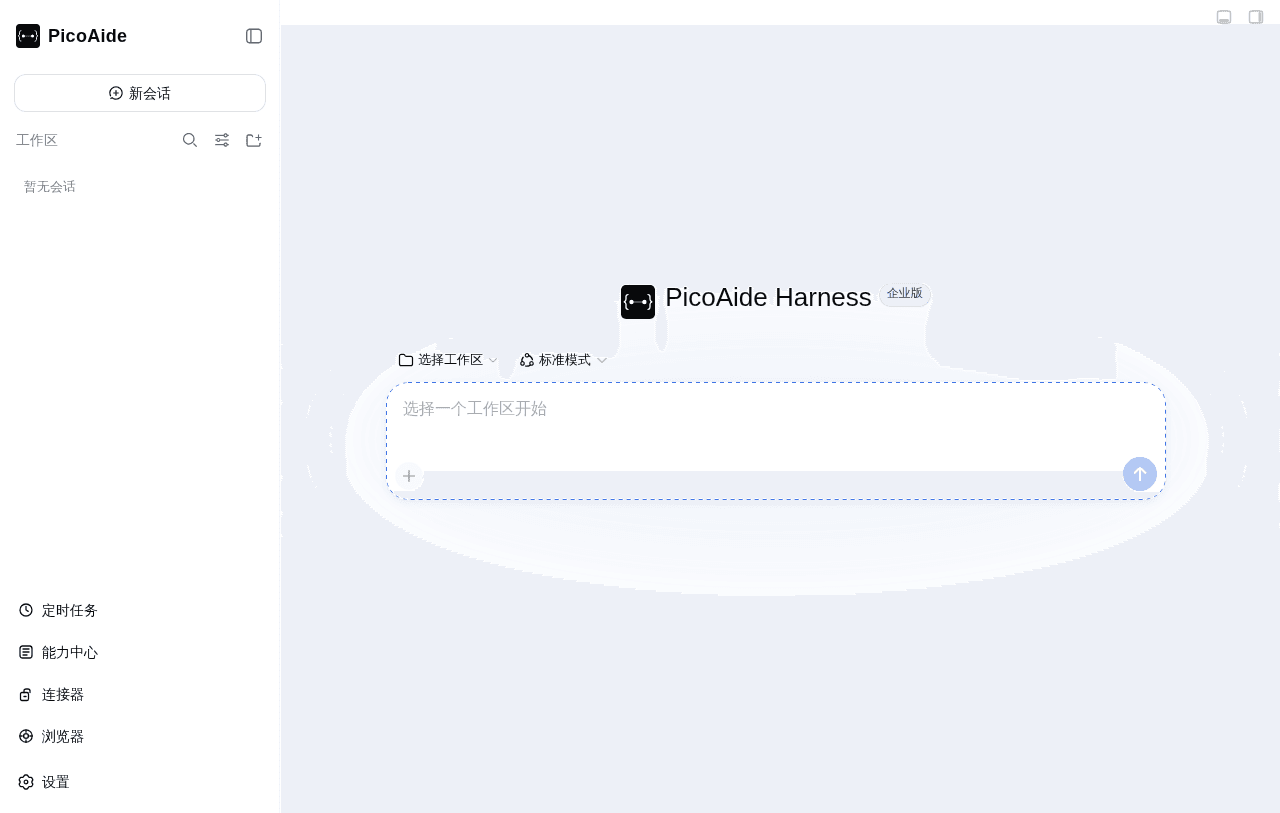 picoaide/picoaide-harness
PicoAide Harness:企业级 DeepSeek Harness 一体化平台。桌面客户端 + 本地智能体引擎 + 管理后台,支持私有化部署。
picoaide/picoaide-harness
PicoAide Harness:企业级 DeepSeek Harness 一体化平台。桌面客户端 + 本地智能体引擎 + 管理后台,支持私有化部署。
- FuqiangCraft/dsh-desktop Desktop companion plugin and native shell for DeepSeek Harness (DSH)
-
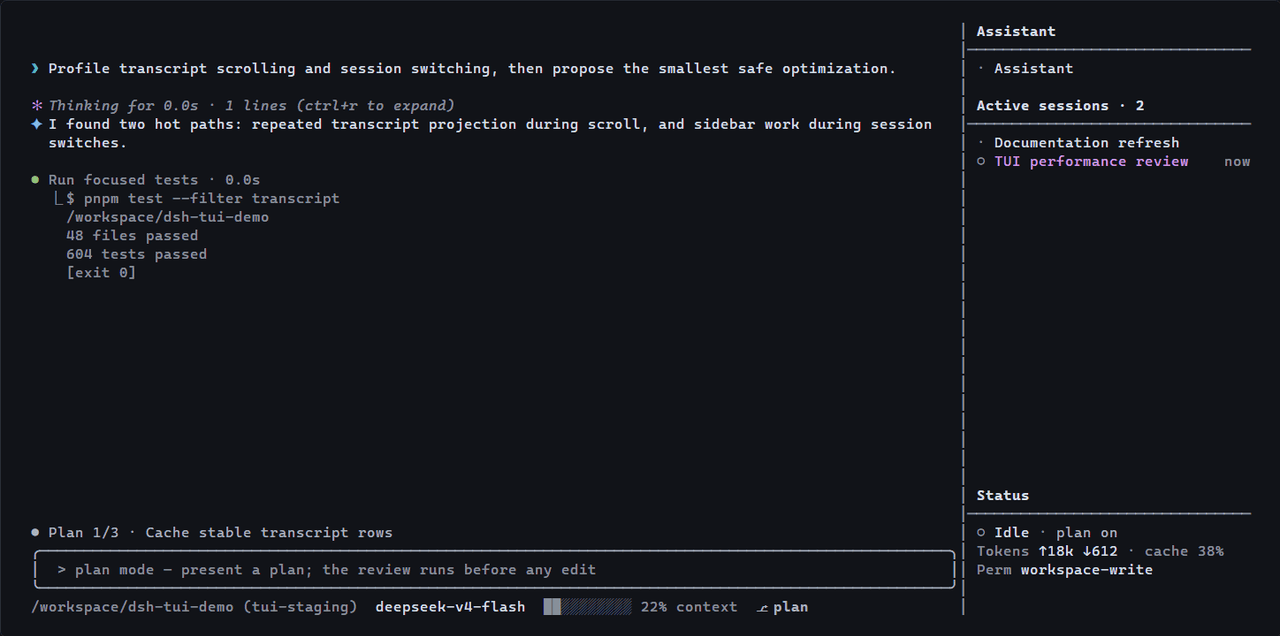 lk251066/dsh-tui-pro
Multi-session terminal workbench for DeepSeek Harness — durable Assistant, persistent project sessions, structured tools…
lk251066/dsh-tui-pro
Multi-session terminal workbench for DeepSeek Harness — durable Assistant, persistent project sessions, structured tools…
-
 omdsh-dev/DSH-better-sidebar
开放的侧边栏底座,支持三方拓展注册新侧边栏页面。内置文件渲染编辑/终端/侧边对话/Git/子代理页面 | Open sidebar foundation, supports third-party extensions to registe…
omdsh-dev/DSH-better-sidebar
开放的侧边栏底座,支持三方拓展注册新侧边栏页面。内置文件渲染编辑/终端/侧边对话/Git/子代理页面 | Open sidebar foundation, supports third-party extensions to registe…