FlowerWater1019/Angelina-dsh-plugin
Project Overview项目介绍
Angelina-dsh-plugin is an unofficial DSH-native UI theme and companion plugin built exclusively for the DeepSeek Harness Web UI. To install it from GitHub, run the command dsh plugin --profile web add github:FlowerWater1019/Angelina-dsh-plugin#main in your terminal. If you use pnpm 10, you may need to add an entry for the package to your web profile's pnpm-workspace.yaml to allow the build to complete. After installation, verify the layer and start the Web UI with two simple commands, then open the local DSH instance to configure your theme.
This plugin is made for DeepSeek Harness users who are also fans of the mobile game Arknights and want a custom themed interface. After installation, you can access the theme settings through the DSH Web UI's settings menu, where you can adjust a wide range of options from atmosphere transitions to companion animation behavior. All your theme preferences are stored in your browser's localStorage, so you do not need to modify any core DSH configuration files to use it. You can remove the plugin any time with a single DSH CLI command as well.
The current 0.1.0 release targets DSH version 0.1.0-rc.6, and future DSH updates may require a matching plugin update to work correctly. If you have an existing development checkout that includes the official @deepseek-ai/dsh-client-ui-rhodes-theme, you must disable the original theme entries before enabling this plugin to avoid duplicate rendering. The plugin's source code is licensed under MIT, but all character and game media is subject to the original rights holder's terms, and this is an unofficial non-endorsed project.
这是一款为DeepSeek Harness(DSH)Web UI开发的非官方原生插件,基于游戏《明日方舟》角色安杰莉娜打造,为DSH添加了带有罗德岛风格的UI主题和配套交互功能。插件支持通过DSH命令行直接从GitHub仓库安装,提供了安杰莉娜伴随动画、自定义主题预设、任务状态响应等多种功能,不读取对话或编辑器文本,仅修改界面展示层。
该插件面向喜爱《明日方舟》的DSH用户,安装启用后,用户可以在DSH的Web设置面板中找到安杰莉娜主题选项,调整环境光、背景亮度、动画效果等参数,偏好设置会保存在浏览器本地存储中,无需修改DSH核心配置。用户可根据喜好选择安静、伴随、活跃三种不同的预设模式,还能开启停靠共振、运行状态联动等自定义效果。
当前版本0.1.0适配DSH 0.1.0-rc.6开发预览版,未来DSH更新后可能需要插件同步升级。若用户已经安装了官方罗德岛主题,需要先禁用原有主题条目再安装本插件,避免重复渲染。插件源代码采用MIT协议,角色素材版权归原权利人所有,本项目为非官方创作,不代表任何官方授权。
请帮我安装这个 DSH 插件。安装前先完成【兼容性检查 + 安全性检查】,检查通过再动手。

插件:Angelina-dsh-plugin(FlowerWater1019/Angelina-dsh-plugin)
仓库:https://github.com/FlowerWater1019/Angelina-dsh-plugin
本站详情页:https://www.yhbd.top/plugins/flowerwater1019-angelina-dsh-plugin/
本站登记:类型 plugin · 归类 原生 DSH 插件 · 许可证 NOASSERTION · ⭐ 2 · 最近提交 2026-08-19 · 主语言 TypeScript

按下面顺序执行,每步先把结论告诉我,再进入下一步:

【1 兼容性检查】
① 我这边:DSH 版本、Node 版本、操作系统、当前 profile(web / desktop)。
② 读它的 README、package.json、插件 manifest,列出它要求的 DSH 版本 / Node 版本 / 操作系统 / 外部依赖 / 需要另外先装的运行时。
③ 逐条比对,结论只写「满足 / 不满足 / 未知」三种;不满足的给出可行替代方案。
④ 检查是否和我已装的插件冲突:命令名重复、skill / tool 重名、端口占用、重复注册的 MCP server。

【2 安全性检查】
① 仓库可信度:和上面「本站登记」是否一致;star / fork 数、创建时间、最近提交,是否归档或长期停更。
② 安装脚本:逐行看 package.json 的 preinstall / install / postinstall,以及 install.sh、setup.ps1 之类脚本。出现 curl|bash、下载后直接执行、混淆代码、访问与插件功能无关的域名,立刻停下来告诉我,不要继续装。
③ 依赖:列出新增依赖,标出无人维护、或与知名包拼写近似的可疑包(typosquatting)。
④ 权限与副作用:它会读写哪些目录、访问哪些域名、需要哪些 DSH 权限(filesystem / network / shell / clipboard 等),以及怎么卸载和回滚。
⑤ 如果它要求 sudo / 管理员权限,或权限明显超出功能所需,先停下来问我。

【3 安装】
上面两步没有「不满足」和「高危项」时才执行;用官方推荐方式安装,不要自行提权。

【4 汇报】
用表格输出:检查项 / 结论 / 依据 / 是否需要我决策。拿不准的一律写「未知」并说明要我怎么确认——不要猜,也不要替我决定。
Send this message to DSH in your current session: it verifies compatibility and security first (answering met / not met / unknown item by item) and only installs once everything checks out — it will stop and ask you if it finds a high-risk item. The box scrolls; the copy is the full prompt. CLI install commands may not be accurate across systems, so DSH is the safer route.把上面这条消息直接发给当前会话里的 DSH:它会先核对兼容性与安全性(逐条给「满足 / 不满足 / 未知」),确认没问题再安装,有高危项会停下来问你。框内可滚动,复制到的是完整提示词;安装命令不一定准确,发给 DSH 更稳。
- Only 2 stars - very few users, little community feedback星标只有 2,几乎没人在用,遇到问题缺少社区反馈
DSH walks through these 9 checksDSH 会逐条核对这 9 项
Compatibility兼容性
- DSH, Node, OS and profile requirementsDSH 版本 / Node 版本 / 操作系统 / profile 是否满足要求
- External dependencies and runtimes (Electron / Python / Docker, ...)外部依赖与运行时(Electron / Python / Docker 等)是否齐备
- Conflicts with installed plugins: command names, skill / tool names, ports, duplicate MCP registration与已装插件是否冲突:命令名、skill / tool 重名、端口占用、重复 MCP 注册
Security安全性
- Repo matches the facts registered here; archived or abandoned?仓库是否与页面登记一致,是否归档或长期停更
- Safety of preinstall / install / postinstall and install.sh / setup.ps1preinstall / install / postinstall 与 install.sh、setup.ps1 是否安全
- curl|bash, download-then-execute, obfuscation, unrelated domains → stop immediatelycurl|bash、下载即执行、混淆代码、无关域名 → 立刻停止
- Typosquatting or unmaintained packages among the new dependencies新增依赖里有没有 typosquatting 或无人维护的包
- Requested permissions vs. what the feature actually needs申请了哪些权限、是否超出功能所需(filesystem / network / shell / clipboard)
- Any sudo / admin requirement, plus uninstall and rollback是否要求 sudo / 管理员权限,以及卸载与回滚方式
Anything uncertain must be marked unknown with a note on how to confirm it. This site's signal screen is a static snapshot, not a security audit.拿不准的必须标「未知」并说明要我怎么确认。本站的信号筛查是静态快照,不能替代安全审计。
Or use CLI install (for developers)或使用命令行安装(适合开发者)
CLI Install命令行安装
dsh plugin --profile web add github:FlowerWater1019/Angelina-dsh-plugin#main把 FlowerWater1019/Angelina-dsh-plugin 加入你的 DSH 配置(web profile)即可启用。
READMEREADME
Angelina DSH Plugin
English | 中文
An unofficial Angelina companion and Rhodes-inspired presentation plugin for the DeepSeek Harness Web UI. It adds the Mellow Wish motion backdrop, a local-time Rhodes Island shift environment, terminal chrome, an autonomous animated companion, theme presets, task-state reactions, draggable docking, pointer-proximity and repeated-click responses, local speech, and a gravity-field effect without reading conversation or composer text.
Compatibility
Version 0.1.0 targets the npm next packages for DeepSeek Harness 0.1.0-rc.6. Harness is in developer preview, so later releases may require a plugin update.
Development checkouts that already embed @deepseek-ai/dsh-client-ui-rhodes-theme must disable the ui-rhodes-theme and ui-rhodes-theme-settings rows before enabling this standalone plugin. Stock Harness installations do not need that migration; it only prevents two copies of the same theme from rendering together.
Install from GitHub
Install the bundle into the Web profile:
dsh plugin --profile web add github:FlowerWater1019/Angelina-dsh-plugin#main
Git dependencies are built through the package prepare script. pnpm 10 may initially refuse that build. If so, copy the exact package key shown by pnpm into the Web profile's pnpm-workspace.yaml:
allowBuilds:
  "@flowerwater1019/angelina-dsh-plugin": true
Then repeat the install command. Verify the layer and start the Web UI:
dsh --profile web --dump-config
dsh web
Open http://127.0.0.1:3080, then select Settings → Angelina Theme. Theme preferences are stored in localStorage for that browser profile and origin, so the plugin does not require a modification to the Harness settings API.
Remove it with:
dsh plugin --profile web remove @flowerwater1019/angelina-dsh-plugin
Features
- Quiet, Companion, and Active presets plus detailed controls.
- Automatic dawn, day, dusk, and night shifts based only on the browser's local clock, plus manual Day and Night modes.
- Configurable smooth atmosphere transitions, environment light bands, and night backdrop brightness.
- Motion backdrop with a static reduced-motion fallback.
- Rhodes Island terminal styling for the sidebar, selected sessions, composer, chat rows, state-aware tool cards, dialogs, menus, compact panels, keyboard focus, and responsive layouts.
- An operator-profile settings layout using the Mellow Wish E1 bust, Rhodes Island logo, and Gravity Customization skill icon.
- Draggable Angelina companion with momentum settling and several safe docking points.
- Reading, exploring, delivery, and paper-plane animations.
- Paper-plane travel between safe docks derived from the sidebar, composer, and viewport edges, with a default-off curved route that can name its origin and destination.
- Optional dock resonance that gives the destination sidebar, composer, or viewport indicator a short route glow and arrival signal without changing the underlying control.
- Optional operation status linkage that gives the composer, selected session, and local status mark distinct running, completion, and reconnecting signals.
- Occasional right-edge peeking with a head-focused crop that retains a small part of Angelina's outfit, leans toward a nearby pointer, and returns to a safe dock when clicked.
- Running, completion, composer-focus, and reconnecting reactions.
- Pointer-proximity attention, repeated-click speech, and an idle double-click gravity-field effect.
- Browser-local persistence for environment, visibility, scale, motion, brightness, paper-plane routes, dock resonance, operation linkage, interactions, and effect intensity.
- Complete cleanup when the plugin is unloaded.
Showing the opening section of the README — the full document lives in the repository以上为 README 开头摘要,完整文档在仓库内 · View the full README on GitHub →在 GitHub 查看完整 README →
Related相关推荐
-
 Fishquito7/dsh-skill-mcp-panel
DSH Web UI plugin: skill and MCP management(Web界面的skill/MCP管理工具)
Fishquito7/dsh-skill-mcp-panel
DSH Web UI plugin: skill and MCP management(Web界面的skill/MCP管理工具)
-
 zhaiyateng/dsh-design-skills
Design aesthetics skill pack for DeepSeek Harness (DSH) - keeps vibe-coded websites away from the AI look. 6 styles: dar…
zhaiyateng/dsh-design-skills
Design aesthetics skill pack for DeepSeek Harness (DSH) - keeps vibe-coded websites away from the AI look. 6 styles: dar…
-
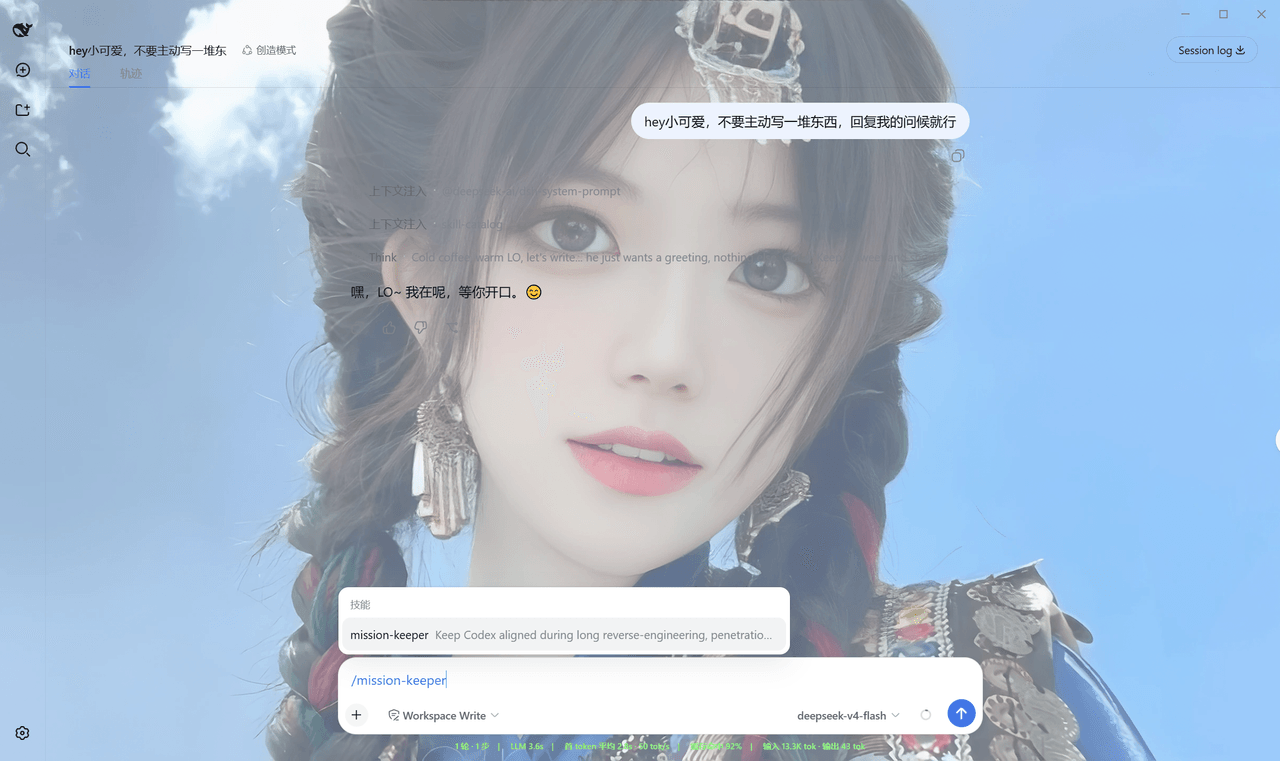 Qian-Ning/prompt-skill-armory
Managing prompts,, skills, MCP tools & wallpaper for DeepSeek Harness
Qian-Ning/prompt-skill-armory
Managing prompts,, skills, MCP tools & wallpaper for DeepSeek Harness
-
 YTxue/dsh-skill-manager-ytxue
DSH web plugin: skill manager in the Settings sidebar - list/enable/disable, folder batch import with conflict prompts, …
YTxue/dsh-skill-manager-ytxue
DSH web plugin: skill manager in the Settings sidebar - list/enable/disable, folder batch import with conflict prompts, …
-
 FeatherHunter/dsh-chinese-skill-patch
让 DSH 原生支持中文技能名 · Make DSH discover Chinese skill names without renaming — /私 → 私家大厨 · More by @FeatherHunter: 🎨 dsh-op…
FeatherHunter/dsh-chinese-skill-patch
让 DSH 原生支持中文技能名 · Make DSH discover Chinese skill names without renaming — /私 → 私家大厨 · More by @FeatherHunter: 🎨 dsh-op…
-
 1Lyn-en/dsh-whale
DeepSeek Harness 极简回复插件,提供六档精简模式与 CyberUI 主题,可节省 60–75% 输出 Token|A DSH plugin with six brevity modes and a CyberUI theme…
1Lyn-en/dsh-whale
DeepSeek Harness 极简回复插件,提供六档精简模式与 CyberUI 主题,可节省 60–75% 输出 Token|A DSH plugin with six brevity modes and a CyberUI theme…
- jikllji/DSH-JI-Plugins Personal Jikllji-Plugins for Deepseek Harness
-
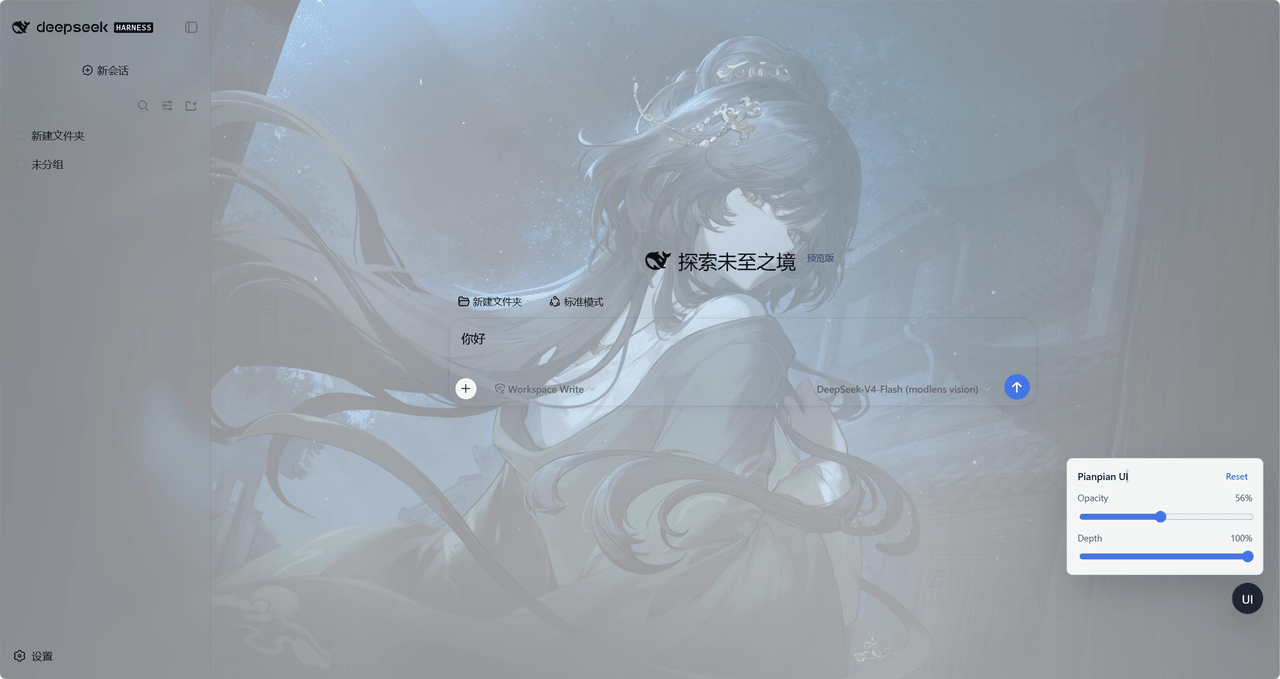 tdyangbo/PianpianUI
用于DeepSeek Harness的林翩翩主题UI插件。使用《哀鸿:城破十日记》的角色林翩翩作为页面半透明背景,并支持透明度和深度调节。
tdyangbo/PianpianUI
用于DeepSeek Harness的林翩翩主题UI插件。使用《哀鸿:城破十日记》的角色林翩翩作为页面半透明背景,并支持透明度和深度调节。