JasonFreeLab/dsh-command-code-review
/code-review slash command for DeepSeek Harness — five parallel review lenses, per-finding confidence scoring, then a gh reply back on the pull request.
Project Overview项目介绍
This is a slash command bundle plugin for DeepSeek Harness (DSH). It provides the /code-review command that runs configurable full code reviews for both pull requests and local code, with confidence and severity scoring for each finding, and outputs structured reports. Use it for automated AI-powered code review. Note that pull request review requires an installed and authenticated GitHub CLI.
这是DeepSeek Harness(DSH)的插件包,提供/code-review斜杠命令,支持对Pull Request和本地代码进行可配置的多维度代码审查,可对问题做置信度和严重程度评分,支持生成结构化审查报告。需要自动化代码审查时可使用,注意:审查Pull Request需要预先安装并认证GitHub CLI。
请帮我了解并安装插件:【dsh-command-code-review】【https://github.com/JasonFreeLab/dsh-command-code-review】Send this message to DSH in your current session. CLI install commands may not be accurate across systems — DSH will figure it out for you.把上面这条消息直接发给当前会话里的 DSH,让它帮你了解并安装。安装命令不一定准确,发给 DSH 更稳。
Or use CLI install (for developers)或使用命令行安装(适合开发者)
CLI Install命令行安装
dsh plugin --profile web add dsh-command-code-review把 JasonFreeLab/dsh-command-code-review 加入你的 DSH 配置(web profile)即可启用。
READMEREADME
dsh-command-code-review
English | 中文


A DSH (DeepSeek Harness) slash-command bundle that runs a full code review — configurable review lenses with per-finding confidence and severity scoring, for both pull requests and local code.
/code-reviewslash command for DeepSeek Harness — self-contained plugin bundle, installable into any dsh profile.
Table of Contents
- Features
- Requirements
- Install
- Usage
- How it works
- Configuration
- Troubleshooting
- Layout
- Development
- Contributing
- License
Features
- Two modes, one command —
/code-review <pr number|url>reviews a pull request;/code-review [request](or empty) reviews local code. - Configurable review lenses — five by default (AGENTS.md/CLAUDE.md compliance, bug & correctness, historical context, security, code-comment compliance), plus an optional performance lens; choose a subset per profile.
- Confidence + severity scoring — findings are deduplicated across lenses, then batch-scored for confidence (real vs false positive) and severity (blocker/major/minor/nit); anything below the threshold is dropped (default 80).
- PR auto-reply — pull-request results are posted back to the PR with
gh; local results are reported in chat. - Configurable — the confidence threshold is set per profile (see Configuration).
- Review report document — local reviews are written as a structured Markdown report (in English) plus a machine-readable JSON sidecar, under
doc/by default; override the directory with--out <dir>per invocation orconfig.outputDirper profile. The filename embeds the current HEAD's short sha (omitted outside a git repo).
Requirements
- A dsh profile built on
@deepseek-ai/dsh-base(every shipped profile), which provides thecommandsservice and the subagent/bash/todo tools the workflow uses. - The GitHub CLI (
gh) onPATH, authenticated — required only for pull-request review. Local review needs nogh.
Install
From the npm registry:
dsh plugin --profile web add dsh-command-code-review
From a local checkout or tarball:
# directory
dsh plugin --profile web add /path/to/dsh-command-code-review

# packed tarball
dsh plugin --profile web add /path/to/dsh-command-code-review-<version>.tgz
The dsh plugin add command installs the package into the profile and, because its package.json declares dsh.bundle, appends it to dsh.profile.bundles automatically. Restart or re-boot the profile to pick it up.
Usage
In the DSH web UI
- Start the web UI and open the printed URL:
dsh web(alias ofdsh --profile web). - Start a new session and type
/code-reviewin the composer. The command is registered automatically — no extra setup. - For pull requests the result is posted back to the PR via
gh; for local review, findings are reported directly in chat.
Examples
/code-review 123                                  # review a pull request by number
/code-review https://github.com/owner/repo/pull/123
/code-review review src/auth                      # local review of a named scope
/code-review review the whole project             # local review of the entire repository
/code-review                                      # local review of the current uncommitted changes
/code-review review src/auth --out reports        # save the report under reports/
/code-review --out docs review src/auth           # --out may come first or last
Empty input first probes the current branch's open PR, then falls back to reviewing uncommitted changes.
For local reviews, the report is also written to a Markdown document — under doc/ by default, or wherever --out <dir> (or config.outputDir) points. The filename is code-review-<sha7>-<slug>.md in a git repo (<sha7> is the current HEAD's short sha, <slug> is derived from the review scope), and code-review-<slug>.md outside a git repo.
How it works
The package is a standard dsh bundle:
package.jsondeclares"dsh": { "bundle": { "patch": "./cordis.patch.yml" } }.cordis.patch.ymlinserts one plugin row (id: command-code-review) into the profile layer stack.lib/index.jsis a Cordis plugin that injectscommandsand registers thecode-reviewcommand. The handler routes PR numbers/URLs to the pull-request workflow and everything else (including empty input) to the local-review workflow, then delivers it viaagent.followup. The confidence threshold is configurable per profile (see Configuration), and the workflows tell the agent to await subagent completion notices rather than polling.
Users can disable or override the command from their own profile cordis.patch.yml:
- disable: command-code-review
Configuration
Confidence threshold: the workflow drops findings scored below a threshold (default 80). Override it in your profile
cordis.patch.yml:- id: command-code-review config: threshold: 90Report output directory: where local-review reports are saved (default
doc). Override per profile:- id: command-code-review config: outputDir: reportsor per invocation with
--out:/code-review --out reports review src/auth.Review lenses: available lens ids are
guidance,bugs,history,security,comments, andperf. The default set isguidance,bugs,history,security,comments. Choose a subset per profile:- id: command-code-review config: lenses: [guidance, bugs, security]Adaptive lenses: with
autoLenses: true(the default), the security lens is auto-enabled when the scope touches security-sensitive files and the performance lens when it touches hot paths — if they are not already enabled. Disable withautoLenses: false.
Troubleshooting
- No review comment posted: the PR is closed, draft, trivial, or already reviewed; or no finding scored 80 or above.
ghnot found: install and authenticate the GitHub CLI (gh auth login); only pull-request review needs it.- Code links do not render: use the full commit SHA and the
#L[start]-L[end]line range.
Layout
lib/index.js             # Cordis plugin that registers the /code-review command
lib/lenses.js            # review-lens registry + resolution
lib/parse.js             # invocation parsing (--out flag)
test/smoke.test.mjs      # smoke test
test/parse.test.mjs      # parser unit test
test/lenses.test.mjs     # lens resolution unit test
cordis.patch.yml         # bundle patch
.github/workflows/       # ci.yml + release.yml + release-please.yml
Development
npm install
npm test        # node --test (smoke + parser + lens unit tests)
Contributing
Issues and pull requests are welcome.
License
MIT
Related相关推荐
-
 omdsh-dev/DSH-better-sidebar
开放的侧边栏底座,支持三方拓展注册新侧边栏页面。内置文件渲染编辑/终端/侧边对话/Git/子代理页面 | Open sidebar foundation, supports third-party extensions to registe…
omdsh-dev/DSH-better-sidebar
开放的侧边栏底座,支持三方拓展注册新侧边栏页面。内置文件渲染编辑/终端/侧边对话/Git/子代理页面 | Open sidebar foundation, supports third-party extensions to registe…
-
 LiPu-jpg/Openwrite
dsh-Openwrite:OpenWrite 的 DeepSeek Harness 小说创作插件,含统一创作 Agent、90 个小说工具、原生工作台与标准审稿 DAG
LiPu-jpg/Openwrite
dsh-Openwrite:OpenWrite 的 DeepSeek Harness 小说创作插件,含统一创作 Agent、90 个小说工具、原生工作台与标准审稿 DAG
-
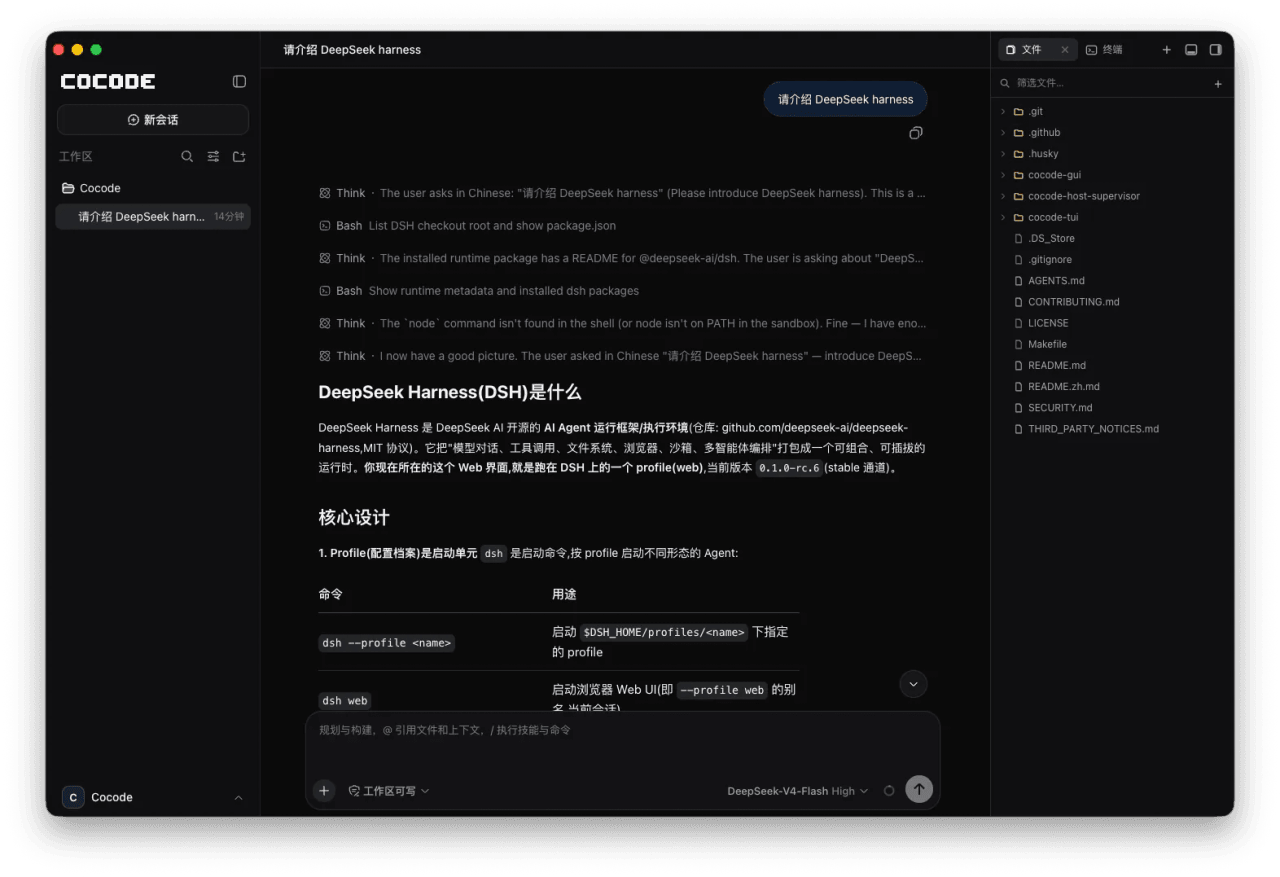 cocode-agency/cocode
Best ready-to-run DeepSeek Harness distribution: DSH desktop GUI, DSH terminal TUI, and harness integration.
cocode-agency/cocode
Best ready-to-run DeepSeek Harness distribution: DSH desktop GUI, DSH terminal TUI, and harness integration.
- LaplaceYoung/oh-my-dsh oh-my-dsh:面向 DSH (DeepSeek Harness) 的插件生态——700+ 插件,只通过扩展接缝注册,不修改 agent-loop 骨架
-
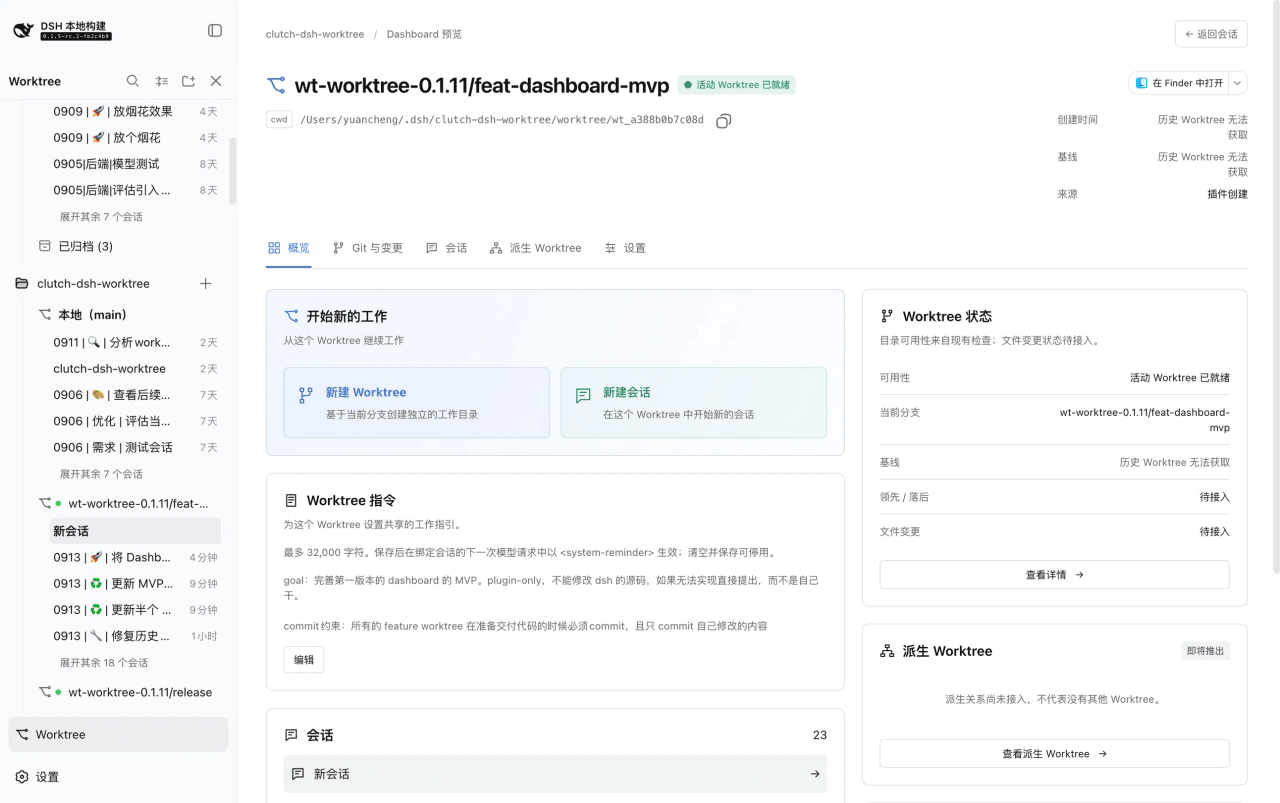 Cerbur/clutch-dsh
Open-source DSH plugins for DeepSeek Harness:Git Worktree session management(会话管理)、Session Title(会话标题)与 Fireworks(庆祝特效),…
Cerbur/clutch-dsh
Open-source DSH plugins for DeepSeek Harness:Git Worktree session management(会话管理)、Session Title(会话标题)与 Fireworks(庆祝特效),…
-
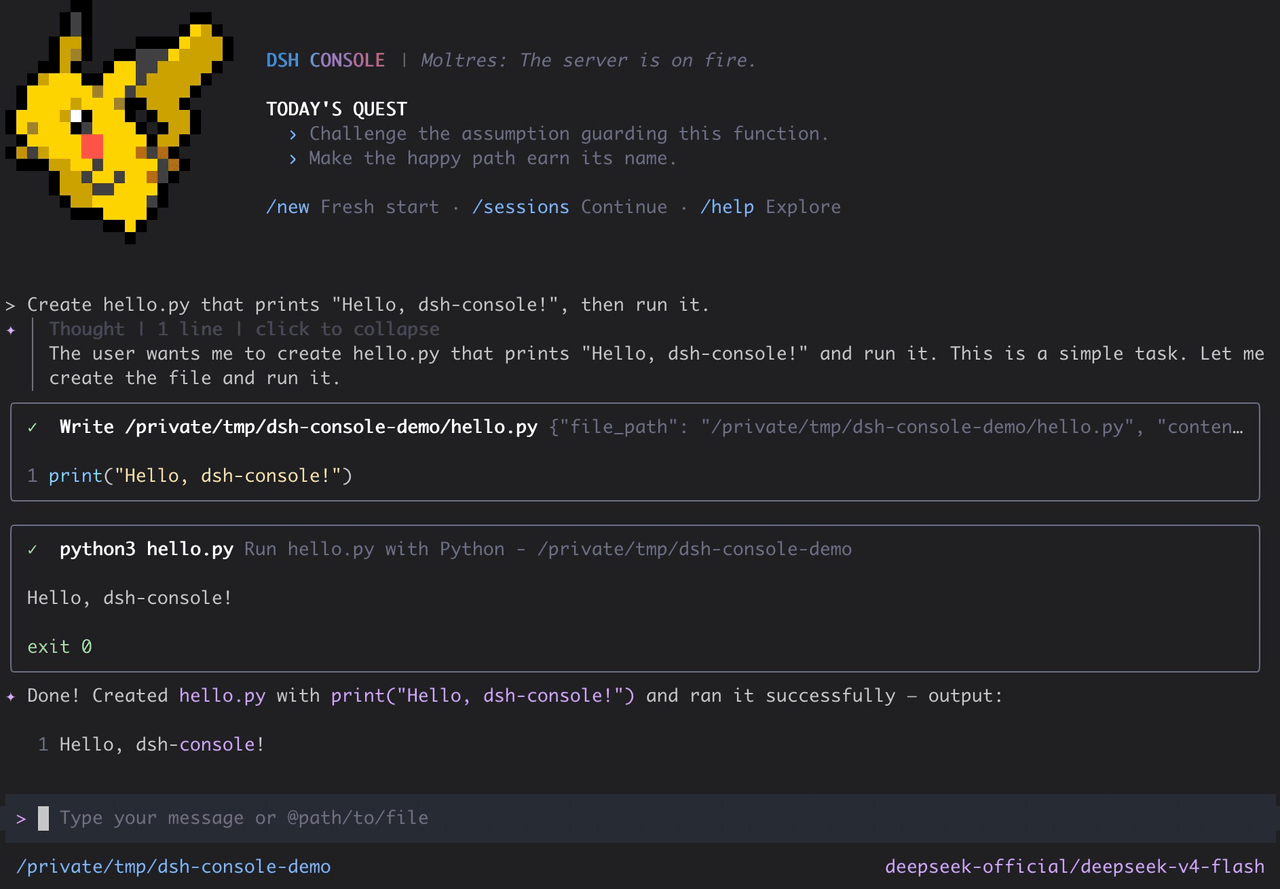 cofy-x/dsh-console
DSH-native terminal workbench (TUI) for DeepSeek Harness with durable sessions, structured tools, plans, subagents, and …
cofy-x/dsh-console
DSH-native terminal workbench (TUI) for DeepSeek Harness with durable sessions, structured tools, plans, subagents, and …
-
 NekroAI/nekro-nxt
NekroNXT:基于 DeepSeek Harness(DSH)的多平台群聊智能体系统|A DSH-powered multi-platform group-chat agent system
NekroAI/nekro-nxt
NekroNXT:基于 DeepSeek Harness(DSH)的多平台群聊智能体系统|A DSH-powered multi-platform group-chat agent system
-
 HuanLinOTO/dsh-plugin-yet-another-subagent
可配置子代理 profile 系统,单一 subagent 工具 + profile 参数,含 Web UI 设置/实时进度/子代理树 | Configurable subagent profile system: single subag…
HuanLinOTO/dsh-plugin-yet-another-subagent
可配置子代理 profile 系统,单一 subagent 工具 + profile 参数,含 Web UI 设置/实时进度/子代理树 | Configurable subagent profile system: single subag…