jean3690/dsh-devtoolbox
DSH 本地工具箱插件:侧边栏独立页面 + /toolbox 命令 + 配置驱动的 agent 工具注册,35 个纯本地小工具(文本/编码/数据/安全/提取/转换/参考/效率),数据不出本机。
Project Overview项目介绍
A DSH plugin that ships a sidebar toolbox page, a /toolbox command, and config-driven agent tools. It bundles about 52 local utilities across text, encoding, data, security, extraction, conversion, and reference categories, plus custom JS tools via userTools. All tools run locally except http_request, and the same code powers the browser UI, command output, and agent tools. Note that userTools executes arbitrary JS through the !!js patch layer, so configurations must be audited.
DSH 本地工具箱插件:侧边栏独立页面、/toolbox 命令与配置驱动的 agent 工具。内置约 52 个文本/编码/数据/安全/提取/转换/参考/效率小工具,支持 userTools 自定义 JS 工具。除 http_request 外全部本地运行,浏览器与命令端结果一致。需注意 userTools 依赖 !!js 表达式,会执行任意 JS,配置需自行审计。
请帮我了解并安装插件:【dsh-devtoolbox】【https://github.com/jean3690/dsh-devtoolbox】Send this message to DSH in your current session. CLI install commands may not be accurate across systems — DSH will figure it out for you.把上面这条消息直接发给当前会话里的 DSH,让它帮你了解并安装。安装命令不一定准确,发给 DSH 更稳。
Or use CLI install (for developers)或使用命令行安装(适合开发者)
CLI Install命令行安装
dsh plugin --profile web add github:jean3690/dsh-devtoolbox把 jean3690/dsh-devtoolbox 加入你的 DSH 配置(web profile)即可启用。
READMEREADME
dsh-devtoolbox
DSH 本地工具箱插件:侧边栏独立页面 + /toolbox 命令 + 配置驱动的 agent 确定性工具。
约 52 个本地小工具(文本 / 编码 / 数据 / 安全 / 提取 / 转换 / 参考 / 效率 / 网络),
参考 devtoolbox.online 设计,数据不出本机(唯一例外:http_request 按需联网)。


你能得到什么
| 界面 | 能力 |
|---|---|
| 侧边栏「工具箱」入口 | 点击进入中心列全屏工具箱:分类导航 + 搜索 + 工具卡片网格 |
| 工具页 | 动态参数表单 → 本地运行 → 结果(文本 / JSON / 表格),一键复制、下载、保存到项目 |
/toolbox 命令 |
/toolbox 列出全部工具;/toolbox run <id> key=value … 直接执行(模型可读、可日志重建) |
| agent 工具 | 配置驱动:agentTools 决定哪些 toolbox_* 工具对模型可见(默认一个都不暴露);userTools 让你用 JS 表达式自定义自己的工具 |
| 文件工具 | toolbox_file_hash / toolbox_file_encode(GBK⇄UTF-8)——需要时在配置中启用 |
工具清单(52 个,除 http_request 外全部本地运行)
| 分类 | 工具 id |
|---|---|
| 文本 | text_stats text_remove_blank text_dedup case_change case_convert fullwidth cn_convert regex text_ops line_convert escape sort_lines |
| 编码 | base64 url html_entity unicode_escape radix timestamp data_url qrcode |
| 数据 | json_format json_csv csv_fix text_diff json_path json_to_yaml |
| 安全 | md5 sha uuid password random_num crc32 crypto_encrypt |
| 提取 | phone email url_extract ip_extract id_card |
| 转换 | money color unit_convert time_convert |
| 参考 | http_codes ports mime ascii |
| 效率 | picker |
| 网络 | http_request(GET/POST/PUT/PATCH/DELETE/HEAD/OPTIONS,自定义头/体/超时/截断;浏览器端受 CORS 限制,命令与 agent 端完整可用)curl_parse(curl 命令 → http_request 参数)url_parse(URL 分解)jwt(解码 + HS* 签名校验)hmac(HMAC 签名) |
宿主文件工具:file_hash file_encode(agent 可暴露,见配置)。
快速上手
dsh plugin --profile web add link:/path/to/dsh-devtoolbox
重启 web 面板(bundle 列表在启动时快照),侧边栏出现「工具箱」入口:
/toolbox
/toolbox run md5 text=hello
/toolbox agent
配置(cordis.patch.yml)
- insert:
    - id: dsh-devtoolbox
      name: dsh-devtoolbox
      config:
        # 暴露给模型的内置工具;'*' = 全部,[] = 不暴露(默认)
        agentTools: ['json_format', 'base64', 'md5']
        # 用户自定义工具(JS 表达式;agentTools 含其 name 或 '*' 时注册为 toolbox_<name>)
        # userTools:
        #   - name: shout
        #     description: 把文本转成大写并加感叹号
        #     args:
        #       text: { type: 'string', required: true, description: '输入文本' }
        #     run: !!js |
        #       ((args) => ({ text: String(args.text).toUpperCase() + '!' }))
        # 浏览器「保存到项目」RPC(写入 <profile>/toolbox-saves,可改 saveDir)
        saveEnabled: true
        # saveDir: toolbox-saves
可暴露的内置工具(/toolbox agent 可查看):text_stats cn_convert case_convert fullwidth base64 url html_entity unicode_escape radix timestamp json_format json_csv csv_fix text_diff json_path json_to_yaml md5 sha uuid password random_num crc32 crypto_encrypt phone email url_extract ip_extract id_card money color unit_convert time_convert http_codes ports mime ascii text_ops text_remove_blank text_dedup case_change regex line_convert escape sort_lines data_url qrcode http_request curl_parse url_parse jwt hmac + 宿主文件工具 file_hash file_encode。
架构
src/
├── index.ts            # 宿主插件入口(Cordis function plugin)
├── config.ts           # 配置 schema + 显式 resolve(agentTools / userTools / save)
├── command.ts          # /toolbox 命令(只读:enable/disable 仅给建议,绝不改配置)
├── agentTools.ts       # 配置驱动的 agent 工具注册(默认 0 个)
├── hostTools.ts        # 文件哈希 / 文件编码(宿主专属)
├── service.ts          # toolbox Remote 服务(保存输出到 profile)
├── wire.ts             # Typert wire 协议(toolbox/save,zod 严格编解码)
├── typert.host.ts      # Typert host manifest
├── present.ts          # 结果渲染(无依赖,三端复用)
├── i18n.ts             # zh/en 字典(UI + 命令 + agent 描述共用)
├── tools/              # ★ 52 个工具(51 个本地纯函数 + http_request 按需联网,三端复用)
└── client/             # 浏览器半:侧边栏入口 + 中心列视图
核心设计:工具是纯函数,一份代码三处复用——浏览器 UI 直接同步调用(零延迟)、
/toolbox run 输出(模型可读)、agent 工具(模型可调)。浏览器与宿主之间
只有一个 RPC(toolbox/save),其余全部本地计算。
面板互斥:与任务看板 / SSH 面板共用 dsh-panel-activate 事件协议,中心列
同一时刻只有一个面板占用。
样式规范对齐(官方 web-styling.md,deepseek-ai/deepseek-harness):
CSS Modules + 哈希类名(toolbox.module.css,lightningcss 编译,运行时注入
<style data-plugin>,与官方 client 包同机制);颜色只用 ui-theme 的
--dsw-alias-* 语义 token(无静态色板值、无颜色字面量、无主题选择器);
字体大小与行高配对;交互控件带 :focus-visible 焦点轮廓。
开发
npm install          # 安装依赖
npm test             # vitest:180 个测试(全部 52 个工具 + 边界/错误路径 + 配置/命令/agent 工具/保存服务 + i18n 一致性 + 本地 HTTP 服务集成测试)
npm run build        # tsc + tsdown → lib/(node 半 ESM + client 半 ModuleLoader 单文件)
bash scripts/smoke-e2e.mjs.sh   # Playwright 端到端回归(需 GUI 运行中 + playwright-cli)
client bundle 遵循 shell 的 window.__ModuleLoader__.load({ id, factory }) 握手:
平台模块(react 等)external、其余全部内联,因此 /plugins/<id>/client.js 是单文件。
发布
GitHub Actions 已配置(typecheck + test + build)。发布 npm(推荐,安装免构建授权):
npm publish # prepublishOnly 自动先跑 build
npm 包名
dsh-toolbox/dsh-tools已被占用,本项目使用dsh-devtoolbox。
诚实契约
- 纯本地。工具计算发生在浏览器或宿主进程,无任何数据上传。
- 默认不暴露 agent 工具。模型能调用的
toolbox_*工具完全由agentTools配置决定; 命令的 enable/disable 只打印 patch 建议,绝不写配置。 - 路径安全。保存文件名/子目录经过消毒(防路径穿越),写入目录固定为 saveDir。
- 用户自定义工具自负其责。
userTools是本地 JS 表达式(patch 层本就信任!!js)。
兼容性
- 运行时:DeepSeek Harness
0.1.0-rc.6(peerDependencies 固定包线) - 依赖:
zod(内联进宿主)、opencc-js(繁简词典,内联进客户端 bundle)、yaml(JSON↔YAML)、qrcode(QR 码生成)
License
Apache-2.0
Related相关推荐
-
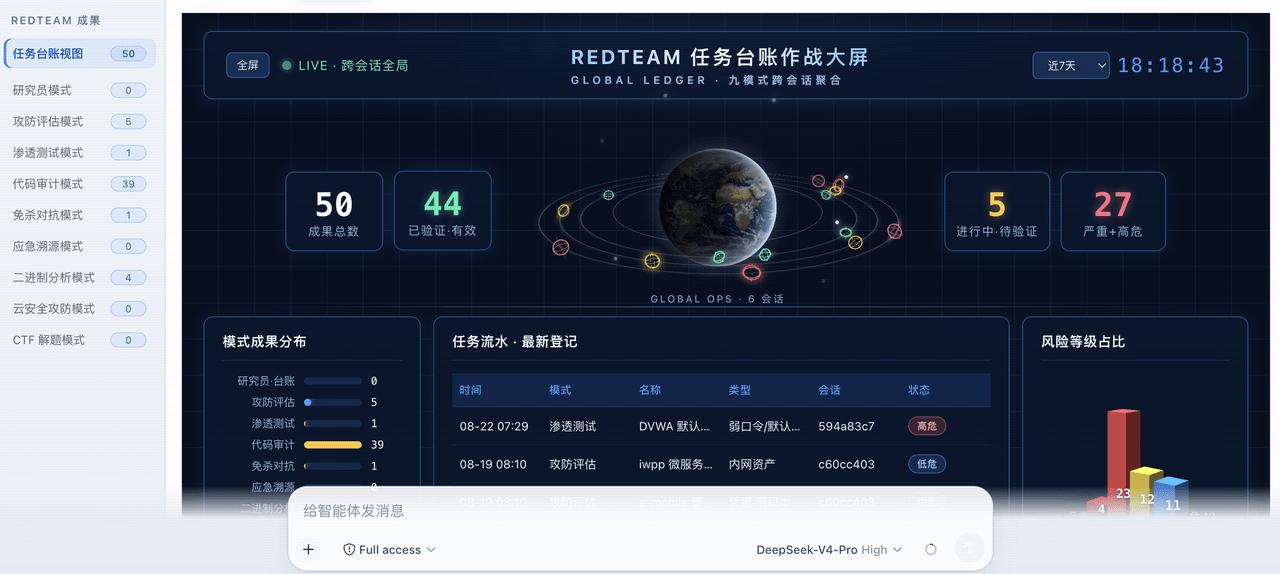 SeaOf0/dsh-redteam-model
基于dsh web实现的多种模式,目的是服务于redteam进行授权的安全研究,覆盖渗透测试、红队评估、代码审计等范围领域,请勿用于非法行为。(允许二开,赋予模块各位自己的业务逻辑,方法论只有自己熟练的才好用,好的方法论=好的生态)
SeaOf0/dsh-redteam-model
基于dsh web实现的多种模式,目的是服务于redteam进行授权的安全研究,覆盖渗透测试、红队评估、代码审计等范围领域,请勿用于非法行为。(允许二开,赋予模块各位自己的业务逻辑,方法论只有自己熟练的才好用,好的方法论=好的生态)
-
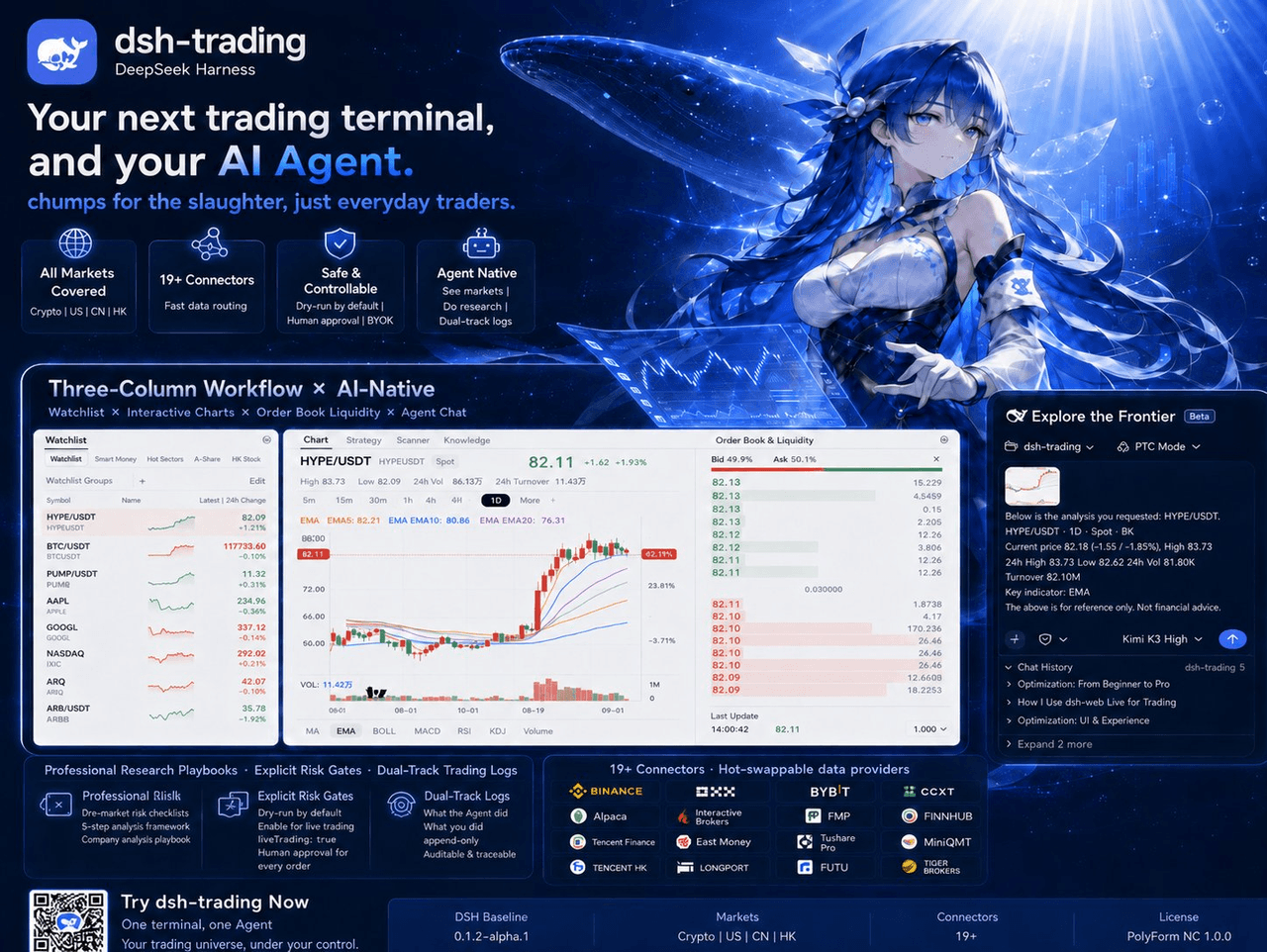 zhu1090093659/dsh-trading
Agent-native trading terminal built on DeepSeek Harness. Crypto, US, CN and HK in one three-column GUI, 19+ hot-swappabl…
zhu1090093659/dsh-trading
Agent-native trading terminal built on DeepSeek Harness. Crypto, US, CN and HK in one three-column GUI, 19+ hot-swappabl…
- PerryLink/dsh-industry-research Industry and company research domain pack for DeepSeek Harness: methodology skills, industry chain mapping, public-sourc…
-
 HsiangNianian/dsh-auto-continue
DSH Web UI plugin: auto-sends 「继续」 after non-human interruptions, with error classification, adaptive backoff, pause, id…
HsiangNianian/dsh-auto-continue
DSH Web UI plugin: auto-sends 「继续」 after non-human interruptions, with error classification, adaptive backoff, pause, id…
-
 lxzy-7/dsh-plugin-guard
Install safety net for DeepSeek Harness: pre-install snapshots, one-click/automatic rollback, guarded boot, and incident…
lxzy-7/dsh-plugin-guard
Install safety net for DeepSeek Harness: pre-install snapshots, one-click/automatic rollback, guarded boot, and incident…
-
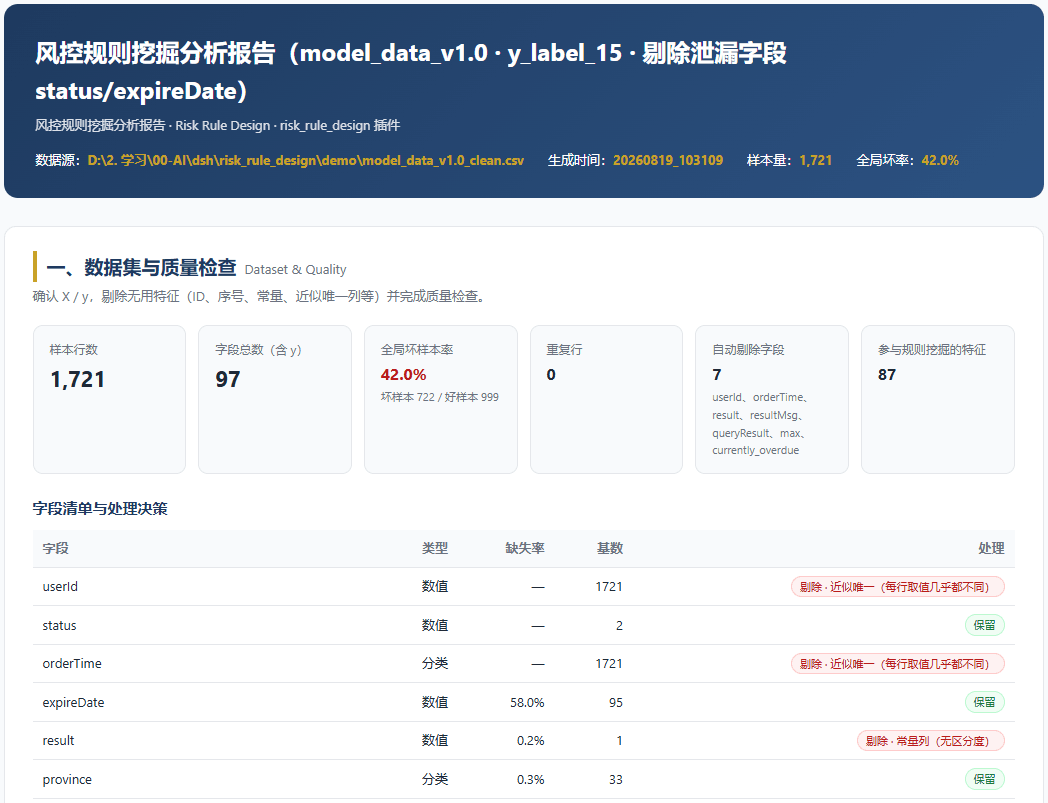 pypcfx-glitch/risk-rule-design
Rule mining for data risk control, distilled from the ideas of the "100-Day Risk Control Expert" course
pypcfx-glitch/risk-rule-design
Rule mining for data risk control, distilled from the ideas of the "100-Day Risk Control Expert" course
-
 HarcoChen/dsh-vsc-integration
DeepSeek Harness (DSH) for VS Code — AI coding with native diffs, tool approvals, persistent sessions, and Trace insight…
HarcoChen/dsh-vsc-integration
DeepSeek Harness (DSH) for VS Code — AI coding with native diffs, tool approvals, persistent sessions, and Trace insight…
- STARDUSTLC666/dsh-sql DSH 工程师级数据库插件:sql_list/query/exec/schema/stats/health 六工具,SQLite/MySQL/PostgreSQL 三引擎、多连接、只读模式与写操作审批门、词法级只读保护、流式行数钳制与可配置…