jmcc-guo/dsh-ssh
DeepSeek Harness 的 SSH 终端面板与 AI 连接管理器 — 提供模型驱动的连接/执行/列表/状态/断开工具,并在 Web 界面中集成 XShell 风格的多标签终端。
Project Overview项目介绍
This is a native DSH plugin built exclusively for DeepSeek Harness, that adds AI-managed SSH connections and a live multi-tab interactive terminal panel to the DSH web interface. It exposes eight tools to the DSH AI agent, allowing it to autonomously handle the entire connection lifecycle, from creating a new connection to running commands, inspecting status, disconnecting, and deleting connections. It also provides a familiar XShell/Uniterm-style multi-tab terminal interface that shows all command output from both the AI and the user in real time, directly inside DSH's web GUI. Users can interact directly with the terminal just like they would with a native local SSH client, with support for ANSI colors and standard keyboard shortcuts.
This plugin is designed for DSH users who regularly work with remote servers via SSH and want to offload connection management to their AI agent. Users can let the AI create and save new connections, or manually add pre-configured connections through the plugin's settings page. All saved connections are persisted automatically, so after a DSH restart, the AI can reconnect to any saved connection automatically without re-entering settings. Each connection supports idle keep-alive and automatic reconnection for unexpected drops, with bounded exponential backoff to avoid endless retry loops. Users can open multiple independent connections to the same remote server, each with its own session state and command queue.
The plugin requires Node.js version 18 or higher to run, and is released under the permissive open source MIT license. It supports two display modes for the terminal panel: it can live in DSH's native right details column, or register as a tab in the dsh-better-sidebar plugin if that is installed. The plugin follows strict security practices: all credentials are stored in DSH's native credential store, secrets are never logged or exposed, and the WebSocket connection uses a browser trust fence to block untrusted access. Development contributors can run the included test suite, which has 64 acceptance tests plus focused unit tests for specific components.
这是一个专为DeepSeek Harness(DSH)开发的原生插件,提供AI管理的SSH连接服务,自带一个实时多标签终端面板。它允许DSH的AI代理自主完成SSH连接的全生命周期管理,包括创建连接、运行命令、列出状态、断开连接和删除连接,同时在DSH网页界面提供类XShell/Uniterm的多标签终端,实时显示AI和用户运行的所有命令输出。
该插件面向需要通过SSH访问远程服务器的DSH用户,支持AI自动管理连接,也允许用户手动在设置页面添加预存连接。所有连接都会按名称自动保存,DSH重启后可以直接复用,无需重新配置。闲置连接会保持存活,意外断开的连接会自动尝试重连,支持同一服务器建立多个独立连接,互不干扰。
该插件要求运行环境为Node.js 18及以上版本,采用MIT开源许可证发布。如果用户已经安装了dsh-better-sidebar插件,可选择将终端面板放置在侧边栏标签页,否则默认使用DSH原生右侧栏。密钥等敏感信息不会泄露,始终存储在DSH的凭证管理器中,开发阶段附带多个测试脚本供功能验证。
请帮我安装这个 DSH 插件。安装前先完成【兼容性检查 + 安全性检查】,检查通过再动手。

插件:dsh-ssh(jmcc-guo/dsh-ssh)
仓库:https://github.com/jmcc-guo/dsh-ssh
本站详情页:https://www.yhbd.top/plugins/jmcc-guo-dsh-ssh/
本站登记:类型 plugin · 归类 原生 DSH 插件 · 许可证 MIT · ⭐ 5 · 最近提交 2026-09-10 · 主语言 JavaScript

按下面顺序执行,每步先把结论告诉我,再进入下一步:

【1 兼容性检查】
① 我这边:DSH 版本、Node 版本、操作系统、当前 profile(web / desktop)。
② 读它的 README、package.json、插件 manifest,列出它要求的 DSH 版本 / Node 版本 / 操作系统 / 外部依赖 / 需要另外先装的运行时。
③ 逐条比对,结论只写「满足 / 不满足 / 未知」三种;不满足的给出可行替代方案。
④ 检查是否和我已装的插件冲突:命令名重复、skill / tool 重名、端口占用、重复注册的 MCP server。

【2 安全性检查】
① 仓库可信度:和上面「本站登记」是否一致;star / fork 数、创建时间、最近提交,是否归档或长期停更。
② 安装脚本:逐行看 package.json 的 preinstall / install / postinstall,以及 install.sh、setup.ps1 之类脚本。出现 curl|bash、下载后直接执行、混淆代码、访问与插件功能无关的域名,立刻停下来告诉我,不要继续装。
③ 依赖:列出新增依赖,标出无人维护、或与知名包拼写近似的可疑包(typosquatting)。
④ 权限与副作用:它会读写哪些目录、访问哪些域名、需要哪些 DSH 权限(filesystem / network / shell / clipboard 等),以及怎么卸载和回滚。
⑤ 如果它要求 sudo / 管理员权限,或权限明显超出功能所需,先停下来问我。

【3 安装】
上面两步没有「不满足」和「高危项」时才执行;用官方推荐方式安装,不要自行提权。

【4 汇报】
用表格输出:检查项 / 结论 / 依据 / 是否需要我决策。拿不准的一律写「未知」并说明要我怎么确认——不要猜,也不要替我决定。
Send this message to DSH in your current session: it verifies compatibility and security first (answering met / not met / unknown item by item) and only installs once everything checks out — it will stop and ask you if it finds a high-risk item. The box scrolls; the copy is the full prompt. CLI install commands may not be accurate across systems, so DSH is the safer route.把上面这条消息直接发给当前会话里的 DSH:它会先核对兼容性与安全性(逐条给「满足 / 不满足 / 未知」),确认没问题再安装,有高危项会停下来问你。框内可滚动,复制到的是完整提示词;安装命令不一定准确,发给 DSH 更稳。
- Only 5 stars - very few users, little community feedback星标只有 5,几乎没人在用,遇到问题缺少社区反馈
DSH walks through these 9 checksDSH 会逐条核对这 9 项
Compatibility兼容性
- DSH, Node, OS and profile requirementsDSH 版本 / Node 版本 / 操作系统 / profile 是否满足要求
- External dependencies and runtimes (Electron / Python / Docker, ...)外部依赖与运行时(Electron / Python / Docker 等)是否齐备
- Conflicts with installed plugins: command names, skill / tool names, ports, duplicate MCP registration与已装插件是否冲突:命令名、skill / tool 重名、端口占用、重复 MCP 注册
Security安全性
- Repo matches the facts registered here; archived or abandoned?仓库是否与页面登记一致,是否归档或长期停更
- Safety of preinstall / install / postinstall and install.sh / setup.ps1preinstall / install / postinstall 与 install.sh、setup.ps1 是否安全
- curl|bash, download-then-execute, obfuscation, unrelated domains → stop immediatelycurl|bash、下载即执行、混淆代码、无关域名 → 立刻停止
- Typosquatting or unmaintained packages among the new dependencies新增依赖里有没有 typosquatting 或无人维护的包
- Requested permissions vs. what the feature actually needs申请了哪些权限、是否超出功能所需(filesystem / network / shell / clipboard)
- Any sudo / admin requirement, plus uninstall and rollback是否要求 sudo / 管理员权限,以及卸载与回滚方式
Anything uncertain must be marked unknown with a note on how to confirm it. This site's signal screen is a static snapshot, not a security audit.拿不准的必须标「未知」并说明要我怎么确认。本站的信号筛查是静态快照,不能替代安全审计。
Or use CLI install (for developers)或使用命令行安装(适合开发者)
CLI Install命令行安装
dsh plugin --profile web add @jmcc-guo/dsh-ssh把 jmcc-guo/dsh-ssh 加入你的 DSH 配置(web profile)即可启用。
READMEREADME
@jmcc-guo/dsh-ssh


AI-managed SSH connections with a live multi-tab terminal panel for DeepSeek Harness.
SSH terminal panel + AI connection manager for DeepSeek Harness (DSH).
The AI agent can autonomously create, address, and tear down SSH connections
right from the conversation (ssh_connect / ssh_exec / ssh_list /
ssh_status / ssh_disconnect / ssh_exec_read / ssh_exec_kill /
ssh_delete), while a XShell/Uniterm-style multi-tab terminal panel in the
Web GUI shows every command — model and human — in real time on the same
screen.
Features
- Model-driven connection lifecycle — the agent connects by name or by parameters, runs commands with exit codes and readable failures, lists and inspects AI-managed connections, disconnects and deletes them. The same server may hold several independent connections (each with its own name, session state and command queue).
- Auto-save & reuse — every connection is persisted by name (globally
unique). After a DSH restart,
ssh_execon a saved name automatically re-establishes the connection from its saved settings. - Unified AI management — there is no source distinction: every saved
connection, whether created by the AI (
ssh_connect) or from the Settings page, is managed by the AI agent. It appears inssh_listand is immediately addressable byssh_exec/ssh_status/ssh_disconnect/ssh_delete— no transfer step exists or is needed. - Keep-alive & reconnect — idle keep-alive per connection; automatic
reconnect only for unexpected drops (network blips, server resets) with
exponential backoff (bounded attempts); every explicit disconnect stays
down (tab close,
ssh_disconnect, Settings "Disconnect" button). A "reconnected — the shell state was reset" notice is shown after an automatic reconnect. - Execution mutex (every connection) — while an AI command runs on a
connection, human keystrokes are dropped server-side with a visible "AI is
executing…" hint (the user may only type when the AI is not executing on
that terminal); a model
ssh_execagainst a connection whose shared terminal shell is still active waits until the shell falls quiet (no output/input forshellQuietWaitMs, default 2 s) or returns a readable "busy" result instead of interleaving output. - Tab semantics — closing a tab disconnects immediately (no confirmation
dialog); AI
ssh_disconnectkeeps the tab open showing "disconnected" (one click to reconnect); a model connect that has no tab re-opens one automatically. Connecting a saved connection (tab bar "+", the Settings-page Connect button) never rejects an already-open connection: when a tab for that connection is already open, the call opens a FRESH independent session in a new tab — even when the same connection is already connected in another tab — and only connects the primary session (the one the model tools address) when no tab is open yet. - Live terminal panel — two surfaces, one state — the panel body can
live in DSH's native right details column (the conversation shrinks
instead of being covered; closing restores the original right column
untouched; a slim SSH rail on the right edge reopens it) or inside
dsh-better-sidebar:
when that plugin is installed, the same panel body registers as a sidebar
tab (
dsh-ssh:terminal— visible in its + menu, with a live connection-count badge), and the AI-connect auto-open lands there (opening and expanding the sidebar). Both surfaces share the one host-managed state stream, so switching never forks the terminals.panelSurface(see settings below) chooses the surface:auto(default — sidebar when installed),sidebar(prefer sidebar),native(always the built-in column). Without dsh-better-sidebar everything falls back to the native column automatically. Each connection owns one real interactive shell (PTY): the login banner (motd / Last login), the remote promptuser@host:path$, input echo andcdupdates all come from the remote shell, exactly like a native SSH client. There is no input box and no copy control — click the terminal and type; keystrokes go straight into the remote shell (arrows, Tab, Ctrl-C, paste, IME supported). A blinking block cursor shows while the terminal is focused. AI-run commands appear in the same scrollback with source tags. Multi-tab, ANSI colors, scrollback. The view stays pinned to the newest output as it arrives — even large output bursts follow to the bottom; scrolling up to read history is respected (no forced jump), but whenever the AI starts operating the connection the terminal slides back to the bottom so the AI's live output is visible. - Settings page — "SSH Connections" under Settings manages everything: create, edit (rename supported), delete connections and their credentials (passwords / private keys stored in the DSH credential store), and connect/disconnect. The terminal column itself contains no CRUD.
- Credential hygiene — passwords and private keys live in the DSH credential store under generated references; the records file, logs and tool results never contain secret material; inline secrets in tool arguments are rejected with guidance; auth failures return scrubbed, readable reasons.
- Settings — the
dsh-sshsettings namespace (heartbeat, reconnect policy, timeouts, output caps, records path) can be overridden through the DSH settings system / profile patch. - Bilingual UI — Chinese and English copy.
Showing the opening section of the README — the full document lives in the repository以上为 README 开头摘要,完整文档在仓库内 · View the full README on GitHub →在 GitHub 查看完整 README →
Related相关推荐
-
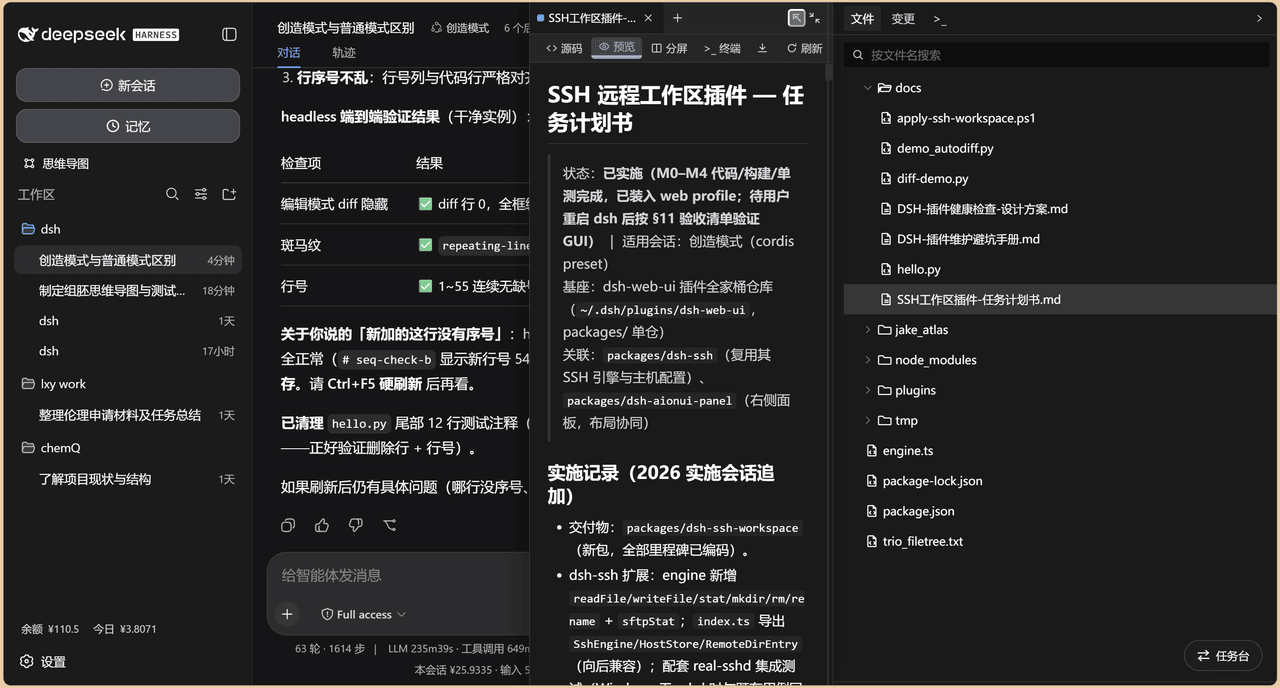 chenw2759-wq/dsh-IDE
dsh-IDE 把 DeepSeek Harness(DSH)网页版升级成一站式 IDE:JupyterLab 式文件树、带语法高亮的代码编辑、多格式预览、Trae 风格红绿 diff 和内置终端,再加上「本地大脑、远程手脚」的 SSH 远…
chenw2759-wq/dsh-IDE
dsh-IDE 把 DeepSeek Harness(DSH)网页版升级成一站式 IDE:JupyterLab 式文件树、带语法高亮的代码编辑、多格式预览、Trae 风格红绿 diff 和内置终端,再加上「本地大脑、远程手脚」的 SSH 远…
-
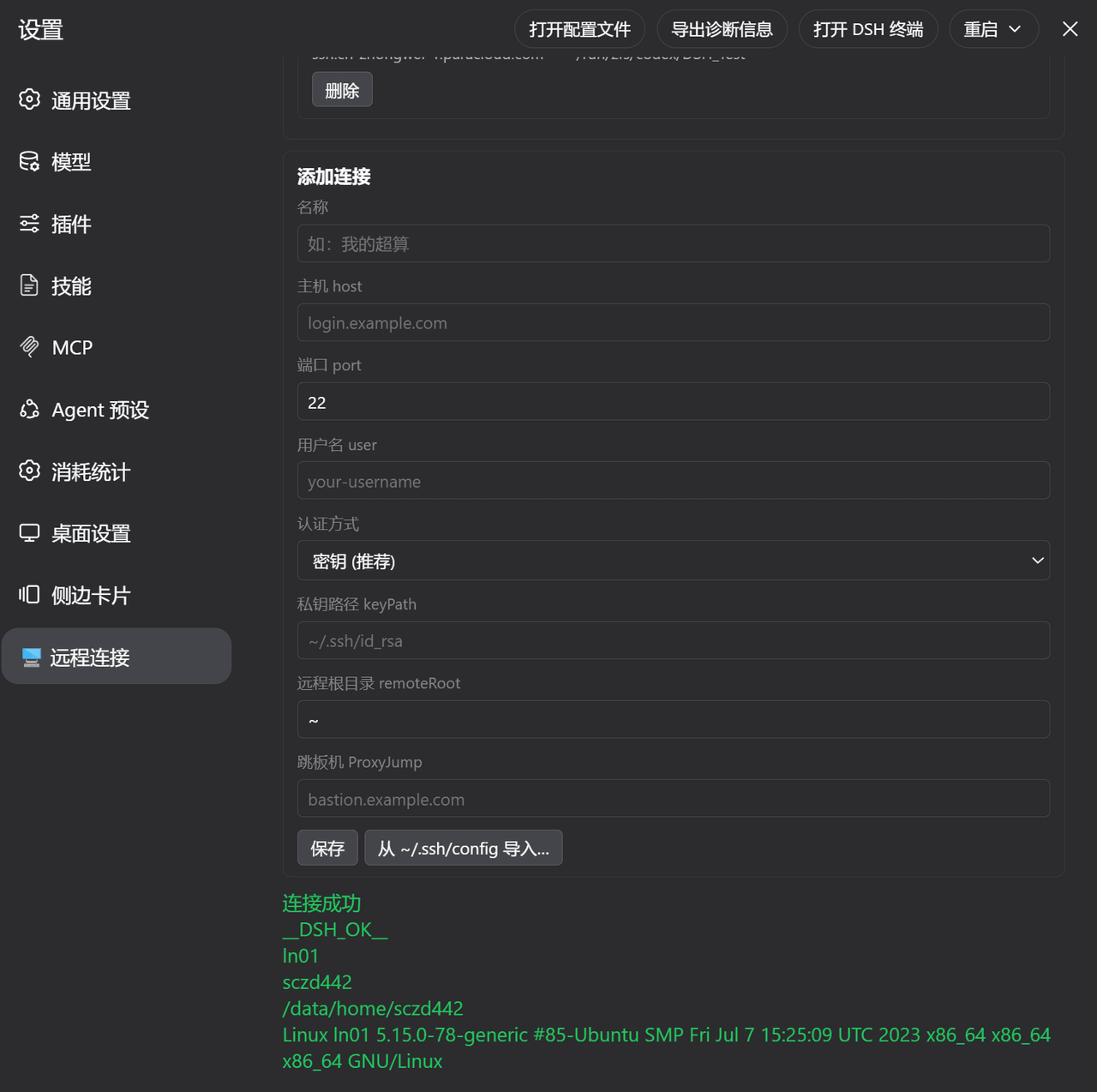 ZhangFengshun/dsh-remote-ssh
DSH web plugin: VSCode Remote-SSH-like remote development (SSH, remote workspace, file explorer, integrated terminal)
ZhangFengshun/dsh-remote-ssh
DSH web plugin: VSCode Remote-SSH-like remote development (SSH, remote workspace, file explorer, integrated terminal)
-
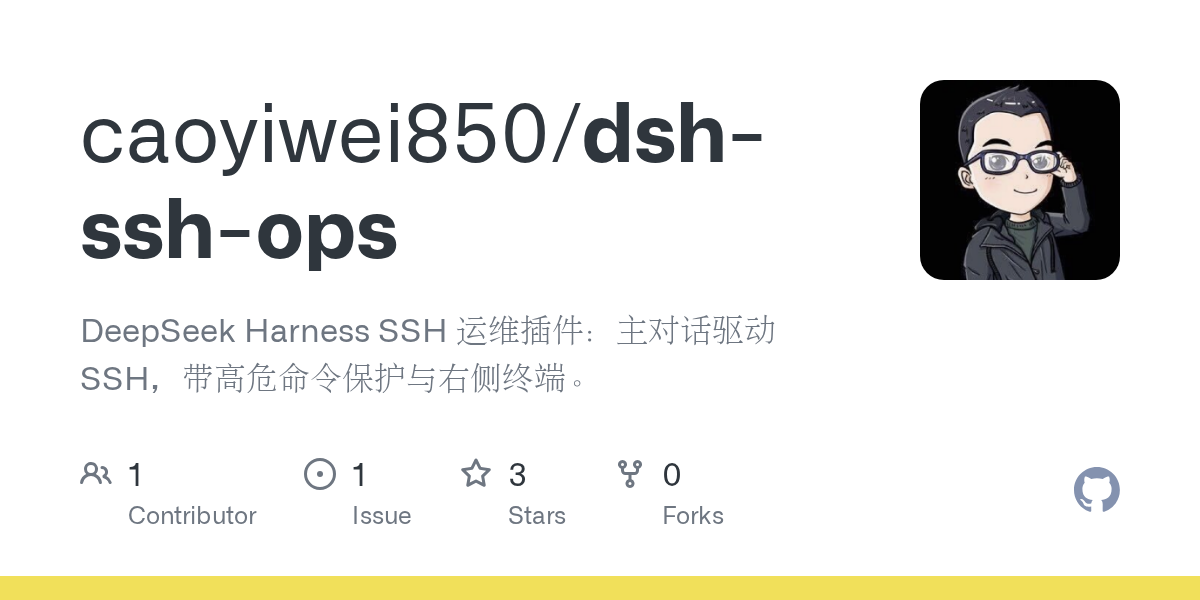 caoyiwei850/dsh-ssh-ops
DeepSeek Harness SSH 运维插件:主对话驱动 SSH,带高危命令保护与右侧终端。
caoyiwei850/dsh-ssh-ops
DeepSeek Harness SSH 运维插件:主对话驱动 SSH,带高危命令保护与右侧终端。
-
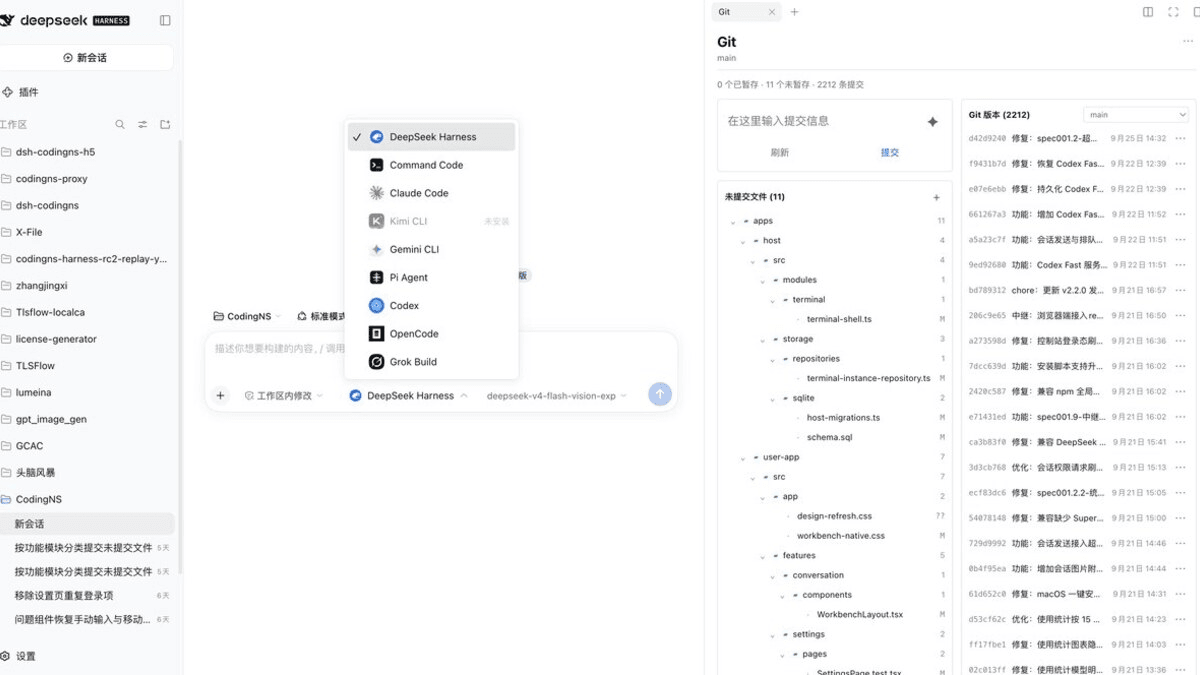 jingyi0605/Codingns4DSH
把外部 Agent CLI、持久终端、工作区调试和远程访问,装进 DSH 原生界面。
jingyi0605/Codingns4DSH
把外部 Agent CLI、持久终端、工作区调试和远程访问,装进 DSH 原生界面。
- klarkxy/zhihu-search 知乎开放平台接口,官方Zhihu Cli开源平替。
- huoxue1/harness-lark Lark/飞书(Feishu)渠道插件,为 [DeepSeek Harness](https://github.com/deepseek-ai/deepseek-harness) 提供飞书通信能力
-
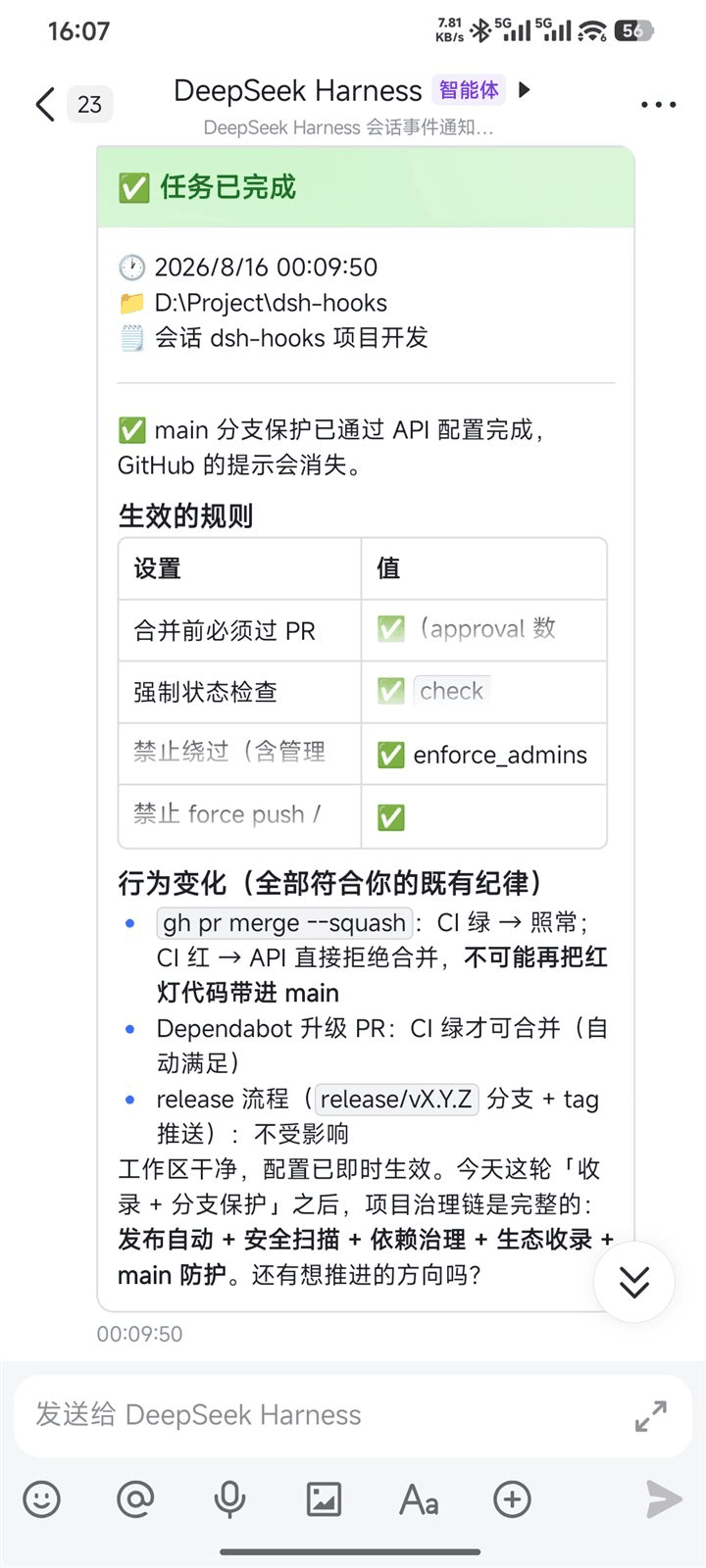 PeterBon/dsh-hooks
Config-driven lifecycle hooks plugin for DeepSeek Harness
PeterBon/dsh-hooks
Config-driven lifecycle hooks plugin for DeepSeek Harness
-
 Jesse-njx/dsh-chatnode-wechat
Chat with, monitor, and approve your DSH agents from WeChat — an iLink gateway + conversation node bundle for DeepSeek H…
Jesse-njx/dsh-chatnode-wechat
Chat with, monitor, and approve your DSH agents from WeChat — an iLink gateway + conversation node bundle for DeepSeek H…