jmcc-guo/dsh-ssh
DeepSeek Harness 的 SSH 终端面板与 AI 连接管理器 — 提供模型驱动的连接/执行/列表/状态/断开工具,并在 Web 界面中集成 XShell 风格的多标签终端。
Project Overview项目介绍
A DSH plugin that lets the AI agent autonomously create, run on, and tear down SSH connections via tools such as ssh_connect, ssh_exec, ssh_list, ssh_disconnect, and ssh_delete, while a XShell-style multi-tab terminal panel in the Web GUI shows every command — model and human — live on the same screen. Use it to give the model real shell access with persisted, reusable connections and live visibility. Caveat: secrets must be passed via credential references, never inline.
DSH 插件,AI 可通过 ssh_connect、ssh_exec、ssh_list 等工具自主管理 SSH 连接,Web 端提供多标签实时终端面板,显示模型与人类的全部命令。模型与用户连接互相隔离,AI 不可访问用户连接;空闲保活,遇网络抖动自动重连,显式断开则保持断开。需 Node ≥ 18、ESM,仅适用于 DSH。
请帮我了解并安装插件:【dsh-ssh】【https://github.com/jmcc-guo/dsh-ssh】Send this message to DSH in your current session. CLI install commands may not be accurate across systems — DSH will figure it out for you.把上面这条消息直接发给当前会话里的 DSH,让它帮你了解并安装。安装命令不一定准确,发给 DSH 更稳。
Or use CLI install (for developers)或使用命令行安装(适合开发者)
CLI Install命令行安装
dsh plugin --profile web add @jmcc-guo/dsh-ssh把 jmcc-guo/dsh-ssh 加入你的 DSH 配置(web profile)即可启用。
READMEREADME
@jmcc-guo/dsh-ssh


AI-managed SSH connections with a live multi-tab terminal panel for DeepSeek Harness.
SSH terminal panel + AI connection manager for DeepSeek Harness (DSH).
The AI agent can autonomously create, address, and tear down SSH connections
right from the conversation (ssh_connect / ssh_exec / ssh_list /
ssh_status / ssh_disconnect / ssh_exec_read / ssh_exec_kill /
ssh_delete), while a XShell/Uniterm-style multi-tab terminal panel in the
Web GUI shows every command — model and human — in real time on the same
screen.
Features
- Model-driven connection lifecycle — the agent connects by name or by parameters, runs commands with exit codes and readable failures, lists and inspects AI-managed connections, disconnects and deletes them. The same server may hold several independent connections (each with its own name, session state and command queue).
- Auto-save & reuse — every connection is persisted by name (globally
unique). After a DSH restart,
ssh_execon a saved name automatically re-establishes the connection from its saved settings. - Unified AI management — there is no source distinction: every saved
connection, whether created by the AI (
ssh_connect) or from the Settings page, is managed by the AI agent. It appears inssh_listand is immediately addressable byssh_exec/ssh_status/ssh_disconnect/ssh_delete— no transfer step exists or is needed. - Keep-alive & reconnect — idle keep-alive per connection; automatic
reconnect only for unexpected drops (network blips, server resets) with
exponential backoff (bounded attempts); every explicit disconnect stays
down (tab close,
ssh_disconnect, Settings "Disconnect" button). A "reconnected — the shell state was reset" notice is shown after an automatic reconnect. - Execution mutex (every connection) — while an AI command runs on a
connection, human keystrokes are dropped server-side with a visible "AI is
executing…" hint (the user may only type when the AI is not executing on
that terminal); a model
ssh_execagainst a connection whose shared terminal shell is still active waits until the shell falls quiet (no output/input forshellQuietWaitMs, default 2 s) or returns a readable "busy" result instead of interleaving output. - Tab semantics — closing a tab disconnects immediately (no confirmation
dialog); AI
ssh_disconnectkeeps the tab open showing "disconnected" (one click to reconnect); a model connect that has no tab re-opens one automatically. Connecting a saved connection (tab bar "+", the Settings-page Connect button) never rejects an already-open connection: when a tab for that connection is already open, the call opens a FRESH independent session in a new tab — even when the same connection is already connected in another tab — and only connects the primary session (the one the model tools address) when no tab is open yet. - Live terminal panel — two surfaces, one state — the panel body can
live in DSH's native right details column (the conversation shrinks
instead of being covered; closing restores the original right column
untouched; a slim SSH rail on the right edge reopens it) or inside
dsh-better-sidebar:
when that plugin is installed, the same panel body registers as a sidebar
tab (
dsh-ssh:terminal— visible in its + menu, with a live connection-count badge), and the AI-connect auto-open lands there (opening and expanding the sidebar). Both surfaces share the one host-managed state stream, so switching never forks the terminals.panelSurface(see settings below) chooses the surface:auto(default — sidebar when installed),sidebar(prefer sidebar),native(always the built-in column). Without dsh-better-sidebar everything falls back to the native column automatically. Each connection owns one real interactive shell (PTY): the login banner (motd / Last login), the remote promptuser@host:path$, input echo andcdupdates all come from the remote shell, exactly like a native SSH client. There is no input box and no copy control — click the terminal and type; keystrokes go straight into the remote shell (arrows, Tab, Ctrl-C, paste, IME supported). A blinking block cursor shows while the terminal is focused. AI-run commands appear in the same scrollback with source tags. Multi-tab, ANSI colors, scrollback. The view stays pinned to the newest output as it arrives — even large output bursts follow to the bottom; scrolling up to read history is respected (no forced jump), but whenever the AI starts operating the connection the terminal slides back to the bottom so the AI's live output is visible. - Settings page — "SSH Connections" under Settings manages everything: create, edit (rename supported), delete connections and their credentials (passwords / private keys stored in the DSH credential store), and connect/disconnect. The terminal column itself contains no CRUD.
- Credential hygiene — passwords and private keys live in the DSH credential store under generated references; the records file, logs and tool results never contain secret material; inline secrets in tool arguments are rejected with guidance; auth failures return scrubbed, readable reasons.
- Settings — the
dsh-sshsettings namespace (heartbeat, reconnect policy, timeouts, output caps, records path) can be overridden through the DSH settings system / profile patch. - Bilingual UI — Chinese and English copy.
Requirements
- Node.js >= 18 (ESM)
- pnpm (lockfile:
pnpm-lock.yaml) - A DeepSeek Harness (DSH) installation with the
webprofile - For the test suite: a reachable SSH server (the included tests target a
local WSL OpenSSH instance; see
scripts/test-acceptance.mjs)
Install into a profile
# from npm (recommended)
dsh plugin --profile web add @jmcc-guo/dsh-ssh

# or directly from GitHub
dsh plugin --profile web add "github:jmcc-guo/dsh-ssh#v0.5.0"

# or from a local checkout
dsh plugin --profile web add <path-to-this-repo>
The bundle patch (cordis.patch.yml) mounts the dsh-ssh row. Override
config in the profile patch with the same row id:
- id: dsh-ssh
  config:
    heartbeatIntervalMs: 20000
    reconnectMaxAttempts: 8
    outputLimitBytes: 2097152
Restart the profile process afterwards (plugin-set changes and the client bundle graph are composed at boot).
Troubleshooting
ssh2 is bundled — no build steps needed
ssh2 and its full dependency closure are shipped bundled inside the
package (bundleDependencies), so installing @jmcc-guo/dsh-ssh never runs
dependency build scripts: no allowBuilds edits, no
ERR_PNPM_IGNORED_BUILDS. ssh2 runs on its pure-JS implementation, which is
fully functional (verified against a real SSH server); the optional native
crypto binding is intentionally not compiled.
Peer-dependency warnings
pnpm peers check may report "missing peer" for the @deepseek-ai/* packages
even though DSH provides them: with the hoisted profile layout, external
plugins resolve host packages at runtime from the shared profiles/node_modules
tree, which pnpm's static peer check does not cross. The warnings are benign —
the plugin loads fine (verified at runtime).
Settings namespace (dsh-ssh)
| Key | Default | Meaning |
|---|---|---|
heartbeatIntervalMs |
30000 | ssh2 keep-alive interval |
keepaliveCountMax |
3 | keep-alive failures before the connection is considered dead |
connectTimeoutMs |
15000 | SSH handshake / TCP connect timeout |
reconnectBaseDelayMs |
2000 | first auto-reconnect delay (doubles per attempt) |
reconnectMaxDelayMs |
60000 | backoff cap |
reconnectMaxAttempts |
5 | max automatic reconnect attempts |
execTimeoutMs |
120000 | default ssh_exec completion wait |
busyWaitTimeoutMs |
20000 | default mutex wait when the connection is busy |
reconnectWaitTimeoutMs |
30000 | default wait while reconnecting |
shellQuietWaitMs |
2000 | shared-shell silence required before AI may run |
outputLimitBytes |
1048576 | per-connection terminal buffer cap |
execOutputMaxBytes |
200000 | cap on output returned to the model per command |
recordsPath |
$DSH_HOME/storages/dsh-ssh/connections.json |
records file override |
panelSurface |
auto |
where the Web panel lives: auto = dsh-better-sidebar when installed, else the native column; sidebar = prefer dsh-better-sidebar (falls back to native when absent); native = always the built-in details column. Applied live to open panels |
Model tools
ssh_connect— create a new connection (host/port/user + auth by credential reference or key file path) or re-establish an existing one.ssh_exec— run a command on a saved connection by name; auto-reconnects when offline, waits through reconnect/busy states (with timeouts), returns output + exit code; long commands return anexecIdforssh_exec_read/ssh_exec_kill.ssh_exec_read— incremental output of a running (or finished) command.ssh_exec_kill— terminate a running command (SIGINT through the pty).ssh_list— all saved connections with live status (every connection is AI-managed).ssh_status— detailed status of one saved connection.ssh_disconnect— explicit disconnect (no auto-reconnect; optionaldelete); the panel tab stays open showing "disconnected".ssh_delete— delete a saved connection record (disconnects first).
Secret rule for the model: never pass passwords or private keys inline in
tool arguments (they are recorded verbatim in the session log and rejected).
Use auth.passwordRef / auth.privateKeyRef (a stored credential or
environment variable) or auth.privateKeyPath (a key file on the host).
New secrets can be stored through the panel's connection form, which routes
them into the DSH credential store.
Security notes
- The panel channel (
/ssh/ws) applies the harness browser-trust fence: loopback/trusted-host Host, same-origin Origin, cross-site fetch-metadata rejection. - Secrets never leave the credential store: the records file holds references only; error messages are scrubbed; logs contain no secrets.
- Commands run through real PTYs on the remote host: ANSI output works, interactive programs work, and termination is a genuine SIGINT to the foreground process group. User keystrokes flow through the shared shell's PTY; while an AI command runs on a connection the host drops keystrokes (input mutex — the user may only type when the AI is not executing on that terminal).
Repository layout
lib/index.js            plugin entry: config schema, manager + tools + panel channel wiring
lib/manager.js          SshManager — connection lifecycle, keep-alive/reconnect, mutex, PTY shells
lib/tools.js            model tools (ssh_connect / ssh_exec / ssh_exec_read / ssh_exec_kill / ...)
lib/ws.js               panel WebSocket channel (/ssh/ws) with the browser-trust fence
lib/store.js            persisted connection records
lib/client.js           Web GUI client: multi-tab terminal panel + settings UI
cordis.patch.yml        bundle patch that mounts the dsh-ssh row
scripts/                test suites (see below)
Development / tests
scripts/ contains the acceptance suite and helpers (requires a reachable
SSH server; the included tests target a WSL OpenSSH instance):
node scripts/test-acceptance.mjs   # 64-check manager-level acceptance suite
node scripts/smoke.mjs             # quick smoke test
node scripts/test-panel-ws.mjs     # panel WebSocket channel drive (test web instance on :3081)
node scripts/test-rename.mjs       # focused rename test (no SSH server needed)
node scripts/test-connect-tabs.mjs # focused connect/tab-semantics test (no SSH server needed)
node scripts/test-panel-channel.mjs # focused panel WS channel test (no SSH server, no DSH instance needed)
node scripts/test-client-surface.mjs  # dual-surface (native column / dsh-better-sidebar) logic — no server needed
Contributing
Issues and pull requests are welcome. Keep the model-facing surface (tool names, parameter semantics, result shapes) backward compatible, and make sure secrets never end up in logs, records or tool results.
License
MIT
Related相关推荐
-
 biociao/dsh-science
-
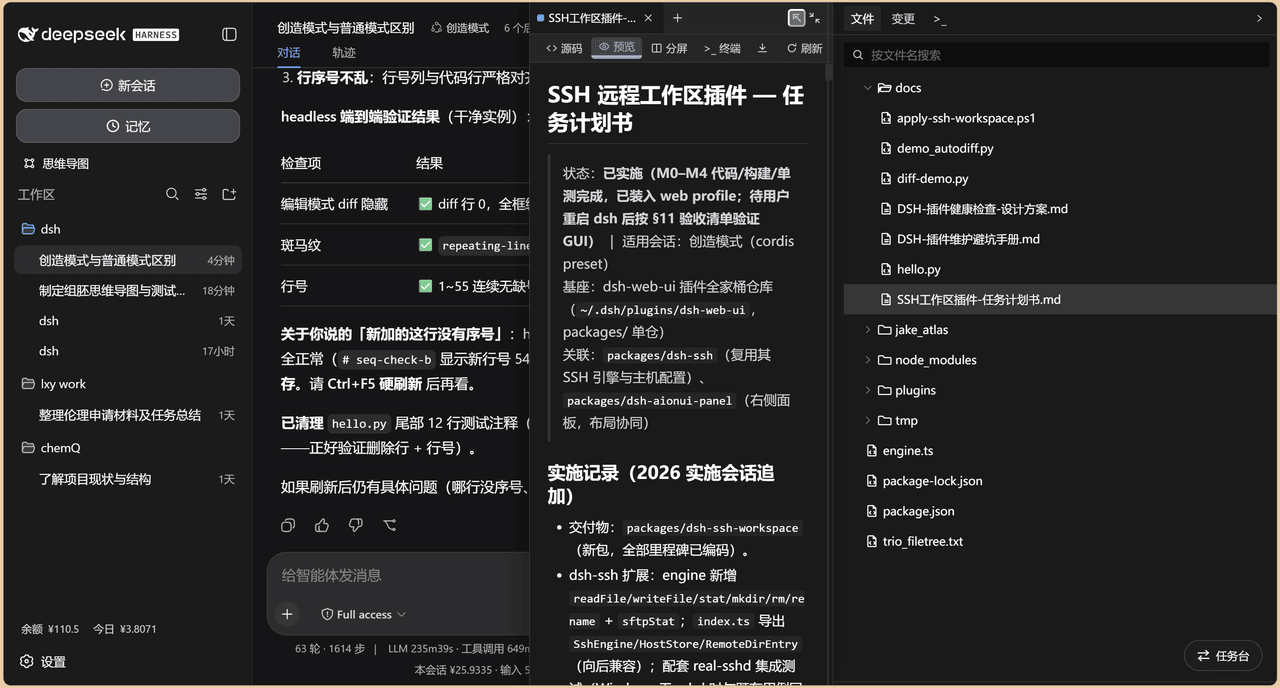 chenw2759-wq/dsh-IDE
dsh-IDE 把 DeepSeek Harness(DSH)网页版升级成一站式 IDE:JupyterLab 式文件树、带语法高亮的代码编辑、多格式预览、Trae 风格红绿 diff 和内置终端,再加上「本地大脑、远程手脚」的 SSH 远…
chenw2759-wq/dsh-IDE
dsh-IDE 把 DeepSeek Harness(DSH)网页版升级成一站式 IDE:JupyterLab 式文件树、带语法高亮的代码编辑、多格式预览、Trae 风格红绿 diff 和内置终端,再加上「本地大脑、远程手脚」的 SSH 远…
-
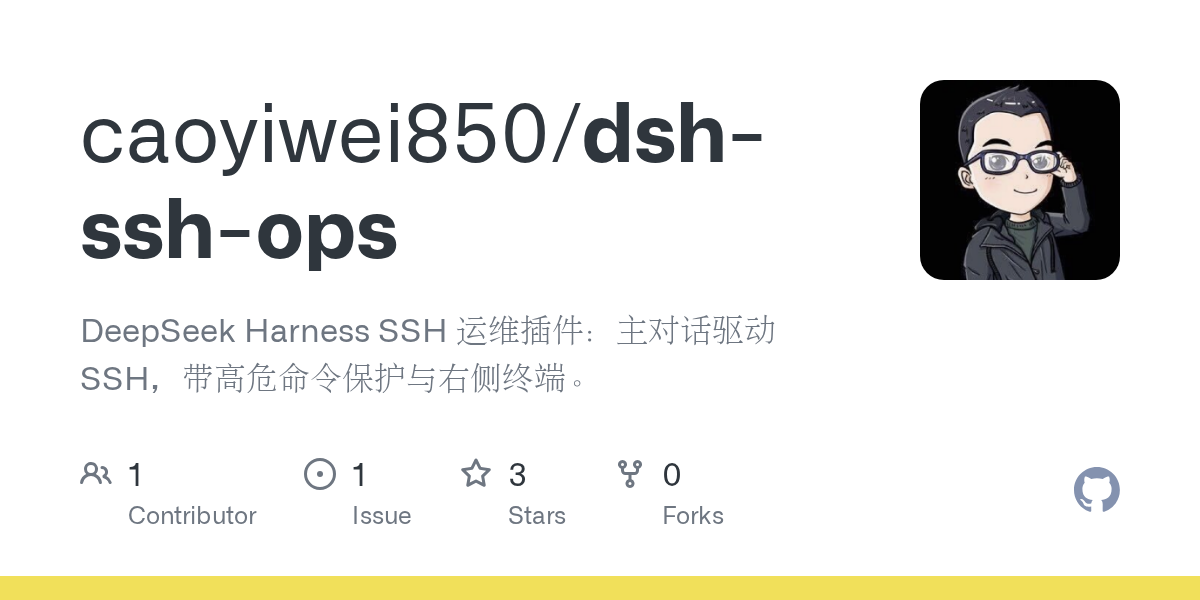 caoyiwei850/dsh-ssh-ops
DeepSeek Harness SSH 运维插件:主对话驱动 SSH,带高危命令保护与右侧终端。
caoyiwei850/dsh-ssh-ops
DeepSeek Harness SSH 运维插件:主对话驱动 SSH,带高危命令保护与右侧终端。
- klarkxy/zhihu-search 知乎开放平台接口,官方Zhihu Cli开源平替。
-
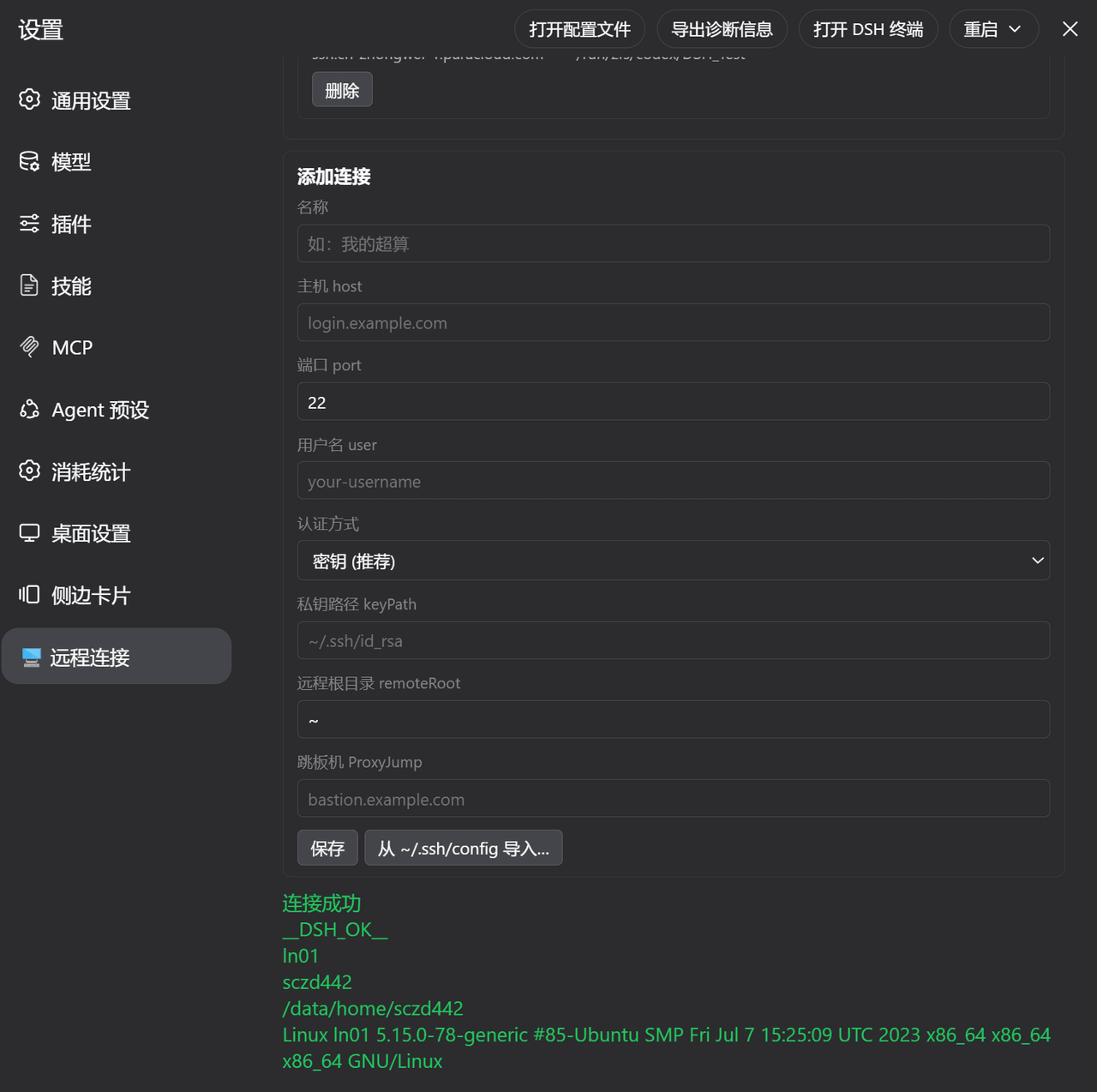 ZhangFengshun/dsh-remote-ssh
DSH web plugin: VSCode Remote-SSH-like remote development (SSH, remote workspace, file explorer, integrated terminal)
ZhangFengshun/dsh-remote-ssh
DSH web plugin: VSCode Remote-SSH-like remote development (SSH, remote workspace, file explorer, integrated terminal)
-
 Jesse-njx/dsh-chatnode-wechat
Chat with, monitor, and approve your DSH agents from WeChat — an iLink gateway + conversation node bundle for DeepSeek H…
Jesse-njx/dsh-chatnode-wechat
Chat with, monitor, and approve your DSH agents from WeChat — an iLink gateway + conversation node bundle for DeepSeek H…
- bpc-oss/chrome-faithful Faithful control of your real, logged-in Chrome profiles: MCP server + MV3 extension + authenticated localhost bridge. N…
- huoxue1/harness-lark Lark/飞书(Feishu)渠道插件,为 [DeepSeek Harness](https://github.com/deepseek-ai/deepseek-harness) 提供飞书通信能力