jypjypjypjyp/dsh-vqa-agent
DSH 插件:vqa_ask 双模型视觉问答 —— 主模型提问 → 视觉模型看图回答,UI 实时展示 QA 过程,支持多模态视觉模型选择
Project Overview项目介绍
DSH official bundle plugin that equips the main model with a vqa_ask tool for calling a vision model. Core capability: reads images and sniffs real formats via magic numbers (PNG/JPEG/WebP/GIF, ignoring extensions), delivers the actual bytes to the vision model, and renders the main-model question → vision-model answer flow in real time, carrying context across follow-ups on the same image. Use it for multimodal image understanding and visual Q&A inside DSH Web; the settings page lets you pick a multimodal vision model, persisted under vqa in settings.yaml. Caveat: the client bundle in .dsh-plugin/client.js must be rebuilt with node scripts/build-client.mjs after source changes; use --check to verify freshness.
DSH 官方 bundle 插件,为主模型提供 vqa_ask 工具调用视觉模型。核心能力:读取图片并通过魔数嗅探真实格式(PNG/JPEG/WebP/GIF),将字节数据真实送达视觉模型,UI 实时展示「主模型提问 → 视觉模型回答」的问答过程,同图追问自动带上下文。适用于需要多模态图像理解、视觉问答的场景;设置页可选择多模态视觉模型,选择持久化至 settings.yaml。构建需先 npm i -D esbuild,再执行 node scripts/build-client.mjs,产物在 .dsh-plugin/client.js,手改无效,改源码后须重新构建,并可用 --check 校验新鲜度。
请帮我了解并安装插件:【dsh-vqa-agent】【https://github.com/jypjypjypjyp/dsh-vqa-agent】Send this message to DSH in your current session. CLI install commands may not be accurate across systems — DSH will figure it out for you.把上面这条消息直接发给当前会话里的 DSH,让它帮你了解并安装。安装命令不一定准确,发给 DSH 更稳。
Or use CLI install (for developers)或使用命令行安装(适合开发者)
CLI Install命令行安装
dsh plugin --profile web add github:jypjypjypjyp/dsh-vqa-agent把 jypjypjypjyp/dsh-vqa-agent 加入你的 DSH 配置(web profile)即可启用。
READMEREADME
dsh-vqa-agent
DSH Web 插件(官方 bundle 形态):主模型调用 vqa_ask 向视觉模型提问,图片字节真实送达视觉模型,UI 实时展示「主模型提问 → 视觉模型回答」的 QA 过程;主设置提供多模态视觉模型选择页。
结构
package.json              # dsh.bundle.patch + dsh.client.platform=web + exports
cordis.patch.yml          # 向 web 组合挂载本插件(Node half)
.dsh-plugin/index.mjs     # Node half:注册 vqa_ask 工具 + webServer 路由
.dsh-plugin/client/index.mjs  # 浏览器 half 源码(esbuild 打包)
.dsh-plugin/client.js     # 构建产物(手改禁止;改源码后 node scripts/build-client.mjs)
scripts/build-client.mjs  # esbuild 构建器(--check 做新鲜度门禁)
构建
npm i -D esbuild          # 首次
node scripts/build-client.mjs   # 生成 .dsh-plugin/client.js
node scripts/build-client.mjs --check   # 校验产物与源码一致
安装到 DSH Web profile
- 在
/Users/a1234/.dsh/profiles/web/package.json:dependencies增加"dsh-vqa-agent": "file:<本仓库路径>"dsh.profile.bundles增加"dsh-vqa-agent"
- 在 profile 目录执行
pnpm install(或pnpm add dsh-vqa-agent@file:<路径>)。 - 重启 web 服务并刷新页面。
也可以把本仓库推到 GitHub/GitLab 后用 git 依赖(参考 whale-girl 的 github:vlln/whale-girl#main)。
通信契约
- Node ↔ 浏览器:
webServer路由(全部POSTJSON):/dsh-vqa-agent/exchange{callId}— 单次问答快照(轮询,流式)/dsh-vqa-agent/image{convKey}— 图片 dataURL(每会话拉一次)/dsh-vqa-agent/transcript{}— 全部会话 QA 记录/dsh-vqa-agent/settings{}— 当前选择 + 多模态模型列表/dsh-vqa-agent/set-model{provider, model}— 设置页选择视觉模型
- 浏览器 half 由
__ModuleLoader__.load({id, factory})挂载,React经种子词require("react")解析(esbuild--external:react),样式直接注入 DOM。
功能
- 工具
vqa_ask(image, question, model?, provider?, maxTokens?):读文件 → 魔数嗅探真实格式(PNG/JPEG/WebP/GIF,不信扩展名)→ attachments 生成引用 → 图片发给视觉模型 → 流式回答;同图追问自动带上下文。 - 工具卡片(
tool.call.toolviewkeyvqa_ask):主模型提问气泡 + 视觉模型回答气泡 + 缩略图 + 状态徽标(固定深色底,明暗主题均清晰)。 - Run 面板(
tool.view.cordiskeyself):「双模型 QA 过程」总览。 - 设置页(
settings.sectionidvqa-vision):从所有提供方中选多模态模型作视觉模型,选择通过 settings 服务写入settings.yaml的vqa: {provider, model}分节持久保存,重启后仍记住。
默认视觉模型解析顺序
设置页选择 → VQA 配置(settings.yaml 的 vqa: {provider, model})→ 内置默认 momenta-gateway / qwen3.7-plus。
Related相关推荐
-
 nexu-io/open-design
🎨 Best DeepSeek Harness Design Plugin. The open-source Claude Design alternative. 🖥️ Local-first desktop app. 🖼️ Your…
nexu-io/open-design
🎨 Best DeepSeek Harness Design Plugin. The open-source Claude Design alternative. 🖥️ Local-first desktop app. 🖼️ Your…
-
 Devin-AXIS/iPolloWork
Enterprise-grade, local-first Agent Workbench for people and agent teams. A unified multi-engine workspace for Codex Har…
Devin-AXIS/iPolloWork
Enterprise-grade, local-first Agent Workbench for people and agent teams. A unified multi-engine workspace for Codex Har…
-
 liustack/modlens
The first vision plugin for DeepSeek Harness, and the vision bridge for every text-only coding agent. Paste an image, ge…
liustack/modlens
The first vision plugin for DeepSeek Harness, and the vision bridge for every text-only coding agent. Paste an image, ge…
-
 ysr666/dsh-vision-router
Eyes for text-only DeepSeek Harness agents: built-in free vision chain (no key) + pixel-level vision tools (Q&A, groundi…
ysr666/dsh-vision-router
Eyes for text-only DeepSeek Harness agents: built-in free vision chain (no key) + pixel-level vision tools (Q&A, groundi…
-
 EthanYoQ/AI-Novel-Writer
AI 小说创作软件:把灵感、角色、世界观、大纲、章节写作、审稿和修稿组织成可控流程;提供 Windows/macOS 桌面版,支持本地和在线模型。AI Novel Writing Software: Organizes inspiratio…
EthanYoQ/AI-Novel-Writer
AI 小说创作软件:把灵感、角色、世界观、大纲、章节写作、审稿和修稿组织成可控流程;提供 Windows/macOS 桌面版,支持本地和在线模型。AI Novel Writing Software: Organizes inspiratio…
-
 Anionex/dsh-vision-toolkit
[dsh]为纯文本模型设计更强大的视觉工具箱:一行安装使用、粘贴图片直接识别、多张图片问答、截图到前端UI 还原等|DeepSeek Harness-native integration for agent-vision-toolkit: …
Anionex/dsh-vision-toolkit
[dsh]为纯文本模型设计更强大的视觉工具箱:一行安装使用、粘贴图片直接识别、多张图片问答、截图到前端UI 还原等|DeepSeek Harness-native integration for agent-vision-toolkit: …
-
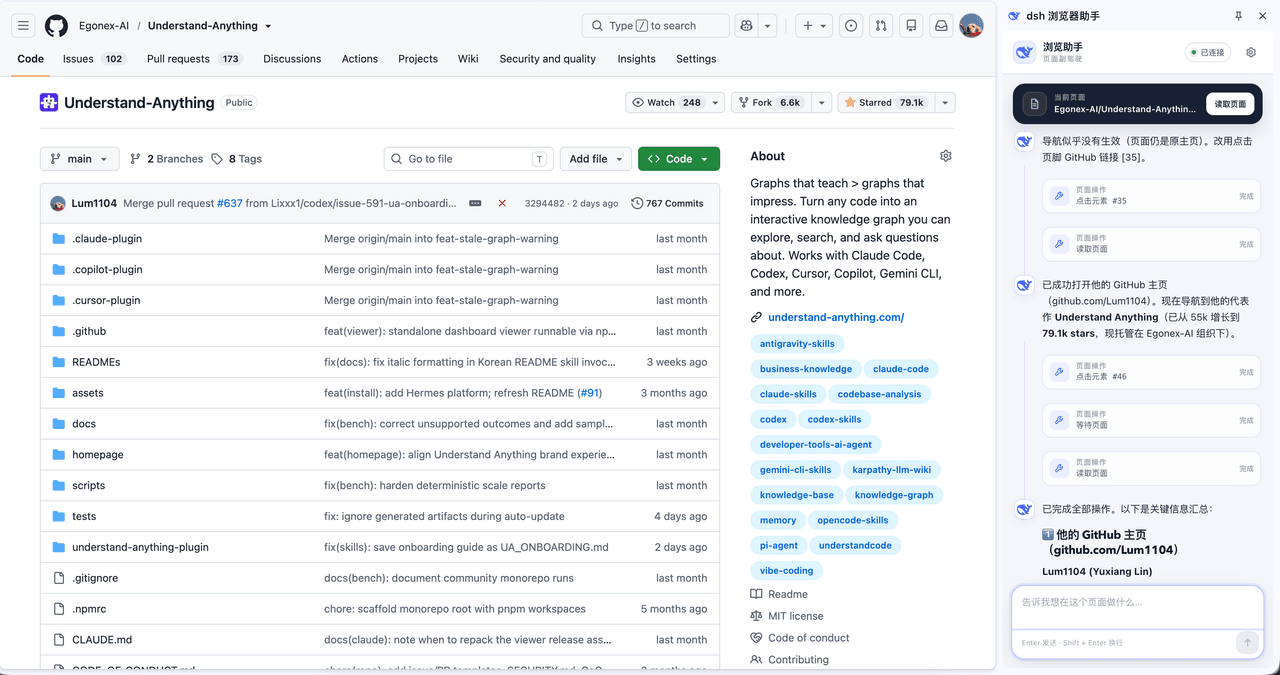 Lum1104/dsh-browser
Chrome sidebar extension that lets DeepSeek Harness operate your browser directly, no vision capabilities required. 一款 C…
Lum1104/dsh-browser
Chrome sidebar extension that lets DeepSeek Harness operate your browser directly, no vision capabilities required. 一款 C…
-
 fufankeji/deepseek-harness-studio
DeepSeek Harness 零代码桌面端|一键启动,支持 Windows 与 macOS;内置插件发现、热点插件推送、一键安装与管理、AI 智能推荐和视觉增强。
fufankeji/deepseek-harness-studio
DeepSeek Harness 零代码桌面端|一键启动,支持 Windows 与 macOS;内置插件发现、热点插件推送、一键安装与管理、AI 智能推荐和视觉增强。