kolawong/dsh-plugin-auth-webserver
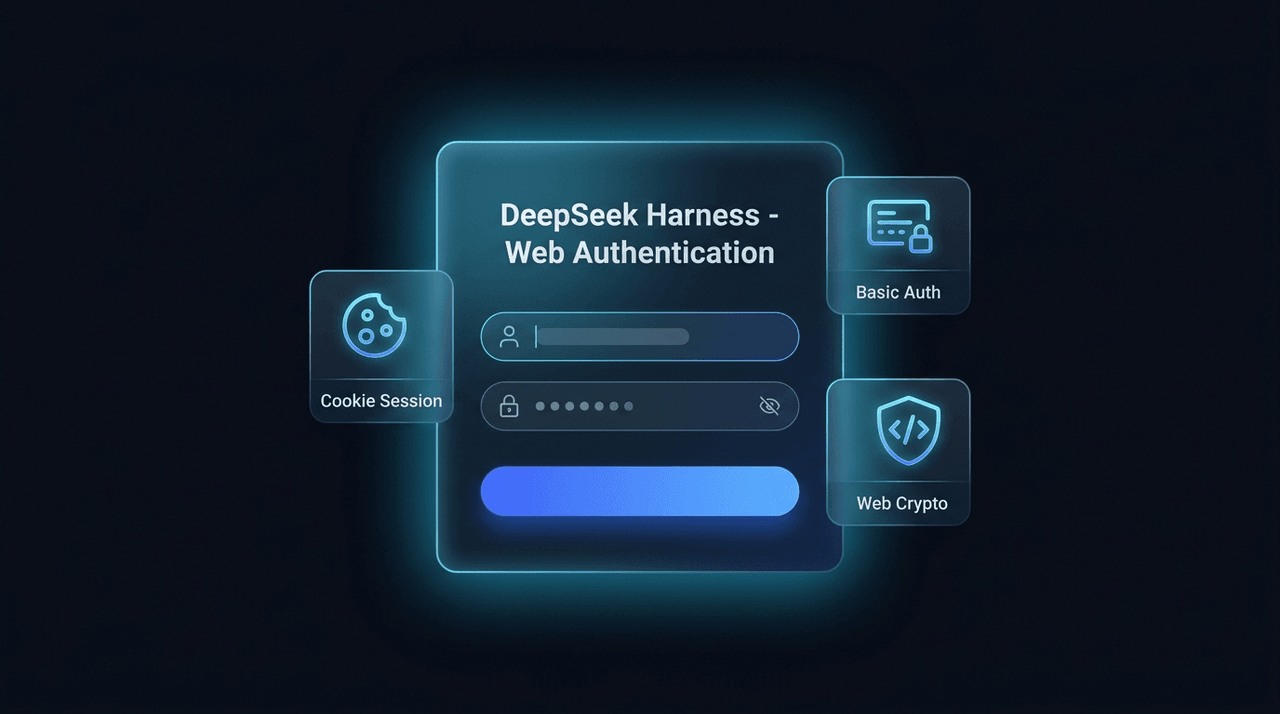
DeepSeek Harness插件,为自托管服务器部署提供HTTP基本认证、远程IP访问以及Web Cryptography UUID填充。
Project Overview项目介绍
dsh-plugin-auth-webserver is a native authentication bundle for DeepSeek Harness, providing a DSH-styled login page, HMAC-signed cookie sessions, Basic Auth fallback, a Web UI settings card, and a Web Crypto UUID polyfill. Use it when exposing the self-hosted WebUI over the public internet. Caveat: an empty password disables authentication entirely, so do not ship a blank password to production.
dsh-plugin-auth-webserver 是 DeepSeek Harness 的原生 Web 认证插件,为自托管部署提供 DSH 风格登录页、HMAC 签名 Cookie 会话、Basic Auth 兜底、Web UI 配置面板及 Web Crypto UUID 兼容。需保护公网 WebUI 时使用。提示:未配置密码等于关闭认证,请勿在公网留空。
请帮我了解并安装插件:【dsh-plugin-auth-webserver】【https://github.com/kolawong/dsh-plugin-auth-webserver】Send this message to DSH in your current session. CLI install commands may not be accurate across systems — DSH will figure it out for you.把上面这条消息直接发给当前会话里的 DSH,让它帮你了解并安装。安装命令不一定准确,发给 DSH 更稳。
Or use CLI install (for developers)或使用命令行安装(适合开发者)
CLI Install命令行安装
dsh plugin --profile web add dsh-plugin-auth-webserver把 kolawong/dsh-plugin-auth-webserver 加入你的 DSH 配置(web profile)即可启用。
READMEREADME
dsh-plugin-auth-webserver



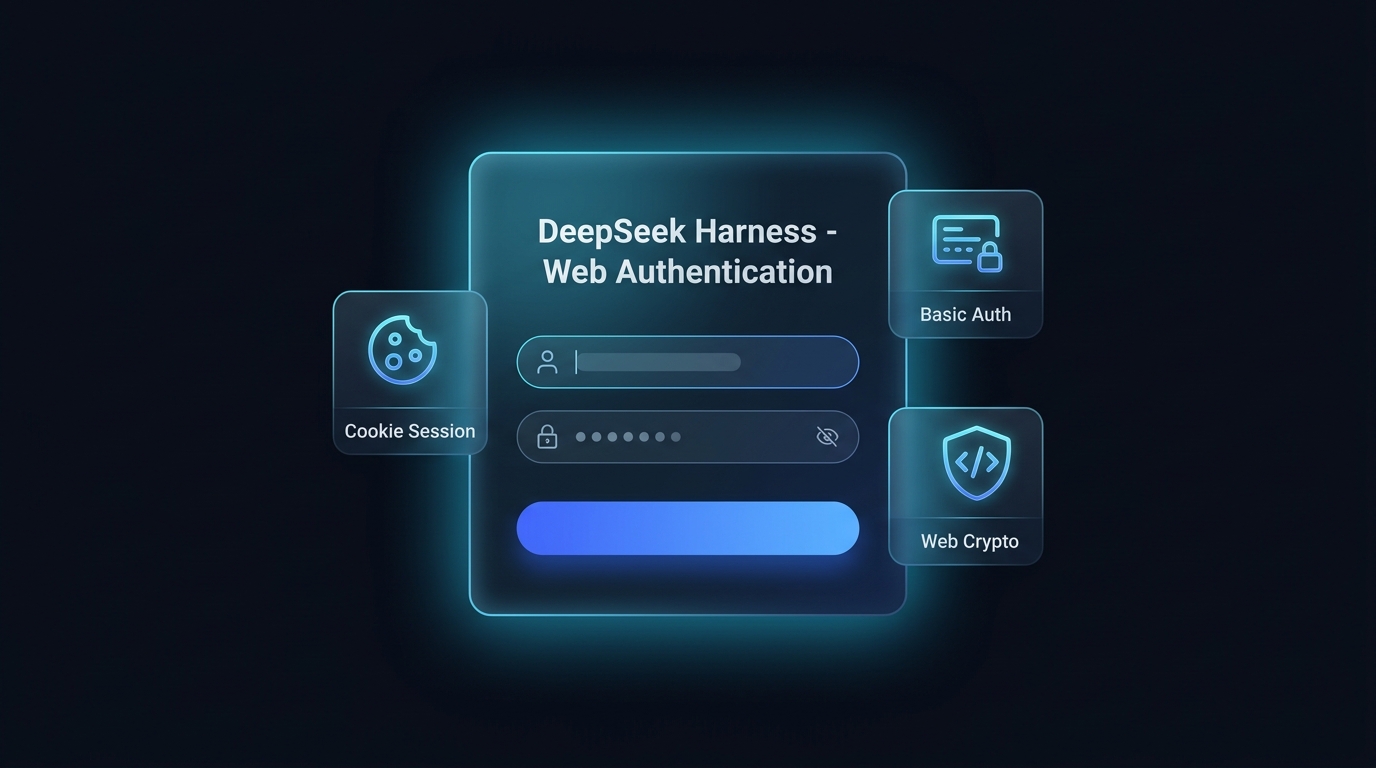
Native Web authentication bundle for DeepSeek Harness (DSH). Give your self-hosted deployment a DSH-styled web login page, cookie sessions, Basic Auth fallback, a Web UI settings card, and a Web Crypto polyfill — in English and Simplified Chinese.
简体中文 | English
Features
- DSH-themed web login page
- Replaces native browser authentication popups with a dark, glassmorphism login interface matching DeepSeek Harness's design system.
- Bilingual (English / Simplified Chinese, following the browser's language), password show/hide toggle, error animations, Enter-to-submit, responsive on mobile and desktop.
- HMAC cookie sessions and logout
- Issues 30-day cryptographically signed HMAC session tokens on login.
- Dedicated
/api/auth.logoutendpoint and a Web UI logout button.
- Web GUI settings card
- Live configuration in the DSH Web UI (Settings -> Plugins -> Web authentication).
- Hot-updates credentials in memory instantly and persists them to a plugin-owned state file under
$DSH_HOME/plugins/dsh-plugin-auth-webserver/, so they survive restarts without touching your config layers.
- Dual-mode authentication and WebSocket protection
- Prefers web form / cookie sessions while staying backward-compatible with
HTTP Basic Authfor CLI tools,curl, and automated API clients. - Full authentication coverage for both HTTP routes and WebSocket (
upgrade) channels.
- Prefers web form / cookie sessions while staying backward-compatible with
- Remote IP privileged RPC trust delegation
- Normalizes request
HostandOriginheaders for authenticated sessions, eliminating HTTP 403 errors when accessing privileged RPC endpoints via a public IP.
- Normalizes request
- Web Crypto UUID auto-polyfill
- Injects a safe UUID generator into the HTML
<head>for non-HTTPS and direct-IP environments, preventing client-side crashes.
- Injects a safe UUID generator into the HTML
Installation
Install the bundle into a profile with dsh plugin:
# From a git host (pin a commit so later pushes cannot change what runs):
dsh plugin --profile web add github:kolawong/dsh-plugin-auth-webserver#<commit-sha>

# Or from a tarball / npm registry once published:
dsh plugin --profile web add ./dsh-plugin-auth-webserver-0.3.0.tgz
dsh plugin --profile web add dsh-plugin-auth-webserver
The package declares dsh.bundle, so dsh plugin appends it to the
profile's bundle list automatically; its patch disables the stock
webserver row and inserts the auth-gated server. Then boot:
dsh --profile web
Open http://your-server-ip:3080 to see the login page.
Configuration
Every option has a default; override the webserver-auth row in your
profile's own patch ($DSH_HOME/profiles/web/cordis.patch.yml), which is
applied after every bundle layer:
- id: webserver-auth
  config:
    host: '0.0.0.0'
    port: 3080
    username: 'admin'
    password: 'your_secure_password'
Changes made in the Web UI settings card apply immediately and are stored
in $DSH_HOME/plugins/dsh-plugin-auth-webserver/state.json (mode 0600).
Environment variables DSH_AUTH_USER and DSH_AUTH_PASS override both the
config and the saved state.
| Option | Type | Default | Description |
|---|---|---|---|
host |
string |
'0.0.0.0' |
Listening interface (0.0.0.0 or 127.0.0.1). |
port |
number |
3080 |
HTTP/WebSocket listen port. |
username |
string |
'admin' |
Authentication username. |
password |
string |
'' |
Authentication password (leave empty to disable authentication). |
realm |
string |
'DeepSeek Harness Authentication' |
Realm string used for fallback Basic Auth. |
API endpoints
POST /api/auth.login— Authenticate and receive a session cookie ({ username, password }).POST /api/auth.logout— Invalidate the current session and clear the cookie.GET /api/auth.get— Retrieve the current username, password, and realm (requires authentication).POST /api/auth.update— Live-update credentials and persist them (requires authentication).
License
MIT License © 2026 kola
Related相关推荐
-
 biociao/dsh-science
-
 chenw2759-wq/dsh-IDE
dsh-IDE 把 DeepSeek Harness(DSH)网页版升级成一站式 IDE:JupyterLab 式文件树、带语法高亮的代码编辑、多格式预览、Trae 风格红绿 diff 和内置终端,再加上「本地大脑、远程手脚」的 SSH 远…
chenw2759-wq/dsh-IDE
dsh-IDE 把 DeepSeek Harness(DSH)网页版升级成一站式 IDE:JupyterLab 式文件树、带语法高亮的代码编辑、多格式预览、Trae 风格红绿 diff 和内置终端,再加上「本地大脑、远程手脚」的 SSH 远…
-
 caoyiwei850/dsh-ssh-ops
DeepSeek Harness SSH 运维插件:主对话驱动 SSH,带高危命令保护与右侧终端。
caoyiwei850/dsh-ssh-ops
DeepSeek Harness SSH 运维插件:主对话驱动 SSH,带高危命令保护与右侧终端。
- klarkxy/zhihu-search 知乎开放平台接口,官方Zhihu Cli开源平替。
-
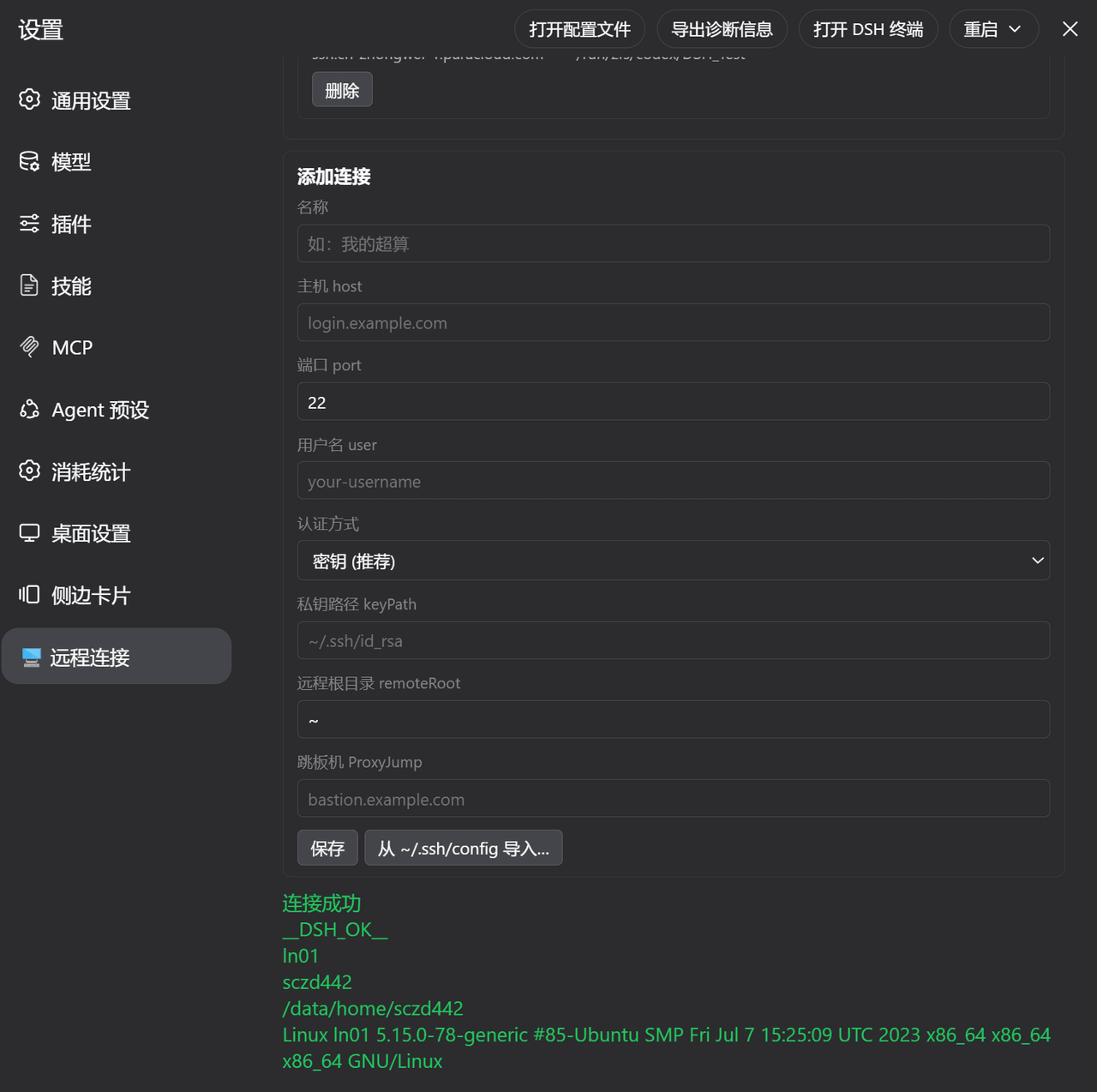 ZhangFengshun/dsh-remote-ssh
DSH web plugin: VSCode Remote-SSH-like remote development (SSH, remote workspace, file explorer, integrated terminal)
ZhangFengshun/dsh-remote-ssh
DSH web plugin: VSCode Remote-SSH-like remote development (SSH, remote workspace, file explorer, integrated terminal)
-
 Jesse-njx/dsh-chatnode-wechat
Chat with, monitor, and approve your DSH agents from WeChat — an iLink gateway + conversation node bundle for DeepSeek H…
Jesse-njx/dsh-chatnode-wechat
Chat with, monitor, and approve your DSH agents from WeChat — an iLink gateway + conversation node bundle for DeepSeek H…
- bpc-oss/chrome-faithful Faithful control of your real, logged-in Chrome profiles: MCP server + MV3 extension + authenticated localhost bridge. N…
- huoxue1/harness-lark Lark/飞书(Feishu)渠道插件,为 [DeepSeek Harness](https://github.com/deepseek-ai/deepseek-harness) 提供飞书通信能力