kuangre123/deepseek-harness-mac
Native macOS wrapper for DeepSeek Harness with bundled Node.js runtime, Keychain API key setup, and one-click startup.
项目介绍Project Overview
DeepSeek Harness for Mac 是将 deepseek-ai/deepseek-harness 包装为原生 macOS 应用的捆绑包,基于 SwiftUI 壳与 WKWebView,内置 Node.js 22 LTS 与固定版本 @deepseek-ai/dsh,并提供首次启动中文引导、Keychain 存储 API Key、security-scoped bookmark 工作区与脱敏本地日志。适合不想手动配置 Node、npm、pnpm 的 Mac 用户在本地运行 Harness Web UI。注意:上游仍为开发者预览,未来版本可能产生破坏性变更,运行时需在发行时固定并重新验证。
DeepSeek Harness for Mac is a bundle that wraps deepseek-ai/deepseek-harness as a native macOS app, using a SwiftUI shell and WKWebView with an embedded Node.js 22 LTS and a pinned @deepseek-ai/dsh version. It offers first-launch setup, Keychain-stored API keys, security-scoped workspace bookmarks, and sanitized local logs, letting Mac users run the Harness Web UI without installing Node, npm, or pnpm. Caveat: the upstream is a developer preview, so future versions may introduce breaking changes, requiring the runtime to be re-pinned and re-verified at release.
请帮我了解并安装插件:【deepseek-harness-mac】【https://github.com/kuangre123/deepseek-harness-mac】把上面这条消息直接发给当前会话里的 DSH,让它帮你了解并安装。安装命令不一定准确,发给 DSH 更稳。Send this message to DSH in your current session. CLI install commands may not be accurate across systems — DSH will figure it out for you.
或使用命令行安装(适合开发者)Or use CLI install (for developers)
命令行安装CLI Install
dsh plugin --profile web add github:kuangre123/deepseek-harness-mac把 kuangre123/deepseek-harness-mac 加入你的 DSH 配置(web profile)即可启用。
READMEREADME
DeepSeek Harness for Mac
将开源项目 deepseek-ai/deepseek-harness 包装成可直接安装运行的原生 macOS 应用。
直接在release 里下载安装即可。 https://github.com/kuangre123/deepseek-harness-mac/releases
已实现
- 原生 SwiftUI 应用壳,使用 WKWebView 承载官方 Harness Web UI。
- App 内置 Node.js 22 LTS 和固定版本
@deepseek-ai/dsh,用户不需要安装 Node、npm 或 pnpm。 - 首次启动中文引导:输入 DeepSeek API Key、选择项目目录,然后自动启动。
- API Key 只保存在 macOS Keychain;子进程通过环境变量读取,不写入项目文件或日志。
- 工作区使用 security-scoped bookmark 记忆,并通过官方
workspace.createRPC 自动注册。 - Harness 数据隔离在
~/Library/Application Support/DeepSeek Harness。 - 服务只绑定随机的
127.0.0.1端口;外部链接由系统浏览器打开。 - 上游遥测显式关闭;本地 Runtime 日志会脱敏 API Key。
- 提供
.app、.dmg构建与 ad-hoc 签名验证脚本。
架构
flowchart LR
    A["SwiftUI 首次启动引导"] --> B["macOS Keychain"]
    A --> C["工作区 Bookmark"]
    A --> D["内置 Node.js 22"]
    D --> E["固定版 @deepseek-ai/dsh web"]
    E --> F["127.0.0.1 随机端口"]
    F --> G["WKWebView 官方 Web UI"]
    A -->|"workspace.create / settings.mutate"| E
构建
需要 macOS 13+、Xcode Command Line Tools、网络连接(只在构建时下载固定运行时)。
./scripts/build-app.sh
./scripts/verify.sh
产物:
.build/release-app/DeepSeek Harness.app.build/release-app/DeepSeek-Harness-arm64.dmg(或x86_64)
构建脚本固定:
- Node.js
22.23.2 @deepseek-ai/dsh0.1.0-rc.6
可通过环境变量覆盖版本、架构、签名身份:
NODE_VERSION=22.23.2 \
TARGET_ARCH=arm64 \
SIGN_IDENTITY="Developer ID Application: Example" \
./scripts/build-app.sh
默认使用 ad-hoc 签名(SIGN_IDENTITY=-),适合本地测试。对外分发需使用 Developer ID
签名并额外完成 Apple notarization;仓库不会保存证书或 App Store Connect 凭据。
开发
Swift Package 便于在完整 Xcode 工具链下开发:
swift test
swift run DeepSeekHarnessMac
部分仅安装 Command Line Tools 的预览版 macOS 环境不附带 SwiftUI/Testing 的编译器插件,
此时请使用 scripts/build-app.sh 和 scripts/verify.sh;完整 Xcode 环境可直接运行 swift test。
直接 swift run 不包含运行时资源。开发时可指向已安装的 Node 和临时 dsh:
DSH_MAC_NODE=/absolute/path/to/node \
DSH_MAC_ENTRY=/absolute/path/to/node_modules/@deepseek-ai/dsh/lib/bin.js \
swift run DeepSeekHarnessMac
数据与隐私
- API Key:macOS Keychain,service 为
io.github.kuangre123.deepseek-harness-mac。 - Harness 配置/会话:
~/Library/Application Support/DeepSeek Harness。 - 运行日志:
~/Library/Logs/DeepSeek Harness/runtime.log,写入前会替换当前 API Key。 - 工作区路径:UserDefaults 中的 security-scoped bookmark。
- Harness 服务:仅
127.0.0.1,由系统分配空闲端口。
上游与许可证
本项目不是 DeepSeek 官方 macOS 客户端。DeepSeek Harness 使用 MIT License;构建产物会包含其 LICENSE、第三方 notices 以及 Node.js LICENSE。上游目前属于 developer preview,未来版本可能产生 破坏性变更,因此运行时在发行时必须固定并重新验证。
欢迎通过 Issue 报告问题或提交 Pull Request。参与前请阅读 CONTRIBUTING.md。
相关推荐Related
-
 amruthpillai/reactive-resume
A one-of-a-kind resume builder that keeps your privacy in mind. Completely secure, customizable, portable, open-source a…
amruthpillai/reactive-resume
A one-of-a-kind resume builder that keeps your privacy in mind. Completely secure, customizable, portable, open-source a…
-
 anywhere-labs/deepseek-harness-desktop
为 DeepSeek Harness (DSH) 插件生态打造的现代化桌面端解决方案。万物皆「插件」,桌面本身也是「插件」。
anywhere-labs/deepseek-harness-desktop
为 DeepSeek Harness (DSH) 插件生态打造的现代化桌面端解决方案。万物皆「插件」,桌面本身也是「插件」。
-
 walkinglabs/learn-harness-engineering
Harness engineering beginner tutorial, from 0 to 1
walkinglabs/learn-harness-engineering
Harness engineering beginner tutorial, from 0 to 1
- yjh051108/dsh-routing-suite dsh-routing-suite — injector + router-standard kit: install the runtime injector first, then the task-aware reasoning-mo…
-
 crafter-station/petdex
A public gallery of animated pets for Codex, Claude Code, DeepSeek Harness, Hermes, OpenCode, Gemini CLI, and more.
crafter-station/petdex
A public gallery of animated pets for Codex, Claude Code, DeepSeek Harness, Hermes, OpenCode, Gemini CLI, and more.
- xiaobright/dsh-anchored-standard Two-phase DeepSeek Harness preset: Minimal-aligned bootstrap, then full Standard tools (Project2 98/99)
-
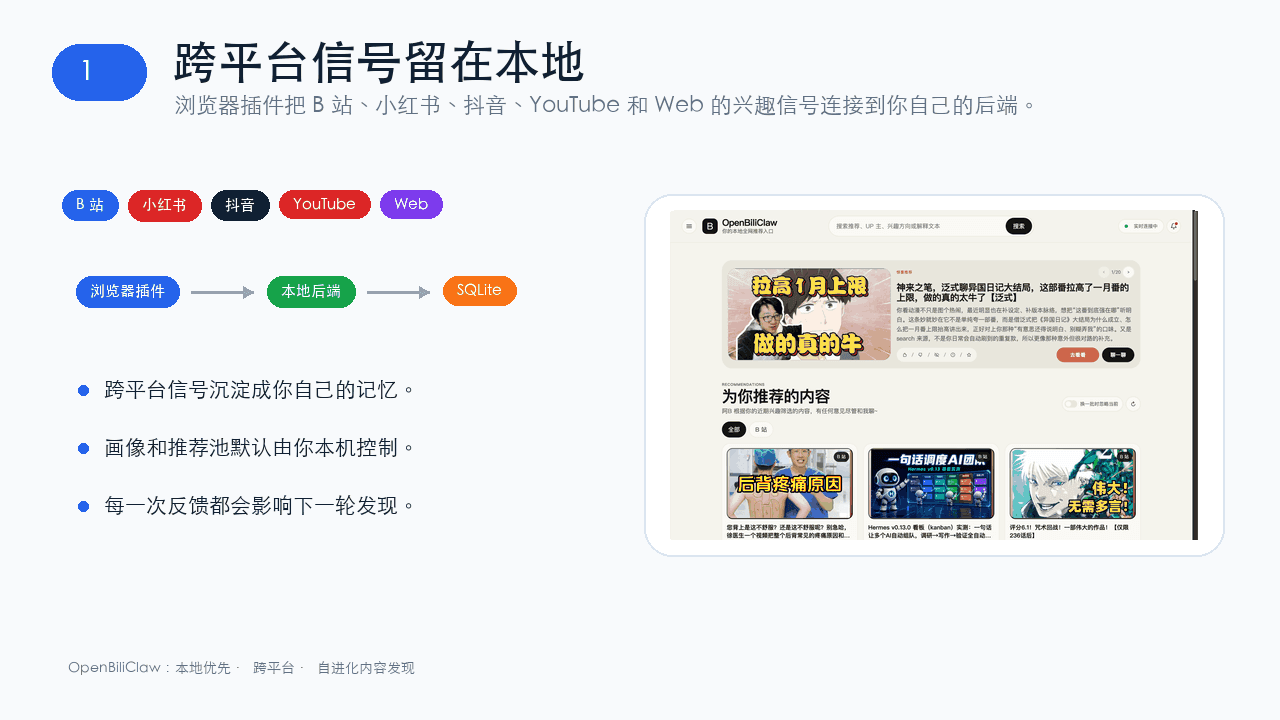 whiteguo233/OpenBiliClaw
本地私有、开源的自进化跨平台 AI 内容发现 Agent:先理解你,再主动从 B站、小红书、抖音、YouTube、X、知乎、Reddit、微博等平台与开放 Web 寻找内容。(支持 deepseek harness 插件) | Local-…
whiteguo233/OpenBiliClaw
本地私有、开源的自进化跨平台 AI 内容发现 Agent:先理解你,再主动从 B站、小红书、抖音、YouTube、X、知乎、Reddit、微博等平台与开放 Web 寻找内容。(支持 deepseek harness 插件) | Local-…
- Tiger3807861189/J-Space-Cognition-Suite-V3.6