le-soleil-se-couche/dsh-skin-claude-code
完美复刻Claude Code皮肤,致敬我心爱的Vibe Coding。
Project Overview项目介绍
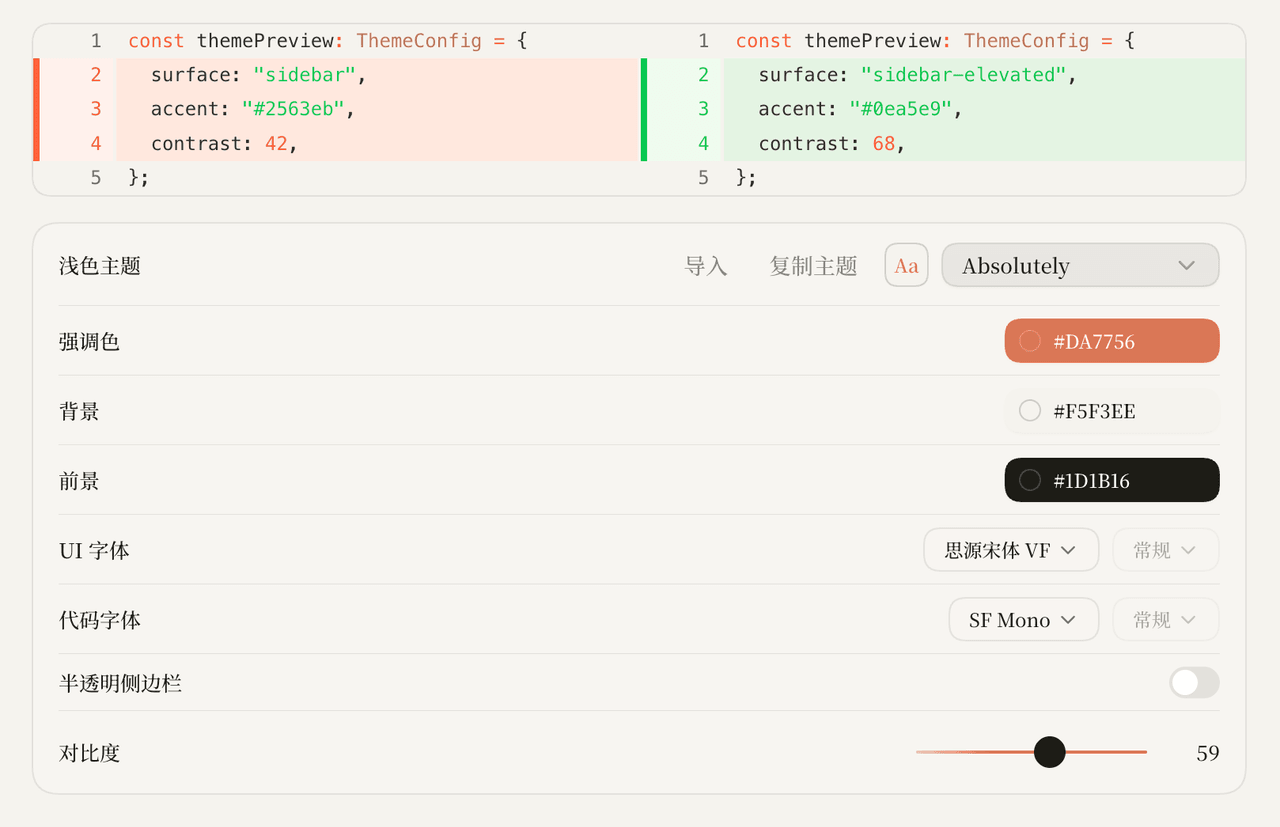
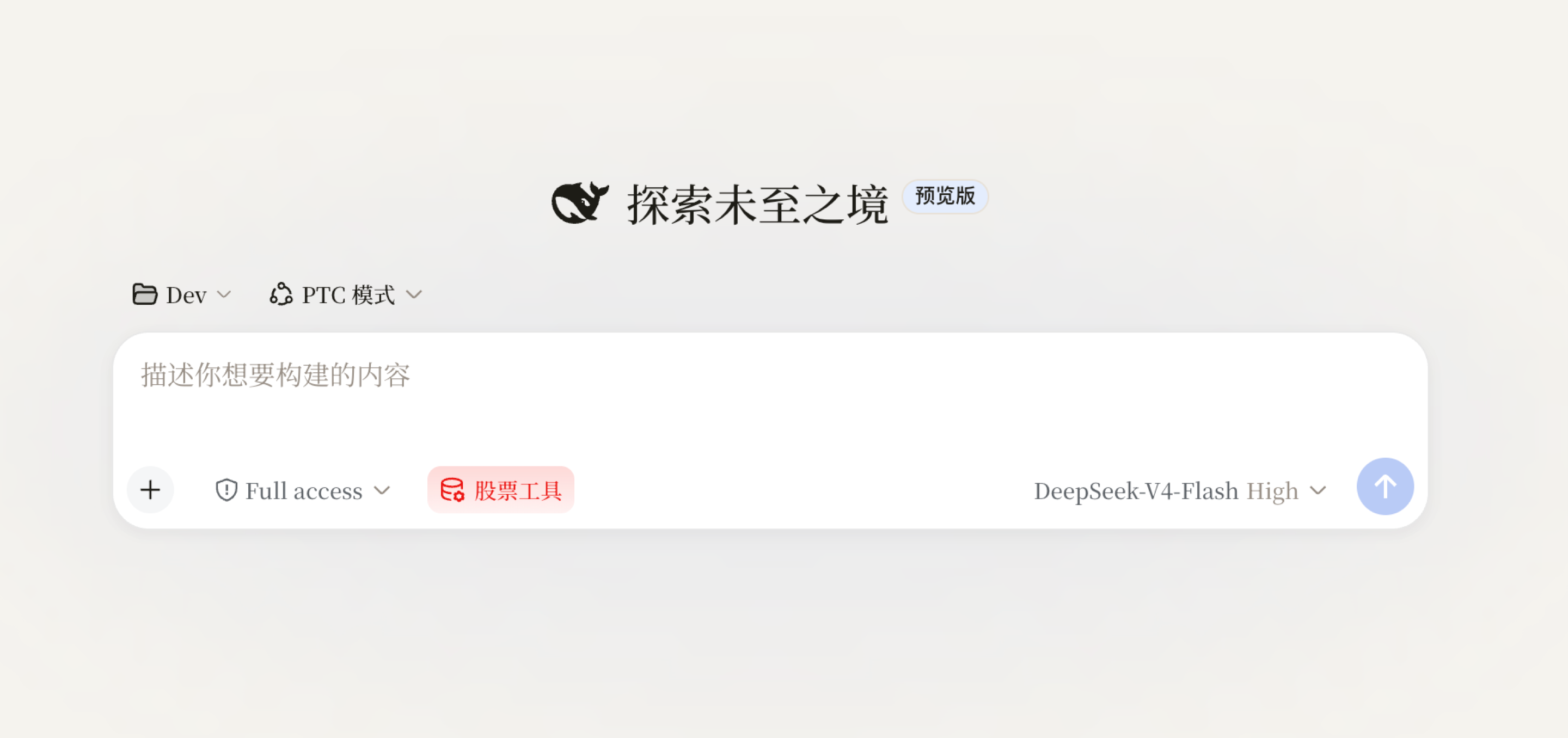
This is a native theme skin built exclusively for DeepSeek Harness (DSH), created by the author to perfectly replicate the iconic look and feel of the original Claude Code interface. It uses a terracotta orange #DA7756 as the primary accent, cream paper #F5F3EE as the page background, warm black #1D1B16 for all body text, Source Han Serif VF as the default UI font, and SF Mono for all displayed code text. It also includes a clean terminal-style title bar and natively supports both light and dark display modes that match the original Claude Code experience perfectly.
This skin is made for DSH users that prefer the classic Claude Code interface aesthetic over the default DSH theme. Installing the skin is straightforward: you just run the command dsh plugin --profile web add https://github.com/le-soleil-se-couche/dsh-skin-claude-code in your terminal, then restart the dsh web service and refresh your browser page to see the changes take effect. Skin switching and conflict management is handled automatically by the dsh-skin script that comes with the official DSH dsh-web-ui toolchain, though you can also manually edit your local configuration file to adjust settings if you prefer.
The skin only depends on the official DSH NPM SDK, @deepseek-ai/cordis, and does not make any modifications to the core DSH source code. All styles are scoped exclusively to a custom data attribute on the page body, so they will not interfere with other DSH plugins or core UI elements. When the skin is disabled, all style changes are completely removed during the dispose step, so no residual changes are left behind. The project is open source under the permissive BSD-3-Clause license, so you can fork it, modify it, and build your own version if you want to adjust any of the color or font settings.
这是一款专为 DeepSeek Harness (DSH) 打造的原生主题皮肤,作用是完美复刻 Claude Code 的经典界面样式。它使用陶土橙 #DA7756 作为主色调,奶油纸面 #F5F3EE 作为背景色,暖黑 #1D1B16 作为正文字色,UI 字体搭配思源宋体 VF,代码字体使用 SF Mono,自带终端窗口式标题栏,同时支持亮色和暗色两种显示模式。
这款皮肤适合喜欢 Claude Code 经典界面风格的 DSH 用户使用,安装方式非常简单,只需要在 CLI 中执行 dsh plugin --profile web add https://github.com/le-soleil-se-couche/dsh-skin-claude-code 命令后,重启 dsh web 服务,刷新页面即可生效。皮肤的切换和互斥管理由 DSH 官方的 dsh-web-ui 工具链的 dsh-skin 脚本处理,也可以手动编辑本地配置文件调整。
这款皮肤仅依赖 DSH 官方的 NPM SDK @deepseek-ai/cordis,不会修改 DSH 本身的源码,所有样式都限制在专属的作用域内,停用 dispose 时会完整清除所有写入的样式,不会残留任何修改。项目采用 BSD-3-Clause 许可证开源,你可以自行克隆仓库修改编译后安装使用,也可以直接使用官方预编译好的版本。
请帮我安装这个 DSH 插件。安装前先完成【兼容性检查 + 安全性检查】,检查通过再动手。

插件:dsh-skin-claude-code(le-soleil-se-couche/dsh-skin-claude-code)
仓库:https://github.com/le-soleil-se-couche/dsh-skin-claude-code
本站详情页:https://www.yhbd.top/plugins/le-soleil-se-couche-dsh-skin-claude-code/
本站登记:类型 plugin · 归类 原生 DSH 插件 · 许可证 BSD-3-Clause · ⭐ 4 · 最近提交 2026-08-14 · 主语言 TypeScript

按下面顺序执行,每步先把结论告诉我,再进入下一步:

【1 兼容性检查】
① 我这边:DSH 版本、Node 版本、操作系统、当前 profile(web / desktop)。
② 读它的 README、package.json、插件 manifest,列出它要求的 DSH 版本 / Node 版本 / 操作系统 / 外部依赖 / 需要另外先装的运行时。
③ 逐条比对,结论只写「满足 / 不满足 / 未知」三种;不满足的给出可行替代方案。
④ 检查是否和我已装的插件冲突:命令名重复、skill / tool 重名、端口占用、重复注册的 MCP server。

【2 安全性检查】
① 仓库可信度:和上面「本站登记」是否一致;star / fork 数、创建时间、最近提交,是否归档或长期停更。
② 安装脚本:逐行看 package.json 的 preinstall / install / postinstall,以及 install.sh、setup.ps1 之类脚本。出现 curl|bash、下载后直接执行、混淆代码、访问与插件功能无关的域名,立刻停下来告诉我,不要继续装。
③ 依赖:列出新增依赖,标出无人维护、或与知名包拼写近似的可疑包(typosquatting)。
④ 权限与副作用:它会读写哪些目录、访问哪些域名、需要哪些 DSH 权限(filesystem / network / shell / clipboard 等),以及怎么卸载和回滚。
⑤ 如果它要求 sudo / 管理员权限,或权限明显超出功能所需,先停下来问我。

【3 安装】
上面两步没有「不满足」和「高危项」时才执行;用官方推荐方式安装,不要自行提权。

【4 汇报】
用表格输出:检查项 / 结论 / 依据 / 是否需要我决策。拿不准的一律写「未知」并说明要我怎么确认——不要猜,也不要替我决定。
Send this message to DSH in your current session: it verifies compatibility and security first (answering met / not met / unknown item by item) and only installs once everything checks out — it will stop and ask you if it finds a high-risk item. The box scrolls; the copy is the full prompt. CLI install commands may not be accurate across systems, so DSH is the safer route.把上面这条消息直接发给当前会话里的 DSH:它会先核对兼容性与安全性(逐条给「满足 / 不满足 / 未知」),确认没问题再安装,有高危项会停下来问你。框内可滚动,复制到的是完整提示词;安装命令不一定准确,发给 DSH 更稳。
- Only 4 stars - very few users, little community feedback星标只有 4,几乎没人在用,遇到问题缺少社区反馈
DSH walks through these 9 checksDSH 会逐条核对这 9 项
Compatibility兼容性
- DSH, Node, OS and profile requirementsDSH 版本 / Node 版本 / 操作系统 / profile 是否满足要求
- External dependencies and runtimes (Electron / Python / Docker, ...)外部依赖与运行时(Electron / Python / Docker 等)是否齐备
- Conflicts with installed plugins: command names, skill / tool names, ports, duplicate MCP registration与已装插件是否冲突:命令名、skill / tool 重名、端口占用、重复 MCP 注册
Security安全性
- Repo matches the facts registered here; archived or abandoned?仓库是否与页面登记一致,是否归档或长期停更
- Safety of preinstall / install / postinstall and install.sh / setup.ps1preinstall / install / postinstall 与 install.sh、setup.ps1 是否安全
- curl|bash, download-then-execute, obfuscation, unrelated domains → stop immediatelycurl|bash、下载即执行、混淆代码、无关域名 → 立刻停止
- Typosquatting or unmaintained packages among the new dependencies新增依赖里有没有 typosquatting 或无人维护的包
- Requested permissions vs. what the feature actually needs申请了哪些权限、是否超出功能所需(filesystem / network / shell / clipboard)
- Any sudo / admin requirement, plus uninstall and rollback是否要求 sudo / 管理员权限,以及卸载与回滚方式
Anything uncertain must be marked unknown with a note on how to confirm it. This site's signal screen is a static snapshot, not a security audit.拿不准的必须标「未知」并说明要我怎么确认。本站的信号筛查是静态快照,不能替代安全审计。
Or use CLI install (for developers)或使用命令行安装(适合开发者)
CLI Install命令行安装
dsh plugin --profile web add github:le-soleil-se-couche/dsh-skin-claude-code把 le-soleil-se-couche/dsh-skin-claude-code 加入你的 DSH 配置(web profile)即可启用。
READMEREADME
dsh-skin-claude-code
完美复刻 Claude Code 皮肤,纪念我的 Vibe Coding 白月光。
尽管 Anthropic 非常非常的不做人,尽管它封了我4个号,但是我仍然忘不掉去年年底的某一天打开 Claude Code 的那种震撼感。一个新的时代,借由它向我徐徐铺开。
致敬最不会营销、最清白、最懂安全、最尊重版权、最不会蒸馏、最严于律己宽于待人、最喜欢给用户发福利、最不爱定制榜单、最不喜欢把模型降智给用户限流、最便宜、最喜欢人工维护、最不会全程让AI工作然后出岔子只会甩锅、最不会侵犯用户隐私然后倒打一耙限制蒸馏、最喜欢修bug然后补偿用户损失、最见的别人家好、最喜欢公平竞争、最讨厌装神弄鬼的 Anthropic!
展示
具体配置:
陶土橙 #DA7756
奶油纸面 #F5F3EE
暖黑正文 #1D1B16
UI 字体 思源宋体 VF
代码字体 SF Mono
配终端窗口式标题栏,支持亮/暗双模式。
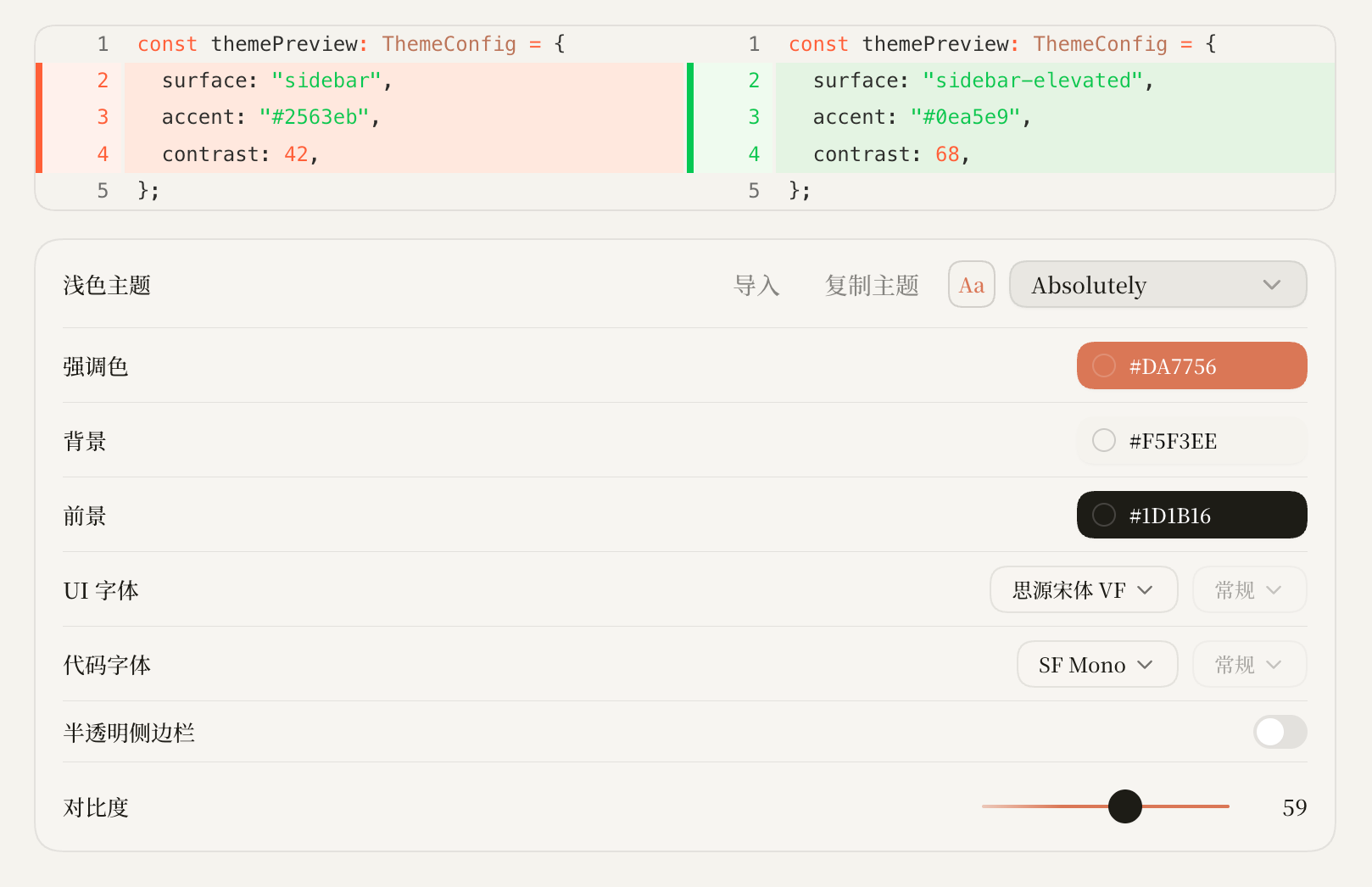
界面效果:
安装
dsh plugin --profile web add https://github.com/le-soleil-se-couche/dsh-skin-claude-code
dsh web
启用后刷新页面即生效;皮肤互斥与切换由 dsh-web-ui 全家桶的 scripts/dsh-skin 管理, 或直接编辑 ~/.dsh/cordis.patch.yml。
开发
npm install
npm test
npm run build
皮肤只依赖官方 NPM SDK(@deepseek-ai/cordis),不修改 DSH 源码;样式作用域限定在 body[data-dsh-claude-code](暗色变体 body[data-dsh-claude-code][data-ds-dark-theme]), apply() 的全部写入在 dispose 时完整收回。
Related相关推荐
-
 Hilbert-beinghappy/seektty
面向 DeepSeek Harness 的 Claude Code 风格终端界面,支持 Windows、macOS 与 Linux,兼容透明终端、VS Code 主题和自定义配色。
Hilbert-beinghappy/seektty
面向 DeepSeek Harness 的 Claude Code 风格终端界面,支持 Windows、macOS 与 Linux,兼容透明终端、VS Code 主题和自定义配色。
-
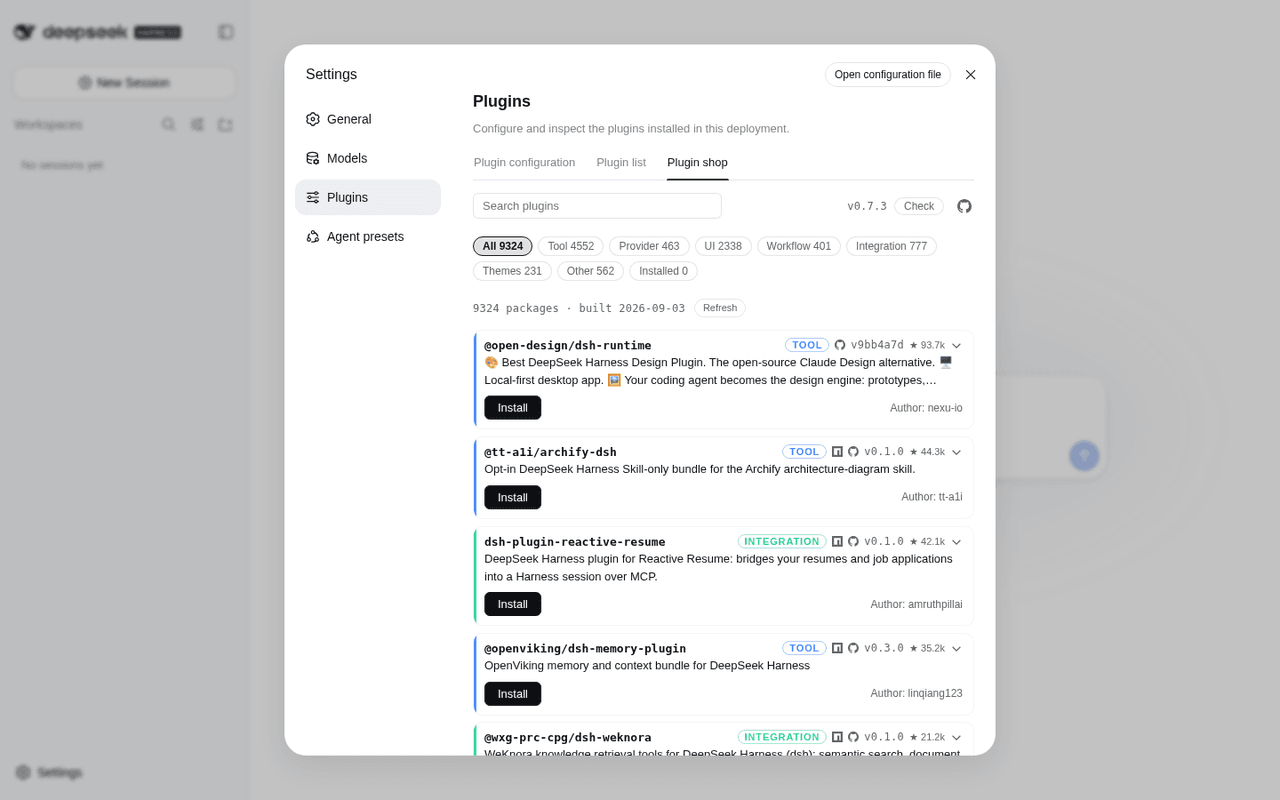 LivXue/dsh-plugin-shop
The most comprehensive DeepSeek Harness plugin market — refreshed daily, sourced across the Internet, reviewed before pu…
LivXue/dsh-plugin-shop
The most comprehensive DeepSeek Harness plugin market — refreshed daily, sourced across the Internet, reviewed before pu…
-
 xiajiajun516/dsh-config-manager
DeepSeek Harness (DSH) backup & restore plugin — export, import, migrate and sync your complete DSH configuration, plugi…
xiajiajun516/dsh-config-manager
DeepSeek Harness (DSH) backup & restore plugin — export, import, migrate and sync your complete DSH configuration, plugi…
-
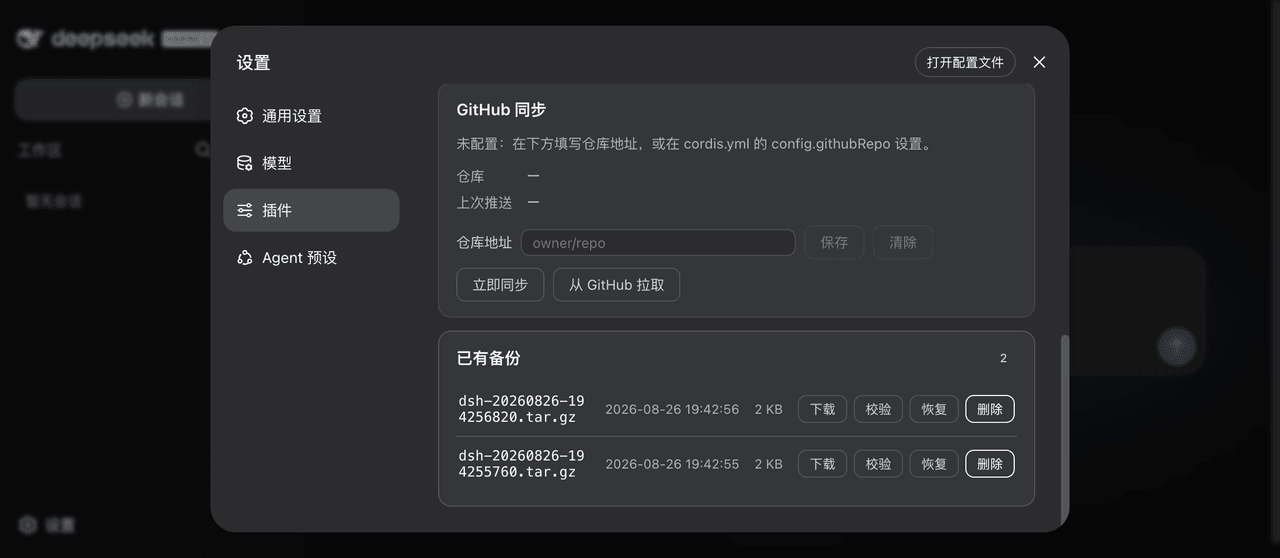 xiaoyuyu6420/dsh-backup
一条命令备份/恢复 DeepSeek Harness(dsh)的全部数据:升级快照、会话日志体检修复、迁移预检、救援通道、凭据脱敏、GitHub 同步。 One command to back up & restore all of ~/.…
xiaoyuyu6420/dsh-backup
一条命令备份/恢复 DeepSeek Harness(dsh)的全部数据:升级快照、会话日志体检修复、迁移预检、救援通道、凭据脱敏、GitHub 同步。 One command to back up & restore all of ~/.…
-
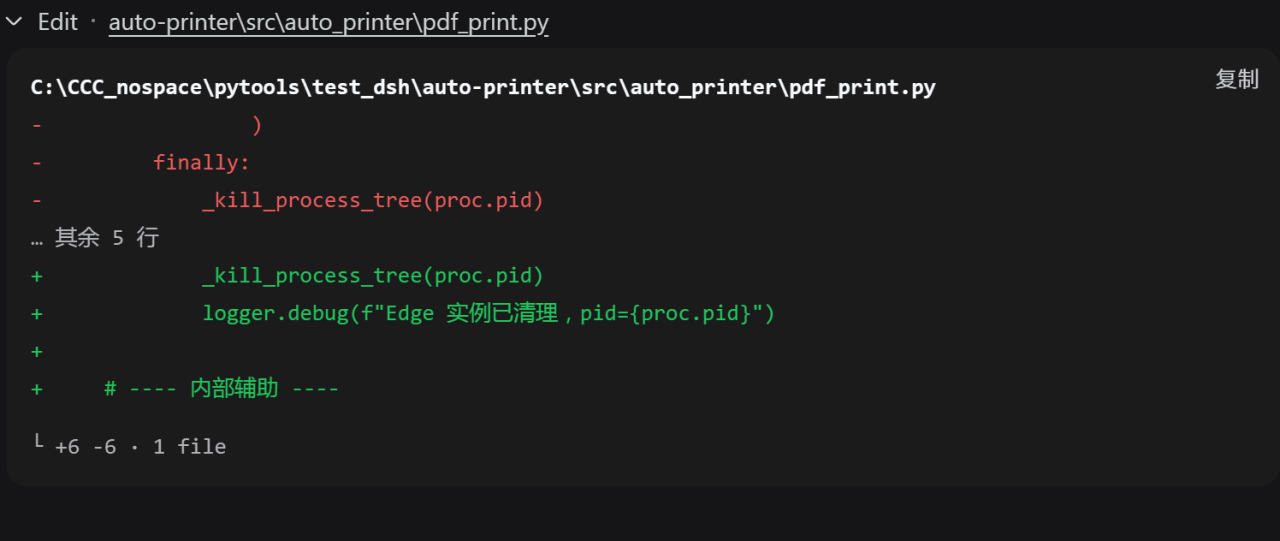 better-er/dsh-edit-diff
「DSH·质量 diff」:接管 edit/write 及 extraTools 配置的其他工具卡片,行级去重与行内高亮,消除相同内容在删除与新增两区的重复;兼容 PTC 模式。
better-er/dsh-edit-diff
「DSH·质量 diff」:接管 edit/write 及 extraTools 配置的其他工具卡片,行级去重与行内高亮,消除相同内容在删除与新增两区的重复;兼容 PTC 模式。
- GULI-lab/DSH-element-source 在开发页面点击任意 UI 元素,一键定位 Vue / React / Svelte / Angular 源码。DSH 点击定位源码检查器,兼容 dsh-better-sidebar:预览本地 dev server,点击元素,源码直达 DSH…
-
 polarskicpl/dsh-codex-migrate
Migrate Codex CLI conversations / MCP servers / memories into DeepSeek Harness | 把 Codex CLI 的对话、MCP、记忆迁移到 DeepSeek Harn…
polarskicpl/dsh-codex-migrate
Migrate Codex CLI conversations / MCP servers / memories into DeepSeek Harness | 把 Codex CLI 的对话、MCP、记忆迁移到 DeepSeek Harn…
- peterwangze/dsh-novel-writing DSH (DeepSeek Harness) 自动化小说写作发布流水线插件:claude-writing-workflow 迁移版 agent 预设 + 小说工作台(可视化/实时渲染/章节编辑)+ 多平台发布配置与数据驱动优化闭环