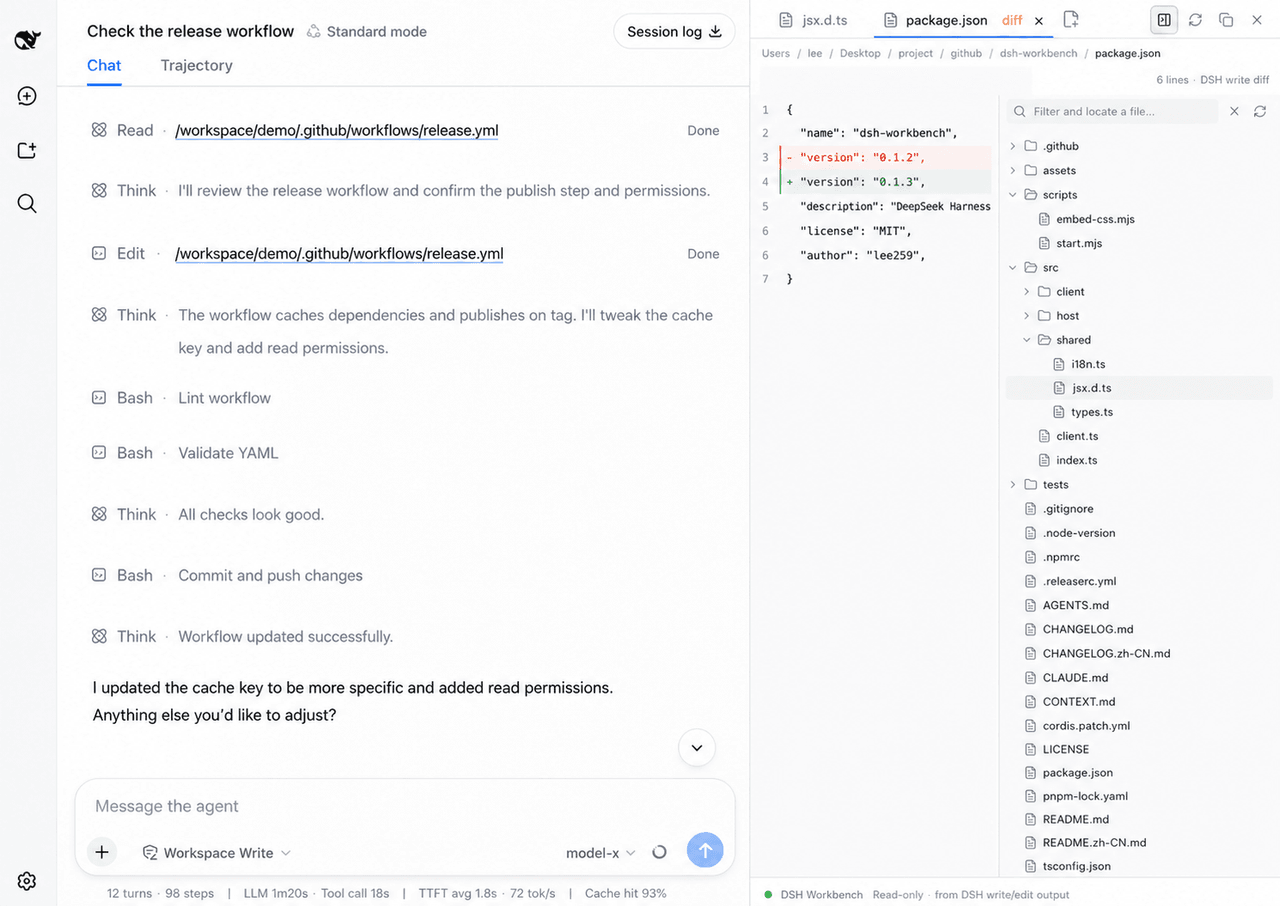
lee259/dsh-workbench
DeepSeek Harness Web 的右侧文件工作区。
项目介绍Project Overview
DSH Workbench 是 DeepSeek Harness 的客户端插件,提供右侧文件工作区。核心能力是并排预览对话与文件,并展示 DSH write/edit 捕获的真实 diff(而非 Git HEAD)。适用于需要随时查阅源码、审阅智能体改动的编码会话。支持多标签、⌘P 快速打开、树形搜索、语法高亮与中英界面。注:diff 来自 DSH 写入捕获,不与 Git 对比。
DSH Workbench is a client plugin for DeepSeek Harness that adds a right-side file workspace. It shows conversation and file together, and renders real diffs captured from DSH write or edit calls, not Git HEAD. Use it during coding sessions to inspect sources, review agent changes, and switch files via tabs, Quick Open, or tree search. Caveat: diffs are sourced from captured DSH writes and are not compared against Git.
请帮我了解并安装插件:【dsh-workbench】【https://github.com/lee259/dsh-workbench】把上面这条消息直接发给当前会话里的 DSH,让它帮你了解并安装。安装命令不一定准确,发给 DSH 更稳。Send this message to DSH in your current session. CLI install commands may not be accurate across systems — DSH will figure it out for you.
或使用命令行安装(适合开发者)Or use CLI install (for developers)
命令行安装CLI Install
dsh plugin --profile web add dsh-workbench把 lee259/dsh-workbench 加入你的 DSH 配置(web profile)即可启用。
READMEREADME
DSH Workbench


Right-side file workspace for DeepSeek Harness. Click a path in a DSH Web session to read or diff it beside the conversation.
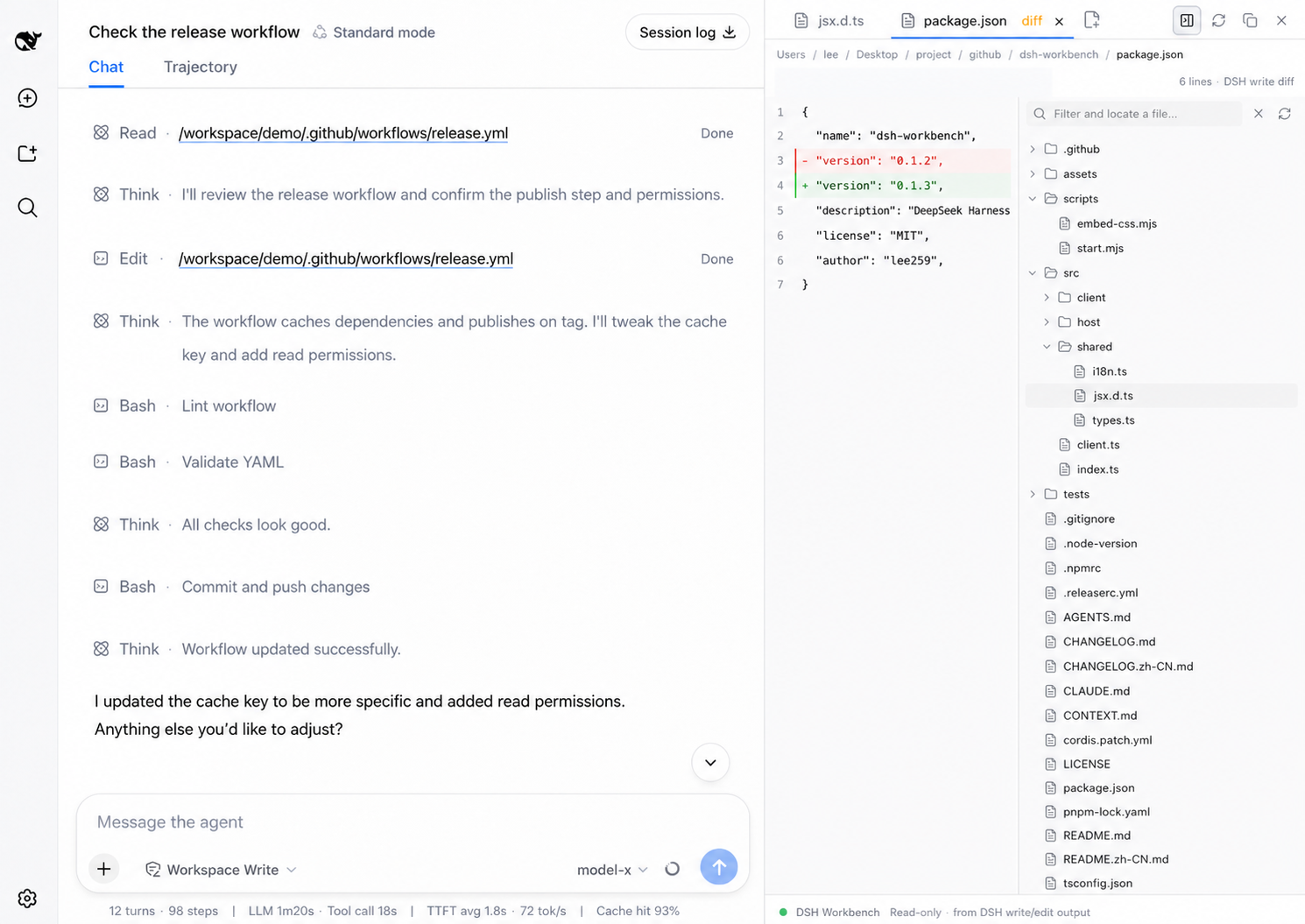
read       → source
write/edit → captured DSH diff
Why it is useful
- Keep the conversation and the file you are inspecting visible together.
- See real DSH write/edit changes, with the captured before/after content.
- Read files as source. Diffs come from captured DSH writes, not a Git
HEAD. - Open several files, switch tabs, copy paths, and resize the panel. A tree or Quick Open click previews; double-click pins. Conversation writes open a kept tab.
- Shortcuts:
⌥⌘Btoggle,⌘⇧Ehide or show the file pane,⌘Popen file, tree search to locate without opening,⌘F/⌘Lfind or jump,⌘Wclose,⌘1–⌘9switch tabs. Drag or right-click to insert a path. - Review lists captured writes with
+/−. - UI follows the DSH language setting.
Install
dsh plugin --profile web add dsh-workbench
dsh web
If dsh is not on your PATH:
pnpm dlx @deepseek-ai/dsh plugin --profile web add dsh-workbench
pnpm dlx @deepseek-ai/dsh web
Local checkout:
git clone https://github.com/lee259/dsh-workbench.git
cd dsh-workbench
pnpm install
pnpm run build
dsh plugin --profile web add "$(pwd)"
dsh web
Rebuild and restart dsh web after plugin changes.
Local start
pnpm start -- /absolute/path/to/your/project
Builds the plugin, registers it on the target project, and starts DSH Web. Without a path, uses the current directory.
Previews
| DSH operation | View |
|---|---|
read |
Source; images and Markdown render |
write / edit |
Captured DSH diff |
| File mention | Source; images and Markdown render |
Host listens to tool/call, tool/result, and tool/code-dispatch. Prefers dsh-tool-fs meta.diffs.
Development
pnpm install
pnpm test
pnpm start -- /absolute/path/to/your/project
- Host:
name,inject,apply(ctx)fromsrc/index.ts - Client:
dsh.client,exports["./client"],window.__ModuleLoader__.load - Styles:
src/client/styles.css - Third-party React components: use the React runtime injected by DSH. Components that statically import
react-dom, need unbridged React APIs, or inject global CSS need an adapter; seesrc/client/react-bridge.tsandtsdown.config.ts. - UI strings:
src/shared/i18n.ts
Roadmap
Inspect, navigate, and review what the agent touched. Diffs stay on captured DSH writes.
Done
- Read-only previews for
readand file mentions - Captured DSH diffs for
write/edit - Persistent, resizable right-side workspace
- Multi-file tabs, preview / pin, path copy, and desktop shortcuts
- In-file find / go-to-line, plus conversation
:line/#Llinetargets - Chinese / English UI following DSH locale
- Quick Open (
⌘/Ctrl+P) and tree search that locates without opening - Workspace file tree with breadcrumbs, keyboard navigation, and path insert
- Syntax highlighting, folding, and live refresh when the workspace changes on disk
- Image previews and rendered Markdown, including relative images
- Change review: captured DSH writes by session, with
+/−counts - Short operation summaries for each captured write
- Follow the agent: open and reveal the latest DSH-written file
- Workspace content search (
⌘/Ctrl+⇧+F) with line-focused results - Reference files, folders, and selected preview lines in the composer
Next
The target is a Codex-like development experience inside DeepSeek Harness: reuse proven workspace interactions where they help, while keeping DSH-native write capture and session review as the workbench's center of gravity.
- Add a real editor mode with draft state, save, conflict detection, and a clear return path to the agent conversation.
- Add the surrounding development loop in small slices: terminal, Git worktree/status, and background task or sub-agent visibility.
- Tighten the conversation loop: open/reveal targets, review-to-conversation feedback, and session-scoped workspace state.
The existing DSH event capture, meta.diffs, session review, operation summaries, and
agent-follow behavior remain the differentiating foundation.
Near-term sequence
- Editable preview with save and external-change conflict handling
- Git worktree association and status, without inventing a Git
HEADdiff - Terminal and background task surfaces
Exploring
- Open-in-editor and reveal-in-folder
- Inline comments on a diff line that send guidance back to the composer
- Native DSH panel controls and layout slots, if the host exposes a usable one
- Pluggable workspace panels (Files / Review, and later DSH tools)
License
相关推荐Related
-
 nexu-io/open-design
🎨 Best DeepSeek Harness Design Plugin. The open-source Claude Design alternative. 🖥️ Local-first desktop app. 🖼️ Your…
nexu-io/open-design
🎨 Best DeepSeek Harness Design Plugin. The open-source Claude Design alternative. 🖥️ Local-first desktop app. 🖼️ Your…
-
 esengine/DeepSeek-Reasonix
DeepSeek-native AI coding agent for your terminal. Engineered around prefix-cache stability — leave it running.
esengine/DeepSeek-Reasonix
DeepSeek-native AI coding agent for your terminal. Engineered around prefix-cache stability — leave it running.
-
 Molunerfinn/PicGo
:rocket: The Ultimate Image Uploader for Efficient Creators. Supports Obsidian, Typora, VS Code etc. and 60+ image hosti…
Molunerfinn/PicGo
:rocket: The Ultimate Image Uploader for Efficient Creators. Supports Obsidian, Typora, VS Code etc. and 60+ image hosti…
-
 titanwings/colleague-skill
将冰冷的离别化为温暖的 Skill,欢迎加入数字生命1.0!Transforming cold farewells into warm skills? It's giving rebirth era. Welcome to Digital …
titanwings/colleague-skill
将冰冷的离别化为温暖的 Skill,欢迎加入数字生命1.0!Transforming cold farewells into warm skills? It's giving rebirth era. Welcome to Digital …
-
 anywhere-labs/deepseek-harness-desktop
为 DeepSeek Harness (DSH) 插件生态打造的现代化桌面端解决方案。万物皆「插件」,桌面本身也是「插件」。
anywhere-labs/deepseek-harness-desktop
为 DeepSeek Harness (DSH) 插件生态打造的现代化桌面端解决方案。万物皆「插件」,桌面本身也是「插件」。
-
 tt-a1i/archify
Agent skill for beautiful, verifiable architecture, workflow, sequence, data-flow, and lifecycle diagrams—self-contained…
tt-a1i/archify
Agent skill for beautiful, verifiable architecture, workflow, sequence, data-flow, and lifecycle diagrams—self-contained…
-
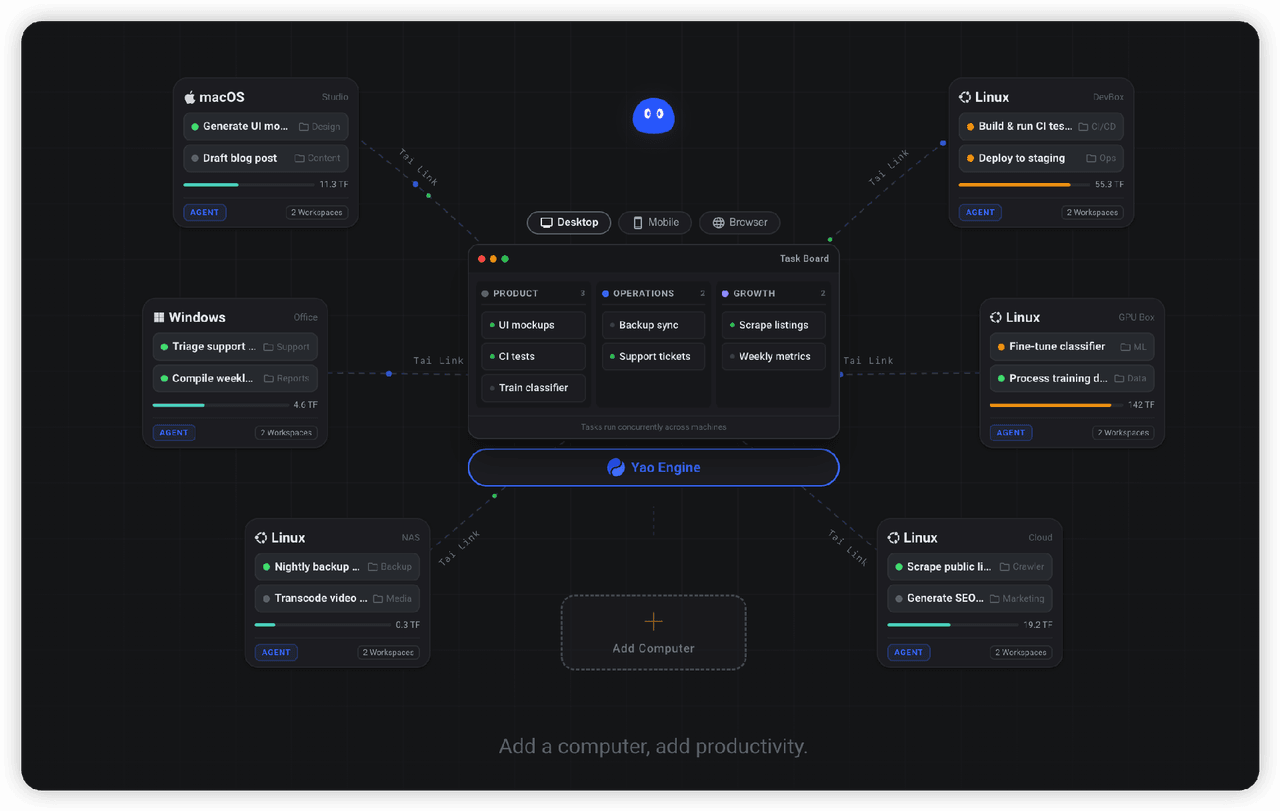 YaoApp/yao
✨ All your agents and workspaces in one place, on every device you own. Track tasks on a board, accessible from desktop,…
YaoApp/yao
✨ All your agents and workspaces in one place, on every device you own. Track tasks on a board, accessible from desktop,…
-
 zhu1090093659/dsh-web-ui
Plugin and skin collection for DeepSeek Harness (DSH) Web UI - task board, git graph, right-side panel, remote mobile UI…
zhu1090093659/dsh-web-ui
Plugin and skin collection for DeepSeek Harness (DSH) Web UI - task board, git graph, right-side panel, remote mobile UI…