LeoEthanZ/dsh-beyond-glass
A three-column glass UI for deepseek-harness, delivered as installable packages instead of a fork.
Project Overview项目介绍
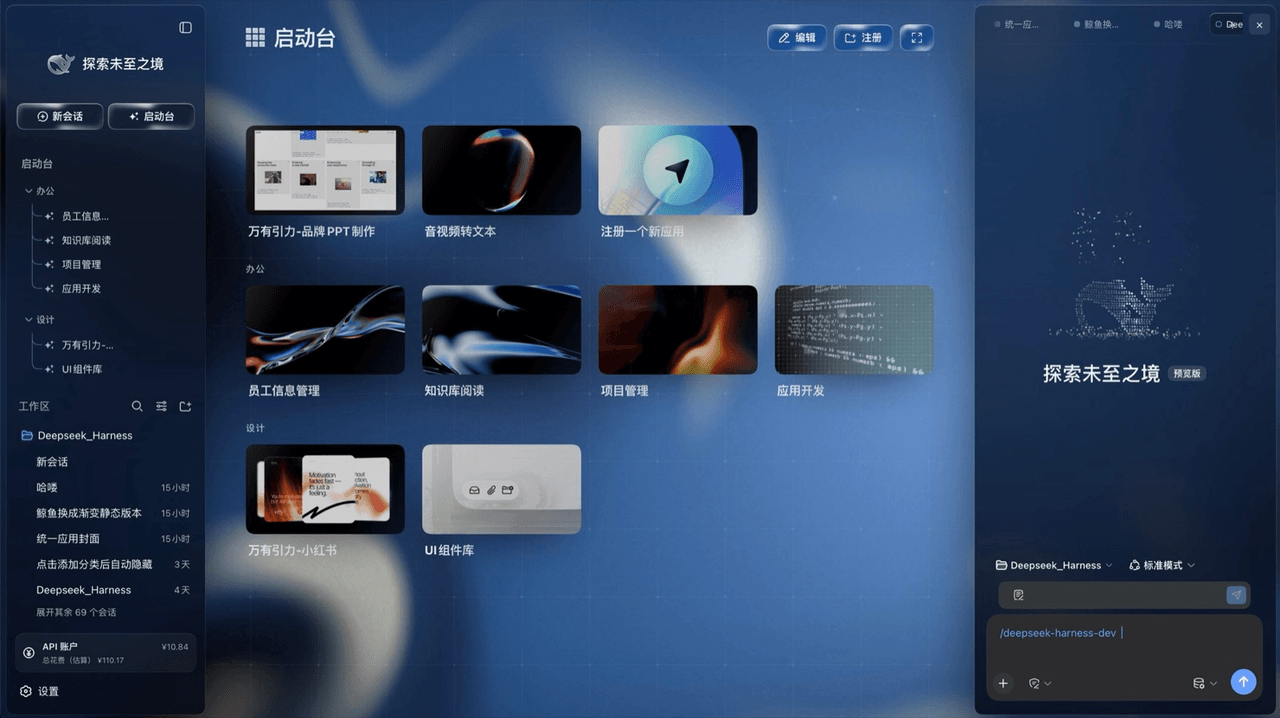
Beyond Glass is a glass-styled three-column UI skin built exclusively for the DeepSeek Harness (DSH) client and shipped as six independently installable Cordis packages under the dsh-beyond-glass namespace. Only the harness package acts as a profile layer; ui-layout, ui-sidebar, ui-sidebar-right, ui-workbench, and ui-wallpaper are mounted by the rows it patches, so removing them restores the stock client without any fork or patched build. The distribution was compiled against @deepseek-ai/dsh@0.1.5-rc.2 and verified on 0.1.6-alpha.2, and its packaging, naming, and topics all target DSH specifically rather than any cross-agent harness.
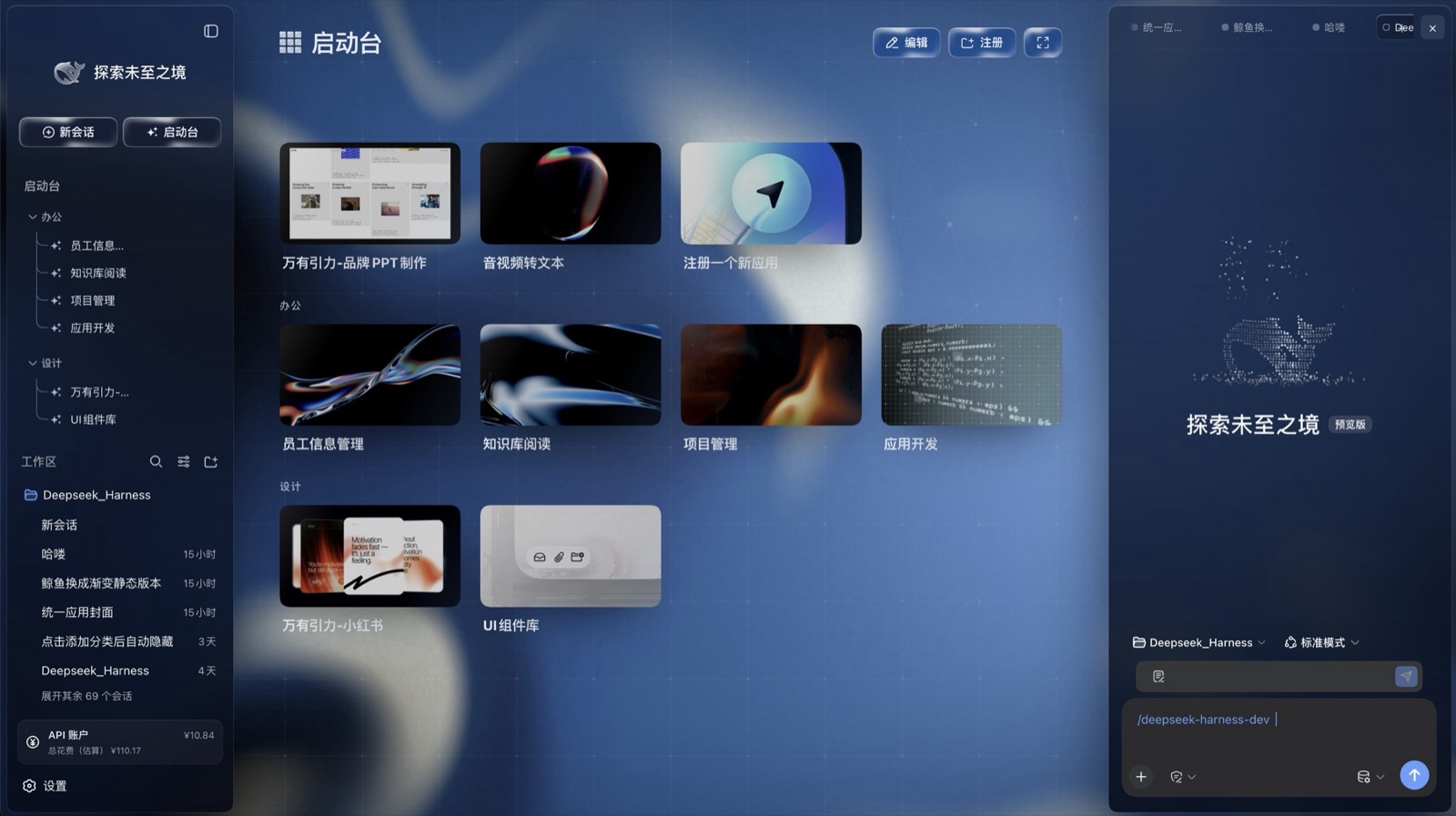
The intended workflow is a single dsh plugin add command that pulls all six packages at once and drops them into their own profile, after which users land on the launcher — a categorised grid of nine pre-cabled app cards with cover art, hover motion, edit and register entries, and paging. The right column hosts the 极境壁纸 wallpaper picker, which offers four procedural fluids drawn entirely in-page (深海流光, 极光翡翠, 紫晶云海, 熔金暮色) plus five Coverr-licensed motion landscapes flagged 需要联网 on first play, while immersive mode stacks a four-card dashboard — AI 热点, TOKEN 用量, 今日 with weather, and 待办 — over the live wallpaper. Other right-column panels such as the plugin market or recolour tool appear only when their own plugins are installed.
Installation requires Node.js, pnpm on PATH (Windows needs it added after a fresh Node setup), and the dsh CLI, which dsh plugin add invokes through pnpm; no clone or build step is involved. The product is MIT licensed and retains the original deepseek-harness copyright per package, but a DSH release that adds a row into one of the seats Beyond Glass registers will surface a bare Failed to load plugins failure. Today and weather cards depend on whois.pconline.com.cn and open-meteo.com from the host's egress IP, so proxies may leave the city unresolved, and the 待办 card stays empty until the user supplies a to-do panel and data source of their own.
Beyond Glass 是一套面向 deepseek-harness(即 DSH)的玻璃质感三栏界面皮肤,以六个独立可安装的包形式发布,无需 fork 或打补丁。它由 ui-layout、ui-sidebar、ui-sidebar-right、ui-workbench、ui-wallpaper 以及唯一的 profile 层 harness 组成,安装后挂载到独立的 profile 中,卸载即可还原原始界面。产品命名(dsh-beyond-glass)、包分类(cordis + ui-*)与构建目标(DSH 0.1.5-rc.2 / 0.1.6-alpha.2)均指向 DSH 原生场景。
典型工作流:在已安装 dsh CLI 和 pnpm 的环境下运行一行 dsh plugin add 即可引入整套外壳,再通过右栏的极境壁纸面板切换四款程序化流体与五款动态视频壁纸,在沉浸模式下查看 AI 热点、TOKEN 用量、今日天气与待办四张仪表盘卡片。它面向希望重塑 DSH 启动台视觉与信息密度的深度用户,所有右侧其他面板(插件市场、换色、统一封面等)需另行安装各自的插件。
依赖方面需要 Node.js、pnpm 和 dsh CLI(Windows 用户需额外将 pnpm 加入 PATH);首次播放动态视频壁纸需联网,AI 热点与 TOKEN 用量开箱即用,今日卡片依赖 whois.pconline.com.cn 与 open-meteo.com(代理后可能无法定位),待办需用户自行接入右侧面板的数据源。若 DSH 新版本占用其注册的某一行,将出现 Failed to load plugins 错误,许可证为 MIT。
请帮我安装这个 DSH 插件。安装前先完成【兼容性检查 + 安全性检查】,检查通过再动手。

插件:dsh-beyond-glass(LeoEthanZ/dsh-beyond-glass)
仓库:https://github.com/LeoEthanZ/dsh-beyond-glass
本站详情页:https://www.yhbd.top/plugins/leoethanz-dsh-beyond-glass/
本站登记:类型 plugin · 归类 原生 DSH 插件 · 许可证 MIT · ⭐ 12 · 最近提交 2026-09-23 · 主语言 HTML · 未检测到 DSH 插件清单

按下面顺序执行,每步先把结论告诉我,再进入下一步:

【1 兼容性检查】
① 我这边:DSH 版本、Node 版本、操作系统、当前 profile(web / desktop)。
② 读它的 README、package.json、插件 manifest,列出它要求的 DSH 版本 / Node 版本 / 操作系统 / 外部依赖 / 需要另外先装的运行时。
③ 逐条比对,结论只写「满足 / 不满足 / 未知」三种;不满足的给出可行替代方案。
④ 检查是否和我已装的插件冲突:命令名重复、skill / tool 重名、端口占用、重复注册的 MCP server。

【2 安全性检查】
① 仓库可信度:和上面「本站登记」是否一致;star / fork 数、创建时间、最近提交,是否归档或长期停更。
② 安装脚本:逐行看 package.json 的 preinstall / install / postinstall,以及 install.sh、setup.ps1 之类脚本。出现 curl|bash、下载后直接执行、混淆代码、访问与插件功能无关的域名,立刻停下来告诉我,不要继续装。
③ 依赖:列出新增依赖,标出无人维护、或与知名包拼写近似的可疑包(typosquatting)。
④ 权限与副作用:它会读写哪些目录、访问哪些域名、需要哪些 DSH 权限(filesystem / network / shell / clipboard 等),以及怎么卸载和回滚。
⑤ 如果它要求 sudo / 管理员权限,或权限明显超出功能所需,先停下来问我。

【3 安装】
上面两步没有「不满足」和「高危项」时才执行;用官方推荐方式安装,不要自行提权。

【4 汇报】
用表格输出:检查项 / 结论 / 依据 / 是否需要我决策。拿不准的一律写「未知」并说明要我怎么确认——不要猜,也不要替我决定。
Send this message to DSH in your current session: it verifies compatibility and security first (answering met / not met / unknown item by item) and only installs once everything checks out — it will stop and ask you if it finds a high-risk item. The box scrolls; the copy is the full prompt. CLI install commands may not be accurate across systems, so DSH is the safer route.把上面这条消息直接发给当前会话里的 DSH:它会先核对兼容性与安全性(逐条给「满足 / 不满足 / 未知」),确认没问题再安装,有高危项会停下来问你。框内可滚动,复制到的是完整提示词;安装命令不一定准确,发给 DSH 更稳。
- 12 stars - an early-stage project星标 12,属于早期项目
- No DSH plugin manifest detected - it may only carry the dsh-plugin topic, so the install method must be confirmed on the spot未检测到 DSH 插件清单:可能只是打了 dsh-plugin 话题,安装方式要现场确认
DSH walks through these 9 checksDSH 会逐条核对这 9 项
Compatibility兼容性
- DSH, Node, OS and profile requirementsDSH 版本 / Node 版本 / 操作系统 / profile 是否满足要求
- External dependencies and runtimes (Electron / Python / Docker, ...)外部依赖与运行时(Electron / Python / Docker 等)是否齐备
- Conflicts with installed plugins: command names, skill / tool names, ports, duplicate MCP registration与已装插件是否冲突:命令名、skill / tool 重名、端口占用、重复 MCP 注册
Security安全性
- Repo matches the facts registered here; archived or abandoned?仓库是否与页面登记一致,是否归档或长期停更
- Safety of preinstall / install / postinstall and install.sh / setup.ps1preinstall / install / postinstall 与 install.sh、setup.ps1 是否安全
- curl|bash, download-then-execute, obfuscation, unrelated domains → stop immediatelycurl|bash、下载即执行、混淆代码、无关域名 → 立刻停止
- Typosquatting or unmaintained packages among the new dependencies新增依赖里有没有 typosquatting 或无人维护的包
- Requested permissions vs. what the feature actually needs申请了哪些权限、是否超出功能所需(filesystem / network / shell / clipboard)
- Any sudo / admin requirement, plus uninstall and rollback是否要求 sudo / 管理员权限,以及卸载与回滚方式
Anything uncertain must be marked unknown with a note on how to confirm it. This site's signal screen is a static snapshot, not a security audit.拿不准的必须标「未知」并说明要我怎么确认。本站的信号筛查是静态快照,不能替代安全审计。
Or use CLI install (for developers)或使用命令行安装(适合开发者)
CLI Install命令行安装
dsh plugin --profile glass add https://github.com/LeoEthanZ/dsh-beyond-glass/releases/download/v0.1.3/beyond-glass-harness-0.1.6-alpha.2.tgz https://github.com/LeoEthanZ/dsh-beyond-glass/releases/download/v0.1.3/beyond-glass-ui-layout-0.1.5-rc.2.tgz https://github.com/LeoEthanZ/dsh-beyond-glass/releases/download/v0.1.3/beyond-glass-ui-sidebar-0.1.5-rc.2.tgz https://github.com/LeoEthanZ/dsh-beyond-glass/releases/download/v0.1.3/beyond-glass-ui-sidebar-right-0.1.5-rc.2.tgz https://github.com/LeoEthanZ/dsh-beyond-glass/releases/download/v0.1.3/deepseek-ai-dsh-client-ui-wallpaper-0.1.2-rc.1.tgz https://github.com/LeoEthanZ/dsh-beyond-glass/releases/download/v0.1.3/deepseek-ai-dsh-client-ui-workbench-0.1.2-rc.1.tgz把 LeoEthanZ/dsh-beyond-glass 加入你的 DSH 配置(web profile)即可启用。
READMEREADME
Beyond Glass
A three-column glass UI for deepseek-harness, delivered as a set of installable packages. No fork, no patching: six packages mount into a profile of their own, and removing them puts you back where you started.
Live gallery → — all nine wallpapers in one page, switchable, with the fluid field running live around the frame. The window plays nine seconds of the shell on the way in — folding a column away, changing wallpaper, switching on the data island — and hands straight back to a still. Scroll back up to it, or try another wallpaper and return to that one, and it plays again.
- The three blocks
- Design
- Install: no harness yet / the harness is already installed
- What is in the packages, what is not
- Compatibility · License
The three blocks
| Block | What it is | Packages |
|---|---|---|
| Glass shell | The three-column frame — brand rail, left column, right column, all on translucent panels | ui-layout ui-sidebar ui-sidebar-right |
| Launcher | The centre panel of the home view: category grid, app cards, and the dashboard behind immersive mode | ui-workbench |
| Wallpaper | The wallpaper picker in the right column, plus the glass token sheet every panel reads | ui-wallpaper |
Only the harness package is a profile layer; the other five are mounted by the rows it patches.
Design
The glass shell
The left column carries identity and navigation (brand wordmark, new-session / launcher,
category tree, session list, API account). The centre is the launcher. The right column is the
current workspace: sessions, wallpaper, and whatever other panels register into it. All three sit
on one set of glass tokens — a translucent gradient, backdrop-filter: blur(28px) saturate(1.8),
and a 0.5px outline.
The left column collapses to an icon rail, the right column folds away entirely, and the wallpaper shows through underneath.
Showing the opening section of the README — the full document lives in the repository以上为 README 开头摘要,完整文档在仓库内 · View the full README on GitHub →在 GitHub 查看完整 README →
Related相关推荐
-
 Small-tailqwq/dsh-deep-whale
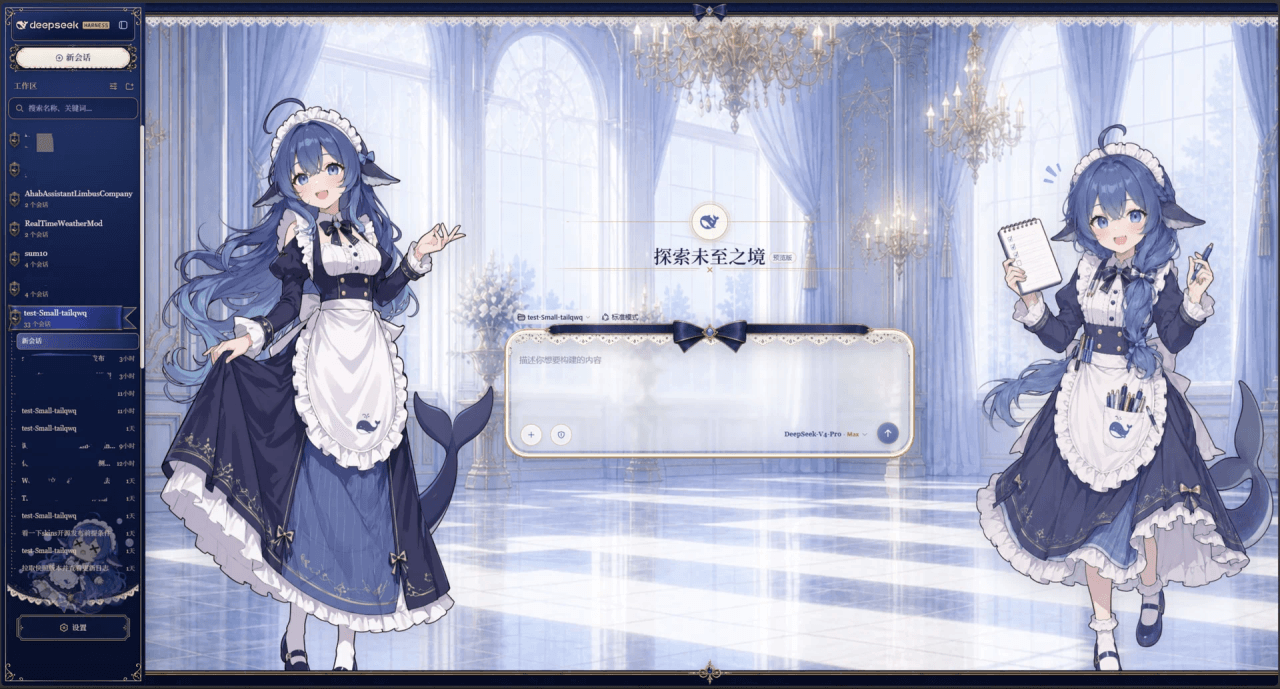
Whale Girl skin series for DeepSeek Harness. 适用于 DeepSeek Harness 的,鲸鱼娘系列皮肤。
Small-tailqwq/dsh-deep-whale
Whale Girl skin series for DeepSeek Harness. 适用于 DeepSeek Harness 的,鲸鱼娘系列皮肤。
-
 d-dev0101/open-sea-skin
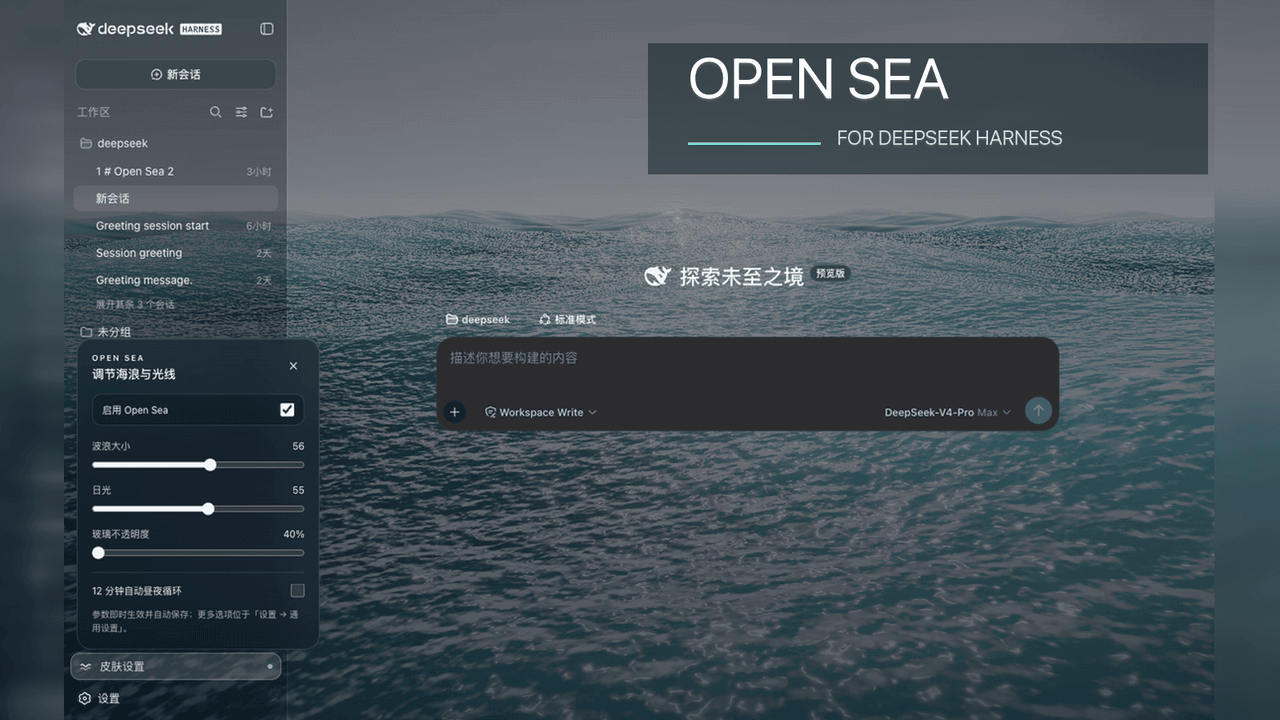
🌊 DeepSeek Harness 海洋皮肤与动态主题 | Real-time ocean theme with adjustable waves, sunset & glass opacity. DSH plugin + Chrome…
d-dev0101/open-sea-skin
🌊 DeepSeek Harness 海洋皮肤与动态主题 | Real-time ocean theme with adjustable waves, sunset & glass opacity. DSH plugin + Chrome…
-
 kingOfSoySauce/dsh-liang-skin
DeepSeek Harness 滑动变阻器皮肤
kingOfSoySauce/dsh-liang-skin
DeepSeek Harness 滑动变阻器皮肤
-
 RevolutionLA/dsh-dream-skin
DeepSeek Harness 换肤 / 壁纸 / 主题包插件 (dsh-plugin) — 8 套 Mirage 主题、每用户强调色、壁纸2.0、主题包导入导出/分享链接、收藏与随机,纯原生 token 系统实现。
RevolutionLA/dsh-dream-skin
DeepSeek Harness 换肤 / 壁纸 / 主题包插件 (dsh-plugin) — 8 套 Mirage 主题、每用户强调色、壁纸2.0、主题包导入导出/分享链接、收藏与随机,纯原生 token 系统实现。
-
 Fishquito7/dsh-skill-mcp-panel
DSH Web UI plugin: skill and MCP management(Web界面的skill/MCP管理工具)
Fishquito7/dsh-skill-mcp-panel
DSH Web UI plugin: skill and MCP management(Web界面的skill/MCP管理工具)
-
 01Virex/dsh-status-rotator
把 DSH Web 状态行换成 1063 条梗:打字机 + 炫彩渐变 + 弹幕 + 12 个主题词库包,设置页可视化编辑。
01Virex/dsh-status-rotator
把 DSH Web 状态行换成 1063 条梗:打字机 + 炫彩渐变 + 弹幕 + 12 个主题词库包,设置页可视化编辑。
-
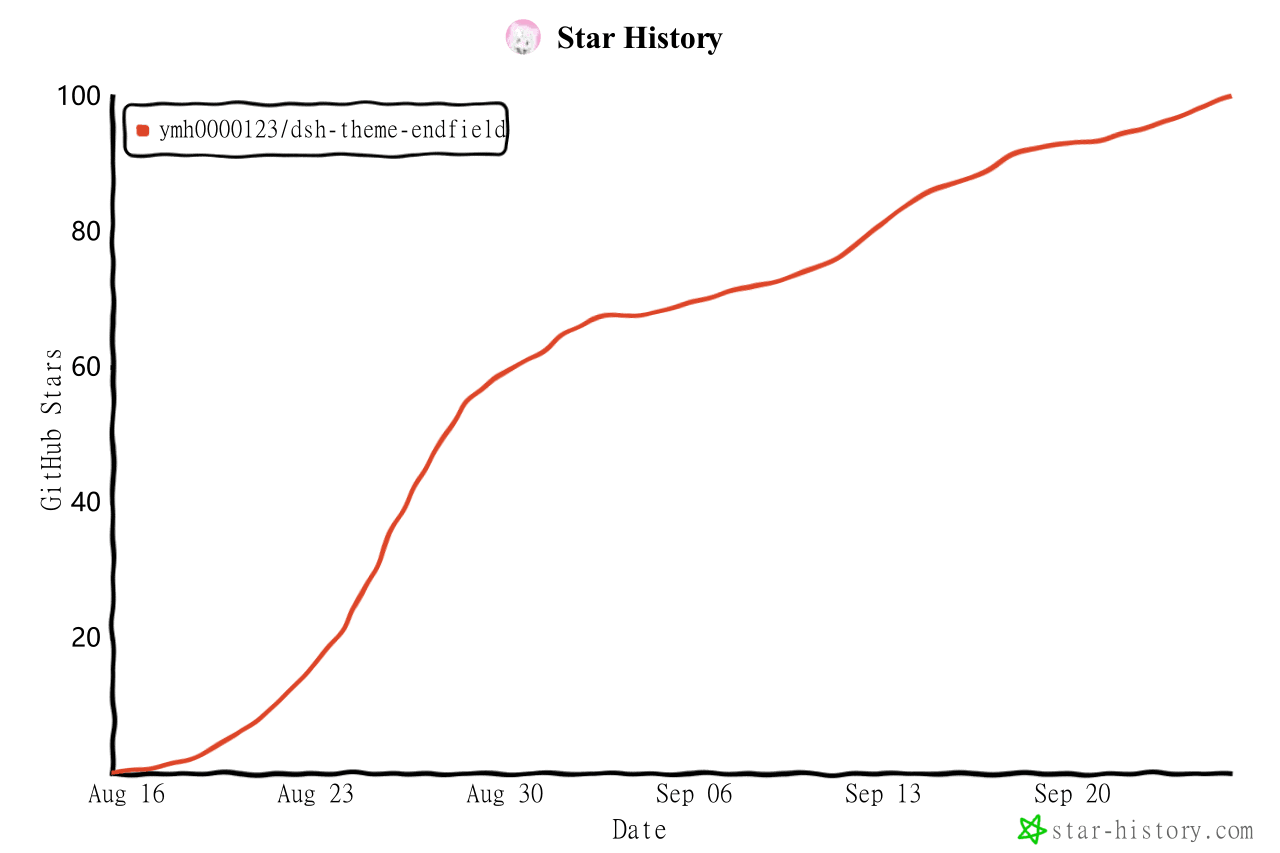 ymh0000123/dsh-theme-endfield
终末地官网风格的 DSH Web 主题:奶油纸底、墨黑文字、信号黄强调、全直角工业编辑风。
ymh0000123/dsh-theme-endfield
终末地官网风格的 DSH Web 主题:奶油纸底、墨黑文字、信号黄强调、全直角工业编辑风。
-
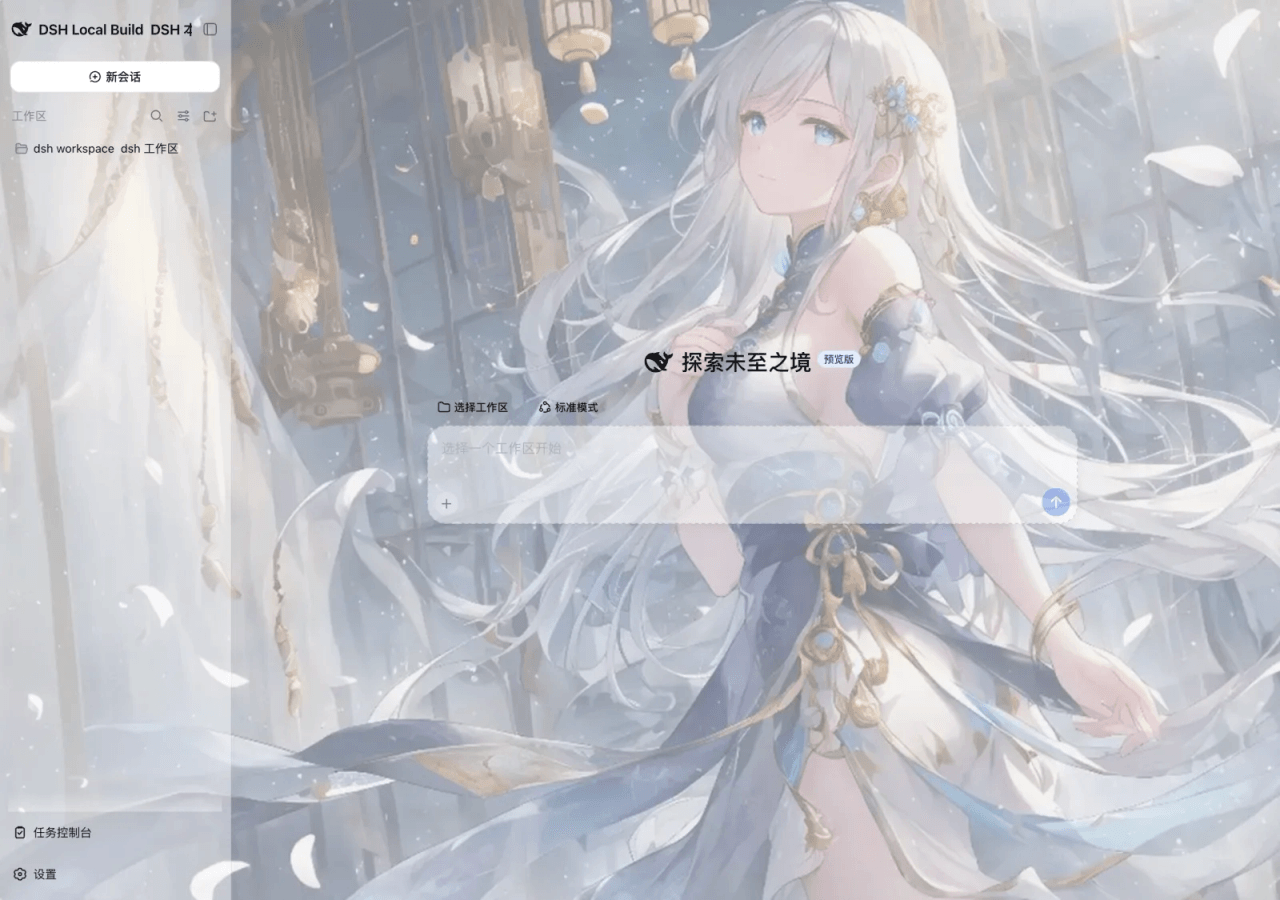 SLin-code/dsh-custom-skin
Custom wallpapers and translucent skins for DeepSeek Harness Web
SLin-code/dsh-custom-skin
Custom wallpapers and translucent skins for DeepSeek Harness Web