Lixiaoyiao/deepseek-harness-action
Community GitHub Action for DeepSeek Harness — AI Code Review · CI Diagnosis · Auto Fix · Issue → PR
安装Install
dsh plugin --profile web add github:Lixiaoyiao/deepseek-harness-action把 Lixiaoyiao/deepseek-harness-action 加入你的 DSH 配置(web profile)即可启用。
READMEREADME
DeepSeek Harness for GitHub


Run DeepSeek Harness directly from GitHub pull requests, issues, failed CI jobs, and maintainer-authored automations.
GitHub PR / Issue / CI → DeepSeek Harness → Review / Diagnose / Fix / Issue → PR
The Action starts a credential-isolated DSH worker, validates its structured result, and lets a trusted Controller publish comments or validated changes. This is a community project, not an official DeepSeek or GitHub product. It is maintained by @Lixiaoyiao.
Core capabilities
| Capability | What it does |
|---|---|
| Pull request review | Reviews new commits, publishes one summary, and adds high-confidence inline findings |
| General tasks | Answers repository questions or performs an explicitly authorized coding task |
| CI diagnosis and repair | Reads failed checks and logs; trusted workflows may validate and publish a fix |
| Issue implementation | Turns an authorized Issue request into a validated branch and pull request |
| Controlled tools | Offers strict, standard, and exact custom profiles for Bash, Web Search, Subagent, fixed commands, MCP, Bundle, and Plugin tools |
| Structured results | Reports stable scalar outputs plus a schema-v1 result-json envelope on success and failure |
v0.5.2 is an installer/onboarding release. It keeps the exact, audited DeepSeek Harness 0.1.1-rc.2 package pins and does not expand the Agent core. Action inputs, outputs, GitHub permissions, and all write decisions remain Controller-owned.
Live runs
These public runs show the comments and Actions logs produced by this repository.
| Scenario | Run |
|---|---|
| PR review, including a rerun without duplicate comments | PR #3 · Actions run |
| Diagnosis based on failed checks and logs | Actions run |
| Fix and validation in trusted write mode | Actions run |
| Issue implementation followed by a pull request | Issue #4 → PR #5 |
Quick Start
Run the installer from the root of the repository you want to configure:
npm create deepseek-harness-action@latest
Choose one of these modes:
- PR Review creates
.github/workflows/dsh-review.yml. - @dsh Coding Commands creates
.github/workflows/dsh-commands.yml. - Both creates both workflow files.
For CI or another non-interactive environment, pass the mode explicitly so the installer never waits for stdin:
npm create deepseek-harness-action@latest -- --mode both
The installer creates .github/workflows/ when needed and refuses to overwrite an existing target workflow. It does not add secrets, commit or push changes, or open a pull request. The generated workflows pin the Action to the immutable v0.5.2 release commit.
After installation, add DEEPSEEK_API_KEY under Settings → Secrets and variables → Actions. Open or update a non-draft pull request to trigger Review. For Coding Commands, put an @dsh command on the first line of an Issue or pull request comment. See Setup for the complete onboarding and security guide.
Manual installation
Add DEEPSEEK_API_KEY under Settings → Secrets and variables → Actions, then create .github/workflows/dsh-review.yml:
name: DSH review

on:
  pull_request_target:
    types: [opened, synchronize, ready_for_review, reopened]

permissions:
  contents: read
  pull-requests: write

jobs:
  review:
    if: github.event.pull_request.draft == false
    runs-on: ubuntu-latest
    timeout-minutes: 30
    steps:
      - uses: actions/checkout@11d5960a326750d5838078e36cf38b85af677262 # v4
        with:
          ref: ${{ github.event.pull_request.base.sha }}
          persist-credentials: false
          fetch-depth: 1
      - uses: Lixiaoyiao/deepseek-harness-action@v0.5.2
        with:
          deepseek-api-key: ${{ secrets.DEEPSEEK_API_KEY }}
          dsh-version: 0.1.1-rc.2
Open a non-draft pull request. The Action checks out only the trusted base SHA, reads the pull request through GitHub APIs, and never executes fork code.
For production, replace v0.5.2 with the full immutable release commit SHA. See Setup for permissions, pinning, checkout rules, and complete templates.
Common @dsh commands
Put the command on the first line of an Issue or pull request comment.
| Command | Purpose |
|---|---|
@dsh task --read <question> |
Explain code, inspect the repository, or answer a general question |
@dsh task --write <task> |
Request a coding task; every write gate must still pass |
@dsh review |
Review the current pull request again |
@dsh diagnose |
Diagnose failed checks and logs |
@dsh fix |
Repair a same-repository pull request in trusted write mode |
@dsh implement |
Implement an Issue and open a pull request |
--write, fix, and implement request capabilities; they do not grant them. The workflow must explicitly enable write mode and provide Controller-run validation. See Usage for commands and automation, and Configuration for the gates.
Security
- The Agent receives neither the real
GITHUB_TOKENnor the real DeepSeek key. Only the Controller can call GitHub mutation APIs. - Repository content, diffs, issues, pull requests, comments, logs, model output, and tool output remain untrusted data.
- Fork review uses a
.git-less, credential-free worker and must check out only the trusted base SHA withpersist-credentials: false. - Writes require a trusted same-repository context, authorized actors, Docker,
allow-write: "true", non-empty fixed validation commands, and successful validation. Protected-path and Validation Integrity checks still apply. - An approved Bundle, Plugin, or stdio MCP server is trusted worker code. ToolRuntime limits model-routed calls; it does not sandbox extension startup, background work, or direct process I/O.
Read the complete Security policy before enabling write mode, host execution, network access, or third-party extensions.
Documentation
| Guide | Contents |
|---|---|
| Setup · 中文 | Installer, manual setup, Secret, permissions, safe checkout, and templates |
| Usage · 中文 | @dsh commands, tasks, review, diagnose, fix, implement, and automation |
| Configuration | Inputs, permission profiles, tools, validation, extensions, and outputs |
| Troubleshooting | Denials, Docker, timeouts, cancellation, validation, and extension failures |
| Security policy | Trust model, credential boundaries, network behavior, and known limitations |
| Extension contracts | Deep technical contracts for MCP, Profile, Bundle, Plugin, ToolRuntime, and receipts |
| Maintainer release guide | Local checks, Core E2E, release canary, version updates, and publishing |
| Contributing · Changelog | Development workflow and release history |
Development
Node.js 24 is required.
npm ci
npm run check
See CONTRIBUTING.md. The Marketplace dist/ bundle is committed for releases and must not be edited by hand.
License
MIT. Third-party licenses are listed in THIRD_PARTY_NOTICES.md and BUNDLED_DEPENDENCIES.md.
DeepSeek Harness supplies the headless runtime and official extension mechanisms. The GitHub integration also draws on the MIT-licensed Claude Code Action patterns and the execution/publication separation described by Codex GitHub Action; exact attributions are recorded in the third-party notices.
相关推荐Related
-
 nexu-io/open-design
🎨 Best DeepSeek Harness Design Plugin. The open-source Claude Design alternative. 🖥️ Local-first desktop app. 🖼️ Your…
nexu-io/open-design
🎨 Best DeepSeek Harness Design Plugin. The open-source Claude Design alternative. 🖥️ Local-first desktop app. 🖼️ Your…
-
 esengine/DeepSeek-Reasonix
DeepSeek-native AI coding agent for your terminal. Engineered around prefix-cache stability — leave it running.
esengine/DeepSeek-Reasonix
DeepSeek-native AI coding agent for your terminal. Engineered around prefix-cache stability — leave it running.
-
 Molunerfinn/PicGo
:rocket: The Ultimate Image Uploader for Efficient Creators. Supports Obsidian, Typora, VS Code etc. and 60+ image hosti…
Molunerfinn/PicGo
:rocket: The Ultimate Image Uploader for Efficient Creators. Supports Obsidian, Typora, VS Code etc. and 60+ image hosti…
-
 titanwings/colleague-skill
将冰冷的离别化为温暖的 Skill,欢迎加入数字生命1.0!Transforming cold farewells into warm skills? It's giving rebirth era. Welcome to Digital …
titanwings/colleague-skill
将冰冷的离别化为温暖的 Skill,欢迎加入数字生命1.0!Transforming cold farewells into warm skills? It's giving rebirth era. Welcome to Digital …
-
 tt-a1i/archify
Agent skill for beautiful, verifiable architecture, workflow, sequence, data-flow, and lifecycle diagrams—self-contained…
tt-a1i/archify
Agent skill for beautiful, verifiable architecture, workflow, sequence, data-flow, and lifecycle diagrams—self-contained…
-
 freestylefly/awesome-gpt-image-2
Prompt as Code | GPT-Image2 工业级提示词引擎与模板库,470+ 个案例逆向工程,20+ 套工业级模板,并提炼出Skills,持续更新中
freestylefly/awesome-gpt-image-2
Prompt as Code | GPT-Image2 工业级提示词引擎与模板库,470+ 个案例逆向工程,20+ 套工业级模板,并提炼出Skills,持续更新中
-
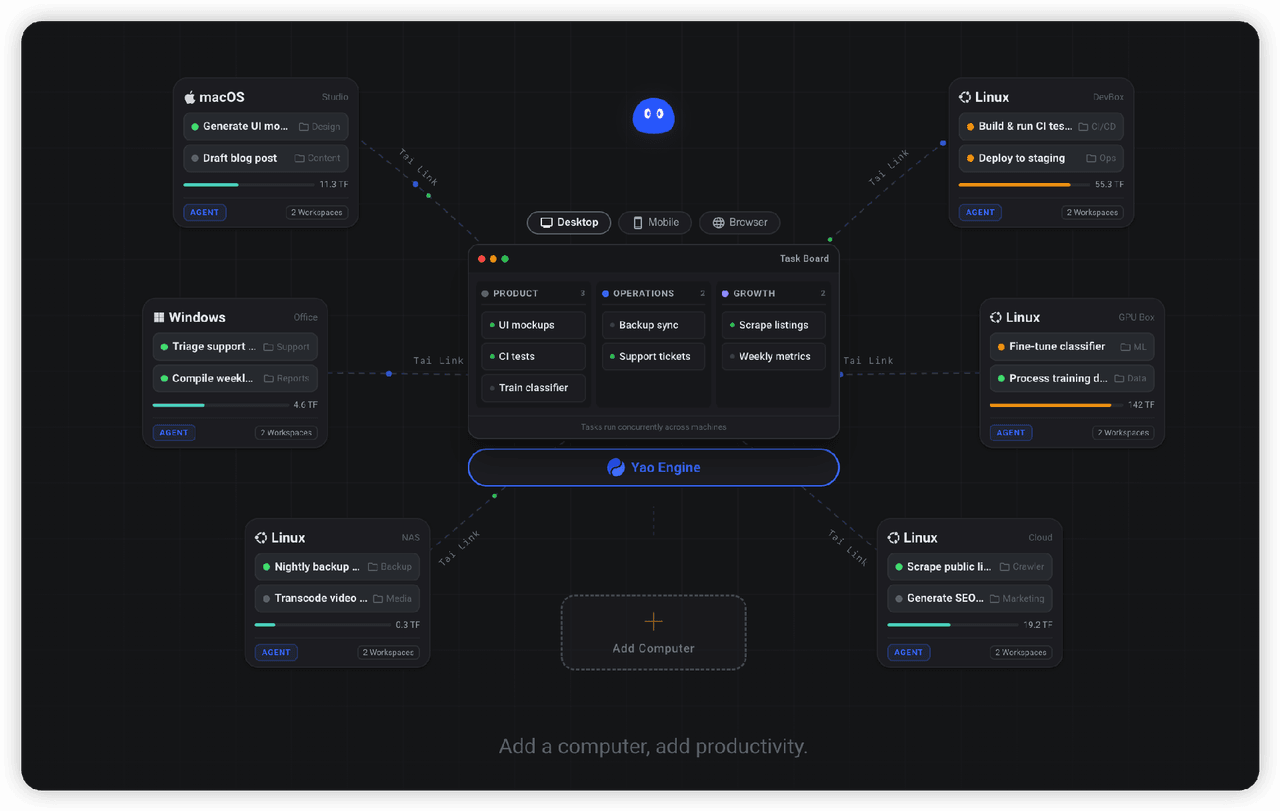 YaoApp/yao
✨ All your agents and workspaces in one place, on every device you own. Track tasks on a board, accessible from desktop,…
YaoApp/yao
✨ All your agents and workspaces in one place, on every device you own. Track tasks on a board, accessible from desktop,…
-
 Q00/ouroboros
Agent OS: the agent gets smarter on its own. We just hold the line: the grading command and expected result never make i…
Q00/ouroboros
Agent OS: the agent gets smarter on its own. We just hold the line: the grading command and expected result never make i…