loyalchiiina/dsh-chat-image-lightbox
DSH plugin (DSH >= 2.0.14): full-screen chat image lightbox (zoom/pan/download/page), conversation-wide thumbnail grid with adjustable columns, hide/show with no blank space, lossless native-resolution TIFF/HEIC display, hotlink fallback, copy path & show in folder. 对话图片灯箱+可调列数缩略图网格+隐藏(不留空白)+TIFF 原像素无损+防盗链自动降级+复制路径/打开文件夹的 DSH 插件(DSH >= 2.0.14)。
Project Overview项目介绍
DSH Chat Image Lightbox is a DeepSeek Harness plugin that renders images inline in chat and opens a full-screen lightbox on click. Core capabilities include scroll-to-zoom, drag-to-pan, download (save-as), keyboard/touch prev-next navigation, prefetching of adjacent images, and MutationObserver-based auto-enhancement of new images. Use it when reviewing multiple images within a conversation. Note: the save-as download only works for same-origin images; cross-origin images open in a new tab instead.
DSH Chat Image Lightbox 是 DeepSeek Harness 插件,在聊天中内联显示 AI 回复里的图片,点击可全屏放大查看。核心能力包括滚轮缩放、拖拽平移、下载(另存为)、键盘/手势前后切换、自动预取相邻图片,并对新增图片自动增强。适用于需要在对话流中浏览多张图并查看细节的场景。需注意:下载"另存为"功能仅对同源图片生效,跨域图片会改为新标签页打开。
请帮我安装这个 DSH 插件。安装前先完成【兼容性检查 + 安全性检查】,检查通过再动手。

插件:dsh-chat-image-lightbox(loyalchiiina/dsh-chat-image-lightbox)
仓库:https://github.com/loyalchiiina/dsh-chat-image-lightbox
本站详情页:https://www.yhbd.top/plugins/loyalchiiina-dsh-chat-image-lightbox/
本站登记:类型 plugin · 归类 原生 DSH 插件 · 许可证 MIT · ⭐ 2 · 最近提交 2026-09-29 · 主语言 JavaScript

按下面顺序执行,每步先把结论告诉我,再进入下一步:

【1 兼容性检查】
① 我这边:DSH 版本、Node 版本、操作系统、当前 profile(web / desktop)。
② 读它的 README、package.json、插件 manifest,列出它要求的 DSH 版本 / Node 版本 / 操作系统 / 外部依赖 / 需要另外先装的运行时。
③ 逐条比对,结论只写「满足 / 不满足 / 未知」三种;不满足的给出可行替代方案。
④ 检查是否和我已装的插件冲突:命令名重复、skill / tool 重名、端口占用、重复注册的 MCP server。

【2 安全性检查】
① 仓库可信度:和上面「本站登记」是否一致;star / fork 数、创建时间、最近提交,是否归档或长期停更。
② 安装脚本:逐行看 package.json 的 preinstall / install / postinstall,以及 install.sh、setup.ps1 之类脚本。出现 curl|bash、下载后直接执行、混淆代码、访问与插件功能无关的域名,立刻停下来告诉我,不要继续装。
③ 依赖:列出新增依赖,标出无人维护、或与知名包拼写近似的可疑包(typosquatting)。
④ 权限与副作用:它会读写哪些目录、访问哪些域名、需要哪些 DSH 权限(filesystem / network / shell / clipboard 等),以及怎么卸载和回滚。
⑤ 如果它要求 sudo / 管理员权限,或权限明显超出功能所需,先停下来问我。

【3 安装】
上面两步没有「不满足」和「高危项」时才执行;用官方推荐方式安装,不要自行提权。

【4 汇报】
用表格输出:检查项 / 结论 / 依据 / 是否需要我决策。拿不准的一律写「未知」并说明要我怎么确认——不要猜,也不要替我决定。
Send this message to DSH in your current session: it verifies compatibility and security first (answering met / not met / unknown item by item) and only installs once everything checks out — it will stop and ask you if it finds a high-risk item. The box scrolls; the copy is the full prompt. CLI install commands may not be accurate across systems, so DSH is the safer route.把上面这条消息直接发给当前会话里的 DSH:它会先核对兼容性与安全性(逐条给「满足 / 不满足 / 未知」),确认没问题再安装,有高危项会停下来问你。框内可滚动,复制到的是完整提示词;安装命令不一定准确,发给 DSH 更稳。
- Only 2 stars - very few users, little community feedback星标只有 2,几乎没人在用,遇到问题缺少社区反馈
DSH walks through these 9 checksDSH 会逐条核对这 9 项
Compatibility兼容性
- DSH, Node, OS and profile requirementsDSH 版本 / Node 版本 / 操作系统 / profile 是否满足要求
- External dependencies and runtimes (Electron / Python / Docker, ...)外部依赖与运行时(Electron / Python / Docker 等)是否齐备
- Conflicts with installed plugins: command names, skill / tool names, ports, duplicate MCP registration与已装插件是否冲突:命令名、skill / tool 重名、端口占用、重复 MCP 注册
Security安全性
- Repo matches the facts registered here; archived or abandoned?仓库是否与页面登记一致,是否归档或长期停更
- Safety of preinstall / install / postinstall and install.sh / setup.ps1preinstall / install / postinstall 与 install.sh、setup.ps1 是否安全
- curl|bash, download-then-execute, obfuscation, unrelated domains → stop immediatelycurl|bash、下载即执行、混淆代码、无关域名 → 立刻停止
- Typosquatting or unmaintained packages among the new dependencies新增依赖里有没有 typosquatting 或无人维护的包
- Requested permissions vs. what the feature actually needs申请了哪些权限、是否超出功能所需(filesystem / network / shell / clipboard)
- Any sudo / admin requirement, plus uninstall and rollback是否要求 sudo / 管理员权限,以及卸载与回滚方式
Anything uncertain must be marked unknown with a note on how to confirm it. This site's signal screen is a static snapshot, not a security audit.拿不准的必须标「未知」并说明要我怎么确认。本站的信号筛查是静态快照,不能替代安全审计。
Or use CLI install (for developers)或使用命令行安装(适合开发者)
CLI Install命令行安装
dsh plugin --profile desktop add dsh-chat-image-lightbox把 loyalchiiina/dsh-chat-image-lightbox 加入你的 DSH 配置(web profile)即可启用。
READMEREADME
DSH Chat Image Lightbox 🖼
🛠 v1.7.5 — 发图片失败已修复 / Image-sending bug fixed
如果你在 DSH 里发图片失败(报
prompt rejected+ERR_DLOPEN_FAILED+session/agent-busy,纯文字正常), 那是 1.7.4 及更早的已知问题,1.7.5 已修复。升级 + 重启 DSH 即可:pnpm add dsh-chat-image-lightbox@latest原因:本插件旧版把
sharp精确锁在0.34.4,与 DSH 内核的^0.35.3冲突,两个版本争抢同名libvips-42.dll。 详见 Release v1.7.5 · 排查见 ⑥ 发图失败 与 Troubleshooting ⑥。If sending an image fails with those errors (plain text works fine), it is a known issue in 1.7.4 and earlier, fixed in 1.7.5. Upgrade and restart DSH. Cause: the old version pinned
sharpto0.34.4, conflicting with the kernel's^0.35.3over the same-namedlibvips-42.dll.
对话里的图,值得被认真看。
Images in chat deserve a proper look.
📦 npm 包名 / npm package name:
dsh-chat-image-lightbox(无 scope / unscoped) 旧包名@loyalchiiina/dsh-chat-image-lightbox已被取代,历史版本已标记弃用。 The legacy scoped name@loyalchiiina/dsh-chat-image-lightboxis superseded; its older versions are deprecated.
dsh plugin --profile desktop add dsh-chat-image-lightbox
当前版本 / Current version:
1.7.3适用内核 / Requires:DSH 2.0.14 及以上(已在 DSH NEXT 2.0.15 上完整验证)。 DSH 2.0.14+ (fully verified on DSH NEXT 2.0.15).
⚠️ 升级到 1.7.3 前请注意 / Before upgrading to 1.7.3 1.7.2 起 移除了「跳图」功能(该功能在多次迭代中不够稳定,已整体删除,界面上不再出现 ⌖ 按钮)。 Since 1.7.2 the jump-to-image feature was removed — it proved unreliable across iterations and has been deleted outright; no ⌖ button appears anymore.
效果预览 · Screenshots
灯箱查看 · Full-screen lightbox
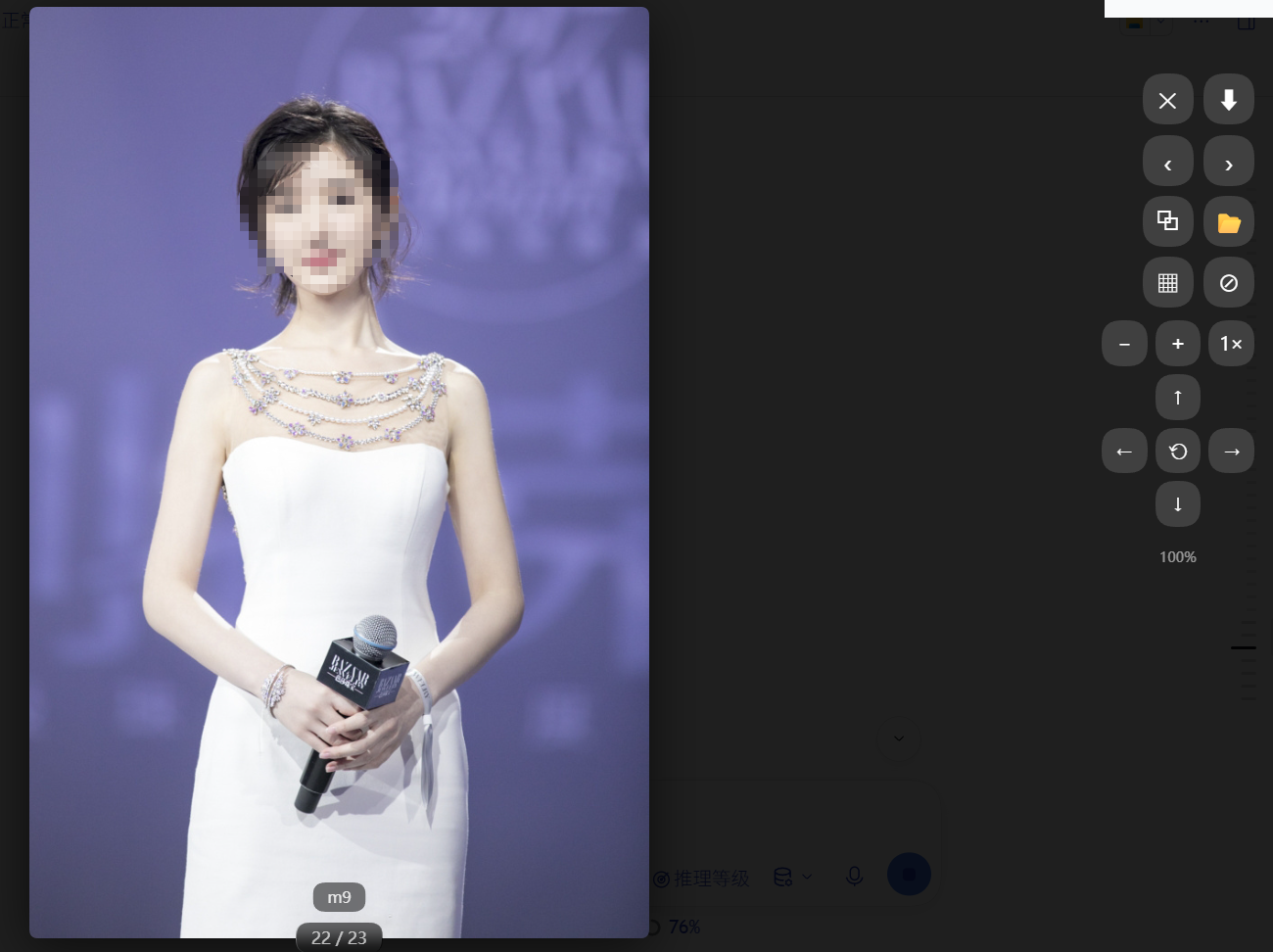
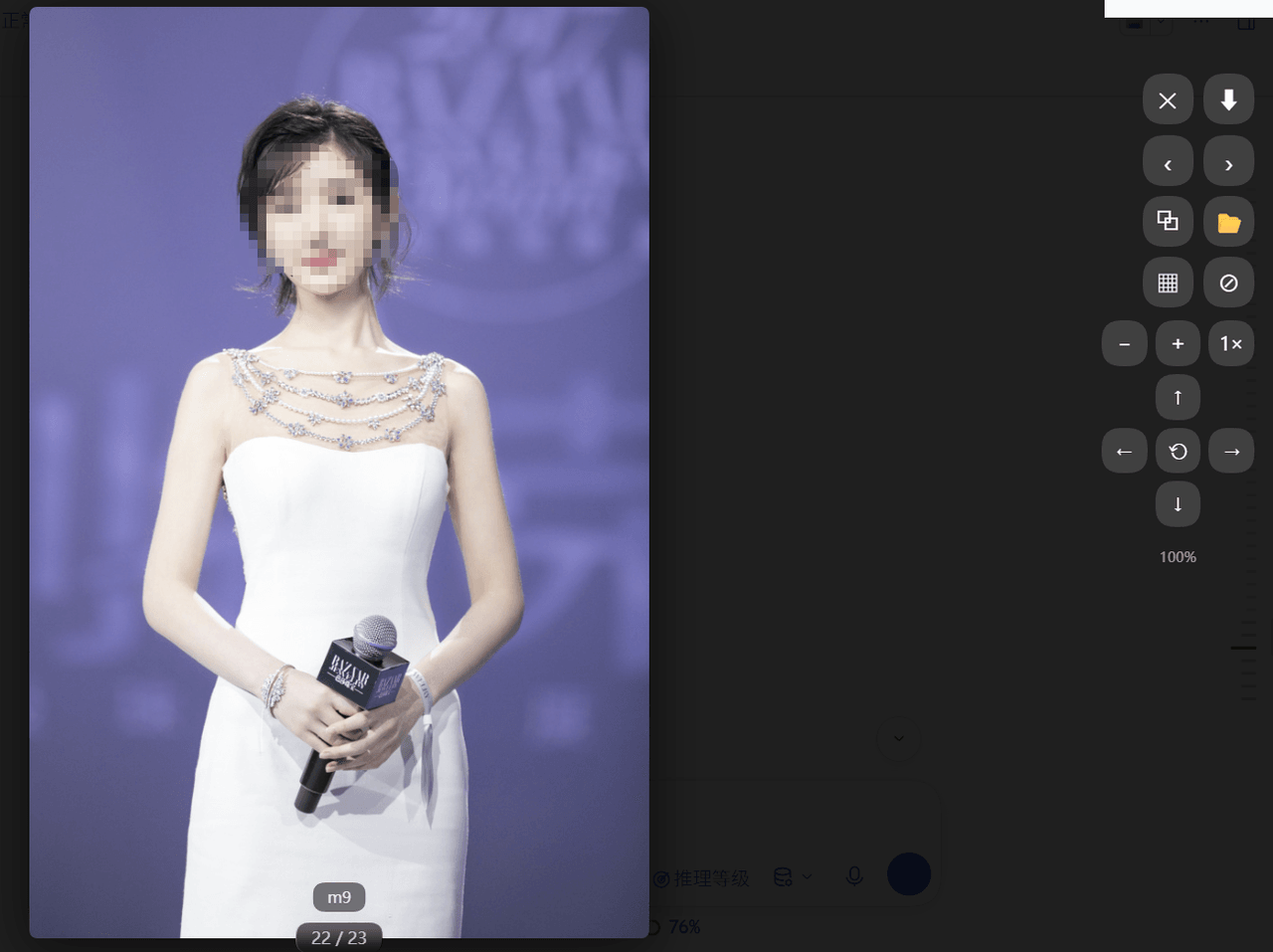
原图完整显示(自动适配屏幕高度),右上角是「⬇ 下载」与「✕ 关闭」;同一条消息里的其他图片可连续翻页浏览。 The full-resolution image auto-fits the viewport, with ⬇ download and ✕ close in the top-right; other images in the same message can be paged through.
缩略图分列 · Thumbnail grid with adjustable columns
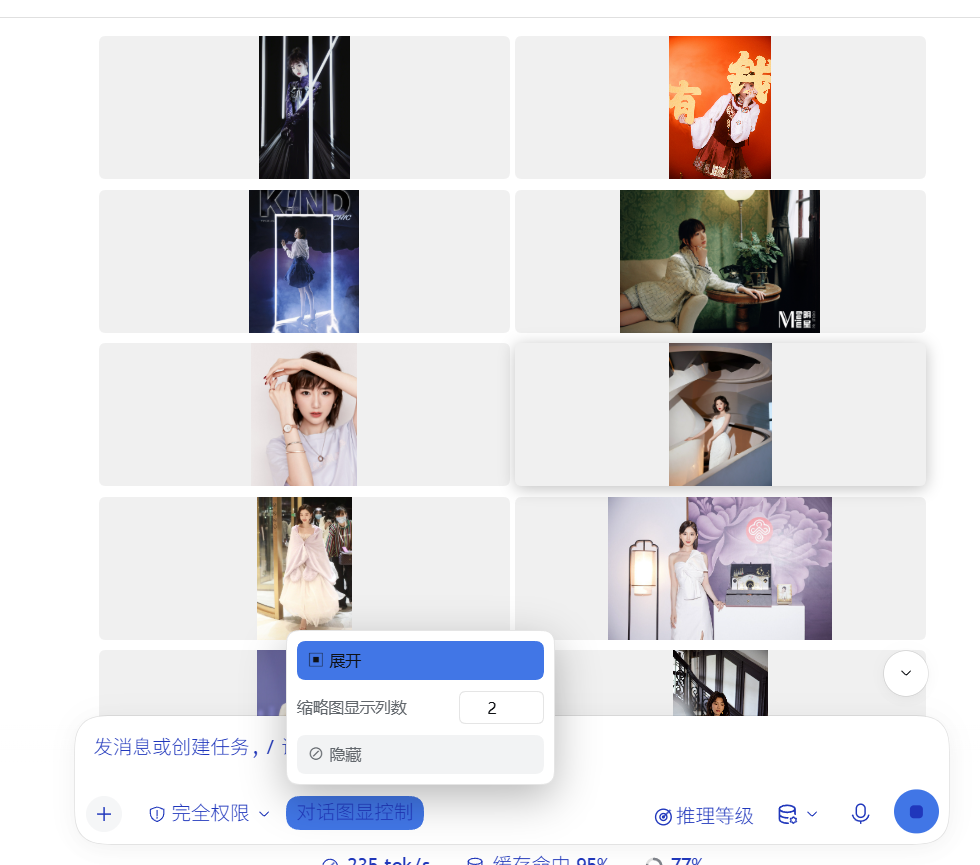
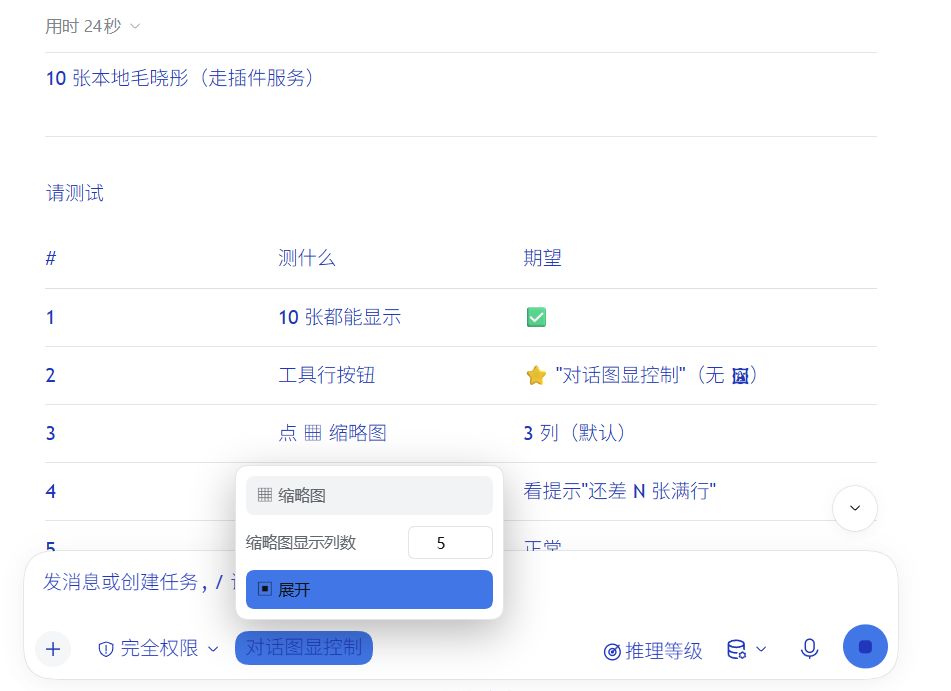
Showing the opening section of the README — the full document lives in the repository以上为 README 开头摘要,完整文档在仓库内 · View the full README on GitHub →在 GitHub 查看完整 README →
Related相关推荐
- victorwads/dsh-live-voice Local-first voice conversations for DSH. Run speech recognition and speech synthesis on your own machine, with optional …
- cinob/dsh-plugin-custom-provider-enhancer ⚡ DeepSeek Harness 自定义模型增强插件:在配置第三方提供商时,自动从权威模型库补齐上下文大小、Token 上限、视觉多模态输入与思考强度档位。
-
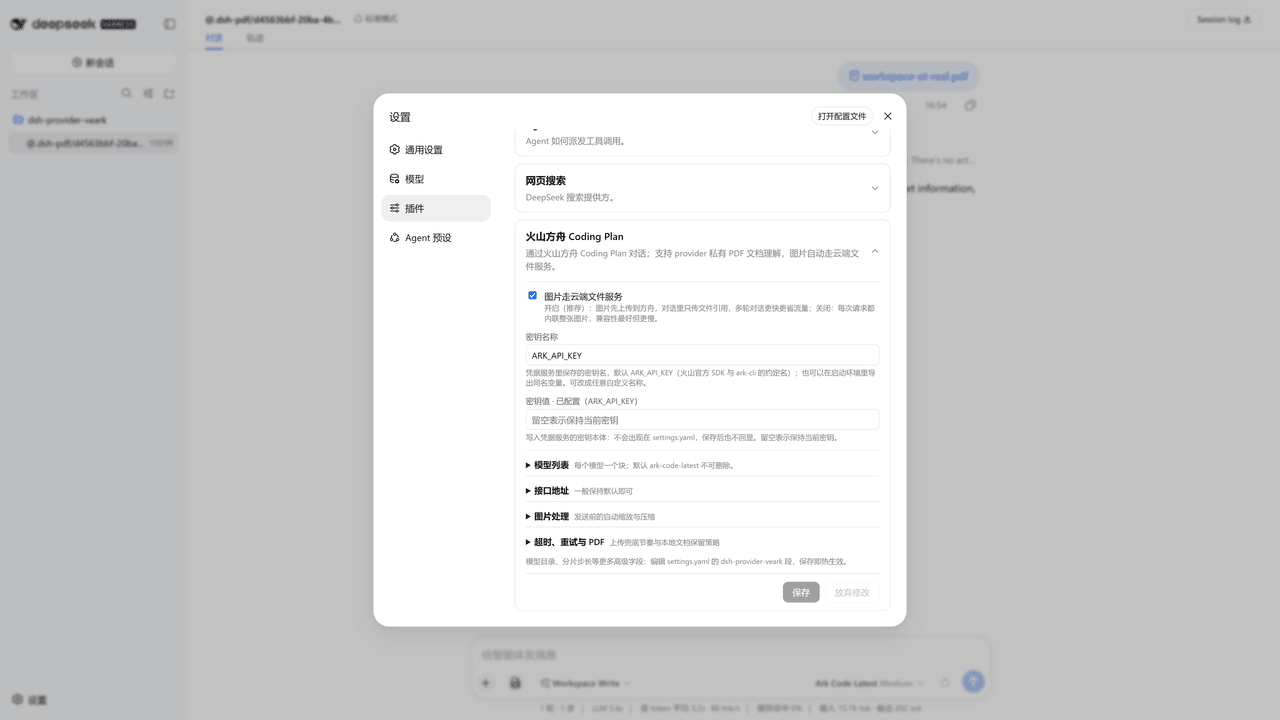 IcedWatermelonJuice/dsh-provider-veark
把火山方舟 Coding Plan 装进 DeepSeek Harness:文本 + 图片对话,图片走 Files API,密钥粘贴即用
IcedWatermelonJuice/dsh-provider-veark
把火山方舟 Coding Plan 装进 DeepSeek Harness:文本 + 图片对话,图片走 Files API,密钥粘贴即用
-
 Alisa0808/vox-director
Turn one topic into a finished Vox-style paper-collage explainer/ad video — automated end to end on Atlas Cloud + ffmpeg…
Alisa0808/vox-director
Turn one topic into a finished Vox-style paper-collage explainer/ad video — automated end to end on Atlas Cloud + ffmpeg…
-
 ysr666/dsh-vision-router
Eyes for text-only DeepSeek Harness agents: built-in free vision chain (no key) + pixel-level vision tools (Q&A, groundi…
ysr666/dsh-vision-router
Eyes for text-only DeepSeek Harness agents: built-in free vision chain (no key) + pixel-level vision tools (Q&A, groundi…
-
 Mars-Sea/dsh-commandcode-provider
Command Code provider plugin for DeepSeek Harness (dsh). Adds Command Code model access, live model catalog, plan-aware …
Mars-Sea/dsh-commandcode-provider
Command Code provider plugin for DeepSeek Harness (dsh). Adds Command Code model access, live model catalog, plan-aware …
-
 ZSeven-W/dsh-ios
DeepSeek Harness (DSH) plugin: a live iOS Simulator — and a USB-connected iPhone — inside the conversation. 22 agent too…
ZSeven-W/dsh-ios
DeepSeek Harness (DSH) plugin: a live iOS Simulator — and a USB-connected iPhone — inside the conversation. 22 agent too…
-
 volcengine/ark-cli
The fastest way to put Volcengine Ark in your terminal and your AI agent — go from prompt to generated media, multimod…
volcengine/ark-cli
The fastest way to put Volcengine Ark in your terminal and your AI agent — go from prompt to generated media, multimod…