Lxd-Ashe/dsh-codex-theme
Codex 主题外观插件 for DeepSeek Harness(DSH):把 Codex 主题配置(codex-theme-v1,80 款浅/深色主题)做成可在 DSH 中直接切换、可自定义的外观插件。
项目介绍Project Overview
dsh-codex-theme 是面向 DeepSeek Harness(DSH)的外观主题插件,内置 80 款 Codex 主题预设(浅色 26 款、深色 54 款)。在 DSH 设置内可直接切换浅色/深色/跟随系统,并按当前配色从单一下拉框选择对应预设,选中项会按配色分别记忆。插件还提供 UI 与代码的字体、字号自定义,仅列出本机已安装字体。设置写入 $DSH_HOME/settings.yaml,重启 DSH 后保持。适用于希望统一 DSH 视觉风格、并按场景切换主题与字体的用户。注意:字体枚举在 macOS 上最完整,其他平台可能回退为显示全部候选字体。
dsh-codex-theme is a DSH (DeepSeek Harness) plugin that ports the Codex theme configuration as a switchable appearance add-on. It ships 80 presets (26 light, 54 dark) and exposes a single dropdown that filters by the current light/dark mode, with the selected preset remembered per mode. It also provides UI and code font family/size customization, and writes all settings to $DSH_HOME/settings.yaml for persistence across restarts. Use it when you want Codex-style theming plus per-mode preset switching inside DSH. Caveat: native font enumeration is most complete on macOS; on other platforms the font dropdown may fall back to listing all candidates.
请帮我了解并安装插件:【dsh-codex-theme】【https://github.com/Lxd-Ashe/dsh-codex-theme】把上面这条消息直接发给当前会话里的 DSH,让它帮你了解并安装。安装命令不一定准确,发给 DSH 更稳。Send this message to DSH in your current session. CLI install commands may not be accurate across systems — DSH will figure it out for you.
或使用命令行安装(适合开发者)Or use CLI install (for developers)
命令行安装CLI Install
dsh plugin add dsh-codex-theme把 Lxd-Ashe/dsh-codex-theme 加入你的 DSH 配置(web profile)即可启用。
READMEREADME
dsh-codex-theme
English | 中文
Codex 主题外观插件 for DeepSeek Harness(DSH):把 Codex 主题配置(codex-theme-v1,80 款浅/深色主题)做成可在 DSH 中直接切换、可自定义的外观插件。
功能
- 80 款主题预设:浅色 26 款 + 深色 54 款,默认即 Codex 配色(浅色 accent
#339CFF/ 深色 accent#0169CC)。 - 外观三选一:面板内可直接切换浅色 / 深色 / 跟随系统(与「设置 → 通用设置」的外观设置同步),不用跳出本插件。
- 单主题下拉框:一个下拉框跟随当前配色显示预设列表——深色时列出深色 54 款、浅色时列出浅色 26 款(每个预设带 6 段色带预览);选中的主题按配色分别记忆,切回该配色时自动恢复,切换即时生效。
- 字体与字号自定义:可分别设置 UI 字体/字号、代码字体/字号;字体下拉只列出本机实际安装的字体,「系统默认」即不覆盖 DSH 原生外观。
- 持久化:所有设置写入
$DSH_HOME/settings.yaml,重启 DSH 后保持不变。 - 可随时停用:在 DSH 设置 → 插件管理中禁用/卸载本插件,即回到 DSH 原生外观。
截图
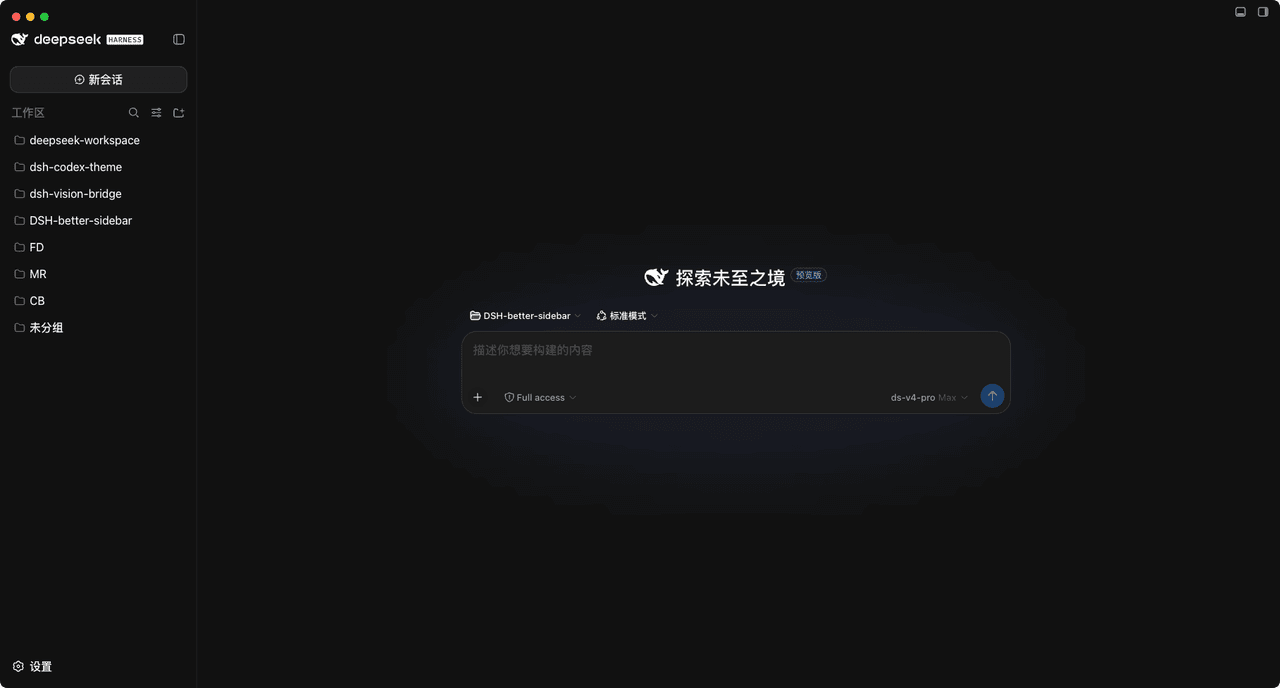
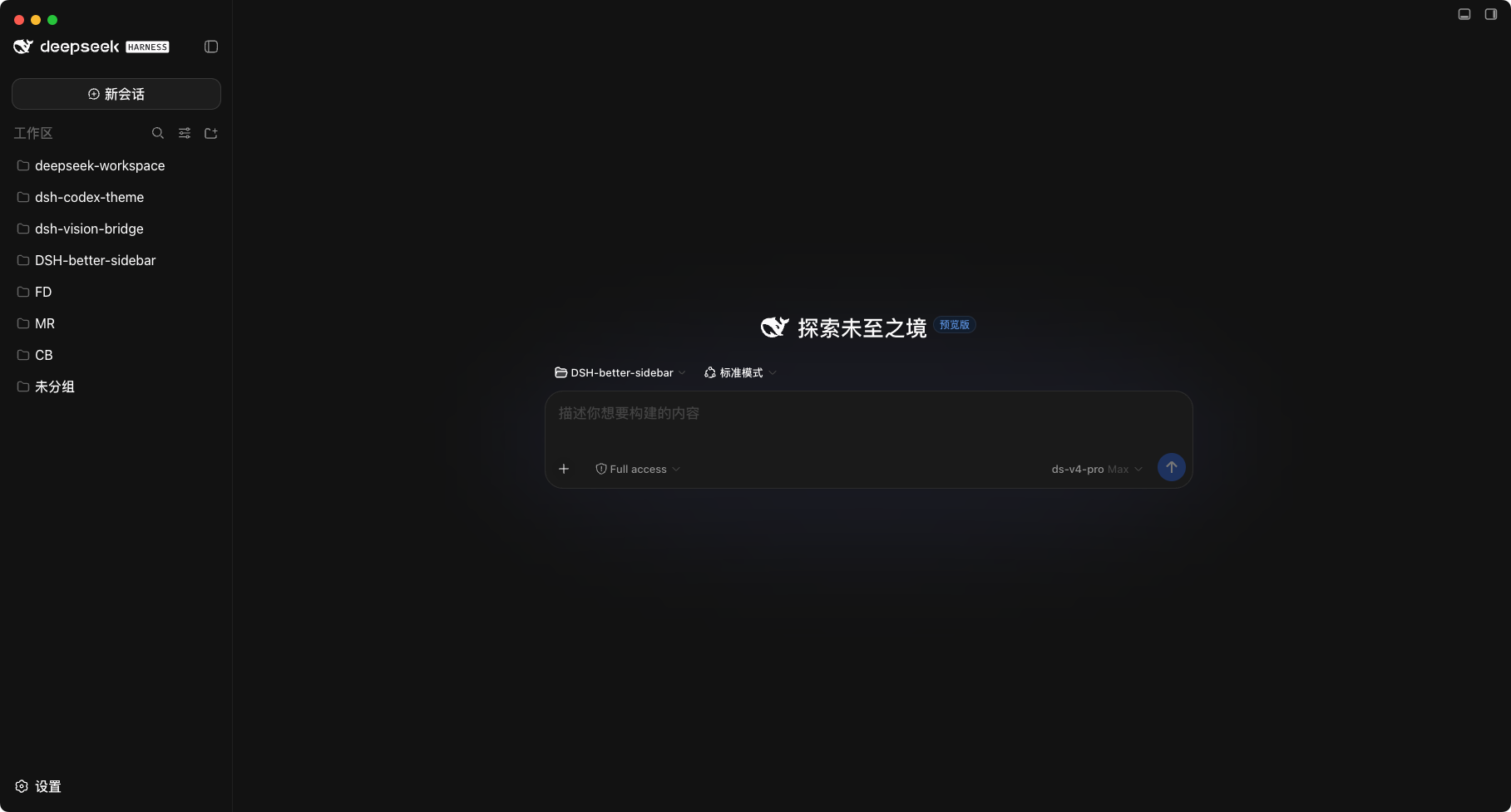
深色主题(Codex 默认)
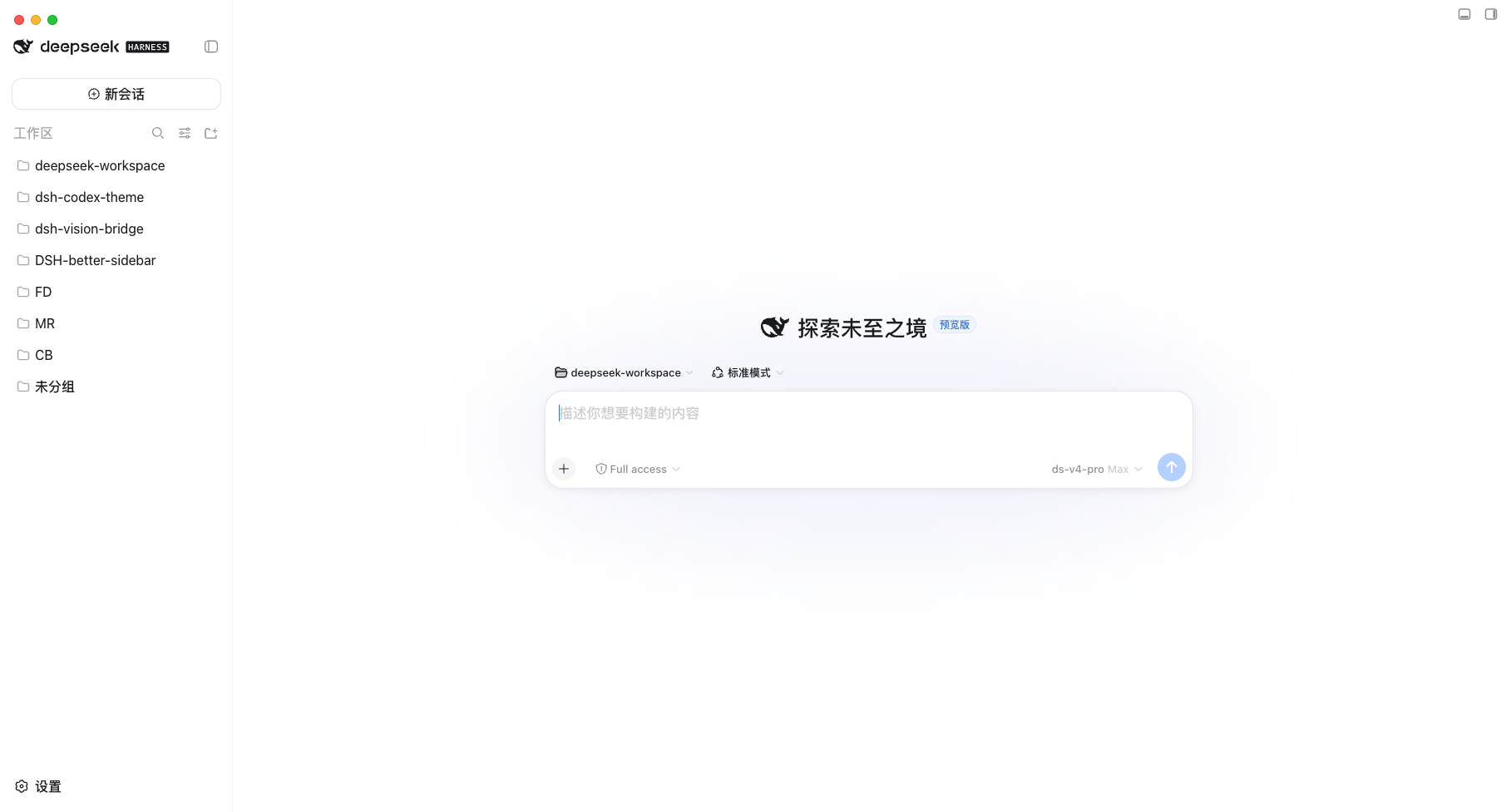
浅色主题(Codex 默认)
运行原理
本插件是一个 DSH 双半插件(host + client):
- Host 半侧(
lib/index.js):- 注册
dsh-codex-theme设置命名空间(写入$DSH_HOME/settings.yaml); - 注册本机字体枚举路由(
/api/dsh-codex-theme/fonts),供外观面板过滤字体下拉,只显示实际安装的字体。
- 注册
- Client 半侧(
lib/client.js):在设置页注入「Codex 主题」面板,通过theme.overrideTokens把所选预设映射为 DSH 的--dsw-*主题 token 覆盖层:surface→ 背景表面 token,ink→ 文本 token,accent→ 品牌/按钮/高亮 token,contrast→ 次级文本与边框的分档推导,diff 与技能色 → 对应的语义状态 token;- 覆盖层按「浅色 / 深色」外观各自生效,与 DSH 内置主题偏好无关,不受设置同步/重连回退影响,外观三选一切换即时生效。
主题预设表 src/client/presets.ts 由 scripts/build-presets.mjs 从 Codex 主题配置(VS Code 风格的 colors/tokenColors 清单)转换生成(已提交,构建不依赖外部文件;重新生成:node scripts/build-presets.mjs [path/to/codex-themes.json])。
支持平台
本插件的客户端平台为 DSH Web GUI,跟随 DSH 运行,macOS 与 Windows 均支持:
- 主题、字体、设置持久化等全部功能与操作系统无关,在两个平台上行为一致;
- 字体自动检测在 macOS 上最完整(host 通过
system_profiler枚举本机字体,结果缓存 10 分钟);其他平台枚举失败时优雅回退,字体下拉会显示全部候选字体。
安装
要求 Node.js ≥ 20、已安装 DSH(
dsh命令可用)。
方式一:一键添加
在 DSH Desktop 内置终端(或安装了 DSH CLI 的终端)中执行:
# 已发布到 npm registry 时
dsh plugin add dsh-codex-theme

# 直接从 GitHub 安装(无需发布到 npm)
dsh plugin add github:Lxd-Ashe/dsh-codex-theme
独立使用 dsh CLI 时如未配置默认 profile,需显式指定:
dsh plugin --profile <profile-name> add ...。
安装完成后重启 DSH(Desktop 应用或 dsh web)生效。
方式二:源码下载编译安装
git clone https://github.com/Lxd-Ashe/dsh-codex-theme.git
cd dsh-codex-theme
pnpm install
pnpm run build          # 产出 lib/index.js(host)与 lib/client.js(client bundle)

# 以本地链接方式安装到 profile
dsh plugin add link:/absolute/path/to/dsh-codex-theme
# 独立 dsh CLI 需显式指定 profile:
#   dsh plugin --profile <profile-name> add link:/absolute/path/to/dsh-codex-theme
安装完成后重启 DSH(Desktop 应用或 dsh web)生效。
卸载
dsh plugin remove dsh-codex-theme
也可以在 DSH 设置 → 插件管理中禁用或卸载本插件。
构建
pnpm install
pnpm run build       # 产出 lib/index.js 与 lib/client.js
pnpm run typecheck   # 类型检查
目录结构
├── lib/                      # 构建产物(host + client)
├── docs/                     # 截图(深色 / 浅色主题)
├── scripts/build-presets.mjs # 从 Codex 主题配置生成预设表
├── src/
│   ├── index.ts              # host:设置命名空间 + 字体枚举路由
│   ├── fonts-route.ts        # 本机字体枚举(macOS system_profiler)
│   ├── settings-schema.ts    # 设置 schema
│   └── client/               # client:主题面板与 token 推导
├── dsh.plugin.json           # DSH 插件清单
├── cordis.patch.yml          # bundle patch:挂载插件行
└── build.mjs                 # esbuild 构建脚本
License
本项目采用 MIT 开源协议。
相关推荐Related
-
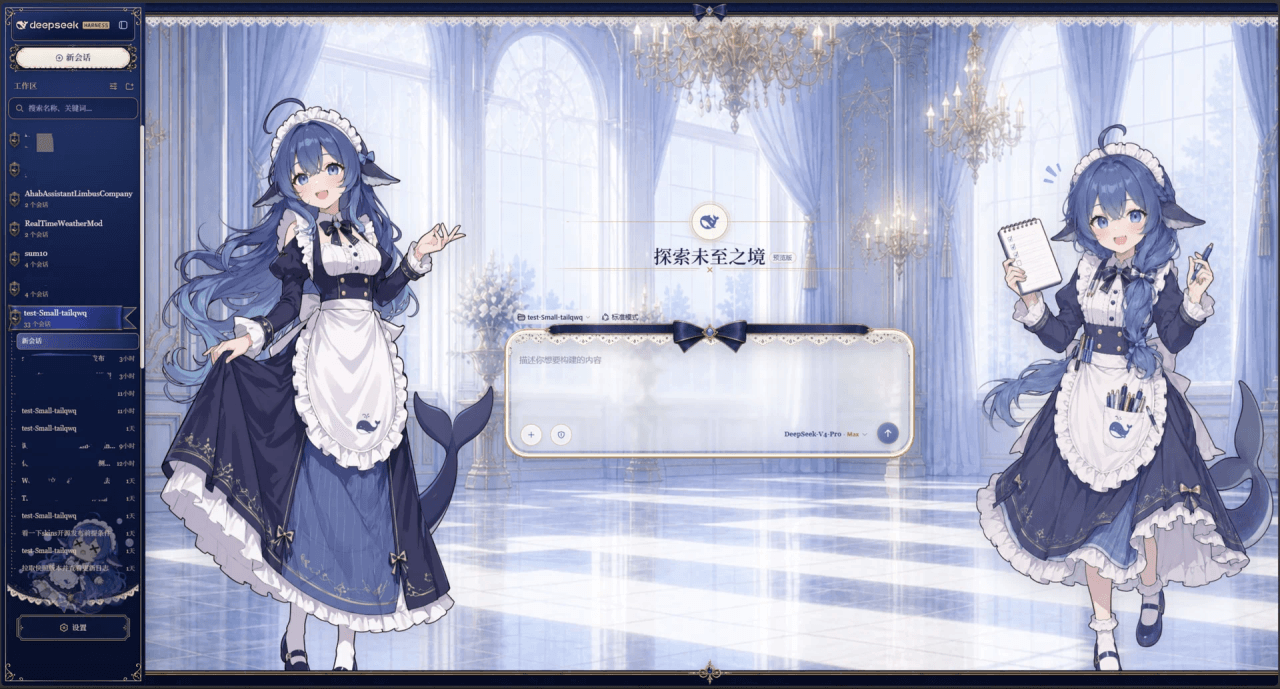 Small-tailqwq/dsh-deep-whale
Whale Girl skin series for DeepSeek Harness. 适用于 DeepSeek Harness 的,鲸鱼娘系列皮肤。
Small-tailqwq/dsh-deep-whale
Whale Girl skin series for DeepSeek Harness. 适用于 DeepSeek Harness 的,鲸鱼娘系列皮肤。
-
 kingOfSoySauce/dsh-liang-skin
DeepSeek Harness 滑动变阻器皮肤
kingOfSoySauce/dsh-liang-skin
DeepSeek Harness 滑动变阻器皮肤
-
 RevolutionLA/dsh-dream-skin
DeepSeek Harness 换肤 / 壁纸 / 主题包插件 (dsh-plugin) — 8 套 Mirage 主题、每用户强调色、壁纸2.0、主题包导入导出/分享链接、收藏与随机,纯原生 token 系统实现。
RevolutionLA/dsh-dream-skin
DeepSeek Harness 换肤 / 壁纸 / 主题包插件 (dsh-plugin) — 8 套 Mirage 主题、每用户强调色、壁纸2.0、主题包导入导出/分享链接、收藏与随机,纯原生 token 系统实现。
-
 Fishquito7/dsh-skill-mcp-panel
DSH Web UI plugin: skill and MCP management(Web界面的skill/MCP管理工具)
Fishquito7/dsh-skill-mcp-panel
DSH Web UI plugin: skill and MCP management(Web界面的skill/MCP管理工具)
-
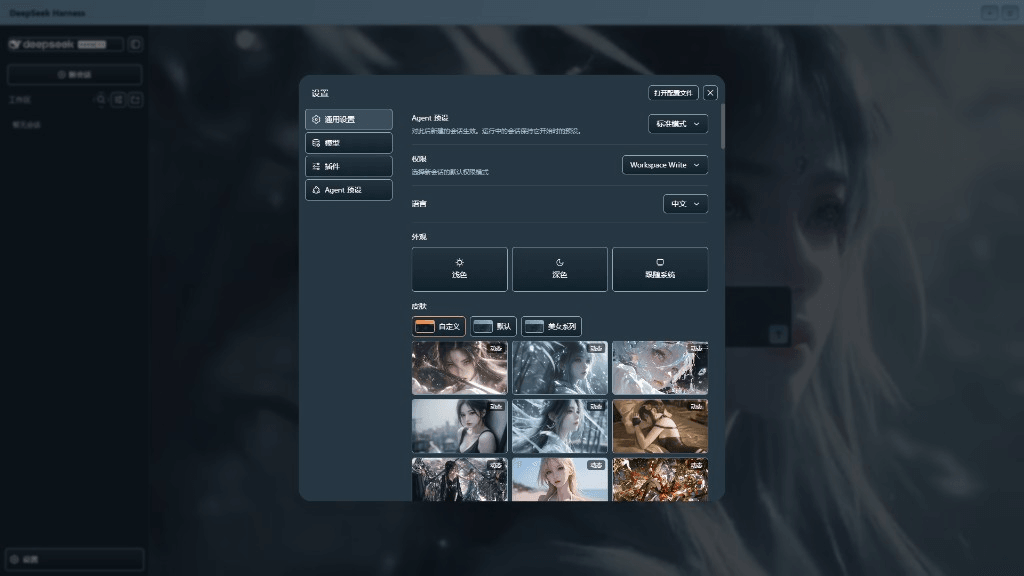 XieRW/dsh-beauty-skins
给 DeepSeek Harness 用的美女系列皮肤:设置里从 哲风壁纸 拉预览网格,点一张即应用,配色从壁纸提取。支持动态壁纸,也保留自定义选图。
XieRW/dsh-beauty-skins
给 DeepSeek Harness 用的美女系列皮肤:设置里从 哲风壁纸 拉预览网格,点一张即应用,配色从壁纸提取。支持动态壁纸,也保留自定义选图。
- ymh0000123/dsh-theme-endfield 终末地官网风格的 DSH Web 主题:奶油纸底、墨黑文字、信号黄强调、全直角工业编辑风。
-
 alingalingling/ui-status-label
把你鲸鱼娘思考时的 deep diving 自定义成任意你想要的样子
alingalingling/ui-status-label
把你鲸鱼娘思考时的 deep diving 自定义成任意你想要的样子
-
 SLin-code/dsh-custom-skin
DSH自定义壁纸/皮肤插件——Custom wallpapers and translucent skins for DeepSeek Harness Web
SLin-code/dsh-custom-skin
DSH自定义壁纸/皮肤插件——Custom wallpapers and translucent skins for DeepSeek Harness Web