lzylyd/dsh-dracula
DeepSeek Harness 网页界面的第三方 Dracula 深色主题
项目介绍Project Overview
dsh-dracula 是 DeepSeek Harness 的第三方 Dracula 暗色主题插件包,自身同时作为 bundle 与客户端插件,通过 ctx.theme.register 注册 dracula 主题,覆盖 --dsw-alias-* 与 --shiki-* CSS 令牌重绘整个 Web UI。提供 Themes 设置页用于 Light/Dark/System/Dracula 切换,并通过 localStorage 键 dsh.dracula-theme.preference 持久化用户选择。安装命令为 dsh plugin --profile web add dsh-dracula,主题仅支持暗色模式。
dsh-dracula is a third-party Dracula dark theme plugin package for the DeepSeek Harness web UI, acting as both bundle and client plugin. It registers the dracula theme via ctx.theme.register, recolouring the entire UI by overriding --dsw-alias-* and --shiki-* CSS tokens. A Themes settings page enables switching between Light, Dark, System, and Dracula, while localStorage key dsh.dracula-theme.preference persists the choice. Install with dsh plugin --profile web add dsh-dracula. The package is dark-only with no light variant.
请帮我了解并安装插件:【dsh-dracula】【https://github.com/lzylyd/dsh-dracula】把上面这条消息直接发给当前会话里的 DSH,让它帮你了解并安装。安装命令不一定准确,发给 DSH 更稳。Send this message to DSH in your current session. CLI install commands may not be accurate across systems — DSH will figure it out for you.
或使用命令行安装(适合开发者)Or use CLI install (for developers)
命令行安装CLI Install
dsh plugin --profile web add dsh-dracula把 lzylyd/dsh-dracula 加入你的 DSH 配置(web profile)即可启用。
READMEREADME
dsh-dracula
A third-party Dracula dark theme for the DeepSeek Harness web UI. Dark-only, covers the full --dsw-alias-* layer plus --shiki-* syntax highlighting, and ships a "Themes" settings page for switching.
Quick read (for agents)
- What it is: a DSH bundle npm package that registers a third-party theme (
dracula) through the client theme servicectx.theme.register(...), recolouring the whole web UI by overriding--dsw-alias-*and--shiki-*CSS tokens. - Shape: one package is both the bundle and the client plugin —
package.jsondeclaresdsh.bundle.patch(→cordis.patch.yml) anddsh.client(→./client). - Files:
src/client.tsx(theme registration + settings page + persistence),src/index.ts(empty host half),cordis.patch.yml(one self-referential rowdsh-dracula). - Persistence:
localStoragekeydsh.dracula-theme.preferencemirrors everytheme/change; restores on startup, defaults todraculaon first run. Guarded against quota/privacy/parse failures. - Build:
pnpm install && pnpm build(tsdown →lib/client.js,lib/index.js). - Install on another DSH:
dsh plugin --profile web add dsh-dracula.
Install / use
dsh plugin --profile web add dsh-dracula
dsh web
Then open Settings → Themes to switch between Light / Dark / System / Dracula.
Develop
pnpm install
pnpm build      # or: pnpm watch
Publish
Tag a v* release; GitHub Actions runs pnpm install && pnpm build && pnpm publish using the NPM_TOKEN secret.
Design record
See ../doc/CONTEXT.md (glossary) and ../doc/adr/0001-dracula-theme-persistence.md (persistence decision).
相关推荐Related
-
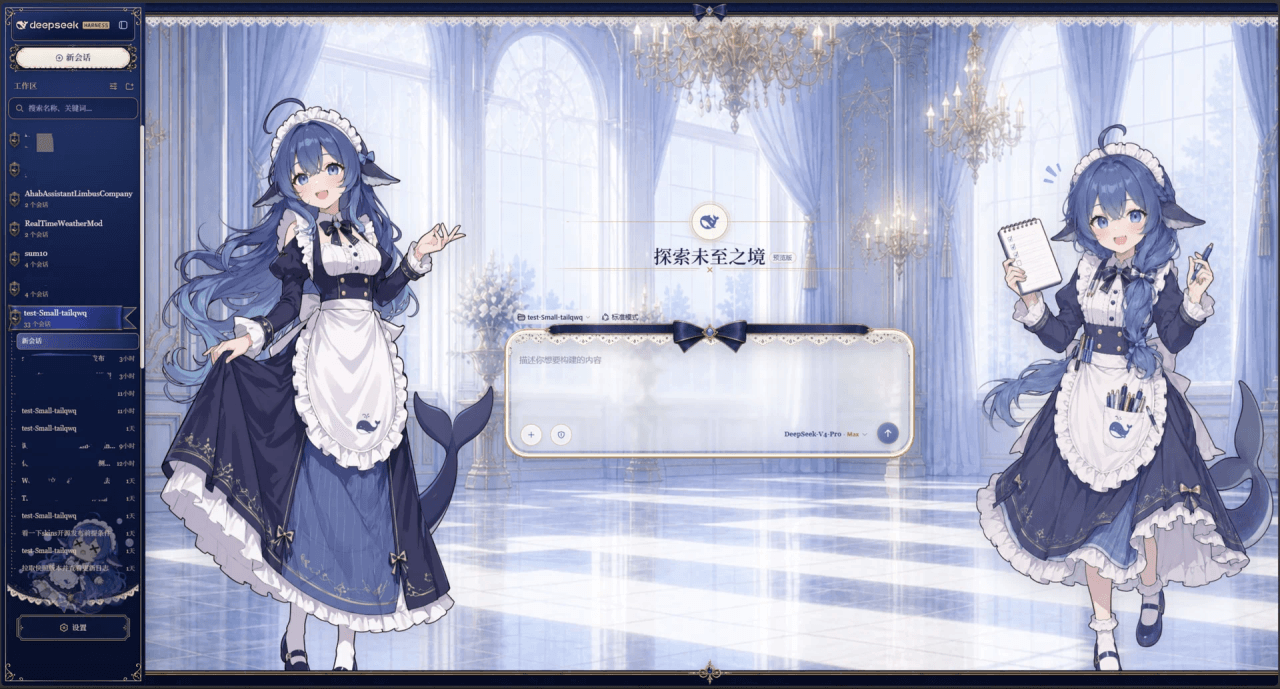 Small-tailqwq/dsh-deep-whale
Whale Girl skin series for DeepSeek Harness. 适用于 DeepSeek Harness 的,鲸鱼娘系列皮肤。
Small-tailqwq/dsh-deep-whale
Whale Girl skin series for DeepSeek Harness. 适用于 DeepSeek Harness 的,鲸鱼娘系列皮肤。
-
 kingOfSoySauce/dsh-liang-skin
DeepSeek Harness 滑动变阻器皮肤
kingOfSoySauce/dsh-liang-skin
DeepSeek Harness 滑动变阻器皮肤
-
 RevolutionLA/dsh-dream-skin
DeepSeek Harness 换肤 / 壁纸 / 主题包插件 (dsh-plugin) — 8 套 Mirage 主题、每用户强调色、壁纸2.0、主题包导入导出/分享链接、收藏与随机,纯原生 token 系统实现。
RevolutionLA/dsh-dream-skin
DeepSeek Harness 换肤 / 壁纸 / 主题包插件 (dsh-plugin) — 8 套 Mirage 主题、每用户强调色、壁纸2.0、主题包导入导出/分享链接、收藏与随机,纯原生 token 系统实现。
-
 Fishquito7/dsh-skill-mcp-panel
DSH Web UI plugin: skill and MCP management(Web界面的skill/MCP管理工具)
Fishquito7/dsh-skill-mcp-panel
DSH Web UI plugin: skill and MCP management(Web界面的skill/MCP管理工具)
-
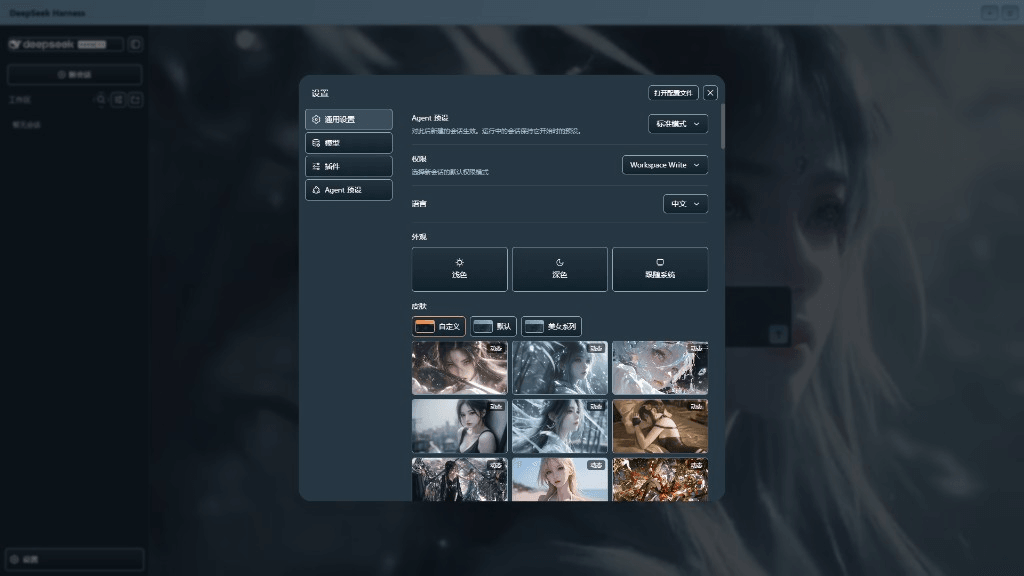 XieRW/dsh-beauty-skins
给 DeepSeek Harness 用的美女系列皮肤:设置里从 哲风壁纸 拉预览网格,点一张即应用,配色从壁纸提取。支持动态壁纸,也保留自定义选图。
XieRW/dsh-beauty-skins
给 DeepSeek Harness 用的美女系列皮肤:设置里从 哲风壁纸 拉预览网格,点一张即应用,配色从壁纸提取。支持动态壁纸,也保留自定义选图。
- ymh0000123/dsh-theme-endfield 终末地官网风格的 DSH Web 主题:奶油纸底、墨黑文字、信号黄强调、全直角工业编辑风。
-
 alingalingling/ui-status-label
把你鲸鱼娘思考时的 deep diving 自定义成任意你想要的样子
alingalingling/ui-status-label
把你鲸鱼娘思考时的 deep diving 自定义成任意你想要的样子
-
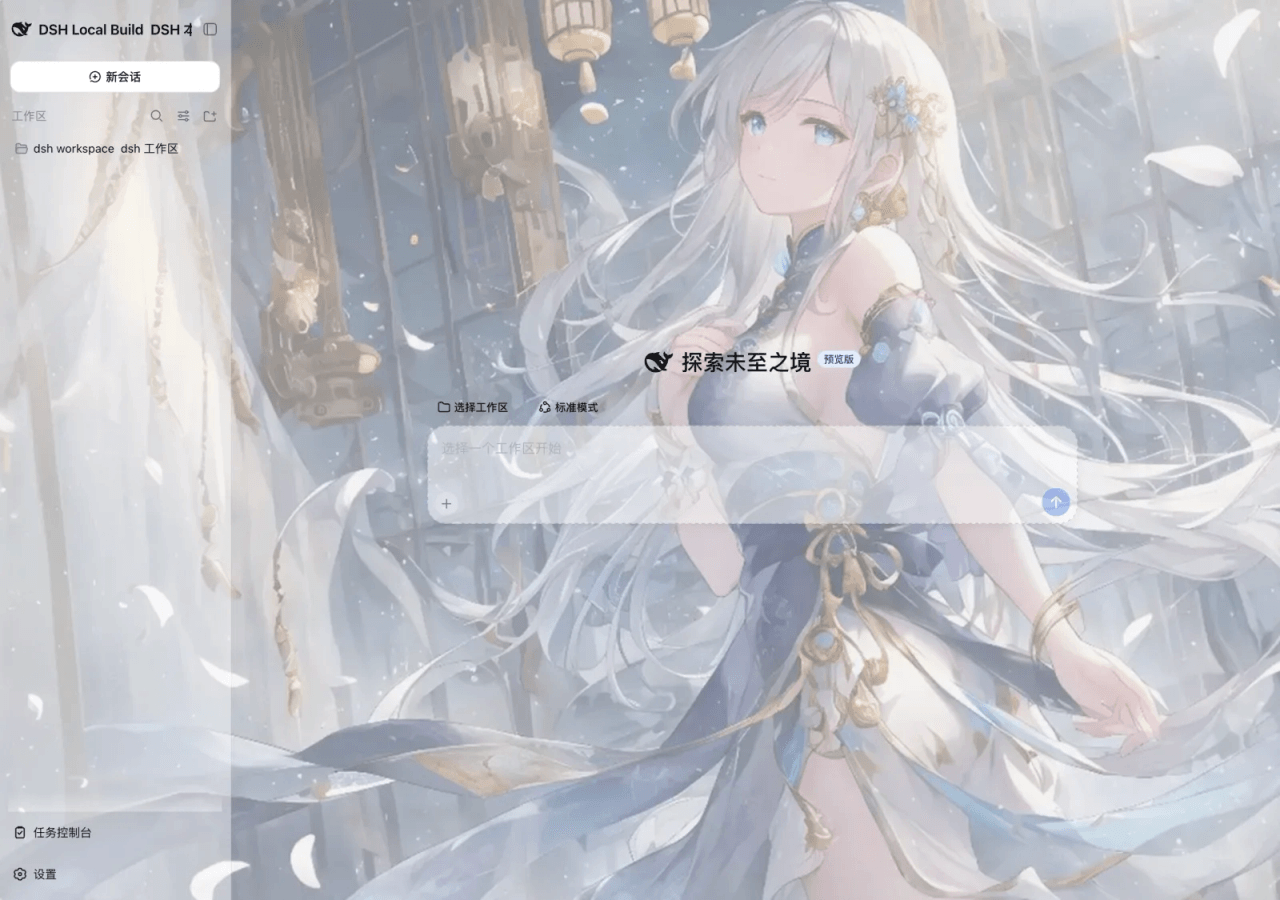 SLin-code/dsh-custom-skin
DSH自定义壁纸/皮肤插件——Custom wallpapers and translucent skins for DeepSeek Harness Web
SLin-code/dsh-custom-skin
DSH自定义壁纸/皮肤插件——Custom wallpapers and translucent skins for DeepSeek Harness Web