MDR-EX1000/dsh-rw
Project Overview项目介绍
A DSH plugin that turns a remote SSH directory into a native workspace. It exposes rw_* tools backed by a persistent ssh2 pool, and by default shims DSH's native read/write/edit/bash tools so the agent operates directly on the remote filesystem, with the remote as the single source of truth. Use it when the agent needs a persistent remote project root to read, edit, build, and test against, like a Remote-SSH workspace. Caveat: single-hop only, no ProxyJump; rw_exec is one-shot with no interactive PTY.
DSH 插件,把 SSH 远端目录挂为原生工作区。核心能力:通过 ssh2 连接池提供 rw_* 工具,并默认以 shim 模式拦截 DSH 原生 read/write/edit/bash 等工具直接读写远端文件系统,远端为唯一数据源。适用于让 Agent 长时间在远程主机上读、编辑、构建、测试。安装见 Release 页面。注意:仅单跳,不支持 ProxyJump;rw_exec 为一次性执行,无交互式 PTY。
请帮我了解并安装插件:【dsh-rw】【https://github.com/MDR-EX1000/dsh-rw】Send this message to DSH in your current session. CLI install commands may not be accurate across systems — DSH will figure it out for you.把上面这条消息直接发给当前会话里的 DSH,让它帮你了解并安装。安装命令不一定准确,发给 DSH 更稳。
Or use CLI install (for developers)或使用命令行安装(适合开发者)
CLI Install命令行安装
dsh plugin --profile web add github:MDR-EX1000/dsh-rw把 MDR-EX1000/dsh-rw 加入你的 DSH 配置(web profile)即可启用。
READMEREADME
dsh-rw


Remote-SSH-style workspaces for DeepSeek Harness (DSH).
Version 0.4.3 supports DSH 0.1.2-rc.1 and compatible later 0.1.x releases.
Pick an SSH host and a remote directory — that directory becomes a native DSH workspace, and the agent works directly on the remote filesystem through rw_* tools (SFTP/exec over a persistent ssh2 pool). No mirror, no sync: the remote is the single source of truth.
Zero config since 0.4.0 — once a remote workspace is active, the agent's native read/write/edit/bash tools run on the remote host automatically; you never have to teach it a new tool.
Think of it as the workspace counterpart of an SSH ops toolbox: instead of "run one command over there", the agent gets a persistent remote project root it can read, edit, build, and test in — like VS Code Remote-SSH, but for your agent.
Features
- Remote directory as a native workspace — a centered picker modal fills the DSH "Add workspace" flow: a compact two-card chooser (
LOCAL/REMOTEin English) leads to the local page (OS folder chooser) or a Codex-style remote page (alias-only host dropdown,~/-prefilled remote-home path, inline directory browser with live type-to-filter, optional workspace name). - Follows DSH Language — every picker label, hint, validation message, loading state, confirmation, and fallback message ships in Chinese and English. The active copy follows DSH's global Settings → Language preference and updates immediately while the picker is open; no plugin-specific language setting or restart is required.
- Hosts come from
~/.ssh/config— zero configuration: your existing aliases show up automatically (re-read on file change, no restart). Password-auth hosts can be added in the picker (stored locally, file mode0600). - Real workspace confinement — every
rw_*file path is confined to the picked workspace root:../, absolute paths outside the root, and symlink escapes (SYMLINK_ESCAPEvia remoterealpath) are rejected with structured errors. - SSH host key verification — verifies against
~/.ssh/known_hostsby default (accept-new: first-seen keys are recorded), withstrictand an explicitoffpolicy. A changed host key is refused, never silently accepted. - Structured errors — connection refused / auth failed / timeout / no such path / permission denied / outside workspace / host key problems are distinct error codes, so the agent can react correctly.
- Self-healing connections — the ssh2 pool keepalives (15s × 3) detect dropped connections, and channel/subsystem opens are bounded (
channelOpenTimeoutMs, default 10s) so a silently dead connection (half-open TCP) can't hang an operation. An operation that lands on a dead connection is transparently retried once on a fresh redial — transient network blips never reach the agent as errors. - Placeholder, not a copy — the local directory DSH registers is an empty placeholder (
.dsh-rw-meta.jsonrecords theuser@host:pathorigin). It never holds remote file contents, so there is nothing to sync and no conflicts. It takes a clean name — the remote basename or the name you give in the picker; a hash suffix appears only on a naming conflict (legacy hash-suffixed placeholders keep working). - Shim mode (on by default) — DSH's native
read/write/edit/str_replace_editor/glob/grep/bashtools are intercepted on the tool pipeline and translated to remote execution, so the agent works as if the workspace were local without learningrw_*. Paths map placeholder↔remote in both directions, edits re-stat before writing back (RW_EDIT_CONFLICTon a concurrent change), and shimmedbashescalates to the approval dialog naming the remote host. On by default — setshim: false(cordis config ordsh-rw:in~/.dsh/settings.yaml) to opt out and use only the explicitrw_*tools. The shim anchors on the agent session's cwd placeholder — not the mutablerw_*session — sorw_disconnector reconnectingrw_*to another host can't silently redirect native tools; calls rooted outside the placeholder always pass through to the local tool unchanged. - Fail loud, never silently local — if a placeholder's host was removed from the config, calls that would touch that placeholder fail with an actionable
NOT_CONNECTEDerror instead of silently running against the empty local directory. The block is path-aware: only calls touching the broken placeholder fail; everything else still passes through.
Install
GitHub source, using the compact repository basename shown by DSH Market:
dsh plugin --profile web add github:MDR-EX1000/dsh-rw
The repository tracks the compiled lib/ output and has no prepare, prepack, install, or
postinstall lifecycle hook. Installing this source therefore needs neither a local TypeScript
toolchain nor permission to build the plugin. DSH Market keeps the github: source when updating
the plugin and resolves the repository's current default-branch commit.
The matching immutable release package remains available when an exact release archive is needed:
dsh plugin --profile web add https://github.com/MDR-EX1000/dsh-rw/releases/latest/download/dsh-rw.tgz
Release packages include the same compiled lib/ output. The stable dsh-rw.tgz filename keeps
the releases/latest/download URL valid across versions.
Source-install maintenance notes
The basename installation follows the repository's default branch and does not run this plugin's
build script during installation. The runtime entry point is the committed lib/index.js, so
keep generated lib/ files in Git and rebuild them whenever src/ changes:
pnpm build
git add lib
The plugin itself currently has no prepare, prepack, or postinstall build hook. Its ssh2
dependency may still request pnpm permission for optional native modules (ssh2 and
cpu-features); profiles using pnpm's build-script allowlist must allow those dependencies. This
is dependency setup, not a rebuild of dsh-rw.
For each release, build and commit lib/ before pushing the version commit and tag. Existing
basename installations then stay on the same concise GitHub source through future Market updates.
Use a Release tarball only when an exact tested archive is required.
From a local checkout (development):
dsh plugin --profile web add /path/to/dsh-rw
Restart dsh web afterwards. The plugin activates on boot; the "Add workspace" flow gains the card-based picker.
Quick start
- Pick a workspace — sidebar / conversation Add workspace → REMOTE card → choose a host (from
~/.ssh/config, or + Add host on its own subpage for password auth) → browse or type a remote path (starts at the remote home~/; optionally give it a workspace name) → Use as remote workspace. These labels appear in Chinese when the global DSH language is Chinese. - Work with the agent as usual — with shim mode on (the default), the agent's native
read/write/edit/glob/grep/bashcalls inside the workspace are translated to the remote host automatically. Just ask it to fix a bug, run the tests, or refactor — nothing new to learn. - Explicit remote ops when you want them — the
rw_*tools stay available:rw_list_dir/rw_read_file/rw_write_file/rw_mkdir/rw_move/rw_delete— file operations (workspace-confined)rw_exec— run shell commands with the workspace root as cwd (build, test, grep, …)rw_hosts/rw_connect/rw_pick_workspace/rw_info/rw_disconnect— host & session management
Configuration
dsh-rw reads two configuration layers:
- Cordis entry config (the plugin entry in your cordis.yml / loader patch) — the base layer for
every key below.
hostKeyPolicy,knownHostsPath,commandTimeoutMs,connectTimeoutMs, andmaxOutputCharsare configured only here. ~/.dsh/settings.yaml— thedsh-rw:section overrides only the three shim switches. Changes made through the settings service apply live; after editing the file by hand, restartdsh webto be sure they are picked up. Resolution order: schema defaults → cordis entry config (base) → this user layer.
# ~/.dsh/settings.yaml — all three keys default to the values shown; you only
# need this section to opt OUT of shim mode.
dsh-rw:
  shim: false             # default true: native tools run on the remote workspace.
                          # Set false to use only the explicit rw_* tools.
  # shimBash: true        # also intercept bash (session cwd must be the placeholder)
  # shimBashApproval: ask # ask = approval dialog naming the remote host (skipped on
                          # never-ask presets like danger-full-access, which run directly);
                          # native = defer to the native bash policy
Plugin config keys (defaults shown):
| Key | Default | Layer | Meaning |
|---|---|---|---|
hostKeyPolicy |
'accept-new' |
cordis only | 'accept-new' learns first-seen keys into known_hosts; 'strict' refuses unknown; 'off' disables verification (explicitly) |
knownHostsPath |
~/.ssh/known_hosts |
cordis only | known_hosts file used for verification |
commandTimeoutMs |
30000 |
cordis only | per remote command timeout |
connectTimeoutMs |
15000 |
cordis only | SSH handshake timeout |
channelOpenTimeoutMs |
10000 |
cordis only | channel/subsystem open timeout: bounds the wait on a silently dead connection before it is dropped and retried once on a fresh connection |
maxOutputChars |
200000 |
cordis only | cap on collected stdout/stderr per call |
shim |
true |
cordis + settings | shim mode: intercept the native read/write/edit/str_replace_editor/glob/grep/bash tools and run them against the active remote workspace (set false to opt out and use only rw_*) |
shimBash |
true |
cordis + settings | with shim on, also intercept bash (only when the agent session cwd is the placeholder workspace) |
shimBashApproval |
'ask' |
cordis + settings | shimmed bash approval: 'ask' escalates to the DSH approval dialog (reason names the remote host), but stands down on never-ask presets such as danger-full-access — asking there auto-rejects without a dialog, so the command just runs; 'native' always defers to the native bash policy |
Language
dsh-rw registers its zh and en dictionaries with the official
@deepseek-ai/dsh-client-locale service. It reads the same Host-backed global preference as the
rest of DSH (locale.preference in ~/.dsh/settings.yaml) and subscribes to locale revisions, so
changing Settings → Language re-renders an already-open picker immediately. English is the
fallback for other language packs until they contribute a dsh-rw namespace dictionary.
Security model
- Workspace confinement — file tools resolve every path against the workspace root and verify the real path (following symlinks) stays inside. Writes validate the nearest existing ancestor.
- Host key verification as described above; host key changes abort the connection with
HOSTKEY_CHANGED. - Loopback-only HTTP routes —
/api/dsh-rw/*refuses non-loopback callers. - Secrets — passwords/passphrases are stored plaintext in
~/.dsh/dsh-rw.json(mode0600, same trust model asdsh-ssh); they never appear in tool output, API responses, or error messages. Private keys are only read by ssh2 at connect time. - Scope — giving the plugin a host's credentials lets the agent run shell commands as that user on that host. Only connect hosts you trust.
rw_deleteperforms real remote deletion.
Relationship to @linxin666/dsh-ssh
Complementary, not a replacement. dsh-ssh is an ops toolbox (web terminal, port-forward tunnels, SFTP transfer GUI, cluster exec, ProxyJump). dsh-rw is the workspace layer (persistent remote project root for the agent). They coexist: different tool names (ssh_* vs rw_*), different routes, separate connection pools.
Known limitations
- No ProxyJump / jump-host chains (single-hop only).
rw_execis one-shot, no interactive PTY.- File reads are text-oriented (line paging) with a 2 MB cap; large binary transfers are out of scope.
- The DSH file tree shows the empty placeholder directory, not remote files — remote browsing happens through the picker or the agent.
Development
pnpm install
pnpm build        # tsc (host) + esbuild wrapper (client)
pnpm test         # vitest — all SSH/SFTP mocked
pnpm typecheck
Real-host acceptance (opt-in, creates and cleans a temp dir on the target):
ssh <alias> 'mktemp -d /tmp/dsh-rw-acceptance.XXXXXX'   # then seed test data
node scripts/acceptance.mjs <alias> /tmp/dsh-rw-acceptance.XXXXXX
node scripts/live-shim.mjs <alias> <remote-dir>   # end-to-end shim acceptance (native tools → remote)
License
MIT
Related相关推荐
-
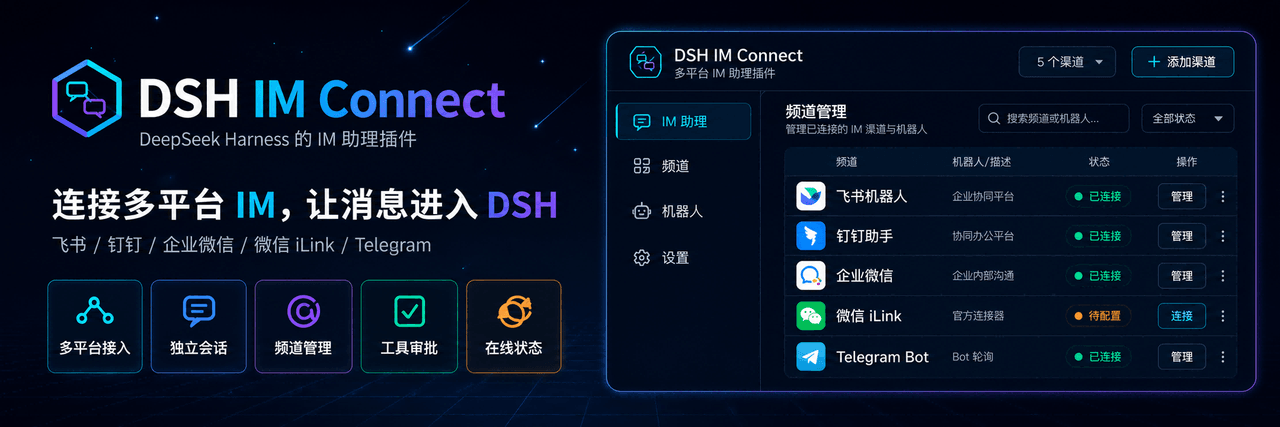 MichengAI/dsh-im-connect
DSH IM Connect — 将主流即时通讯平台接入本机 DeepSeek Harness · Connect major messaging platforms to local DeepSeek Harness agents
MichengAI/dsh-im-connect
DSH IM Connect — 将主流即时通讯平台接入本机 DeepSeek Harness · Connect major messaging platforms to local DeepSeek Harness agents
-
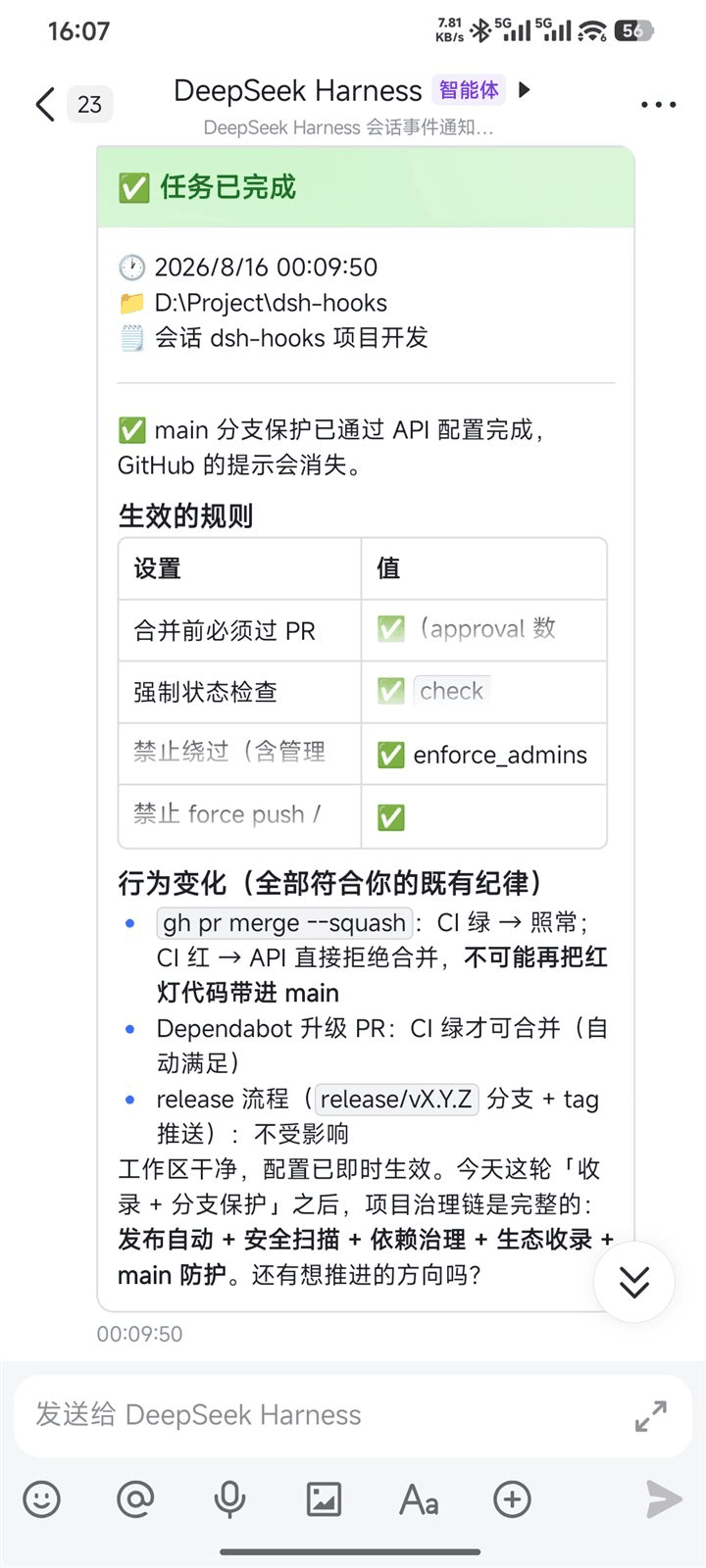 PeterBon/dsh-hooks
Config-driven lifecycle hooks plugin for DeepSeek Harness
PeterBon/dsh-hooks
Config-driven lifecycle hooks plugin for DeepSeek Harness
-
 xmanrui/dsh-im
通过扫码或机器人凭据把IM机器人接入DeepSeek Harness(支持飞书、微信、钉钉、企业微信、QQ、Slack、Telegram、Discord和WhatsApp)。 Connect IM bots to DeepSeek Harn…
xmanrui/dsh-im
通过扫码或机器人凭据把IM机器人接入DeepSeek Harness(支持飞书、微信、钉钉、企业微信、QQ、Slack、Telegram、Discord和WhatsApp)。 Connect IM bots to DeepSeek Harn…
- cpj-dev/dsh-plugin-cc Bridge Deepseek-harness into Claude Code for review, critique, delegation, and session import.
-
 tencent-connect/dsh-qqbot
让 QQ Bot 接入 DeepSeek Harness(dsh)的官方插件
tencent-connect/dsh-qqbot
让 QQ Bot 接入 DeepSeek Harness(dsh)的官方插件
-
 flymysql/dsh-remote
Remote-work assistant for DeepSeek Harness (DSH): connect SSH (key or password), pick a remote workspace, operate with r…
flymysql/dsh-remote
Remote-work assistant for DeepSeek Harness (DSH): connect SSH (key or password), pick a remote workspace, operate with r…
-
 whiteguo233/dsh-openbiliclaw
OpenBiliClaw 是本地运行的跨平台个性化内容推荐 Agent,持续理解你的兴趣并主动找内容。本仓库是它的 DeepSeek Harness 插件:DSH 界面常驻第四栏(推荐/内容库/对话/画像/设置),注册 22 个 Agent…
whiteguo233/dsh-openbiliclaw
OpenBiliClaw 是本地运行的跨平台个性化内容推荐 Agent,持续理解你的兴趣并主动找内容。本仓库是它的 DeepSeek Harness 插件:DSH 界面常驻第四栏(推荐/内容库/对话/画像/设置),注册 22 个 Agent…
-
 hanshanyike/dsh-yolo
把对话里说过的重要事情,变成持续可跟进的计划。 为 deepseek-harness 打造的个人助手:从对话中整理事项、跟踪变化,并在需要时提醒你。
hanshanyike/dsh-yolo
把对话里说过的重要事情,变成持续可跟进的计划。 为 deepseek-harness 打造的个人助手:从对话中整理事项、跟踪变化,并在需要时提醒你。