Melody-max114/dsh-excel-panel
DSH 右侧栏 Excel 编辑插件:支持 xlsx 预览/编辑、公式实时计算、合并单元格、格式设置并保存回原文件。
项目介绍Project Overview
dsh-excel-panel 是一款 DSH 右侧栏 Excel 编辑插件。核心能力是直接在聊天界面打开、编辑、保存 .xlsx 文件,支持公式、合并、格式样式与多选批处理。适合需要快速修改表格而不想切换应用时使用。注意:依赖 dsh-better-sidebar 侧栏宿主,公式支持仅覆盖部分常用函数。
dsh-excel-panel is a DSH sidebar plugin for editing spreadsheets. It opens, edits, and saves .xlsx files directly in the chat panel, supporting formulas, merging, formatting, and multi-cell batch operations. Use it when spreadsheets need quick in-app edits without switching tools. Note: it requires the dsh-better-sidebar host, and formula support is limited to a subset of common functions.
请帮我了解并安装插件:【dsh-excel-panel】【https://github.com/Melody-max114/dsh-excel-panel】把上面这条消息直接发给当前会话里的 DSH,让它帮你了解并安装。安装命令不一定准确,发给 DSH 更稳。Send this message to DSH in your current session. CLI install commands may not be accurate across systems — DSH will figure it out for you.
或使用命令行安装(适合开发者)Or use CLI install (for developers)
命令行安装CLI Install
dsh plugin --profile web add dsh-excel-panel把 Melody-max114/dsh-excel-panel 加入你的 DSH 配置(web profile)即可启用。
READMEREADME
📊 dsh-excel-panel
DSH 右侧栏 Excel 编辑插件:在
dsh-better-sidebar中直接预览、编辑和保存.xlsx文件。



简介
dsh-excel-panel 是一个面向 DSH Web 的右侧栏插件,让你不用离开聊天界面就能:
- 打开
.xlsx文件并直接编辑单元格 - 像 Excel 一样操作工作表、合并单元格、调整字体样式
- 实时预览公式计算结果
- 一键保存回原文件
✨ 功能特性
交互
- 单击选中单元格
- 双击编辑文字
- 点击空白处取消选中
- 拖动 / Shift+点击多选范围
- 多选范围使用淡蓝色半透明叠加,不遮挡单元格底色
格式工具栏
- 字体大小下拉框
- 多选时如果字体大小不一致,显示空白“字号”
- 加粗
B/ 斜体I/ 下划线U- 多选时能识别统一状态
- 左对齐 / 居中 / 右对齐
- 字体颜色菜单
- 20 个标准色
- 自定义颜色:5 个自定义色块 + RGB 滑块 + HEX 输入
- 背景颜色菜单
- 20 个标准色
- 自定义颜色:5 个自定义色块 + RGB 滑块 + HEX 输入
自定义颜色
- 左键点击自定义色块:直接使用该颜色
- 右键点击自定义色块:打开内嵌色盘设置颜色
- 色盘内支持:
- 40 个快速选色
- RGB 三通道滑块
- HEX 输入框
- 预览色块
✓确认按钮
单元格与工作表
- 公式栏
fx - 公式实时推导:
+ - * / ^、单元格/区域引用SUM、ROUND、IF、MAX、MIN、AVERAGE、COUNT、ABS、INT、LEN、UPPER、LOWER
- 合并 / 取消合并
- 插入 / 删除行和列
- 列宽 / 行高拖拽调整
- 底部 Sheet 栏 + 新建工作表
- 右键菜单:复制 / 粘贴 / 清除 / 合并 / 插入删除行列
保存
- 每次保存都会重建整个 xlsx,避免样式表逐步损坏
- 多次保存格式不丢失
- 保存失败时提示具体原因
- 文件被占用时提供“关闭占用程序并重试”
撤销 / 重做
Ctrl+Z撤销Ctrl+Y/Ctrl+Shift+Z重做
📦 安装
方式一:npm 安装(推荐)
dsh plugin --profile web add dsh-excel-panel
或者直接安装到项目:
npm install dsh-excel-panel
方式二:本地 file 依赖
将插件目录放到本地,例如:
D:\apps\DP专武\dsh-excel-panel
在 DSH profile 目录(通常为 ~/.dsh/profiles/web)执行:
dsh plugin --profile web add file:D:/apps/DP专武/dsh-excel-panel
方式三:zip 包安装
从 GitHub Releases 下载 dsh-excel-panel-v0.6.1.zip,解压到任意目录,再按方式一添加 file 依赖即可。
🚀 使用
- 重启 DSH Web。
- 在右侧栏打开任意
.xlsx文件。 - 单击选中单元格,双击编辑文字;也可以在上方
fx栏输入公式,例如=D2*0.15。 - 多选范围后,使用格式工具栏批量调整字体、颜色、对齐等。
- 点击右上角「保存」写回磁盘原文件。
⌨️ 快捷键
| 快捷键 | 功能 |
|---|---|
Ctrl+Z |
撤销 |
Ctrl+Y / Ctrl+Shift+Z |
重做 |
| 按住 Shift 点击 | 选择范围 |
| 鼠标拖动 | 选择范围 |
| 双击 | 编辑单元格 |
Enter |
编辑时确认并下移 |
Tab |
编辑时右移 |
🧩 插件结构
dsh-excel-panel/
├── package.json
├── cordis.patch.yml
├── README.md
├── CHANGELOG.md
├── DEBUG_V2.md
└── lib/
    ├── index.js      # 后端:读取/写入 xlsx
    └── client.js     # 前端:Excel 编辑器 UI
🔌 后端接口
| 方法 | 路径 | 说明 |
|---|---|---|
POST |
/excel-panel/read |
读取 xlsx,返回单元格数据、公式、样式、合并区域 |
POST |
/excel-panel/write |
重建并写回 xlsx |
POST |
/excel-panel/unlock |
关闭占用目标文件的进程 |
POST |
/excel-panel/log |
写入操作日志 |
⚙️ 开发
# 修改后检查语法
node --check lib/index.js
node --check lib/client.js

# 同步到 profile 运行目录
cp -r lib ~/.dsh/profiles/web/node_modules/dsh-excel-panel/
📄 License
当前仓库使用 MIT,允许自由使用、修改和分发。
相关推荐Related
-
 ZSeven-W/dsh-openpencil
The DeepSeek Harness plugin for OpenPencil — preview, inspect, and edit real .op documents inside a conversation.
ZSeven-W/dsh-openpencil
The DeepSeek Harness plugin for OpenPencil — preview, inspect, and edit real .op documents inside a conversation.
-
 HuanLinOTO/dsh-plugin-better-sidebar-plugin-office
为 better-sidebar 提供 Office 三件套预览(.docx/.xlsx/.pptx),独立 bundle 瘦身主体 | Provides Office-suite preview (.docx/.xlsx/.pptx) f…
HuanLinOTO/dsh-plugin-better-sidebar-plugin-office
为 better-sidebar 提供 Office 三件套预览(.docx/.xlsx/.pptx),独立 bundle 瘦身主体 | Provides Office-suite preview (.docx/.xlsx/.pptx) f…
-
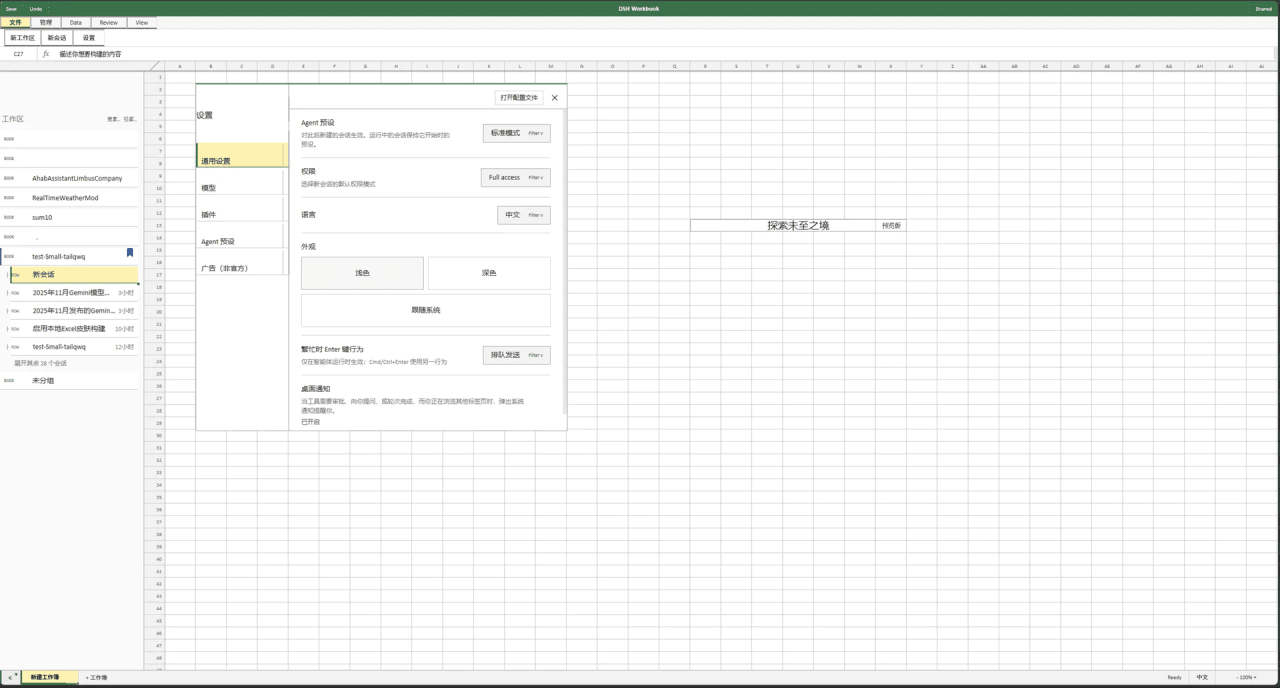 Small-tailqwq/dsh-deepcel
一款模仿 excel 的 dsh 皮肤
Small-tailqwq/dsh-deepcel
一款模仿 excel 的 dsh 皮肤
-
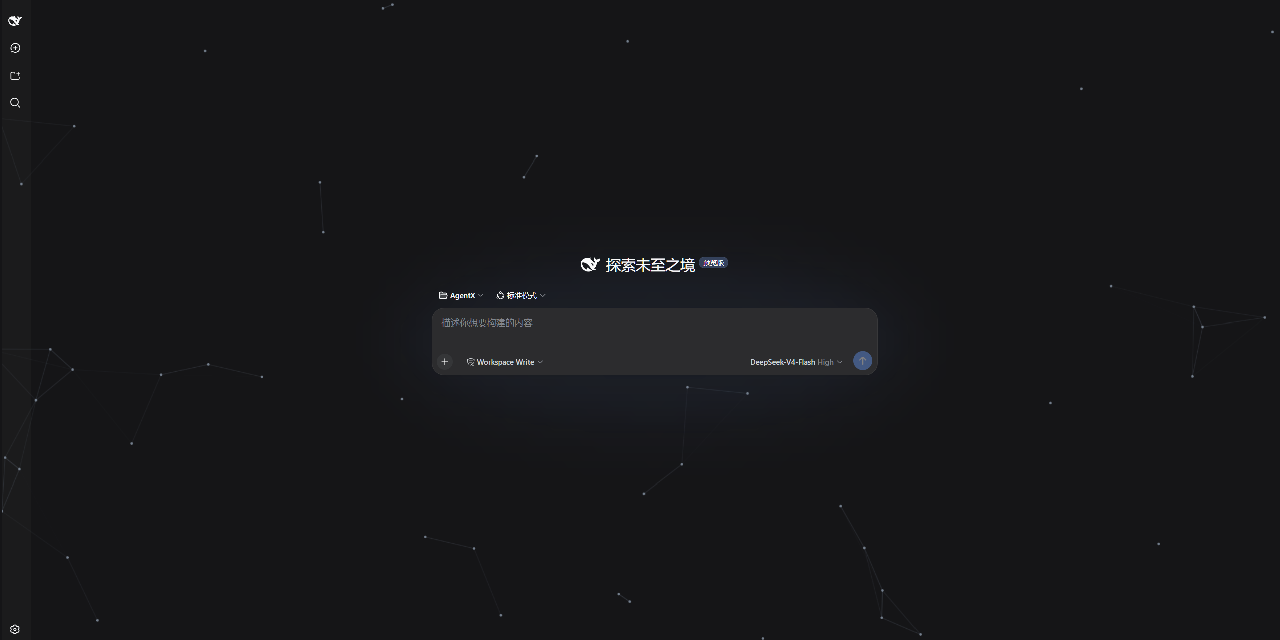 AKS1st/dsh-cyber-particle
为 DeepSeek Harness Web 界面添加动态粒子网络背景 | Particle-network background plugin for DeepSeek Harness web
AKS1st/dsh-cyber-particle
为 DeepSeek Harness Web 界面添加动态粒子网络背景 | Particle-network background plugin for DeepSeek Harness web
-
 zhxqc/dsh-oh-my-theme
DeepSeek Harness (dsh) web plugin with themes, global typography, @file mentions, project file tree, and Markdown previe…
zhxqc/dsh-oh-my-theme
DeepSeek Harness (dsh) web plugin with themes, global typography, @file mentions, project file tree, and Markdown previe…
- MrElysium/dsh-md-quiz DeepSeek Harness plugin: quiz-style reading (答题式阅读) of any Markdown document — 5-stage game loop with a sidebar panel an…
- nyantused-cpun/folio 兰亭 (Folio) · 咨询材料生成引擎:15 个 DSH 原生工具 + 会话协议自动执行 + L0 守卫 + 可换方法论包,零 key 起步。Consulting material engine for DeepSeek Harness…
-
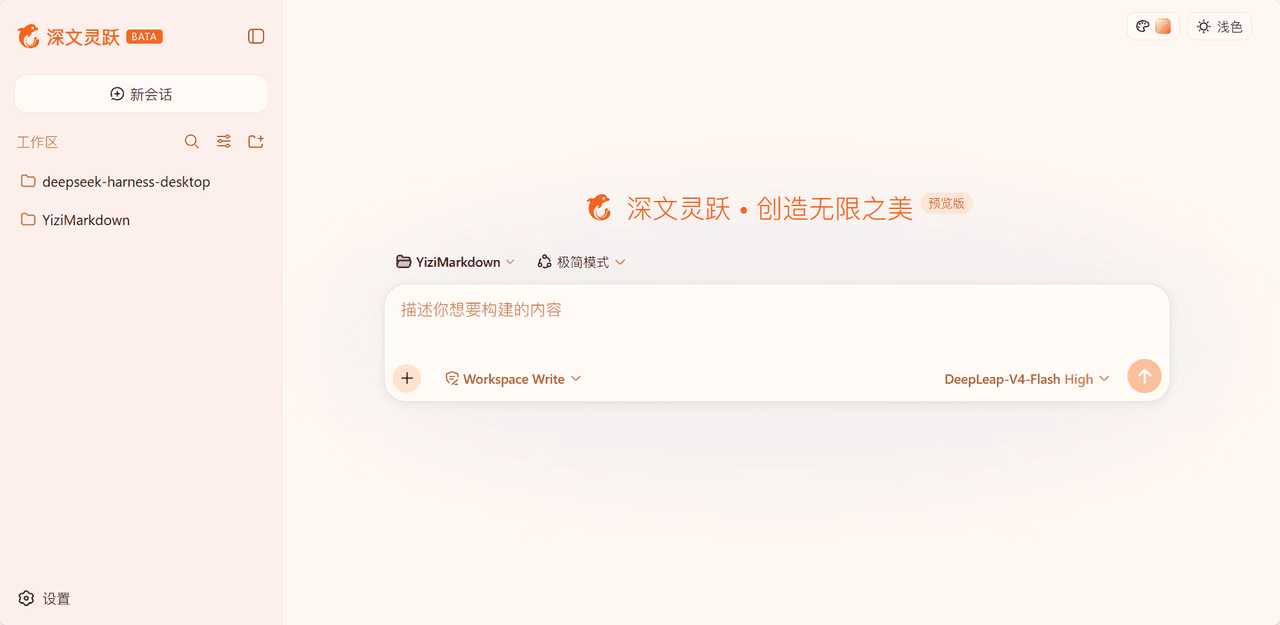 laoduu/DeepSeek-Harness-yizi-themes
为 DeepSeek Harness(dsh)Web UI 提供的 19 个精品风格主题,完整移植自 YiziMarkdown 的设计语言。
laoduu/DeepSeek-Harness-yizi-themes
为 DeepSeek Harness(dsh)Web UI 提供的 19 个精品风格主题,完整移植自 YiziMarkdown 的设计语言。