
Menghuan1918/dsh-deep-diving-skin
替换 DeepSeek Harness 运行状态行的图标、文本和颜色——就是那一行「深度求索中,用时 16分0秒…」。默认图标是旋转太极,默认文本「少女祈祷中」,默认颜色为红色。
catalog descriptioncatalog 简介 / catalog description:替换“深度求索中”为任意你想要的文本,比如:少女祈祷中......
Project Overview项目介绍
dsh-deep-diving-skin is a DSH-native skin plugin whose sole purpose is to customize the running-status row of DeepSeek Harness, the line that reads "深度求索中,用时 16分0秒…" while a query is in flight. Out of the box it ships a rotating taiji icon, the placeholder text "少女祈祷中", and a red text color, and it integrates with DSH exclusively through the standard plugin command dsh plugin --profile web add github:Menghuan1918/dsh-deep-diving-skin. Because the project declares a bundle-manifest and targets only the DSH web host, it is registered through DSH's plugin loader; users must restart dsh web once so the host half picks up the new schema field, then hard-refresh any already-open browser tabs since older client bundles will keep rendering the previous skin.
The typical workflow is aimed at DSH users who want to brand or soften the long "deep-thinking" waiting state: they upload a custom SVG / GIF / WebP / PNG icon (stored as a data URI up to 1 MiB) or paste an https:// URL or absolute /path, replace only the "深度求索中" portion while leaving the "用时 …" timer ticking, pick a text color and a contrasting highlight sweep color, and decide whether the icon spins, with a configurable rotation period between 0.2 and 60 seconds and a clockwise or counter-clockwise direction. The configuration lives in <DSH_HOME>/deep-diving-skin.json and is reachable from two entry points — the left sidebar Plugins page for dsh-deep-diving-skin, or Settings → Running Status — making it well suited for heavy DSH users, accessibility-minded operators, or anyone standardizing the chat UI across a team.
Dependencies and limits are explicit and narrow: the plugin requires DSH >= 0.2.0-rc.1 < 0.3.0, and the runtime's built-in compatibility pre-check will reject any other version with a 200 response that silently drops unknown host-side fields, which the settings page then surfaces by name. Colors apply to text only and never recolor the uploaded icon, and prefers-reduced-motion does not auto-stop the spinning animation — users must uncheck the rotation toggle themselves. For contributors, the development loop is pnpm install, then pnpm test (which builds first) and pnpm typecheck; since Git installs perform no build step, any source edit must be followed by pnpm build and the generated lib/ directory must be committed alongside the source. It is released under the MIT license and currently sits at three GitHub stars.
dsh-deep-diving-skin 是一个 DSH 原生皮肤插件,专门用于替换 DeepSeek Harness 运行状态行的图标、文本和颜色。它针对的是状态行中「深度求索中,用时 16分0秒…」那一段内容,默认图标旋转、默认文本「少女祈祷中」、默认颜色为红色,安装命令为 dsh plugin --profile web add github:Menghuan1918/dsh-deep-diving-skin。它通过 DSH 的 bundle-manifest 清单注册到 web 宿主与客户端,需要重启 dsh web 一次以让宿主半边识别新字段,然后再刷新已打开的浏览器标签页,旧标签页仍持有旧的客户端快照。
典型使用场景是想把深度求索中的等待体验个性化的 DSH 用户,例如换成自己的 SVG / GIF / WebP / PNG 图标、改掉「少女祈祷中」的字样、调整文字颜色与扫光高亮条颜色,并控制图标是否旋转、旋转周期(0.2–60 秒)与顺时针还是逆时针方向。它适合重视状态行可读性、希望降低视觉疲劳或进行品牌化定制的重度 DSH 用户,配置写在 <DSH_HOME>/deep-diving-skin.json,既可在「插件」页进入,也可在「设置 → 运行状态」里调整。
依赖与限制方面,它要求 DSH 版本 >= 0.2.0-rc.1 < 0.3.0,其它版本会被运行时拒绝,图标文件需 ≤ 1 MiB 并以 data URI 存盘,颜色只作用文本不影响图标自身颜色,且 prefers-reduced-motion 不会自动关闭旋转,需手动取消勾选。开发流程为 pnpm install、pnpm test、pnpm typecheck,提交时需把 lib/ 一并提交以避免 Git 安装后无构建步骤导致源码未编译,许可证为 MIT。
请帮我安装这个 DSH 插件。安装前先完成【兼容性检查 + 安全性检查】,检查通过再动手。

插件:dsh-deep-diving-skin(Menghuan1918/dsh-deep-diving-skin)
仓库:https://github.com/Menghuan1918/dsh-deep-diving-skin
本站详情页:https://www.yhbd.top/plugins/menghuan1918-dsh-deep-diving-skin/
本站登记:类型 plugin · 归类 原生 DSH 插件 · 许可证 MIT · ⭐ 3 · 最近提交 2026-09-28 · 主语言 TypeScript

按下面顺序执行,每步先把结论告诉我,再进入下一步:

【1 兼容性检查】
① 我这边:DSH 版本、Node 版本、操作系统、当前 profile(web / desktop)。
② 读它的 README、package.json、插件 manifest,列出它要求的 DSH 版本 / Node 版本 / 操作系统 / 外部依赖 / 需要另外先装的运行时。
③ 逐条比对,结论只写「满足 / 不满足 / 未知」三种;不满足的给出可行替代方案。
④ 检查是否和我已装的插件冲突:命令名重复、skill / tool 重名、端口占用、重复注册的 MCP server。

【2 安全性检查】
① 仓库可信度:和上面「本站登记」是否一致;star / fork 数、创建时间、最近提交,是否归档或长期停更。
② 安装脚本:逐行看 package.json 的 preinstall / install / postinstall,以及 install.sh、setup.ps1 之类脚本。出现 curl|bash、下载后直接执行、混淆代码、访问与插件功能无关的域名,立刻停下来告诉我,不要继续装。
③ 依赖:列出新增依赖,标出无人维护、或与知名包拼写近似的可疑包(typosquatting)。
④ 权限与副作用:它会读写哪些目录、访问哪些域名、需要哪些 DSH 权限(filesystem / network / shell / clipboard 等),以及怎么卸载和回滚。
⑤ 如果它要求 sudo / 管理员权限,或权限明显超出功能所需,先停下来问我。

【3 安装】
上面两步没有「不满足」和「高危项」时才执行;用官方推荐方式安装,不要自行提权。

【4 汇报】
用表格输出:检查项 / 结论 / 依据 / 是否需要我决策。拿不准的一律写「未知」并说明要我怎么确认——不要猜,也不要替我决定。
Send this message to DSH in your current session: it verifies compatibility and security first (answering met / not met / unknown item by item) and only installs once everything checks out — it will stop and ask you if it finds a high-risk item. The box scrolls; the copy is the full prompt. CLI install commands may not be accurate across systems, so DSH is the safer route.把上面这条消息直接发给当前会话里的 DSH:它会先核对兼容性与安全性(逐条给「满足 / 不满足 / 未知」),确认没问题再安装,有高危项会停下来问你。框内可滚动,复制到的是完整提示词;安装命令不一定准确,发给 DSH 更稳。
- Only 3 stars - very few users, little community feedback星标只有 3,几乎没人在用,遇到问题缺少社区反馈
DSH walks through these 9 checksDSH 会逐条核对这 9 项
Compatibility兼容性
- DSH, Node, OS and profile requirementsDSH 版本 / Node 版本 / 操作系统 / profile 是否满足要求
- External dependencies and runtimes (Electron / Python / Docker, ...)外部依赖与运行时(Electron / Python / Docker 等)是否齐备
- Conflicts with installed plugins: command names, skill / tool names, ports, duplicate MCP registration与已装插件是否冲突:命令名、skill / tool 重名、端口占用、重复 MCP 注册
Security安全性
- Repo matches the facts registered here; archived or abandoned?仓库是否与页面登记一致,是否归档或长期停更
- Safety of preinstall / install / postinstall and install.sh / setup.ps1preinstall / install / postinstall 与 install.sh、setup.ps1 是否安全
- curl|bash, download-then-execute, obfuscation, unrelated domains → stop immediatelycurl|bash、下载即执行、混淆代码、无关域名 → 立刻停止
- Typosquatting or unmaintained packages among the new dependencies新增依赖里有没有 typosquatting 或无人维护的包
- Requested permissions vs. what the feature actually needs申请了哪些权限、是否超出功能所需(filesystem / network / shell / clipboard)
- Any sudo / admin requirement, plus uninstall and rollback是否要求 sudo / 管理员权限,以及卸载与回滚方式
Anything uncertain must be marked unknown with a note on how to confirm it. This site's signal screen is a static snapshot, not a security audit.拿不准的必须标「未知」并说明要我怎么确认。本站的信号筛查是静态快照,不能替代安全审计。
Or use CLI install (for developers)或使用命令行安装(适合开发者)
CLI Install命令行安装
dsh plugin --profile web add github:Menghuan1918/dsh-deep-diving-skin把 Menghuan1918/dsh-deep-diving-skin 加入你的 DSH 配置(web profile)即可启用。
READMEREADME

dsh-deep-diving-skin
中文 | English
替换 DeepSeek Harness 运行状态行的图标、文本和颜色——就是那一行「深度求索中,用时 16分0秒…」。默认图标是旋转太极,默认文本「少女祈祷中」,默认颜色为红色。
安装
从 Git 安装:
dsh plugin --profile web add github:Menghuan1918/dsh-deep-diving-skin
重启一次 dsh web(宿主半边负责设置路由),然后刷新页面——重启前打开的标签页仍用着旧的客户端,看不到变化。
客户端半边的改动由模块注册表自动重载;宿主半边的改动必须重启
dsh web。宿主比插件字段旧时会回 200 却丢弃自己不认识的字,设置页会把被丢弃的字段点名。
设置
两个入口,同一个页面:
- 左侧边栏 → 插件 →
dsh-deep-diving-skin→ 那一行的配置入口。 - 设置 → 运行状态。
| 字段 | 说明 |
|---|---|
| 图标 | 上传 SVG / GIF / WebP / PNG(存为 data URI,≤ 1 MiB),或填 https:// 地址、/路径。 |
| 文本 | 只替换「深度求索中」这几个字,「用时 …」照常跳动。 |
| 颜色 | 这一行文字的颜色。 |
| 高亮扫光 | 扫过文字那道亮带的颜色;与文本颜色不同才看得出来。 |
| 旋转 / 周期 / 方向 | 图标是否旋转、转一圈的秒数(0.2–60),以及顺时针还是逆时针。 |
配置存放在 <DSH_HOME>/deep-diving-skin.json。
版本要求
DSH >= 0.2.0-rc.1 < 0.3.0;其它版本会被运行时自带的兼容性预检拒绝。
说明
- 颜色只作用于文本,图标保留你给它本身的颜色。
prefers-reduced-motion不会自动关掉旋转——那个勾选框才是开关。
开发
pnpm install
pnpm test        # 先构建再跑测试
pnpm typecheck
lib/ 是提交进仓库的:Git 安装没有构建步骤,改动源码后请跑 pnpm build 并把 lib/ 一起提交。
MIT
Related相关推荐
-
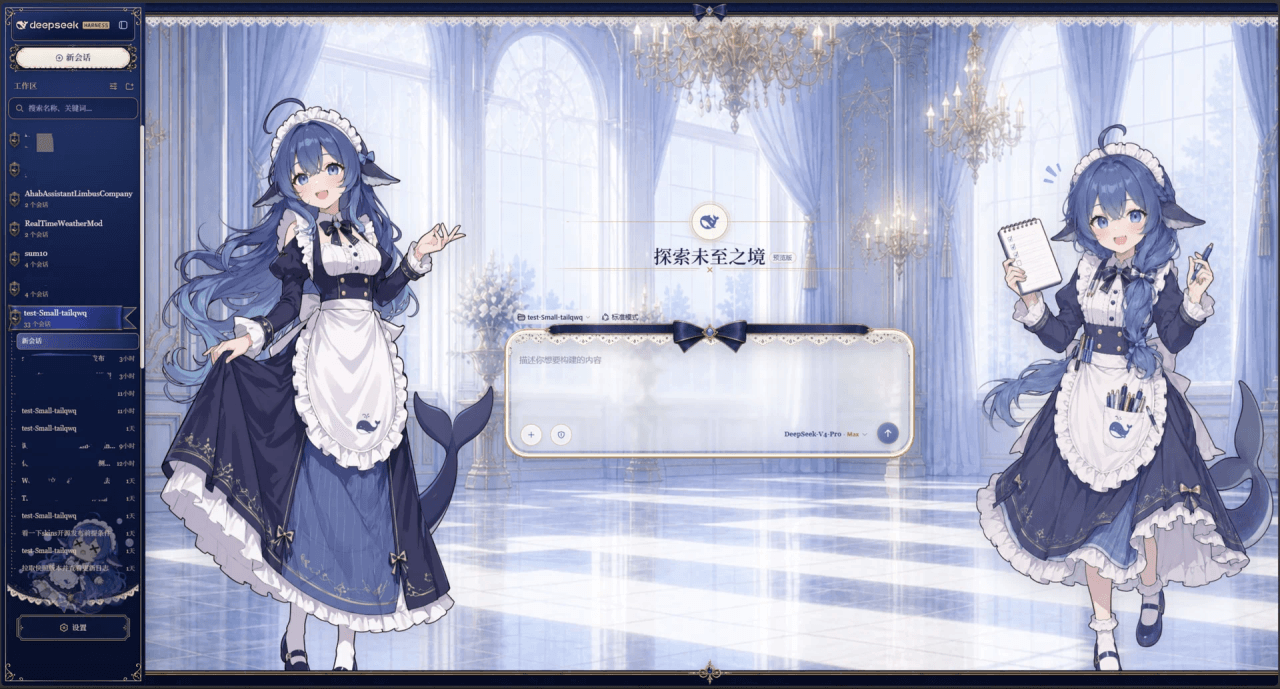 Small-tailqwq/dsh-deep-whale
Whale Girl skin series for DeepSeek Harness. 适用于 DeepSeek Harness 的,鲸鱼娘系列皮肤。
Small-tailqwq/dsh-deep-whale
Whale Girl skin series for DeepSeek Harness. 适用于 DeepSeek Harness 的,鲸鱼娘系列皮肤。
-
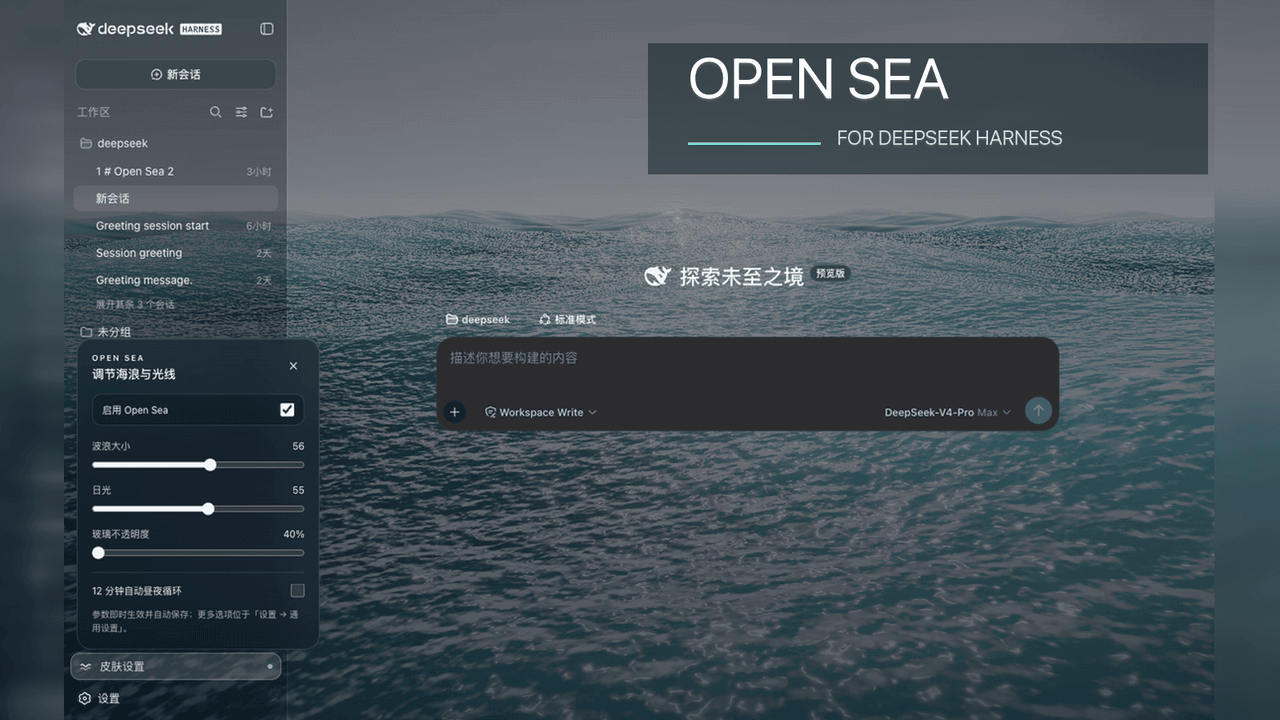 d-dev0101/open-sea-skin
🌊 DeepSeek Harness 海洋皮肤与动态主题 | Real-time ocean theme with adjustable waves, sunset & glass opacity. DSH plugin + Chrome…
d-dev0101/open-sea-skin
🌊 DeepSeek Harness 海洋皮肤与动态主题 | Real-time ocean theme with adjustable waves, sunset & glass opacity. DSH plugin + Chrome…
-
 kingOfSoySauce/dsh-liang-skin
DeepSeek Harness 滑动变阻器皮肤
kingOfSoySauce/dsh-liang-skin
DeepSeek Harness 滑动变阻器皮肤
-
 RevolutionLA/dsh-dream-skin
DeepSeek Harness 换肤 / 壁纸 / 主题包插件 (dsh-plugin) — 8 套 Mirage 主题、每用户强调色、壁纸2.0、主题包导入导出/分享链接、收藏与随机,纯原生 token 系统实现。
RevolutionLA/dsh-dream-skin
DeepSeek Harness 换肤 / 壁纸 / 主题包插件 (dsh-plugin) — 8 套 Mirage 主题、每用户强调色、壁纸2.0、主题包导入导出/分享链接、收藏与随机,纯原生 token 系统实现。
-
 Fishquito7/dsh-skill-mcp-panel
DSH Web UI plugin: skill and MCP management(Web界面的skill/MCP管理工具)
Fishquito7/dsh-skill-mcp-panel
DSH Web UI plugin: skill and MCP management(Web界面的skill/MCP管理工具)
-
 01Virex/dsh-status-rotator
把 DSH Web 状态行换成 1063 条梗:打字机 + 炫彩渐变 + 弹幕 + 12 个主题词库包,设置页可视化编辑。
01Virex/dsh-status-rotator
把 DSH Web 状态行换成 1063 条梗:打字机 + 炫彩渐变 + 弹幕 + 12 个主题词库包,设置页可视化编辑。
-
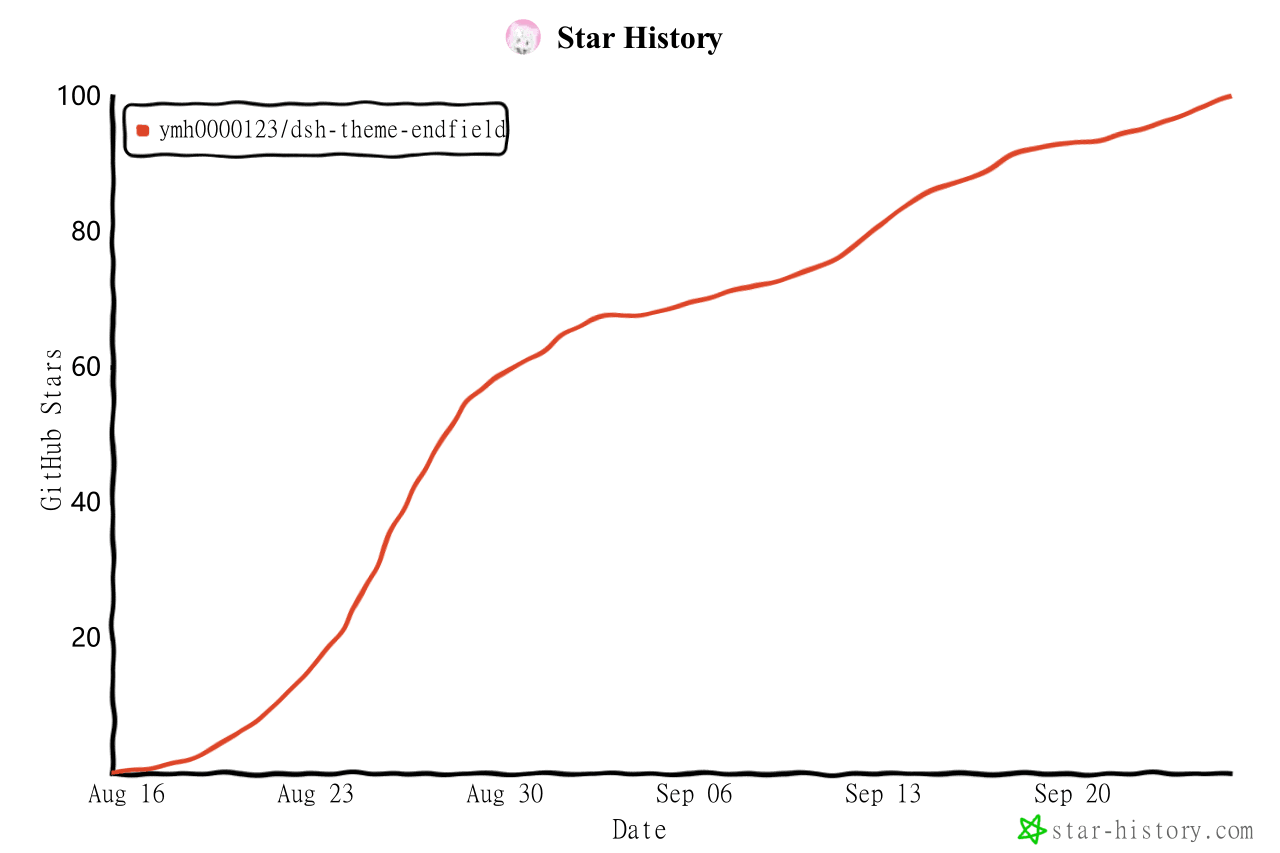 ymh0000123/dsh-theme-endfield
终末地官网风格的 DSH Web 主题:奶油纸底、墨黑文字、信号黄强调、全直角工业编辑风。
ymh0000123/dsh-theme-endfield
终末地官网风格的 DSH Web 主题:奶油纸底、墨黑文字、信号黄强调、全直角工业编辑风。
-
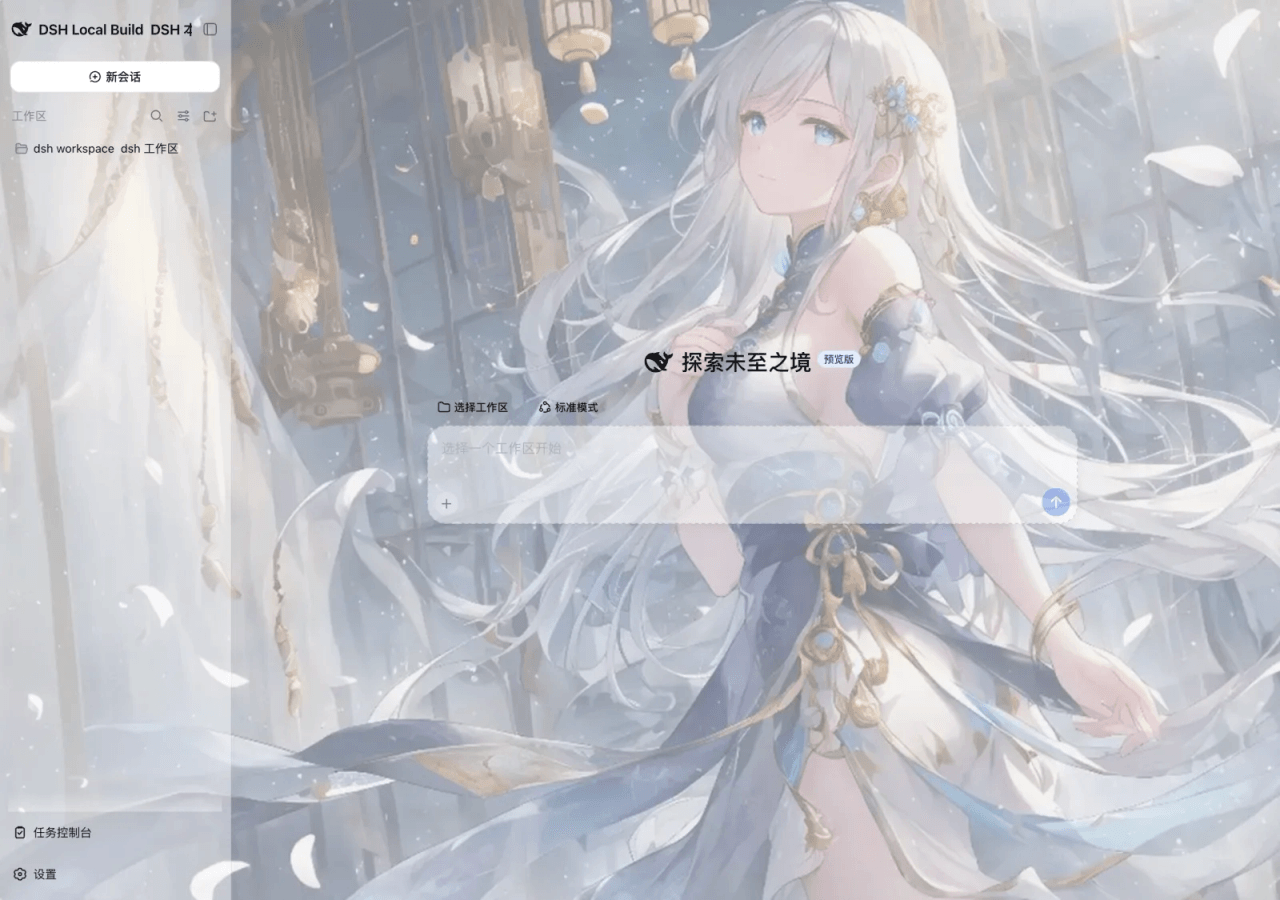 SLin-code/dsh-custom-skin
Custom wallpapers and translucent skins for DeepSeek Harness Web
SLin-code/dsh-custom-skin
Custom wallpapers and translucent skins for DeepSeek Harness Web