MichengAI/dsh-codex-desktop
DeepSeek Harness Codex 跨平台桌面版,无需提前安装任何环境,开箱即用
安装Install
dsh plugin --profile web add github:MichengAI/dsh-codex-desktop把 MichengAI/dsh-codex-desktop 加入你的 DSH 配置(web profile)即可启用。
READMEREADME
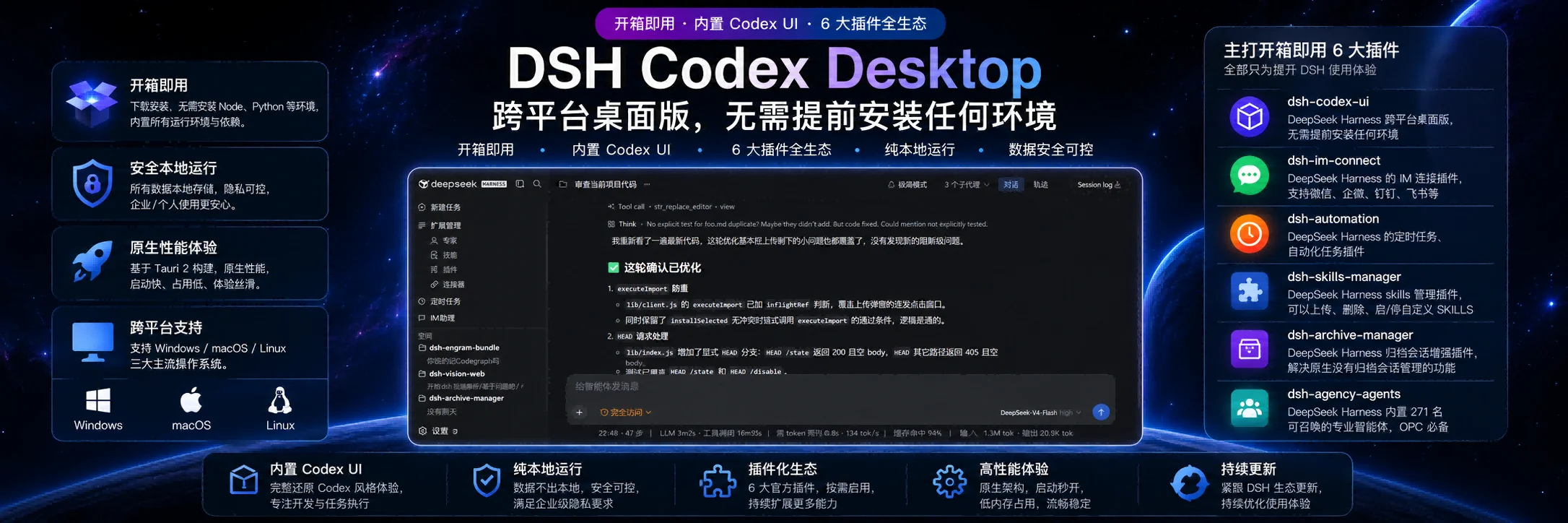
DSH Codex Desktop
Download once. Open a ready-to-use local AI workspace.
简体中文 · Download · Report an issue






DSH Codex Desktop is a community-maintained desktop distribution of DeepSeek Harness. It is not an official DeepSeek AI product.
DSH Codex Desktop turns DeepSeek Harness into a native, ready-to-run desktop workbench. The installer includes the required Node.js runtime and local DSH runtime: install it, open it, then start working. You do not need to prepare a Node.js environment or launch DSH from a terminal.
Download and start
Get the current installer from GitHub Releases.
| Platform | Package | Start here |
|---|---|---|
| Windows x64 | .exe installer or .zip archive |
Run the installer, then open DSH Codex Desktop from the Start menu. |
| macOS Apple Silicon / Intel | .dmg installer |
Open the disk image, move the app to Applications, then launch it. |
| Linux x64 | .AppImage or Debian / Ubuntu .deb |
Run the AppImage or install the deb package, then launch the app. |
- Download the package for your platform.
- Install and open DSH Codex Desktop.
- Wait for the built-in local DSH service to finish starting.
- Create a task, select a model and permission mode, then work in your project.
The application keeps DSH data in your existing user profile (%USERPROFILE%\.dsh on Windows), so sessions and settings remain available after application upgrades.
Latest runtime and model support
This release updates the bundled runtime and the desktop plugin set:
- DeepSeek Harness
0.1.1-rc.2— includes the current DeepSeek provider integration and model catalog. - DeepSeek-V4-Pro / V4-Flash — available from the model picker after you configure a DeepSeek API key. DeepSeek's V4 release provides 1M context and both thinking and non-thinking modes; select
deepseek-v4-profor complex work ordeepseek-v4-flashfor faster responses. See the official V4 announcement and API model reference. - DeepSeek-V4-Flash-Vision-Exp — the bundled DSH adapter includes the experimental visual model (
deepseek-v4-flash-vision-exp) with text and image input. Select it when a task needs screenshot, image, or document understanding; image attachments are sent as native image inputs instead of being flattened into text. - Desktop plugins — Codex UI
0.2.66anddshmarket1.17.1are bundled, while IM Connect0.1.13, Automation0.1.5, Skills Manager0.1.23, Archive Manager0.1.12, and Agency Agents0.1.20remain current.
Vision is an experimental DeepSeek model. API availability, limits, and billing are controlled by DeepSeek and may change; use the standard V4 models when an image is not required.
A complete desktop workbench
| Capability | What you get |
|---|---|
| Desktop conversation workspace | Project and task navigation, conversation sessions, model selection, permissions, session logs, and a focused desktop window. |
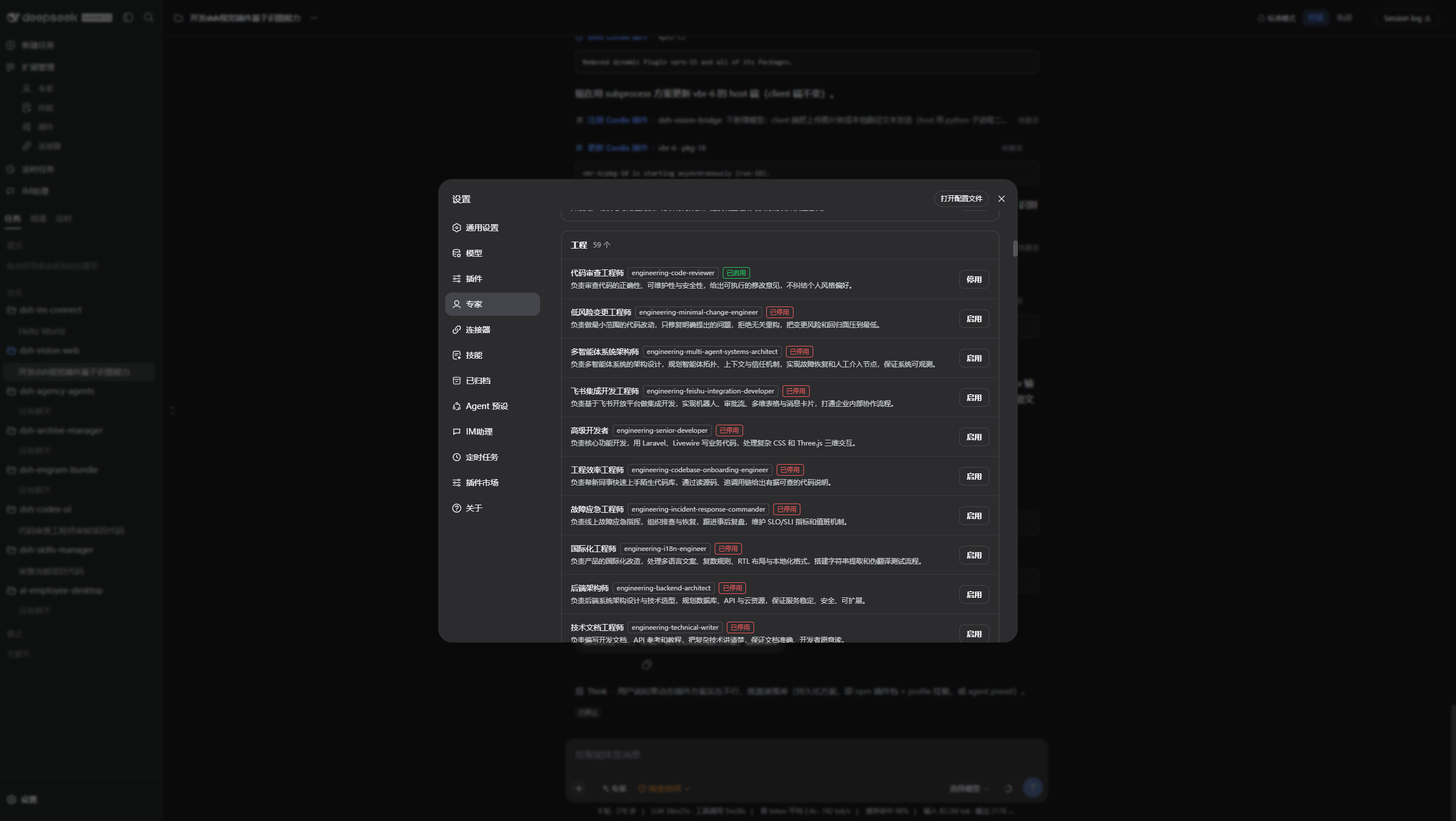
| Expert presets | Enable specialist roles for code review, architecture, frontend, backend, operations, and other workflows. |
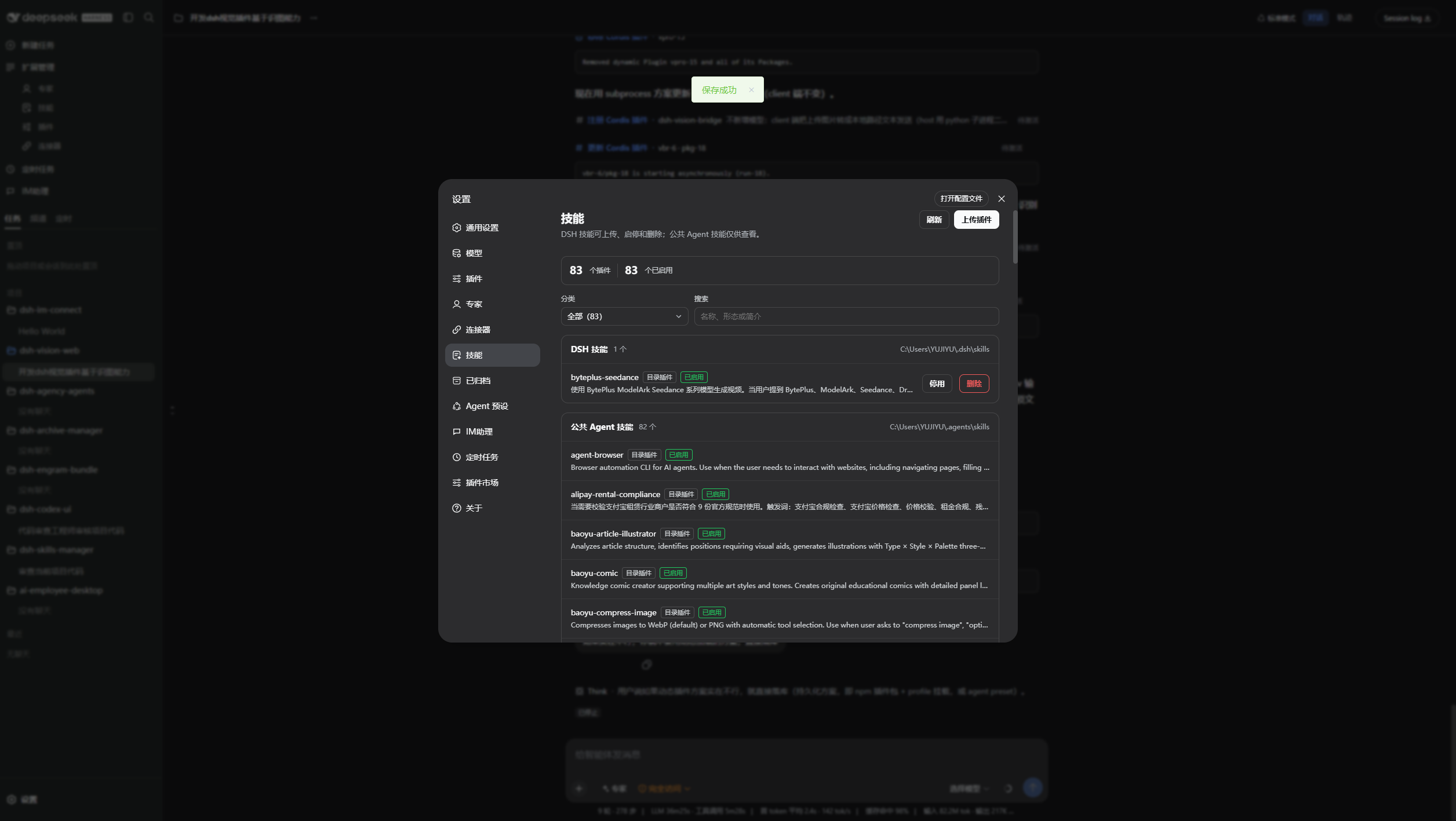
| Skill center | Inspect, enable, disable, upload, and manage local and shared Agent skills from Settings. |
| Archive management | Search archived conversations, restore a session when needed, or permanently remove archived records. |
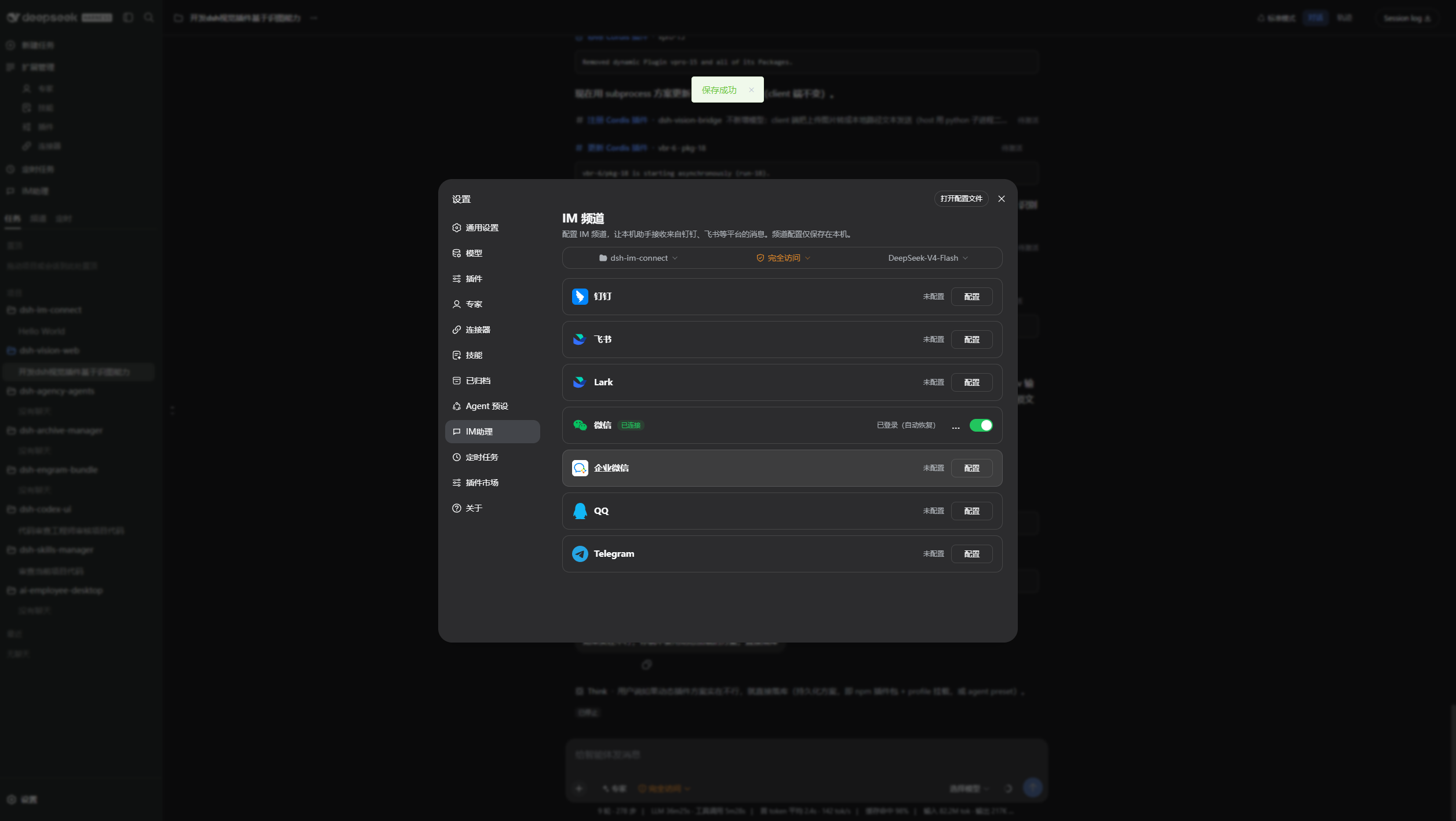
| IM assistant | Configure DingTalk, Feishu, Lark, WeChat, WeCom, QQ, Telegram, and other available channels in one place. |
| Plugin market | Discover, install, update, enable, and diagnose DSH plugins without leaving the desktop client. |
| Scheduled automation | Use the built-in DSH scheduling capability to manage recurring tasks from the same workspace. |
| Safe local runtime | The app starts DSH on a validated loopback address and keeps the browser UI inside the desktop shell. |
Product preview
Dark workspace: project context, a long-running task, and the desktop conversation surface.
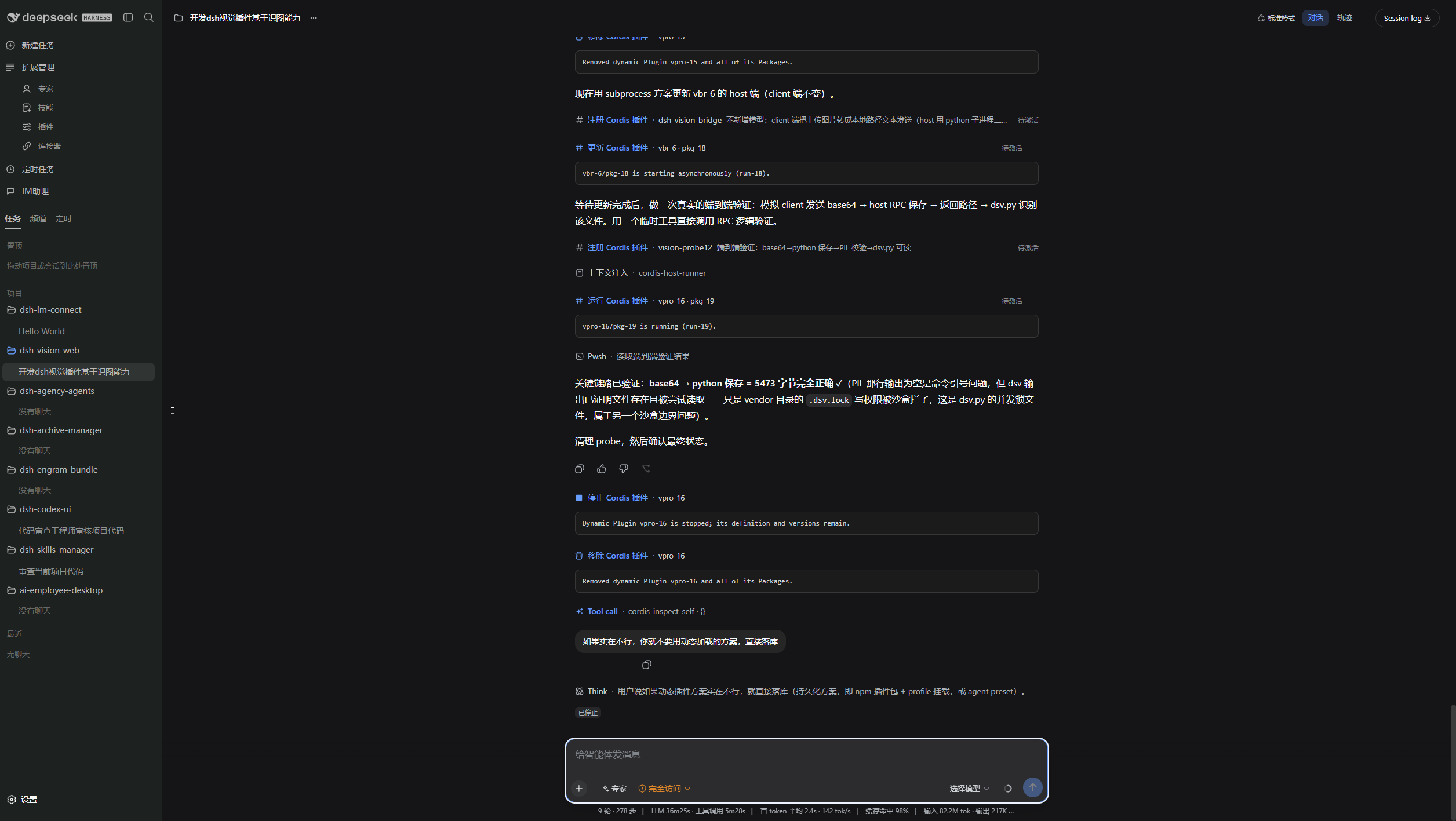
Light workspace: the same task surface in the light theme.
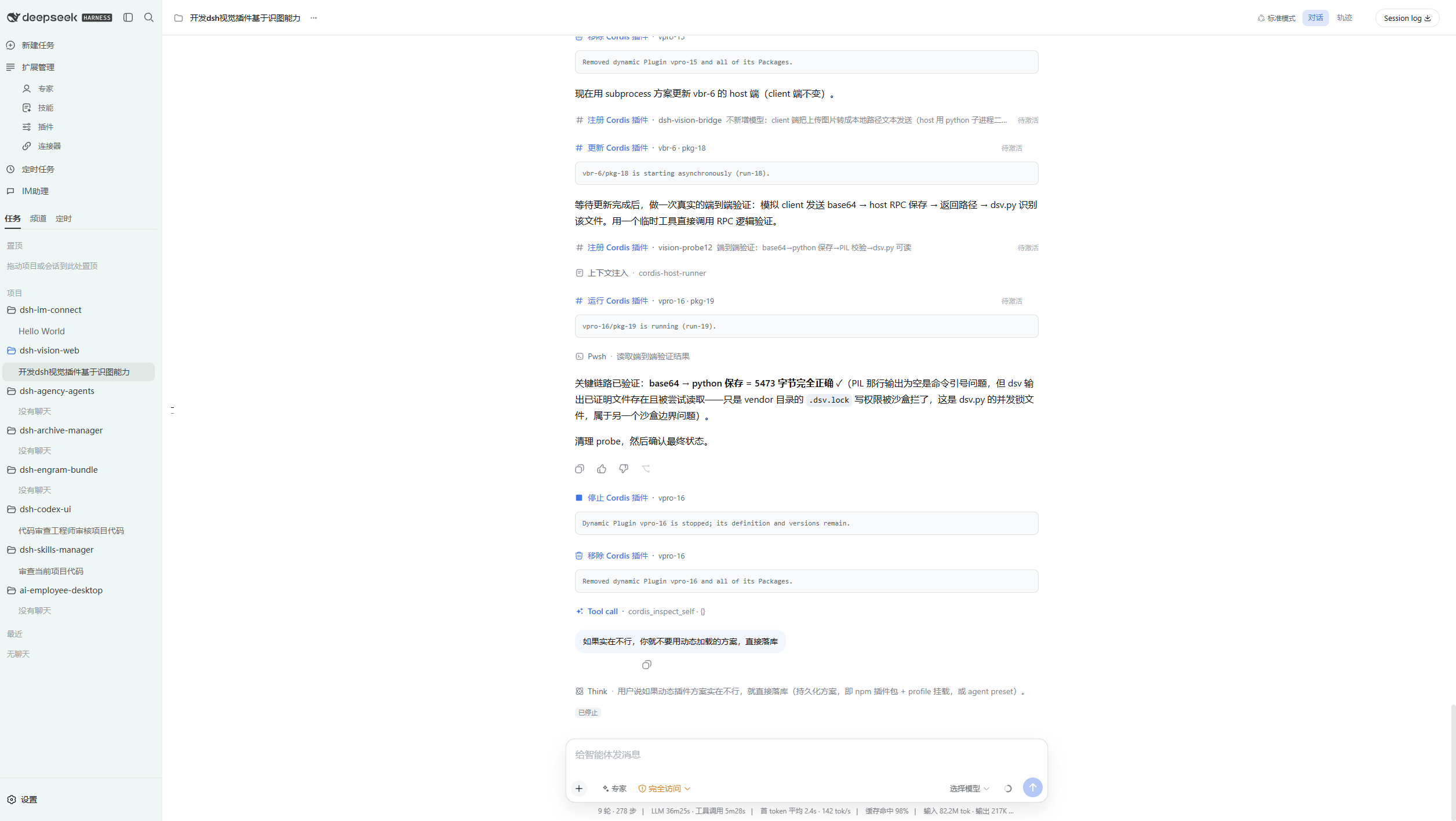
Archived conversations stay searchable and can be restored from Settings.
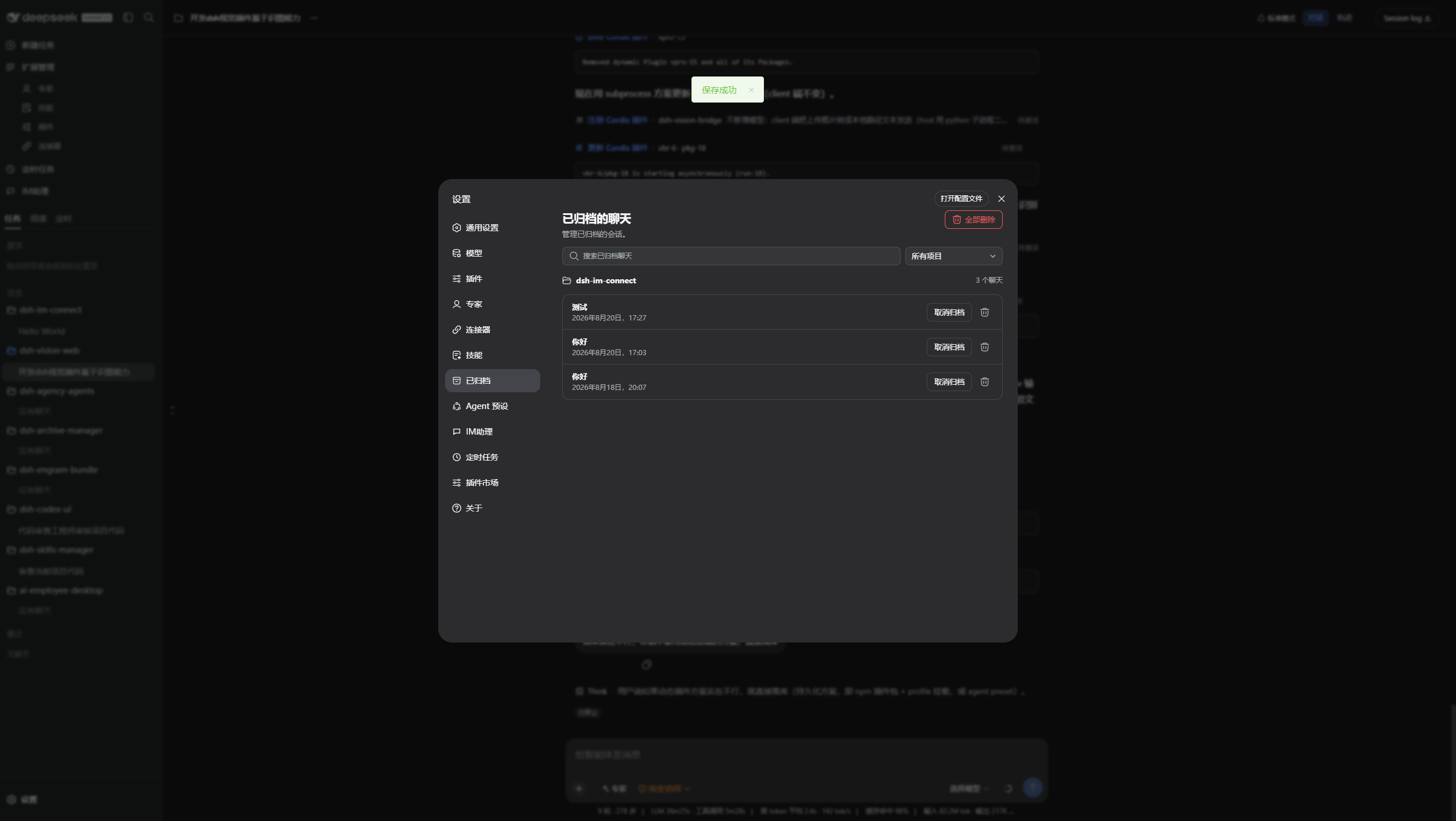
Manage the skills available to DSH and your Agents.
Connect channels for IM-assisted workflows.
Enable only the expert presets that match the current task.
Included on first launch
The installer ships with the local runtime required to start DSH. On first launch, it prepares the desktop-facing community plugins in the Web profile:
| Included capability | Package |
|---|---|
| Codex-style workspace UI | @michengai/dsh-codex-ui |
| Expert preset management | @michengai/dsh-agency-agents |
| Skill management | @michengai/dsh-skills-manager |
| Archive management | @michengai/dsh-archive-manager |
| IM assistant | @michengai/dsh-im-connect |
| Scheduled automation | @michengai/dsh-automation |
You can later manage additional plugins from the plugin market. The desktop application keeps its own runtime separate from profile-installed community plugins so plugin changes do not overwrite the application runtime.
DSH product ecosystem
DSH Codex Desktop combines the core runtime, feature products, and plugin market into a ready-to-install desktop product. The same products can also be used separately for other DSH setups:
| Product | Primary role | Relationship to the desktop app |
|---|---|---|
| DeepSeek Harness | Models, sessions, tools, and plugin runtime | The core runtime bundled and started by the desktop app |
| DSH Codex Desktop | Cross-platform workbench for end users | This product, responsible for ready-to-run installation, updates, and recovery |
| DSH Codex Suite | One-click feature suite for existing DSH Web environments | Installs the same six feature products without the desktop runtime |
| Six feature products | Codex UI · IM Connect · Automation · Skills Manager · Archive Manager · Agency Agents | Each can be installed independently; all six are bundled with the desktop app |
dshmarket |
Discover, install, and update more DSH plugins | Included as the plugin market |
Updates and recovery
- Desktop updates are manual: use the tray menu to check for a new desktop version, download it, then choose install and restart.
- DSH reload is available from the tray menu after changing plugins or profile configuration; it restarts the local DSH service without reinstalling the desktop application.
- Plugin updates remain in the DSH settings and plugin market. A failed plugin installation is not activated as a running bundle.
- Startup recovery removes stale community-plugin registrations that no longer have an installed package, then retries the local DSH startup.
System requirements
| Item | Requirement |
|---|---|
| Operating system | Windows 10/11, macOS, or Linux |
| Architecture | Windows x64, macOS arm64/x64, or Linux x64 |
| Node.js | Not required for end users; bundled with the application |
| Network | Required only for the model providers, plugin downloads, and tools you choose to use |
Privacy and security
- DSH configuration, sessions, and credentials remain in the current user's DSH directory. Uninstalling the desktop app does not delete them.
- The launcher accepts only validated
127.0.0.1local HTTP addresses for its embedded window. - External HTTP(S) links open in the system browser. File, JavaScript, and data URLs are blocked.
- Electron uses context isolation and sandboxing, with Node.js integration disabled for the DSH page.
- Your configured model providers and DSH tools may make their own network requests. Review their settings and privacy policies before use.
Development
Development requires Windows, Node.js 24.19.0, and pnpm 11.22.0.
[Console]::OutputEncoding = [System.Text.Encoding]::UTF8
$OutputEncoding = [System.Text.Encoding]::UTF8
pnpm install --frozen-lockfile
pnpm test
pnpm run dist
Local build artifacts are written to release\ and are not committed. Pushing a vX.Y.Z tag starts the packaging workflow for Windows x64, macOS arm64/x64, and Linux x64 AppImage / deb artifacts.
Project documentation
For current status, architecture constraints, and iteration records, start at the documentation entry point.
License
This project is licensed under Apache License 2.0.
相关推荐Related
- deepseek-ai/deepseek-harness DeepSeek Harness: Everything is a Plugin.
-
 nexu-io/open-design
🎨 Best DeepSeek Harness Design Plugin. The open-source Claude Design alternative. 🖥️ Local-first desktop app. 🖼️ Your…
nexu-io/open-design
🎨 Best DeepSeek Harness Design Plugin. The open-source Claude Design alternative. 🖥️ Local-first desktop app. 🖼️ Your…
-
 amruthpillai/reactive-resume
A one-of-a-kind resume builder that keeps your privacy in mind. Completely secure, customizable, portable, open-source a…
amruthpillai/reactive-resume
A one-of-a-kind resume builder that keeps your privacy in mind. Completely secure, customizable, portable, open-source a…
-
 esengine/DeepSeek-Reasonix
DeepSeek-native AI coding agent for your terminal. Engineered around prefix-cache stability — leave it running.
esengine/DeepSeek-Reasonix
DeepSeek-native AI coding agent for your terminal. Engineered around prefix-cache stability — leave it running.
-
 anywhere-labs/deepseek-harness-desktop
为 DeepSeek Harness (DSH) 插件生态打造的现代化桌面端解决方案。万物皆「插件」,桌面本身也是「插件」。
anywhere-labs/deepseek-harness-desktop
为 DeepSeek Harness (DSH) 插件生态打造的现代化桌面端解决方案。万物皆「插件」,桌面本身也是「插件」。
-
 walkinglabs/learn-harness-engineering
Harness engineering beginner tutorial, from 0 to 1
walkinglabs/learn-harness-engineering
Harness engineering beginner tutorial, from 0 to 1
-
 YaoApp/yao
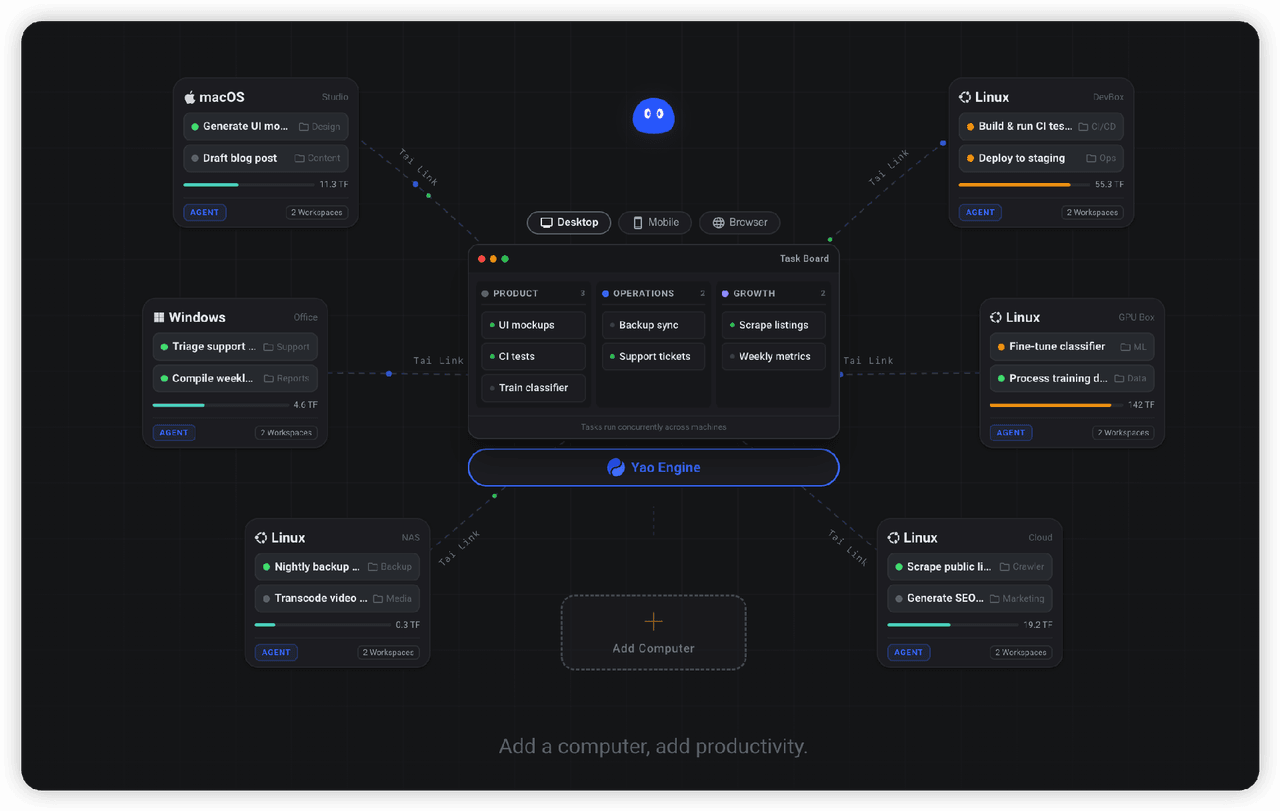
✨ All your agents and workspaces in one place, on every device you own. Track tasks on a board, accessible from desktop,…
YaoApp/yao
✨ All your agents and workspaces in one place, on every device you own. Track tasks on a board, accessible from desktop,…
-
 Devin-AXIS/iPolloWork
Enterprise-grade, local-first Agent Workbench for people and agent teams. A unified multi-engine workspace for Codex Har…
Devin-AXIS/iPolloWork
Enterprise-grade, local-first Agent Workbench for people and agent teams. A unified multi-engine workspace for Codex Har…