
MnemosyneOS/mnemosyne
Mnemosyne OS 8.0.0 — a zero-dependency, local-first AI memory system. Graph memory, multimodal ingestion, reranking, temporal reasoning, a hash-chained audit ledger, lossless compression, and 31 MCP tools.
catalog descriptioncatalog 简介 / catalog description:Mnemosyne OS 8.0.0 — zero-dependency, local-first AI memory system (MCP / API / CLI / Python). MIT. https://ai-memory.net
Project Overview项目介绍
mnemosyne OS is a zero-third-party-dependency, local-first AI memory engine that installs via pip install mnemosyne-os and runs as a Python library, a CLI, an HTTP API, or a Model Context Protocol server, exposing 31 MCP tools together with a built-in web console and REST endpoints on /v1, /v2, /v3. The core ships with graph memory, multimodal ingestion, reranking, temporal reasoning, a hash-chained audit ledger, and AIC lossless compression, while 72 optional provider adapters cover 20 LLM vendors, 13 embedders, 28 vector stores, six graph stores, and five rerankers — including OpenAI, Qdrant, and Cohere — letting teams swap cloud or self-hosted backends without rewriting application code. Integration guidance with DeepSeek Harness and other agent clients lives in docs/DEPLOY_DEEPSEEK_HARNESS.md, docs/COMPATIBILITY.md, and CHANGELOG.md.
It is aimed at individual developers, agent engineers, and teams that need persistent, auditable memory under local-first or air-gapped constraints, because the built-in rule extractor and offline embedder let Memory() boot, write, and search without any API key, model download, or database installation. A typical workflow begins with mnemosyne init to create a brain directory, uses mnemosyne add to store facts and mnemosyne search --user-id for filtered recall, or drives the engine programmatically through Memory, MemoryClient, or the MemoryBrain facade that returns cost-aware envelopes such as results, cost = brain.recall("...", k=5, budget_tokens=100). When an LLM is added via Memory.from_config, missing credentials automatically fall back to the rule-based engine and surface the reason inside m.describe()["degraded"], so nothing degrades silently.
Runtime requirements are Python 3.8 or newer on a laptop, server, or serverless host, with the core package declaring an empty install_requires so nothing is pulled in unless the user opts into a provider. The repository itself is tagged NOASSERTION, but the README and PyPI badge state that the license is MIT, and users should inspect LICENSE directly before redistribution. First-run users are advised to run python verify.py for the self-check, then scripts/verify_api.py, scripts/verify_memory_lifecycle.py, scripts/verify_precision_recall.py, and scripts/verify_recall_quality.py for offline API, lifecycle, precision, and recall regression coverage, and to read docs/ACCEPTANCE_GUIDE.md, docs/RECALL_STRATEGY.md, and docs/KNOWN_DEFECTS.md to understand the recall strategy and confirmed defects before production deployment.
mnemosyne OS 是一款零第三方依赖、本地优先的 AI 记忆引擎,通过 pip 安装即可作为 Python 库、CLI、HTTP API 或 MCP 服务器使用。它内置图记忆、多模态摄取、重排序、时序推理、哈希链审计账本和无损压缩等能力,并对外暴露 31 个 MCP 工具,同时随包提供 Web 控制台与 REST 接口。其 72 个可选组件覆盖 20 家 LLM、13 种 embedder、28 个向量库、6 种图存储与 5 个 reranker,可在 OpenAI、Qdrant、Cohere 等云端与本地方案中自由切换,并通过 docs/DEPLOY_DEEPSEEK_HARNESS.md 说明如何以 MCP 方式接入 DeepSeek Harness 等多类智能体客户端。
它面向需要持久记忆、检索增强或审计能力的个人开发者、Agent 工程师以及本地化部署团队,可在无外网或受限环境中直接使用内建规则提取器与离线 embedder 完成增删改查与按用户过滤的召回。典型流程为 mnemosyne init 后用 add 写入事实,search 进行检索,或以 Python Memory 对象、MemoryBrain 引擎门面进行编程化调用;当线上模型可用时再升级到带 LLM 的配置,未配置时自动降级并在 describe()["degraded"] 中指明原因。
项目要求 Python 3.8 及以上,核心包 install_requires 为空,可运行于笔记本、服务器乃至无服务器平台;许可证标注为 MIT,仓库则声明 NOASSERTION,需以 LICENSE 文件为准。首次运行建议执行 python verify.py 自检,并阅读 docs/ACCEPTANCE_GUIDE.md、docs/RECALL_STRATEGY.md、docs/KNOWN_DEFECTS.md 了解召回策略与已知缺陷。
请帮我安装这个 DSH 插件。安装前先完成【兼容性检查 + 安全性检查】,检查通过再动手。

插件:mnemosyne(MnemosyneOS/mnemosyne)
仓库:https://github.com/MnemosyneOS/mnemosyne
本站详情页:https://www.yhbd.top/plugins/mnemosyneos-mnemosyne/
本站登记:类型 plugin · 归类 多平台兼容工具(非 DSH 原生) · 许可证 NOASSERTION · ⭐ 37 · 最近提交 2026-10-03 · 主语言 Python · 未检测到 DSH 插件清单

按下面顺序执行,每步先把结论告诉我,再进入下一步:

【1 兼容性检查】
① 我这边:DSH 版本、Node 版本、操作系统、当前 profile(web / desktop)。
② 读它的 README、package.json、插件 manifest,列出它要求的 DSH 版本 / Node 版本 / 操作系统 / 外部依赖 / 需要另外先装的运行时。
③ 逐条比对,结论只写「满足 / 不满足 / 未知」三种;不满足的给出可行替代方案。
④ 检查是否和我已装的插件冲突:命令名重复、skill / tool 重名、端口占用、重复注册的 MCP server。

【2 安全性检查】
① 仓库可信度:和上面「本站登记」是否一致;star / fork 数、创建时间、最近提交,是否归档或长期停更。
② 安装脚本:逐行看 package.json 的 preinstall / install / postinstall,以及 install.sh、setup.ps1 之类脚本。出现 curl|bash、下载后直接执行、混淆代码、访问与插件功能无关的域名,立刻停下来告诉我,不要继续装。
③ 依赖:列出新增依赖,标出无人维护、或与知名包拼写近似的可疑包(typosquatting)。
④ 权限与副作用:它会读写哪些目录、访问哪些域名、需要哪些 DSH 权限(filesystem / network / shell / clipboard 等),以及怎么卸载和回滚。
⑤ 如果它要求 sudo / 管理员权限,或权限明显超出功能所需,先停下来问我。

【3 安装】
上面两步没有「不满足」和「高危项」时才执行;用官方推荐方式安装,不要自行提权。

【4 汇报】
用表格输出:检查项 / 结论 / 依据 / 是否需要我决策。拿不准的一律写「未知」并说明要我怎么确认——不要猜,也不要替我决定。
Send this message to DSH in your current session: it verifies compatibility and security first (answering met / not met / unknown item by item) and only installs once everything checks out — it will stop and ask you if it finds a high-risk item. The box scrolls; the copy is the full prompt. CLI install commands may not be accurate across systems, so DSH is the safer route.把上面这条消息直接发给当前会话里的 DSH:它会先核对兼容性与安全性(逐条给「满足 / 不满足 / 未知」),确认没问题再安装,有高危项会停下来问你。框内可滚动,复制到的是完整提示词;安装命令不一定准确,发给 DSH 更稳。
- 37 stars - an early-stage project星标 37,属于早期项目
- No DSH plugin manifest detected - it may only carry the dsh-plugin topic, so the install method must be confirmed on the spot未检测到 DSH 插件清单:可能只是打了 dsh-plugin 话题,安装方式要现场确认
- Not DSH-native: a multi-platform tool that may require Node / Electron or another runtime first非 DSH 原生,是多平台兼容工具:可能要先装 Node / Electron 等运行时
DSH walks through these 9 checksDSH 会逐条核对这 9 项
Compatibility兼容性
- DSH, Node, OS and profile requirementsDSH 版本 / Node 版本 / 操作系统 / profile 是否满足要求
- External dependencies and runtimes (Electron / Python / Docker, ...)外部依赖与运行时(Electron / Python / Docker 等)是否齐备
- Conflicts with installed plugins: command names, skill / tool names, ports, duplicate MCP registration与已装插件是否冲突:命令名、skill / tool 重名、端口占用、重复 MCP 注册
Security安全性
- Repo matches the facts registered here; archived or abandoned?仓库是否与页面登记一致,是否归档或长期停更
- Safety of preinstall / install / postinstall and install.sh / setup.ps1preinstall / install / postinstall 与 install.sh、setup.ps1 是否安全
- curl|bash, download-then-execute, obfuscation, unrelated domains → stop immediatelycurl|bash、下载即执行、混淆代码、无关域名 → 立刻停止
- Typosquatting or unmaintained packages among the new dependencies新增依赖里有没有 typosquatting 或无人维护的包
- Requested permissions vs. what the feature actually needs申请了哪些权限、是否超出功能所需(filesystem / network / shell / clipboard)
- Any sudo / admin requirement, plus uninstall and rollback是否要求 sudo / 管理员权限,以及卸载与回滚方式
Anything uncertain must be marked unknown with a note on how to confirm it. This site's signal screen is a static snapshot, not a security audit.拿不准的必须标「未知」并说明要我怎么确认。本站的信号筛查是静态快照,不能替代安全审计。
Or use CLI install (for developers)或使用命令行安装(适合开发者)
CLI Install命令行安装
dsh plugin --profile web add github:MnemosyneOS/mnemosyne把 MnemosyneOS/mnemosyne 加入你的 DSH 配置(web profile)即可启用。
READMEREADME

mnemosyne OS














Mnemosyne OS 8.0.0 — a zero-dependency, local-first AI memory system. Graph memory, multimodal ingestion, reranking, temporal reasoning, a hash-chained audit ledger, lossless compression, and 31 MCP tools.
Showing the opening section of the README — the full document lives in the repository以上为 README 开头摘要,完整文档在仓库内 · View the full README on GitHub →在 GitHub 查看完整 README →
Related相关推荐
-
 ruvnet/ruflo
🌊 The original agent harness. Deploy intelligent multi-player swarms, coordinate autonomous workflows, and build conver…
ruvnet/ruflo
🌊 The original agent harness. Deploy intelligent multi-player swarms, coordinate autonomous workflows, and build conver…
-
 mnemon-dev/mnemon
LLM-supervised persistent memory for AI agents — graph-based recall, cross-session knowledge, single binary. Works with …
mnemon-dev/mnemon
LLM-supervised persistent memory for AI agents — graph-based recall, cross-session knowledge, single binary. Works with …
-
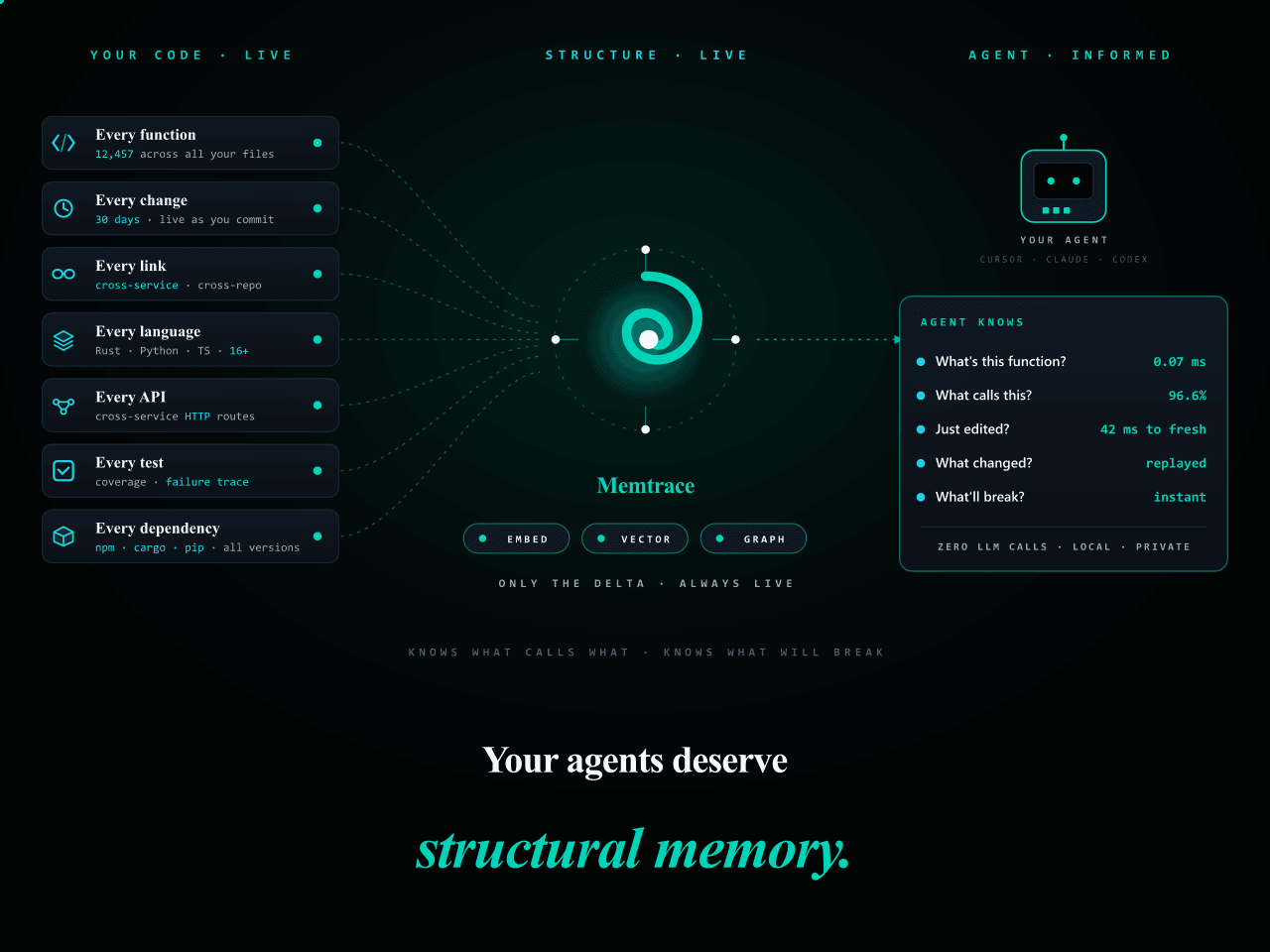 syncable-dev/memtrace-public
Structural memory for AI coding agents. Bi-temporal graph, MCP-native, zero LLM calls. Cursor · Claude Code · Codex · De…
syncable-dev/memtrace-public
Structural memory for AI coding agents. Bi-temporal graph, MCP-native, zero LLM calls. Cursor · Claude Code · Codex · De…
-
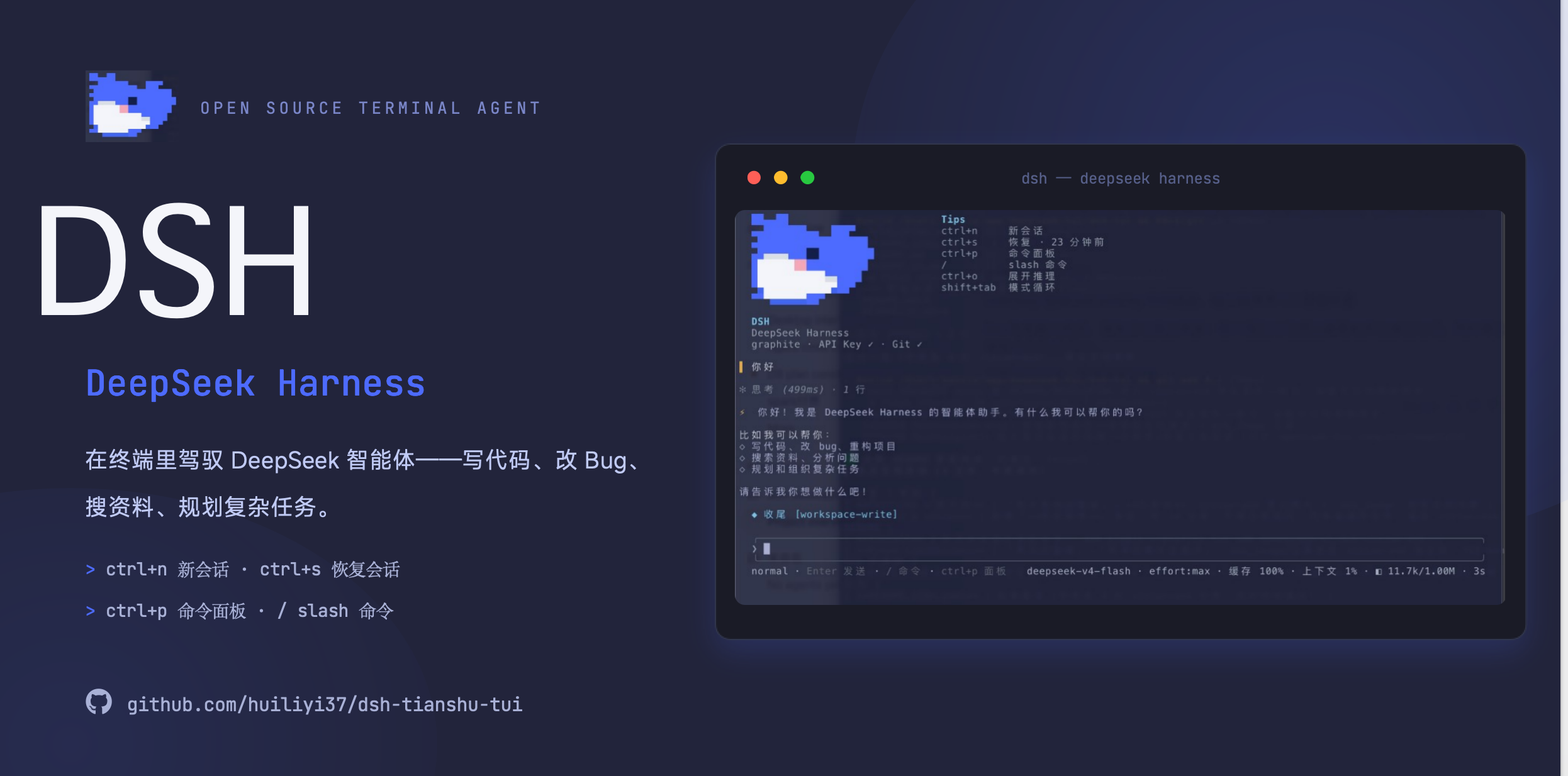 huiliyi37/dsh-tianshu-tui
官方 DeepSeek Harness 的交互式终端 UI 插件:自研 ANSI 极简交互渲染、流式 Markdown/工具卡、16+ 主题、slash 命令与选择器、输入历史与本地偏好持久化、LSP 诊断、memory记忆,很丝滑的开发体…
huiliyi37/dsh-tianshu-tui
官方 DeepSeek Harness 的交互式终端 UI 插件:自研 ANSI 极简交互渲染、流式 Markdown/工具卡、16+ 主题、slash 命令与选择器、输入历史与本地偏好持久化、LSP 诊断、memory记忆,很丝滑的开发体…
-
 xiehuan123/dsh-deepread
Evidence-first reading for AI agents — turn articles, books and PDFs into traceable claims, evidence, source locations a…
xiehuan123/dsh-deepread
Evidence-first reading for AI agents — turn articles, books and PDFs into traceable claims, evidence, source locations a…
-
 PerryLink/dsh-plugin-guide
Installable DSH bundle: the dsh-plugin-guide plugin-development knowledge base as an on-demand agent skill. Official doc…
PerryLink/dsh-plugin-guide
Installable DSH bundle: the dsh-plugin-guide plugin-development knowledge base as an on-demand agent skill. Official doc…
-
 geml-spec/geml
One format, two readers. People and AI agents now co-write the same document. Legible for people; addressable, verifiabl…
geml-spec/geml
One format, two readers. People and AI agents now co-write the same document. Legible for people; addressable, verifiabl…
-
 1na-ko/dsh-hdc-bridge
DSH 原生鸿蒙开发助手:hdc 设备闭环调试 + 设备面板(官方 client 插件形态)+ 离线官方知识层(Tier-1 随包)+ DevEco CLI 构建/签名/模拟器控制 / DSH-native HarmonyOS dev as…
1na-ko/dsh-hdc-bridge
DSH 原生鸿蒙开发助手:hdc 设备闭环调试 + 设备面板(官方 client 插件形态)+ 离线官方知识层(Tier-1 随包)+ DevEco CLI 构建/签名/模拟器控制 / DSH-native HarmonyOS dev as…