Mongfayi/dsh-recall
用于 DSH Web 界面的消息撤回(撤回)插件:每个用户消息上都有一个撤销按钮,可持久地移除该轮及之后的所有内容,而不会恢复代码更改。
项目介绍Project Overview
dsh-recall 是一款 DSH 对话撤回插件:点击用户消息旁的撤销按钮,即可将该轮对话及其后全部内容从界面与模型可见历史中移除,并在原位置显示“已撤回的消息”提示。撤回通过在 append-only 会话日志追加一条持久墓碑事件实现,重启后依然生效;被撤回用户消息的文本与图片会整体恢复到输入框,可修改后重新发送。撤回按钮与框架复制键同排且互不遮挡,气泡、引用标签、图片画廊均保持框架原样,图片始终经框架图片槽渲染。适用于长对话中需要快速回滚到某一轮提问重新发起、或在子智能体、压缩、重试、工作流混入后整体撤回的场景。智能体运行中按钮会被禁用,需先停止当前回合;插件绝不回退任何代码或文件改动,仅作用于会话消息与模型可见上下文,且仅适配 DSH 0.1.1-rc.1 / rc.2。
dsh-recall is a DSH plugin that retracts an entire turn from a conversation. Clicking the undo button next to a user message removes that turn and every subsequent message from the interface and the model-visible history, then displays a "recalled message" placeholder at the same position. The recall is implemented by appending a single persistent tombstone event to the append-only session log, so it survives restarts; the recalled message's text and images are restored to the input box for editing and resending. The button sits on the same row as the framework's copy key without overlap, and bubbles, citation tags, and the image gallery keep their original styling. Use it to roll back a turn mid-conversation, including subagent instructions, compaction, retries, and workflow runs. The button is disabled while the agent is running, and the plugin never reverts any code or file changes—only session messages and visible model context. Verified on DSH 0.1.1-rc.1 and 0.1.1-rc.2.
请帮我了解并安装插件:【dsh-recall】【https://github.com/Mongfayi/dsh-recall】把上面这条消息直接发给当前会话里的 DSH,让它帮你了解并安装。安装命令不一定准确,发给 DSH 更稳。Send this message to DSH in your current session. CLI install commands may not be accurate across systems — DSH will figure it out for you.
或使用命令行安装(适合开发者)Or use CLI install (for developers)
命令行安装CLI Install
dsh plugin --profile web add github:Mongfayi/dsh-recall把 Mongfayi/dsh-recall 加入你的 DSH 配置(web profile)即可启用。
READMEREADME
dsh-recall
(作者有余额了就继续更新)
对话撤回(recall)插件:把一条消息及其之后的所有内容从对话中移除——界面不再显示、模型不再可见——但绝不回退任何代码/文件改动。撤回通过追加日志(append-only)中的一条持久墓碑事件实现,重启后依然生效。
功能特性
- 整轮撤回:点击用户消息旁的撤销按钮(复制键左侧),撤回该轮对话及其后的全部内容——你的提问与智能体的回复一并移除;长对话中的子智能体指令、压缩、重试、工作流等也都会被一并撤回。
- 恢复编辑:撤回后,被撤回用户消息的文本与图片整体恢复到输入框,可修改后重新发送(与 opencode 的撤回行为一致)。
- 不破坏界面:撤回按钮与框架的复制按钮同一行、互不遮挡;消息气泡、复制键、引用标签、图片画廊全部保持框架原样;含图片的消息始终正常显示图片。
- 持久且可追溯:撤回记录是一条持久墓碑事件,随会话日志 flush 持久化,重启后依然生效;日志记录一个不删。
使用
- 会话空闲时,点击用户消息旁的撤销按钮(复制键左侧);
- 确认弹窗后,该轮对话及其后的全部内容被撤回;
- 撤回位置显示「已撤回的消息」提示;
- 被撤回消息的文本与图片恢复到输入框,可修改后重新发送。
智能体运行中撤销按钮会禁用(先停止当前回合再撤回)。
工作原理
宿主端(lib/index.js)
提供 POST /recall 路由({sessionId, messageId} 或 {sessionId, boundary}),完全基于既有会话协议完成撤回(框架核心没有 Session.recall):
- 校验边界:边界必须是当前 surface 上的活跃消息节点(已撤回或被遮蔽 →
recall-rejected); - 追加墓碑:追加一条持久墓碑——空内容的
assistant/message,surfaceOp为{op:'replace', start: boundary, end}且sourceEventSeqs覆盖全部被遮蔽节点。空内容 assistant 消息不派生任何消息,模型可见历史收缩到 boundary 之前; - 标记与持久化:
data.recall = {boundary, end}标记墓碑(客户端提示节点),随常规 flush 持久化。
错误码:session-not-found / subagent-owned / agent-busy / message-not-found / recall-rejected。
浏览器端(lib/client.js)
- 撤回按钮:以
priority: -1覆盖conversation.chat.node的userkeyed 渲染器。覆盖项委托给框架自己的用户渲染器(从席位注册中解析原组件;框架渲染器是react.memo对象而非普通函数,二者都接受),气泡、复制按键、引用标签与图片画廊全部保持框架原样。撤销按钮定位在框架操作行同一行、复制按键左侧——悬停时钟被抑制使操作行只剩复制键,right:38px即复制键 28px + 10px 行间距,绝无遮挡。 - 图片渲染:始终经框架的图片槽
renderMessageImages渲染(会话授权,标签/灯箱框架原样),不依赖插件自带的画廊加载器——原实现里loadImage并不在渲染器 props 中,必然加载失败导致图片不可见。 - 整轮隐藏:被撤回区间(boundary..end,含端点)内的每一种对话节点都在装配期被隐藏。框架的 slot core 禁止被遮蔽的条目重新声明已被框架条目声明的子槽位,因此不能为每种节点套一个渲染器过滤器;改为在
conversationEvents上统一包装每个框架对话定义的buildViewNode:调用原构建器后,只要该行的锚点 seq(anchorSeq/data.seq/data.finalNode.seq/data.closing.finalNode.seq)落在已撤回区间内就返回null,其余行与框架输出完全一致。这覆盖 steering / context / assistant-step / command / manual-compaction / compaction / model-retry / turn-error / turn-max-tokens / turn-tail / unknown / command-input / tool-call / workflow-run 等全部节点种类。 - 「已撤回的消息」提示:
recall定义匹配墓碑事件(assistant/message+data.recall)注册提示节点。 - 实时更新:墓碑到达实时会话后,通过重新注册本插件的
recall定义触发一次会话装配重建,被撤回行立即消失(无需刷新页面)。 - 恢复输入框:文本经
conversation.input.for(scope).setDraft()写回;图片经conversation.resolveImage()(会话授权 URL)→fetch→conversation.createDraftImages()注册为草稿图片,addImages()挂到图片轨道。被撤回附件仍保留在 append-only 日志中,恢复有真实数据源;单张失败不影响其余恢复,也绝不回滚已完成的撤回。
兼容性
- 不需要
session/recall事件类型、Session.recall或客户端窗口过滤——全部基于框架既有的 surface 替换协议与 keyed Chat Node 席位。 - 已适配并验证于 DSH
0.1.1-rc.1与0.1.1-rc.2(相关 API 无破坏性变化)。
开发
node test/smoke-host.mjs    # 宿主路由:成功/拒绝路径
node test/smoke-client.mjs  # 客户端注册、定义、文案、确认门、委托/图片/恢复
相关推荐Related
-
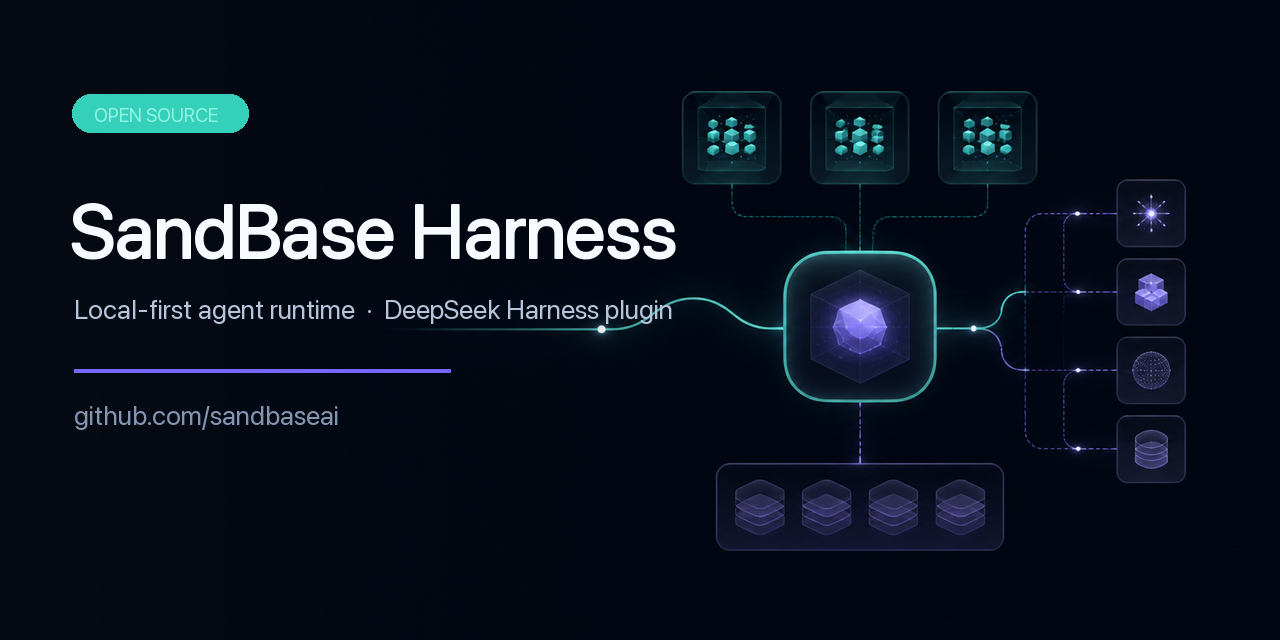 sandbaseai/sandbase-harness
Local-first AI agent runtime with sandboxed sessions, MCP tools, memory, credentials, audit/replay, and a built-in conso…
sandbaseai/sandbase-harness
Local-first AI agent runtime with sandboxed sessions, MCP tools, memory, credentials, audit/replay, and a built-in conso…
-
 omdsh-dev/dsh-mnemon
Composable three-tier memory control plane for DeepSeek Harness: persistent runtime context, searchable project document…
omdsh-dev/dsh-mnemon
Composable three-tier memory control plane for DeepSeek Harness: persistent runtime context, searchable project document…
-
 PerryLink/dsh-memento
Bounded, layered, approval-gated, auditable cross-session memory for DeepSeek Harness (capability seam: ctx.memory + SQL…
PerryLink/dsh-memento
Bounded, layered, approval-gated, auditable cross-session memory for DeepSeek Harness (capability seam: ctx.memory + SQL…
- Xuxchloris/deepseek-harness-sdr-plugin DeepSeek Harness 的 SDR 数字员工插件:九阶段外贸获客 SOP、结构性人工审批、客户去重、持久化知识检索与审计日志,默认 dry-run 安全演示。
- chenzheshushi-commits/dsh-evolve Self-evolving memory + skill lifecycle for DeepSeek Harness — durable cross-session memory with zero-token deterministic…
- KLRSL/dsh-biomemory 生物仿生记忆系统插件:Biomimetic memory for DeepSeek Harness — transparent Markdown memory, approval-gated writes, frozen snapshot …
-
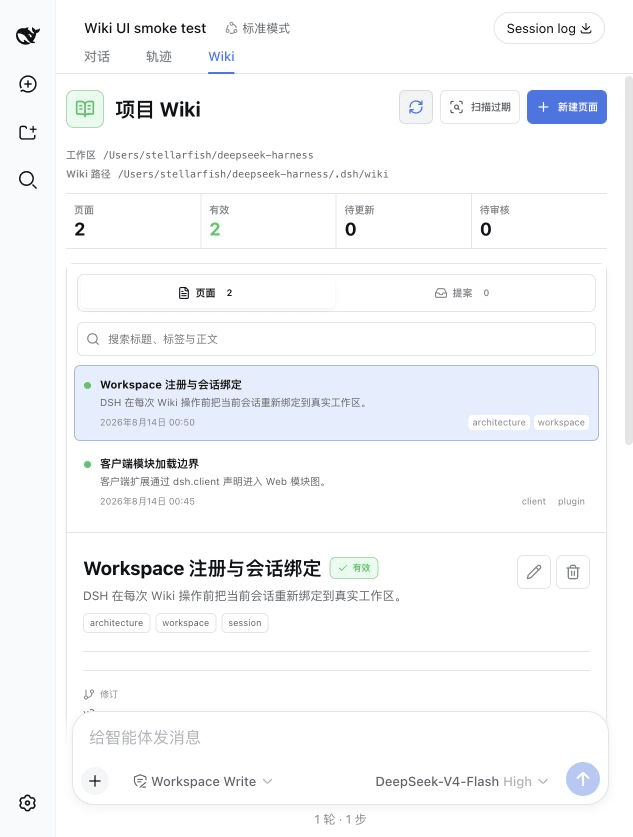 yu-xin-c/dsh-project-wiki
Auditable workspace-local project Wiki with a native Web UI for DeepSeek Harness
yu-xin-c/dsh-project-wiki
Auditable workspace-local project Wiki with a native Web UI for DeepSeek Harness
-
 djasdh/interest-memory
Low-footprint memory backend for AI agents — single binary, ~50MB RAM, verify-augmented accuracy
djasdh/interest-memory
Low-footprint memory backend for AI agents — single binary, ~50MB RAM, verify-augmented accuracy