Noob-stupid/dsh-plugin-gating-hub
DSH plugin - framework upgrade safety & plugin gating: contract pre-check, rollback point, auto-rollback on failure, evidence-based auto-disable; plus a multi-source plugin market. Unofficial. | DSH 插件:框架升级安全 + 插件门控——升级前契约预检、回滚点、失败自动回滚、有确证证据才自动禁用;另带多源插件市场。非官方社区项目。
Project Overview项目介绍
This is a native plugin built exclusively for DeepSeek Harness (DSH) that serves as a central plugin management hub for the DSH ecosystem. It lets users manage all of their installed DSH plugins from a single web panel, with one-click toggling to enable or disable any plugin. It also hosts a public marketplace with over 500 plugins and agent skills that can be installed directly from the panel with one click. It additionally handles one-click upgrades to the DSH framework, with automatic rollback if any step of the upgrade process fails.
Both end users and plugin developers benefit from this hub. End users can quickly search, browse, and install third-party plugins and skills without having to manually clone git repositories or run npm install commands. Developers can have their plugins automatically added to the marketplace just by tagging their repository with the dsh-plugin topic, no extra application or approval step is required. All content is served via CDN and no GitHub API calls are needed, so load times are fast and reliable even for the large 500+ plugin index.
The project is released under the open-source MIT license, and requires DSH version 0.1.0-rc.6 or newer with a configured web profile. Users can install the hub either via the prebuilt npm release, which is the recommended method, or directly from the source code hosted on GitHub. After installation, users need to restart the DSH service and refresh their browser to access the plugin console. The project welcomes all types of contributions, from issue reports to pull requests, documentation updates, and translations, and contributors follow a published code of conduct.
这是一个专为DeepSeek Harness打造的原生插件,作为DSH生态的集中式插件管理hub存在。它允许用户在一个统一面板中管理所有已安装的DSH插件,支持一键启用或禁用插件,还提供了包含500余个插件和技能的市场,支持一键安装。它还支持框架一键升级,若升级过程中出现问题会自动回滚,还集成了AI能力辅助新插件的部署配置。
普通DSH用户可以通过这个hub快速搜索、浏览和安装DSH生态中的第三方插件和技能,无需手动处理git仓库或复杂的npm安装流程。插件开发者可以给自己的仓库打上dsh-plugin标签,插件就会自动出现在市场中,不需要额外提交申请就能获得官方分发渠道。它不需要调用GitHub API,所有资源通过CDN分发,访问速度和稳定性都更有保障。
这个项目遵循MIT许可协议开源,要求DSH版本不低于0.1.0-rc.6,并且需要配置web环境。安装可以通过npm预构建包,也可以从GitHub源码安装,安装后需要重启DSH服务并刷新页面才能进入插件控制台。项目接受各类贡献,包括问题反馈、代码提交、文档更新和翻译等,用户也可以提交issue反馈bug或功能需求。
请帮我安装这个 DSH 插件。安装前先完成【兼容性检查 + 安全性检查】,检查通过再动手。

插件:dsh-plugin-gating-hub(Noob-stupid/dsh-plugin-gating-hub)
仓库:https://github.com/Noob-stupid/dsh-plugin-gating-hub
本站详情页:https://www.yhbd.top/plugins/noob-stupid-dsh-plugin-gating-hub/
本站登记:类型 plugin · 归类 原生 DSH 插件 · 许可证 MIT · ⭐ 93 · 最近提交 2026-10-03 · 主语言 JavaScript

按下面顺序执行,每步先把结论告诉我,再进入下一步:

【1 兼容性检查】
① 我这边:DSH 版本、Node 版本、操作系统、当前 profile(web / desktop)。
② 读它的 README、package.json、插件 manifest,列出它要求的 DSH 版本 / Node 版本 / 操作系统 / 外部依赖 / 需要另外先装的运行时。
③ 逐条比对,结论只写「满足 / 不满足 / 未知」三种;不满足的给出可行替代方案。
④ 检查是否和我已装的插件冲突:命令名重复、skill / tool 重名、端口占用、重复注册的 MCP server。

【2 安全性检查】
① 仓库可信度:和上面「本站登记」是否一致;star / fork 数、创建时间、最近提交,是否归档或长期停更。
② 安装脚本:逐行看 package.json 的 preinstall / install / postinstall,以及 install.sh、setup.ps1 之类脚本。出现 curl|bash、下载后直接执行、混淆代码、访问与插件功能无关的域名,立刻停下来告诉我,不要继续装。
③ 依赖:列出新增依赖,标出无人维护、或与知名包拼写近似的可疑包(typosquatting)。
④ 权限与副作用:它会读写哪些目录、访问哪些域名、需要哪些 DSH 权限(filesystem / network / shell / clipboard 等),以及怎么卸载和回滚。
⑤ 如果它要求 sudo / 管理员权限,或权限明显超出功能所需,先停下来问我。

【3 安装】
上面两步没有「不满足」和「高危项」时才执行;用官方推荐方式安装,不要自行提权。

【4 汇报】
用表格输出:检查项 / 结论 / 依据 / 是否需要我决策。拿不准的一律写「未知」并说明要我怎么确认——不要猜,也不要替我决定。
Send this message to DSH in your current session: it verifies compatibility and security first (answering met / not met / unknown item by item) and only installs once everything checks out — it will stop and ask you if it finds a high-risk item. The box scrolls; the copy is the full prompt. CLI install commands may not be accurate across systems, so DSH is the safer route.把上面这条消息直接发给当前会话里的 DSH:它会先核对兼容性与安全性(逐条给「满足 / 不满足 / 未知」),确认没问题再安装,有高危项会停下来问你。框内可滚动,复制到的是完整提示词;安装命令不一定准确,发给 DSH 更稳。
- This site's static screen found no obvious risk signal (stars, license, activity, manifest)本站静态筛查没发现明显风险信号(星标、许可证、更新活跃度、清单完整度)
DSH walks through these 9 checksDSH 会逐条核对这 9 项
Compatibility兼容性
- DSH, Node, OS and profile requirementsDSH 版本 / Node 版本 / 操作系统 / profile 是否满足要求
- External dependencies and runtimes (Electron / Python / Docker, ...)外部依赖与运行时(Electron / Python / Docker 等)是否齐备
- Conflicts with installed plugins: command names, skill / tool names, ports, duplicate MCP registration与已装插件是否冲突:命令名、skill / tool 重名、端口占用、重复 MCP 注册
Security安全性
- Repo matches the facts registered here; archived or abandoned?仓库是否与页面登记一致,是否归档或长期停更
- Safety of preinstall / install / postinstall and install.sh / setup.ps1preinstall / install / postinstall 与 install.sh、setup.ps1 是否安全
- curl|bash, download-then-execute, obfuscation, unrelated domains → stop immediatelycurl|bash、下载即执行、混淆代码、无关域名 → 立刻停止
- Typosquatting or unmaintained packages among the new dependencies新增依赖里有没有 typosquatting 或无人维护的包
- Requested permissions vs. what the feature actually needs申请了哪些权限、是否超出功能所需(filesystem / network / shell / clipboard)
- Any sudo / admin requirement, plus uninstall and rollback是否要求 sudo / 管理员权限,以及卸载与回滚方式
Anything uncertain must be marked unknown with a note on how to confirm it. This site's signal screen is a static snapshot, not a security audit.拿不准的必须标「未知」并说明要我怎么确认。本站的信号筛查是静态快照,不能替代安全审计。
Or use CLI install (for developers)或使用命令行安装(适合开发者)
CLI Install命令行安装
dsh plugin --profile web add @noob-stupid/dsh-plugin-console把 Noob-stupid/dsh-plugin-gating-hub 加入你的 DSH 配置(web profile)即可启用。
READMEREADME
Web & Desktop — both supported.
English: README.md | 中文: README.zh.md
DSH Plugin Gating Hub (dsh-plugin-gating-hub)
Renamed from dsh-plugin-hub — old URLs redirect.
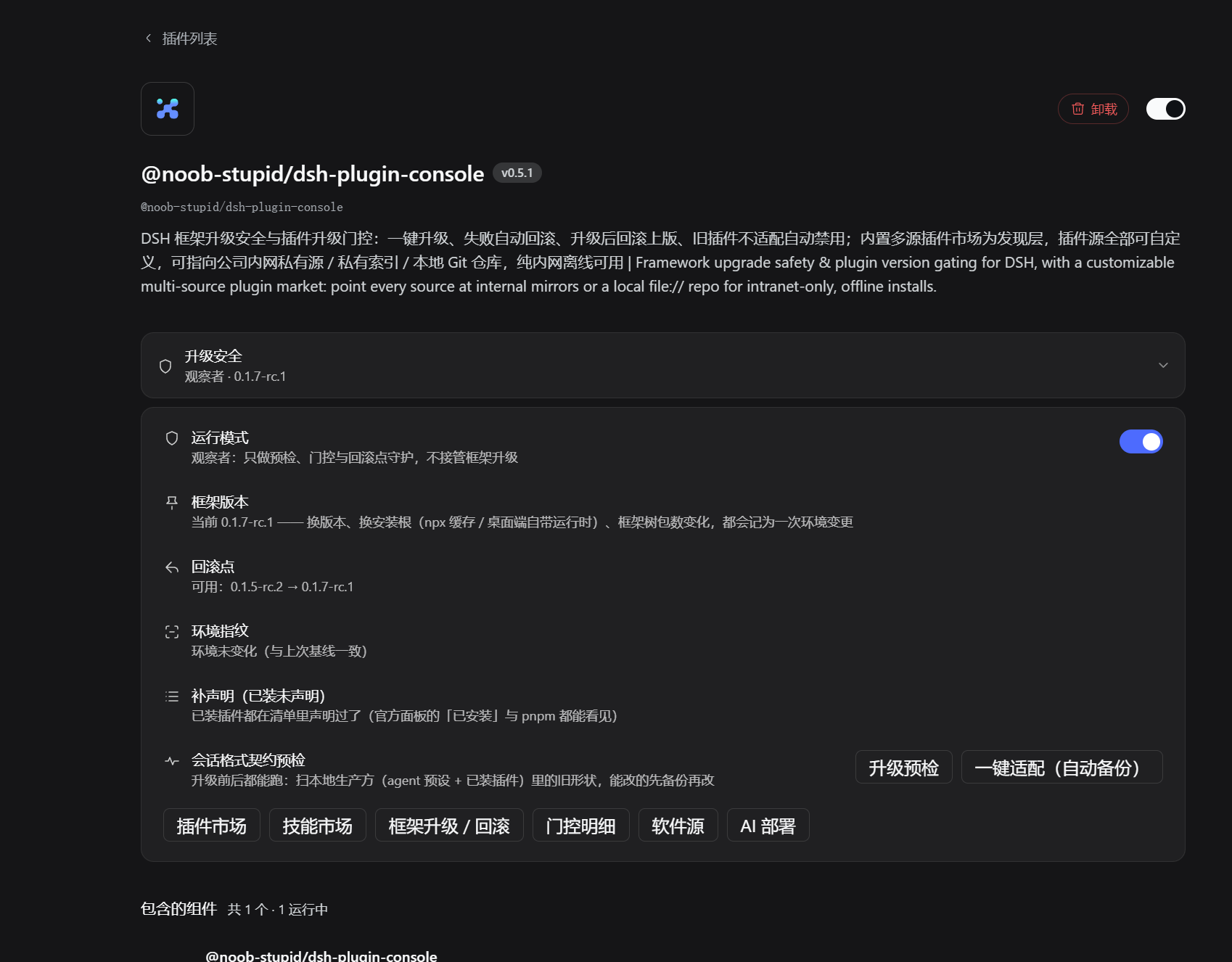
Framework-upgrade safety and plugin-version gating for DSH. A failed upgrade rolls back. A framework changed by any update channel is still guarded. A version the host cannot take is refused, not installed.
Install (npm, one line)
dsh plugin --profile web add @noob-stupid/dsh-plugin-console
Then restart the dsh service → refresh the page → Settings → Plugins → Plugin Console.
Three hard guarantees
- 🛡️ Contract pre-check → rollback point → auto-rollback. A data-driven contract pre-check runs first (message contract / dependency API / config schema / removed API / loader contract); then config backup + a full-tree rollback point. A failed install or relaunch auto-rolls the tree back, a 「roll back to previous」 button restores the last version, and plugins the new framework cannot load are auto-disabled — version check catches fake success, 15-min timeout + stall detection.
- 👁️ Even when another update channel changes the framework. An environment fingerprint
catches changes made by the official desktop updater or a manual
pnpm: it auto-runs a read-only pre-flight, and disables a row only with hard evidence (package unresolvable /file://target gone / named in a boot-failure log).@deepseek-ai/*and protected / core rows are never auto-disabled; each auto-disable writes a one-command recovery record. - 🔒 Plugin install & upgrade gating. Version/declaration gate (
dsh.engines.framework/engines.dsh/@deepseek-ai/*ranges, built-in zero-dependency semver), a repo-size gate on source channels, and explicit handling of non-registry sources — a bare version is written back only once the registry really resolves it, otherwise the package is materialized aslink:. Install scripts are never auto-authorized, and pnpm's supply-chain gate is never bypassed.
Showing the opening section of the README — the full document lives in the repository以上为 README 开头摘要,完整文档在仓库内 · View the full README on GitHub →在 GitHub 查看完整 README →
Related相关推荐
-
 dqsjqian/AriaAgent
Industrial-grade C++23 Agent Tooling Framework GUI — provider-agnostic LLM agent with true SSE streaming (Continuo trans…
dqsjqian/AriaAgent
Industrial-grade C++23 Agent Tooling Framework GUI — provider-agnostic LLM agent with true SSE streaming (Continuo trans…
-
 Unclecheng-li/DeepSec
DeepSec — AI Security Offense & Defense Platform. Shield audits AI-generated code for hallucinated packages, missing saf…
Unclecheng-li/DeepSec
DeepSec — AI Security Offense & Defense Platform. Shield audits AI-generated code for hallucinated packages, missing saf…
-
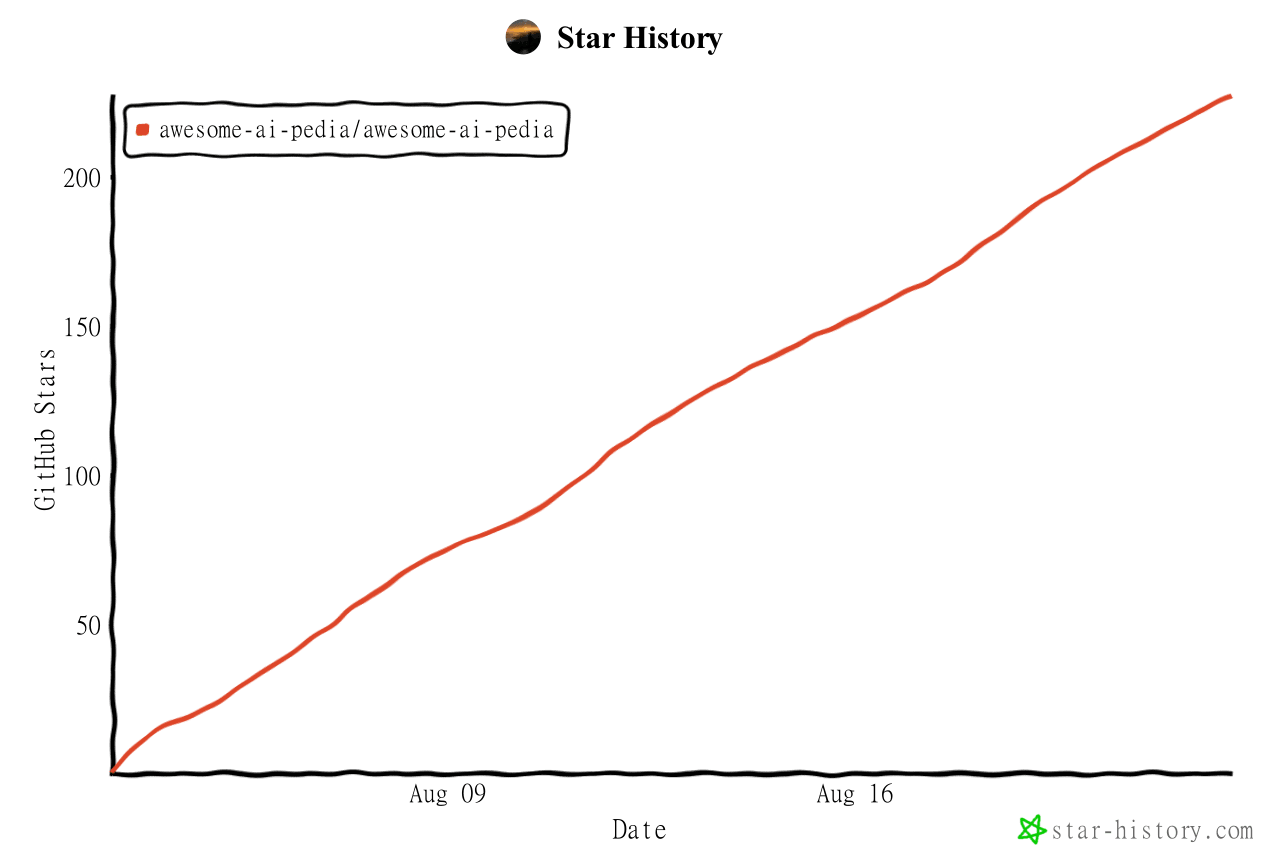 Awesome-AI-Pedia/Awesome-AI-Pedia
AI skills大全 mcp ai知识库 Agent 全维度 AI 资源百科,DSH插件 收录大模型、智能 Agent、RAG 检索增强、多模态、MLOps、AI 应用工具、AI面试集、Vibe coding 大全、零基础学习路线,持续更…
Awesome-AI-Pedia/Awesome-AI-Pedia
AI skills大全 mcp ai知识库 Agent 全维度 AI 资源百科,DSH插件 收录大模型、智能 Agent、RAG 检索增强、多模态、MLOps、AI 应用工具、AI面试集、Vibe coding 大全、零基础学习路线,持续更…
-
 imsai-sh/awesome-deepseek-harness-plugins
DeepSeek Harness plugin store, marketplace and hub — 11,000+ dsh plugins with search, rankings, install commands and a f…
imsai-sh/awesome-deepseek-harness-plugins
DeepSeek Harness plugin store, marketplace and hub — 11,000+ dsh plugins with search, rankings, install commands and a f…
-
 2BingLing/dsh-market
DeepSeek Harness 插件市场 · 持续收录 6000+ DSH 插件:中文搜索 + 实用五维评分 + 一键安装。Web 版与 DSH 侧边栏插件双形态。Plugin marketplace for DeepSeek Harne…
2BingLing/dsh-market
DeepSeek Harness 插件市场 · 持续收录 6000+ DSH 插件:中文搜索 + 实用五维评分 + 一键安装。Web 版与 DSH 侧边栏插件双形态。Plugin marketplace for DeepSeek Harne…
-
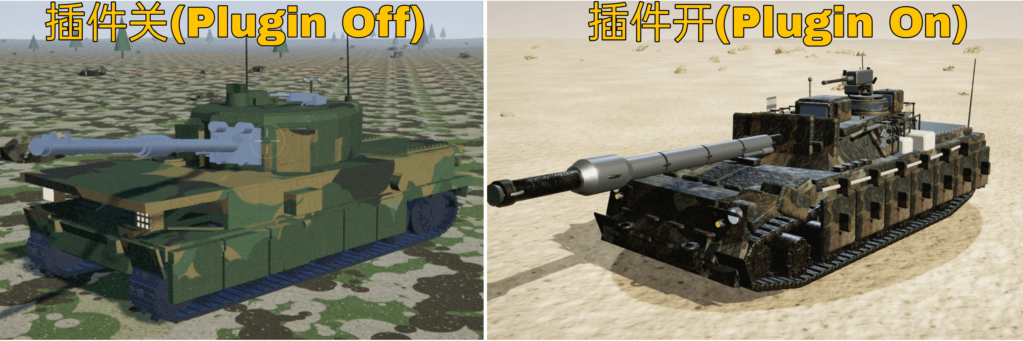 WestFox-AwA/dsh-prompt-optimizer
DSH 插件 · 注入式优化器 0.7(主线):你照常说话,它在你发送后,AI接收前把"这一轮到底要什么"理清楚,再把这份理解交给工作 AI(上下文注入) —— 原话不改写,条条带逐字依据。含控制界面(档位/权限/模型/上下文/只读工具)、…
WestFox-AwA/dsh-prompt-optimizer
DSH 插件 · 注入式优化器 0.7(主线):你照常说话,它在你发送后,AI接收前把"这一轮到底要什么"理清楚,再把这份理解交给工作 AI(上下文注入) —— 原话不改写,条条带逐字依据。含控制界面(档位/权限/模型/上下文/只读工具)、…
-
 akira399/dsh-novel-writer
大肥鱼的小说工坊 — DSH 网络小说创作插件:九阶段门禁式创作流程 + 世界书设定注入 + 本地书籍导入 + AI 一键润色 + 去AI味 + 黄金三章诊断 + 百万字一致性 + 市场调研与模板复制。
akira399/dsh-novel-writer
大肥鱼的小说工坊 — DSH 网络小说创作插件:九阶段门禁式创作流程 + 世界书设定注入 + 本地书籍导入 + AI 一键润色 + 去AI味 + 黄金三章诊断 + 百万字一致性 + 市场调研与模板复制。
-
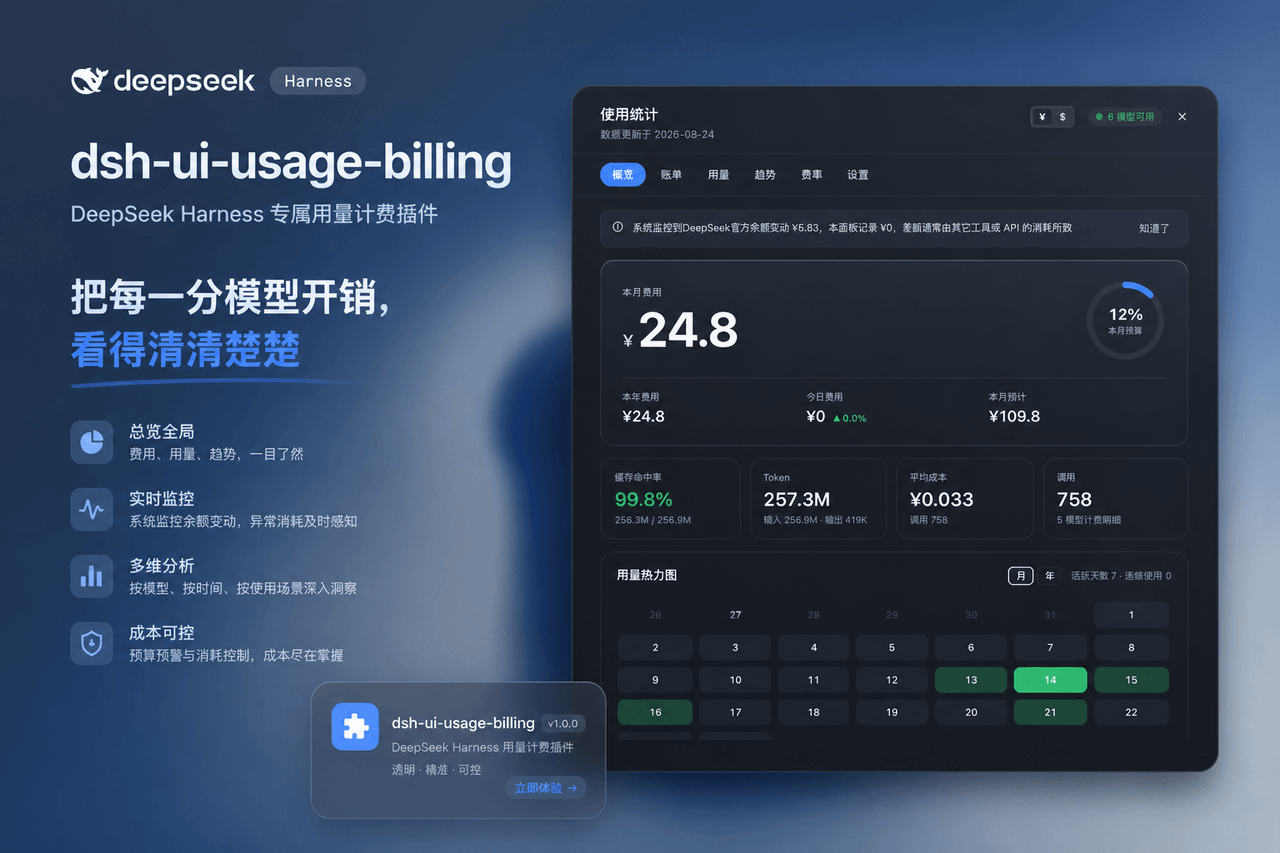 kenz1117/dsh-ui-usage-billing
Usage billing dashboard plugin for DeepSeek Harness: sidebar cost metrics, real usage aggregation from session logs, cur…
kenz1117/dsh-ui-usage-billing
Usage billing dashboard plugin for DeepSeek Harness: sidebar cost metrics, real usage aggregation from session logs, cur…