oceanxuikun/dsh-eva-theme-plugin
专为DSH WebUI设计的福音战士风格主题插件,包含零号机、初号机和二号机主题,配备沉浸式背景与机甲风格UI特效。
Project Overview项目介绍
A user-level client plugin for the DeepSeek Harness Web GUI that adds three Neon Genesis Evangelion unit color schemes — Unit-01 (purple/green), Unit-00 (blue/yellow), Unit-02 (crimson/orange) — by retinting every element through 86 --dsw-* tokens and injecting a sidebar switcher with matching wallpaper backdrops. Use it to retheme the entire web interface in an EVA mecha style. Caveat: on every theme-change event, the plugin re-asserts Unit-01 unless one of the three unit schemes is already active, which can override other theme choices and reset to light/dark at boot.
一款面向 DeepSeek Harness Web GUI 的用户端主题插件,提供三套《新世纪福音战士》机体配色——初号机(紫绿)、零号机(蓝黄)、弐号机(红橙),通过 86 套 --dsw-* 主题令牌重染界面所有元素,并在侧边栏注入切换器与对应机体壁纸。适用于希望把 Web 界面整体改为 EVA 机甲风格的场景;需注意:每次 theme/change 时若当前主题非三套之一,插件会强制切回 Unit-01,可能覆盖其他主题选择。
请帮我了解并安装插件:【dsh-eva-theme-plugin】【https://github.com/oceanxuikun/dsh-eva-theme-plugin】Send this message to DSH in your current session. CLI install commands may not be accurate across systems — DSH will figure it out for you.把上面这条消息直接发给当前会话里的 DSH,让它帮你了解并安装。安装命令不一定准确,发给 DSH 更稳。
Or use CLI install (for developers)或使用命令行安装(适合开发者)
CLI Install命令行安装
dsh plugin --profile web add github:oceanxuikun/dsh-eva-theme-plugin把 oceanxuikun/dsh-eva-theme-plugin 加入你的 DSH 配置(web profile)即可启用。
READMEREADME
dsh-eva-theme-plugin
English | 中文
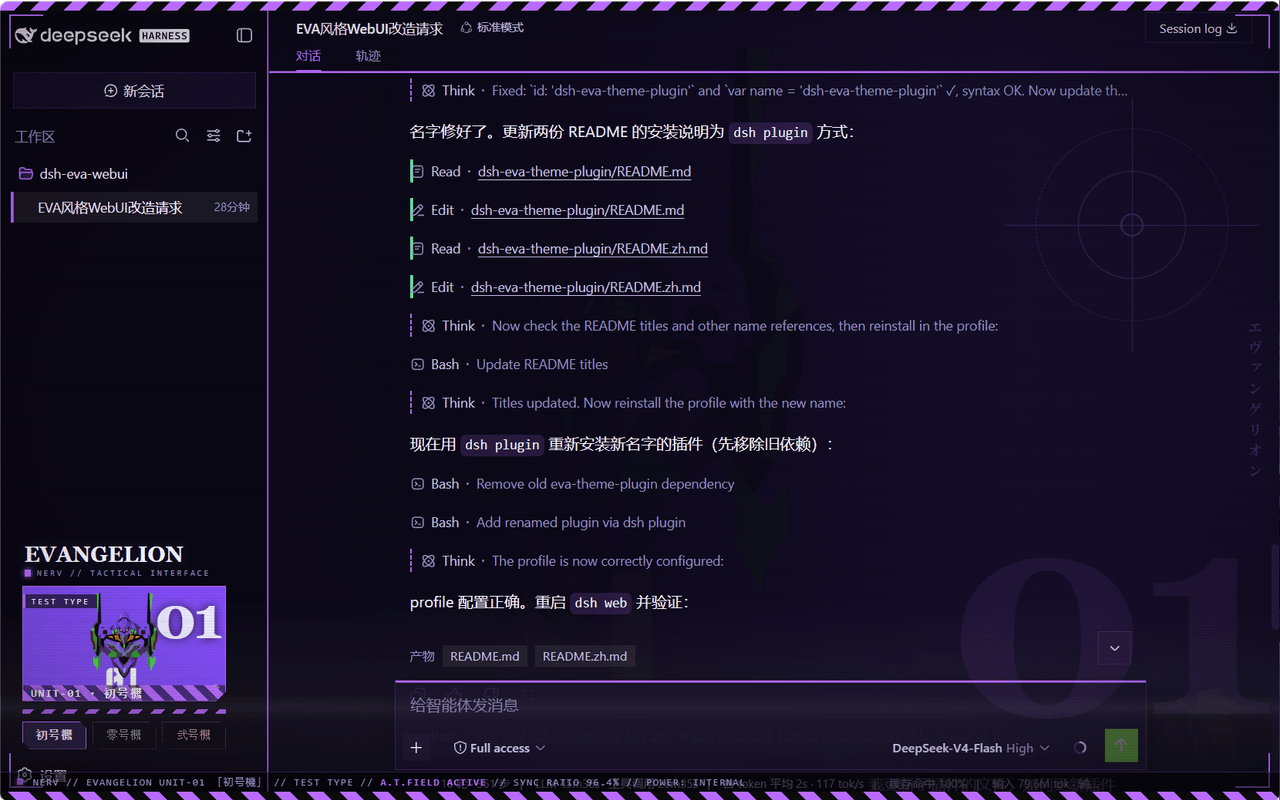
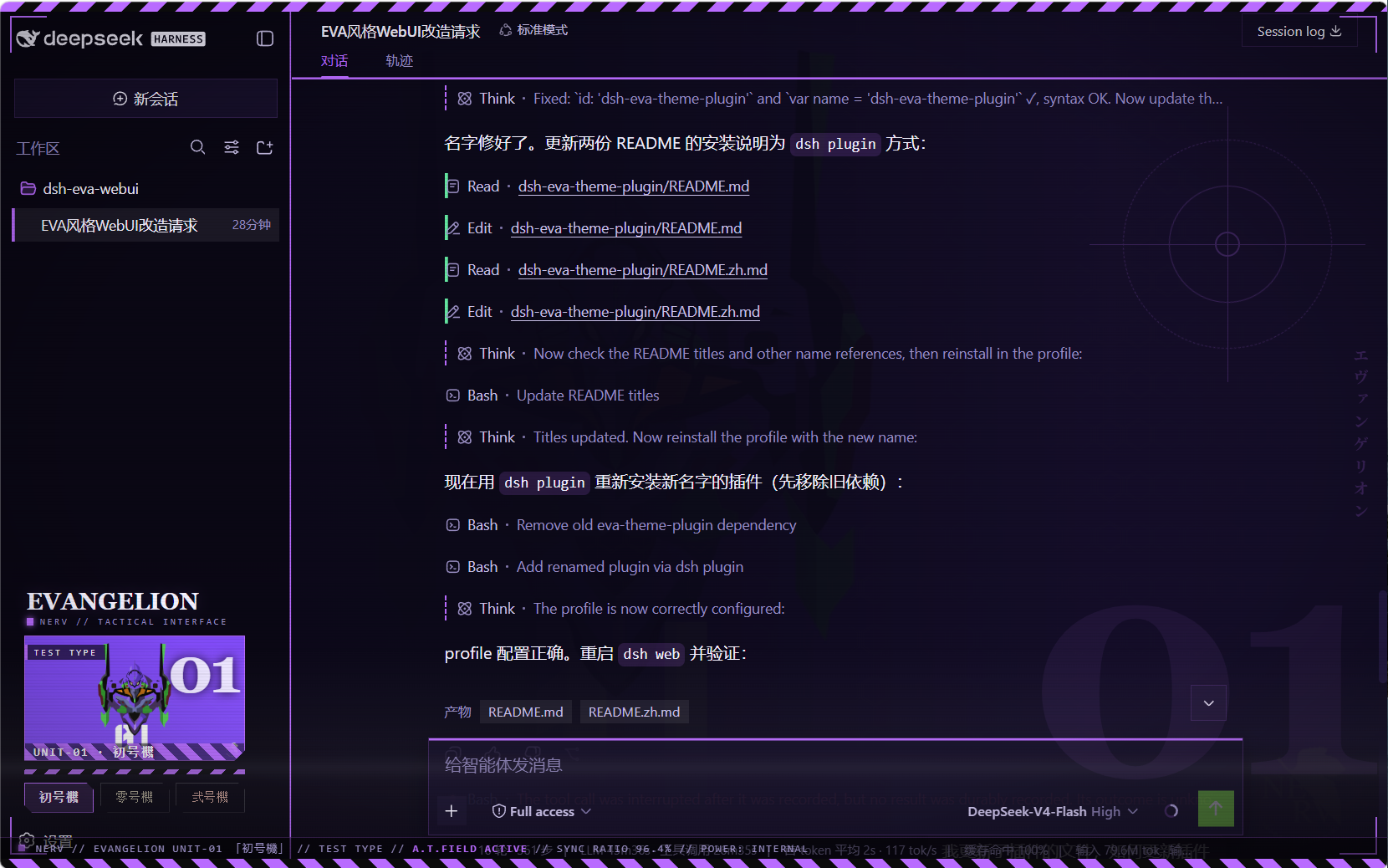
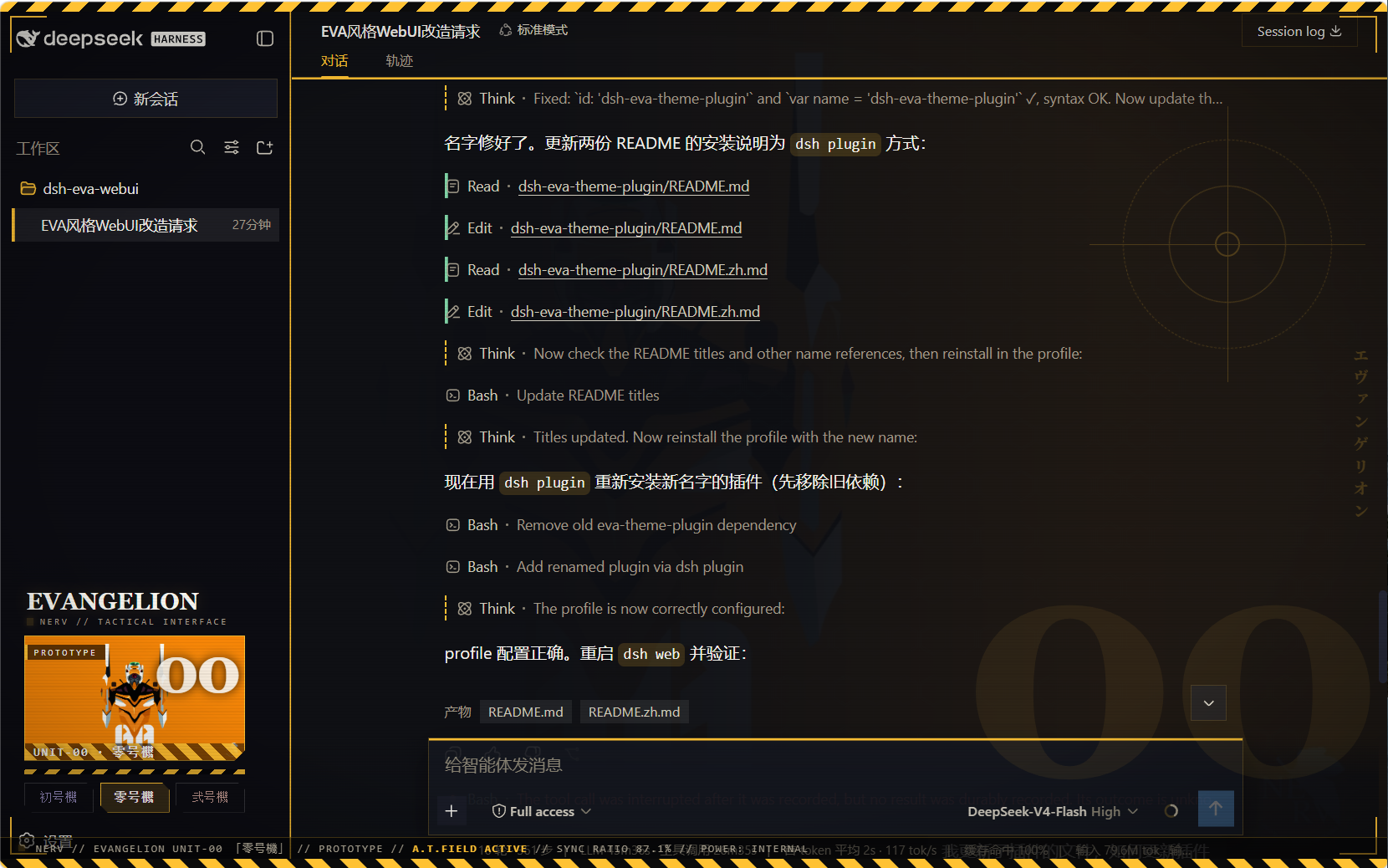
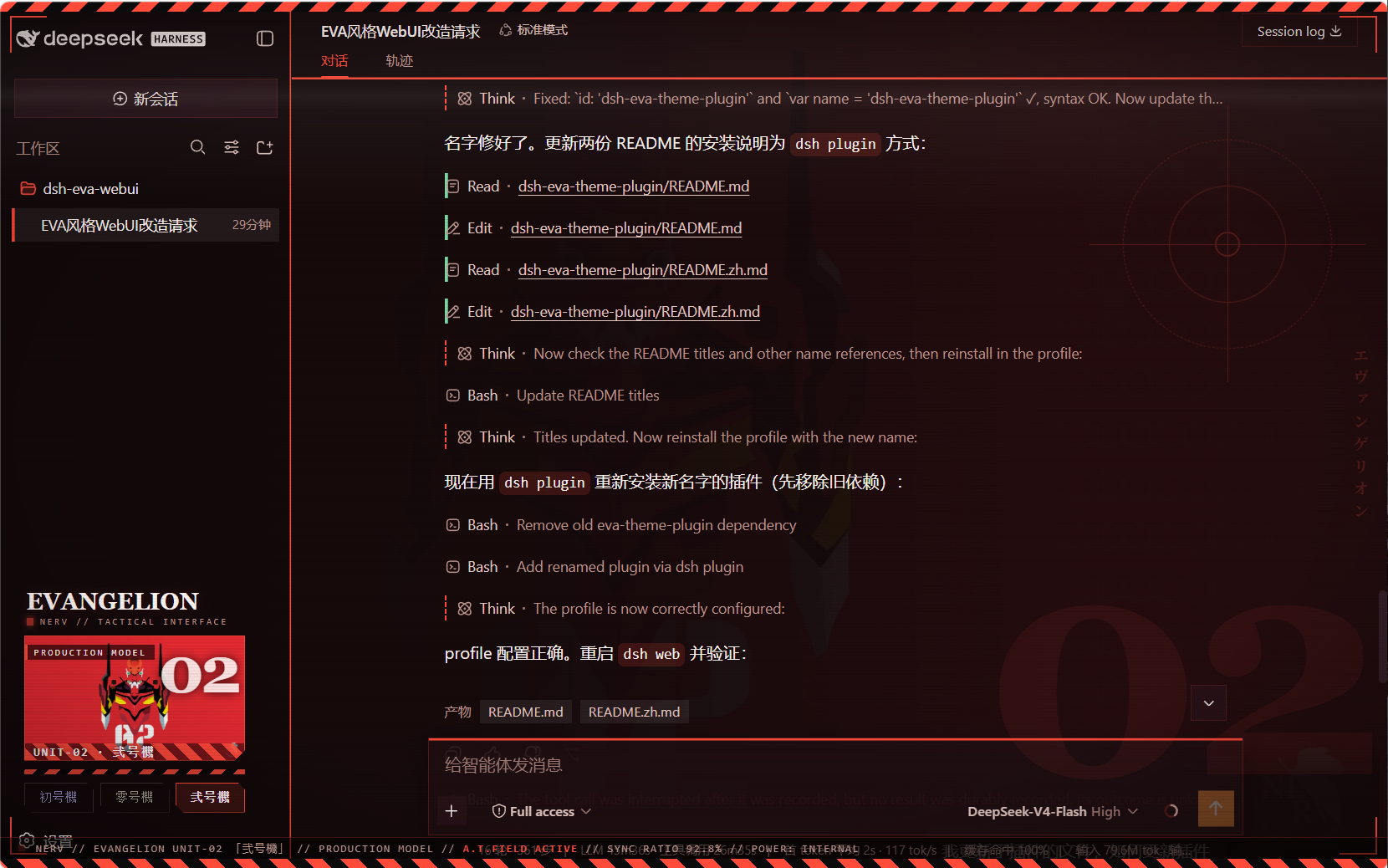
A user-level client plugin that gives the DeepSeek Harness Web GUI three Neon Genesis Evangelion unit schemes — 初号機 (Unit-01), 零号機 (Unit-00), 弐号機 (Unit-02) — each retinting every page element and showing the active unit's art in the sidebar. Built entirely as a plugin: no harness source is touched.
What it does
- Three switchable schemes, all dark, each with a complete
--dsw-*token set (86 tokens) so all elements re-tint on switch — surfaces, labels, buttons, states, bubbles, input bar, sidebar, scrollbars, code blocks, menus:eva-unit01初号機 — purple body (#b96bff) with neon-green accentseva-unit00零号機 — blue-grey body, yellow accents (#ffc233)eva-unit02弐号機 — crimson body, orange accents (#ff4b3a)
- Unit wallpaper backdrop per scheme (embedded data URIs; wallhaven fan art, no baked-in text/watermarks), painted right of center behind the app with a left-side protection gradient so the chat column stays legible while the artwork shows through the translucent panels.
- Sidebar switcher (wide): a mecha art banner for the active unit plus
three unit buttons, injected into the sidebar's
sidebar.footer.actionslot; collapsed rail mode shows three unit dots. - EVA is the enforced look: on every
theme/changethe plugin re-asserts Unit-01 whenever the active theme is not one of the three unit schemes (this also absorbs the async settings-adopt that would otherwise reset the theme to light/dark at boot). The three unit buttons are the theme control. - Mecha chrome (token-driven, re-tints per unit):
- hazard warning stripes across the top edge of the viewport
- HUD targeting brackets at the four viewport corners
- subtle scanline + vignette overlay (mecha monitor feel)
- blueprint grid in the backdrop (visible through the translucent panels)
- square mecha corners on the composer card + brand-colored top edge, brand-glow header underline, brand edge on the sidebar
- sidebar switcher: chamfered (angle-cut) unit buttons, monospace
letter-spaced labels, hazard-stripe strip +
UNIT-0Xdesignation on the art banner
Screenshots
初号機 (Unit-01)
零号機 (Unit-00)
弐号機 (Unit-02)
Files
| Path | Role |
|---|---|
package.json |
package identity + dsh.client declaration + exports |
lib/index.js |
host half (no-op) |
client.js |
browser bundle: theme registry + backdrop + sidebar switcher |
client.template.js |
readable bundle source (base64 placeholders) |
assets/unit00.webp · unit01.webp · unit02.webp |
embedded artwork (webp) |
assets/screenshot00.png · screenshot01.png · screenshot02.png |
effect preview screenshots (Unit-00/01/02) |
Installation (via dsh plugin)
The package is a profile bundle (dsh.bundle.patch), so it installs with
the standard plugin command — no manual symlinks or patch edits:
# Run from the harness repository:
pnpm dsh plugin --profile web add https://github.com/oceanxuikun/dsh-eva-theme-plugin.git
This runs pnpm add in the web profile, links the package into
~/.dsh/profiles/web/node_modules, and automatically appends
dsh-eva-theme-plugin to dsh.profile.bundles in the profile's
package.json. Restart dsh web, then refresh the page.
Rebuild after changing images or the template:
pnpm run build # regenerates client.js from client.template.js + assets/
Uninstall
pnpm dsh plugin --profile web remove dsh-eva-theme-plugin
Then restart dsh web and refresh.
Credits
Artwork: fan art hosted on wallhaven.cc (see sources above), used as local personal GUI backgrounds; Neon Genesis Evangelion © Khara / GAINAX.
Related相关推荐
-
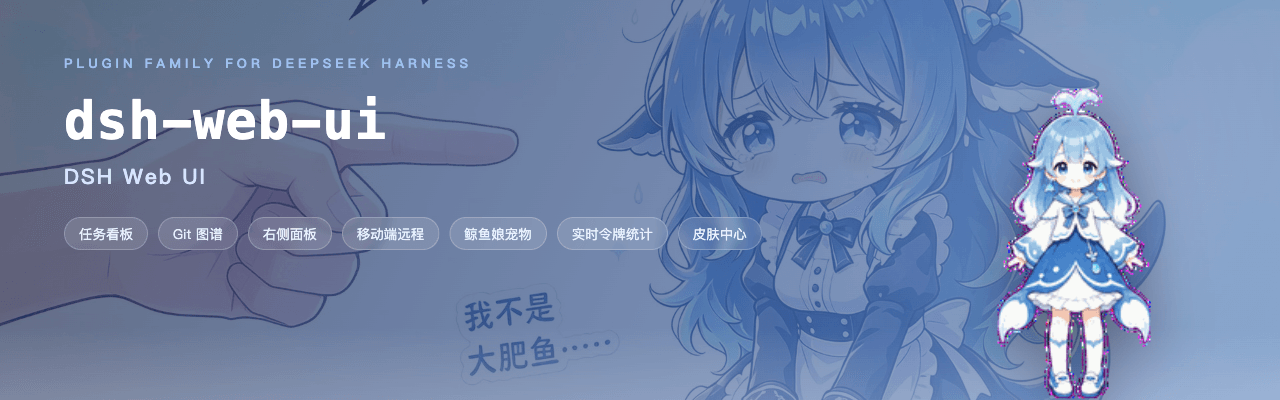 ningbainb/deepseek-harness-desktop
Open-source Windows desktop client and GUI for DeepSeek Harness — zero-setup installer with Codex, plugins, skills, SSH,…
ningbainb/deepseek-harness-desktop
Open-source Windows desktop client and GUI for DeepSeek Harness — zero-setup installer with Codex, plugins, skills, SSH,…
-
 ChisaAlter/Deepseek-Harness-Desktop
DSH桌面端,支持主题和背景图等多种个性化配置。Electron desktop shell for DeepSeek Harness web UI
ChisaAlter/Deepseek-Harness-Desktop
DSH桌面端,支持主题和背景图等多种个性化配置。Electron desktop shell for DeepSeek Harness web UI
-
 rison114514/dsh-endfield-ui
Endfield-inspired industrial UI shell for DeepSeek Harness (dsh) — non-official fan theme. Install: dsh plugin --profile…
rison114514/dsh-endfield-ui
Endfield-inspired industrial UI shell for DeepSeek Harness (dsh) — non-official fan theme. Install: dsh plugin --profile…
-
 Links2008/DeepSeek-Harness-Desktop
Windows 桌面版 DeepSeek Harness 发行版,支持原生通知、流畅的窗口控制、捆绑运行时和自动更新。追踪官方主分支。针对官方版本进行了桌面美化和功能补充
Links2008/DeepSeek-Harness-Desktop
Windows 桌面版 DeepSeek Harness 发行版,支持原生通知、流畅的窗口控制、捆绑运行时和自动更新。追踪官方主分支。针对官方版本进行了桌面美化和功能补充
-
 XCNXNXNX/dsh-portable-tavern
DeepSeek Harness 的「便携酒馆」插件:RPG 式 SillyTavern V2/V3 角色卡生成器 + 酒馆角色扮演聊天。支持世界书、角色卡 JSON/PNG 导入导出、面板主题与本地音乐。独立插件,仅依赖官方 @deeps…
XCNXNXNX/dsh-portable-tavern
DeepSeek Harness 的「便携酒馆」插件:RPG 式 SillyTavern V2/V3 角色卡生成器 + 酒馆角色扮演聊天。支持世界书、角色卡 JSON/PNG 导入导出、面板主题与本地音乐。独立插件,仅依赖官方 @deeps…
-
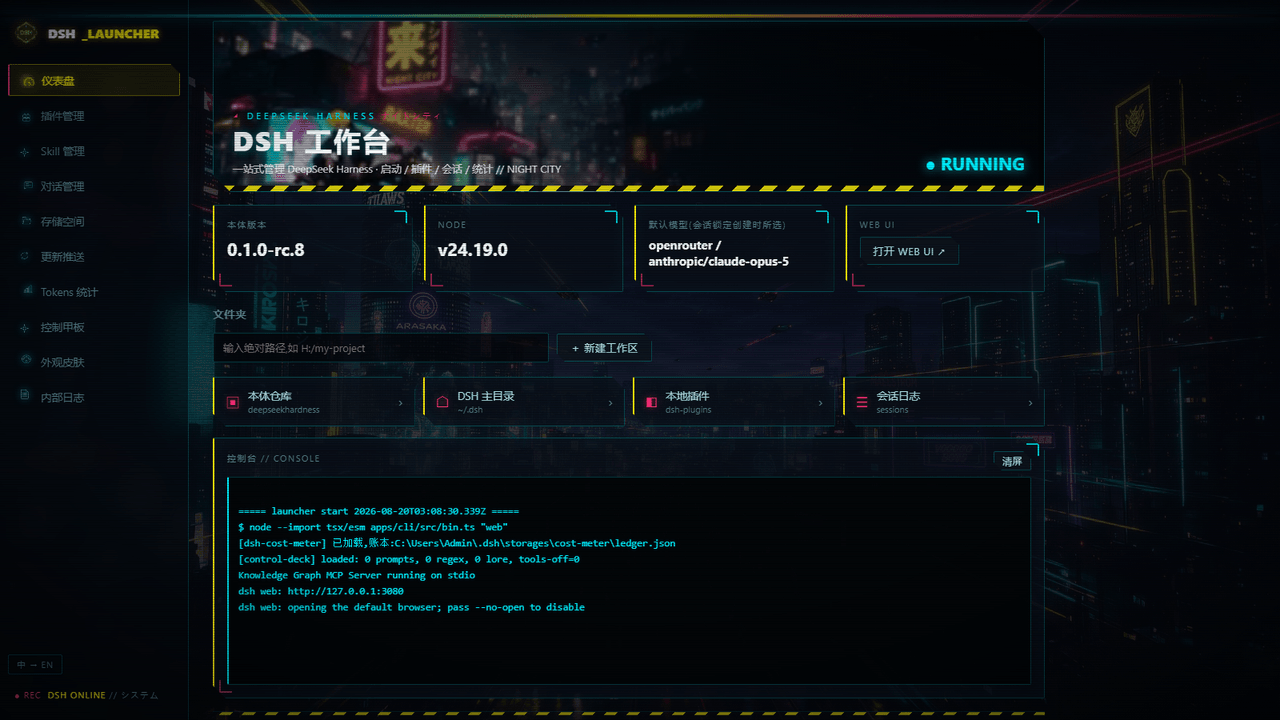 WZZNNE/DSH-CyberWorkStation
DSH CyberWorkStation — one-click DeepSeek Harness (dsh) bundle: cyberpunk desktop launcher, SillyTavern-grade Control De…
WZZNNE/DSH-CyberWorkStation
DSH CyberWorkStation — one-click DeepSeek Harness (dsh) bundle: cyberpunk desktop launcher, SillyTavern-grade Control De…
-
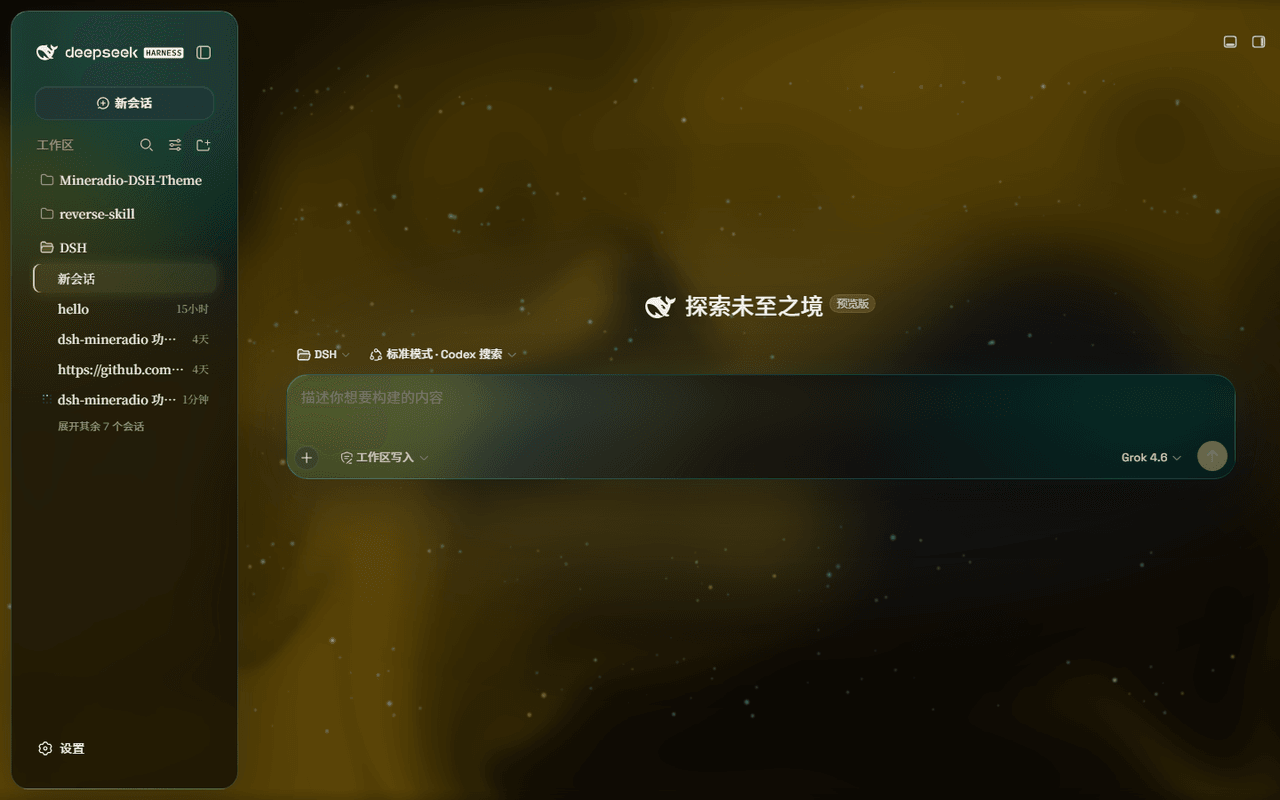 dhicoc/dsh-theme-mineradio
A cinematic visual-radio glass theme for DeepSeek Harness (DSH) Desktop — port of the Mineradio music player's champagne…
dhicoc/dsh-theme-mineradio
A cinematic visual-radio glass theme for DeepSeek Harness (DSH) Desktop — port of the Mineradio music player's champagne…
-
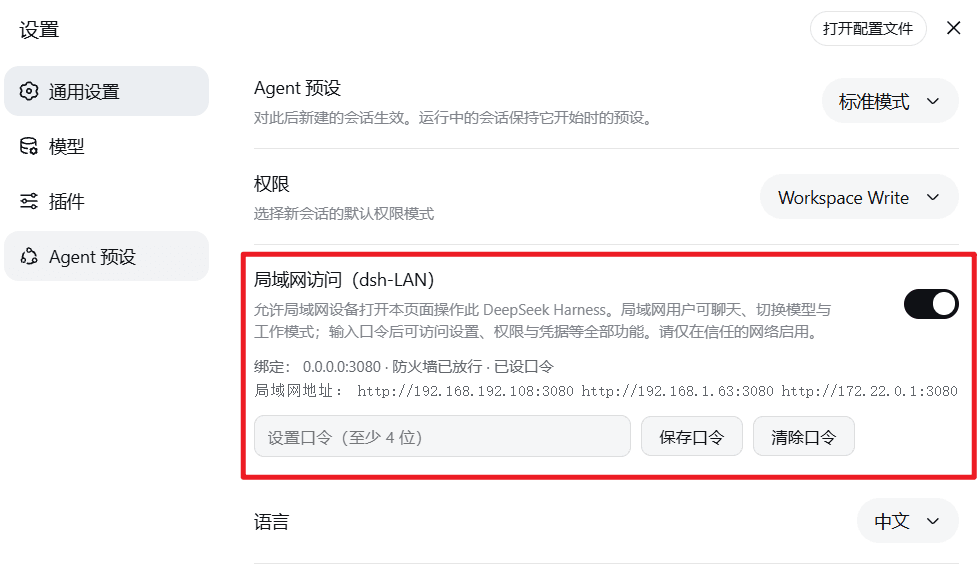 MrMu666/dsh-LAN
为DeepSeek harness开启局域网访问及移动端页面的插件,移动端界面适配
MrMu666/dsh-LAN
为DeepSeek harness开启局域网访问及移动端页面的插件,移动端界面适配