omdsh-dev/dsh-book2skill
DSH 书籍转技能插件:一个五阶段长任务(获取 → 解析 → 理解 → 生成 → 安装),包含 3 个人工门控,为代理提供宿主工具,并配有浏览器时间线面板。
Project Overview项目介绍
This is a native plugin built exclusively for DeepSeek Harness (DSH) that converts books into agent-compatible skill files following a structured 5-stage workflow with three mandatory human checkpoints. Deterministic tasks like EPUB parsing, PDF extraction, OCR processing, and final skill installation are handled by host tools, while content understanding and skill file generation are executed by the DSH agent. A dedicated browser-based panel displays the full workflow timeline and handles human approval for each checkpoint, and task progress is saved to host storage so it can be resumed across sessions or after restarts, and canceled at any time.
The first stage lets you select a local book file or search and download books directly from z-lib, reusing existing cookies from a user’s installed book-downloader skill so no hard-coded API keys are needed. In the second stage, EPUBs are split into chapters per length rules, while PDFs are scanned to detect if they are scanned documents that require OCR, with progress displayed live on the panel. After the agent builds a knowledge map of the book, it asks up to three multiple-choice questions for the user to answer to select core chapters, then proceeds to deep read the selected content.
This plugin requires DSH version between 0.1.0-rc.3 and 0.2.0, and Node.js version 22.19.0 or higher, or 24.0.0 or higher. To install from source, you run npm ci, link to your DSH workspace, run type checks and tests, build the package, then pack and install the plugin via the DSH plugin command. OCR functionality does not have a hard dependency on PaddleOCR; instead it uses a three-level detection system to call an existing dsh-paddle-ocr service or a user-configured HTTP endpoint if needed. The plugin is released under the BSD-3-Clause license, does not store any hard-coded user credentials, and all panel assets were originally generated by Codex.
这是一款原生 DeepSeek Harness (DSH) 插件,核心功能是将书籍转换为符合通用 agent 技能规范的 SKILL.md 文件,采用五步工作流:获取书籍→解析分章→深度阅读→生成SKILL→安装,全程设置三个人工门控检查点。确定性步骤如EPUB解析、PDF提取、OCR、安装复制由宿主工具处理,理解生成工作由agent完成,浏览器面板展示时间线与审批门控,任务状态支持跨会话、跨重启恢复,可随时取消。
完整工作流第一步支持从本地路径选择书籍,或从z-lib搜索下载,复用已有book-downloader的登录态cookie,无需用户硬编码密钥。第二步按规则对EPUB或PDF分章拆分,扫描版PDF会自动触发OCR流程,面板实时展示处理进度。第三步用户在面板作答agent生成的选择题确定核心章节,第四步可预览编辑生成的SKILL.md,第五步选择安装目标后即可完成安装。
该插件要求DSH版本在0.1.0-rc.3到0.2.0之间,依赖Node.js 22.19.0以上或24.0.0以上版本。OCR采用三级探测机制,不硬依赖paddleOCR,仅在需要时调用已有dsh-paddle-ocr服务或用户配置的HTTP端点。插件采用BSD-3-Clause许可,不存储任何硬编码密钥,保障用户信息安全。
请帮我安装这个 DSH 插件。安装前先完成【兼容性检查 + 安全性检查】,检查通过再动手。

插件:dsh-book2skill(omdsh-dev/dsh-book2skill)
仓库:https://github.com/omdsh-dev/dsh-book2skill
本站详情页:https://www.yhbd.top/plugins/omdsh-dev-dsh-book2skill/
本站登记:类型 plugin · 归类 原生 DSH 插件 · 许可证 BSD-3-Clause · ⭐ 3 · 最近提交 2026-09-17 · 主语言 TypeScript

按下面顺序执行,每步先把结论告诉我,再进入下一步:

【1 兼容性检查】
① 我这边:DSH 版本、Node 版本、操作系统、当前 profile(web / desktop)。
② 读它的 README、package.json、插件 manifest,列出它要求的 DSH 版本 / Node 版本 / 操作系统 / 外部依赖 / 需要另外先装的运行时。
③ 逐条比对,结论只写「满足 / 不满足 / 未知」三种;不满足的给出可行替代方案。
④ 检查是否和我已装的插件冲突:命令名重复、skill / tool 重名、端口占用、重复注册的 MCP server。

【2 安全性检查】
① 仓库可信度:和上面「本站登记」是否一致;star / fork 数、创建时间、最近提交,是否归档或长期停更。
② 安装脚本:逐行看 package.json 的 preinstall / install / postinstall,以及 install.sh、setup.ps1 之类脚本。出现 curl|bash、下载后直接执行、混淆代码、访问与插件功能无关的域名,立刻停下来告诉我,不要继续装。
③ 依赖:列出新增依赖,标出无人维护、或与知名包拼写近似的可疑包(typosquatting)。
④ 权限与副作用:它会读写哪些目录、访问哪些域名、需要哪些 DSH 权限(filesystem / network / shell / clipboard 等),以及怎么卸载和回滚。
⑤ 如果它要求 sudo / 管理员权限,或权限明显超出功能所需,先停下来问我。

【3 安装】
上面两步没有「不满足」和「高危项」时才执行;用官方推荐方式安装,不要自行提权。

【4 汇报】
用表格输出:检查项 / 结论 / 依据 / 是否需要我决策。拿不准的一律写「未知」并说明要我怎么确认——不要猜,也不要替我决定。
Send this message to DSH in your current session: it verifies compatibility and security first (answering met / not met / unknown item by item) and only installs once everything checks out — it will stop and ask you if it finds a high-risk item. The box scrolls; the copy is the full prompt. CLI install commands may not be accurate across systems, so DSH is the safer route.把上面这条消息直接发给当前会话里的 DSH:它会先核对兼容性与安全性(逐条给「满足 / 不满足 / 未知」),确认没问题再安装,有高危项会停下来问你。框内可滚动,复制到的是完整提示词;安装命令不一定准确,发给 DSH 更稳。
- Only 3 stars - very few users, little community feedback星标只有 3,几乎没人在用,遇到问题缺少社区反馈
DSH walks through these 9 checksDSH 会逐条核对这 9 项
Compatibility兼容性
- DSH, Node, OS and profile requirementsDSH 版本 / Node 版本 / 操作系统 / profile 是否满足要求
- External dependencies and runtimes (Electron / Python / Docker, ...)外部依赖与运行时(Electron / Python / Docker 等)是否齐备
- Conflicts with installed plugins: command names, skill / tool names, ports, duplicate MCP registration与已装插件是否冲突:命令名、skill / tool 重名、端口占用、重复 MCP 注册
Security安全性
- Repo matches the facts registered here; archived or abandoned?仓库是否与页面登记一致,是否归档或长期停更
- Safety of preinstall / install / postinstall and install.sh / setup.ps1preinstall / install / postinstall 与 install.sh、setup.ps1 是否安全
- curl|bash, download-then-execute, obfuscation, unrelated domains → stop immediatelycurl|bash、下载即执行、混淆代码、无关域名 → 立刻停止
- Typosquatting or unmaintained packages among the new dependencies新增依赖里有没有 typosquatting 或无人维护的包
- Requested permissions vs. what the feature actually needs申请了哪些权限、是否超出功能所需(filesystem / network / shell / clipboard)
- Any sudo / admin requirement, plus uninstall and rollback是否要求 sudo / 管理员权限,以及卸载与回滚方式
Anything uncertain must be marked unknown with a note on how to confirm it. This site's signal screen is a static snapshot, not a security audit.拿不准的必须标「未知」并说明要我怎么确认。本站的信号筛查是静态快照,不能替代安全审计。
Or use CLI install (for developers)或使用命令行安装(适合开发者)
CLI Install命令行安装
dsh plugin --profile web add github:omdsh-dev/dsh-book2skill把 omdsh-dev/dsh-book2skill 加入你的 DSH 配置(web profile)即可启用。
READMEREADME
dsh-book2skill
Author / Maintainer: @Zacklinkk
书籍转技能(Book → Skill):DSH 插件包,把一个 5 阶段长任务工作流带进 DeepSeek Harness—— 获取书籍 → 解析分章 → 深度阅读 → 生成 SKILL.md → 安装,中途有 3 个人类门控。
确定性步骤(EPUB 解析 / PDF 提取 / OCR / 安装复制)是宿主工具;理解与生成(浅读建地图、 设计方向问题、深读核心章、撰写 SKILL.md 与自检)由 agent 执行;浏览器面板负责 5 阶段时间线 展示与门控审批。任务状态存宿主存储域,跨会话、跨重启可恢复,可随时取消。
架构
| 平面 | 内容 |
|---|---|
宿主(src/index.ts) |
book2skill 存储域(jobs 表)、/book2skill HTTP 面板路由、10 个 book2skill_* 工具 |
浏览器(src/client/) |
conversation.view 时间线面板(React),纯 fetch 轮询宿主路由 |
脚本(scripts/) |
parse_epub.py(修复版:标题行不再丢失、>5000 字章节按 ## 拆分)、pdf_parse.py(PyPDF2 探测/分块) |
5 阶段 + 3 门控
- 获取书籍:本地路径(目录选择器,browse 能力)/ z-lib 搜索下载(复用 book-downloader 的 cookies,无硬编码密钥)
- 解析分章:EPUB → 按章 md + toc.md(<200 字合并、>5000 字拆分);PDF → PyPDF2 先探测(<5000 有效字或乱码判扫描型)→ 扫描型走 OCR,面板显示逐页进度(37/420)与「排队中」
- 深度阅读【门控1】:agent 浅读建地图 → 发布 ≤3 个选择题(选项带书中章节背景)→ 用户在面板作答 → agent 深读 3-5 个核心章
- 生成 SKILL.md【门控2】:可编辑预览 + 知识地图 + 3 项自检清单(SOP 可溯源 / 索引准确 / 触发词宽窄,不通过标红,可一键让 agent 修)→ [重新生成] / [通过并继续]
- 安装【门控3】:目标多选(
/.claude/skills、/.codex/skills、~/kk_skill/skills 同步仓库)→ 确认后 agent 调book2skill_install→ 完成卡(触发示例 chips + 复制即试)
OCR 解耦(三级探测,无硬依赖)
本插件不 inject paddleOcr(缺失服务会永远挂起本行)。运行时按级探测:
ctx.get('paddleOcr')宿主服务(dsh-paddle-ocr 发布该服务时自动生效,契约见src/vendor-shims.d.ts)/paddle-ocrloopback RPC(已安装的 dsh-paddle-ocr 面板任务通道:task/start → task/status 轮询 → task/commit,逐页进度透传)- HTTP 直调 stub(
BOOK2SKILL_OCR_ENDPOINT,缺省http://127.0.0.1:8011/api/pdf/ocr)
全部不可用时明确报错并给出 agent 兜底路径:用 paddle_ocr_layout 工具解析 → book2skill_import_ocr 导入。
宿主工具
book2skill_start / book2skill_parse / book2skill_get_job / book2skill_stage_note
(summary·knowledge-map·deep-read·draft·questions·selfcheck)/ book2skill_read_chapter /
book2skill_zlib_search / book2skill_download / book2skill_import_ocr / book2skill_install / book2skill_cancel
兼容性
- DSH
>=0.1.0-rc.3 <0.2.0(使用 rc.3 的ctx.shell能力契约) - Node.js
^22.19.0 || >=24.0.0 - Profile Bundle:
package.json#dsh.bundle.patch自动应用cordis.patch.yml
构建与安装
# 1. 用当前 DSH rc.3 npm 运行时链接类型依赖并完整验收
npm ci
DSH_NODE_MODULES_ROOT=/path/to/dsh-rc3/node_modules npm run setup:dsh-workspace
npm run typecheck
npm test
npm run build

# 2. 打包并通过插件命令安装到目标 profile
npm pack
dsh plugin --profile web add file:/absolute/path/dsh-book2skill-0.1.2.tgz

# 3. 重启 dsh web(宿主行需要进程重启),浏览器刷新后对话区出现「书籍转技能」标签
不要再把 book2skill 行手工写进 profile:插件包已经声明 Profile Bundle,手工追加会形成重复
loader entry。发布到 npm 时 publishConfig.access 固定为 restricted。
宿主半的代码改动需要重启 dsh web 生效;浏览器半重建 lib/client.js 后,HMR 会自动重载该插件
(页面无需刷新;未开 pnpm run dev:web 时手动 npm run build 即可触发)。
红线自查
- 不硬编码任何密钥:z-lib 登录态读
~/.claude/skills/book-downloader/auth/zlib-cookies.json(用户已有),OCR token 由 dsh-paddle-ocr 的凭据保险箱管理 - 生成内容可溯源:SOP 步骤必须来自 references 章节(自检1 强制回读校验),references 索引与触发词均有自检项
许可
BSD-3-Clause。面板素材(assets/*.svg)由 Codex 生成。
Related相关推荐
-
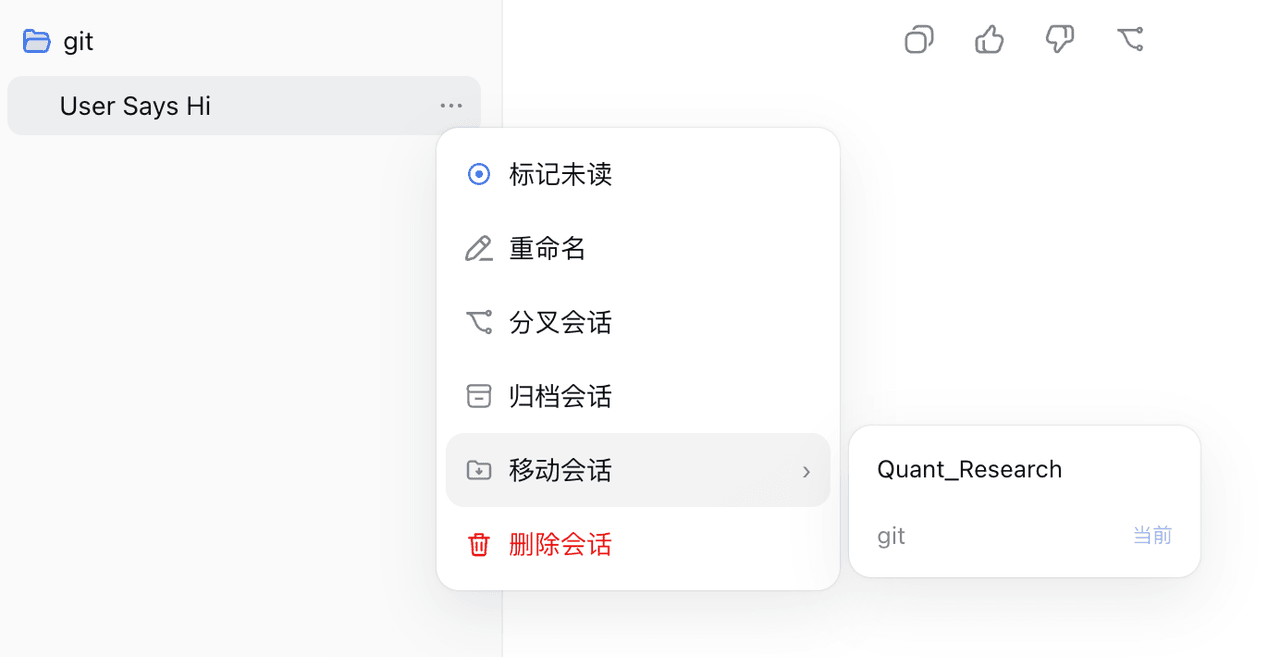 TOBYCAI/dsh-sessions-manager
DSH 会话管理插件:设置面板 + 侧边栏双入口,归档/恢复/跨工作区移动/软删进回收站;回收站可恢复·批量清空·7/30/90 天自动清理,按标题·会话 ID·工作区搜索,带磁盘与血统详情;已适配 DSH 0.1.7 与 0.2.0(v4…
TOBYCAI/dsh-sessions-manager
DSH 会话管理插件:设置面板 + 侧边栏双入口,归档/恢复/跨工作区移动/软删进回收站;回收站可恢复·批量清空·7/30/90 天自动清理,按标题·会话 ID·工作区搜索,带磁盘与血统详情;已适配 DSH 0.1.7 与 0.2.0(v4…
-
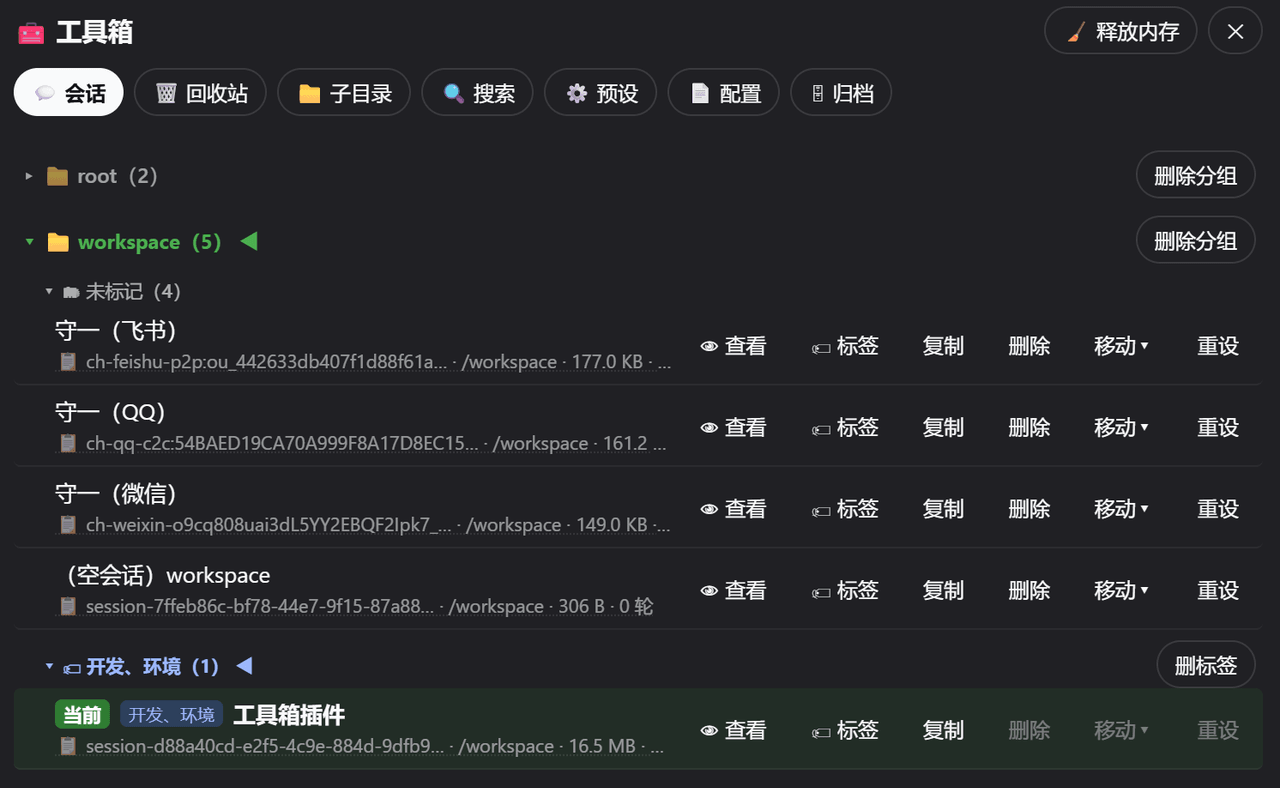 AbcdefgXW/dsh-toolbox-web
dsh 工具箱:会话/回收站/子目录/搜索/预设/配置管理 + 定时心跳/长消息折叠 | Toolbox plugin for dsh: session/trash/subdir/search/preset/config + schedul…
AbcdefgXW/dsh-toolbox-web
dsh 工具箱:会话/回收站/子目录/搜索/预设/配置管理 + 定时心跳/长消息折叠 | Toolbox plugin for dsh: session/trash/subdir/search/preset/config + schedul…
-
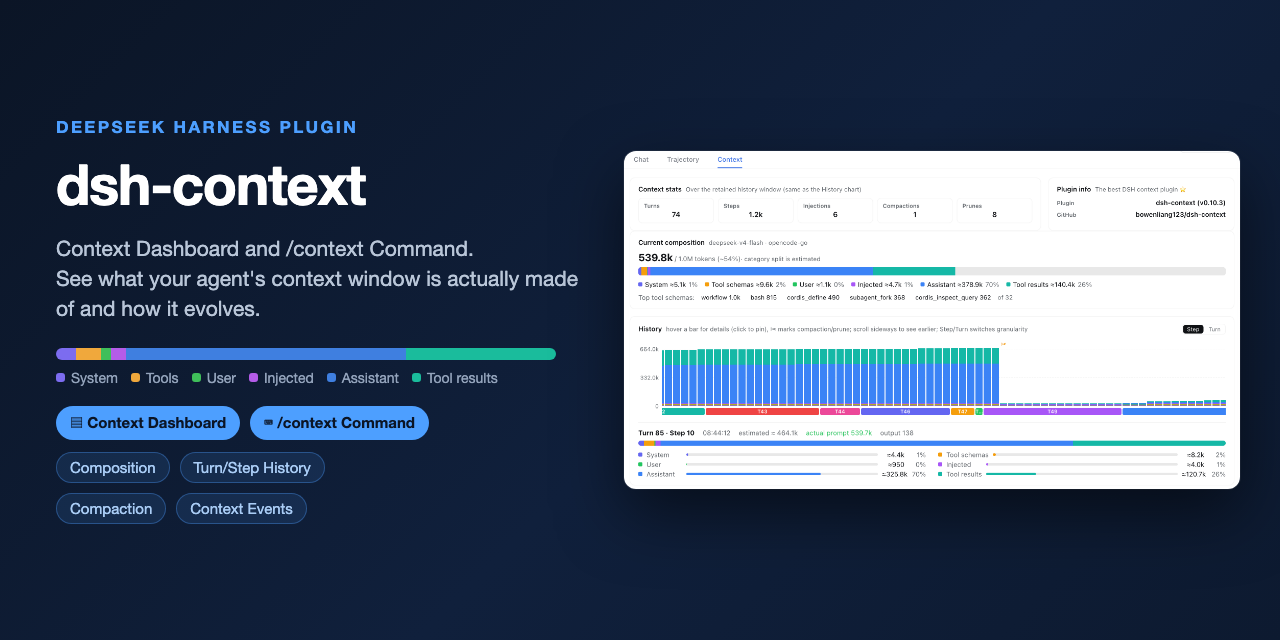 bowenliang123/dsh-context
The best DeepSeek Harness plugin for context insight and management, with context dashboard / browser / sidebar and cont…
bowenliang123/dsh-context
The best DeepSeek Harness plugin for context insight and management, with context dashboard / browser / sidebar and cont…
-
 cocofhu/anime-find
DeepSeek Harness 搜番插件:对话内多源搜索番剧,卡片展示 Bangumi 评分与详情,支持复制磁力。
cocofhu/anime-find
DeepSeek Harness 搜番插件:对话内多源搜索番剧,卡片展示 Bangumi 评分与详情,支持复制磁力。
-
 dingyi222666/dsh-session-notification
为 Deepseek Harness 提供会话完成等四种状态的通知响应,支持浏览器提示和提示词
dingyi222666/dsh-session-notification
为 Deepseek Harness 提供会话完成等四种状态的通知响应,支持浏览器提示和提示词
-
 guo6x/dsh-pilot
Give your DSH agent hands: drive a real browser (Edge/Chrome over CDP) from the chat — ref-driven clicking, per-session …
guo6x/dsh-pilot
Give your DSH agent hands: drive a real browser (Edge/Chrome over CDP) from the chat — ref-driven clicking, per-session …
- IWAIBAOLI/dsh-with-pencil Official Pencil (pen.dev) canvas inside DeepSeek Harness: conversation-bound workspaces, live agent edits, and 7 MCP des…
-
 ma-pony/deepspider
AI 原生智能爬虫与 JavaScript 逆向工程平台,基于 DSH、Patchright/CDP 与独立语义运行时,从浏览器证据恢复参数生成逻辑并交付可验证 Solver。 | AI-native web scraping and Ja…
ma-pony/deepspider
AI 原生智能爬虫与 JavaScript 逆向工程平台,基于 DSH、Patchright/CDP 与独立语义运行时,从浏览器证据恢复参数生成逻辑并交付可验证 Solver。 | AI-native web scraping and Ja…