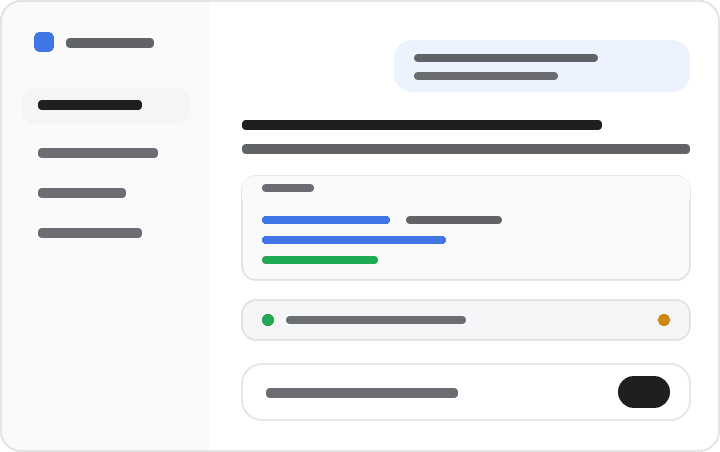
orxz/deepseek-harness-themes
A collection of UI themes for deepseek-harness.
项目介绍Project Overview
这是一套面向 deepseek-harness 的 Web 界面主题包,基于官方 ctx.theme 扩展点构建,提供 DeepSeek、OLED、Dracula、Catppuccin、Tokyo Night 等 11 款配色,覆盖颜色、面板、状态、代码块、工具调用与终端 UI。@dshthemes/core 提供主题定义与 REQUIRED_TOKENS 契约,@dshthemes/ui 在设置中集成主题选择器并持久化偏好。安装时通过 dsh plugin --profile web add @dshthemes/ui 即可切换。注意:仅改外观,不涉及模型、代理或协议。
This is a theme pack for the deepseek-harness Web UI, built on the official ctx.theme extension. It ships 11 palettes including DeepSeek, OLED, Dracula, Catppuccin, Tokyo Night, GitHub Dark, Solarized, Gruvbox, Nord, Synthwave '84, and Cobalt2, covering colors, surfaces, states, code blocks, tool calls, and terminal UI. The core package provides theme definitions plus a REQUIRED_TOKENS contract; the UI plugin adds a Theme picker under Settings → General and persists the selection. Install with dsh plugin --profile web add @dshthemes/ui. Note: it only restyles the interface and does not change models, agents, or protocols.
请帮我了解并安装插件:【deepseek-harness-themes】【https://github.com/orxz/deepseek-harness-themes】把上面这条消息直接发给当前会话里的 DSH,让它帮你了解并安装。安装命令不一定准确,发给 DSH 更稳。Send this message to DSH in your current session. CLI install commands may not be accurate across systems — DSH will figure it out for you.
或使用命令行安装(适合开发者)Or use CLI install (for developers)
命令行安装CLI Install
dsh plugin --profile web add @dshthemes/ui把 orxz/deepseek-harness-themes 加入你的 DSH 配置(web profile)即可启用。
READMEREADME
deepseek-harness-themes


A collection of UI themes for deepseek-harness.
One harness. Multiple styles.
Community-maintained theme collection built on the official theme extension point (ctx.theme from @deepseek-ai/dsh-client-ui-theme). It focuses only on the visual experience — colors, surfaces, states, code blocks, tool calls, terminal UI. No model changes, no agent changes, no prompt changes, no protocol changes.
Packages
| Package | Role |
|---|---|
@dshthemes/core |
Eleven ThemeDefinitions, the REQUIRED_TOKENS contract, and registerThemes(registry); zero UI |
@dshthemes/ui |
Client plugin: registers all themes, adds a Theme picker row to Settings → General, persists third-party selection |
Themes
Every preview is generated from that theme's own tokens; the full gallery is docs/previews.md.
| Theme | Base | Preview |
|---|---|---|
| DeepSeek | light — clean DeepSeek-inspired blue | 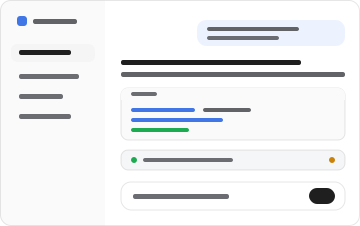 |
| OLED | dark — true black for emissive panels | 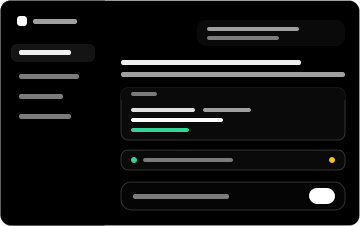 |
| Dracula | dark — high-contrast purple/indigo | 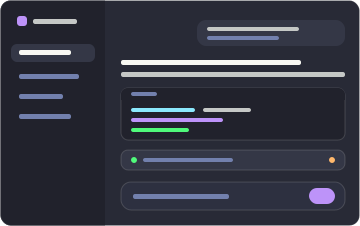 |
| Catppuccin | dark — soft pastel (Mocha) | 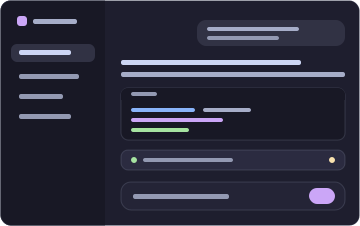 |
| Tokyo Night | dark — midnight blue with neon accents | 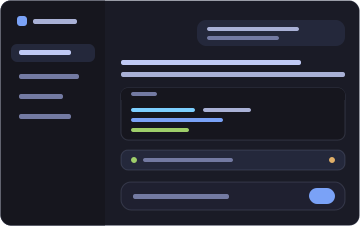 |
| GitHub Dark | dark — familiar GitHub interface | 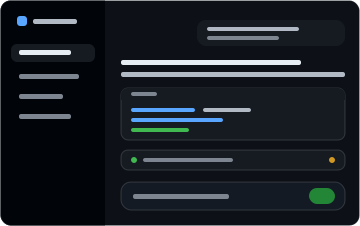 |
| Solarized | dark — scientific teal, yellow accent | 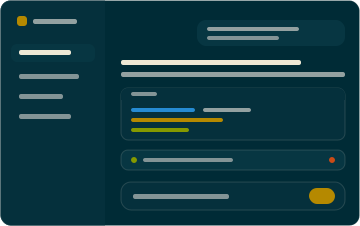 |
| Gruvbox | dark — retro warm palette, orange | 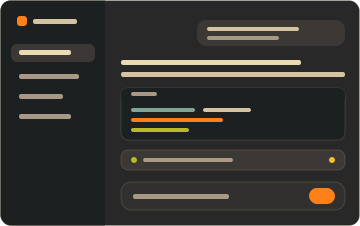 |
| Nord | dark — arctic north-blues, frost | 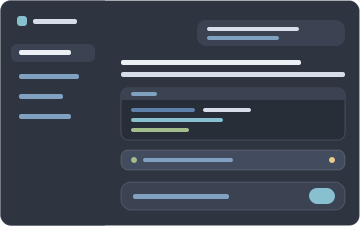 |
| Synthwave '84 | dark — neon pink/cyan on deep violet | 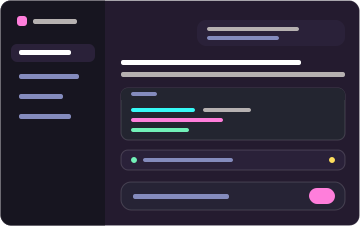 |
| Cobalt2 | dark — cobalt blue, signature yellow | 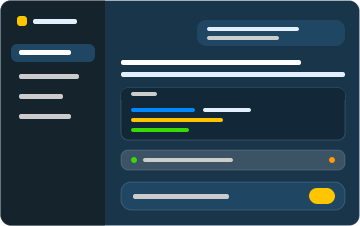 |
Install
Two commands: one installs the dependency, adds the layer to the profile, and mounts the feature; the other starts the Web surface.
dsh plugin --profile web add @dshthemes/ui
dsh web
web is the shipped Web profile and initializes on first use. Pick a theme under Settings → General; the selection persists, so nothing else runs from a terminal.
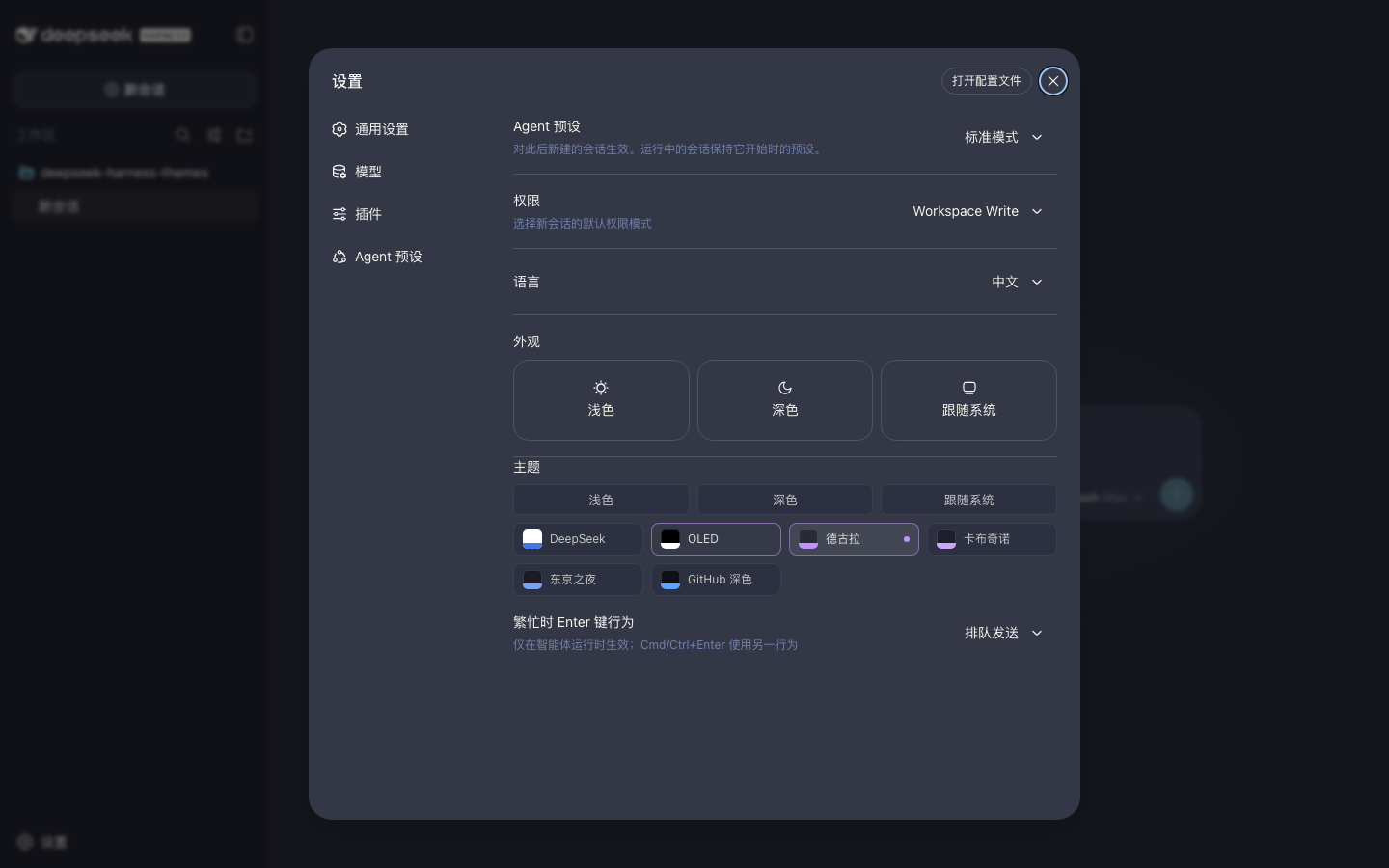
Remove it just as easily:
dsh plugin --profile web remove @dshthemes/ui
See docs/installation.md for the core-only shape, installing from a source checkout, the hand-written patch alternative, local development, and troubleshooting.
Theme philosophy
Themes change how deepseek-harness looks, not how it behaves. A theme is easy to install, easy to switch, easy to customize, consistent across UI states, comfortable during long coding sessions, and independent from agent logic. The token contract is docs/theme-spec.md.
Contributing
Community themes are welcome — docs/creating-a-theme.md is the ordered guide. Standing orders live in AGENTS.md.
Participation follows the Code of Conduct. Report vulnerabilities privately through the security policy.
License
MIT
相关推荐Related
-
 ruvnet/ruflo
🌊 The original agent meta-harness. Deploy intelligent multi-player swarms, coordinate autonomous workflows, and build c…
ruvnet/ruflo
🌊 The original agent meta-harness. Deploy intelligent multi-player swarms, coordinate autonomous workflows, and build c…
-
 Tencent/WeKnora
Open-source LLM knowledge platform: turn raw documents into a queryable RAG, an autonomous reasoning agent, and a self-m…
Tencent/WeKnora
Open-source LLM knowledge platform: turn raw documents into a queryable RAG, an autonomous reasoning agent, and a self-m…
- Nagi-ovo/voyager Enhancement suite for Gemini, AI Studio, Claude & ChatGPT — plus a prompt manager for any web UI, DeepSeek Harness inclu…
-
 freestylefly/awesome-gpt-image-2
Prompt as Code | GPT-Image2 工业级提示词引擎与模板库,470+ 个案例逆向工程,20+ 套工业级模板,并提炼出Skills,持续更新中
freestylefly/awesome-gpt-image-2
Prompt as Code | GPT-Image2 工业级提示词引擎与模板库,470+ 个案例逆向工程,20+ 套工业级模板,并提炼出Skills,持续更新中
-
 EverMind-AI/EverOS
One portable memory layer for every AI agent: local-first, Markdown-native, user-owned, and self-evolving across apps, t…
EverMind-AI/EverOS
One portable memory layer for every AI agent: local-first, Markdown-native, user-owned, and self-evolving across apps, t…
-
 MemTensor/MemOS
Self-evolving memory OS for LLM & AI Agents: ultra-persistent memory, hybrid-retrieval, and cross-task skill reuse, with…
MemTensor/MemOS
Self-evolving memory OS for LLM & AI Agents: ultra-persistent memory, hybrid-retrieval, and cross-task skill reuse, with…
-
 zhu1090093659/dsh-web-ui
Plugin and skin collection for DeepSeek Harness (DSH) Web UI - task board, git graph, right-side panel, remote mobile UI…
zhu1090093659/dsh-web-ui
Plugin and skin collection for DeepSeek Harness (DSH) Web UI - task board, git graph, right-side panel, remote mobile UI…
-
 edison7009/EchoBird
One-click install + model switch:Claude Code,Codex CLI (OpenAI), Grok Build (xAI), DeepSeek Harness, Kimi Code (Moonshot…
edison7009/EchoBird
One-click install + model switch:Claude Code,Codex CLI (OpenAI), Grok Build (xAI), DeepSeek Harness, Kimi Code (Moonshot…