pang123hui/dsh-workspace-sidebar
DSH Web 插件:右侧工作区侧边栏(文件树 / git 差异 / 提交历史 / @文件 引用)
项目介绍Project Overview
DSH 插件,在 Web 端右侧提供工作区侧边栏,集成文件树、git 差异、提交历史和 @文件 引用,支持懒加载、高亮预览、--graph 提交图、悬停追加引用,可拖拽调宽并通过数据属性与 CSS 变量锚定会话区。适合在 DSH Web 中浏览与提交代码时使用。需注意:写操作已绕过 DSH 沙箱,凭 danger-full-access 直连宿主 fs;Windows 的 ACL icacls /deny 仍无法规避,.git 等被锁定目录会拒绝写入。
DSH plugin adding a right-side workspace sidebar to DSH Web, bundling a lazy-loaded file tree, git diff, --graph commit history, and hover @file insertion. The panel is dockable, drag-resizable, and pinned via data attributes plus CSS variables so session layout survives DSH upgrades. Use it to browse, review, and commit code without leaving the web UI. Caveat: write operations bypass the DSH shell sandbox and run under danger-full-access via the host's Node fs; Windows ACL icacls /deny still blocks writes to locked paths such as .git, surfacing as operation-denied errors requiring admin removal of the DENY.
请帮我了解并安装插件:【dsh-workspace-sidebar】【https://github.com/pang123hui/dsh-workspace-sidebar】把上面这条消息直接发给当前会话里的 DSH,让它帮你了解并安装。安装命令不一定准确,发给 DSH 更稳。Send this message to DSH in your current session. CLI install commands may not be accurate across systems — DSH will figure it out for you.
或使用命令行安装(适合开发者)Or use CLI install (for developers)
命令行安装CLI Install
dsh plugin --profile web add dsh-workspace-sidebar把 pang123hui/dsh-workspace-sidebar 加入你的 DSH 配置(web profile)即可启用。
READMEREADME
dsh-workspace-sidebar
DSH Web 右侧工作区侧边栏:文件树 / git 差异 / 提交历史 / @文件 引用。
功能
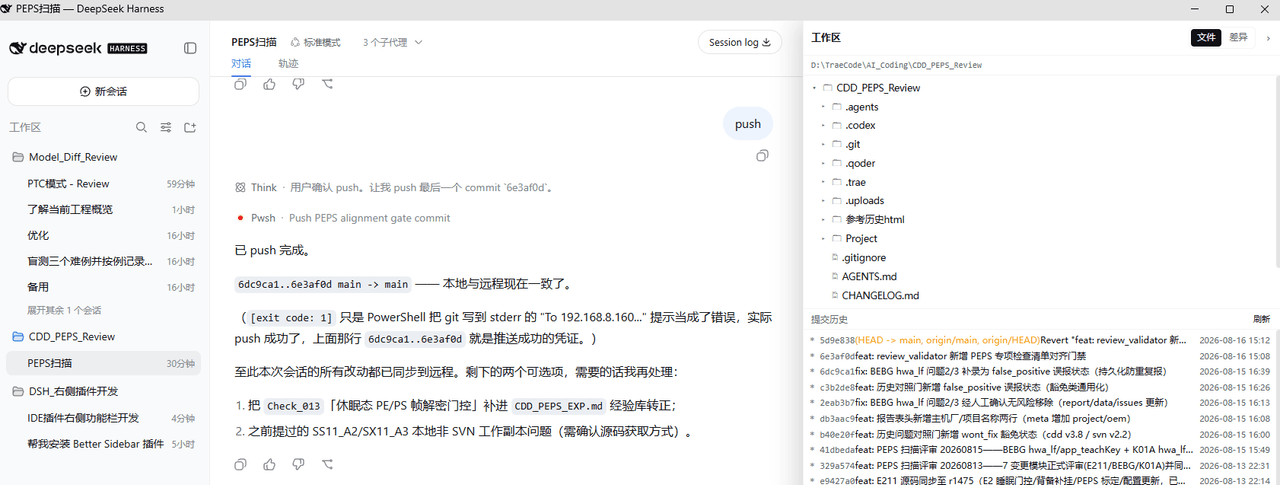
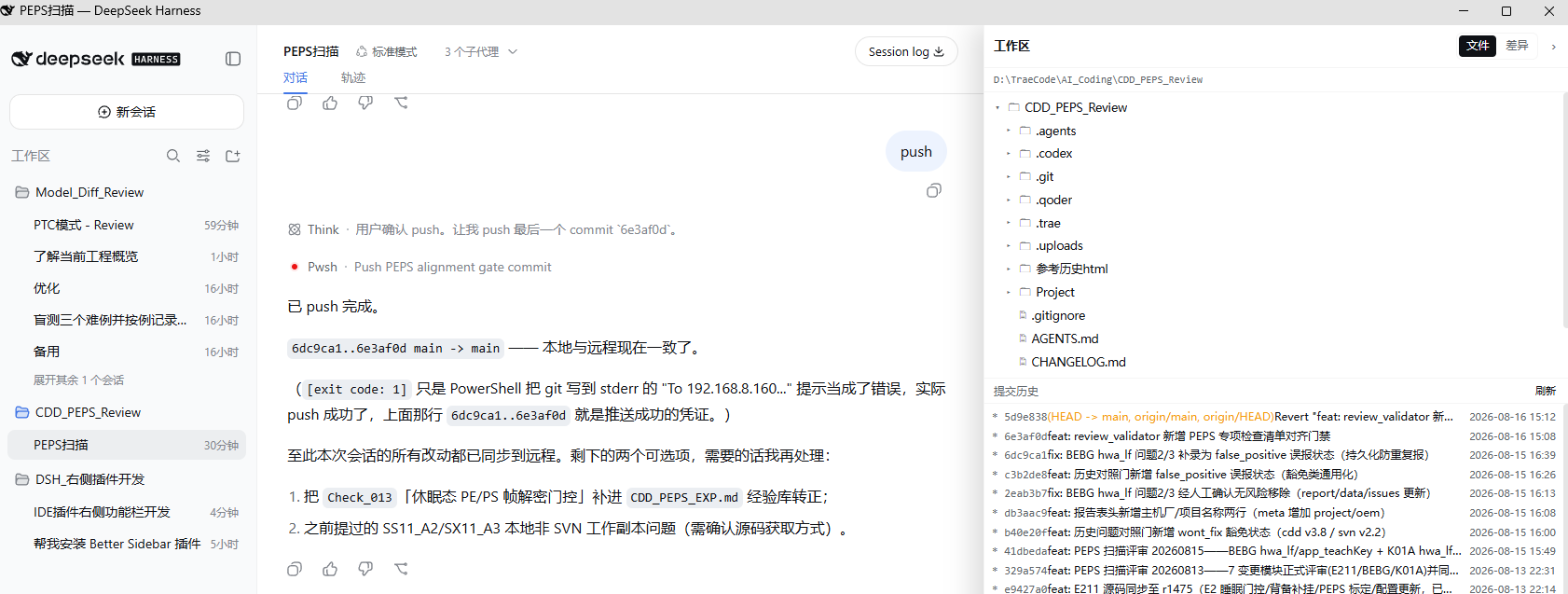
- 文件:懒加载目录树、文件重命名/删除(「⋯」菜单)、Markdown / 代码高亮预览,自动刷新(2s,单在途防叠票)
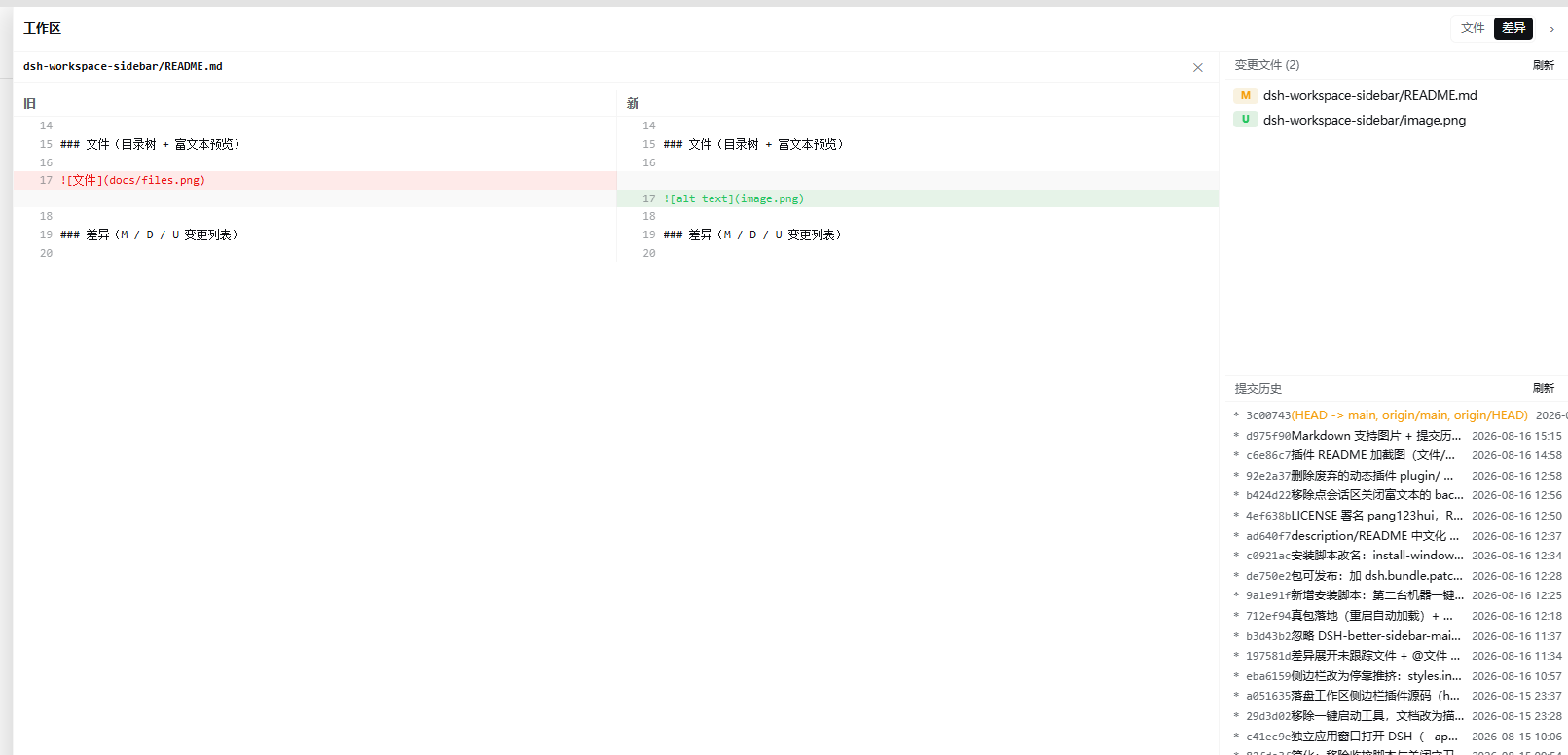
- 差异:git 变更文件列表(M=修改 / D=删除 / U=新建,优先级 M>D>U)、点文件看 diff,自动刷新(4s,单在途防叠票)
- 提交历史:
git log --graph提交树,点提交展开改动文件,点文件看该次提交 diff - @文件:文件行悬停「@」按钮,把
@相对路径追加到输入框 - 右侧停靠、可拖拽调宽(拖拽中断/快速松手提交最后位置、不回弹),把会话区往左推(data 属性锚点 + CSS 变量,DSH 升级不依赖布局类名)
截图
文件(目录树 + 富文本预览)
差异(M / D / U 变更列表)
安装
# 从 GitHub
dsh plugin --profile web add github:pang123hui/dsh-workspace-sidebar

# 从 npm(发布后)
dsh plugin --profile web add dsh-workspace-sidebar
装完重启 dsh web(Ctrl+C 后重跑),浏览器硬刷新即可。
手动安装(不想用 dsh plugin 时)
- 把本包链接到
~/.dsh/profiles/node_modules/dsh-workspace-sidebar(Windows 用 junction,macOS/Linux 用 symlink) - 在
~/.dsh/profiles/web/cordis.patch.yml里加:
- insert:
    - id: workspace-sidebar
      name: 'dsh-workspace-sidebar'
开发
lib/index.js— host 半,/wspan/api/*HTTP 路由(文件读取、git 操作)lib/client.js— client 半,window.__ModuleLoader__.load打包格式
client 半改动后浏览器硬刷新即可;host 半改动需重启 dsh web。
已知限制
- 写操作已绕过 DSH shell 沙箱:文件删除/重命名走 host 进程内 Node fs(
unlink/rename),git 操作经sandboxPolicy: danger-full-access执行——不再受会话工作区限制,任意目录可删/可改/可暂存/可提交。但文件系统级 ACL 拒绝(Windows 层)绕不过:若某目录(如.git)被外部工具显式icacls ... /deny锁定写入,报「操作被拒绝……」时需管理员解除对应 DENY;只读浏览不受影响。
License
MIT
相关推荐Related
-
 vlln/dsh-navbar
DSH 插件:对话节点导航条(右缘节点串快速跳转 user 消息)。官方 bundle 插件,dsh plugin --profile web add 安装
vlln/dsh-navbar
DSH 插件:对话节点导航条(右缘节点串快速跳转 user 消息)。官方 bundle 插件,dsh plugin --profile web add 安装
- helays/dsh-web-terminal DSH 插件:在 DeepSeek Harness Web 界面(对话/轨迹)顶部新增「终端」Tab,内置 xterm.js + node-pty 交互式终端,让你在编码完成后即时在终端执行指令调试。
-
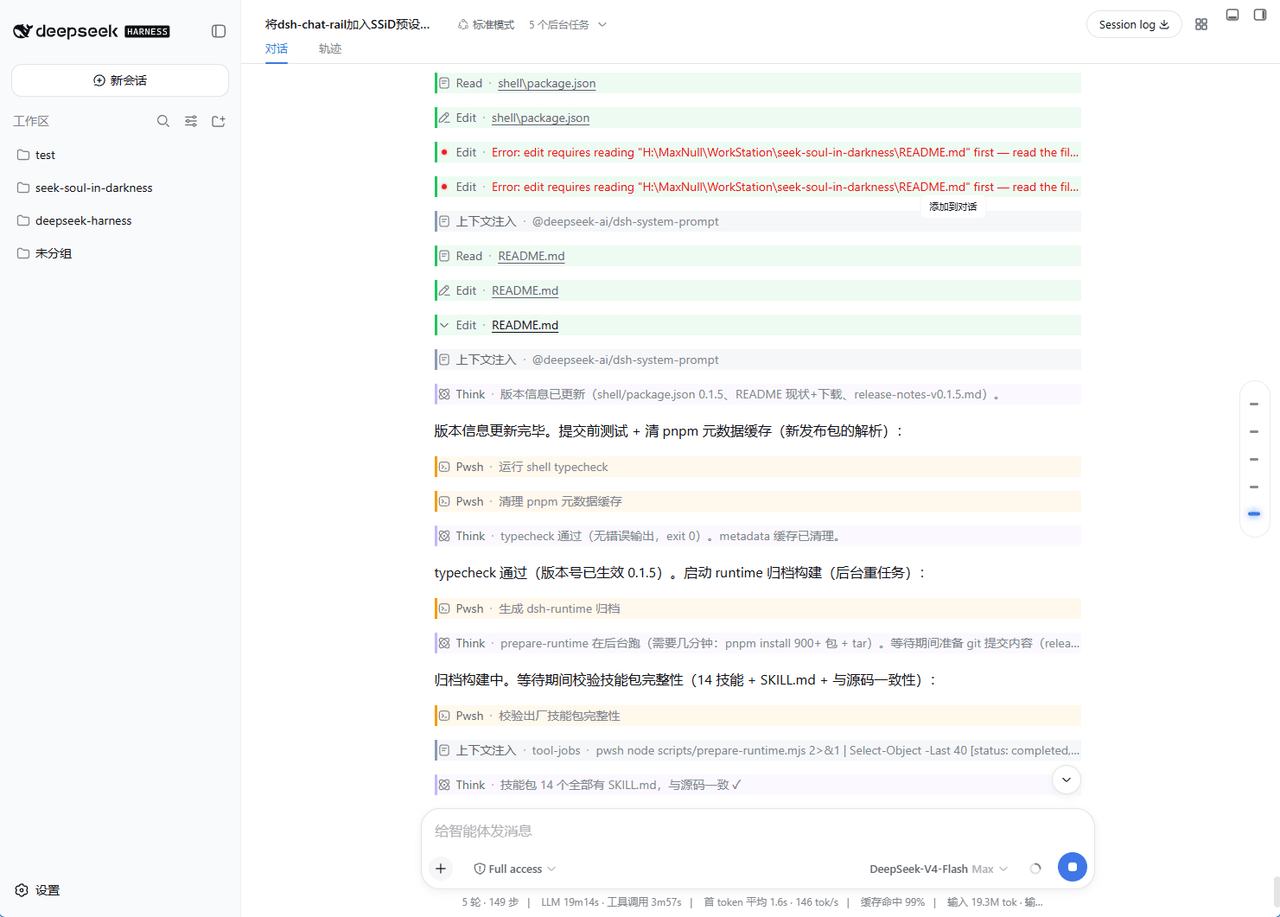 Max-Null/dsh-node-appearance
Conversation node appearance for DeepSeek Harness Web GUI: colorize nodes by type/tool (configurable palette) + thinking…
Max-Null/dsh-node-appearance
Conversation node appearance for DeepSeek Harness Web GUI: colorize nodes by type/tool (configurable palette) + thinking…
- Khellendros97/dsh-launch dsh服务管理插件,可以让服务自动跨会话部署,防止对话结束后服务中断。依赖于dsh-better-sidebar
-
 Aisland-SJL/dsh-worktable
🖥️ Agent-project workbench for DeepSeek Harness — sidebar app drawer + dockable split workspace + a live control room w…
Aisland-SJL/dsh-worktable
🖥️ Agent-project workbench for DeepSeek Harness — sidebar app drawer + dockable split workspace + a live control room w…
-
 SenmuuuuW/dsh-whale-report
深迹 DeepTrace — Your Agent, in numbers. DSH 插件:从会话事件日志生成日报/周报/月报/年报/自定义区间,确定性洞察与协作复盘,只读、不改写历史。
SenmuuuuW/dsh-whale-report
深迹 DeepTrace — Your Agent, in numbers. DSH 插件:从会话事件日志生成日报/周报/月报/年报/自定义区间,确定性洞察与协作复盘,只读、不改写历史。
-
 yoli-mi/dsh-client-ui-custom
Configurable DSH web-surface plugin: wallpaper & frosted-glass themes, accent colors, custom keyboard shortcuts, app-usa…
yoli-mi/dsh-client-ui-custom
Configurable DSH web-surface plugin: wallpaper & frosted-glass themes, accent colors, custom keyboard shortcuts, app-usa…
-
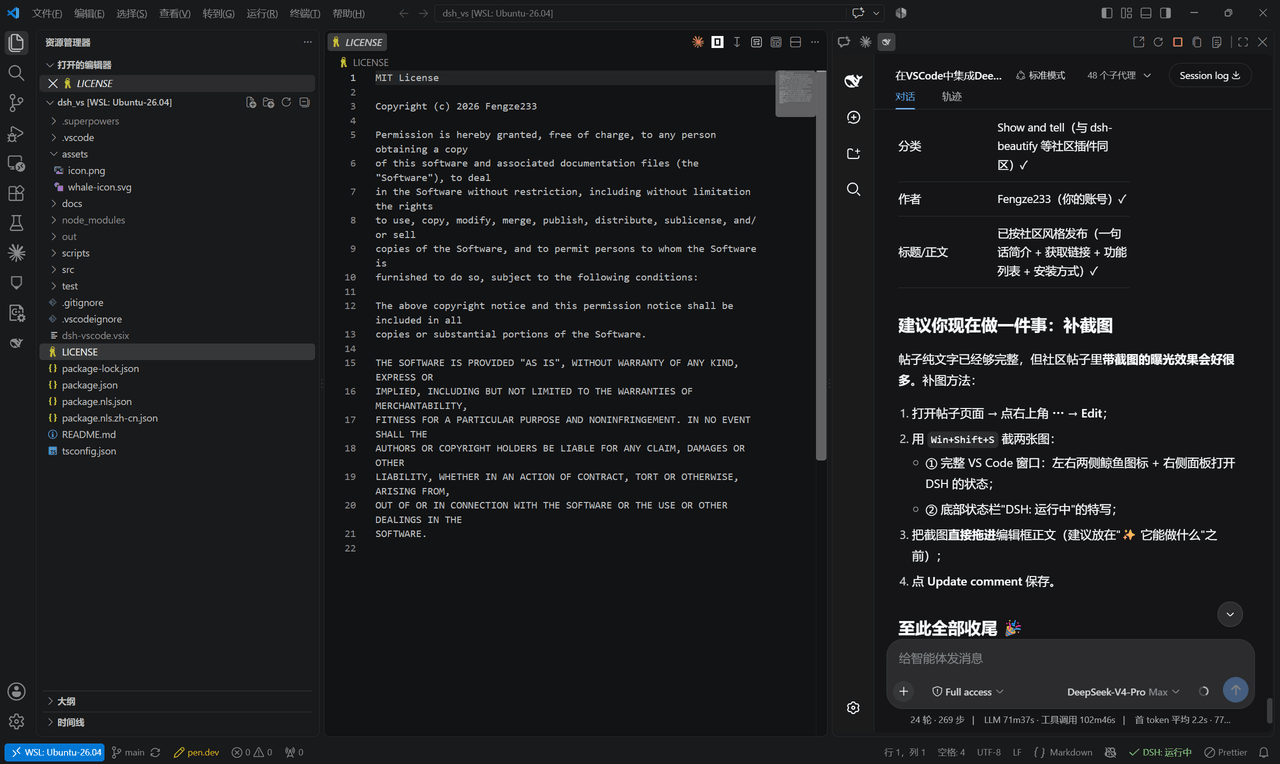 Fengze233/dsh-vscode
在 VS Code 侧边栏内嵌使用 DeepSeek Harness(DSH)网页界面的插件
Fengze233/dsh-vscode
在 VS Code 侧边栏内嵌使用 DeepSeek Harness(DSH)网页界面的插件