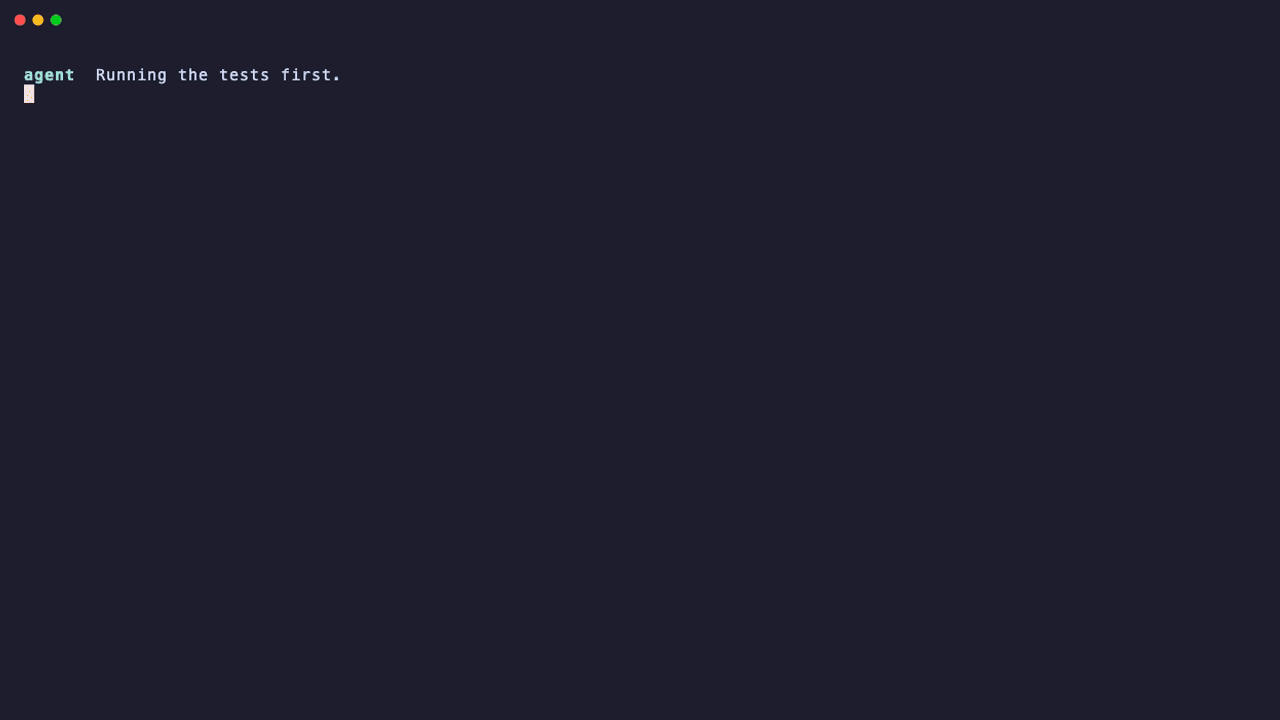
pavangupta352/stalegreen
Keeps a coding agent's green claims honest: verification runs are recorded unmasked, and done is blocked when the evidence is stale, failed or masked.
Project Overview项目介绍
Stalegreen is a hook-based tool for verifying coding agent claims of successful verification, such as “all tests pass”. It addresses two common problems in AI coding workflows: stale test results that predate the agent’s latest edits, and masked test outputs that hide actual failures. It supports integration with multiple popular coding agents including Claude Code, Codex, and DeepSeek Harness, and can be installed either directly via the agent’s built-in plugin marketplace or through an npx CLI command. To install via CLI, users run npx stalegreen install --all to set it up for both agents.
Before any verification command runs, Stalegreen rewrites the command to capture full output to a log, preserves the exit status, and adds an explicit receipt line to the output. After the command finishes, it generates a receipt that records the command, run status, timestamp, and working tree fingerprint. When the agent attempts to end its turn with a success claim, Stalegreen checks the latest receipt for that claim type, and blocks the turn if the result is stale, failed, or masked. It is designed for developers who rely on AI coding agents and want accurate, up-to-date results.
Stalegreen is released under the permissive MIT open source license, and has zero runtime dependencies, so it runs quickly without any extra setup steps. It collects no telemetry, tokens, or user data, and all verification checks are deterministic, meaning you get the same result for the same inputs every time. It leaves unsupported commands like sudo, background processes, and existing redirects untouched, and does not judge agent intent, only checking evidence freshness and completeness.
Stalegreen是一个编码代理验证钩子工具,用于核验编码代理输出的验证声明(比如“所有测试已通过”这类说法),解决现有工作流中验证结果过期或被刻意掩盖的常见问题。它支持Claude Code、Codex以及DeepSeek Harness三类编码代理,可通过CLI安装或代理内置市场直接添加。
在编码代理完成代码编辑并输出验证声明后,Stalegreen会先捕获完整的验证命令输出生成收据,记录命令、退出状态、时间戳和工作树信息,之后在代理结束回合前检查对应验证结果的新鲜度和状态。如果结果过期、失败或被掩盖,就会阻止代理回合,要求重新运行验证。它面向需要可靠验证结果的开发人员和AI编码代理用户。
Stalegreen采用MIT许可协议开源,完全免费使用,没有运行时依赖,也不会收集任何令牌、网络或遥测数据,所有检查结果都是确定性的。它不会修改无法安全包裹的命令(比如sudo、后台进程、现有重定向),也不判断代理意图,仅检查证据的有效性。
请帮我安装这个 DSH 插件。安装前先完成【兼容性检查 + 安全性检查】,检查通过再动手。

插件:stalegreen(pavangupta352/stalegreen)
仓库:https://github.com/pavangupta352/stalegreen
本站详情页:https://www.yhbd.top/plugins/pavangupta352-stalegreen/
本站登记:类型 plugin · 归类 多平台兼容工具(非 DSH 原生) · 许可证 MIT · ⭐ 3 · 最近提交 2026-09-04 · 主语言 TypeScript · 未检测到 DSH 插件清单

按下面顺序执行,每步先把结论告诉我,再进入下一步:

【1 兼容性检查】
① 我这边:DSH 版本、Node 版本、操作系统、当前 profile(web / desktop)。
② 读它的 README、package.json、插件 manifest,列出它要求的 DSH 版本 / Node 版本 / 操作系统 / 外部依赖 / 需要另外先装的运行时。
③ 逐条比对,结论只写「满足 / 不满足 / 未知」三种;不满足的给出可行替代方案。
④ 检查是否和我已装的插件冲突:命令名重复、skill / tool 重名、端口占用、重复注册的 MCP server。

【2 安全性检查】
① 仓库可信度:和上面「本站登记」是否一致;star / fork 数、创建时间、最近提交,是否归档或长期停更。
② 安装脚本:逐行看 package.json 的 preinstall / install / postinstall,以及 install.sh、setup.ps1 之类脚本。出现 curl|bash、下载后直接执行、混淆代码、访问与插件功能无关的域名,立刻停下来告诉我,不要继续装。
③ 依赖:列出新增依赖,标出无人维护、或与知名包拼写近似的可疑包(typosquatting)。
④ 权限与副作用:它会读写哪些目录、访问哪些域名、需要哪些 DSH 权限(filesystem / network / shell / clipboard 等),以及怎么卸载和回滚。
⑤ 如果它要求 sudo / 管理员权限,或权限明显超出功能所需,先停下来问我。

【3 安装】
上面两步没有「不满足」和「高危项」时才执行;用官方推荐方式安装,不要自行提权。

【4 汇报】
用表格输出:检查项 / 结论 / 依据 / 是否需要我决策。拿不准的一律写「未知」并说明要我怎么确认——不要猜,也不要替我决定。
Send this message to DSH in your current session: it verifies compatibility and security first (answering met / not met / unknown item by item) and only installs once everything checks out — it will stop and ask you if it finds a high-risk item. The box scrolls; the copy is the full prompt. CLI install commands may not be accurate across systems, so DSH is the safer route.把上面这条消息直接发给当前会话里的 DSH:它会先核对兼容性与安全性(逐条给「满足 / 不满足 / 未知」),确认没问题再安装,有高危项会停下来问你。框内可滚动,复制到的是完整提示词;安装命令不一定准确,发给 DSH 更稳。
- Only 3 stars - very few users, little community feedback星标只有 3,几乎没人在用,遇到问题缺少社区反馈
- No DSH plugin manifest detected - it may only carry the dsh-plugin topic, so the install method must be confirmed on the spot未检测到 DSH 插件清单:可能只是打了 dsh-plugin 话题,安装方式要现场确认
- Not DSH-native: a multi-platform tool that may require Node / Electron or another runtime first非 DSH 原生,是多平台兼容工具:可能要先装 Node / Electron 等运行时
DSH walks through these 9 checksDSH 会逐条核对这 9 项
Compatibility兼容性
- DSH, Node, OS and profile requirementsDSH 版本 / Node 版本 / 操作系统 / profile 是否满足要求
- External dependencies and runtimes (Electron / Python / Docker, ...)外部依赖与运行时(Electron / Python / Docker 等)是否齐备
- Conflicts with installed plugins: command names, skill / tool names, ports, duplicate MCP registration与已装插件是否冲突:命令名、skill / tool 重名、端口占用、重复 MCP 注册
Security安全性
- Repo matches the facts registered here; archived or abandoned?仓库是否与页面登记一致,是否归档或长期停更
- Safety of preinstall / install / postinstall and install.sh / setup.ps1preinstall / install / postinstall 与 install.sh、setup.ps1 是否安全
- curl|bash, download-then-execute, obfuscation, unrelated domains → stop immediatelycurl|bash、下载即执行、混淆代码、无关域名 → 立刻停止
- Typosquatting or unmaintained packages among the new dependencies新增依赖里有没有 typosquatting 或无人维护的包
- Requested permissions vs. what the feature actually needs申请了哪些权限、是否超出功能所需(filesystem / network / shell / clipboard)
- Any sudo / admin requirement, plus uninstall and rollback是否要求 sudo / 管理员权限,以及卸载与回滚方式
Anything uncertain must be marked unknown with a note on how to confirm it. This site's signal screen is a static snapshot, not a security audit.拿不准的必须标「未知」并说明要我怎么确认。本站的信号筛查是静态快照,不能替代安全审计。
Or use CLI install (for developers)或使用命令行安装(适合开发者)
CLI Install命令行安装
dsh plugin add dsh-plugin-stalegreen把 pavangupta352/stalegreen 加入你的 DSH 配置(web profile)即可启用。
READMEREADME
stalegreen


Hooks that keep a coding agent's green claims honest: every verification run is recorded unmasked, and "done" is blocked when the evidence is stale, failed or masked.
Zero tokens, zero network, zero telemetry. Every verdict is deterministic and cites a receipt.
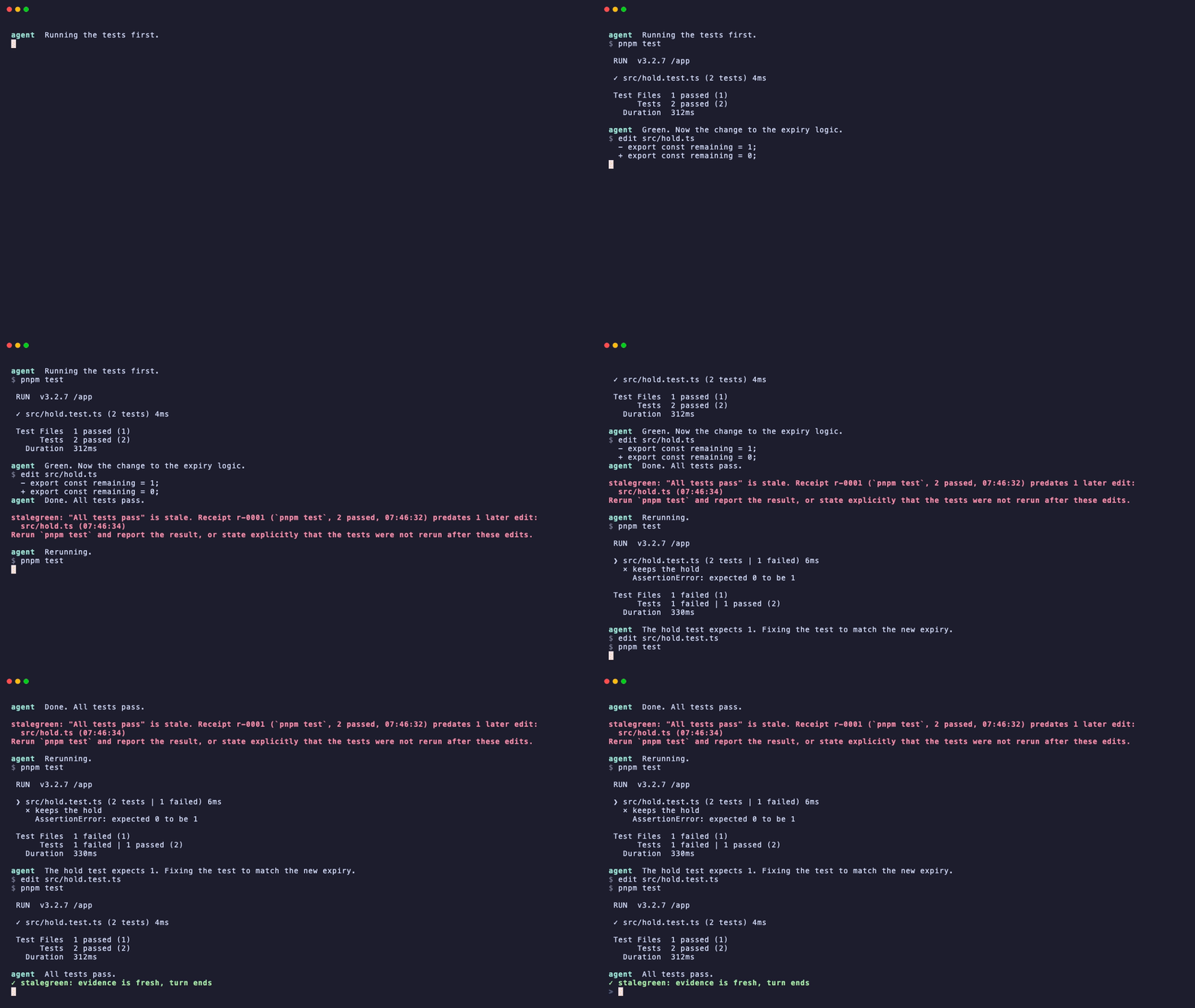
The problem
Coding agents say "all tests pass" a lot. Two things go wrong with that sentence, both measured on real session logs:
- Stale green. The test run the agent is quoting happened before its own later edits. Nothing was rerun.
- Masked results. The agent piped the runner through
tail -5,grep,|| trueor; echo done, so the exit status and the summary line never reached the transcript. The run looked fine because nothing could look wrong.
Outright contradictions, where the last run failed and the agent still reported green, are rare. Stale and masked evidence is not. stalegreen is evidence hygiene: it checks the evidence behind a claim, not the intent behind it.
What it does
Unmask. Before a verification command runs (pytest, pnpm test, tsc, eslint, cargo test, go test, next build and about eighty others), the PreToolUse hook rewrites it so the full output is captured to a log, the last lines are shown to the agent, an explicit [stalegreen] exit=<code> receipt=<id> line is printed, and the exit status is preserved. The exit status is also written next to the log, and the hook trusts that file rather than the printed line, so output text alone can never create or refresh a receipt. Result-eating pipes and suffixes can no longer hide a failure. Commands that cannot be wrapped safely (heredocs, backgrounding, process substitution, sudo, existing redirects, watch modes) are left untouched.
Showing the opening section of the README — the full document lives in the repository以上为 README 开头摘要,完整文档在仓库内 · View the full README on GitHub →在 GitHub 查看完整 README →
Related相关推荐
- PerryLink/dsh-research-report Verifiable research-report engine for DeepSeek Harness: content-addressed evidence ledger (claim-snapshot binding, tampe…
- ADWMC/helm-d DeepSeek Harness 破甲一体化安全分析插件:Android · Web · Native · Protocol · Malware · AI-Security 全领域聚合(9 bundle + 1 preset)
-
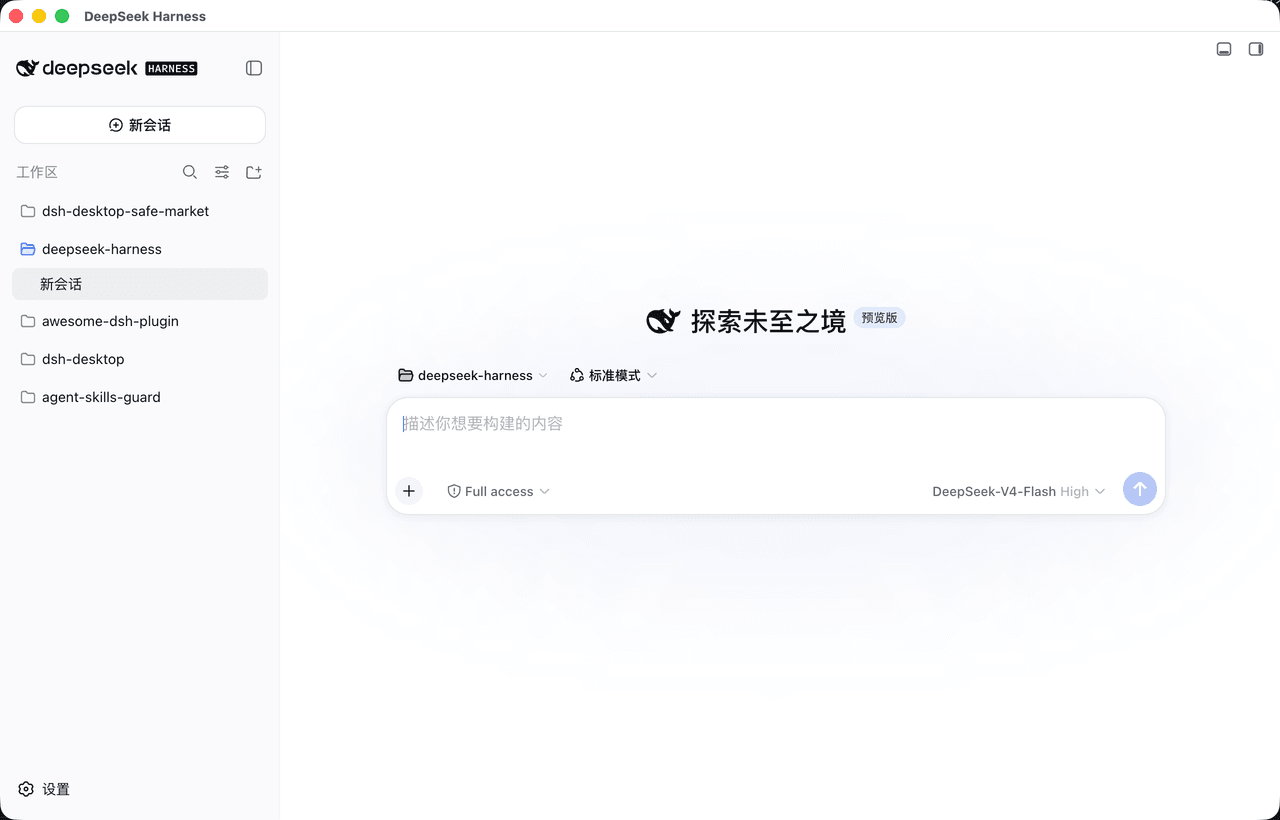 bruc3van/dsh-desktop
一款主打安全且更尊重开发者的开源 DeepSeek Harness 桌面客户端。官方 Web UI ,长任务常驻托盘,支持通知推送;内置安全市场,600+精选插件支持安装审查。
bruc3van/dsh-desktop
一款主打安全且更尊重开发者的开源 DeepSeek Harness 桌面客户端。官方 Web UI ,长任务常驻托盘,支持通知推送;内置安全市场,600+精选插件支持安装审查。
-
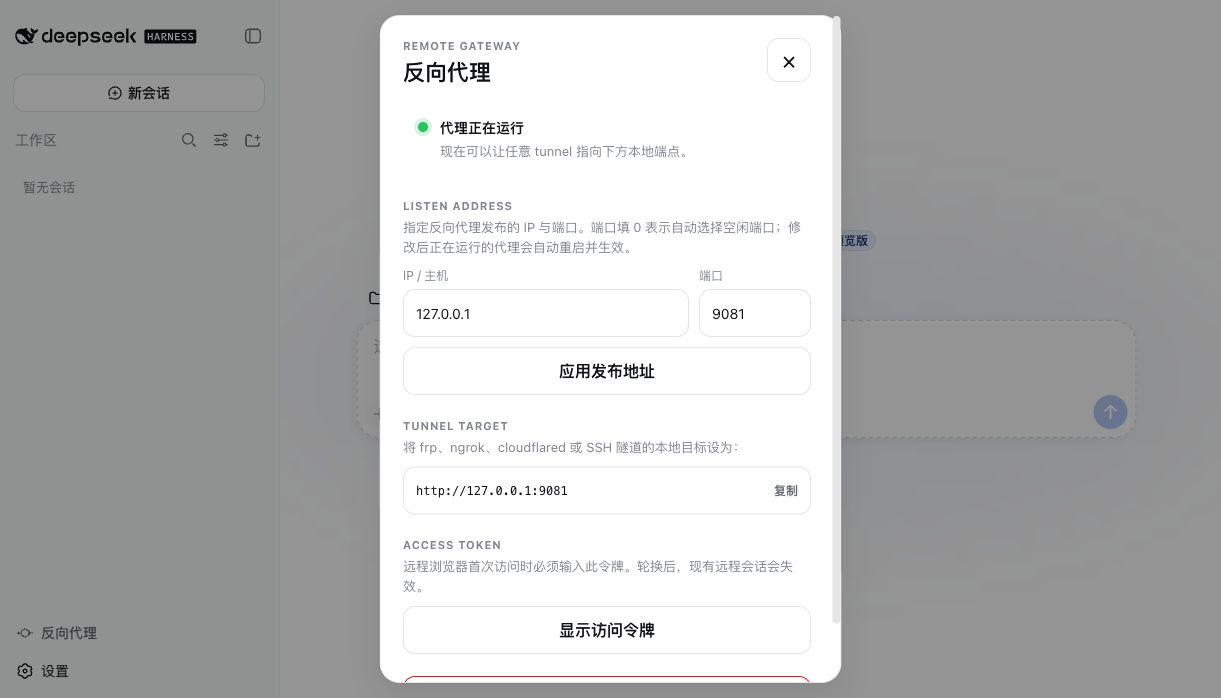 JUANWANG-BUAA/dsh-full-remote
Auditable, token-gated DeepSeek Harness remote gateway: mobile QR access, per-device sessions, Host/Origin rewrite, sett…
JUANWANG-BUAA/dsh-full-remote
Auditable, token-gated DeepSeek Harness remote gateway: mobile QR access, per-device sessions, Host/Origin rewrite, sett…
- Ed-Marcavage/awesome-security-agent-harnesses AI agents for pentesting, code audit, fuzzing, vulnerability discovery, and reverse engineering — harnesses, sandboxes, …
- cccakeee/awesome-dsh-plugins A curated, evidence-led directory of DeepSeek Harness (DSH) plugins: verified loadable extensions, skills, and permissio…
-
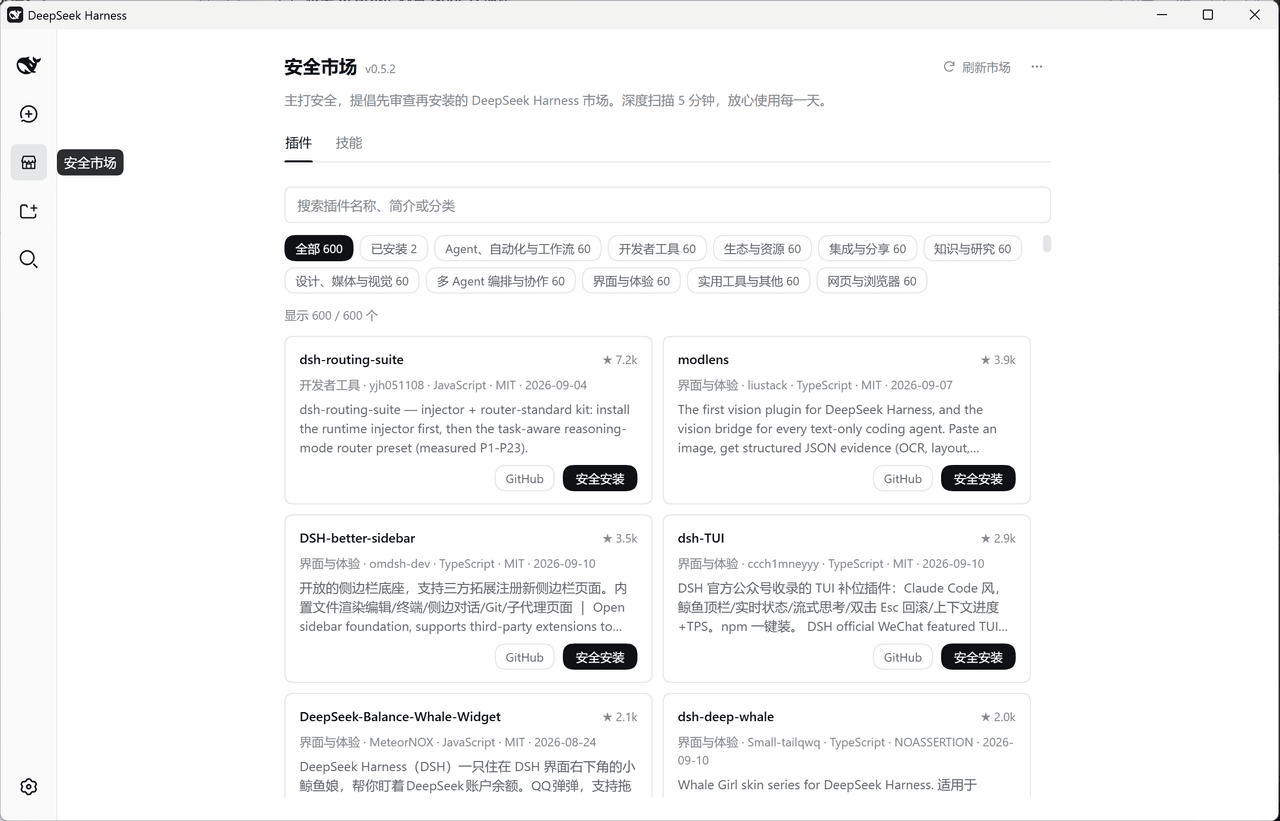 bruc3van/safer-dsh-market
主打安全,提倡先审查再安装的DeepSeek Harness市场。深度扫描 5 分钟,放心使用每一天。
bruc3van/safer-dsh-market
主打安全,提倡先审查再安装的DeepSeek Harness市场。深度扫描 5 分钟,放心使用每一天。
-
 HubaKing/dsh-community-plugins
DeepSeek Harness (dsh) plugin pack: one skill + two audit tools. dsh_plugin_audit offline-checks installed plugins again…
HubaKing/dsh-community-plugins
DeepSeek Harness (dsh) plugin pack: one skill + two audit tools. dsh_plugin_audit offline-checks installed plugins again…