QIN-SMART/dsh-plugin-kit
DeepSeek Harness plugin authoring kit: a skill, a tested repository template, a scaffolder, a cross-host skill validator, a GitHub REST publisher and a pitfall library.
Project Overview项目介绍
dsh-plugin-kit is a reusable authoring kit that turns the whole "write a DSH plugin" pipeline into a portable skill-plus-template-plus-tools bundle, and the README explicitly states "this is not a plugin, it is a method." The package ships one canonical skill called dsh-plugin-authoring, which contains a SKILL.md describing a seven-phase pipeline plus twelve hard rules, a references/ folder with a contract cheat-sheet, a pitfalls library, an acceptance checklist and a publish handbook, a 17-file template/ skeleton, zero-dependency Node tools (scaffolder, cross-host validator, real-UI checker driven by CDP), and a recon workflow that runs three parallel sub-agents inside the DSH workflow subsystem.
The typical workflow begins with git clone followed by ln -sfn to expose the same skill body to both ~/.dsh/skills/dsh-plugin-authoring and ~/.codex/skills/dsh-plugin-authoring; running validate-skill.mjs then proves the SKILL.md satisfies the rules of both hosts, and new-plugin.mjs --dir ... --name ... --title-zh ... --title-en ... --desc-zh ... --desc-en ... --author ... emits a new plugin whose node --test test/verify.mjs is expected to pass immediately. The kit is aimed at developers who want to mass-produce DSH client plugins, and the two real plugins dsh-sidebar-marks and dsh-quote-to-chat already published by the same author on GitHub and npm are cited as the sources from which the pitfalls were harvested.
Dependencies are deliberately minimal: Node.js plus any POSIX-friendly filesystem for symlinks, with CI running the same two checks across ubuntu/windows/macos on Node 22 and 24, and the license is MIT. The pitfalls library explicitly warns that memory layers cannot be shared via symlinks because each host projects markdown from a database, so a read-extract-write-back bridge is required; users must also understand that the DSH workflow mentioned in the repo is a DSH-specific subsystem, not the Codex or Claude Code concept of the same name.
dsh-plugin-kit 是一个把"编写 DSH 插件"全流程固化为可复用方法的脚手架项目,自称"不是一个插件,是一套方法"。核心交付物是一份名为 dsh-plugin-authoring 的 skill:内含 SKILL.md(七阶段流水线 + 12 条硬规则)、references/ 下的契约速查、踩坑库、验收清单与发布手册、template/ 的 17 文件骨架、零依赖的 Node 工具脚本(脚手架、跨宿主校验器、真实 UI 检查器),以及可在 DSH 环境中并行执行的 workflow 脚本。
典型使用流程是先 clone 仓库,再用软链把 skill 同时挂到 ~/.dsh/skills 与 ~/.codex/skills,运行 validate-skill.mjs 让同一份 SKILL.md 通过两个宿主的格式校验,最后用 new-plugin.mjs 生成新插件骨架并跑 node --test test/verify.mjs 验证。目标用户是想量产 DSH 客户端插件、又不想每次都重踩同一坑的开发者;项目 README 中明确列出的两个真实来源插件 dsh-sidebar-marks 与 dsh-quote-to-chat 已分别发布到 GitHub 与 npm。
依赖方面整套工具只要求 Node.js 与一个 Unix 风格文件系统(软链需要),并附带了 ubuntu/windows/macos × Node 22/24 的 CI 矩阵;许可证为 MIT。踩坑库明确指出记忆层不能用软链方案同步,必须走"读出 → 抽可移植事实 → 用各家写入路径写回"的桥接,DSH workflow 是同名私有子系统而非 Codex 或 Claude Code 通用概念,首次使用前应理解 DSH 软链与 codex 软链两条路径。
请帮我安装这个 DSH 插件。安装前先完成【兼容性检查 + 安全性检查】,检查通过再动手。

插件:dsh-plugin-kit(QIN-SMART/dsh-plugin-kit)
仓库:https://github.com/QIN-SMART/dsh-plugin-kit
本站详情页:https://www.yhbd.top/plugins/qin-smart-dsh-plugin-kit/
本站登记:类型 plugin · 归类 原生 DSH 插件 · 许可证 MIT · ⭐ 3 · 最近提交 2026-10-02 · 主语言 JavaScript · 未检测到 DSH 插件清单

按下面顺序执行,每步先把结论告诉我,再进入下一步:

【1 兼容性检查】
① 我这边:DSH 版本、Node 版本、操作系统、当前 profile(web / desktop)。
② 读它的 README、package.json、插件 manifest,列出它要求的 DSH 版本 / Node 版本 / 操作系统 / 外部依赖 / 需要另外先装的运行时。
③ 逐条比对,结论只写「满足 / 不满足 / 未知」三种;不满足的给出可行替代方案。
④ 检查是否和我已装的插件冲突:命令名重复、skill / tool 重名、端口占用、重复注册的 MCP server。

【2 安全性检查】
① 仓库可信度:和上面「本站登记」是否一致;star / fork 数、创建时间、最近提交,是否归档或长期停更。
② 安装脚本:逐行看 package.json 的 preinstall / install / postinstall,以及 install.sh、setup.ps1 之类脚本。出现 curl|bash、下载后直接执行、混淆代码、访问与插件功能无关的域名,立刻停下来告诉我,不要继续装。
③ 依赖:列出新增依赖,标出无人维护、或与知名包拼写近似的可疑包(typosquatting)。
④ 权限与副作用:它会读写哪些目录、访问哪些域名、需要哪些 DSH 权限(filesystem / network / shell / clipboard 等),以及怎么卸载和回滚。
⑤ 如果它要求 sudo / 管理员权限,或权限明显超出功能所需,先停下来问我。

【3 安装】
上面两步没有「不满足」和「高危项」时才执行;用官方推荐方式安装,不要自行提权。

【4 汇报】
用表格输出:检查项 / 结论 / 依据 / 是否需要我决策。拿不准的一律写「未知」并说明要我怎么确认——不要猜,也不要替我决定。
Send this message to DSH in your current session: it verifies compatibility and security first (answering met / not met / unknown item by item) and only installs once everything checks out — it will stop and ask you if it finds a high-risk item. The box scrolls; the copy is the full prompt. CLI install commands may not be accurate across systems, so DSH is the safer route.把上面这条消息直接发给当前会话里的 DSH:它会先核对兼容性与安全性(逐条给「满足 / 不满足 / 未知」),确认没问题再安装,有高危项会停下来问你。框内可滚动,复制到的是完整提示词;安装命令不一定准确,发给 DSH 更稳。
- Only 3 stars - very few users, little community feedback星标只有 3,几乎没人在用,遇到问题缺少社区反馈
- No DSH plugin manifest detected - it may only carry the dsh-plugin topic, so the install method must be confirmed on the spot未检测到 DSH 插件清单:可能只是打了 dsh-plugin 话题,安装方式要现场确认
DSH walks through these 9 checksDSH 会逐条核对这 9 项
Compatibility兼容性
- DSH, Node, OS and profile requirementsDSH 版本 / Node 版本 / 操作系统 / profile 是否满足要求
- External dependencies and runtimes (Electron / Python / Docker, ...)外部依赖与运行时(Electron / Python / Docker 等)是否齐备
- Conflicts with installed plugins: command names, skill / tool names, ports, duplicate MCP registration与已装插件是否冲突:命令名、skill / tool 重名、端口占用、重复 MCP 注册
Security安全性
- Repo matches the facts registered here; archived or abandoned?仓库是否与页面登记一致,是否归档或长期停更
- Safety of preinstall / install / postinstall and install.sh / setup.ps1preinstall / install / postinstall 与 install.sh、setup.ps1 是否安全
- curl|bash, download-then-execute, obfuscation, unrelated domains → stop immediatelycurl|bash、下载即执行、混淆代码、无关域名 → 立刻停止
- Typosquatting or unmaintained packages among the new dependencies新增依赖里有没有 typosquatting 或无人维护的包
- Requested permissions vs. what the feature actually needs申请了哪些权限、是否超出功能所需(filesystem / network / shell / clipboard)
- Any sudo / admin requirement, plus uninstall and rollback是否要求 sudo / 管理员权限,以及卸载与回滚方式
Anything uncertain must be marked unknown with a note on how to confirm it. This site's signal screen is a static snapshot, not a security audit.拿不准的必须标「未知」并说明要我怎么确认。本站的信号筛查是静态快照,不能替代安全审计。
Or use CLI install (for developers)或使用命令行安装(适合开发者)
CLI Install命令行安装
dsh plugin --profile web add github:QIN-SMART/dsh-plugin-kit把 QIN-SMART/dsh-plugin-kit 加入你的 DSH 配置(web profile)即可启用。
READMEREADME
dsh-plugin-kit
把「写一个 DSH 插件,从想法到开源上架」固化成可复用的 skill + 模板 + 工具 + 踩坑库。
不是一个插件,是一套方法:知识在 Markdown 里,自动化在零依赖 Node 脚本里,所以 DSH、Codex、Claude Code、Cursor 都能用同一份。
dsh-plugin-kit/
  dsh-plugin-authoring/         ← skill 本体(DSH 与 Codex 都软链这一份)
    SKILL.md                      七个阶段 + 12 条硬规则 + 交付标准
    references/                   契约速查 · 踩坑库 · 验收清单 · 发布手册
    template/                     一个新插件仓库的骨架(17 个文件,生成即全绿)
    tools/                        脚手架 · 跨宿主校验器
    workflow/                     并行侦察脚本(DSH workflow)
  share/share.mjs              ← 多宿主共享层管理(一份真身,多个入口)
快速开始
git clone https://github.com/QIN-SMART/dsh-plugin-kit
cd dsh-plugin-kit

# 1) 接入 DSH(热监听,免重启)
ln -sfn "$PWD/dsh-plugin-authoring" ~/.dsh/skills/dsh-plugin-authoring

# 2) 接入 Codex(格式相同,可共用同一份)
ln -sfn "$PWD/dsh-plugin-authoring" ~/.codex/skills/dsh-plugin-authoring

# 3) 生成一个新插件
node dsh-plugin-authoring/tools/new-plugin.mjs \
  --dir ~/Documents/test/dsh-my-plugin --name dsh-my-plugin \
  --title-zh "我的插件" --title-en "My Plugin" \
  --desc-zh "一句话中文说明" --desc-en "One line in English" \
  --author <你的 GitHub 用户名>

cd ~/Documents/test/dsh-my-plugin
node --test test/verify.mjs        # 生成即全绿(13 项,不用改任何东西)
之后在 DSH 里用 /dsh-plugin-authoring 调用这套方法,在 Codex 里用 $dsh-plugin-authoring。
里面有什么
| 文件 | 作用 |
|---|---|
dsh-plugin-authoring/SKILL.md |
主指令:七个阶段(定义 → 侦察 → 脚手架 → 实现 → 自测 → 文档 → 发布)+ 12 条硬规则 + 交付标准 |
references/contracts.md |
DSH 客户端插件契约速查:包结构、ModuleLoader、插槽表、稳定 DOM 钩子、设计令牌、宿主侧能力 |
references/pitfalls.md |
踩坑库:每条都写全「症状 → 原因 → 正确写法 → 怎么验证」,覆盖模块与加载、样式、插槽、元数据、安装、发布、协作、多宿主共享 |
references/checklist.md |
四张验收清单:实现 / 测试 / 开源就绪 / 上架后("外人视角"真装一次) |
references/publish.md |
发布手册:GitHub REST API 路径(含空仓库引导)、npm 2FA 的两种活法、发布后传播延迟 |
template/ |
能跑、能测、能发的插件骨架:真实可用的最小客户端插件 + mock-DOM 自测 + CI 矩阵 + 双语 README + 图标/locale + 发布脚本 |
tools/new-plugin.mjs |
脚手架:按包名生成骨架并替换所有标识符(自动跳过 .tmp / node_modules 残留) |
tools/validate-skill.mjs |
跨宿主校验器:同一份 SKILL.md 要同时通过 DSH 与 Codex 的规则(照抄两边真实实现,含"创作时校验"与"加载时校验"的区别) |
workflow/recon.workflow.js |
DSH workflow 脚本:并行三路侦察(契约 / 平台差异 / 分发路径),每个子代理边查边写结论 |
share/share.mjs |
多宿主共享层:一份真身 + 每个宿主一条软链,还能审计"依赖宿主专有工具的 skill 不该共享" |
Showing the opening section of the README — the full document lives in the repository以上为 README 开头摘要,完整文档在仓库内 · View the full README on GitHub →在 GitHub 查看完整 README →
Related相关推荐
-
 chuspeeism/dashi-taskboard
现代化可灵活嵌入的任务面板,支持 Codex、DeepSeek Harness
chuspeeism/dashi-taskboard
现代化可灵活嵌入的任务面板,支持 Codex、DeepSeek Harness
-
 zhoushoujianwork/easyeda-agent
嘉立创EDA专业版(EasyEDA Pro)自动化:给 AI harness 装上画板的「手」—— 一套 typed 原理图/PCB 动作,CLI / Agent Skill / stdio MCP 三形态融合接入。承接嘉立创「不以卖板赚钱…
zhoushoujianwork/easyeda-agent
嘉立创EDA专业版(EasyEDA Pro)自动化:给 AI harness 装上画板的「手」—— 一套 typed 原理图/PCB 动作,CLI / Agent Skill / stdio MCP 三形态融合接入。承接嘉立创「不以卖板赚钱…
-
 morluto/rea
Reverse engineer anything with agents, from app behavior down to native binaries.
morluto/rea
Reverse engineer anything with agents, from app behavior down to native binaries.
-
 gitroomhq/postiz-agent
Postiz Agents CLI - connect it to Claude / OpenClaw / etc, to schedule social media posts 🤖
gitroomhq/postiz-agent
Postiz Agents CLI - connect it to Claude / OpenClaw / etc, to schedule social media posts 🤖
-
 linhay/harmony-next.skills
Offline HarmonyOS NEXT developer skill library for AI coding assistants. Covers API 12–26 declarations, ArkTS/ArkUI, NDK…
linhay/harmony-next.skills
Offline HarmonyOS NEXT developer skill library for AI coding assistants. Covers API 12–26 declarations, ArkTS/ArkUI, NDK…
-
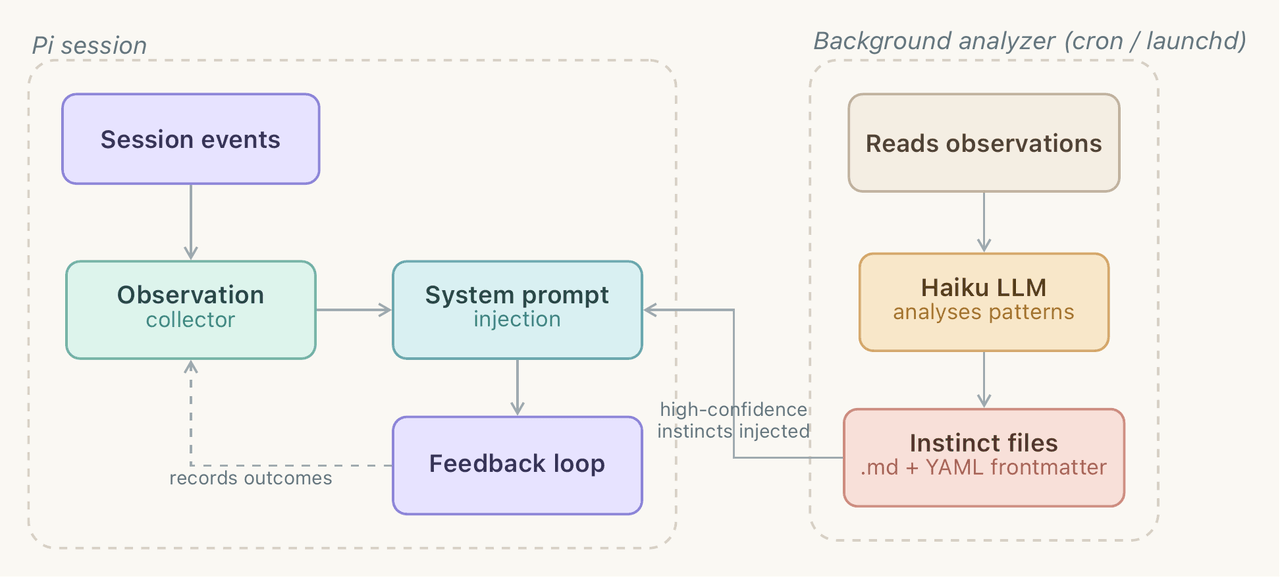 yzlnew/infra-skills
A collection of specialized agent skills for AI infrastructure development, enabling Claude Code to write, optimize, and…
yzlnew/infra-skills
A collection of specialized agent skills for AI infrastructure development, enabling Claude Code to write, optimize, and…
-
 liceses/dsh-gitbash-preset
DeepSeek Harness 插件:一键安装「极简模式 (Git Bash)」agent preset —— 把 DSH 自带极简模式中的 bash 调用映射到 Git for Windows 的 bash(MSYS),让 Window…
liceses/dsh-gitbash-preset
DeepSeek Harness 插件:一键安装「极简模式 (Git Bash)」agent preset —— 把 DSH 自带极简模式中的 bash 调用映射到 Git for Windows 的 bash(MSYS),让 Window…
-
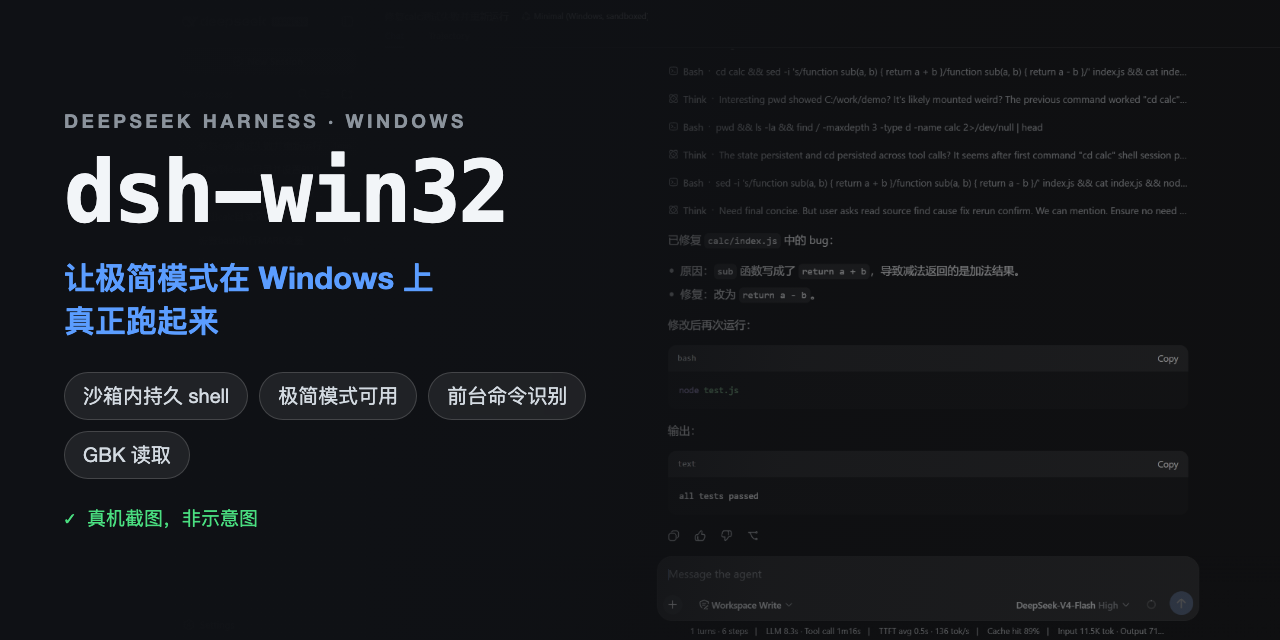 sjh9714/dsh-win32
Fix and diagnose DeepSeek Harness on native Windows. Official PowerShell, Workspace Write, shortcuts, and legacy preset …
sjh9714/dsh-win32
Fix and diagnose DeepSeek Harness on native Windows. Official PowerShell, Workspace Write, shortcuts, and legacy preset …