Ratevoid/dsh-aseprite
A pixel-art and sprite-animation editor plugin for DeepSeek Harness. It is compatible with Aseprite project files and requires no Aseprite installation.
catalog 简介 / catalog descriptioncatalog description:Unofficial Aseprite-compatible pixel editor and sprite animation plugin for DeepSeek Harness.
项目介绍Project Overview
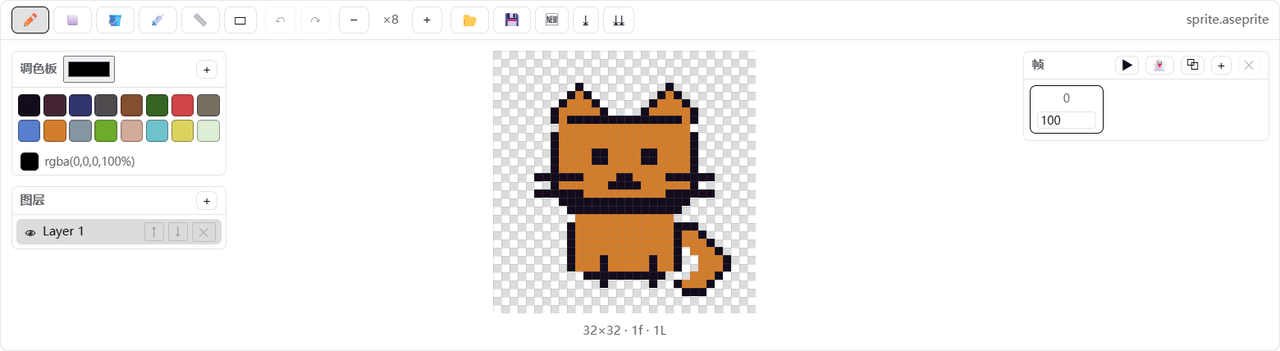
dsh-aseprite 是一款为 DeepSeek Harness 开发的像素画与精灵动画编辑插件。它在对话头部新增 🎨 按钮,打开可停靠的编辑器画板,无需安装 Aseprite 即可直接读写 .aseprite 项目文件,支持 RGBA、灰度、索引色及压缩 cel 解码。提供铅笔、橡皮、油漆桶、选取等基础工具,配合撤销/重做、网格、洋葱皮、多图层、动画帧和 DB16、PICO-8 调色板等完整像素编辑能力。独特的蓝图工作流允许通过 ComfyUI 式节点图组合处理任务:被动蓝图在本地执行,主动蓝图将图像与提示词发送至当前会话的 AI。选定区域后点击 ASK,即可附带坐标和放大裁图与 AI 协作;但需注意 AI 回复需人工确认,编辑器像素不会自动更新。
dsh-aseprite is a pixel-art and sprite-animation editor plugin for DeepSeek Harness. It adds a 🎨 button in the conversation header that opens a dockable canvas, reads and writes .aseprite project files in pure JavaScript with no Aseprite installation, and supports RGBA, grayscale, indexed color, and compressed cel decoding. It includes pencil, eraser, bucket, picker, line, rectangle, and selection tools, plus layers, animation frames, onion skinning, undo/redo, and DB16 and PICO-8 palettes. A ComfyUI-style blueprint node graph supports passive local pipelines like cropping and outlining, and active LLM nodes that send the selection to the active chat. Note that AI responses are reviewed in chat and never modify editor pixels automatically.
请帮我了解并安装插件:【dsh-aseprite】【https://github.com/Ratevoid/dsh-aseprite】把上面这条消息直接发给当前会话里的 DSH,让它帮你了解并安装。安装命令不一定准确,发给 DSH 更稳。Send this message to DSH in your current session. CLI install commands may not be accurate across systems — DSH will figure it out for you.
或使用命令行安装(适合开发者)Or use CLI install (for developers)
命令行安装CLI Install
dsh plugin --profile web add github:Ratevoid/dsh-aseprite把 Ratevoid/dsh-aseprite 加入你的 DSH 配置(web profile)即可启用。
READMEREADME
dsh-aseprite
A pixel-art and sprite-animation editor plugin for DeepSeek Harness. It is compatible with Aseprite project files and requires no Aseprite installation.
- 🎨 Adds a 🎨 button to the conversation header; click it to open or close the editor dock above the message input.
- ✏️ Tools: pencil, eraser, bucket fill, picker, line, rectangle, and rectangular region selection, with undo, redo, wheel zoom, grid, onion skinning, adjustable brush/eraser size, and draggable left/right/top/bottom panel splitters.
- 🤖 Select a region, click ASK, describe a local adjustment, and send an enlarged PNG crop plus the selection coordinates to the active DSH conversation. The AI response is reviewed in chat; editor pixels are not changed automatically.
- 🧩 Blueprint workflows: click 🧩 in the toolbar to open a ComfyUI-style visual node graph; drag nodes and click input/output ports to connect them.
- Passive blueprints such as transparent cropping, pixel outlines, and crop-plus-outline run locally, can be reused indefinitely after one creation, and never call the LLM.
- Active blueprints contain an LLM node and send the selected image plus node prompt to the current conversation AI.
- Click AI Create Blueprint and describe a complete task. The assistant's dsh-blueprint JSON is automatically parsed, validated, and stored in the browser library—no manual JSON copying. The library has UI import/export controls.
- 🧅 Layers: create, delete, reorder, and toggle visibility.
- 🎞️ Animation frames: add, duplicate, delete, set frame duration (ms), and preview playback.
- 🎨 Palettes: built-in DB16 and PICO-8-style 16-color palettes, custom colors, extra palettes, and color picking.
- 💾 Reads and writes .aseprite project files in pure JavaScript, with no Aseprite installation required; supports RGBA, grayscale, indexed-color reading, compressed cel decoding, current-frame PNG export, and sprite-sheet PNG export.
Demo
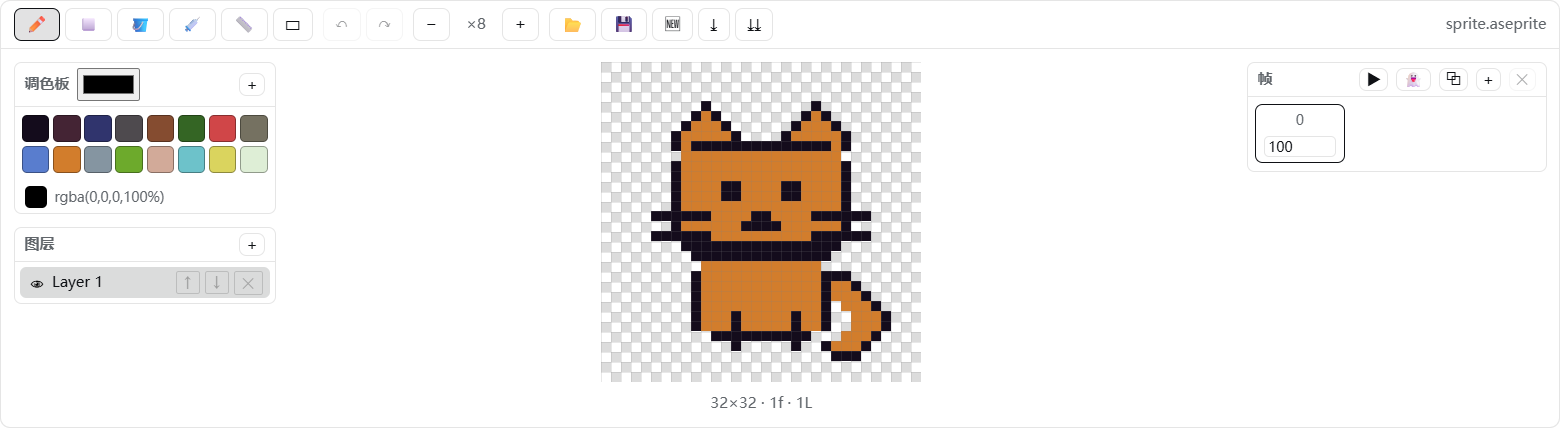
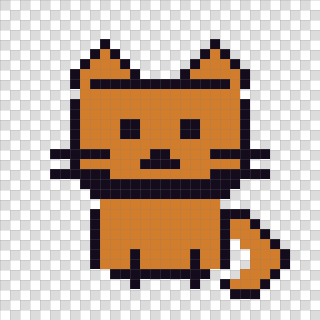
Canvas close-up:
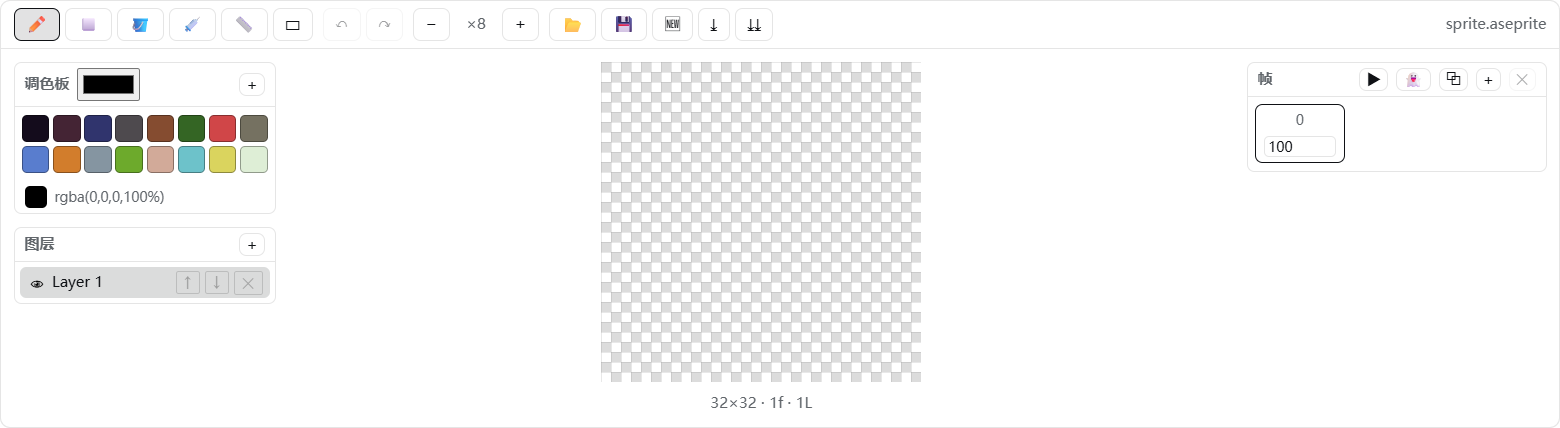
The transparent canvas uses a standard square checkerboard:
How it works
- Host (
lib/index.js): a minimal loader entry that exposes thedsh.clientdeclaration; the editor runs entirely in the browser. - Client (
client/client.js): follows thewindow.__ModuleLoader__.load({ id, factory })contract and registers the header button and dock throughctx.slotsatconversation.session.header.actionsandconversation.input.dock. - Codec (
src/ase-codec.js): implements the Aseprite file format specification, writing 32bpp RGBA, raw cels, and modern palette chunks that Aseprite can open directly.
Project structure
dsh-aseprite/
├── package.json        # dsh.bundle.patch + dsh.client declarations
├── README.md           # English documentation
├── README.zh-CN.md     # Chinese documentation
├── LICENSE
├── assets/             # GitHub demo images
├── cordis.patch.yml    # loader row: - id: aseprite, name: 'dsh-aseprite'
├── lib/index.js        # minimal host entry
├── client/client.js    # browser bundle (generated)
├── src/ase-codec.js    # ASE binary codec
├── src/editor.js       # document model, drawing, layers, frames, and export
├── src/blueprints.js   # safe declarative blueprint graph engine and library
├── src/client.js       # React UI + apply()
├── tests/blueprints.test.mjs # blueprint normalization/execution/parser tests
└── scripts/build.mjs   # zero-dependency build script
Development / build
node scripts/build.mjs      # regenerate client/client.js
pnpm test:blueprints       # run blueprint engine tests
Install locally
Install with dsh plugin --profile web add. To reinstall manually:
# Replace these placeholders with your local paths; omit --store-dir if it is not needed
dsh plugin --profile web add --store-dir "<your-pnpm-store>" "file:<path-to-dsh-aseprite>"
Restart DeepSeek Harness after installation, then refresh the page. The 🎨 button in the conversation header confirms that the plugin is loaded.
Uninstall
dsh plugin --profile web remove dsh-aseprite
If present, also remove the handwritten aseprite entry from the profile cordis.patch.yml, then restart the application.
相关推荐Related
-
 ruvnet/ruflo
🌊 The original agent meta-harness. Deploy intelligent multi-player swarms, coordinate autonomous workflows, and build c…
ruvnet/ruflo
🌊 The original agent meta-harness. Deploy intelligent multi-player swarms, coordinate autonomous workflows, and build c…
-
 amruthpillai/reactive-resume
A one-of-a-kind resume builder that keeps your privacy in mind. Completely secure, customizable, portable, open-source a…
amruthpillai/reactive-resume
A one-of-a-kind resume builder that keeps your privacy in mind. Completely secure, customizable, portable, open-source a…
-
 volcengine/OpenViking
Self-evolving Context Database for AI Agents. Unify Agent Memory, Knowledge RAG and Skills.
volcengine/OpenViking
Self-evolving Context Database for AI Agents. Unify Agent Memory, Knowledge RAG and Skills.
-
 Molunerfinn/PicGo
:rocket: The Ultimate Image Uploader for Efficient Creators. Supports Obsidian, Typora, VS Code etc. and 60+ image hosti…
Molunerfinn/PicGo
:rocket: The Ultimate Image Uploader for Efficient Creators. Supports Obsidian, Typora, VS Code etc. and 60+ image hosti…
-
 titanwings/colleague-skill
将冰冷的离别化为温暖的 Skill,欢迎加入数字生命1.0!Transforming cold farewells into warm skills? It's giving rebirth era. Welcome to Digital …
titanwings/colleague-skill
将冰冷的离别化为温暖的 Skill,欢迎加入数字生命1.0!Transforming cold farewells into warm skills? It's giving rebirth era. Welcome to Digital …
-
 nocobase/nocobase
NocoBase is an open-source AI + no-code platform for building business systems fast. Instead of generating everything fr…
nocobase/nocobase
NocoBase is an open-source AI + no-code platform for building business systems fast. Instead of generating everything fr…
-
 Tencent/WeKnora
Open-source LLM knowledge platform: turn raw documents into a queryable RAG, an autonomous reasoning agent, and a self-m…
Tencent/WeKnora
Open-source LLM knowledge platform: turn raw documents into a queryable RAG, an autonomous reasoning agent, and a self-m…
- Nagi-ovo/voyager Enhancement suite for Gemini, AI Studio, Claude & ChatGPT — plus a prompt manager for any web UI, DeepSeek Harness inclu…