RealAlexandreAI/dsh-noc-memory
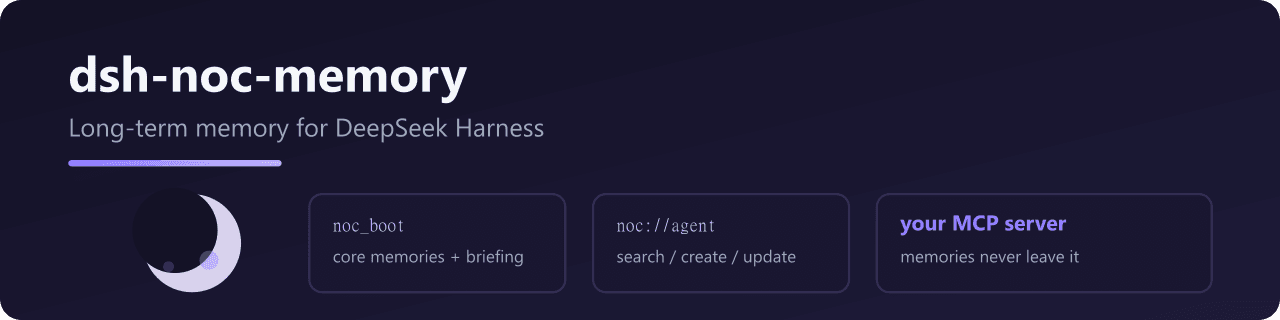
Connects DeepSeek Harness to Noc Memory: session-start boot + daily briefing, plus memory read / search / create / update, backed by your own Noc Memory MCP server on Cloudflare.
catalog 简介 / catalog descriptioncatalog description:dsh memory: Nocturne Memory client for DeepSeek Harness
项目介绍Project Overview
dsh-noc-memory 将 DeepSeek Harness 连接至 Noc Memory,提供会话启动引导、每日简报及记忆读写搜索更新,基于自部署的 Cloudflare MCP 服务器。适合需要长期记忆的会话场景。注意:需自行部署 Noc Memory 服务器并配置 mcp_url。
dsh-noc-memory connects DeepSeek Harness to Noc Memory via your own Cloudflare-hosted MCP server. It provides session-start boot, daily briefing, and memory read/search/create/update tools. Use it when persistent memory across sessions is needed. Caveat: requires deploying and configuring your own Noc Memory server with mcp_url.
请帮我了解并安装插件:【dsh-noc-memory】【https://github.com/RealAlexandreAI/dsh-noc-memory】把上面这条消息直接发给当前会话里的 DSH,让它帮你了解并安装。安装命令不一定准确,发给 DSH 更稳。Send this message to DSH in your current session. CLI install commands may not be accurate across systems — DSH will figure it out for you.
或使用命令行安装(适合开发者)Or use CLI install (for developers)
命令行安装CLI Install
dsh plugin --profile web add dsh-noc-memory把 RealAlexandreAI/dsh-noc-memory 加入你的 DSH 配置(web profile)即可启用。
READMEREADME
dsh-noc-memory
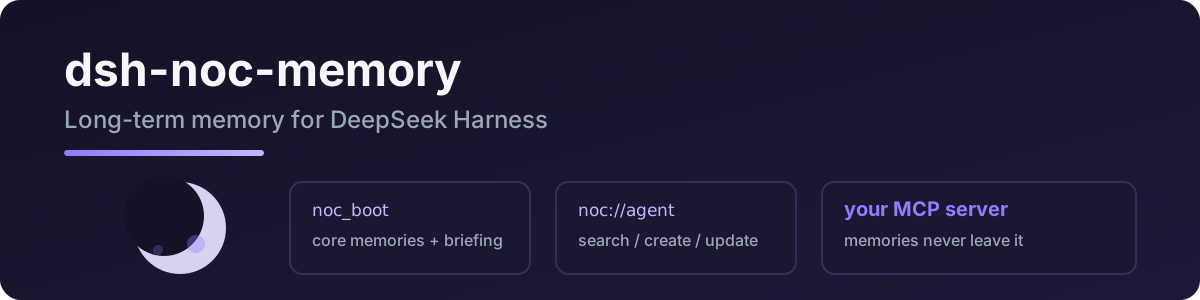
Connects DeepSeek Harness to Noc Memory: session-start boot + daily briefing, plus memory read / search / create / update, backed by your own Noc Memory MCP server on Cloudflare.
Port of pi-noc-memory — same protocol, same tool names.
Tools
| tool | what it does |
|---|---|
noc_boot |
load at session start: core memories + recent context + glossary |
noc_briefing |
today's working-memory briefing (system://briefing) — recent activity, expiring, cold candidates |
noc_read |
read a memory by URI (system://…, noc://agent, …) |
noc_search |
search memories by keywords (trigger recall first, then FTS) |
noc_create |
create a memory node ([Baseline]/[Deviation]/[Result]/[Reusable judgment]) |
noc_update |
patch (old_string/new_string) or append to a memory; optional relation evolution marker |
Quick start
dsh plugin --profile web add dsh-noc-memory
Requires your own Noc Memory server — deploy it to Cloudflare in minutes: cf-noc-mem.
- id: noc-memory
  name: dsh-noc-memory
  config:
    mcp_url: https://mem.example.com/mcp
    mcp_auth: Bearer <your token>
For a server behind Cloudflare Access (e.g. noc-mem.slahser.com), use the service token headers instead of mcp_auth:
- id: noc-memory
  name: dsh-noc-memory
  config:
    mcp_url: https://noc-mem.slahser.com/mcp
    mcp_headers:
      CF-Access-Client-Id: <your client id>
      CF-Access-Client-Secret: <your client secret>
| key | required | meaning |
|---|---|---|
mcp_url |
yes | your Noc Memory MCP endpoint (Streamable HTTP) |
mcp_auth |
no | Bearer <token> if the server requires it |
mcp_headers |
no | extra headers merged into every MCP request (e.g. Cloudflare Access service token) |
Upgrading from dsh-nocturne-memory (≤0.1.x): renamed to
dsh-noc-memory, tools renamednocturne_*→noc_*. Remove the old plugin and re-add the new package; update any prompt text referencingnocturne_*tools.
Why noc_* (not nocturne_*)?
Some agents probe read_mcp_resource before reaching for a memory tool, wasting a round trip (upstream issue #32). Explicit noc_boot / noc_read naming in the tool list and boot-protocol prompt steers models straight to the right tool — no resource shim required.
License
MIT
Related
- cf-noc-mem — the Cloudflare MCP memory server this plugin talks to
- pi-noc-memory — same memory tools for Pi
- nocturne_memory — upstream project
相关推荐Related
-
 nexu-io/open-design
🎨 Best DeepSeek Harness Design Plugin. The open-source Claude Design alternative. 🖥️ Local-first desktop app. 🖼️ Your…
nexu-io/open-design
🎨 Best DeepSeek Harness Design Plugin. The open-source Claude Design alternative. 🖥️ Local-first desktop app. 🖼️ Your…
-
 freestylefly/awesome-gpt-image-2
Prompt as Code | GPT-Image2 工业级提示词引擎与模板库,530+ 个案例逆向工程,20+ 套工业级模板,并提炼出Skills,持续更新中
freestylefly/awesome-gpt-image-2
Prompt as Code | GPT-Image2 工业级提示词引擎与模板库,530+ 个案例逆向工程,20+ 套工业级模板,并提炼出Skills,持续更新中
-
 anywhere-labs/dsh-desktop
为 DeepSeek Harness (DSH) 插件生态打造的现代化桌面端解决方案。万物皆「插件」,桌面本身也是「插件」。
anywhere-labs/dsh-desktop
为 DeepSeek Harness (DSH) 插件生态打造的现代化桌面端解决方案。万物皆「插件」,桌面本身也是「插件」。
- Nagi-ovo/voyager Enhancement suite for Gemini, AI Studio, Claude & ChatGPT — plus a prompt manager for any web UI, DeepSeek Harness inclu…
-
 walkinglabs/learn-harness-engineering
Harness engineering beginner tutorial, from 0 to 1
walkinglabs/learn-harness-engineering
Harness engineering beginner tutorial, from 0 to 1
-
 awesome-dsh-plugin/awesome-dsh-plugin
A curated list of plugins for DeepSeek Harness (dsh) · DeepSeek Harness 插件精选列表
awesome-dsh-plugin/awesome-dsh-plugin
A curated list of plugins for DeepSeek Harness (dsh) · DeepSeek Harness 插件精选列表
-
 MemTensor/MemOS
Self-evolving memory OS for LLM & AI Agents: ultra-persistent memory, hybrid-retrieval, and cross-task skill reuse, with…
MemTensor/MemOS
Self-evolving memory OS for LLM & AI Agents: ultra-persistent memory, hybrid-retrieval, and cross-task skill reuse, with…
- yjh051108/dsh-routing-suite dsh-routing-suite — injector + router-standard kit: install the runtime injector first, then the task-aware reasoning-mo…