robbywang25/dsh-codex-pins
Codex-style pinned sessions for DeepSeek Harness — always visible above the sidebar list
Project Overview项目介绍
dsh-codex-pins adds Codex-style pinned sessions to DeepSeek Harness. The sidebar splits into two scrollable panes: Pinned on top, Recents below, so pinned chats never duplicate in Recents. Toggle a pin from a hovered session row or the conversation header; newest pins appear first. Data persists in localStorage (dsh-codex-pins.v1), scoped per browser origin, with a one-time import from the older dsh-session-pin. Up to 50 pins are kept, and stale ids are pruned when the session catalog loads. The plugin is UI-only, making no model calls, HTTP routes, or install scripts.
dsh-codex-pins 为 DeepSeek Harness 添加 Codex 风格的双栏侧边栏:上方“已置顶”,下方“最近”,各自带标题和滚动区,置顶项不重复出现于最近列表。通过悬浮行点击图钉或在会话头点击图钉即可切换置顶状态,置顶项按时间倒序排列,数据存于 localStorage(dsh-codex-pins.v1),每浏览器源独立。最多 50 条置顶;该插件仅改界面,不触发模型请求、无网络路由。
请帮我了解并安装插件:【dsh-codex-pins】【https://github.com/robbywang25/dsh-codex-pins】Send this message to DSH in your current session. CLI install commands may not be accurate across systems — DSH will figure it out for you.把上面这条消息直接发给当前会话里的 DSH,让它帮你了解并安装。安装命令不一定准确,发给 DSH 更稳。
Or use CLI install (for developers)或使用命令行安装(适合开发者)
CLI Install命令行安装
dsh plugin --profile web add github:robbyisrobby/dsh-codex-pins把 robbywang25/dsh-codex-pins 加入你的 DSH 配置(web profile)即可启用。
READMEREADME
dsh-codex-pins
English | 中文
Codex-style pinned sessions for DeepSeek Harness. The sidebar splits into two panes — Pinned and Recents — each with its own heading and scroll. Pinned chats do not repeat in Recents.
┌─ sidebar ─────────────────────┐
│  New session                  │
│                               │
│  Pinned                       │
│    📌 Fix login flow      3h  │
│    📌 Weekly review       2d  │
│  ───────────────────────────  │
│  Recents                      │
│    other sessions…            │
└───────────────────────────────┘
Install
dsh plugin --profile web add github:robbyisrobby/dsh-codex-pins
dsh plugin --profile desktop add github:robbyisrobby/dsh-codex-pins
Restart DeepSeek Harness (or DSH Desktop), then:
- Hover a session row and click the pin.
- Or open a session and click the pin in the conversation header.
- The sidebar shows Pinned on top and Recents below. Click a pinned row to open it; click the pin again to move it back to Recents.
Why this plugin
Community pin plugins either reorder rows inside a workspace or hide the list behind a footer panel. Codex (and ChatGPT) keep Pinned and Recents as two separate panes. That is the whole product.
Behaviour
- Newest pin is listed first.
- Pins persist in
localStorage(dsh-codex-pins.v1), per browser origin. - If you previously used
dsh-session-pin, existing local pins are imported once. - At most 50 pins. Stale ids are dropped when the session catalog is ready.
- UI-only: no model traffic, no host HTTP routes, no session-log reads, no install scripts.
Uninstall
dsh plugin --profile desktop remove dsh-codex-pins
dsh plugin --profile web remove dsh-codex-pins
Plugin markets
dsh-market and other storefronts that follow awesome-dsh-plugin pick this repository up after it is listed there. The install spec is github:robbyisrobby/dsh-codex-pins.
License
MIT
Related相关推荐
-
 gjj-star/dsh-conversation-navigator
DSH 会话导航
gjj-star/dsh-conversation-navigator
DSH 会话导航
-
 HuanLinOTO/dsh-plugin-ya-workspace-sidebar
DSH Web 工作区侧栏替代,顶部全局最近会话 + Workspace→Session 二级菜单 + 面包屑 | DSH Web workspace sidebar replacement: top global recent sessi…
HuanLinOTO/dsh-plugin-ya-workspace-sidebar
DSH Web 工作区侧栏替代,顶部全局最近会话 + Workspace→Session 二级菜单 + 面包屑 | DSH Web workspace sidebar replacement: top global recent sessi…
-
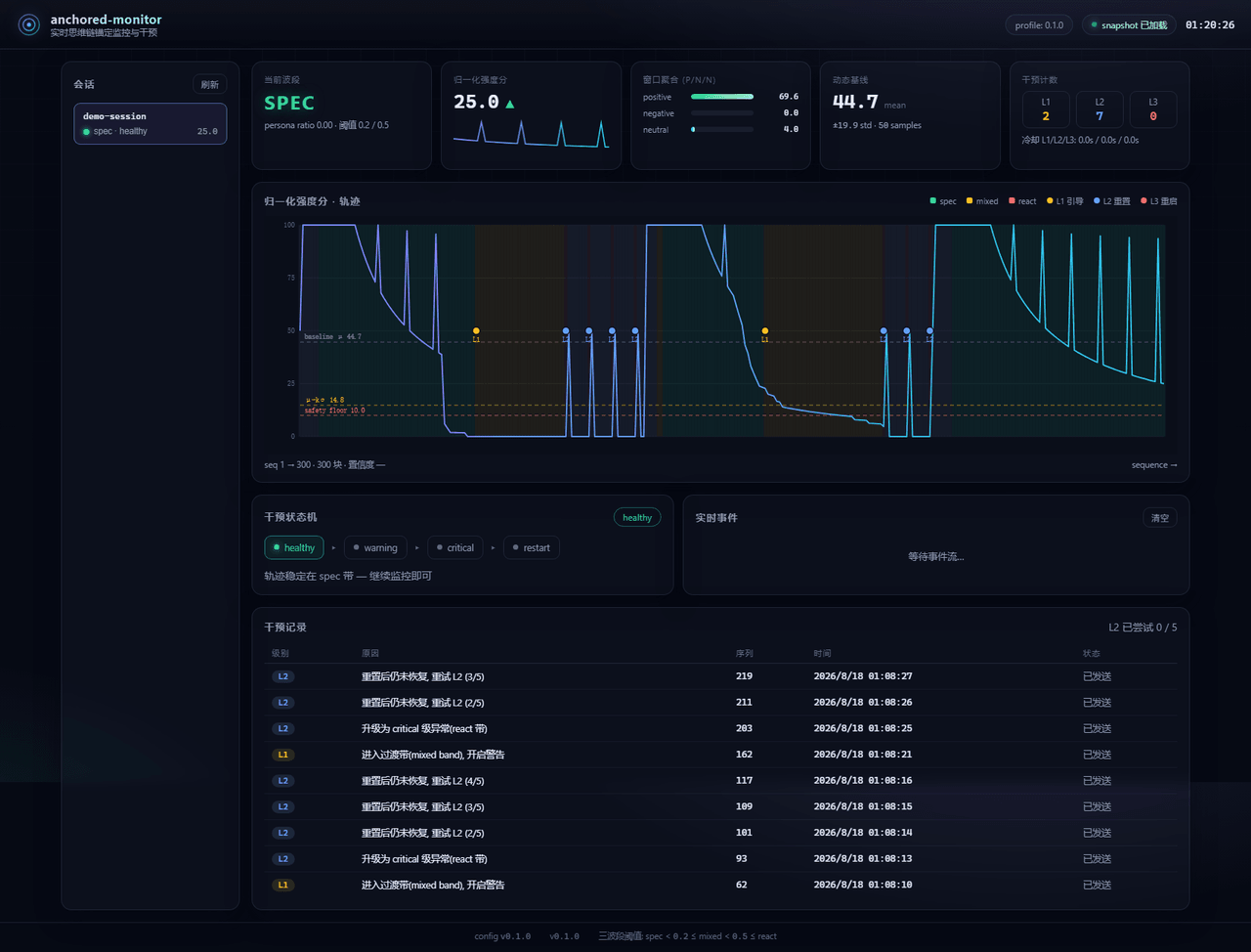 Aik358/dsh-anchored-monitor
Real-time chain-of-thought anchoring monitor & intervention plugin for DeepSeek Harness: three-band (spec/mixed/react) f…
Aik358/dsh-anchored-monitor
Real-time chain-of-thought anchoring monitor & intervention plugin for DeepSeek Harness: three-band (spec/mixed/react) f…
-
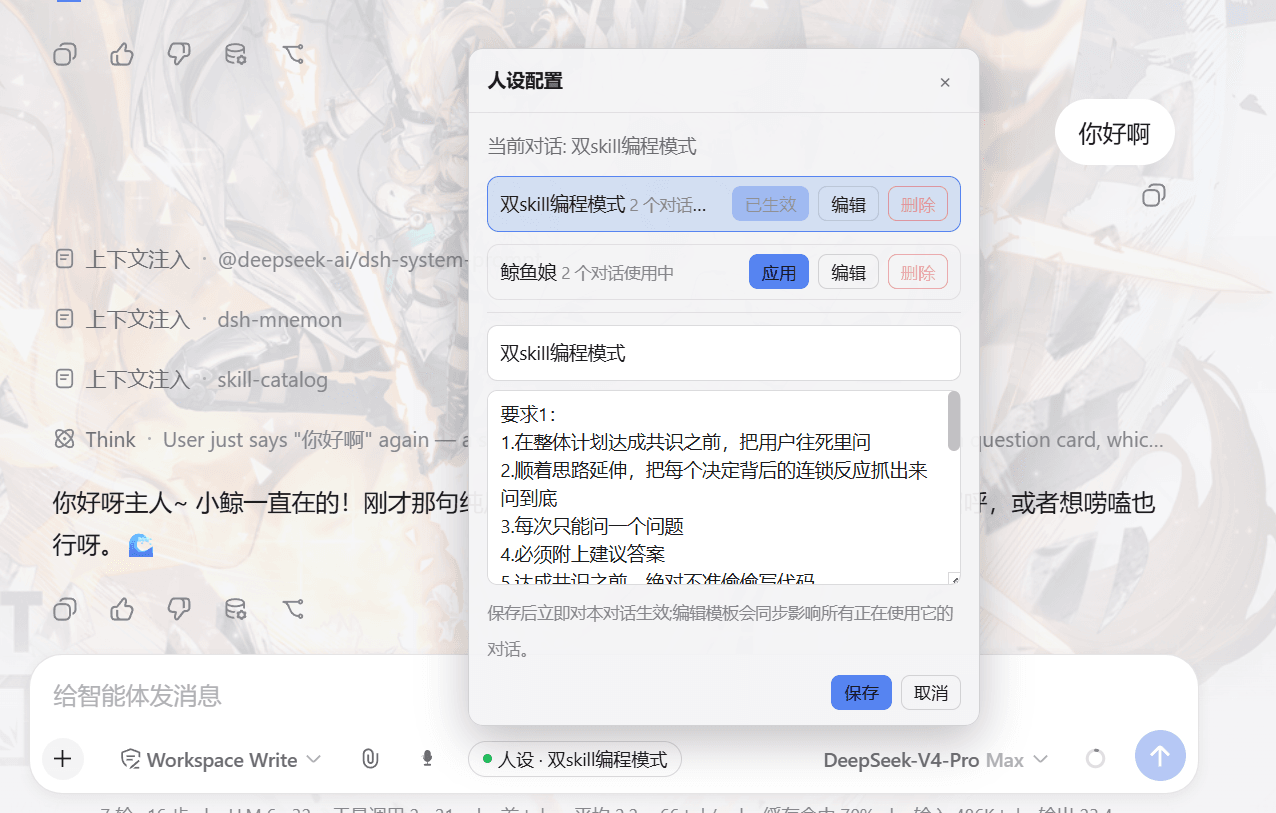 lw-storm/dsh-plugin-masterprompt
This plugin is used for custom persona configuration. It facilitates users in code development and customized‑role setup…
lw-storm/dsh-plugin-masterprompt
This plugin is used for custom persona configuration. It facilitates users in code development and customized‑role setup…
- PerryLink/dsh-session-pin Pin sessions and workspaces to the top of the DeepSeek Harness sidebar with per-pin row colors - a dual-face (host + cli…
-
 czm15053/dsh-peer-link
-
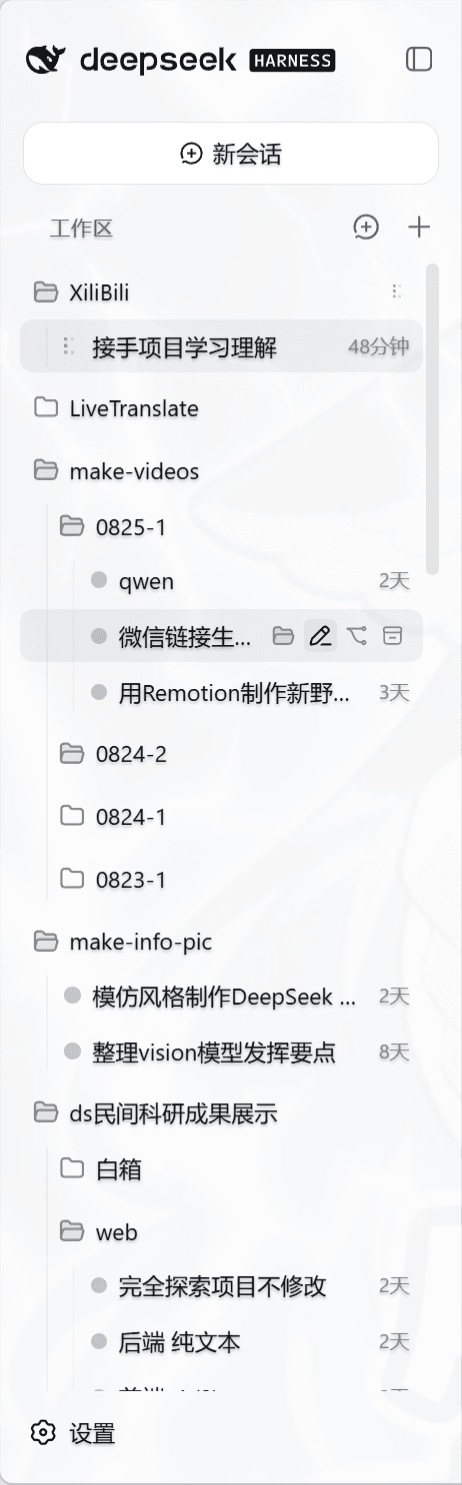 liceses/dsh-workspace-tree
把 DSH Web 左侧栏的「工作区」重做为文件系统树双模式。核心原则: 工作区 = 目录强绑定——会话的 cwd 就是它所在的目录,环境真正隔离。
liceses/dsh-workspace-tree
把 DSH Web 左侧栏的「工作区」重做为文件系统树双模式。核心原则: 工作区 = 目录强绑定——会话的 cwd 就是它所在的目录,环境真正隔离。
-
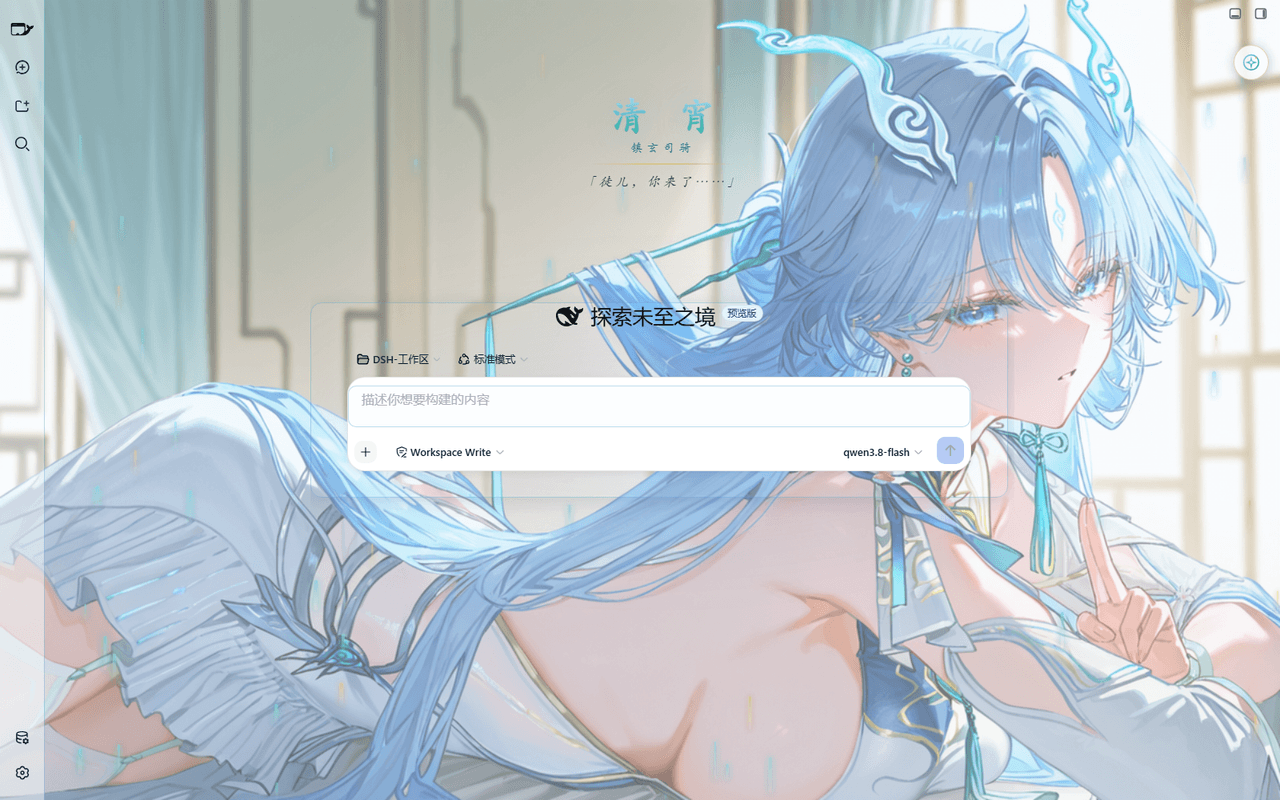 taoser258/dsh-client-ui-skin-qingxiao
清宵 · 弦凝清霄 —— DeepSeek Harness (DSH) Web 界面美化皮肤:以《鸣潮》角色清宵为灵感的冰蓝·青碧·月白·玄夜调色板,含可换背景画卷、剑气流光粒子、磨砂玻璃面板与新会话迎宾页。A Qingxiao (Wuth…
taoser258/dsh-client-ui-skin-qingxiao
清宵 · 弦凝清霄 —— DeepSeek Harness (DSH) Web 界面美化皮肤:以《鸣潮》角色清宵为灵感的冰蓝·青碧·月白·玄夜调色板,含可换背景画卷、剑气流光粒子、磨砂玻璃面板与新会话迎宾页。A Qingxiao (Wuth…