RyensX/dsh-message-navigation
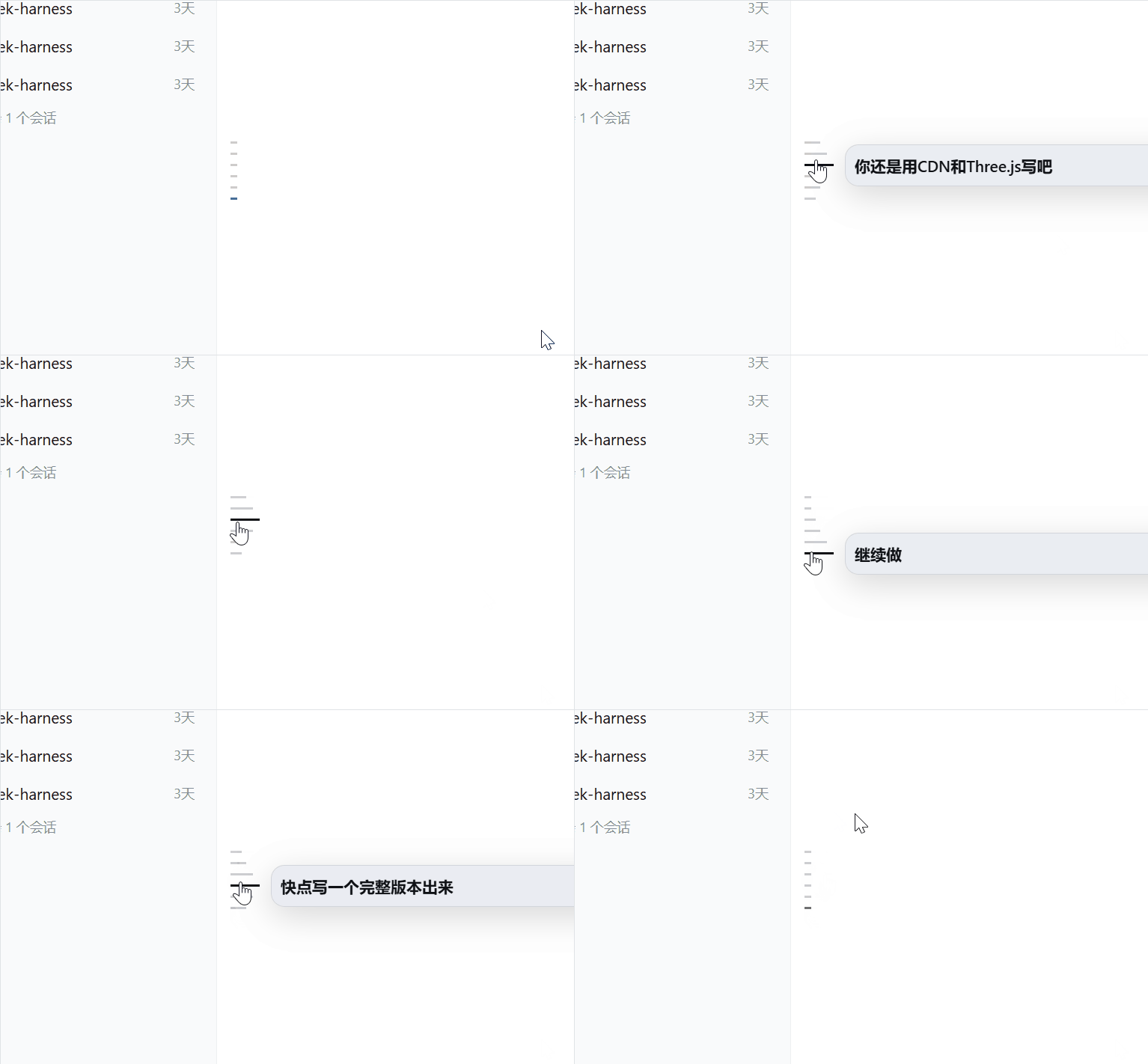
为DeepSeek Harness提供Codex风格用户消息导航栏。/ Provides a Codex-style user message navigation bar for DeepSeek Harness
项目介绍Project Overview
DSH 消息导航插件,为 DeepSeek Harness 网页端提供 Codex 风格用户消息导航栏,点击即可在已发送消息间快速跳转。适用于需要回顾或定位较早提问的会话场景,便于长对话管理。支持自定义页大小、标签字符、预览字符和扫描节奏等配置项,缓存上限可调。需注意:动画时长、缩进宽度及"至少四条用户消息才显示"等行为属于固定交互协议,不支持配置。
DSH Message Navigation is a DeepSeek Harness plugin that adds a Codex-style user message navigation bar to the web client, letting you jump quickly between sent messages. Use it when reviewing long sessions and locating earlier prompts. Configurable options include page size, label characters, preview characters, scan yield interval, and cache size. Note that animation duration, indent width, and the minimum-four-messages visibility rule are fixed interaction protocols and are not exposed as configuration.
请帮我了解并安装插件:【dsh-message-navigation】【https://github.com/RyensX/dsh-message-navigation】把上面这条消息直接发给当前会话里的 DSH,让它帮你了解并安装。安装命令不一定准确,发给 DSH 更稳。Send this message to DSH in your current session. CLI install commands may not be accurate across systems — DSH will figure it out for you.
或使用命令行安装(适合开发者)Or use CLI install (for developers)
命令行安装CLI Install
dsh plugin --profile web add github:RyensX/dsh-message-navigation把 RyensX/dsh-message-navigation 加入你的 DSH 配置(web profile)即可启用。
READMEREADME
dsh-message-navigation
中文 | English
为DeepSeek Harness提供Codex风格用户消息导航栏。
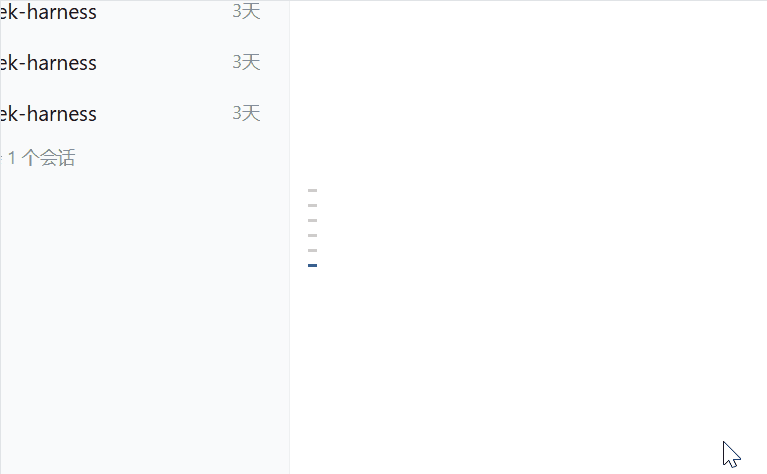
可通过该导航栏快速跳转发送的消息。
安装
Github安装:
dsh plugin --profile web add github:RyensX/dsh-message-navigation
源码安装:
pnpm install
pnpm build
dsh plugin --profile web add .
卸载:
dsh plugin --profile web remove dsh-message-navigation
配置
默认配置适用于本地 Web 会话;可在 profile 的 cordis.patch.yml 中覆盖完整配置:
- id: message-navigation
  config:
    pageSize: 256
    labelChars: 512
    previewChars: 1024
    maxCacheBytes: 16777216
    scanYieldEvery: 2048
动画时长、音阶宽度和至少四条用户消息才显示等 Codex 行为属于固定交互协议,不作为配置项开放。
开发
pnpm install
pnpm run typecheck
pnpm test
pnpm run build
友链
相关推荐Related
-
 alaliqing/claude-paper
📖 Cross-agent research paper toolkit for Claude Code, Codex, OpenCode, and DeepSeek Harness—quick summaries, deep study…
alaliqing/claude-paper
📖 Cross-agent research paper toolkit for Claude Code, Codex, OpenCode, and DeepSeek Harness—quick summaries, deep study…
-
 liangmianya/dsh-synapse
A visual, non-linear conversation workspace plugin for DeepSeek Harness ; A canvas-based session explorer and branching …
liangmianya/dsh-synapse
A visual, non-linear conversation workspace plugin for DeepSeek Harness ; A canvas-based session explorer and branching …
-
 hanshenmesen/dsh-turn-delete
Delete one complete turn from a DeepSeek Harness session without deleting the session
hanshenmesen/dsh-turn-delete
Delete one complete turn from a DeepSeek Harness session without deleting the session
-
 Anionex/dsh-turn-rewind
deepseek harness对话和代码状态回退插件 | DSH — rewind conversation and workspace state, powered by a persistent Change Ledger
Anionex/dsh-turn-rewind
deepseek harness对话和代码状态回退插件 | DSH — rewind conversation and workspace state, powered by a persistent Change Ledger
-
 omdsh-dev/dsh-annotation
DSH Web 选中批注插件:选文字→批注→回车随消息发送;气泡隐藏批注块(零闪烁);回复按 Annotation N 逐条对照(可悬浮芯片)。官方 bundle,零核心改动
omdsh-dev/dsh-annotation
DSH Web 选中批注插件:选文字→批注→回车随消息发送;气泡隐藏批注块(零闪烁);回复按 Annotation N 逐条对照(可悬浮芯片)。官方 bundle,零核心改动
-
 Tyan66666/billion-context-dsh
Model-driven context management (Active Context Pruning / ACP) for the DeepSeek Harness — the model decides when and wha…
Tyan66666/billion-context-dsh
Model-driven context management (Active Context Pruning / ACP) for the DeepSeek Harness — the model decides when and wha…
-
 a179-sanae/dsh-auto-collapse
- PKUfudawei/dsh-capability-menu Unified capability menu for DeepSeek Harness: manage exposure level (context footprint) and execution mode of MCP tools …